


medtkr
3
Discover AI-generated background art with KlingAI. Enjoy fast, customizable, and easy-to-use inspiration for your background-themed projects.



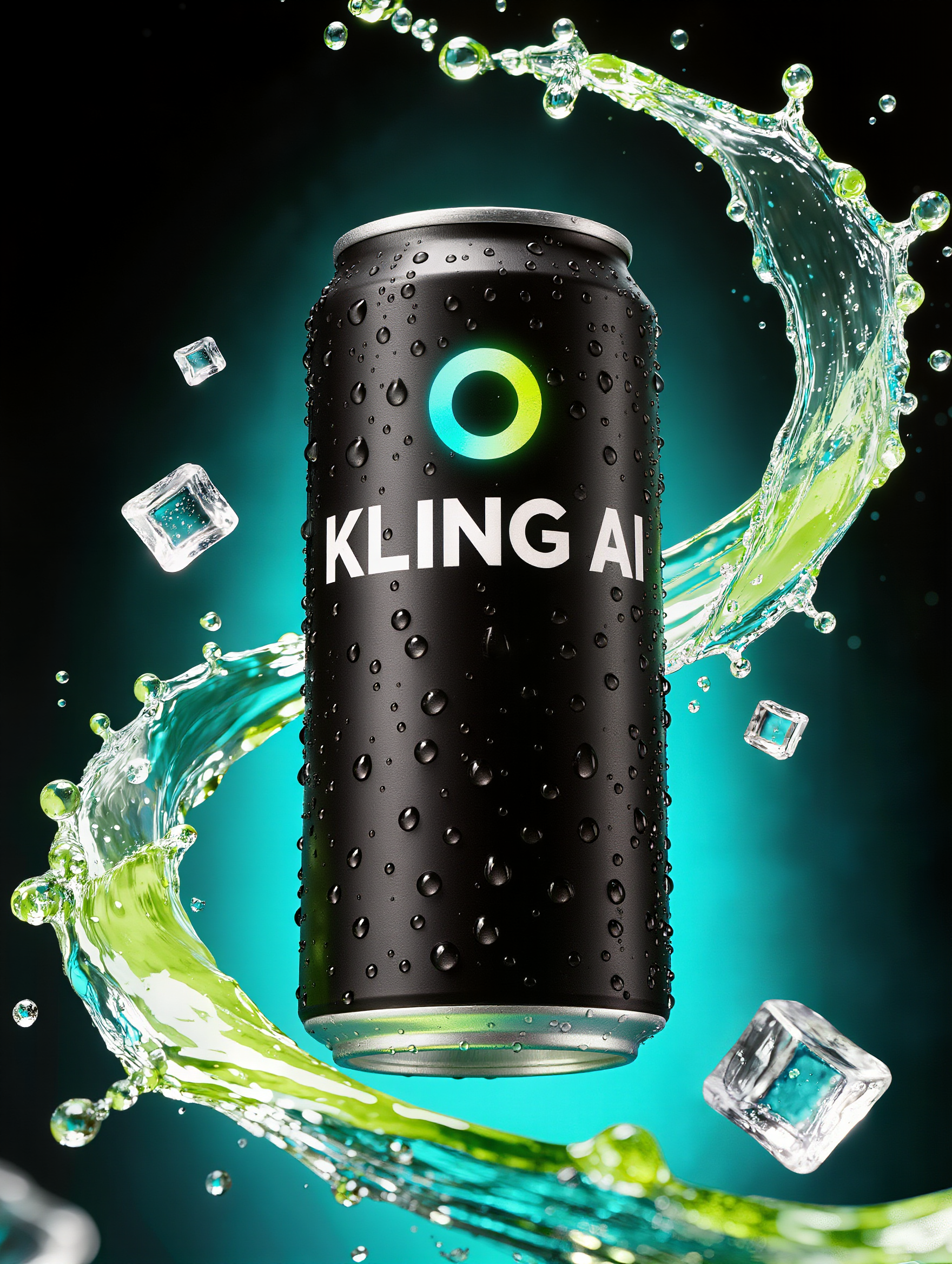
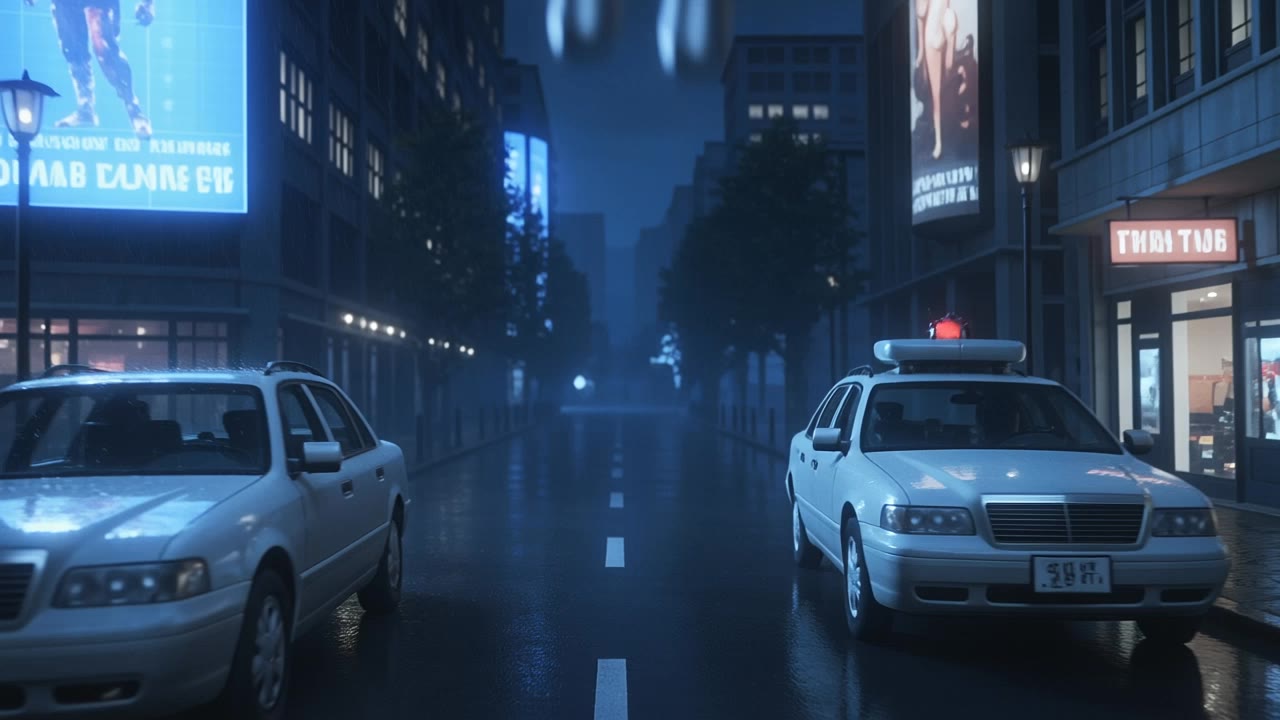



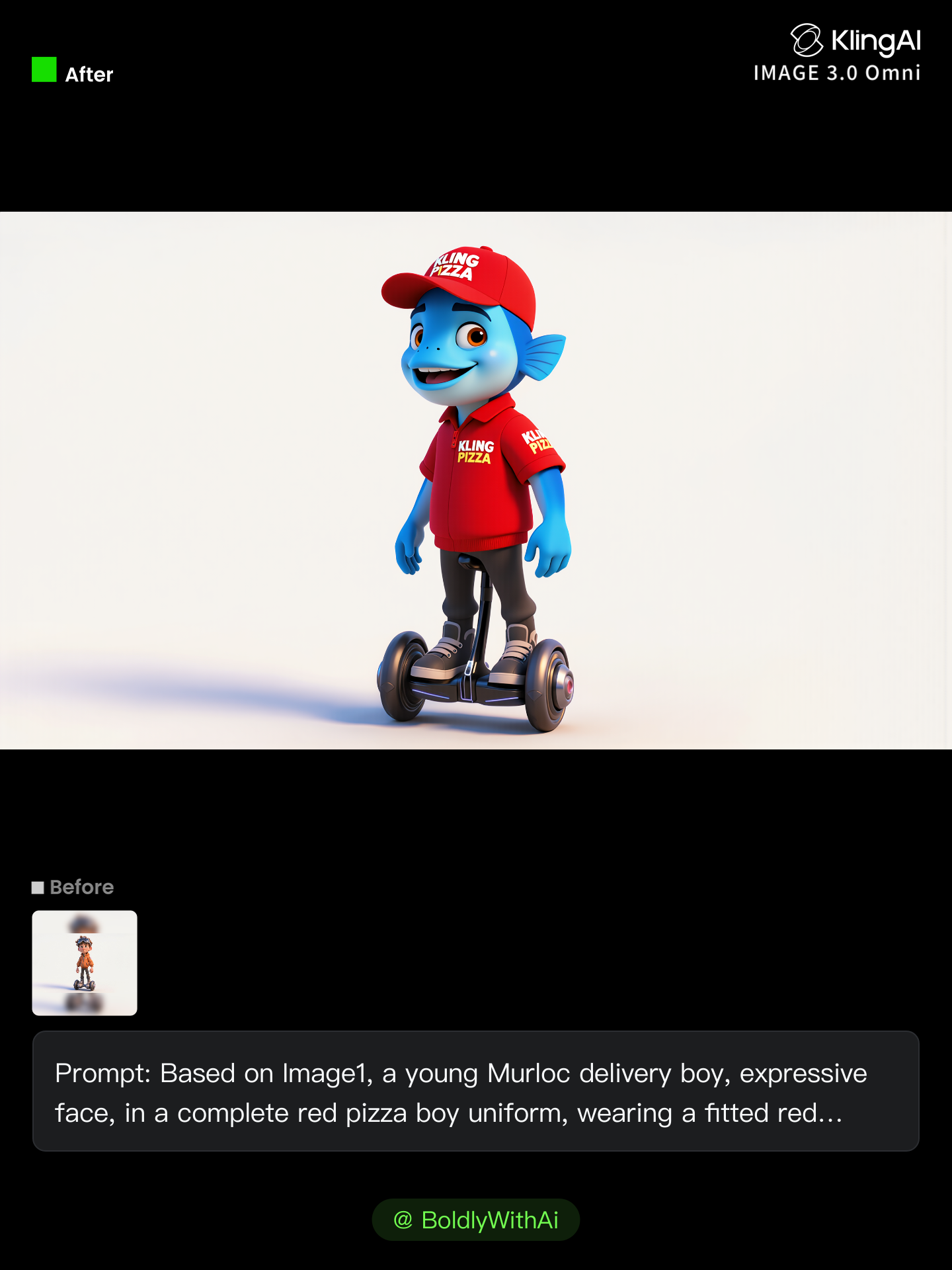
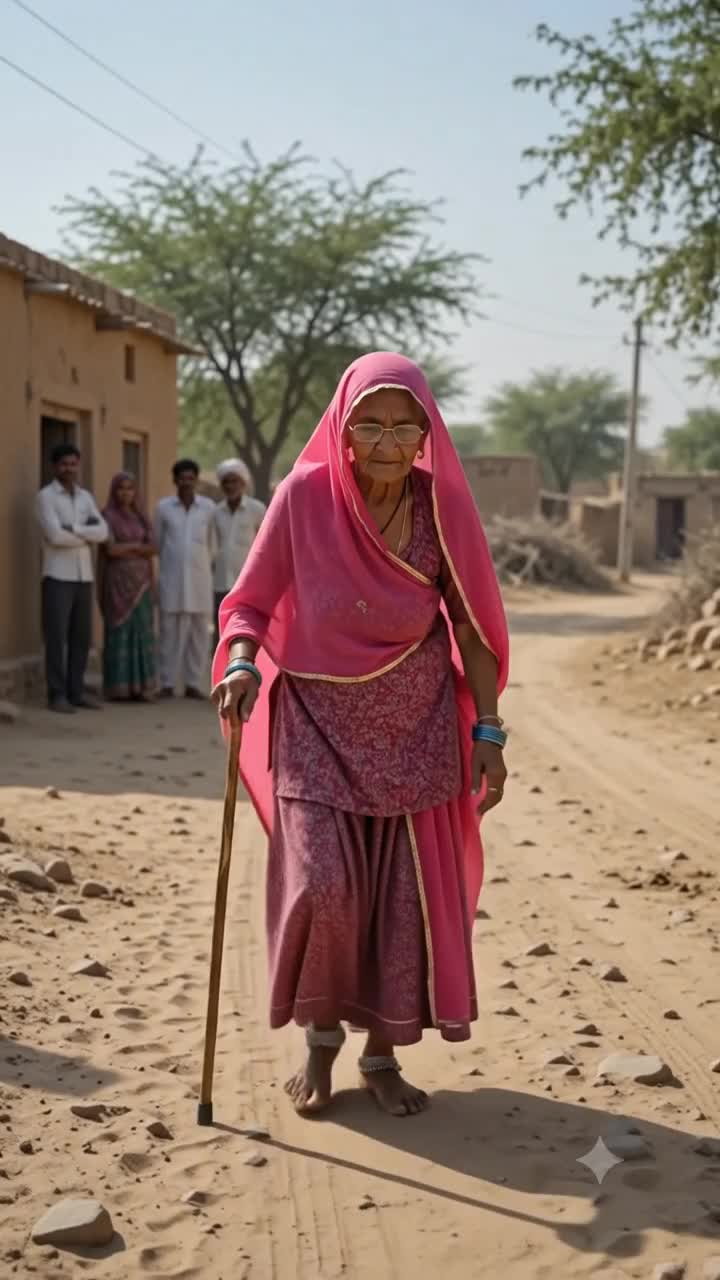
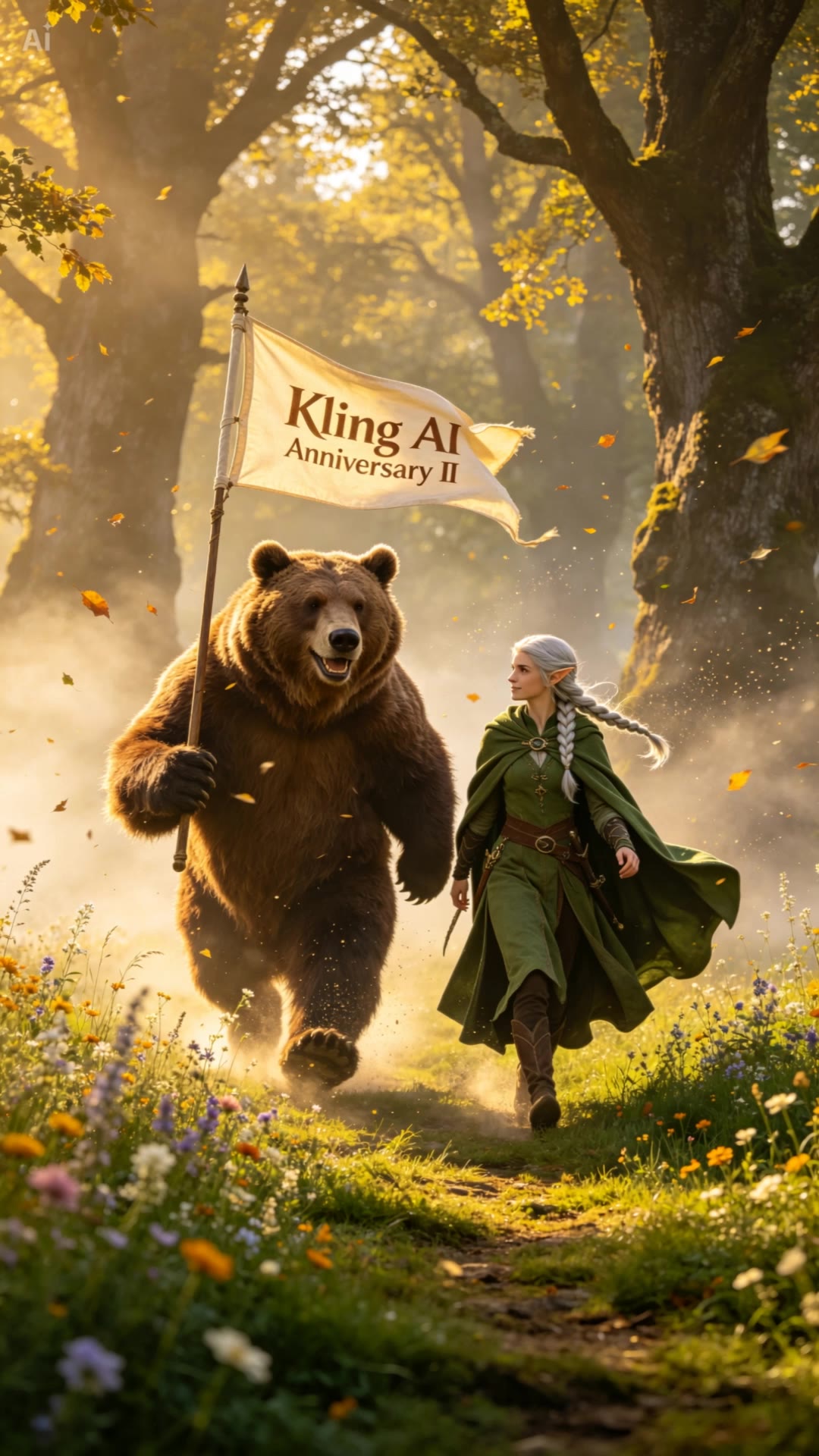

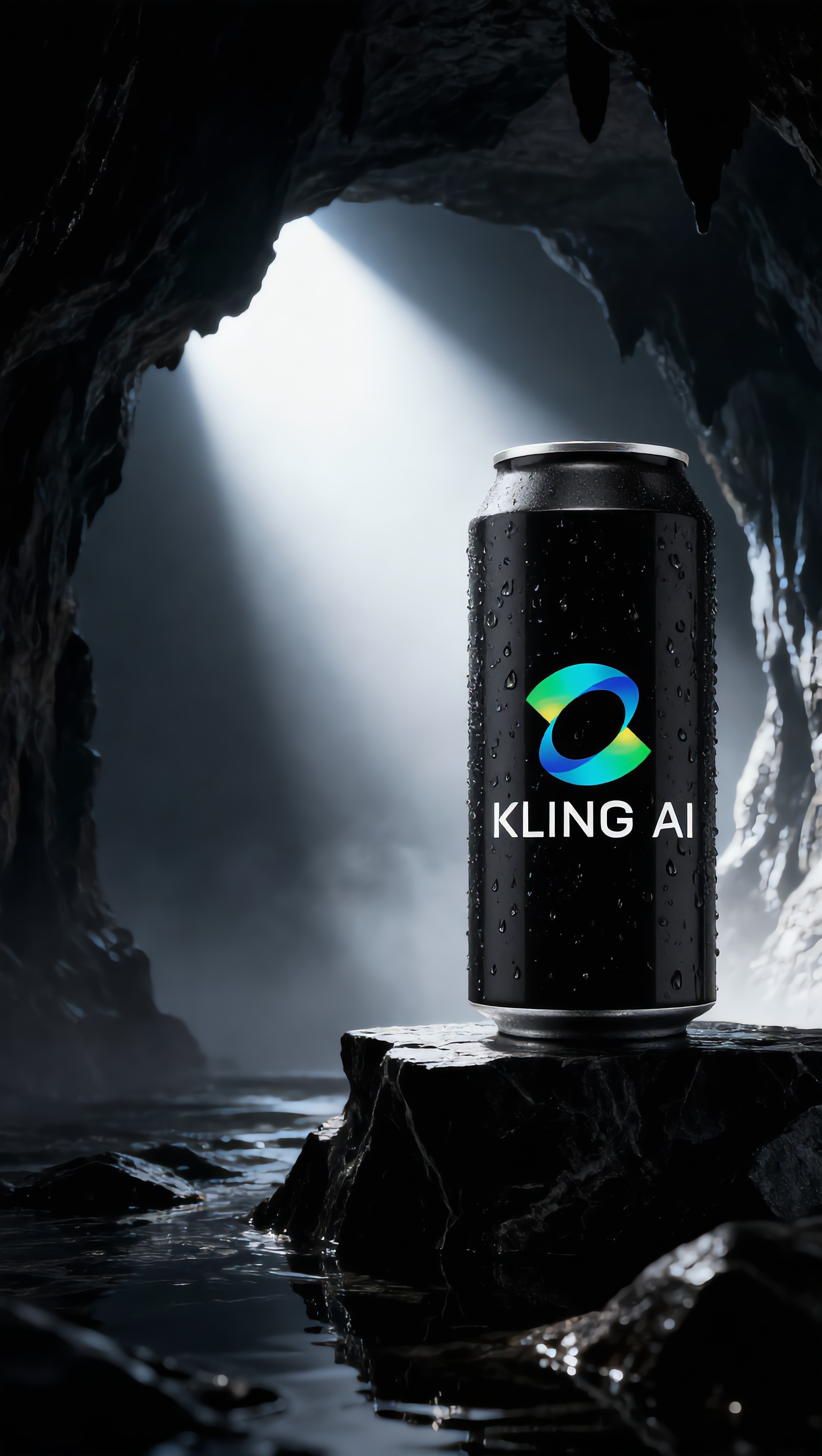
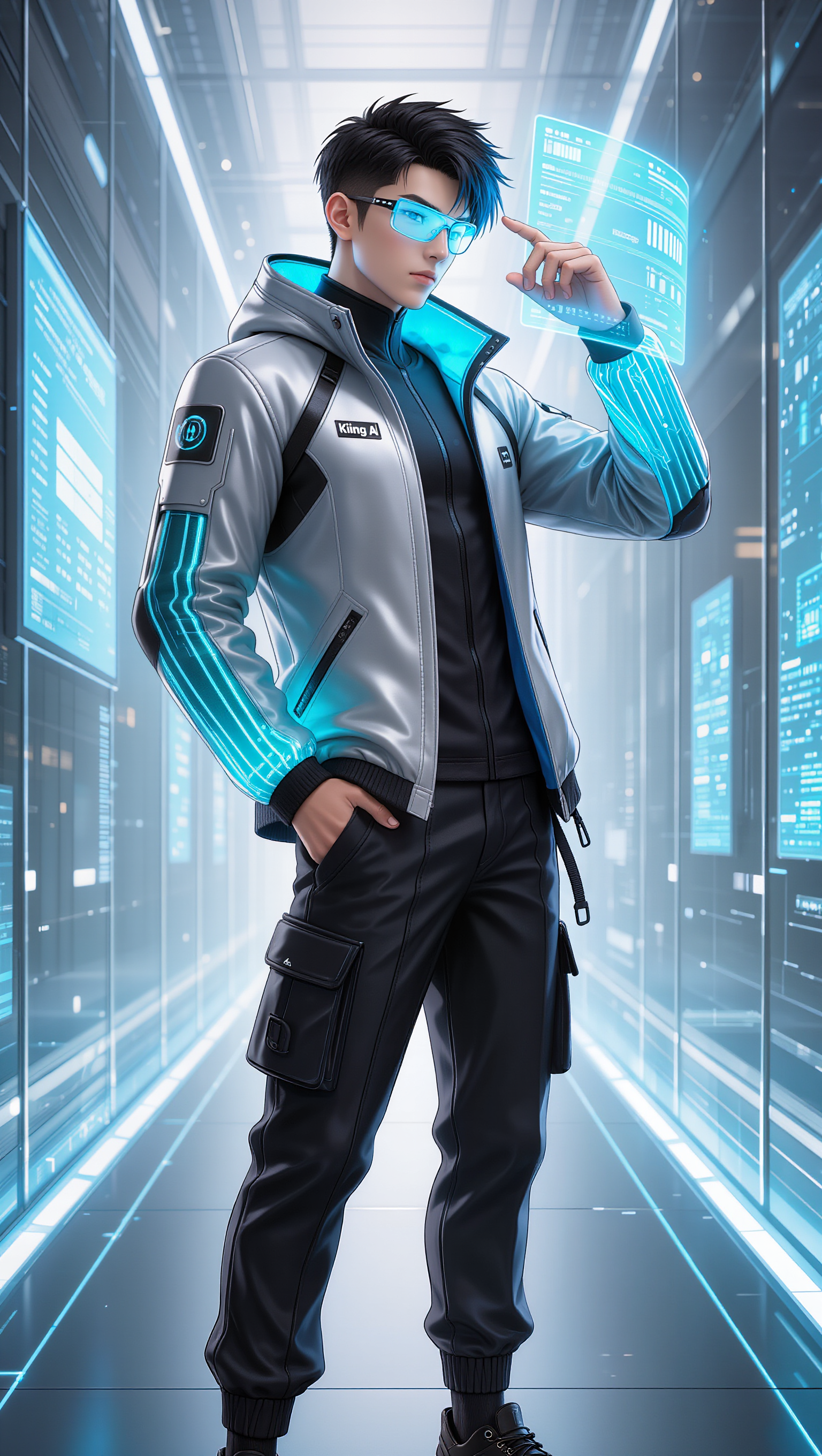


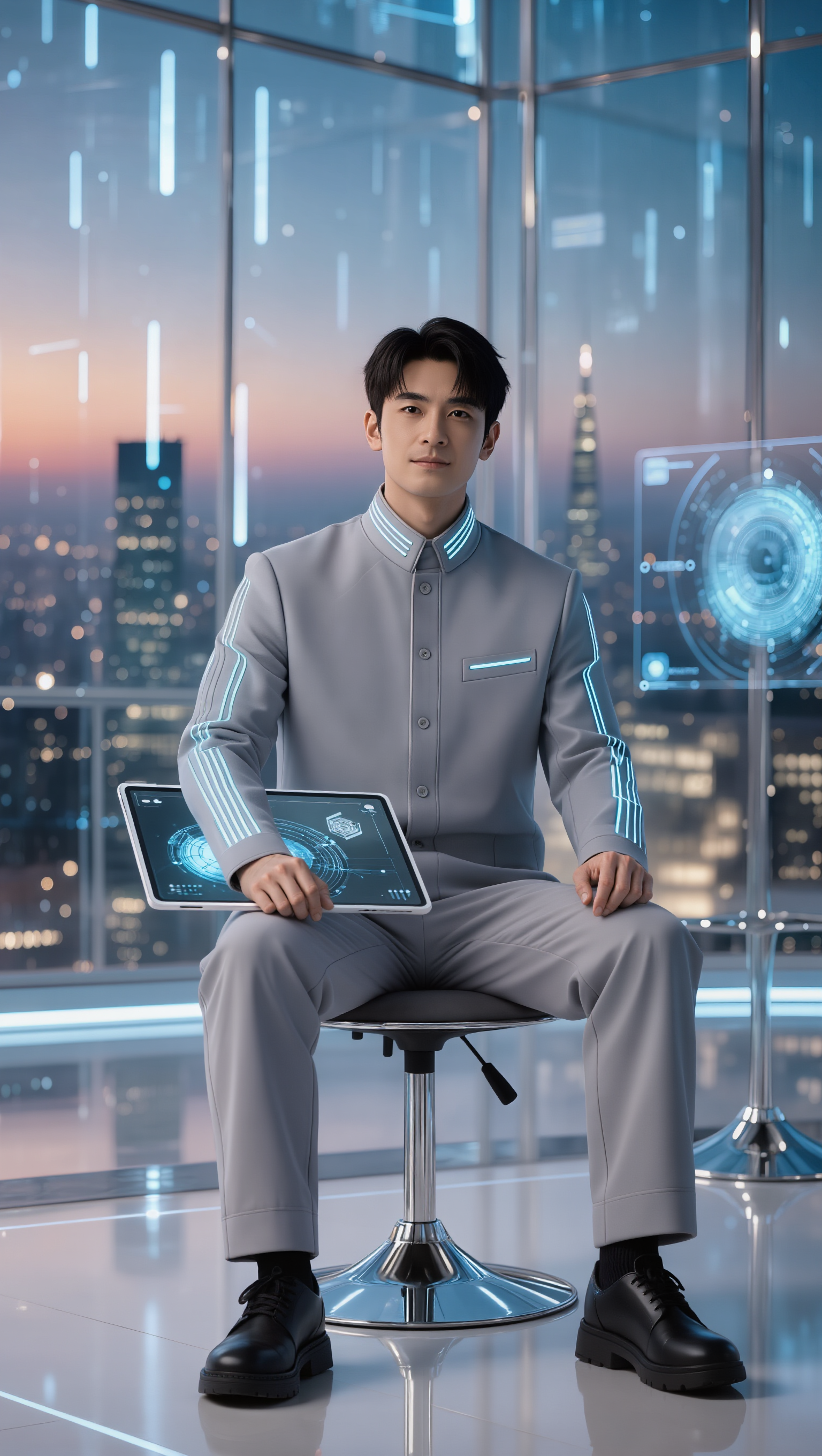
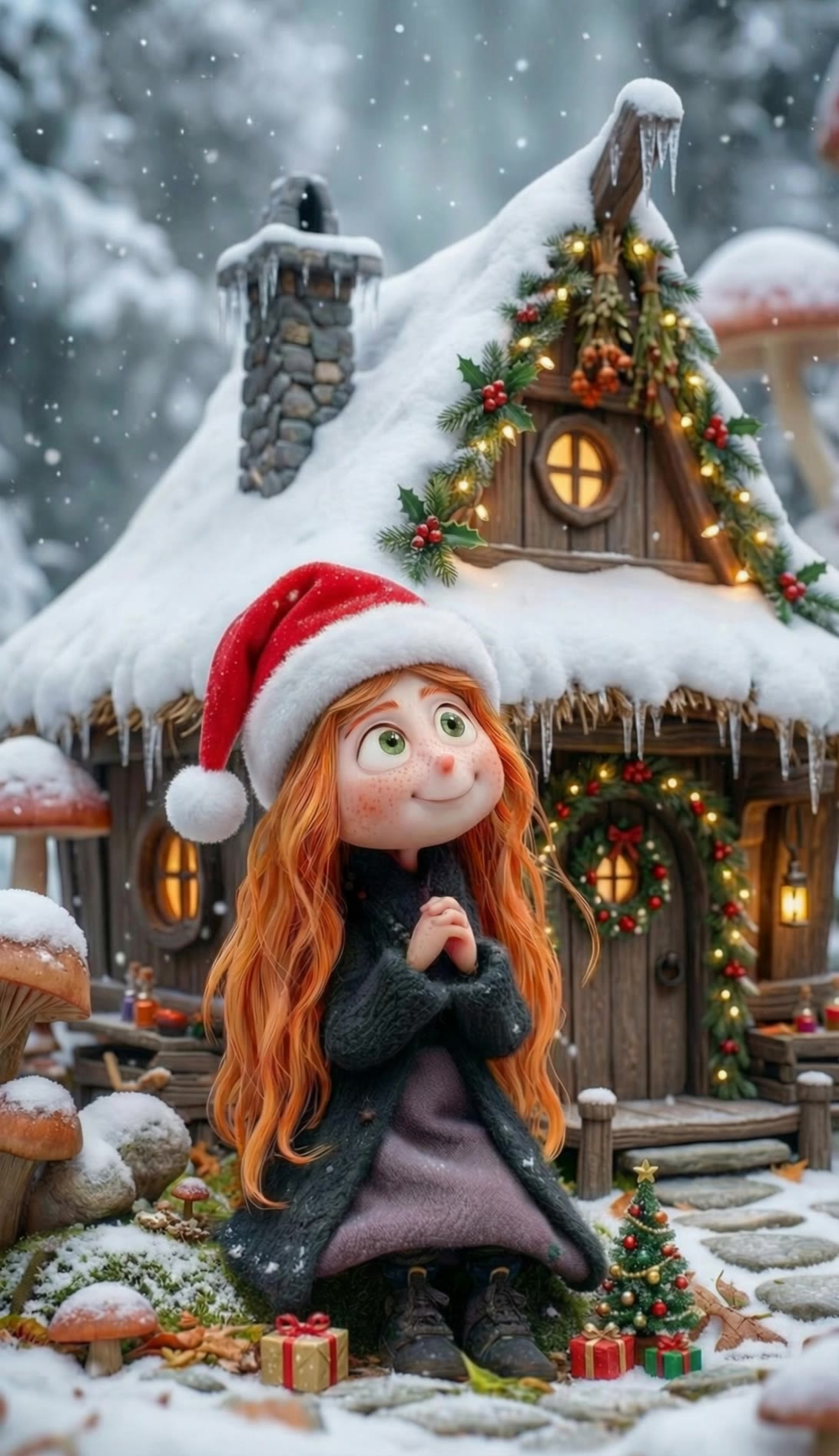




Keep what works and change what does not. Replace a character or product, update an outfit, remove a distraction, or move the action into a different setting. You can also change the weather, lighting, time of day, or overall look. With Kling VIDEO 3.0 Omni, you can start with a prompt and add a reference image when a face, product, or branded detail needs a closer match.

Keep the original action, then change how the moment is framed. Move in for a close-up, open to a wider view, shift the angle, or rebalance the composition around the subject. The source footage keeps the motion and scene context in place while your prompt sets the new framing.

Continue a clip beyond its current ending without building the next scene from scratch. Kling carries the subject, motion, and setting into the new footage; add a prompt when you want to steer what happens next. Use Video Extension when a clip ends too soon, an action needs more time, or the next beat is still missing.

















Kling AI seamlessly integrates into my creative workflow, playing a key role in transforming my images. After generating and upscaling an image, Kling becomes a crucial element, bringing my creations to life with movement and depth.

I use Kling AI daily to push the limits of AI filmmaking. It allows me to create highly cinematic content, blending AI and VFX to develop innovative projects. It has significantly impacted my creative process, enabling me to achieve complex animations that would otherwise require high production budgets.

I have successfully collaborated with world-renowned artists and well-known companies that are recognized globally
Turn your script into a video with native dialogue and sound for multi-character conversations, multilingual scenes, and more.
Native audio | Multi-Character Coreference | Multilingual Content Generation