Creative Studio
API
Resources
Features
About Us
Download

Background Phone Wallpaper – AI Image Generator

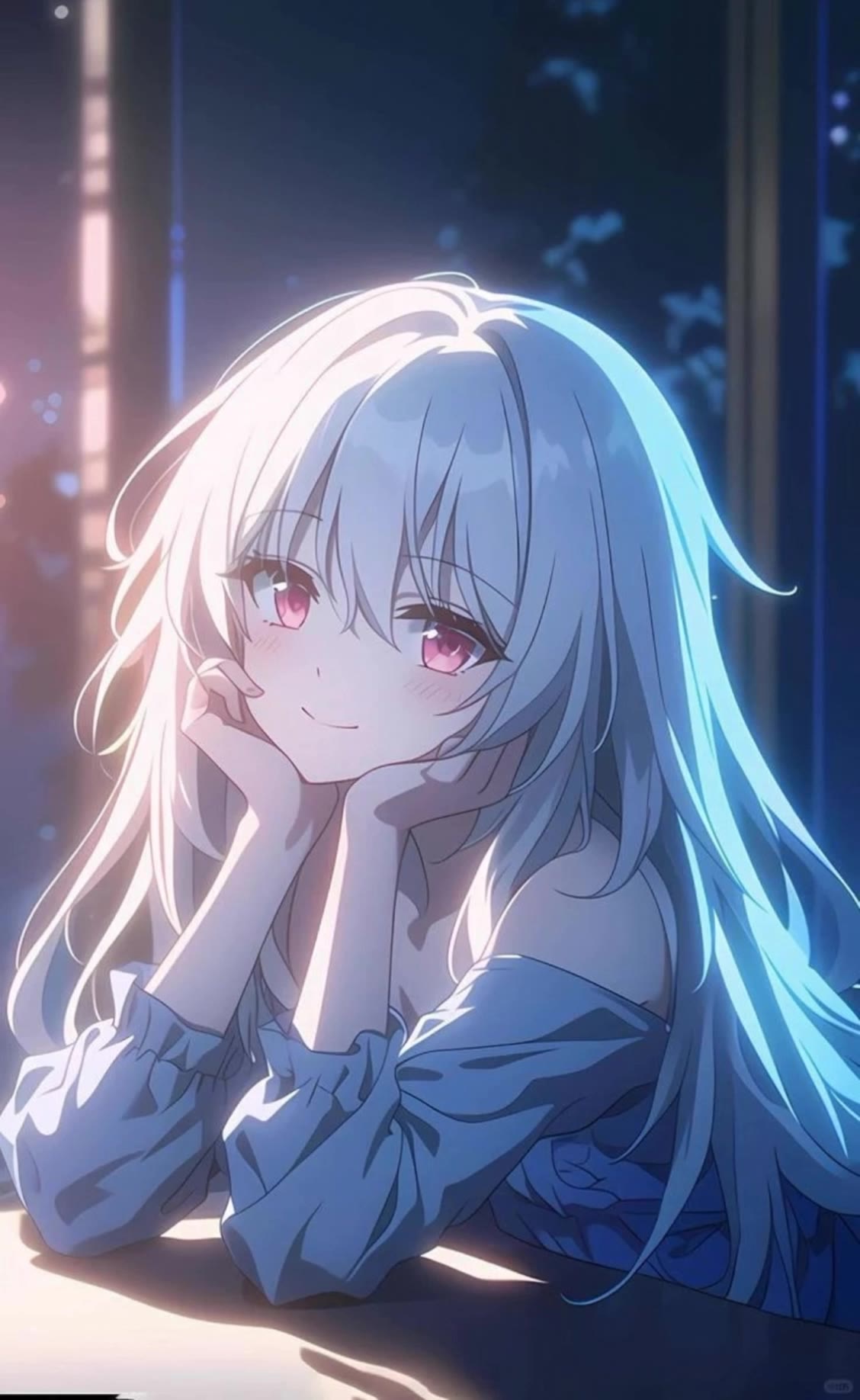
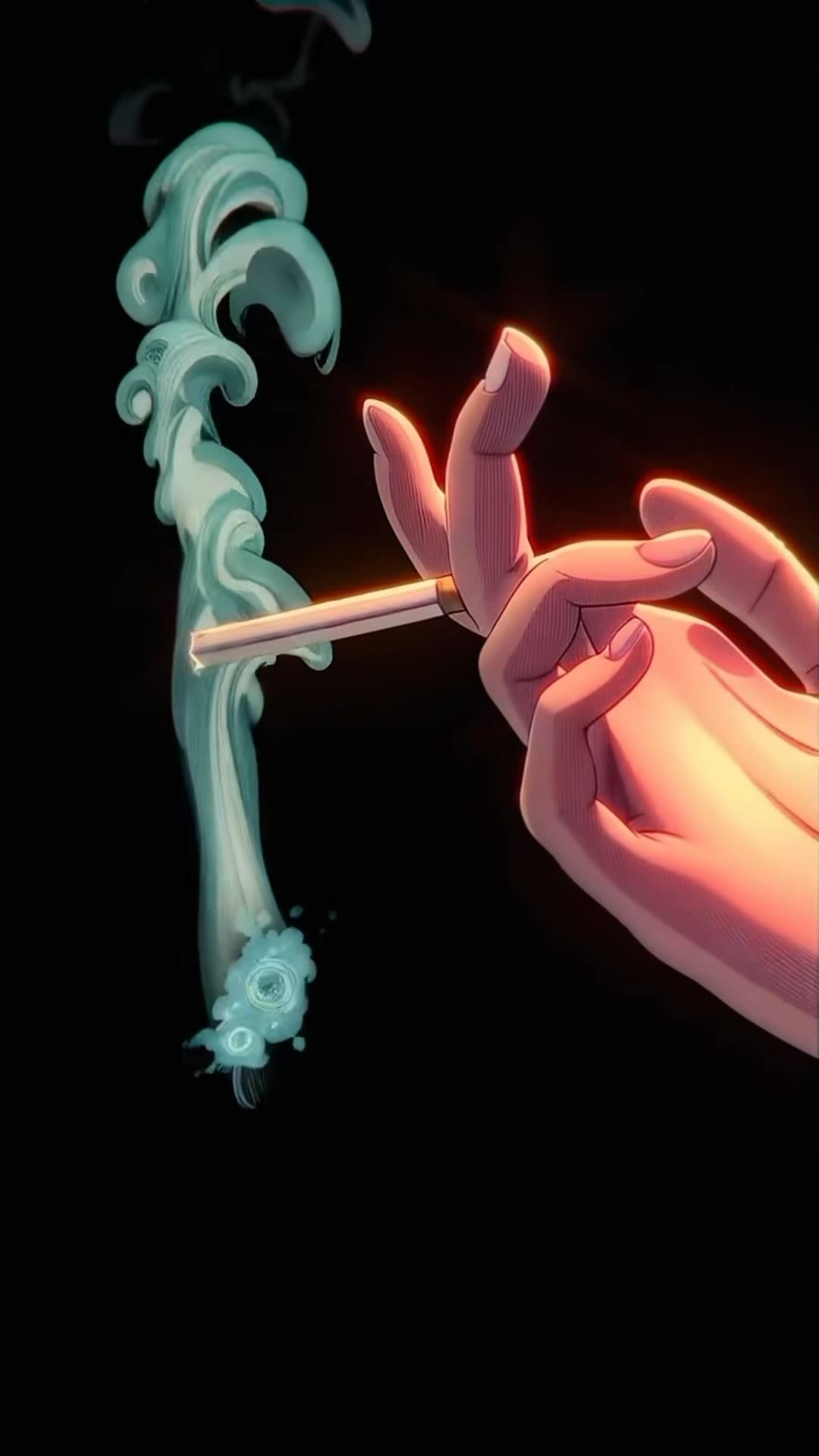
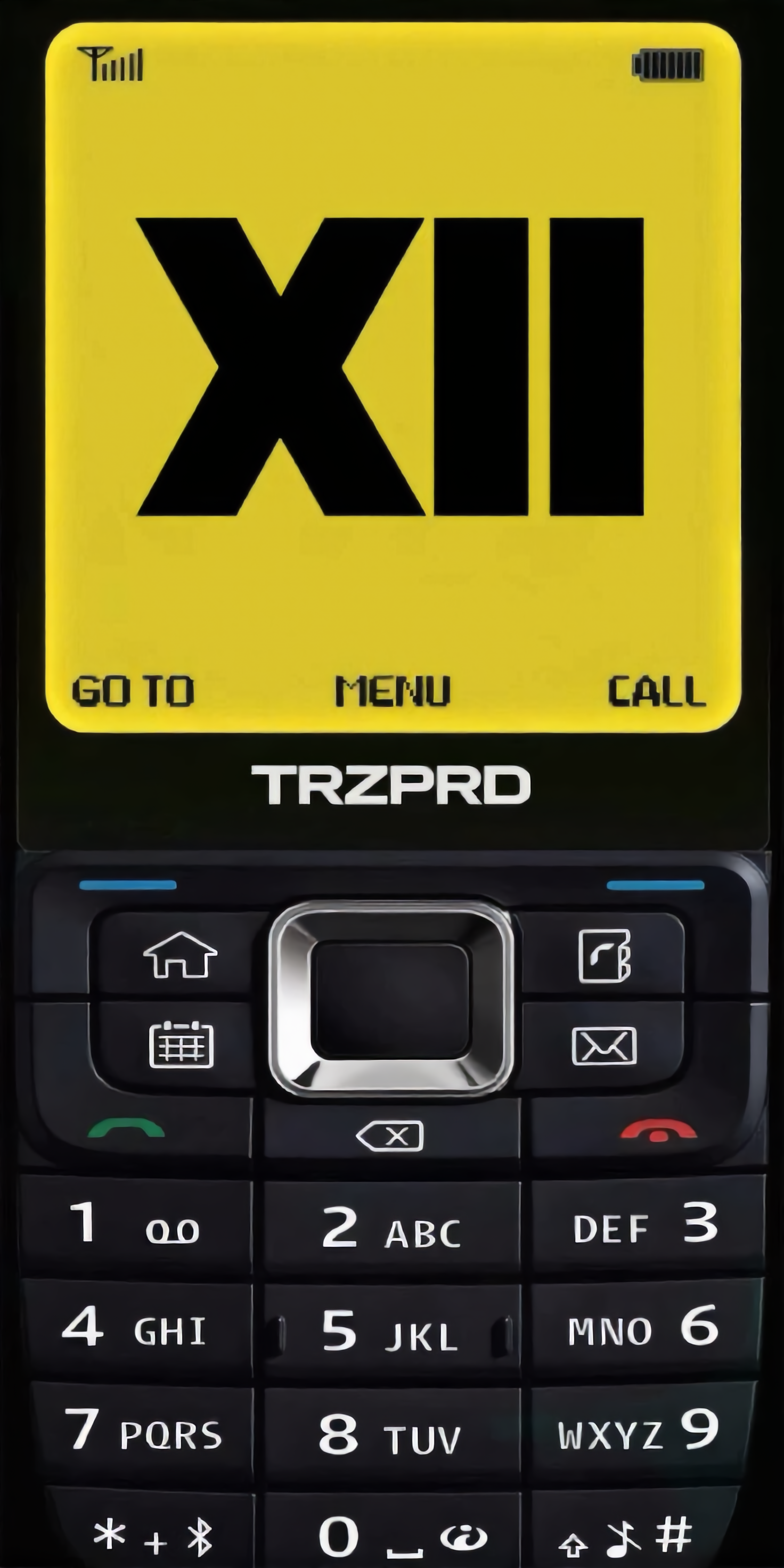
Browse AI-generated background phone wallpapers. Get unique designs that you can quickly adapt to your style. No need for professional design skills—just select and use.


Background Phone Wallpaper – AI Image Generator

Recommended

Kling AI work 316055105665953 - background phone wallpaper AI image
Dreaming avatar
Dreaming
Elite Creator
Kling AI work 316874806301671 - background phone wallpaper AI video
lCMldzWK avatar
lCMldzWK
"Smartphone wallpaper format" - background phone wallpaper AI image
CENCgEKU avatar
CENCgEKU
Kling AI work 312817695614051 - background phone wallpaper AI image
rHFjRxzl avatar
rHFjRxzl
Kling AI work 296956006526797 - background phone wallpaper AI image
Anime Ai avatar
Anime Ai
Kling AI work 308855324505863 - background phone wallpaper AI image
YAEDnkOg avatar
YAEDnkOg
Kling AI work 309379297616914 - background phone wallpaper AI image
KgSMpvBe avatar
KgSMpvBe
Kling AI work 312474589508797 - background phone wallpaper AI video
sFdauqPG avatar
sFdauqPG
Kling AI work 306590643665630 - background phone wallpaper AI image
Mic avatar
Mic
Kling AI work 312154842663009 - background phone wallpaper AI image
TrizOprOd avatar
TrizOprOd
Kling AI work 318460751667903 - background phone wallpaper AI image
QyXToVUH avatar
QyXToVUH
Kling AI work 311683021503857 - background phone wallpaper AI image
aVHklzIU avatar
aVHklzIU
Kling AI work 310972006522352 - background phone wallpaper AI image
QpOULOuw avatar
QpOULOuw
Kling AI work 312288007661930 - background phone wallpaper AI image
klFeAEXq avatar
klFeAEXq
Futuristic Cyber Goth Medusa - background phone wallpaper AI image
Magnetic Temptress avatar
Magnetic Temptress
Kling AI work 297281341665040 - background phone wallpaper AI image
LCKQpRRL avatar
LCKQpRRL
Kling AI work 316596479614834 - background phone wallpaper AI image
ortzzogx avatar
ortzzogx
Kling AI work 306633761613509 - background phone wallpaper AI image
Tasha avatar
Tasha
Kling AI work 310749546665555 - background phone wallpaper AI image
sn00pz avatar
sn00pz

How to Enhance Video Quality in 4K

Upload Your Video

Upload Your Video

Upload a 3–10 second existing video to Kling VIDEO 3.0 Omni. Start with older footage, a family recording, a social clip, or a creative project you want to enhance.

Describe What You Want to Improve

Describe What You Want to Improve

Use a prompt to guide the changes you want to see. Refine lighting and color, adjust the composition or overall look, or ask for clearer visual detail while keeping your original video as the starting point.

Choose 4K and Generate

Choose 4K and Generate

Select 4K as the output resolution, then generate your enhanced video. Once generation is complete, download the result. The output setting determines the resolution, while your prompt guides the visual changes.

Create Richer Text to Speech Experiences with Kling AI

Generate Video with Native Audio

Generate Video with Native Audio

Create the visuals, dialogue, and sound together, with the voice included from the start. Add your script or character lines to the prompt, and Kling VIDEO 3.0 Omni generates spoken dialogue as part of the same video. This brings AI text to speech directly into the video generation process for conversations, narrated scenes, character stories, and more.

Match Every Voice to the Right Character

Match Every Voice to the Right Character

Create conversations with several characters and keep each line connected to the intended speaker. Multi-Character Coreference helps Kling VIDEO 3.0 keep each line with the intended speaker, even when three or more characters appear in the same scene. Use it for interviews, group conversations, and story scenes where several characters need to speak.

Reach More Audiences in More Languages

Reach More Audiences in More Languages

Create dialogue in Chinese, English, Japanese, Korean, and Spanish with Multilingual Content Generation. Kling VIDEO 3.0 can switch between languages within the same video and supports a range of dialects and accents for more natural character speech. This makes it easier to adapt characters and dialogue for different regions and audiences.

Apps

Image to Video
Image to Video

Image to Video

Text to Video
Text to Video

Text to Video

Omni
Omni

Omni

Digital Human
Digital Human

Digital Human

Restyle
Restyle

Restyle

Text to Image
Text to Image

Text to Image

60M+
60M+
Users
600M+
600M+
AI Videos Generated
4.7 ★
4.7 ★
App Store
Industry-Leading
Industry-Leading
Cinematic 4K

Reviews

Halim Alrasihi

Halim Alrasihi

★★★★★

I use AI daily and Kling AI is a crucial part of my workflow, whether for client work or personal projects. What I love most about using Kling AI is that it provides all the tools I need in one place, from keyframes to character references, elements and special effects.

KakuDrop

KakuDrop

★★★★★

I have successfully collaborated with world-renowned artists and well-known companies that are recognized globally

Vincent Smadja

Vincent Smadja

★★★★★

Kling AI seamlessly integrates into my creative workflow, playing a key role in transforming my images. After generating and upscaling an image, Kling becomes a crucial element, bringing my creations to life with movement and depth.

FAQ

Q1Can I make the character in my image speak?
Q2Can I use these generated videos for my e-commerce store or social media ads?
Q3How do I keep the face from changing or morphing in my video?

Start Controlling Character Motion

Stop accepting distorted AI movements. Upload your reference and let Kling replicate it precisely.

Works on humans, anime & 3D | High-precision motion | Zero distortion