Creative Studio
API
Resources
Features
About Us
Download

Background Scene – Desktop Wallpaper Ideas

Find AI-generated background scene desktop wallpapers. Quickly explore and customize these AI-made designs.

Background Scene – Desktop Wallpaper Ideas

Recommended

Replace background  to scene - background scene AI video
rSZpaXAs avatar
rSZpaXAs
Halloween graveyard scene 1 - background scene AI video
KLING9080 avatar
KLING9080
Scene: A quiet corporate meeting - background scene AI image
aEfINKEI avatar
aEfINKEI
Scene 1 - background scene AI video
yBMJmaxI avatar
yBMJmaxI
Scene: Ladka Mahadev ke saamne h - background scene AI image
FtLmZgPQ avatar
FtLmZgPQ
Background motion - background scene AI video
00:10
KLING0553 avatar
KLING0553
A cinematic movie scene - background scene AI image
fPJymUIk avatar
fPJymUIk
snow scene - background scene AI video
Rex Yu avatar
Rex Yu
Elite Creator
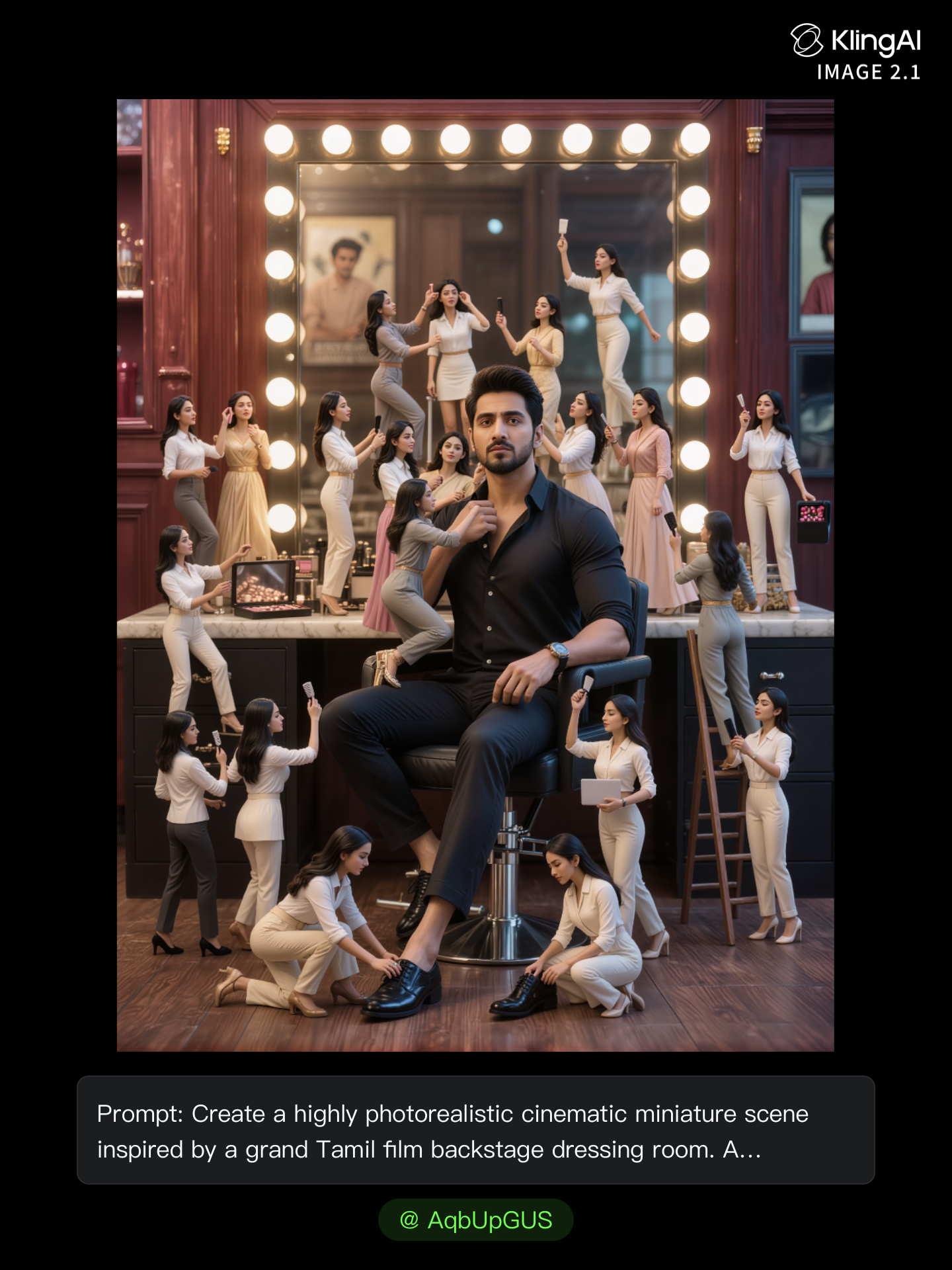
Background Drama - background scene AI image
AqbUpGUS avatar
AqbUpGUS
New Year's background - background scene AI image
KLING5548 avatar
KLING5548
High-speed wide cinematic scene  - background scene AI image
SCvoTRWt avatar
SCvoTRWt
Scene 1 — Pahadi Mela aur Purani - background scene AI image
QfWOaABK avatar
QfWOaABK
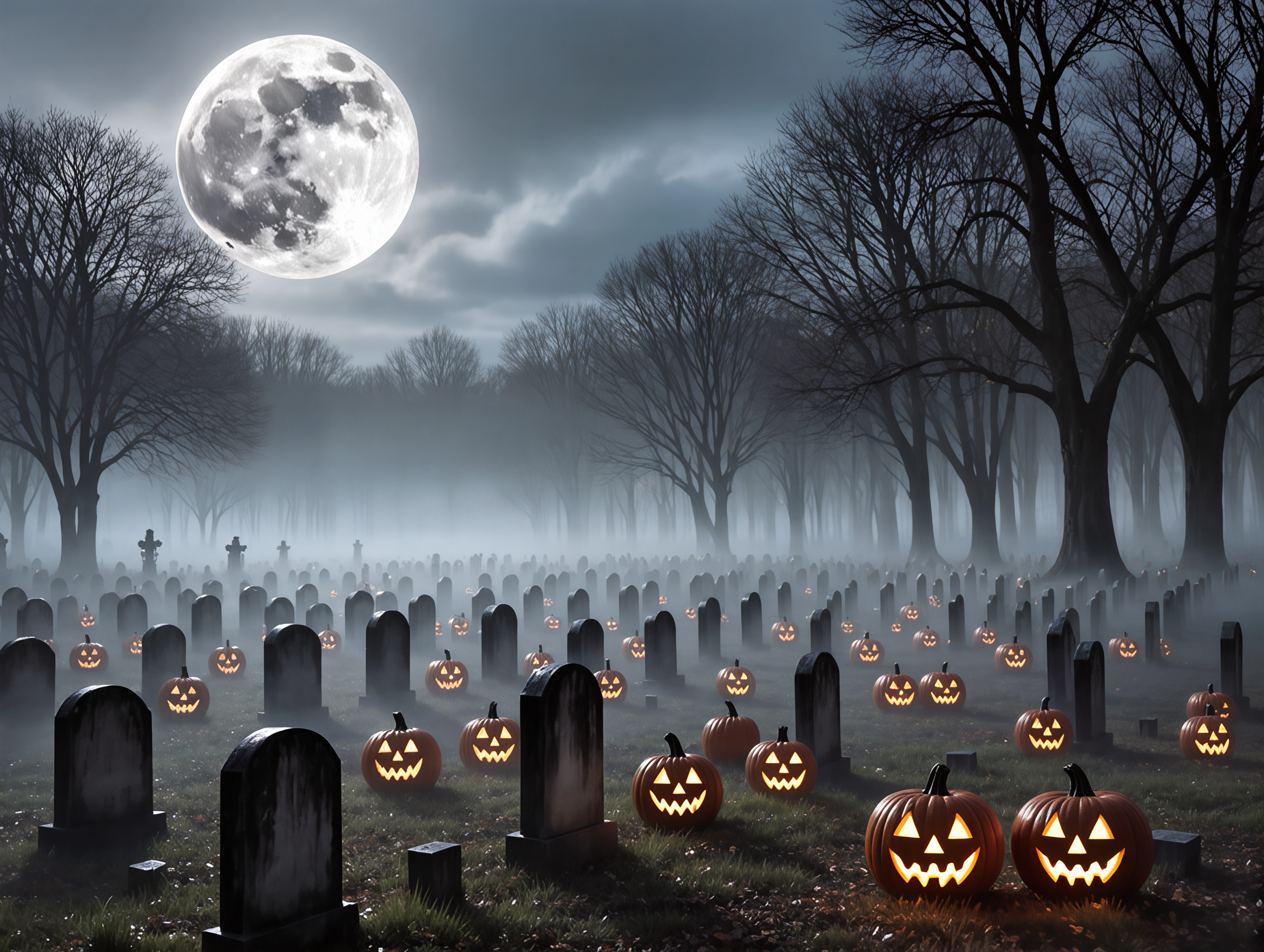
Halloween graveyard scene 2 - background scene AI image
KLING9080 avatar
KLING9080
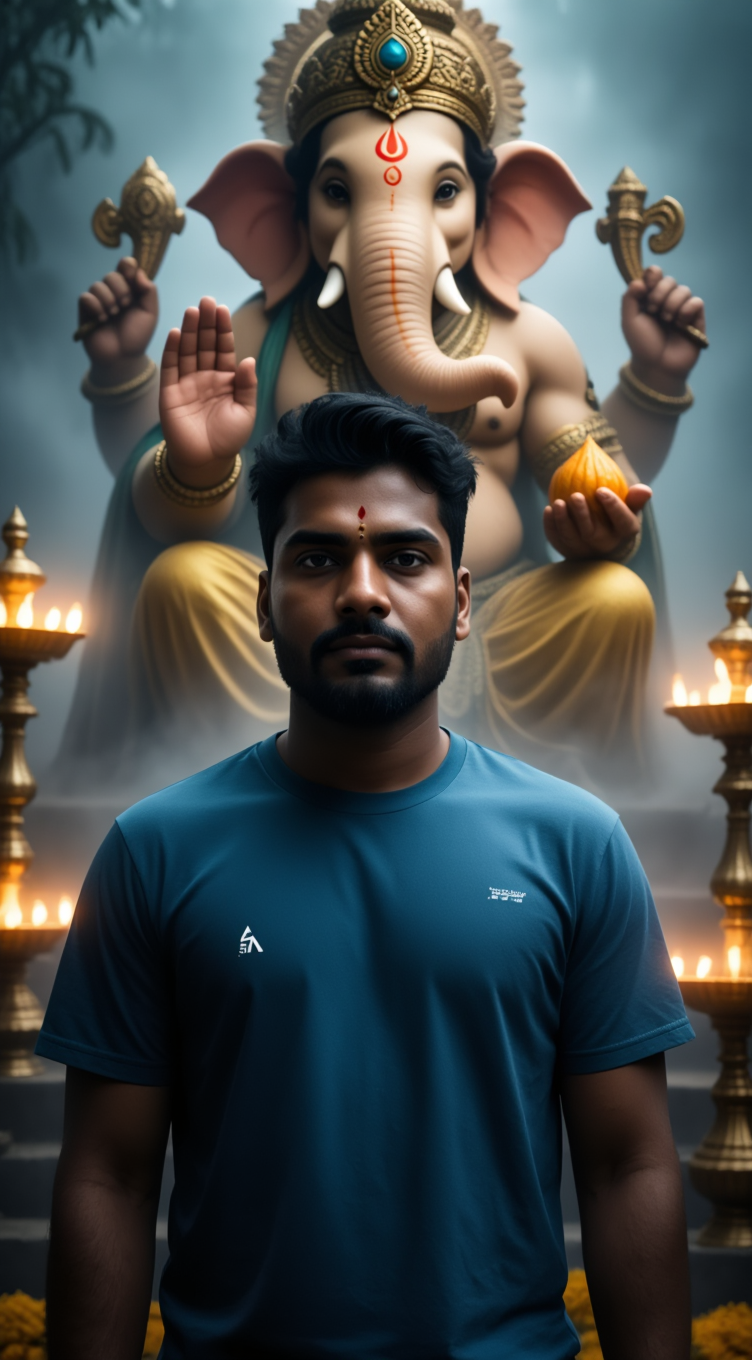
Cinematic devotional scene, Lord - background scene AI image
ITfCpcnB avatar
ITfCpcnB
Animated teams background - background scene AI video
IIHLZcof avatar
IIHLZcof
scene transition - background scene AI video
Meeday avatar
Meeday
Pink Mystical Background Heaven - background scene AI video
wXwUhtZn avatar
wXwUhtZn
Abstract Dark Metal Background - background scene AI video
Konstantin_S avatar
Konstantin_S
Teams background animated - background scene AI video
IIHLZcof avatar
IIHLZcof

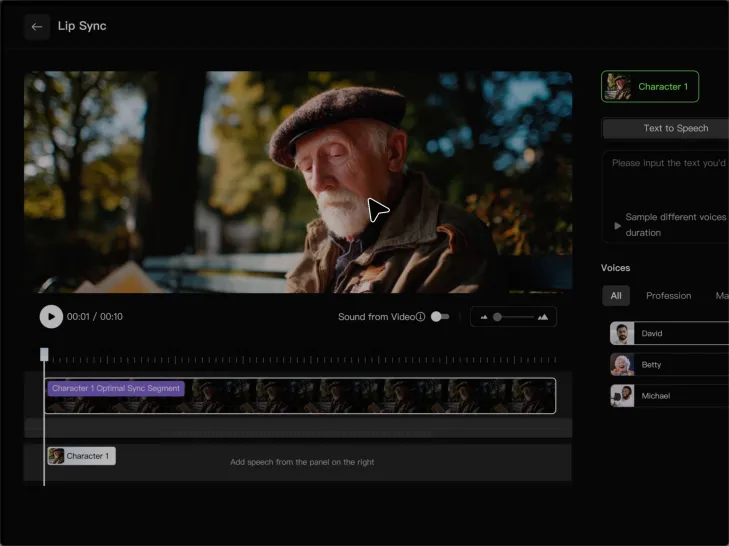
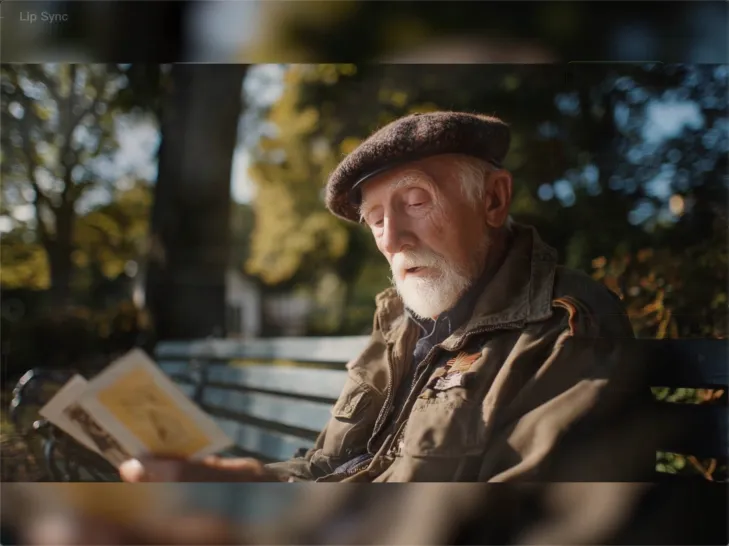
How to Lip Sync a Video in Kling AI

Choose a Clear Character Video

Choose a Clear Character Video

Choose a supported Kling AI clip with a full, clearly visible face. Lip Sync works with realistic, 3D, and 2D human characters.

Add Audio or Enter a Script

Add Audio or Enter a Script

Upload a voiceover or singing track, or use Text to Speech to generate a voice. Trim the audio if it runs longer than the video.

Generate and Review

Generate and Review

Generate the lip sync and preview the result. If the timing feels off, trim the audio or adjust the Text to Speech speed.

Make a Stronger First Impression Wherever You Show Up

Give a Casual Photo a More Put-Together Look

Give a Casual Photo a More Put-Together Look

You do not need a new photoshoot every time your profile picture feels dated. Start with a photo you already like, then improve the lighting, composition, styling, or overall presentation to give it a cleaner, more intentional look for a résumé profile, business page, creator account, or personal site.
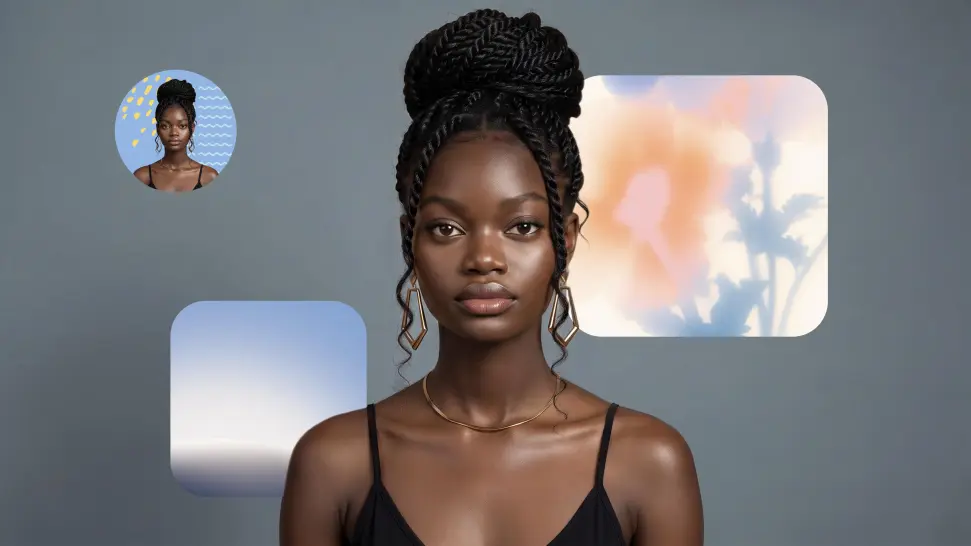
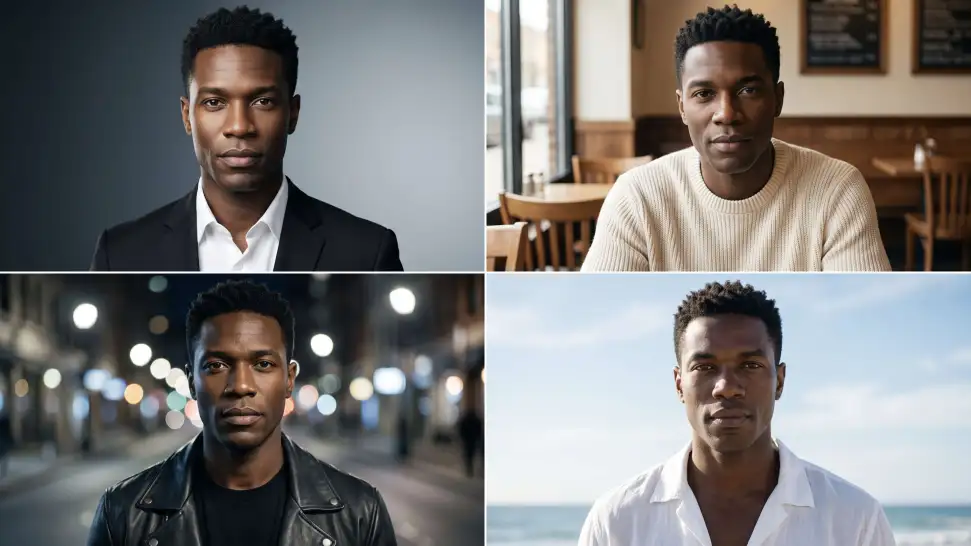
Keep the Face People Already Know

Keep the Face People Already Know

A new profile picture should still feel familiar. Use your portrait as the visual reference while you change the mood, styling, background, or setting, so recognizable facial details and your overall appearance can stay closer to the photo you started with.
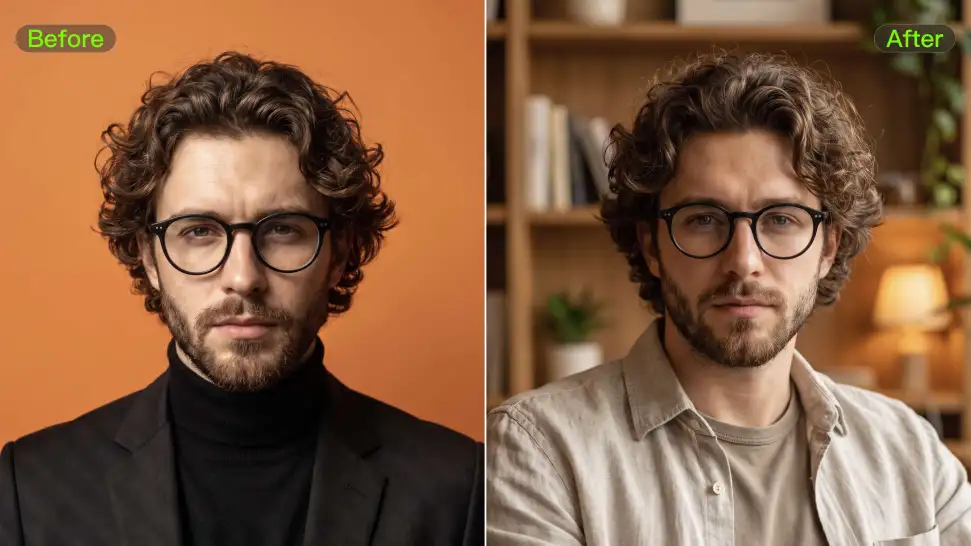
Change the Look to Fit the Platform

Change the Look to Fit the Platform

The photo that works on LinkedIn may not be the one you want on YouTube, Instagram, Discord, or a gaming profile. Give the same portrait a different mood, crop, background, or visual treatment depending on where you plan to use it. Go understated for work, more expressive for social, or give your creator profile a look that feels more like your brand.

Apps

Image to Video
Image to Video

Image to Video

Text to Video
Text to Video

Text to Video

Omni
Omni

Omni

Digital Human
Digital Human

Digital Human

Restyle
Restyle

Restyle

Text to Image
Text to Image

Text to Image

60M+
60M+
Users
600M+
600M+
AI Videos Generated
4.7 ★
4.7 ★
App Store
Industry-Leading
Industry-Leading
Cinematic 4K

Reviews

Maria Rubtsova

Maria Rubtsova

★★★★★

I’m Maria Rubtsova, an AIGC digital artist passionate about creating stunning visuals in the worlds of fashion, aesthetics, and fantasy. I use KlingAi to bring imagination to life through video. My work is all about exploring beauty, emotion, and the limitless possibilities of digital art.

KakuDrop

KakuDrop

★★★★★

I have successfully collaborated with world-renowned artists and well-known companies that are recognized globally

Ozan Sihay

Ozan Sihay

★★★★★

Kling AI allows me to rapidly prototype ideas, refine storytelling elements, and produce visually compelling content efficiently. It has not only accelerated my creative processes, but also deepened my understanding of how AI can enrich visual storytelling.

FAQ

Q1Can I use reference images with Kling AI?
Q2What makes Kling IMAGE 3.0 different from other text-to-image tools?
Q3What is text-to-image AI?

Your Next Visual Starts Here

Start with a sentence, a sketch, or a reference photo. Shape the composition, dial in the details, and keep iterating in Kling AI.

Free tier available | Text-to-image | Image-to-image | Fast generation