
Creative Studio
API
Resources
Features
About Us
Download

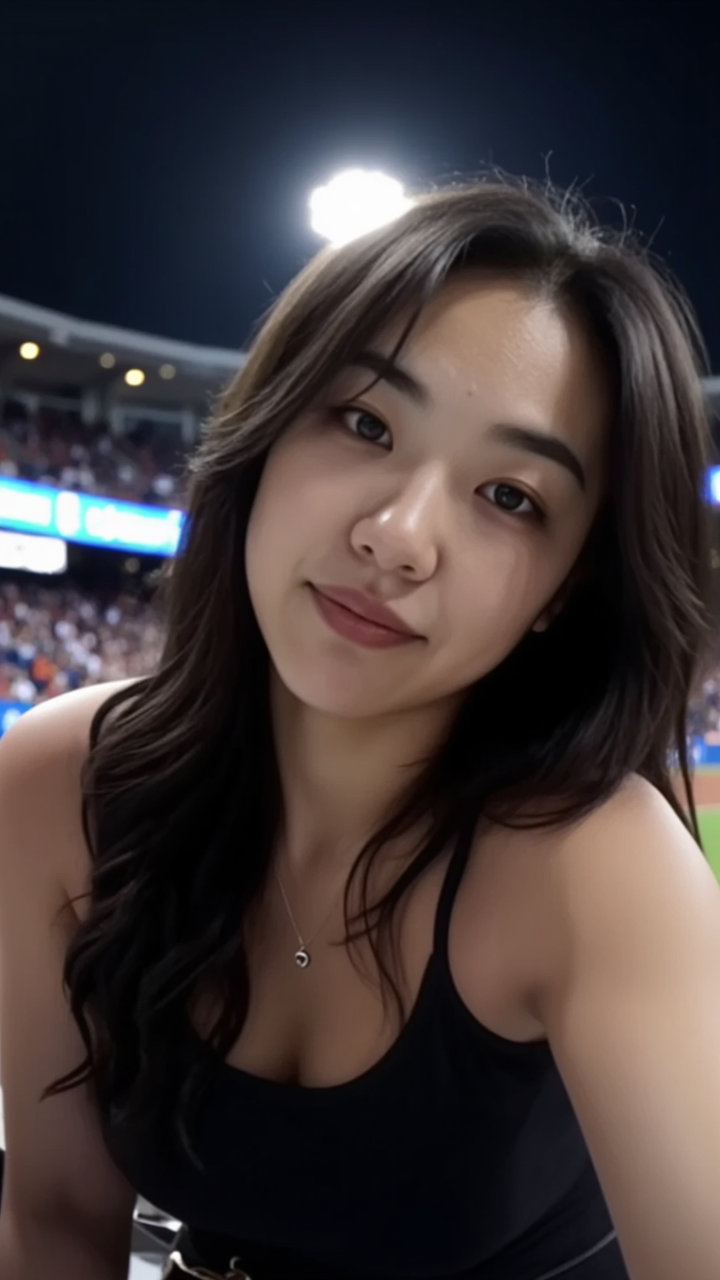
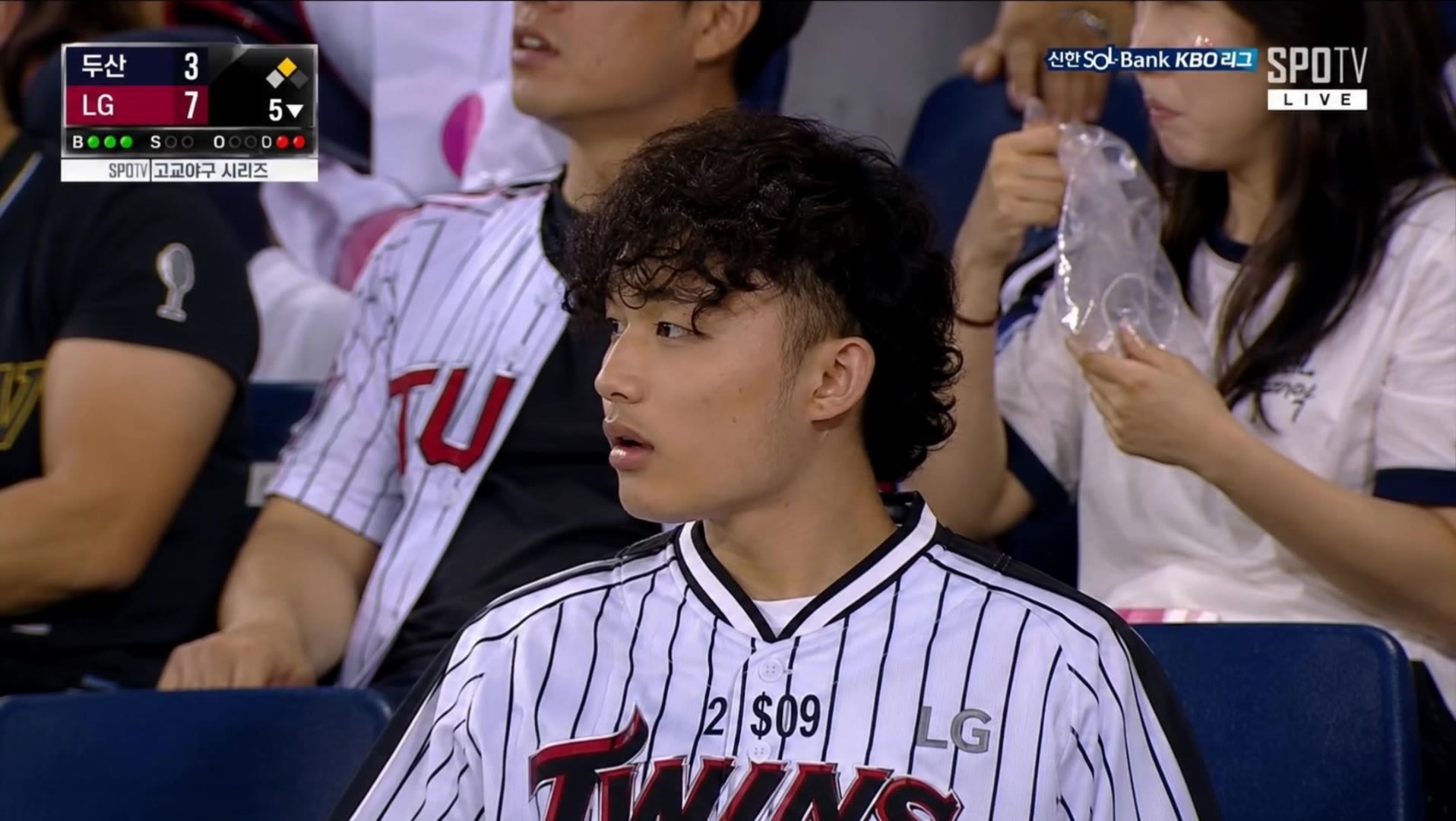
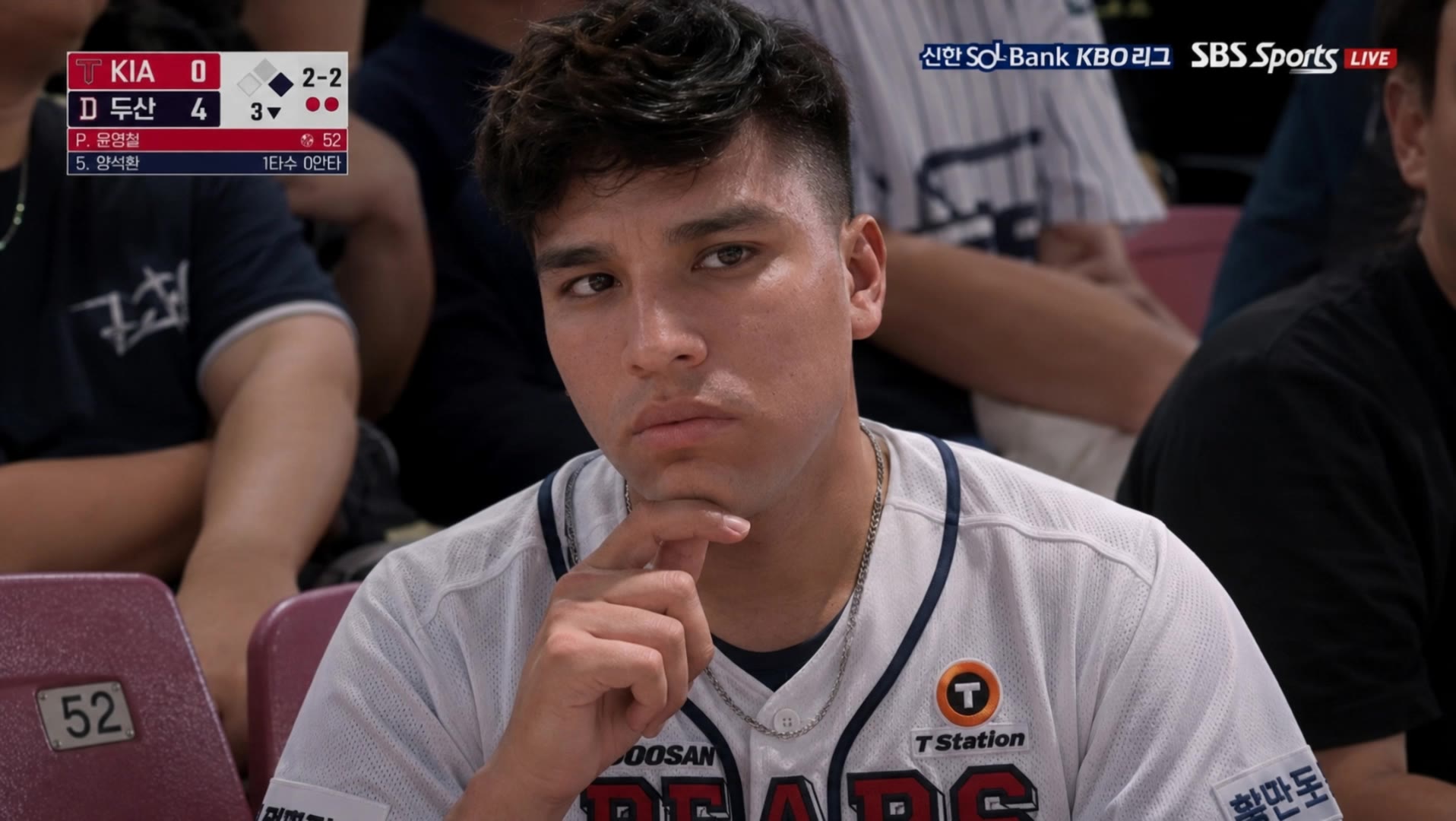
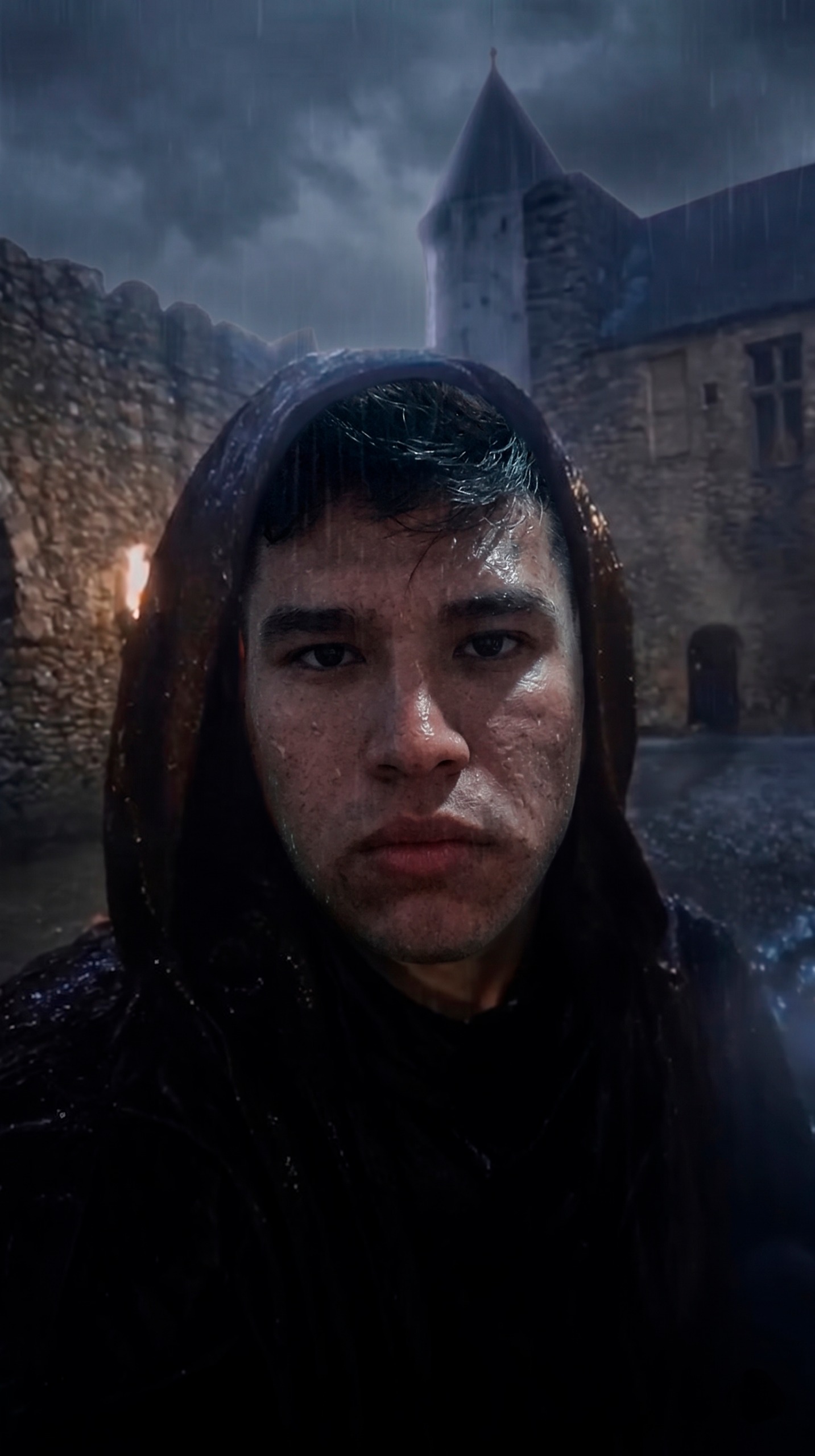
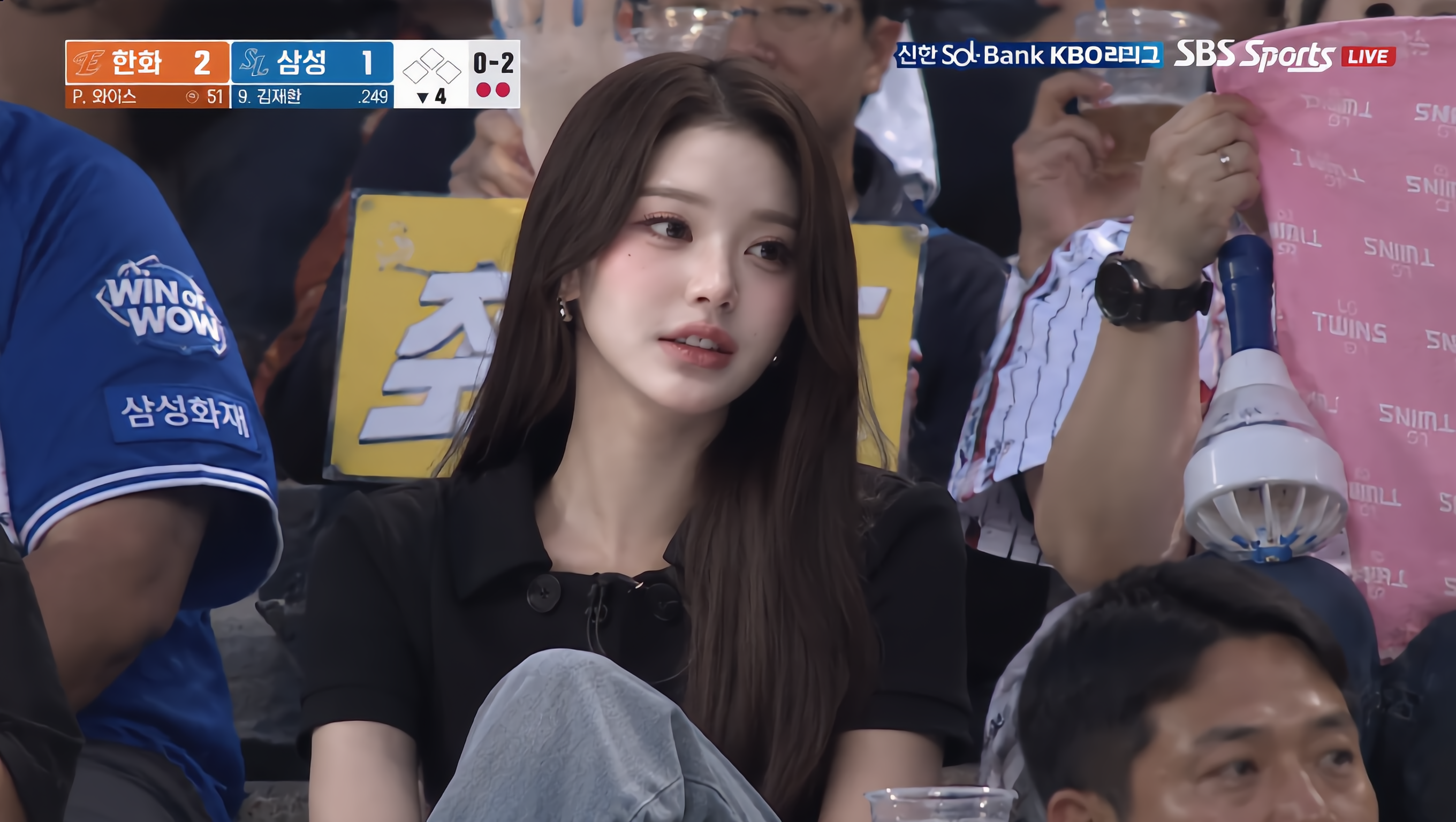
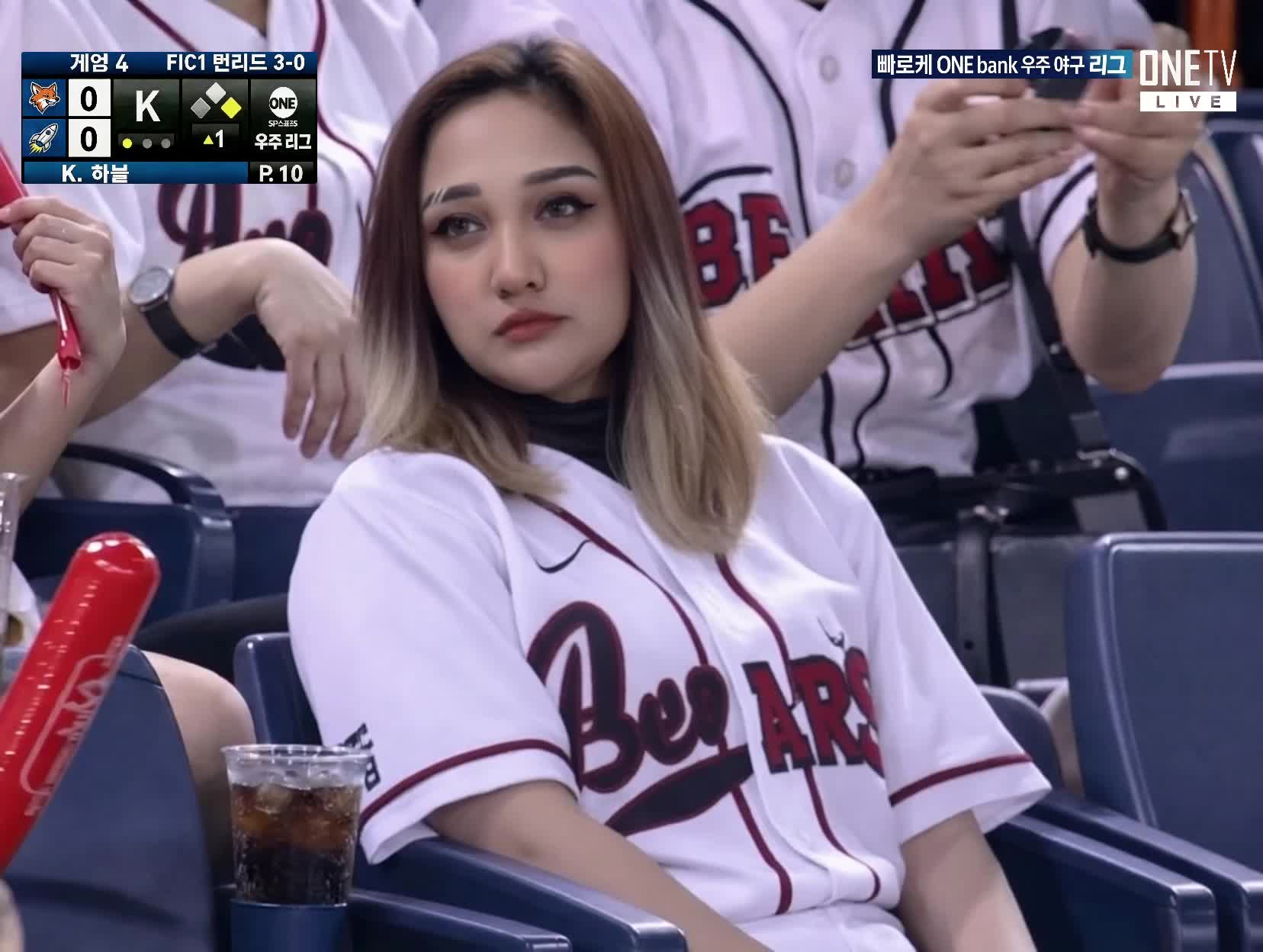
baseball ai prompt - Dark Fantasy & Neon Baseball

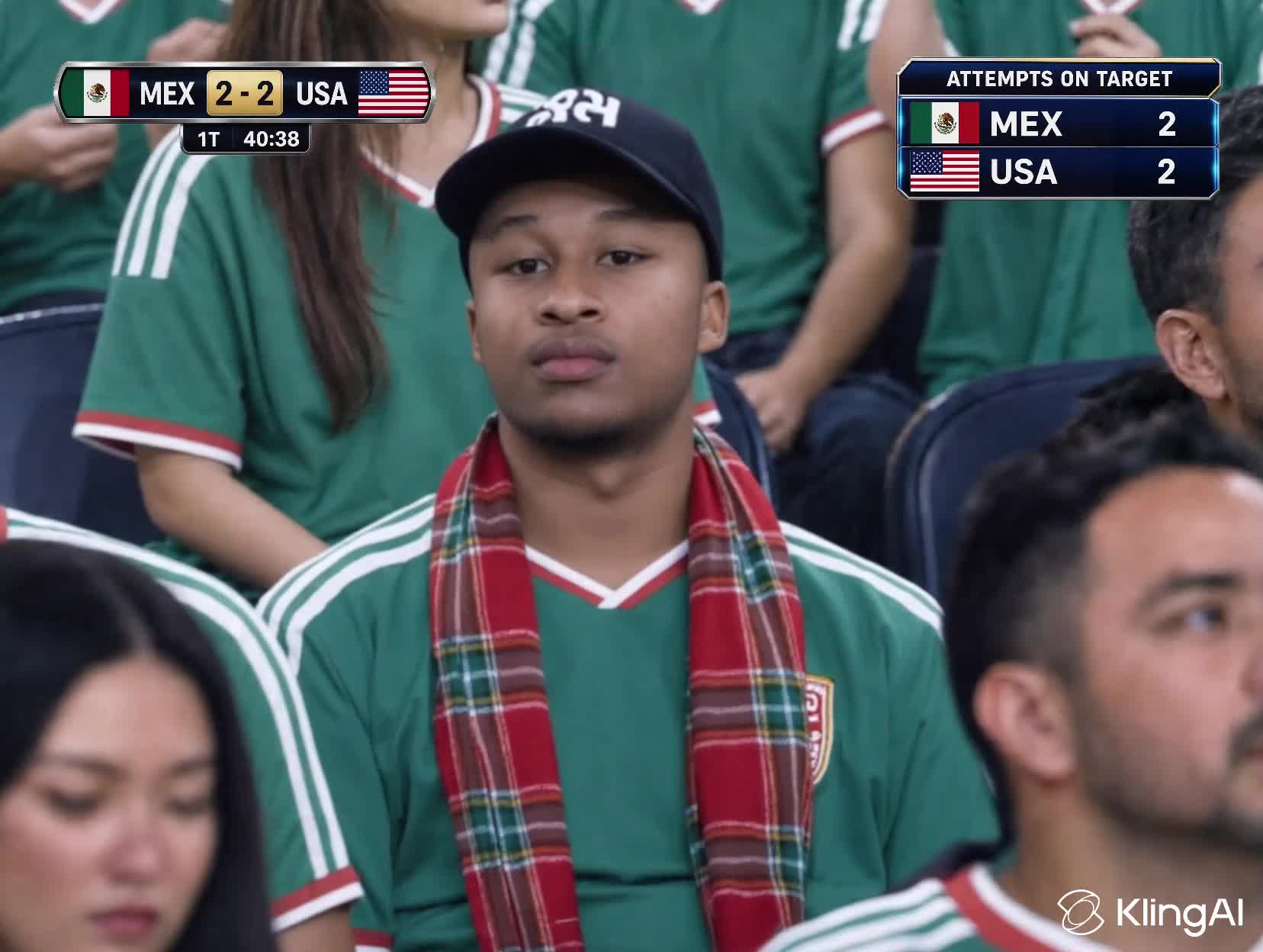
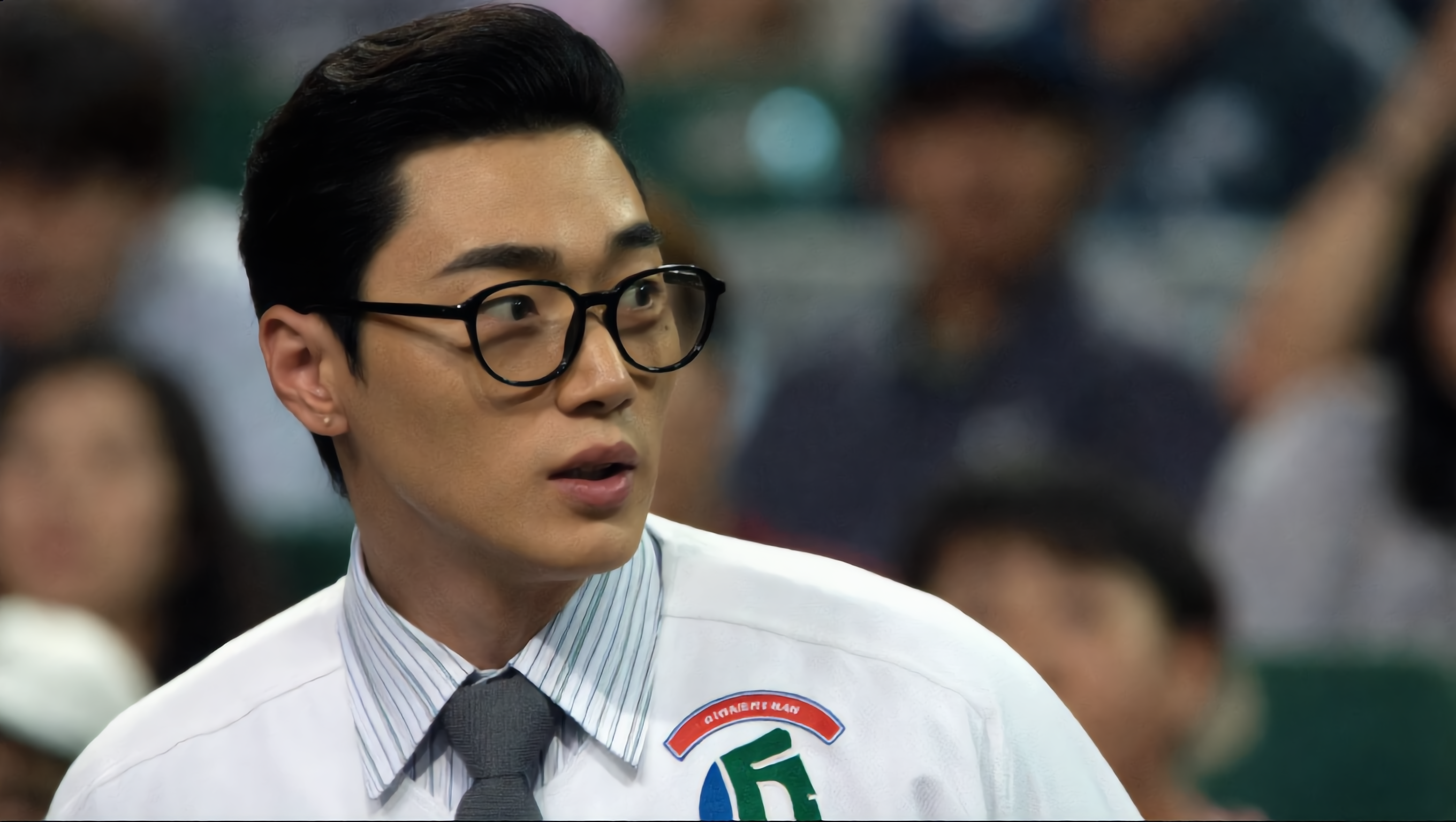
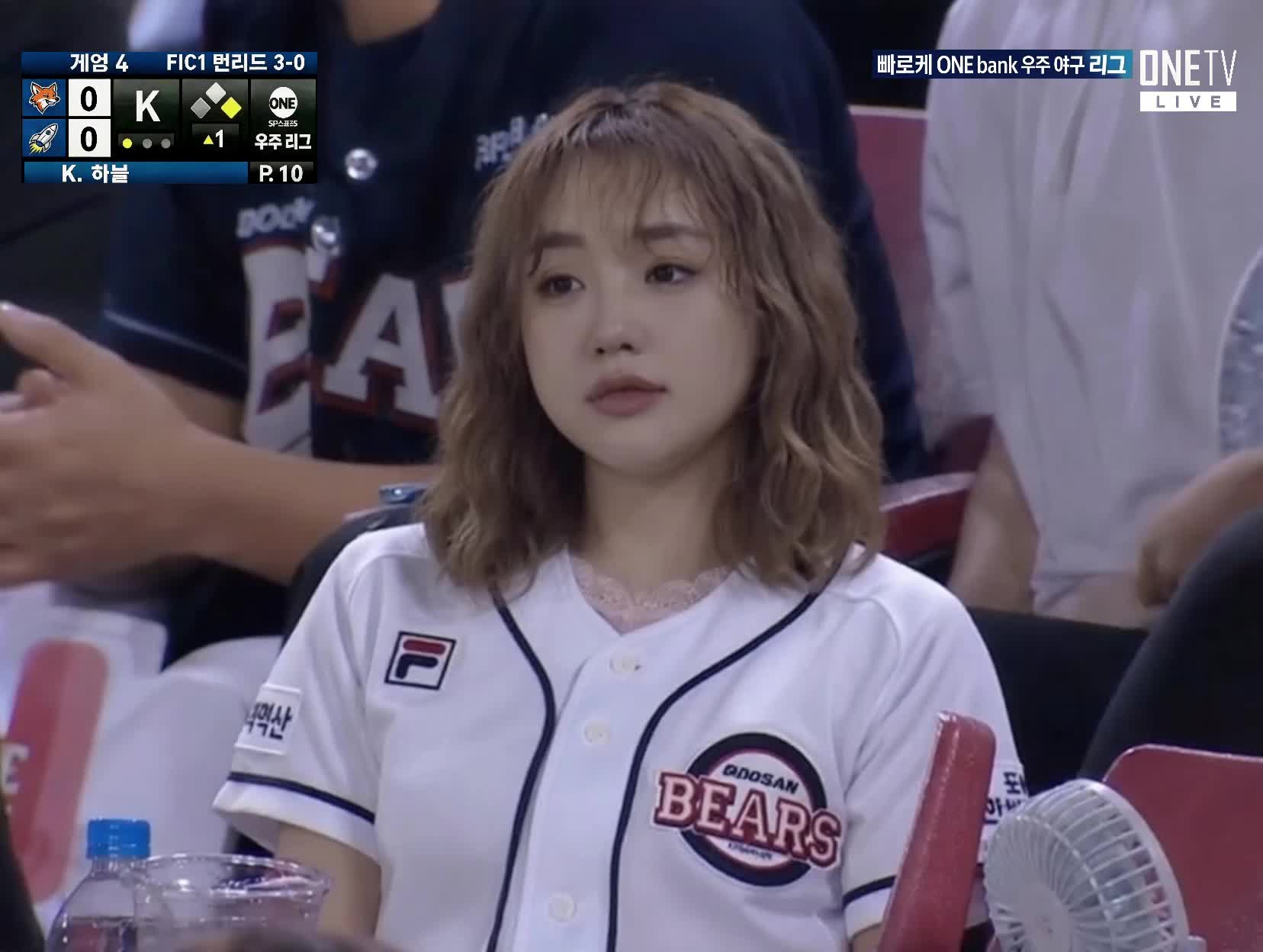
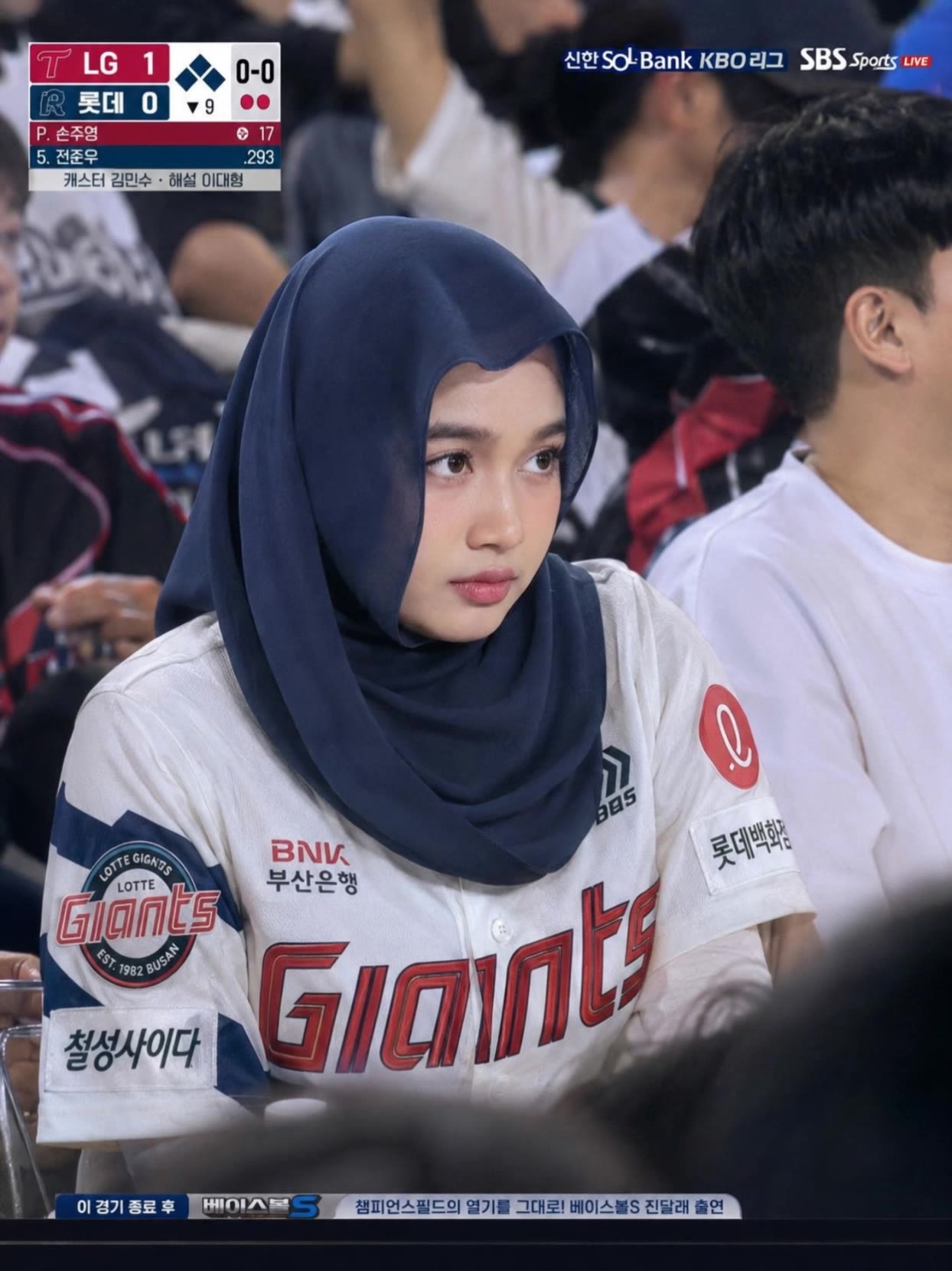
Unleash your creativity with unique baseball AI prompts featuring dark fantasy themes and dynamic action shots. Start exploring baseball ai prompt ideas and generate your own content with AI.

baseball ai prompt - Dark Fantasy & Neon Baseball

Recommended

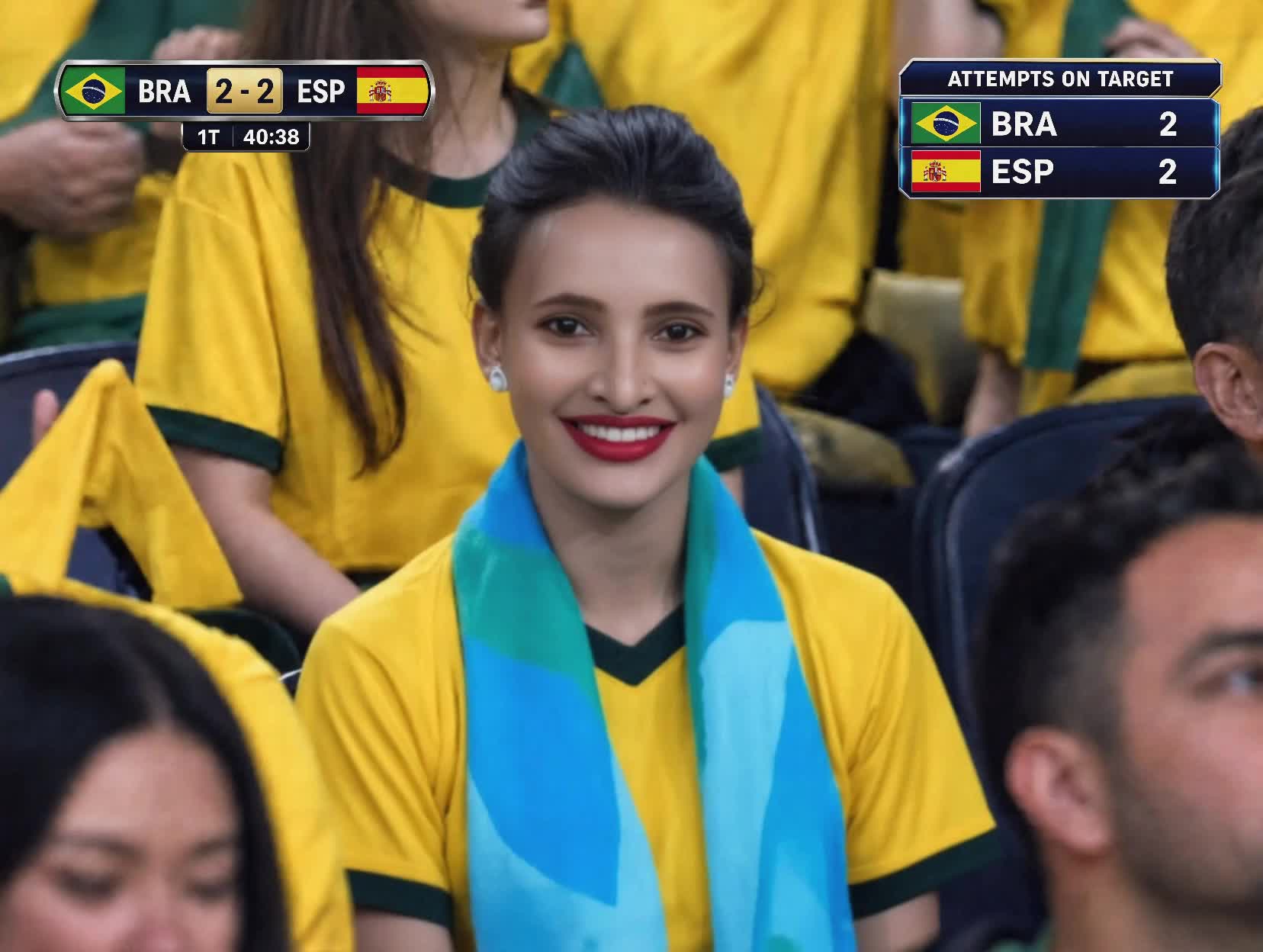
Kling AI work 310486531613971 - baseball ai prompt AI image
tyqGUEvV avatar
tyqGUEvV
Kling AI work 884072545313095760 - baseball ai prompt AI video
00:10
FhZvDtFY avatar
FhZvDtFY
Football Live - baseball ai prompt AI video
Football Live
fFjamyKS avatar
fFjamyKS
Kling AI work 310536573615748 - baseball ai prompt AI video
🍃 Oིρΐε 🍃 avatar
🍃 Oིρΐε 🍃
Kling AI work 310713841500295 - baseball ai prompt AI video
LJjjfeDl avatar
LJjjfeDl
Kling AI work 310561798614327 - baseball ai prompt AI image
UJPFEqkC avatar
UJPFEqkC
Kling AI work 310459207667293 - baseball ai prompt AI video
MZDJZsgg avatar
MZDJZsgg
In a baseball game - baseball ai prompt AI video
BLOOM avatar
BLOOM
Kling AI work 887450980190007316 - baseball ai prompt AI video
00:05
UrbUSapY avatar
UrbUSapY
Kling AI work 310476722613587 - baseball ai prompt AI image
ZTPUQPQl avatar
ZTPUQPQl
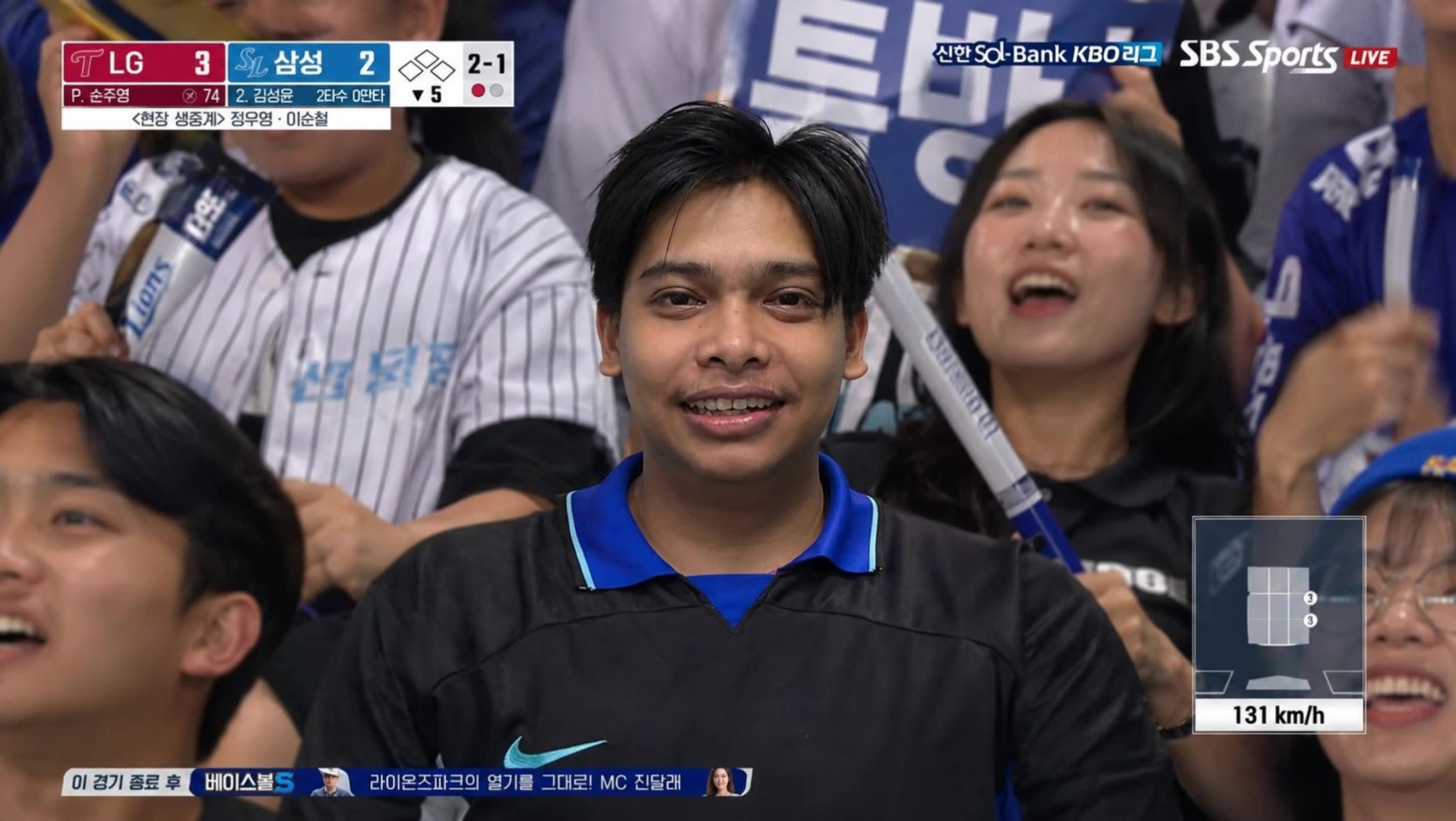
Korean Baseball - baseball ai prompt AI video
Korean Baseball
gaMUjckR avatar
gaMUjckR
Kling AI work 311002467664954 - baseball ai prompt AI video
AUMNYY avatar
AUMNYY
Kling AI work 310704507523736 - baseball ai prompt AI video
LJjjfeDl avatar
LJjjfeDl
Kling AI work 310574319666056 - baseball ai prompt AI video
oIRoPJqa avatar
oIRoPJqa
Kling AI work 310911073611700 - baseball ai prompt AI image
XiutNFIm avatar
XiutNFIm
Girl pose at baseball - baseball ai prompt AI image
FRtUggoV avatar
FRtUggoV
Kling AI work 310430368615105 - baseball ai prompt AI video
Jason Chen avatar
Jason Chen
Korean Baseball ai - baseball ai prompt AI video
Korean Baseball
Eakira007 avatar
Eakira007
Korean Baseball - baseball ai prompt AI video
Korean Baseball
udrYDgUk avatar
udrYDgUk

How to Remove Background from Image

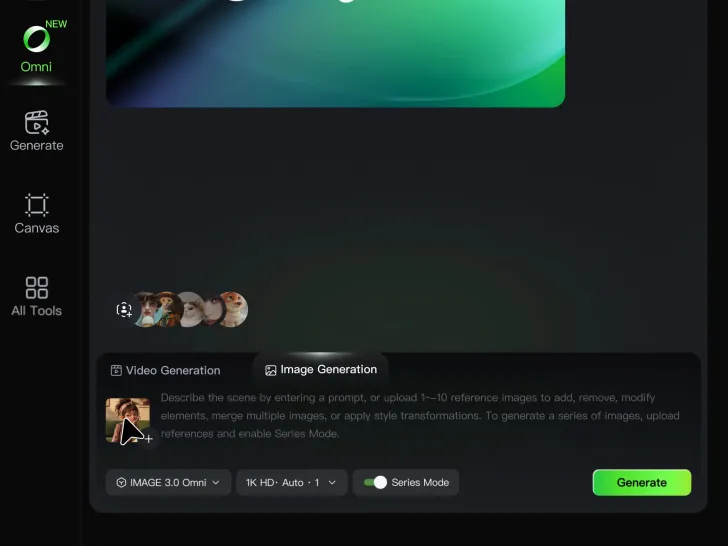
Step 1: Upload Your Image

Step 1: Upload Your Image

Upload the image you want to edit and choose the subject you want to keep. A clear source image makes it easier to separate the subject from the surrounding background.

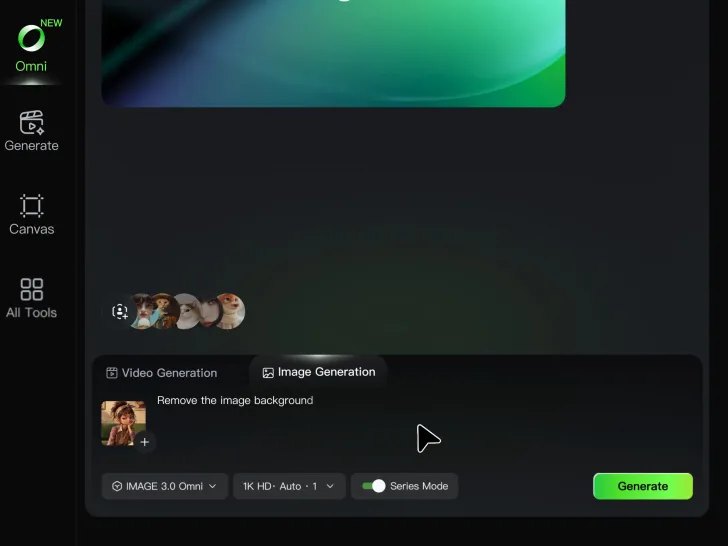
Step 2: Remove or Replace the Background

Step 2: Remove or Replace the Background

Use a simple prompt to remove the existing background while keeping the main subject intact. Keep the result transparent when you need a clean cutout, or describe a new setting if you want to replace the original background directly.

Step 3: Generate and Download

Step 3: Generate and Download

Generate your edited image and review the result. Download the background-free image, or continue refining the new setting, subject details, and overall look with Kling AI.

Create More Realistic Looks with Kling AI

Use Different References for Specific Outfit Details

Use Different References for Specific Outfit Details

Mix and match details from multiple reference images instead of relying on just one. Assign each reference to a different part of the look, from clothing and footwear to smaller accessories, while IMAGE 3.0 Omni combines them into a single outfit. The result is a more controlled styling process and a final look that stays closer to your creative direction.

Change the Outfit, Keep the Person

Change the Outfit, Keep the Person

Changing the clothes should not make the person look like someone else. IMAGE 3.0 Omni helps keep key details such as the face, hairstyle, pose, and overall appearance familiar and recognizable, making it easier to try casual looks, formalwear, or completely different styles while keeping the same person consistent.

Make New Clothes Look Like Part of the Photo

Make New Clothes Look Like Part of the Photo

A convincing AI clothes swap should look like the outfit belongs in the original image. IMAGE 3.0 Omni works with the existing lighting, perspective, textures, and surroundings so the new outfit blends more naturally with the scene, helping fabric, folds, accessories, and other details feel less edited and more like part of a real fashion photo.

Apps

Image to Video
Image to Video

Image to Video

Text to Video
Text to Video

Text to Video

Omni
Omni

Omni

Digital Human
Digital Human

Digital Human

Restyle
Restyle

Restyle

Text to Image
Text to Image

Text to Image

60M+
60M+
Users
600M+
600M+
AI Videos Generated
4.7 ★
4.7 ★
App Store
Industry-Leading
Industry-Leading
Cinematic 4K

Reviews

Huang Lu (Elson)

Huang Lu (Elson)

★★★★★

I’ve been using Kling AI since its initial release, and it’s remained one of the leading AI media generators ever since. With Kling AI, I’ve created hundreds of videos, collectively amassing millions of views.

Vincent Smadja

Vincent Smadja

★★★★★

Kling AI seamlessly integrates into my creative workflow, playing a key role in transforming my images. After generating and upscaling an image, Kling becomes a crucial element, bringing my creations to life with movement and depth.

Samuele Poggi (@visualsk2)

Samuele Poggi (@visualsk2)

★★★★★

I use Kling AI daily to push the limits of AI filmmaking. It allows me to create highly cinematic content, blending AI and VFX to develop innovative projects. It has significantly impacted my creative process, enabling me to achieve complex animations that would otherwise require high production budgets.

FAQ

Q1Can I use multiple reference images for a face swap?
Q2Can I edit my face swap after it is generated?
Q3How realistic are AI face swap results?

Create Characters That Inspire New Stories

Turn your ideas into distinctive AI characters with Kling AI. Create unique designs, explore different styles, and develop consistent characters for stories, games, and creative projects.

Free tier available | 2K/4K output | Reference-Based Creation