Creative Studio
API
Resources
Features
About Us
Download

BBW Banner Design Ideas – AI Image Concepts

Get inspired by AI-generated BBW banner designs. Customize and create your own with ease using AI tools.

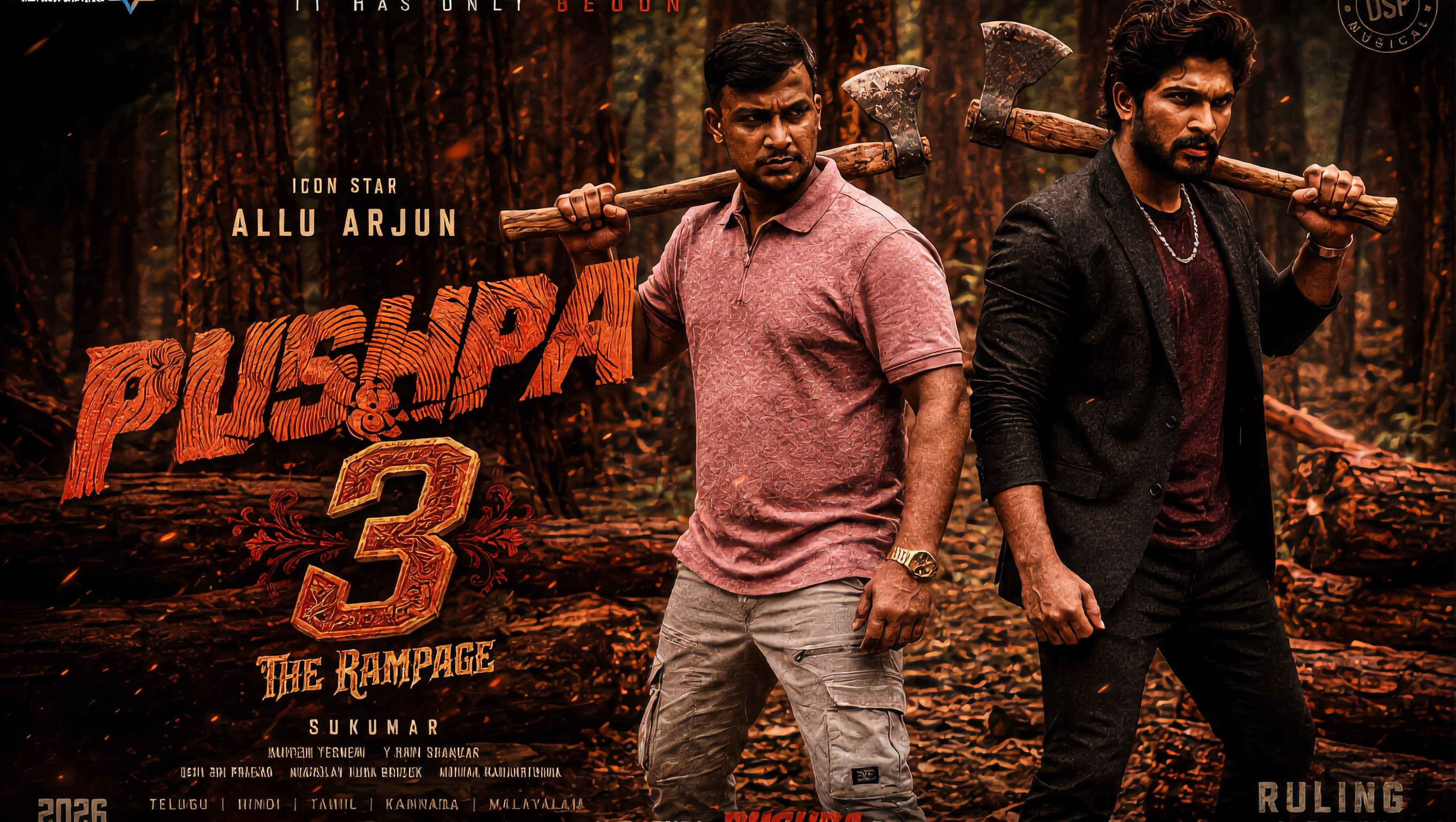
BBW Banner Design Ideas – AI Image Concepts

Recommended

Kling AI work 309388190668244 - bbw banner design AI video
rKUqoxdN avatar
rKUqoxdN
Ads - bbw banner design AI video
Viktor_Fox avatar
Viktor_Fox
Kling AI work 307502885663542 - bbw banner design AI video
AnneGod avatar
AnneGod
Outdoor advertising - bbw banner design AI video
Nataly Stark avatar
Nataly Stark
Elite Creator
Kling AI work 315143599662597 - bbw banner design AI video
vSveHiTr avatar
vSveHiTr
Kling AI work 313421138615157 - bbw banner design AI video
SikkLee23 avatar
SikkLee23
Ads - bbw banner design AI video
Viktor_Fox avatar
Viktor_Fox
Kling AI work 313394886525022 - bbw banner design AI image
whBnHdvQ avatar
whBnHdvQ
Kling AI work 308728870661258 - bbw banner design AI video
aNHsLccw avatar
aNHsLccw
Kling AI work 297432221305256 - bbw banner design AI video
Anla-shok avatar
Anla-shok
Kling AI work 309300439610782 - bbw banner design AI video
UncleToxicYoda avatar
UncleToxicYoda
Kling AI work 315503819617369 - bbw banner design AI video
yCabctpQ avatar
yCabctpQ
Kling AI work 297155072505413 - bbw banner design AI image
Dreamscape AI avatar
Dreamscape AI
Kling AI work 315322999521551 - bbw banner design AI video
qGcUkXDY avatar
qGcUkXDY
Kling AI work 317445045505505 - bbw banner design AI video
VJIXEyHx avatar
VJIXEyHx
Kling AI work 316297983507341 - bbw banner design AI image
YeBZMPzU avatar
YeBZMPzU
Kling AI work 316088371508488 - bbw banner design AI video
sCxiUdzm avatar
sCxiUdzm
Kling AI work 319750988506708 - bbw banner design AI video
vGUfTEMi avatar
vGUfTEMi

How to Remove Background from Video

Upload Your Video

Upload Your Video

Start with the footage you already have in VIDEO 3.0 Omni. Your clip does not need to be recorded against a green screen before you change the background.

Delete or Replace Video Background

Delete or Replace Video Background

Tell Kling which subject should stay and which background you want removed. If a new setting is your real goal, skip the separate removal step: describe the background you want or add a reference image for Kling to follow.

Generate and Review

Generate and Review

Generate the edit and check the subject and background throughout the clip. If something needs adjusting, refine the instruction and try another version, then save the result or continue editing in Kling AI.

Edit Any Part with Kling AI

Add, Remove, or Replace Image Content

Add, Remove, or Replace Image Content

Tell Kling what you want to change in text prompts. Replace a person, remove an object, or fine-tune details such as color, material, pose, and expression. Even detailed edits take fewer and easier steps because you can change the photo with AI instead of with traditional photo editing tools. IMAGE 3.0 follows your instruction while keeping the photo’s original style, lighting, and texture in place, so the edited area still belongs in the same shot.

Change the Color, Lighting, or Style

Change the Color, Lighting, or Style

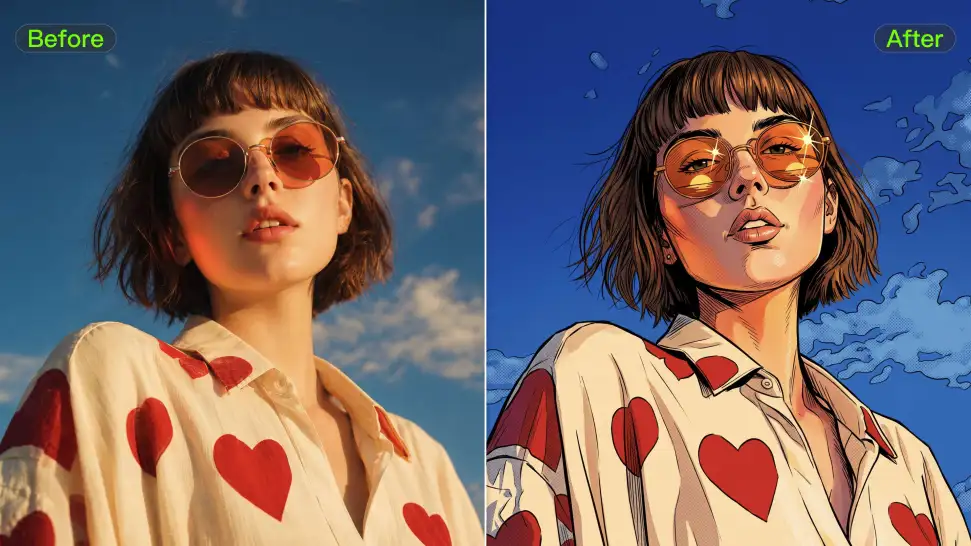
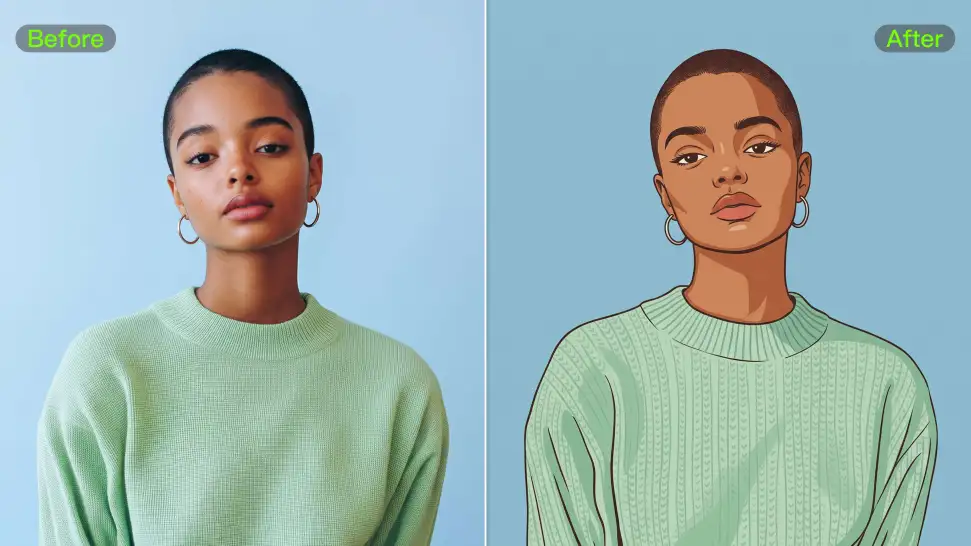
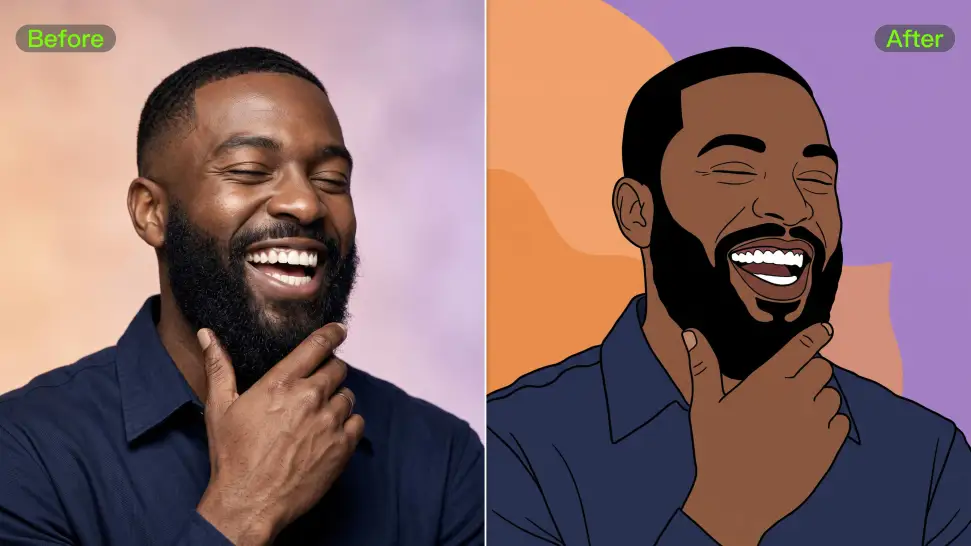
Give an existing photo a different mood effortlessly. Lift a dim scene, soften harsh light, warm or cool the colors, or bring color to a black-and-white photo or line drawing. A short prompt replaces the usual round of manual adjustments. Looking for a bigger shift? Add a style reference or spell out the visual direction. IMAGE 3.0 carries the palette, texture, and atmosphere across the whole image, so the new look feels cohesive rather than pasted on. Use it for studio-style professional headshots, distinctive portrait treatments, cinematic scene design, or a visual style that feels entirely your own.

Rework the Shot or Camera Angle

Rework the Shot or Camera Angle

Tell Kling how you want the shot to look in a text prompt. Turn a front-facing photo into a side view, move the camera higher or lower, or change a wide shot into a close-up. You can explore a new composition around the same subject without setting up another shoot. IMAGE 3.0 rebuilds the scene from the angle you request, adjusting the perspective, camera height, shot size, focal length, and depth of field along with it. The result is a newly generated view based on the source photo, rather than hidden details recovered from outside the original frame.

Apps

Image to Video
Image to Video

Image to Video

Text to Video
Text to Video

Text to Video

Omni
Omni

Omni

Digital Human
Digital Human

Digital Human

Restyle
Restyle

Restyle

Text to Image
Text to Image

Text to Image

60M+
60M+
Users
600M+
600M+
AI Videos Generated
4.7 ★
4.7 ★
App Store
Industry-Leading
Industry-Leading
Cinematic 4K

Reviews

Déborah

Déborah

★★★★★

I use Kling AI every day. It's amazing to see the almost daily progress it makes. I used AI for fun at first, and I now find that Kling AI's animations allow me to gain professional visibility, with three times more views on my animated posts than on my static posts.

PJ Ace

PJ Ace

★★★★★

Kling AI has made it easy for us to generate world class visuals for Fortune 500 companies, TV shows and music for big artists. We love the easy of use of the platform and the quality of the generations. My first time using Kling AI, I got 22 million views on just one video. It's that good.

Halim Alrasihi

Halim Alrasihi

★★★★★

I use AI daily and Kling AI is a crucial part of my workflow, whether for client work or personal projects. What I love most about using Kling AI is that it provides all the tools I need in one place, from keyframes to character references, elements and special effects.

FAQ

Q1Can AI enhance blurry photos and restore details?
Q2How does AI image enhancement work?
Q3What is an AI Image Enhancer?

Create More with Every Background Change

Turn every background change into a new creative direction with Kling AI. Explore new scenes, reshape your visuals, and create images that keep the details and style that make them unique.

AI Background Removal | Scene Transformation | 2K/4K Image Creation