Creative Studio
API
Resources
Features
About Us
Download

Beer Style – AI Design Ideas

Discover AI design ideas for beer style. Generate and customize designs quickly with AI technology.

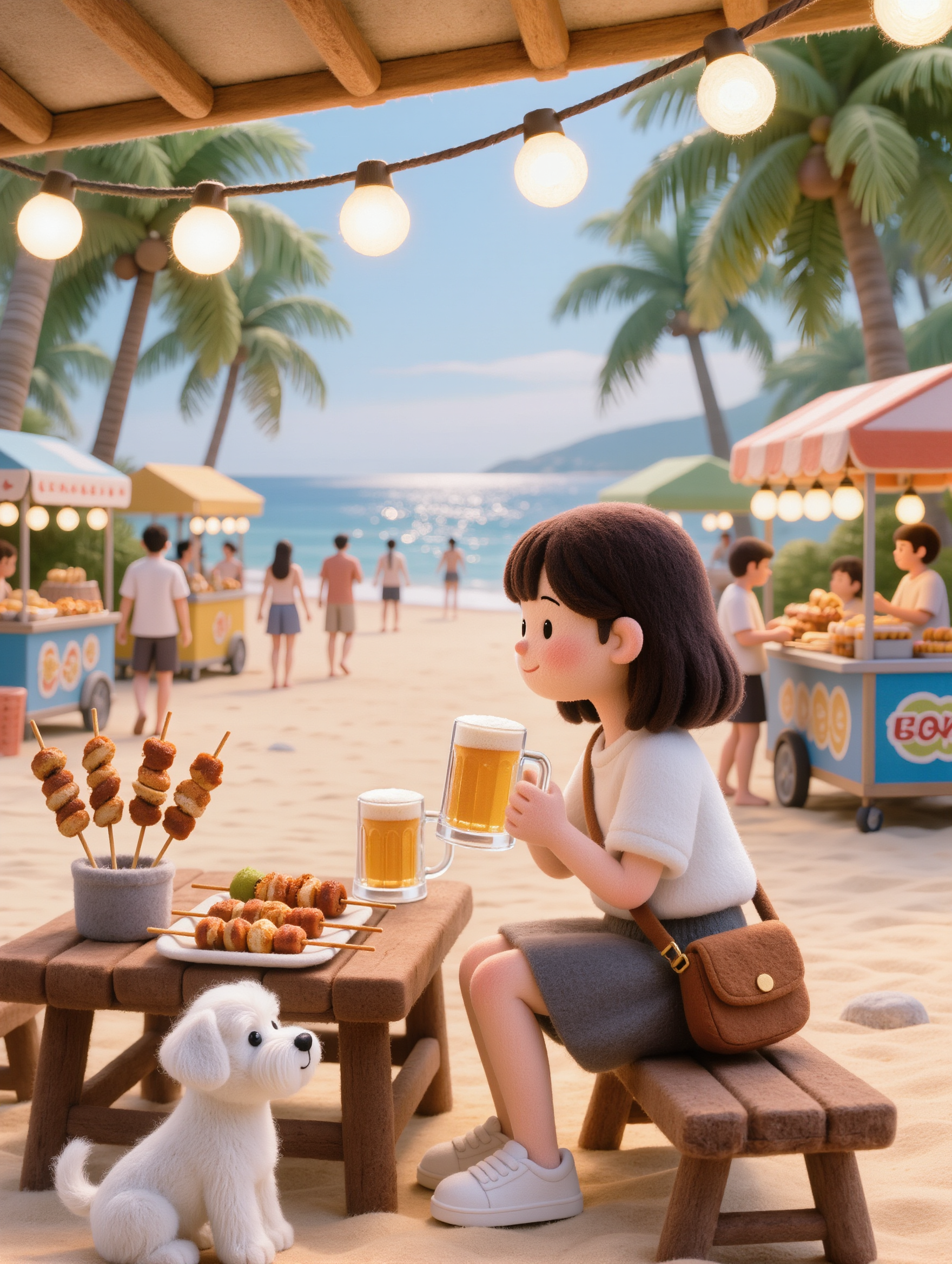
Beer Style – AI Design Ideas

Recommended

Kling AI work 312400498615152 - beer style AI image
Thebaronsynh1979 avatar
Thebaronsynh1979
Kling AI work 314359319526766 - beer style AI image
YElSVjOn avatar
YElSVjOn
Kling AI work 307487670665415 - beer style AI image
Ploy Sst 🇹🇭 🇬🇧  avatar
Ploy Sst 🇹🇭 🇬🇧
Kling AI work 313124437611560 - beer style AI image
Gixa avatar
Gixa
Kling AI work 317811807667410 - beer style AI video
jNyjrGfA avatar
jNyjrGfA
Kling AI work 313511401505888 - beer style AI video
Fashion Island avatar
Fashion Island
Elite Creator
Kling AI work 313254647666156 - beer style AI image
fluffy.dreamworld avatar
fluffy.dreamworld
Kling AI work 315657126527374 - beer style AI video
iNeOarOh avatar
iNeOarOh
Kling AI work 313124437618584 - beer style AI image
Gixa avatar
Gixa
Kling AI work 313124308523700 - beer style AI image
Gixa avatar
Gixa
Kling AI work 310989828618109 - beer style AI image
BIYlPfNp avatar
BIYlPfNp
Kling AI work 313124437665570 - beer style AI image
Gixa avatar
Gixa
Kling AI work 314179514527095 - beer style AI image
WcLUWpON avatar
WcLUWpON
Kling AI work 308015755535397 - beer style AI image
gtsIWzOY avatar
gtsIWzOY
Kling AI work 314562576528011 - beer style AI image
aplrbbsU avatar
aplrbbsU
Kling AI work 317827729618604 - beer style AI video
pckMLXrA avatar
pckMLXrA
Kling AI work 313124351501011 - beer style AI image
Gixa avatar
Gixa
Kling AI work 311580584618424 - beer style AI video
ぺんぺん avatar
ぺんぺん
Drinking - beer style AI video
UyNjFkyj avatar
UyNjFkyj

How to Generate AI Voices from Text with Kling AI

Step 1: Set Up Your Characters

Step 1: Set Up Your Characters

Start with a character in your prompt, or add a supported image, Character Element, or video reference when you already have a specific character in mind.

Step 2: Add Dialogue and Voice Direction

Step 2: Add Dialogue and Voice Direction

Write each character's dialogue and make the speaker clear in your prompt. Add directions for the language, accent, tone, emotion, or delivery when they matter to the scene. For scenes with multiple speakers, keep each character's name, line, and voice direction clearly connected.

Step 3: Generate Videos with Native Audio

Step 3: Generate Videos with Native Audio

Generate with Native Audio to create the dialogue as part of the video itself. Kling VIDEO 3.0 Omni produces voice, facial performance, lip movement, visuals, ambience, and supporting sound within the same generation.

Key Features of Kling AI Text-to-Image Generator

Create Detailed Images From Text Prompts

Create Detailed Images From Text Prompts

Turn your text descriptions into detailed images with Kling AI. Describe the subject, scene, style, and composition you want, and the model transforms your prompt into visuals that match your creative direction. Create realistic portraits, cinematic scenes, product visuals, and artistic images directly from text.

Keep Characters And Visual Elements Consistent

Keep Characters And Visual Elements Consistent

Create characters and visual concepts that remain consistent across different images. Kling IMAGE 3.0 uses reference images to preserve important details, including appearance, clothing, objects, and overall style. This makes it easier to create character designs, brand visuals, and image series with a consistent look.

Explore Different Styles And Variations

Explore Different Styles And Variations

Explore different visual directions with prompts and reference images. Adjust composition, perspective, lighting, and style to create new variations while keeping the main concept consistent. This helps you test different ideas and develop visuals for artwork, marketing materials, and creative projects.

Apps

Image to Video
Image to Video

Image to Video

Text to Video
Text to Video

Text to Video

Omni
Omni

Omni

Digital Human
Digital Human

Digital Human

Restyle
Restyle

Restyle

Text to Image
Text to Image

Text to Image

60M+
60M+
Users
600M+
600M+
AI Videos Generated
4.7 ★
4.7 ★
App Store
Industry-Leading
Industry-Leading
Cinematic 4K

Reviews

KakuDrop

KakuDrop

★★★★★

I have successfully collaborated with world-renowned artists and well-known companies that are recognized globally

Halim Alrasihi

Halim Alrasihi

★★★★★

I use AI daily and Kling AI is a crucial part of my workflow, whether for client work or personal projects. What I love most about using Kling AI is that it provides all the tools I need in one place, from keyframes to character references, elements and special effects.

Huang Lu (Elson)

Huang Lu (Elson)

★★★★★

I’ve been using Kling AI since its initial release, and it’s remained one of the leading AI media generators ever since. With Kling AI, I’ve created hundreds of videos, collectively amassing millions of views.

FAQ

Q1How does an AI profile picture generator work?
Q2Can I change the background, expression, or framing of my profile picture?
Q3What kind of selfie should I use to make a profile picture?

Turn Your Script into a Cinematic Multi-Shot Video

Start with one scene, work out how the camera should tell it, and turn the written beat into a sequence with dialogue, sound, and recurring characters built into the generation.