Creative Studio
API
Resources
Features
About Us
Download

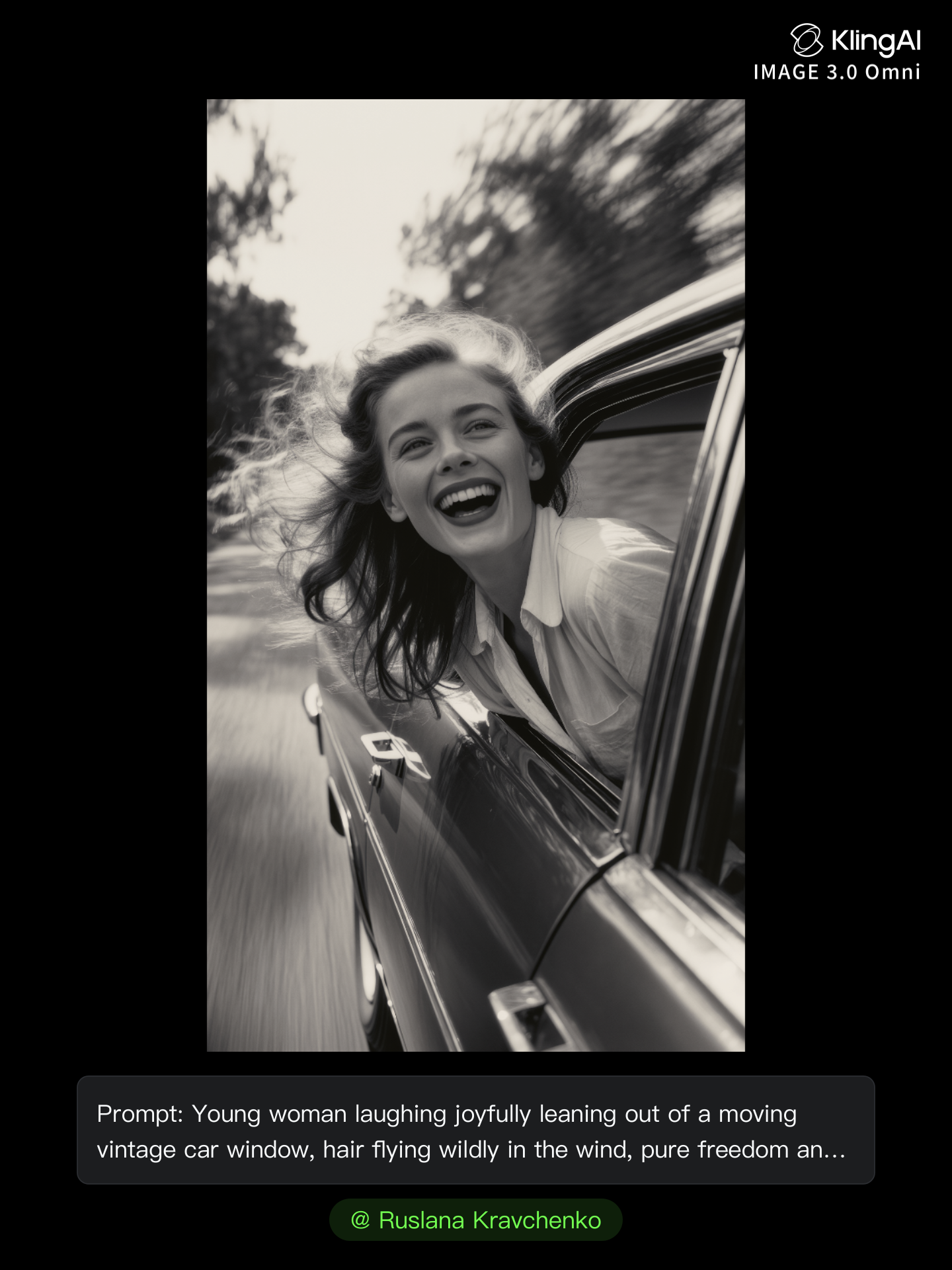
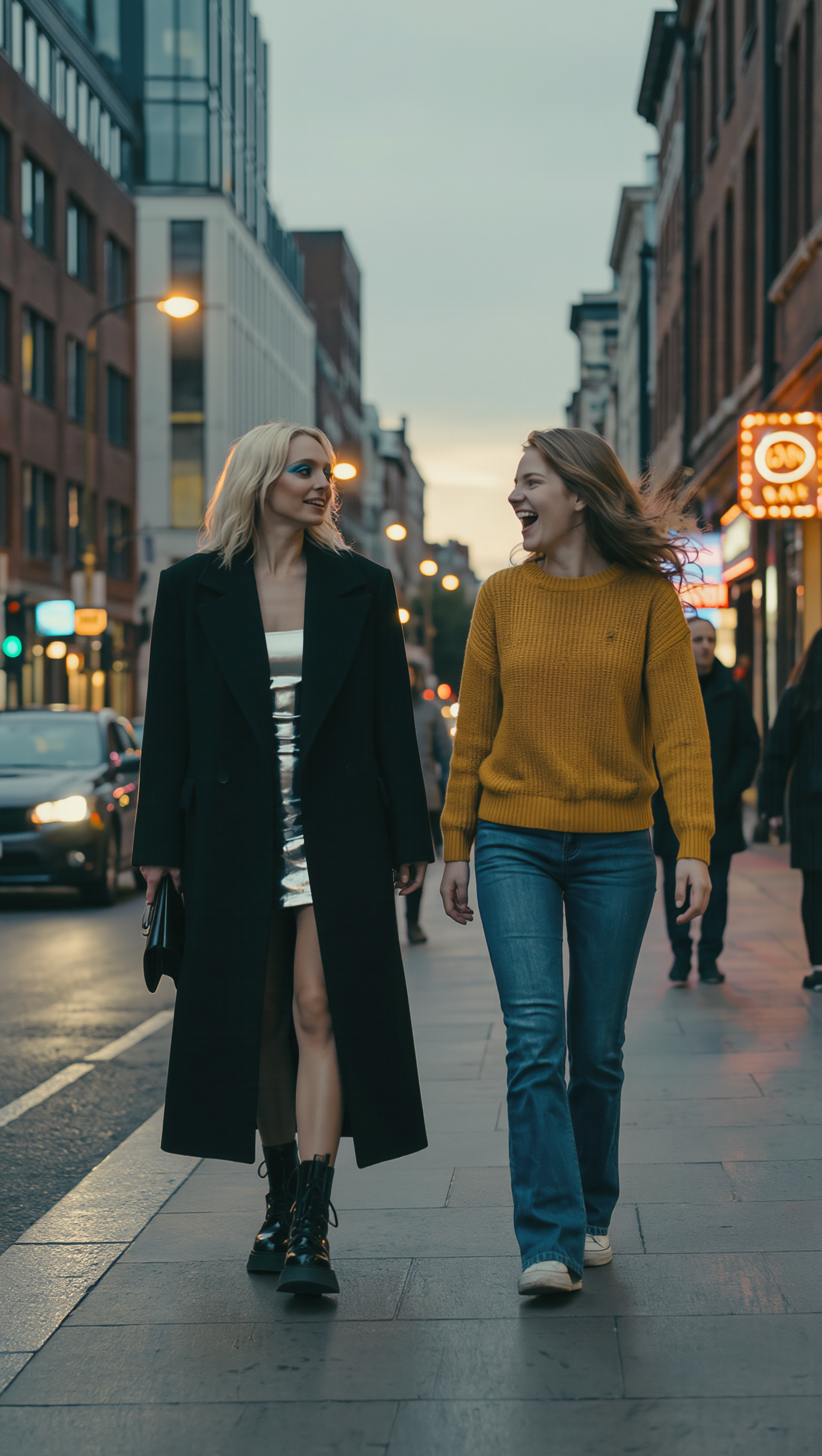
blurred motion photography - rhythm & surrealism

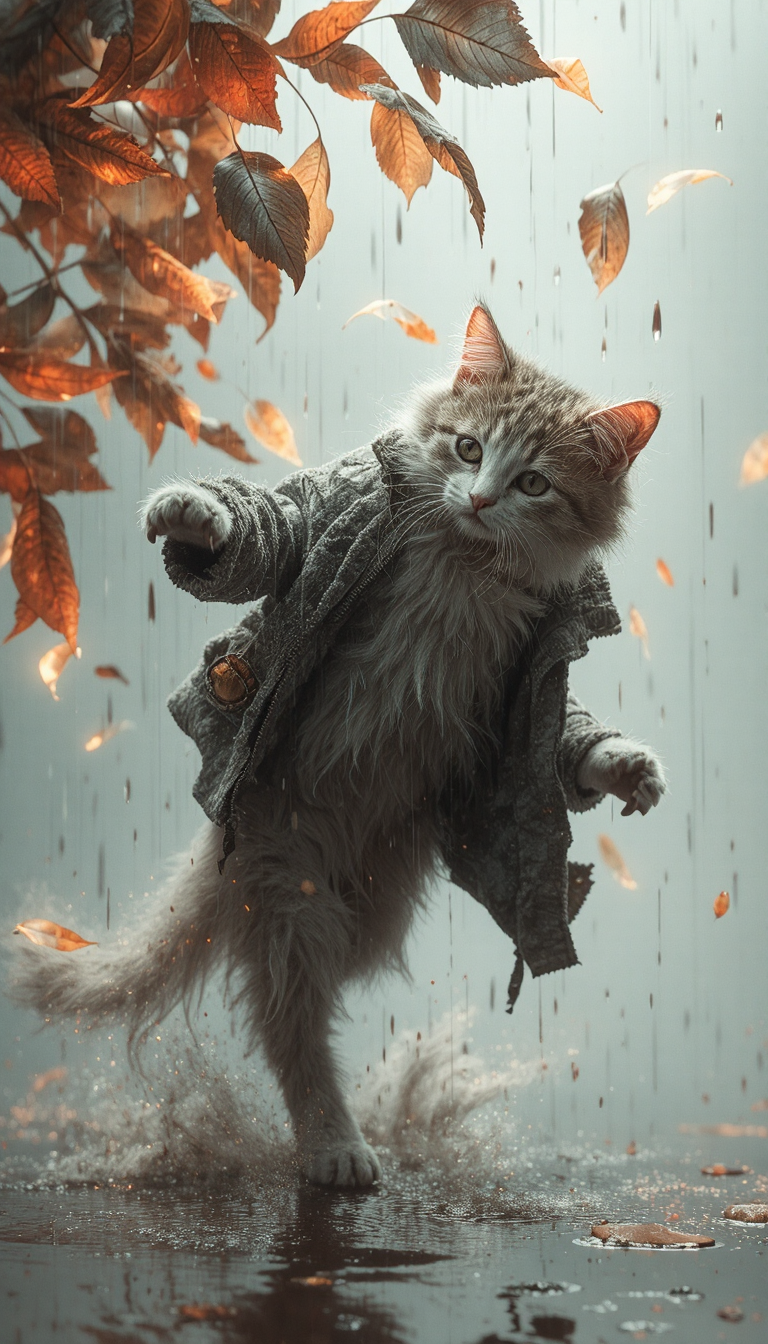
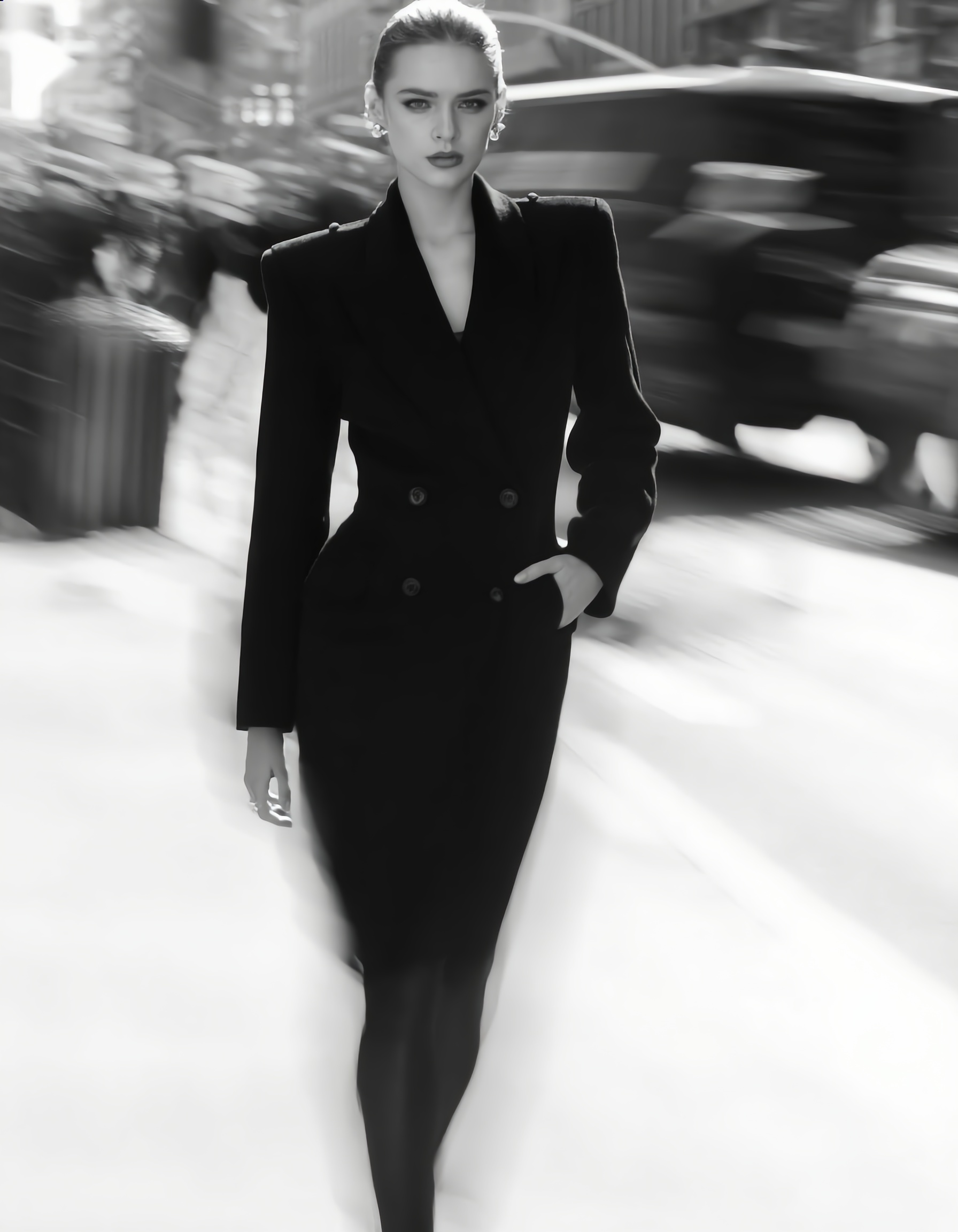
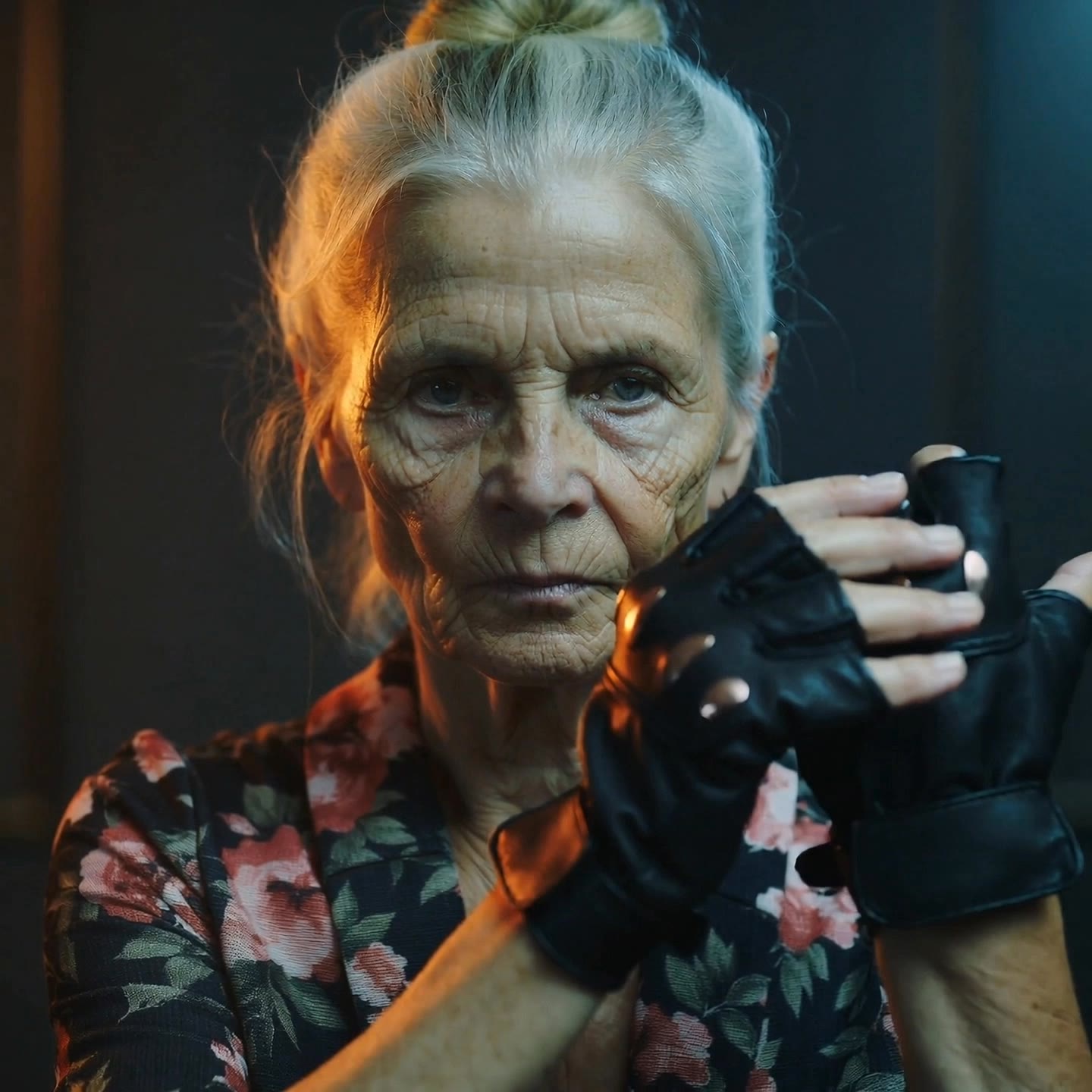
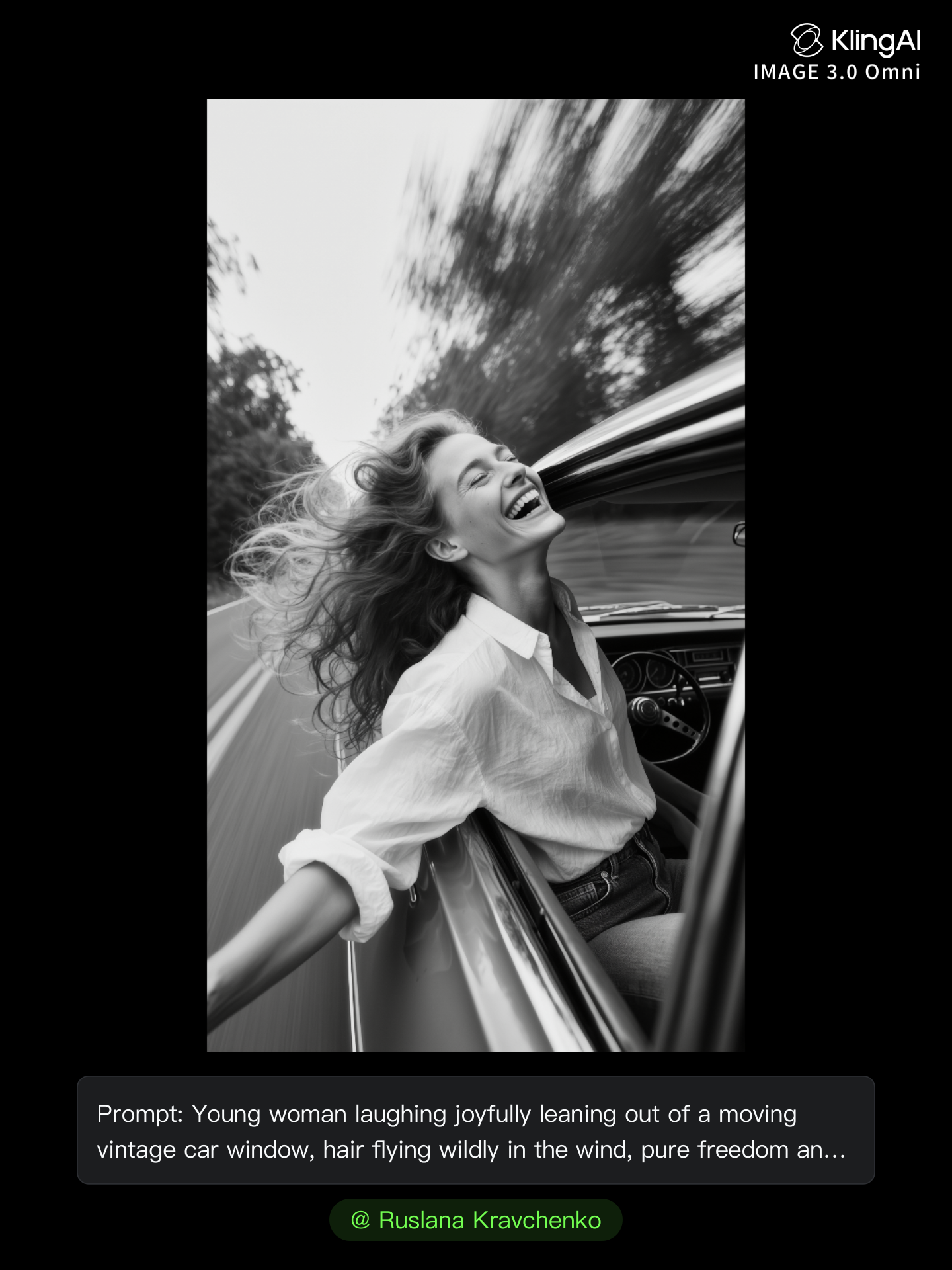
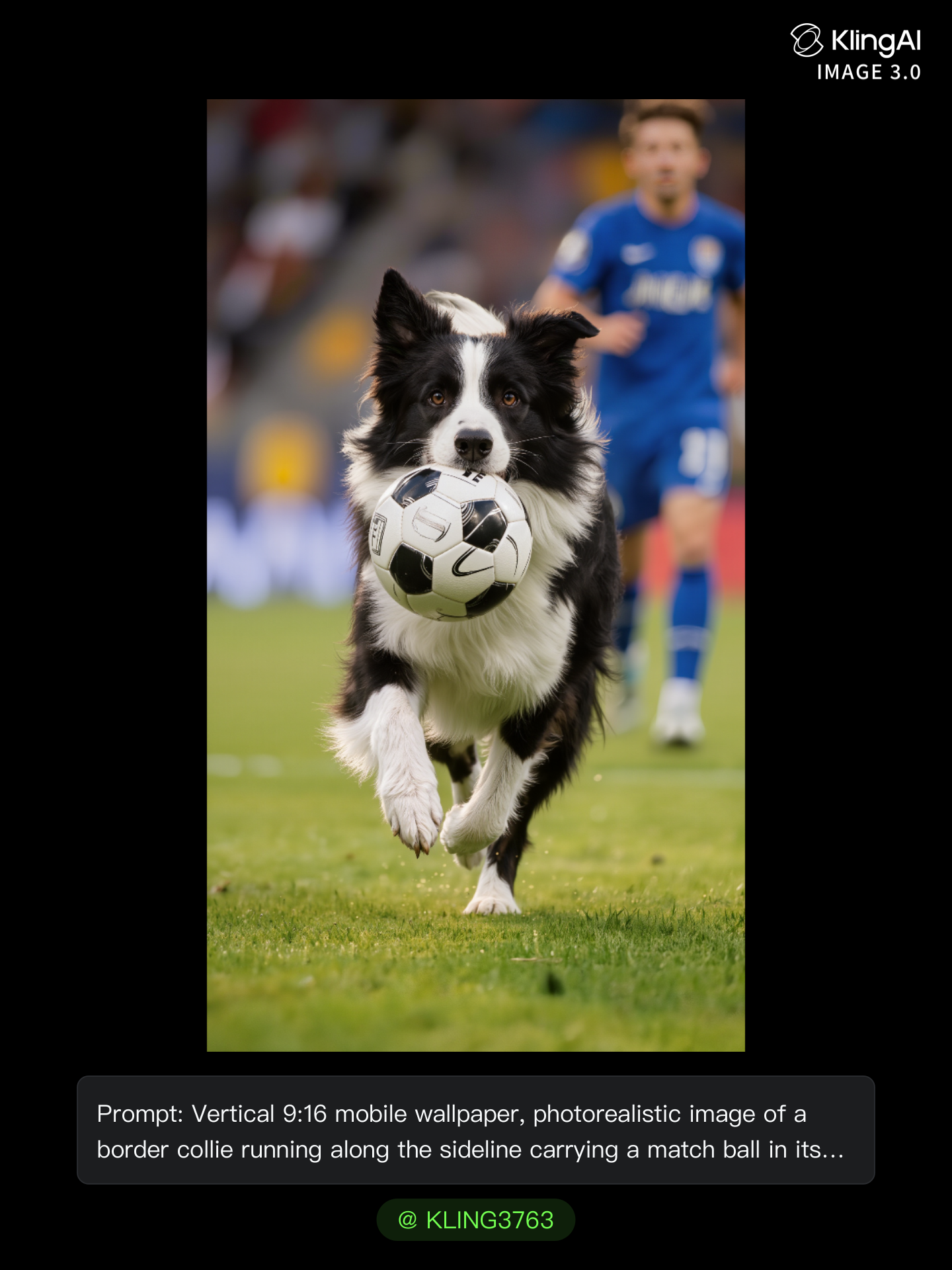
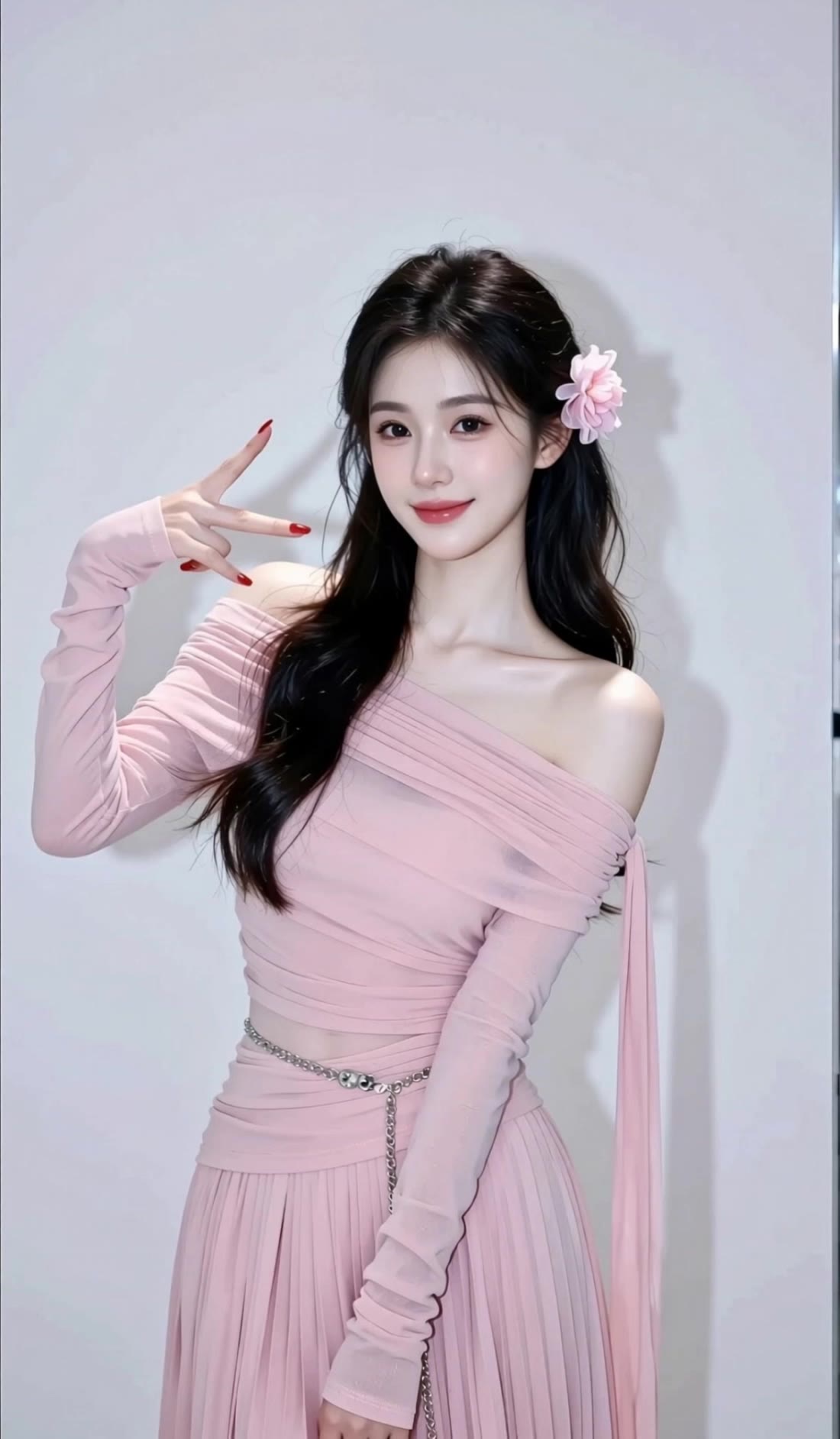
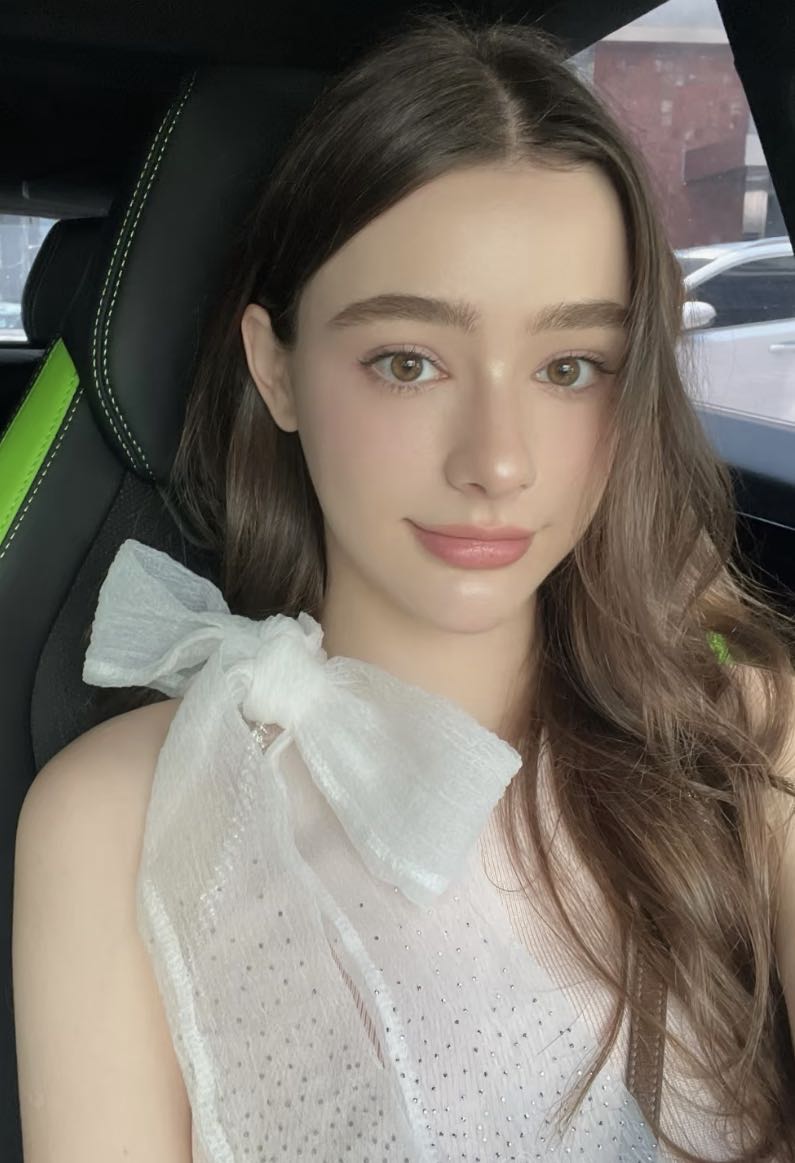
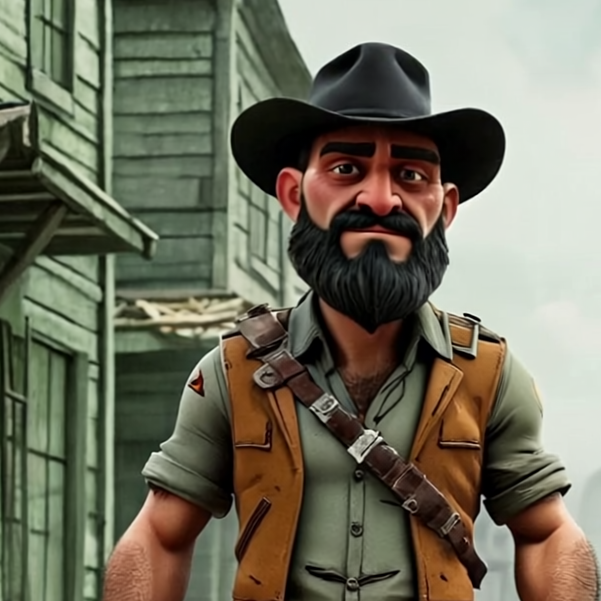
Unveil the artistry of blurred motion photography through captivating slow motion jumps and cinematic glides that transform everyday moments into storytelling masterpieces. Immerse in the dynamic contrast where stillness and movement converge, breathing life into fabric, faces, and fleeting gestures. Start exploring blurred motion photography ideas and generate your own content with AI.

blurred motion photography - rhythm & surrealism

Recommended

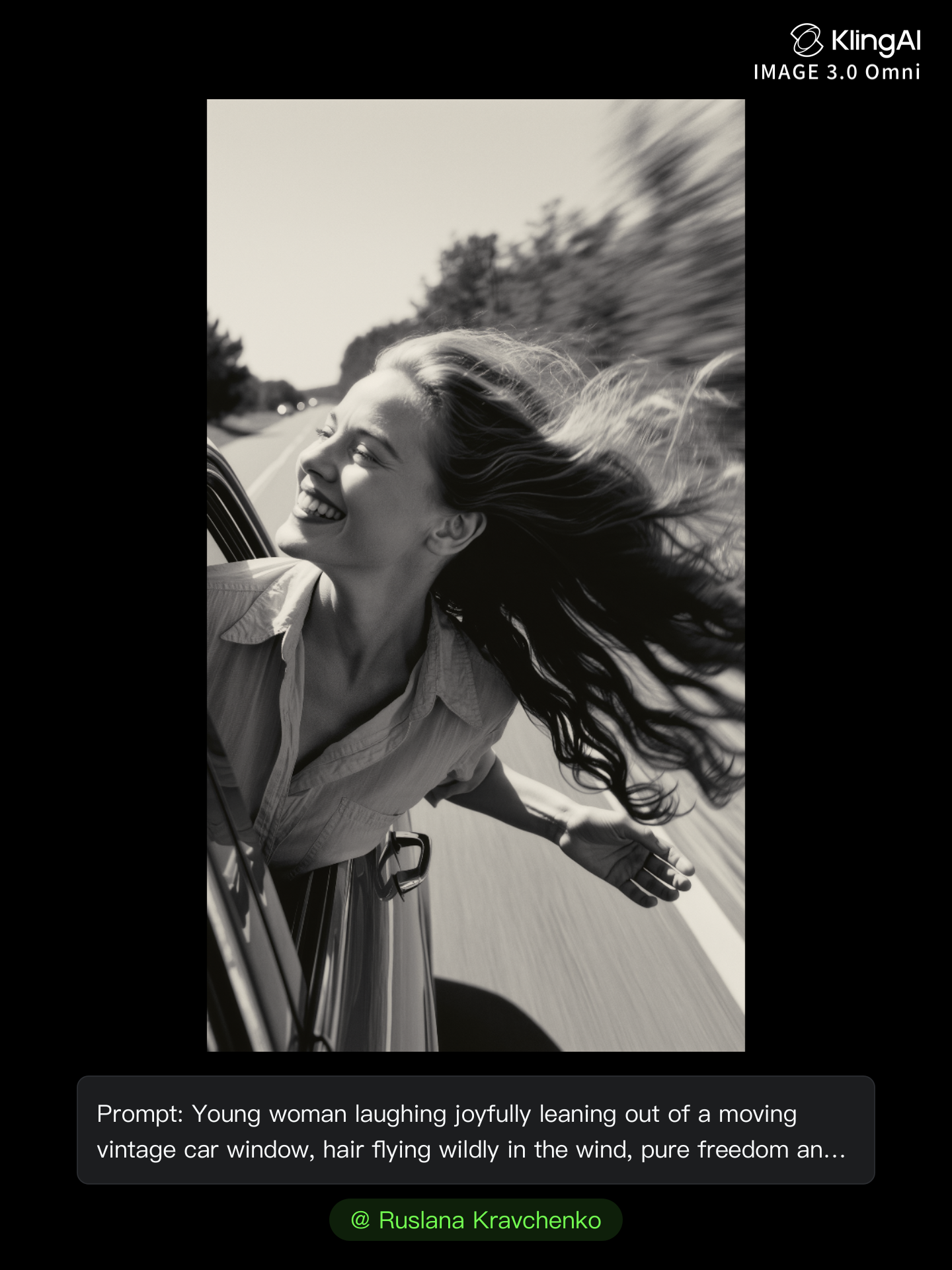
Kling AI work 312372197662278 - blurred motion photography AI image
Ruslana Kravchenko avatar
Ruslana Kravchenko
Elite Creator
Kling AI work 312372243667425 - blurred motion photography AI image
Ruslana Kravchenko avatar
Ruslana Kravchenko
Elite Creator
Kling AI work 312372122662757 - blurred motion photography AI image
Ruslana Kravchenko avatar
Ruslana Kravchenko
Elite Creator
Kling AI work 319899863666280 - blurred motion photography AI video
JaWAGmKW avatar
JaWAGmKW
Kling AI work 312372100664476 - blurred motion photography AI image
Ruslana Kravchenko avatar
Ruslana Kravchenko
Elite Creator
Kling AI work 315465150507924 - blurred motion photography AI video
ELLY & LECOS avatar
ELLY & LECOS
Men's portrait photography - blurred motion photography AI image
331.ヅ avatar
331.ヅ
Kling AI work 300400735526096 - blurred motion photography AI video
Jomo Man avatar
Jomo Man
Kling AI work 317846697525400 - blurred motion photography AI video
dYTHSQmp avatar
dYTHSQmp
Kling AI work 312372147506239 - blurred motion photography AI image
Ruslana Kravchenko avatar
Ruslana Kravchenko
Elite Creator
Kling AI work 312024851308028 - blurred motion photography AI video
bvBqywzi avatar
bvBqywzi
Kling AI work 308725225665309 - blurred motion photography AI video
hwAIIyOy avatar
hwAIIyOy
Kling AI work 312372077610883 - blurred motion photography AI image
Ruslana Kravchenko avatar
Ruslana Kravchenko
Elite Creator
Kling AI work 312372221500404 - blurred motion photography AI image
Ruslana Kravchenko avatar
Ruslana Kravchenko
Elite Creator
Kling AI work 296511943508069 - blurred motion photography AI video
Snowy avatar
Snowy
Kling AI work 311184966504933 - blurred motion photography AI image
AI_da_ELENA avatar
AI_da_ELENA
Elite Creator
Kling AI work 312372172500972 - blurred motion photography AI image
Ruslana Kravchenko avatar
Ruslana Kravchenko
Elite Creator
Kling AI work 295653839525781 - blurred motion photography AI video
Snowy avatar
Snowy
Radiant Motion - blurred motion photography AI image
Tolich avatar
Tolich

How to Remove an Object from an Image with Kling

Step 1: Upload the Photo You Want to Clean Up

Step 1: Upload the Photo You Want to Clean Up

Upload the photo you want to edit. Start with a clear source image where the unwanted object and surrounding details are easy to distinguish.

Step 2: Describe What You Want to Remove

Step 2: Describe What You Want to Remove

Tell Kling IMAGE 3.0 which object, person, text, or other element you want to remove. Add details such as its position, appearance, or nearby context when the image contains similar elements, and specify what should stay unchanged around the edit.

Step 3: Generate Your Cleaned Image

Step 3: Generate Your Cleaned Image

Choose your preferred image ratio and output quality, then generate your edited image. Select up to 2K resolution for clearer, higher-resolution output.

Create Voices That Match Your Characters

Generate Character Voices Directly with the Video

Generate Character Voices Directly with the Video

Write the dialogue into your video prompt and let Kling generate the spoken performance together with the scene. Because voice, facial performance, mouth movement, visuals, ambience, and supporting sound are created in the same workflow, the dialogue feels connected to what the character is doing on screen rather than added as a separate layer afterward.

Create Dialogue Across Languages and Accents

Create Dialogue Across Languages and Accents

Create character voices in multiple languages, including English, Chinese, Japanese, Korean, and Spanish. You can also customize accents, dialects, and speaking styles to make characters sound more authentic for different regions, cultures, and story settings.

Keep a Character's Voice Consistent Across Scenes

Keep a Character's Voice Consistent Across Scenes

For recurring characters, Kling VIDEO 3.0 Omni lets you add voice to reusable Character Elements. A character can carry both recognizable visual traits and a connected voice into supported future generations. This makes it easier to build recurring presenters, fictional characters, or story leads that not only look familiar across scenes, but also keep a more consistent vocal identity.

Apps

Image to Video
Image to Video

Image to Video

Text to Video
Text to Video

Text to Video

Omni
Omni

Omni

Digital Human
Digital Human

Digital Human

Restyle
Restyle

Restyle

Text to Image
Text to Image

Text to Image

60M+
60M+
Users
600M+
600M+
AI Videos Generated
4.7 ★
4.7 ★
App Store
Industry-Leading
Industry-Leading
Cinematic 4K

Reviews

KakuDrop

KakuDrop

★★★★★

I have successfully collaborated with world-renowned artists and well-known companies that are recognized globally

Vincent Smadja

Vincent Smadja

★★★★★

Kling AI seamlessly integrates into my creative workflow, playing a key role in transforming my images. After generating and upscaling an image, Kling becomes a crucial element, bringing my creations to life with movement and depth.

James Phillips

James Phillips

★★★★★

Kling AI has transformed my workflow by collapsing timelines and democratizing production. It’s shifted my mindset from resource-dependent filmmaking to a boundless creative sandbox, where experimentation yields unexpected beauty.

FAQ

Q1How Can I Choose or Create an Avatar in Kling AI?
Q2Which Languages Does Kling AI Avatar Support?
Q3How Is an AI Avatar Generator Different From an Avatar Maker?

Make Every Scene Speak

Turn your script into a video with native dialogue and sound for multi-character conversations, multilingual scenes, and more.

Native audio | Multi-Character Coreference | Multilingual Content Generation