Creative Studio
API
Resources
Features
About Us
Download

Brain Try On – AI Image Inspirations

Get AI-generated brain try-on ideas. Easily explore and adapt these concepts to your needs with AI help.

Brain Try On – AI Image Inspirations

Recommended

Kling AI work 898742156884971614 - brain try on AI video
00:09
@djdietpepsi@IG avatar
@djdietpepsi@IG
Kling AI work 319451203663651 - brain try on AI video
vrGFkfUR avatar
vrGFkfUR
Amazing work of the brain. - brain try on AI video
ffeeCo avatar
ffeeCo
Kling AI work 870682642554294317 - brain try on AI video
00:19
YMnkTtQr avatar
YMnkTtQr
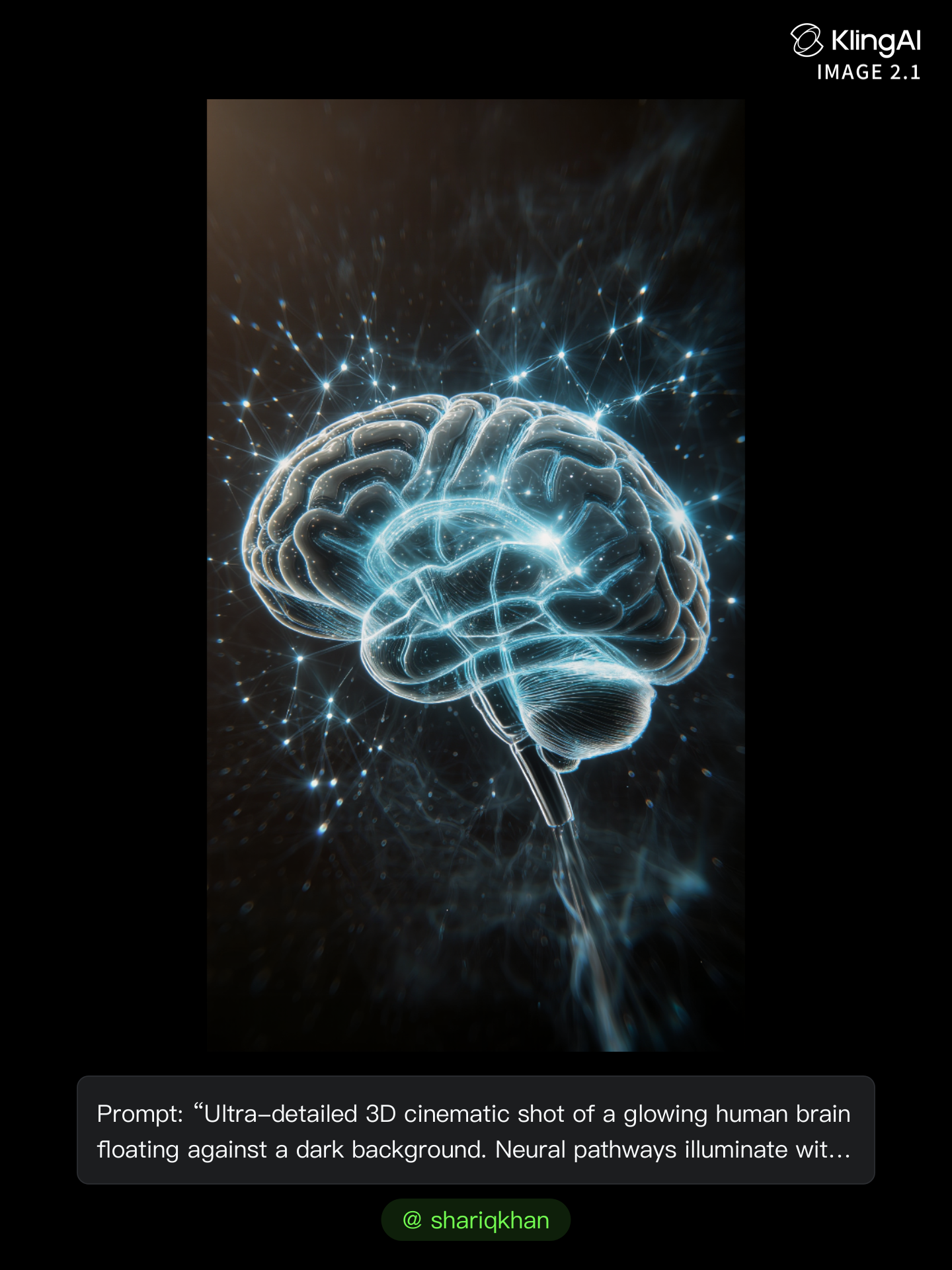
Kling AI work 296947396612515 - brain try on AI image
shariqkhan avatar
shariqkhan
Kling AI work 296607133610461 - brain try on AI image
uLSEMUYB avatar
uLSEMUYB
Kling AI work 298279755504613 - brain try on AI video
Ziod avatar
Ziod
Brain CG FX - brain try on AI video
KLING3063 avatar
KLING3063
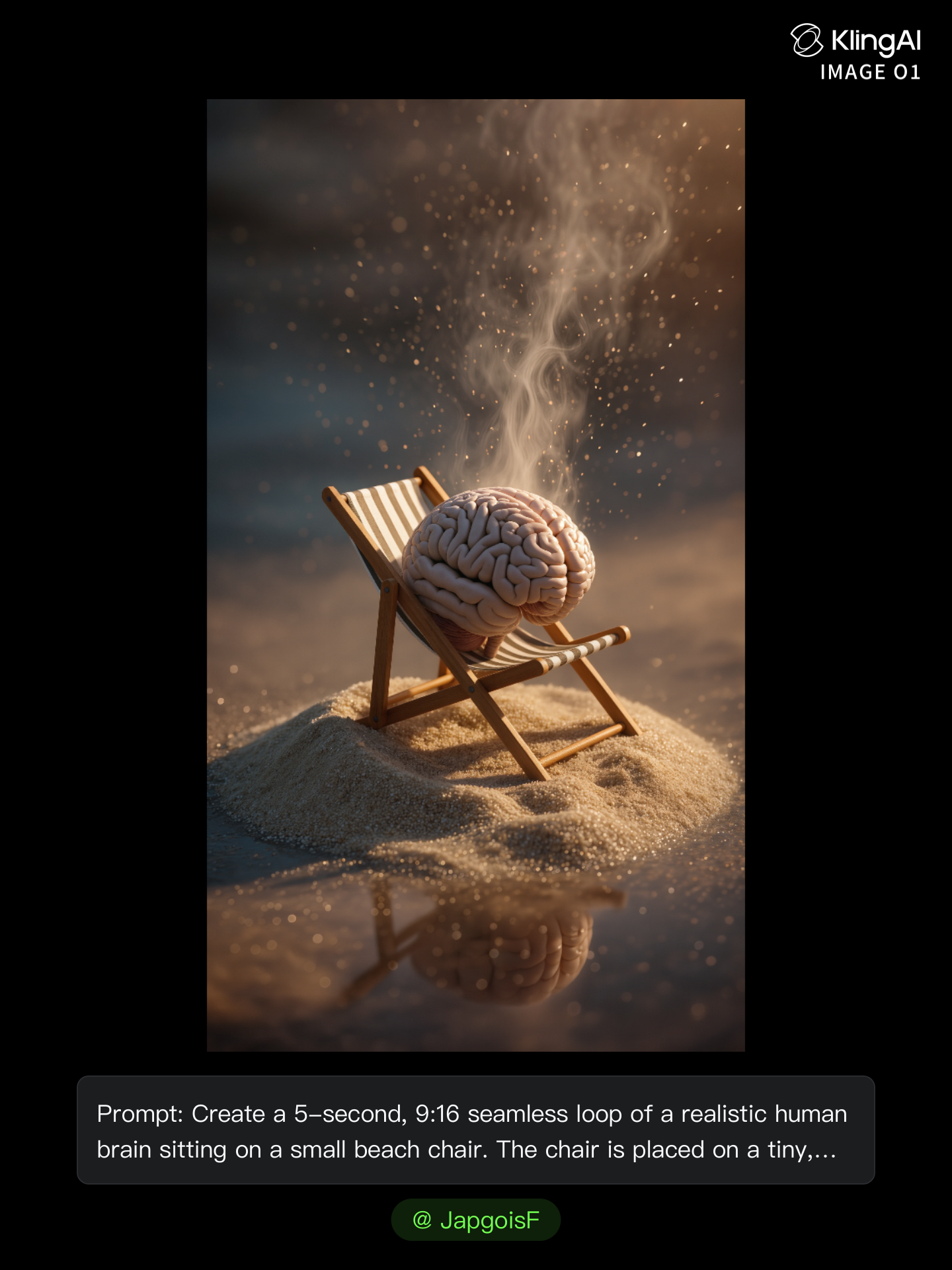
Kling AI work 297463489660350 - brain try on AI image
JapgoisF avatar
JapgoisF
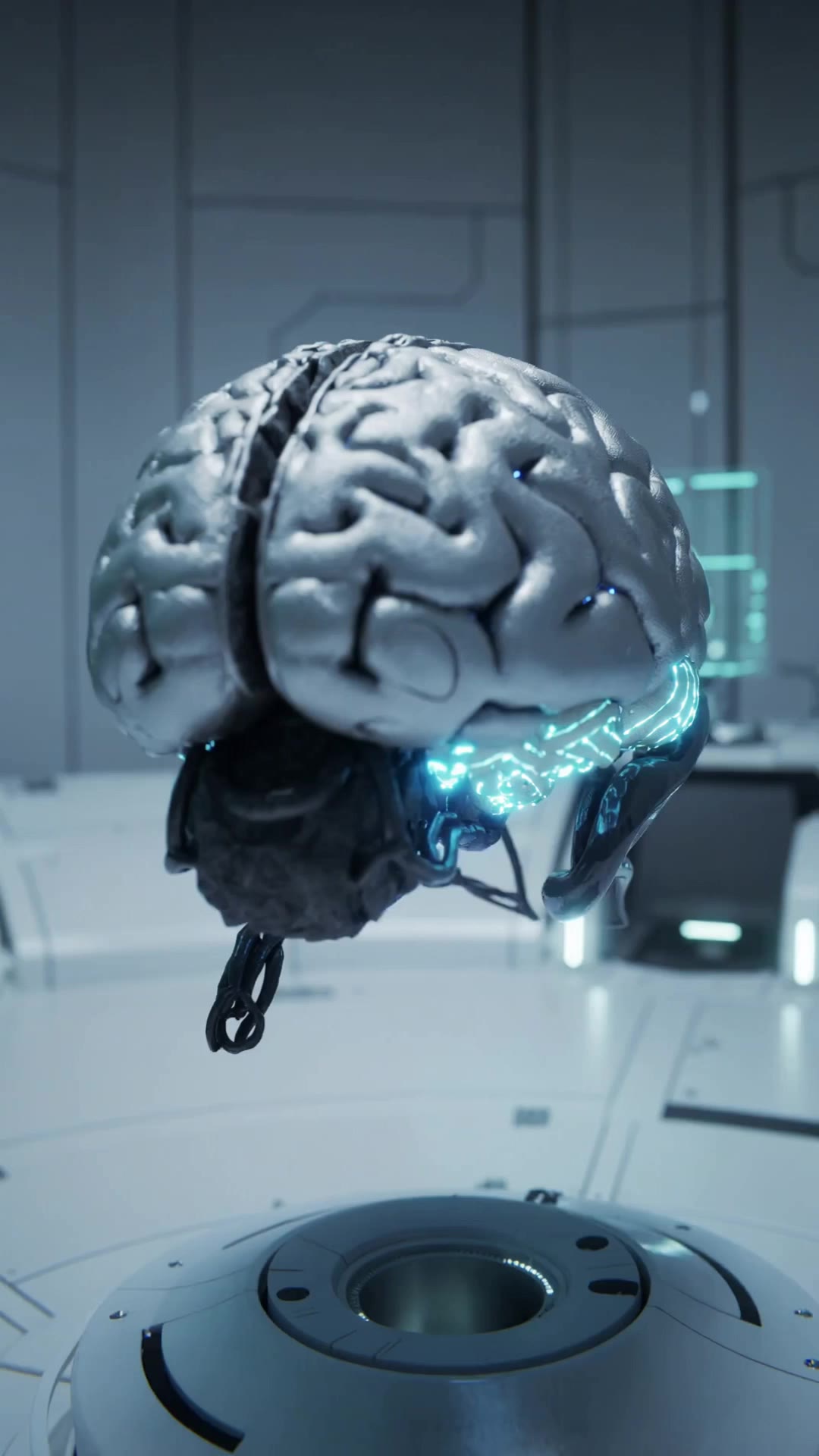
Hi tech Human Brain - brain try on AI video
Bagus avatar
Bagus
Kundalini vs Science  - brain try on AI video
I Am Frequency avatar
I Am Frequency
Kling AI work 314096397611628 - brain try on AI image
tseiwsXb avatar
tseiwsXb
Brain - brain try on AI video
ISOLDA8502 avatar
ISOLDA8502
Brain waves - brain try on AI video
00:24
xzJgbvoV avatar
xzJgbvoV
signal traveling rapidly - brain try on AI video
Ghiuri avatar
Ghiuri
“Brain During Exercise” 3D Anima - brain try on AI video
pVIIelBH avatar
pVIIelBH
Brain work - brain try on AI image
nhZxrrMS avatar
nhZxrrMS
Kling AI work 314564817612937 - brain try on AI video
trmWdvTE avatar
trmWdvTE
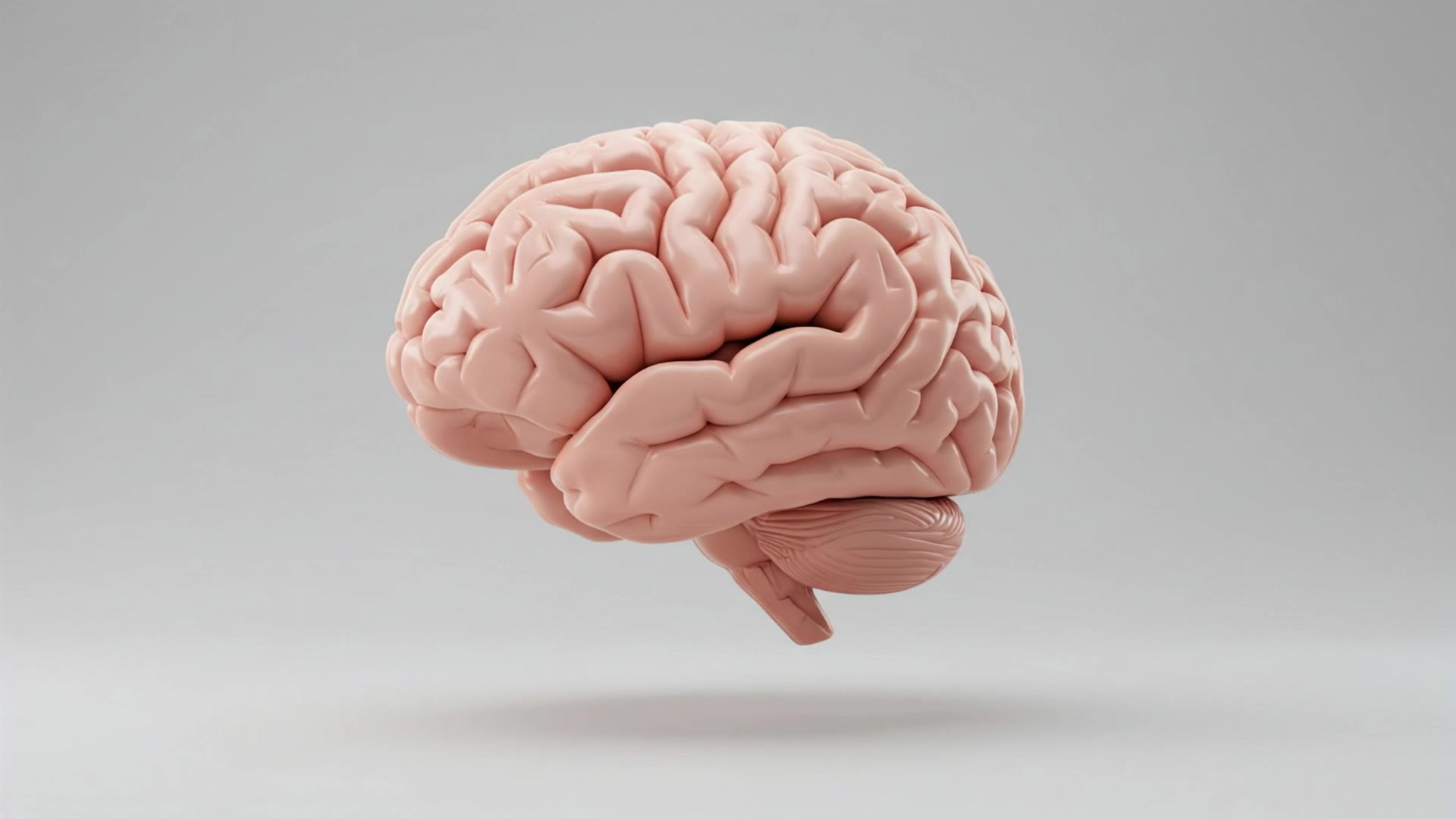
Human brain - brain try on AI video
Daria Khotuleva avatar
Daria Khotuleva

How to Create Cinematic AI Videos with Kling

Upload or Describe Your Vision

Upload or Describe Your Vision

Start by uploading a reference photo or entering a text prompt to define your character, style, and scene.

Adjust Settings & Motion

Adjust Settings & Motion

Refine your video by locking character consistency, adjusting motion intensity, or adding native AI audio and lip-sync.

Generate & Export in 4K

Generate & Export in 4K

Click generate to produce your high-fidelity video. Preview the results and export your masterpiece in stunning 4K resolution.

Remove Watermarks Without Rebuilding the Whole Image

Remove Watermarks with a Simple Prompt

Remove Watermarks with a Simple Prompt

Kling AI makes watermark removal easier with intuitive text-based editing. Simply describe what you want to remove, such as a watermark, logo, or unwanted text, and Kling IMAGE 3.0 analyzes your instructions to create a cleaner image. No complex editing skills are required, making professional-quality image cleanup accessible to everyone.

Keep the Original Look Familiar

Keep the Original Look Familiar

A small cleanup should not require changing the whole image. Kling IMAGE 3.0 supports localized editing while helping preserve surrounding style, lighting, texture, and composition. This makes it easier to remove a distracting mark while keeping the rest of the image close to the source.

Select the Area Yourself with the Eraser Pen

Select the Area Yourself with the Eraser Pen

When the unwanted mark is easy to identify visually, use Kling AI's separate Removel tool to mark the area directly. It gives you another way to start the cleanup when selecting the target yourself feels more straightforward than describing the edit in a prompt.

Apps

Image to Video
Image to Video

Image to Video

Text to Video
Text to Video

Text to Video

Omni
Omni

Omni

Digital Human
Digital Human

Digital Human

Restyle
Restyle

Restyle

Text to Image
Text to Image

Text to Image

60M+
60M+
Users
600M+
600M+
AI Videos Generated
4.7 ★
4.7 ★
App Store
Industry-Leading
Industry-Leading
Cinematic 4K

Reviews

James Phillips

James Phillips

★★★★★

Kling AI has transformed my workflow by collapsing timelines and democratizing production. It’s shifted my mindset from resource-dependent filmmaking to a boundless creative sandbox, where experimentation yields unexpected beauty.

Ozan Sihay

Ozan Sihay

★★★★★

Kling AI allows me to rapidly prototype ideas, refine storytelling elements, and produce visually compelling content efficiently. It has not only accelerated my creative processes, but also deepened my understanding of how AI can enrich visual storytelling.

PJ Ace

PJ Ace

★★★★★

Kling AI has made it easy for us to generate world class visuals for Fortune 500 companies, TV shows and music for big artists. We love the easy of use of the platform and the quality of the generations. My first time using Kling AI, I got 22 million views on just one video. It's that good.

FAQ

Q1What is the difference between a background remover and a background changer?
Q2Can Kling AI remove or change a video background?
Q3Can I remove the background from a logo?

Keep the Shot. Change the Background.

Remove the background you do not want or move existing footage into a new scene - without rebuilding the shot frame by frame.