Creative Studio
API
Resources
Features
About Us
Download

AI-generated butterfly lipsync ideas – Explore creative concepts

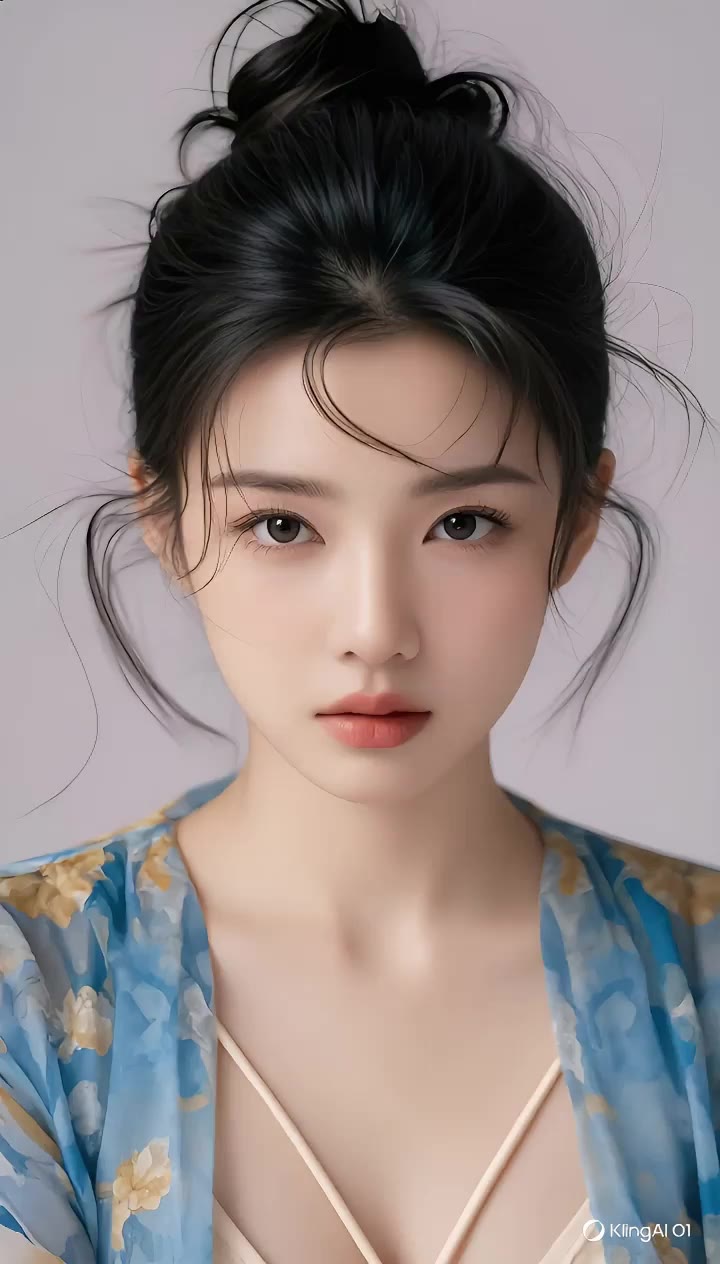
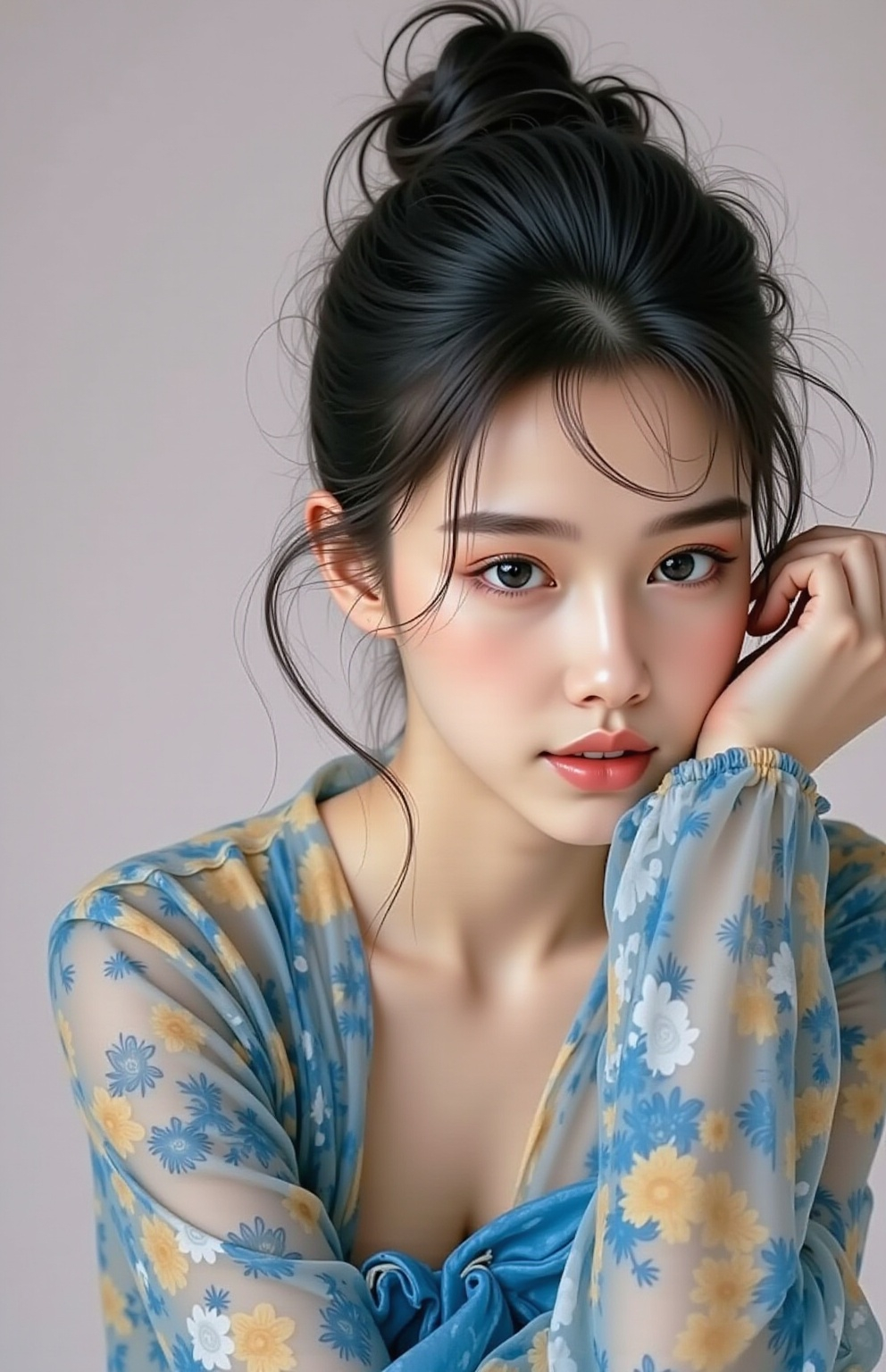
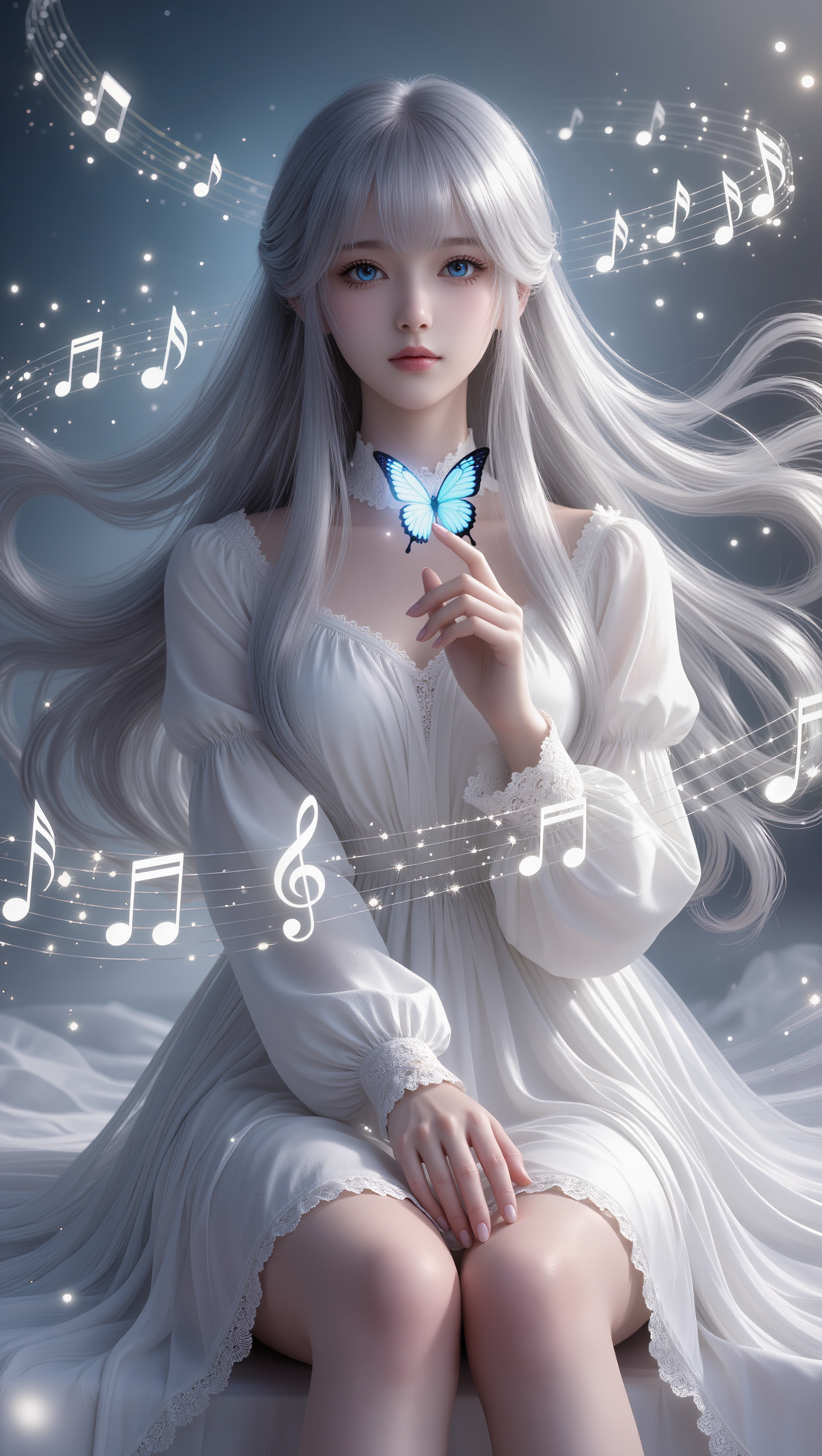
Butterfly lipsync ideas created with AI. Explore creative and customizable concepts that can be adapted to your needs. AI helps you quickly explore different themes and styles.

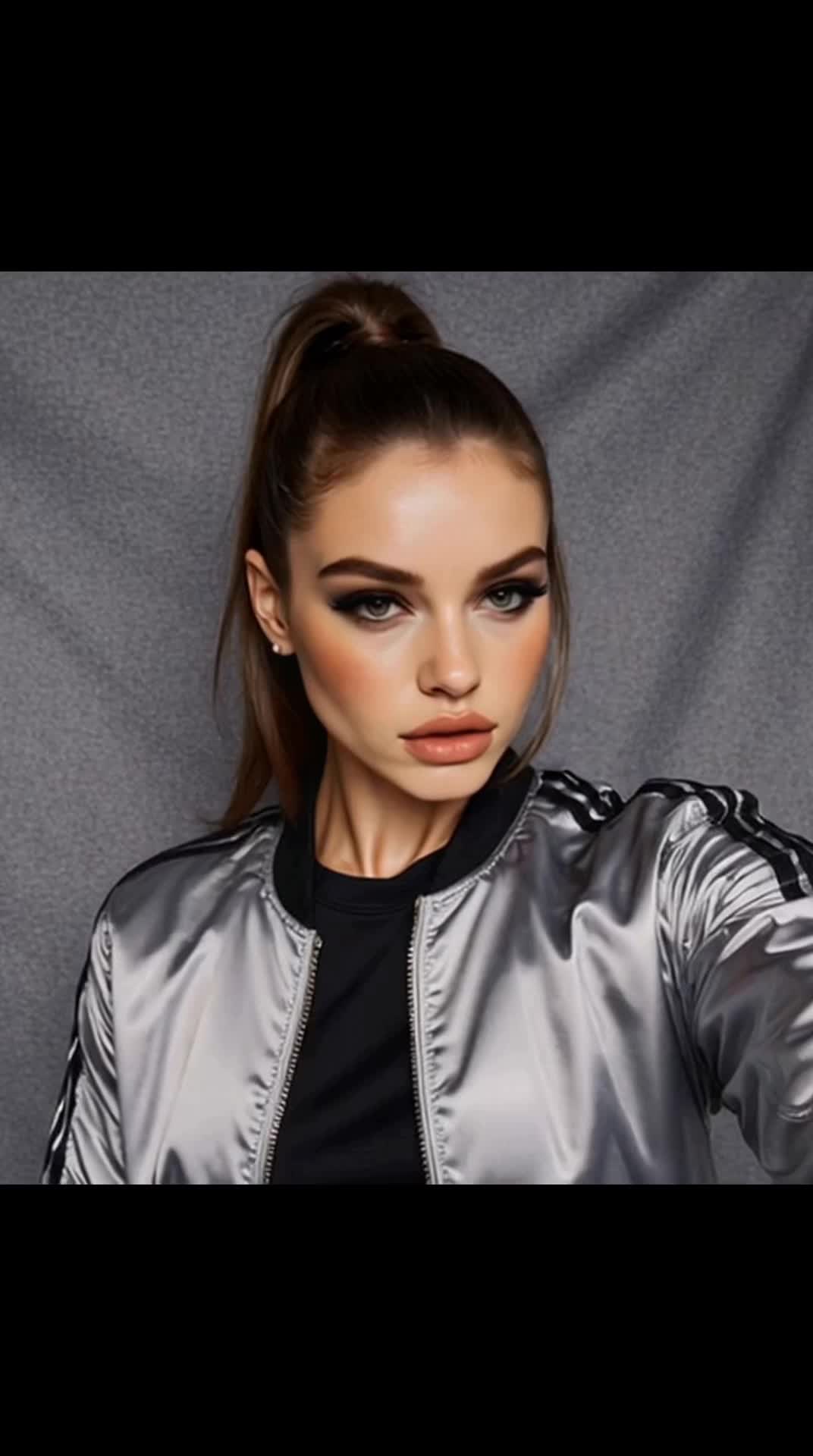
AI-generated butterfly lipsync ideas – Explore creative concepts

Recommended

Butterfly Queen’s Whisper - butterfly lipsync AI video
KLING6928 avatar
KLING6928
lipsync testing video - butterfly lipsync AI video
XhIrTsLo avatar
XhIrTsLo
Bailey & Felix Meet a Butterfly  - butterfly lipsync AI video
BaileyFelixAdventure avatar
BaileyFelixAdventure
text for lip-sync in Greece - butterfly lipsync AI video
IoannisP_GR avatar
IoannisP_GR
Butterfly Queen’s Whisper - butterfly lipsync AI video
KLING6928 avatar
KLING6928
Testing the lip-sync function - butterfly lipsync AI video
00:24
Tatiana avatar
Tatiana
lipsync testing with russian - butterfly lipsync AI video
XhIrTsLo avatar
XhIrTsLo
Kling AI work 313685208661559 - butterfly lipsync AI video
RedPandaVX avatar
RedPandaVX
Elite Creator
Kling AI work 314606914660849 - butterfly lipsync AI video
GBtMCDvN avatar
GBtMCDvN
Dance video and lipsync - butterfly lipsync AI video
VJZxNcoa avatar
VJZxNcoa
Kling AI work 316603354665963 - butterfly lipsync AI video
YBhikbtq avatar
YBhikbtq
Kling AI work 313685863614930 - butterfly lipsync AI video
RedPandaVX avatar
RedPandaVX
Elite Creator
Butterfly princess - butterfly lipsync AI video
SnakepiT avatar
SnakepiT
Elite Creator
Avatar AI Lipsync Luna - butterfly lipsync AI video
Tu Casa Express avatar
Tu Casa Express
Butterfly - butterfly lipsync AI video
00:04
helenelepage avatar
helenelepage
Kling AI work 313685949662015 - butterfly lipsync AI video
RedPandaVX avatar
RedPandaVX
Elite Creator
Kling AI work 319158379663544 - butterfly lipsync AI video
EsPAhfFI avatar
EsPAhfFI
Kling AI work 307132841661156 - butterfly lipsync AI image
BunnyLOVE Studios avatar
BunnyLOVE Studios
Kling AI work 314025682527012 - butterfly lipsync AI image
nAhYJkKb avatar
nAhYJkKb

How to Create AI Backgrounds in High-Quality

Start with Your Photo

Start with Your Photo

Upload the person, product, or image you want to work with. If you already have a location, mood, composition, or visual style in mind, add reference images to give Kling AI a clearer direction.

Describe the New Scene

Describe the New Scene

Describe what you want behind the subject and what should stay familiar. You might ask for a clean studio, a sunlit kitchen, a city rooftop, or something more imaginative. If you are using references, explain which parts of them you want to follow.

Generate a High-Quality Background

Generate a High-Quality Background

Choose your preferred aspect ratio and output resolution, then generate the image. Kling IMAGE 3.0 supports output up to 2K. For higher-resolution native 4K output, use Kling IMAGE 3.0 Omni.

From Clean Cutouts to Completely New Backgrounds

Clean Cutouts, Ready to Use

Clean Cutouts, Ready to Use

Clear away a distracting background without tracing around the subject by hand. Create transparent product shots, portraits, logos, and graphics for listings, profile images, presentations, and design work. When you need a higher-resolution de-priming effect, IMAGE 3.0 Omni also supports 2K and 4K output.

Go Straight to the Background You Want

Go Straight to the Background You Want

Already know what belongs behind the subject? Skip the extra editing and go straight to the final look. Describe a new setting or add a reference image to guide it, whether you're refreshing a product shot, portrait, social graphic, or campaign visual.

Refresh Video Footage Without Reshooting

Refresh Video Footage Without Reshooting

Keep the clip you already have and change the setting around it. With VIDEO 3.0 Omni, use a prompt or reference image to update backgrounds for ads, product videos, presenter clips, and social content—without another shoot or a green screen.

Apps

Image to Video
Image to Video

Image to Video

Text to Video
Text to Video

Text to Video

Omni
Omni

Omni

Digital Human
Digital Human

Digital Human

Restyle
Restyle

Restyle

Text to Image
Text to Image

Text to Image

60M+
60M+
Users
600M+
600M+
AI Videos Generated
4.7 ★
4.7 ★
App Store
Industry-Leading
Industry-Leading
Cinematic 4K

Reviews

Maria Rubtsova

Maria Rubtsova

★★★★★

I’m Maria Rubtsova, an AIGC digital artist passionate about creating stunning visuals in the worlds of fashion, aesthetics, and fantasy. I use KlingAi to bring imagination to life through video. My work is all about exploring beauty, emotion, and the limitless possibilities of digital art.

Vincent Smadja

Vincent Smadja

★★★★★

Kling AI seamlessly integrates into my creative workflow, playing a key role in transforming my images. After generating and upscaling an image, Kling becomes a crucial element, bringing my creations to life with movement and depth.

Ozan Sihay

Ozan Sihay

★★★★★

Kling AI allows me to rapidly prototype ideas, refine storytelling elements, and produce visually compelling content efficiently. It has not only accelerated my creative processes, but also deepened my understanding of how AI can enrich visual storytelling.

FAQ

Q1Does Video 3.0 support multiple characters speaking?
Q2Is it suitable for product demo videos?
Q3Can I use this for global AI video marketing?

Turn Text into Cinematic Videos

Create 4K videos with native audio and consistent characters from a single prompt.

Free tier available | Watermark-free membership | HD to 4K export | Fast generation