Creative Studio
API
Resources
Features
About Us
Download

Cafe Album Cover Ideas – AI Image Concepts

Find cafe-themed album cover designs generated by AI. Quickly explore and customize these AI results for your music.

Cafe Album Cover Ideas – AI Image Concepts

Recommended

Kling AI work 317891084524442 - cafe album cover AI image
MYgGSPgY avatar
MYgGSPgY
Kling AI work 308573302534677 - cafe album cover AI image
LKvAFOQC avatar
LKvAFOQC
Kling AI work 317116425613278 - cafe album cover AI image
AAA avatar
AAA
Kling AI work 316676301503617 - cafe album cover AI image
MYgGSPgY avatar
MYgGSPgY
NEVER✝️FOLD - cafe album cover AI image
PLUS✝️MORE avatar
PLUS✝️MORE
Kling AI work 313474354526428 - cafe album cover AI image
gFvZdHox avatar
gFvZdHox
Kling AI work 315975660664021 - cafe album cover AI image
MYgGSPgY avatar
MYgGSPgY
Kling AI work 314506553527718 - cafe album cover AI image
eDqRvrch avatar
eDqRvrch
Motion Album Art Cover - cafe album cover AI video
00:05
REhRjNJv avatar
REhRjNJv
Kling AI work 313511683610752 - cafe album cover AI video
kgKUTCuV avatar
kgKUTCuV
NEVER ✝️GIVE💟UP.  - cafe album cover AI image
PLUS✝️MORE avatar
PLUS✝️MORE
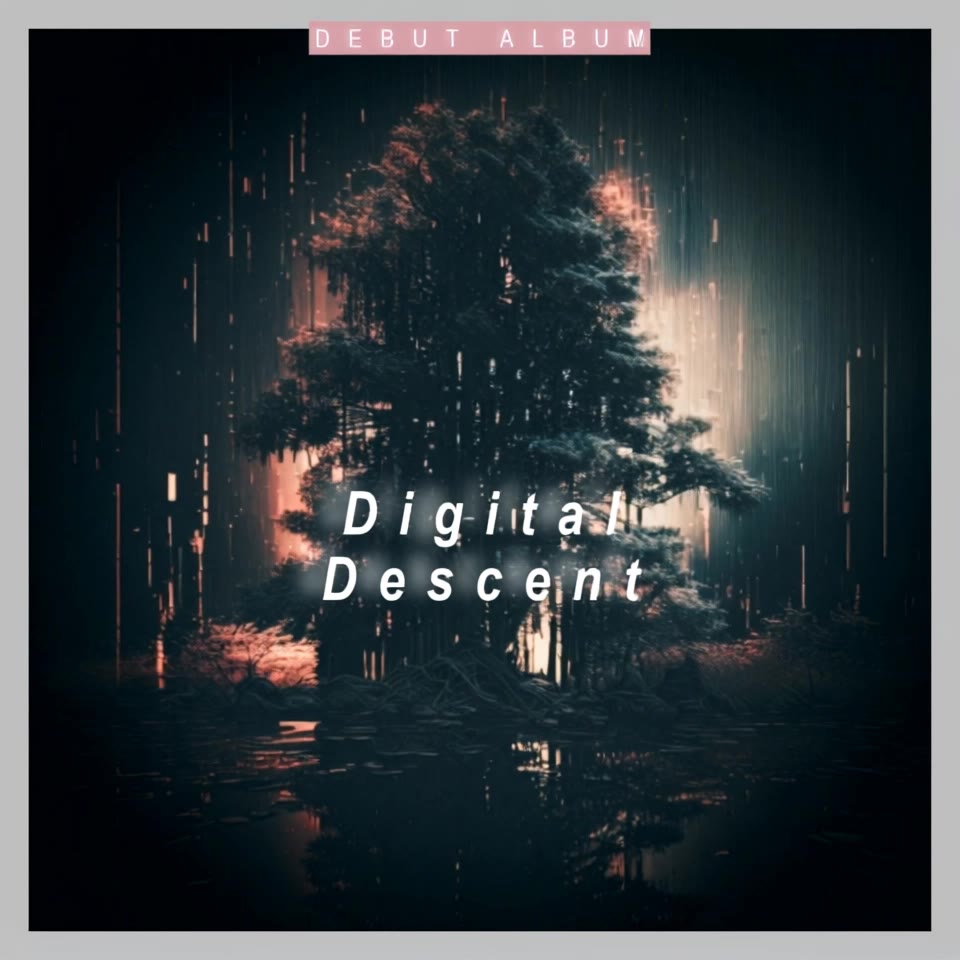
Digital Descent - cafe album cover AI video
ECreativeMusic8 avatar
ECreativeMusic8
Kling AI work 313587475663557 - cafe album cover AI image
kirSnMUz avatar
kirSnMUz
Cafe original  - cafe album cover AI video
dRJCKKgN avatar
dRJCKKgN
Kling AI work 308026780611542 - cafe album cover AI video
Lord Luminous avatar
Lord Luminous
Kling AI work 299310682507181 - cafe album cover AI image
gwNoIvMP avatar
gwNoIvMP
Kling AI work 316174796525129 - cafe album cover AI image
MYgGSPgY avatar
MYgGSPgY

How to Remove an Object from an Image with Kling

Step 1: Upload the Photo You Want to Clean Up

Step 1: Upload the Photo You Want to Clean Up

Upload the photo you want to edit. Start with a clear source image where the unwanted object and surrounding details are easy to distinguish.

Step 2: Describe What You Want to Remove

Step 2: Describe What You Want to Remove

Tell Kling IMAGE 3.0 which object, person, text, or other element you want to remove. Add details such as its position, appearance, or nearby context when the image contains similar elements, and specify what should stay unchanged around the edit.

Step 3: Generate Your Cleaned Image

Step 3: Generate Your Cleaned Image

Choose your preferred image ratio and output quality, then generate your edited image. Select up to 2K resolution for clearer, higher-resolution output.

Edit the Parts That Matter

Change Subjects, Backgrounds, and Style

Change Subjects, Backgrounds, and Style

Keep what works and change what does not. Replace a character or product, update an outfit, remove a distraction, or move the action into a different setting. You can also change the weather, lighting, time of day, or overall look. With Kling VIDEO 3.0 Omni, you can start with a prompt and add a reference image when a face, product, or branded detail needs a closer match.

Reframe the Shot

Reframe the Shot

Keep the original action, then change how the moment is framed. Move in for a close-up, open to a wider view, shift the angle, or rebalance the composition around the subject. The source footage keeps the motion and scene context in place while your prompt sets the new framing.

Extend the Video

Extend the Video

Continue a clip beyond its current ending without building the next scene from scratch. Kling carries the subject, motion, and setting into the new footage; add a prompt when you want to steer what happens next. Use Video Extension when a clip ends too soon, an action needs more time, or the next beat is still missing.

Apps

Image to Video
Image to Video

Image to Video

Text to Video
Text to Video

Text to Video

Omni
Omni

Omni

Digital Human
Digital Human

Digital Human

Restyle
Restyle

Restyle

Text to Image
Text to Image

Text to Image

60M+
60M+
Users
600M+
600M+
AI Videos Generated
4.7 ★
4.7 ★
App Store
Industry-Leading
Industry-Leading
Cinematic 4K

Reviews

PJ Ace

PJ Ace

★★★★★

Kling AI has made it easy for us to generate world class visuals for Fortune 500 companies, TV shows and music for big artists. We love the easy of use of the platform and the quality of the generations. My first time using Kling AI, I got 22 million views on just one video. It's that good.

KakuDrop

KakuDrop

★★★★★

I have successfully collaborated with world-renowned artists and well-known companies that are recognized globally

Jyo John Mulloor

Jyo John Mulloor

★★★★★

Kling AI has been instrumental in transforming my creative workflow, unlocking new dimensions of artistic expression that were once unimaginable. I use Kling AI extensively to develop high-concept visuals, animate surreal dreamscapes, and create AI-assisted films that blur the line between reality and fantasy. Kling AI’s deep learning capabilities have not only enhanced my creative efficiency but also inspired me to explore storytelling in ways I never thought possible.

FAQ

Q1Can AI art be copyrighted?
Q2Can I use AI-generated art commercially?
Q3How does AI art work?

Make Every Scene Speak

Turn your script into a video with native dialogue and sound for multi-character conversations, multilingual scenes, and more.

Native audio | Multi-Character Coreference | Multilingual Content Generation