Creative Studio
API
Resources
Features
About Us
Download

Cafe Wallpaper – Kling AI Imagery

Explore AI-generated cafe wallpapers. Customize and use for your projects. Enjoy unique, AI-made cafe art.

Cafe Wallpaper – Kling AI Imagery

Recommended

Kling AI work 297156307524086 - cafe wallpaper AI image
ycvEcgrx avatar
ycvEcgrx
Vietname cafe - coffee - cafe wallpaper AI image
wWvLgard avatar
wWvLgard
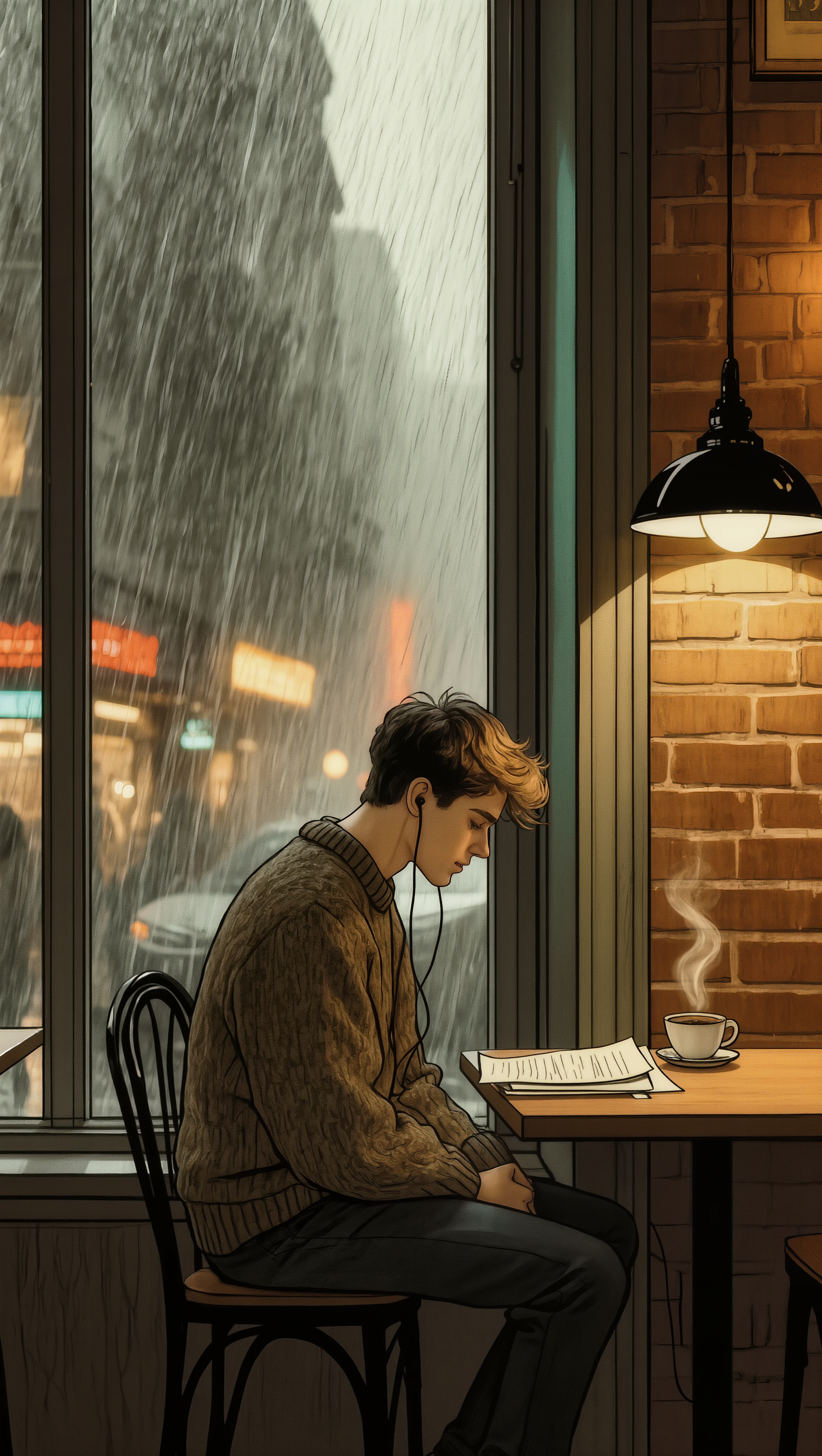
Rainy Cafe Solitude - cafe wallpaper AI image
KIGOLD89 avatar
KIGOLD89
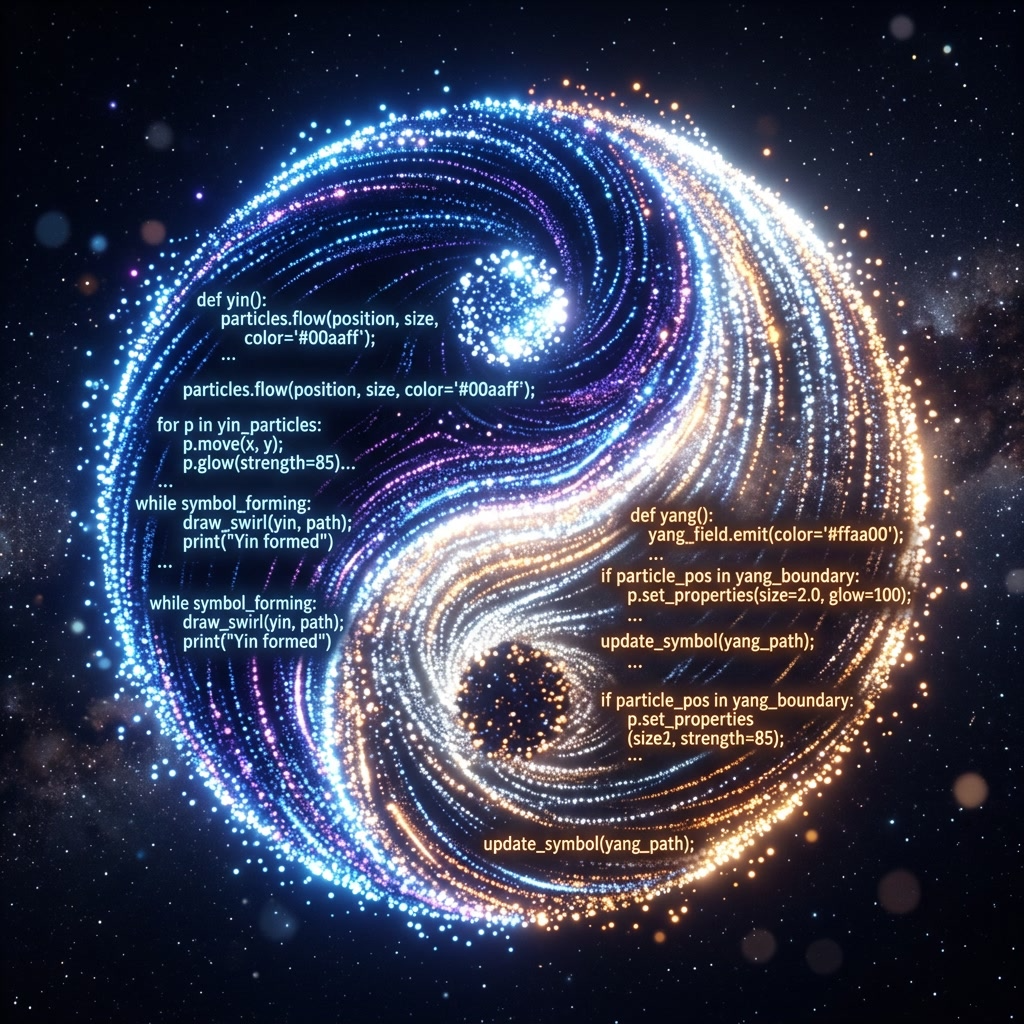
Futuristic cafe - cafe wallpaper AI image
LZtUdPab avatar
LZtUdPab
Friends cafe - cafe wallpaper AI video
Jultrix avatar
Jultrix
Kling AI work 310335821661328 - cafe wallpaper AI image
Dreaming avatar
Dreaming
Elite Creator
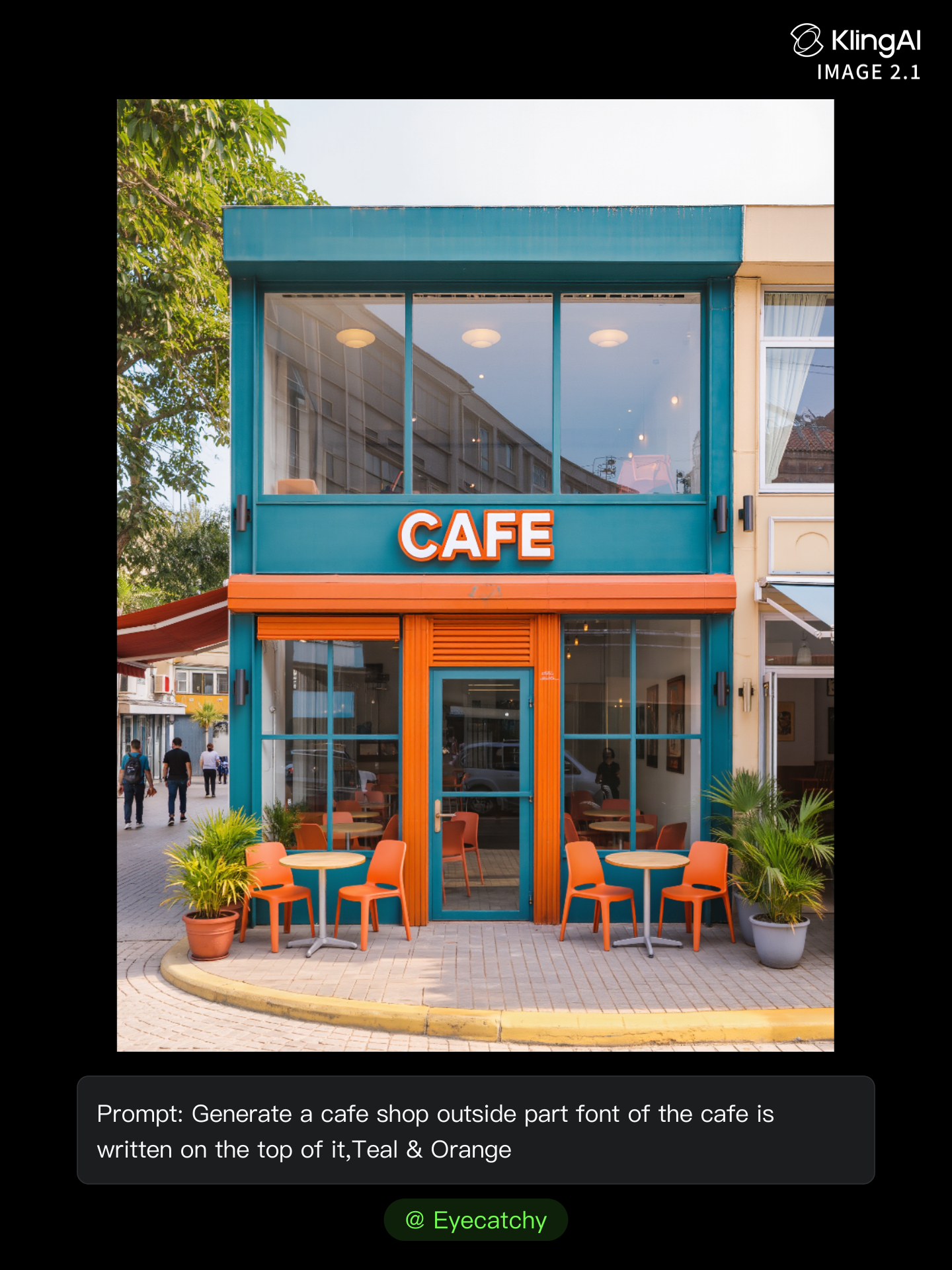
Kling AI work 311840339528873 - cafe wallpaper AI image
Eyecatchy avatar
Eyecatchy
Kling AI work 299372742520164 - cafe wallpaper AI image
*Shovel M-12* avatar
*Shovel M-12*
Kling AI work 299372742501162 - cafe wallpaper AI image
*Shovel M-12* avatar
*Shovel M-12*
cafe in  jeonju - cafe wallpaper AI video
00:07
YNIVTQcD avatar
YNIVTQcD
Time at the Cafe - cafe wallpaper AI video
sUtFdreH avatar
sUtFdreH
Kling AI work 311824737663173 - cafe wallpaper AI image
andIcVDA avatar
andIcVDA
Cafe - cafe wallpaper AI video
GodLikeBeerus avatar
GodLikeBeerus
Cafe Afernoon - cafe wallpaper AI video
00:08
Andy avatar
Andy
Kling AI work 299470669613845 - cafe wallpaper AI image
rMHLGwSI avatar
rMHLGwSI
Cafe original  - cafe wallpaper AI video
dRJCKKgN avatar
dRJCKKgN
Yekatarina, Russian model - cafe wallpaper AI video
Hugues avatar
Hugues
Kling AI work 311010590500250 - cafe wallpaper AI image
Eyecatchy avatar
Eyecatchy
Warm Autumn Cafe - AI Fashion UG - cafe wallpaper AI image
0xGry avatar
0xGry

How to Use Kling AI Face Swap

Step 1: Upload Your Target and References

Step 1: Upload Your Target and References

Add the photo or video you want to edit, then add the face reference you want Kling AI to follow. For video, you can also use multiple views or a character element when you need stronger identity consistency across different angles.

Step 2: Describe the Face Swap You Want

Step 2: Describe the Face Swap You Want

Tell Kling AI which face to replace and what reference to use. For example: "Replace the face in [Image 1] with the face from [Image 2] while keeping all other content unchanged."

Step 3: Generate Your Face Swap

Step 3: Generate Your Face Swap

Choose your preferred output settings, such as the generation mode and aspect ratio, then click Generate. Kling AI will apply your instructions and chosen settings to create your face-swapped image or video.

Why Kling Sets the Standard for Video Creation

Flawless Character Consistency

Flawless Character Consistency

Unlike standard tools that distort faces when moving, Kling Video 3.0 lets you strictly lock a character’s appearance. Upload a single photo, or use a short video/multiple angles as a reference to completely eliminate the “AI morphing” effect.

Native Audio & Perfect Lip-Sync

Native Audio & Perfect Lip-Sync

Your image doesn’t just move; it speaks. Generate perfectly matched voices and realistic lip movements in multiple languages or regional accents. Even in multi-character scenes, you can precisely assign who speaks—no third-party tools required.

15s Duration & Motion Control

15s Duration & Motion Control

Go beyond simple loops with up to 15 seconds of smooth narrative. Use advanced Motion Control to direct camera pans, tilts, and zooms, or define exact transitions with start and end frame references.

Apps

Image to Video
Image to Video

Image to Video

Text to Video
Text to Video

Text to Video

Omni
Omni

Omni

Digital Human
Digital Human

Digital Human

Restyle
Restyle

Restyle

Text to Image
Text to Image

Text to Image

60M+
60M+
Users
600M+
600M+
AI Videos Generated
4.7 ★
4.7 ★
App Store
Industry-Leading
Industry-Leading
Cinematic 4K

Reviews

Maria Rubtsova

Maria Rubtsova

★★★★★

I’m Maria Rubtsova, an AIGC digital artist passionate about creating stunning visuals in the worlds of fashion, aesthetics, and fantasy. I use KlingAi to bring imagination to life through video. My work is all about exploring beauty, emotion, and the limitless possibilities of digital art.

Ozan Sihay

Ozan Sihay

★★★★★

Kling AI allows me to rapidly prototype ideas, refine storytelling elements, and produce visually compelling content efficiently. It has not only accelerated my creative processes, but also deepened my understanding of how AI can enrich visual storytelling.

Halim Alrasihi

Halim Alrasihi

★★★★★

I use AI daily and Kling AI is a crucial part of my workflow, whether for client work or personal projects. What I love most about using Kling AI is that it provides all the tools I need in one place, from keyframes to character references, elements and special effects.

FAQ

Q1What is the best AI video generator?
Q2Can I create AI videos from images?
Q3Does Kling support audio and talking characters?

Experience Video 3.0 on Kling

Create cinematic, multi-shot videos with native audio and precise control—all in one generation.

Native audio | Multi-shot control | Up to 15s continuous output