Creative Studio
API
Resources
Features
About Us
Download

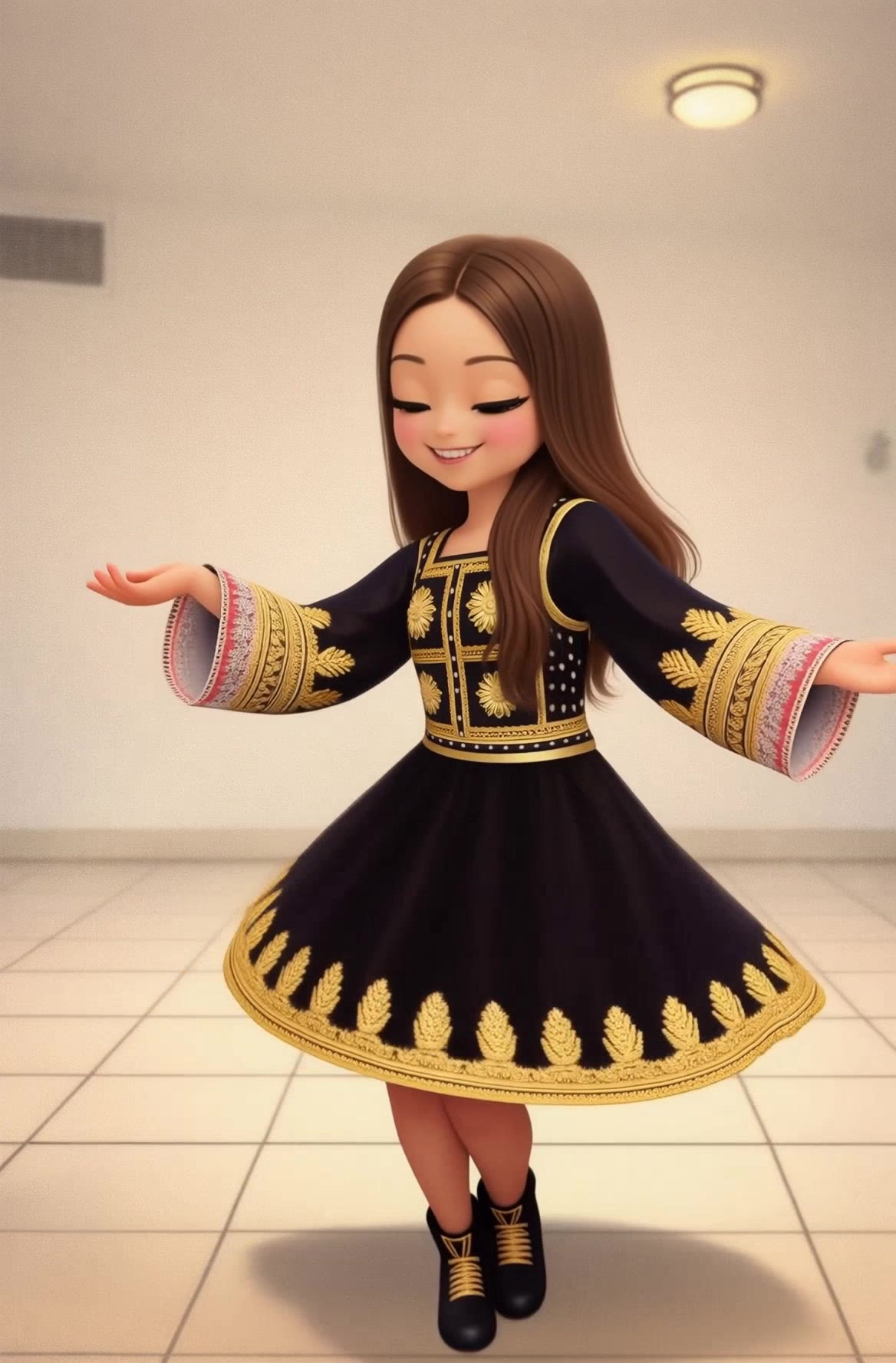
Cake Lip Sync – AI Dance Inspirations

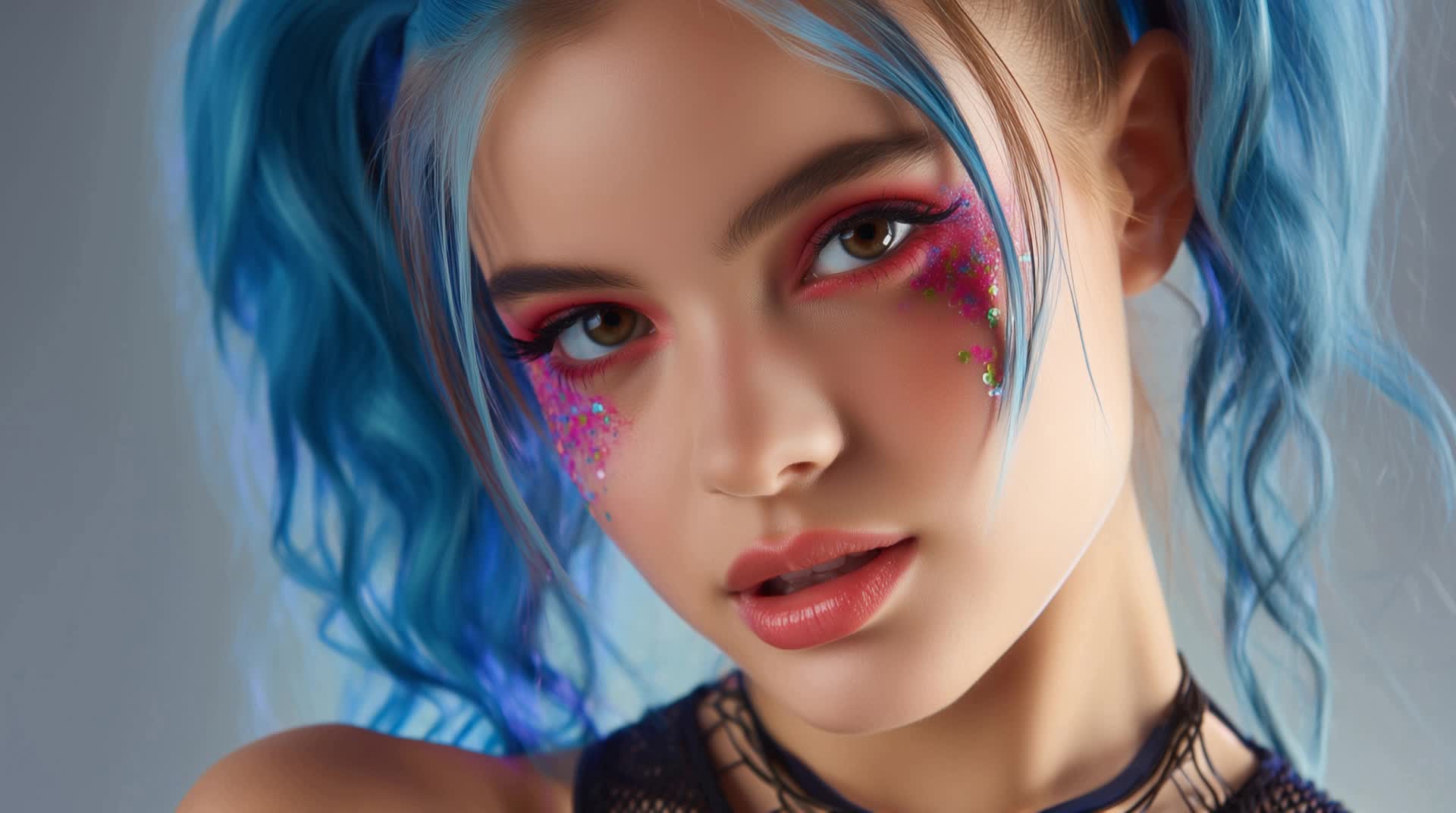
Discover cake lip sync dance inspirations created with AI. Enjoy quick, customizable dance concepts for your performances.

Cake Lip Sync – AI Dance Inspirations

Recommended

lip sync - cake lip sync AI video
POPONE avatar
POPONE
Elite Creator
lip sync - cake lip sync AI video
POPONE avatar
POPONE
Elite Creator
Kling AI work 307733273535954 - cake lip sync AI video
CTVBkYmK avatar
CTVBkYmK
Motion Control + Lip Sync - cake lip sync AI video
KEETY avatar
KEETY
Elite Creator
Pls follow  - cake lip sync AI video
MAX_TT avatar
MAX_TT
lip sync - cake lip sync AI video
POPONE avatar
POPONE
Elite Creator
lip sync attempt - cake lip sync AI video
fseaPIOM avatar
fseaPIOM
Kling AI work 315735048660311 - cake lip sync AI video
tMEAhMGN avatar
tMEAhMGN
Lip sync - cake lip sync AI video
00:25
CKNazrIw avatar
CKNazrIw
Kling AI work 299741178657181 - cake lip sync AI video
MRwmmvQy avatar
MRwmmvQy
Kling AI work 316633418612692 - cake lip sync AI video
EzaanWorld.Ai avatar
EzaanWorld.Ai
lip sync - cake lip sync AI video
POPONE avatar
POPONE
Elite Creator
Lip sync - cake lip sync AI video
POPONE avatar
POPONE
Elite Creator
Kling AI work 298393202524461 - cake lip sync AI video
Chynnas Cozy Lofi avatar
Chynnas Cozy Lofi
Lip sync test - cake lip sync AI video
oXNHFyaz avatar
oXNHFyaz
Kling AI work 316513779505763 - cake lip sync AI image
qeLqetPK avatar
qeLqetPK
Kling AI work 316040936506441 - cake lip sync AI video
ssIxmSOM avatar
ssIxmSOM
Kling AI work 314630916522578 - cake lip sync AI video
mItObkKS avatar
mItObkKS
Kling AI work 304789970537207 - cake lip sync AI video
G.I.N avatar
G.I.N

How to Remove Background from Image

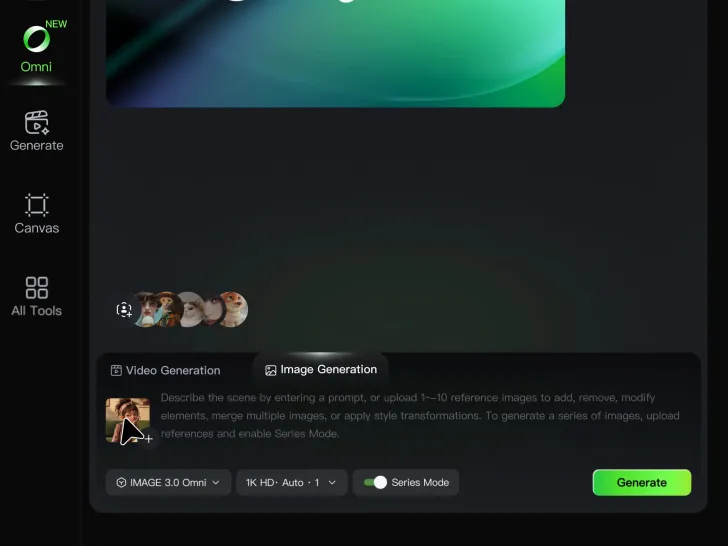
Step 1: Upload Your Image

Step 1: Upload Your Image

Upload the image you want to edit and choose the subject you want to keep. A clear source image makes it easier to separate the subject from the surrounding background.

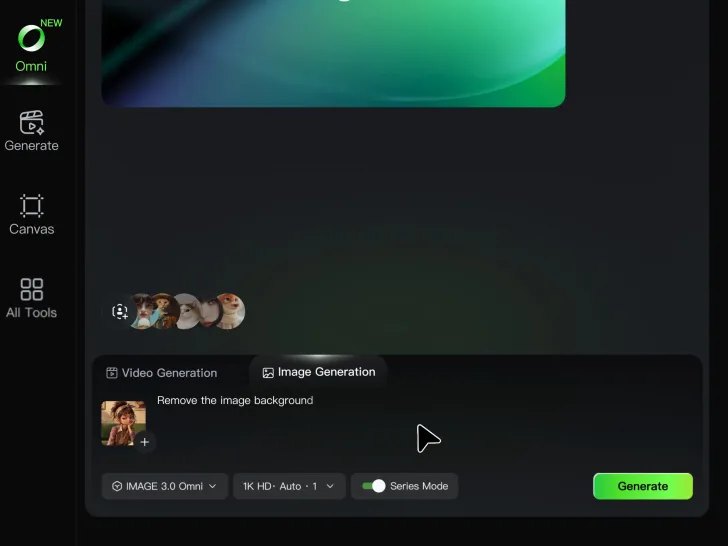
Step 2: Remove or Replace the Background

Step 2: Remove or Replace the Background

Use a simple prompt to remove the existing background while keeping the main subject intact. Keep the result transparent when you need a clean cutout, or describe a new setting if you want to replace the original background directly.

Step 3: Generate and Download

Step 3: Generate and Download

Generate your edited image and review the result. Download the background-free image, or continue refining the new setting, subject details, and overall look with Kling AI.

Key Features of Kling AI Text-to-Video Generator

Precise Text-to-video Generation

Precise Text-to-video Generation

Turn your ideas into videos that closely match your prompt. Kling AI understands detailed descriptions and keeps recurring characters consistent across scenes, preserving their appearance, expressions, and movement throughout the video. Videos support up to 4K resolution, 15 seconds in length, and 60fps playback, depending on your plan.
Multi-shot Storyboarding

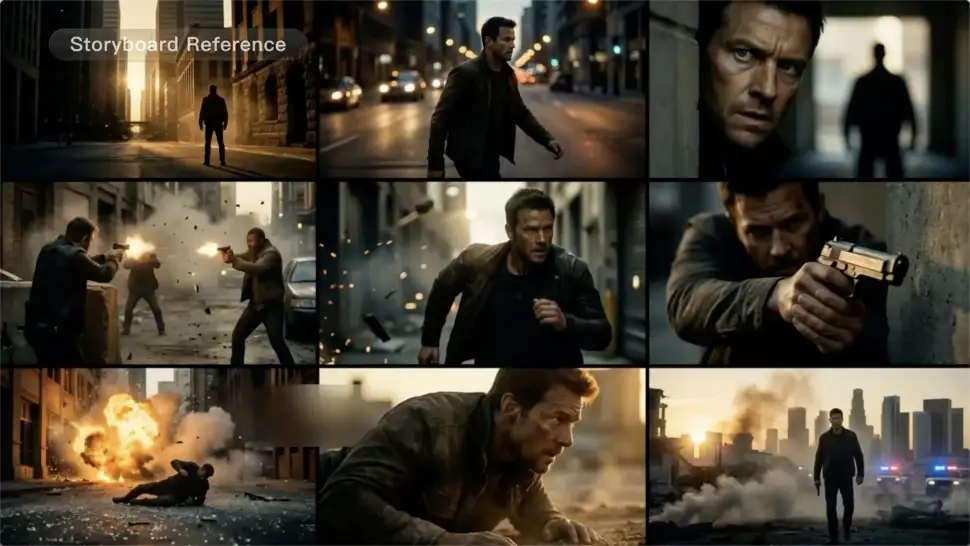
Multi-shot Storyboarding

Create more complete stories from a single prompt. When your prompt includes multiple scenes, Kling 3.0 can organize them into up to five connected shots with smooth scene transitions, reducing the need for manual editing.
Native Multilingual Audio

Native Multilingual Audio

Create videos with built-in dialogue, sound effects, and ambient audio in five languages: English, Chinese, Japanese, Korean, and Spanish. Regional accent variations are also available, including American, British, and Indian English, to make voices sound more natural.

Apps

Image to Video
Image to Video

Image to Video

Text to Video
Text to Video

Text to Video

Omni
Omni

Omni

Digital Human
Digital Human

Digital Human

Restyle
Restyle

Restyle

Text to Image
Text to Image

Text to Image

60M+
60M+
Users
600M+
600M+
AI Videos Generated
4.7 ★
4.7 ★
App Store
Industry-Leading
Industry-Leading
Cinematic 4K

Reviews

Jyo John Mulloor

Jyo John Mulloor

★★★★★

Kling AI has been instrumental in transforming my creative workflow, unlocking new dimensions of artistic expression that were once unimaginable. I use Kling AI extensively to develop high-concept visuals, animate surreal dreamscapes, and create AI-assisted films that blur the line between reality and fantasy. Kling AI’s deep learning capabilities have not only enhanced my creative efficiency but also inspired me to explore storytelling in ways I never thought possible.

Vincent Smadja

Vincent Smadja

★★★★★

Kling AI seamlessly integrates into my creative workflow, playing a key role in transforming my images. After generating and upscaling an image, Kling becomes a crucial element, bringing my creations to life with movement and depth.

Maria Rubtsova

Maria Rubtsova

★★★★★

I’m Maria Rubtsova, an AIGC digital artist passionate about creating stunning visuals in the worlds of fashion, aesthetics, and fantasy. I use KlingAi to bring imagination to life through video. My work is all about exploring beauty, emotion, and the limitless possibilities of digital art.

FAQ

Q1Can I create different expressions for the same avatar?
Q2Is this the same as Kling AI Avatar?
Q3Can I download a high-resolution avatar?

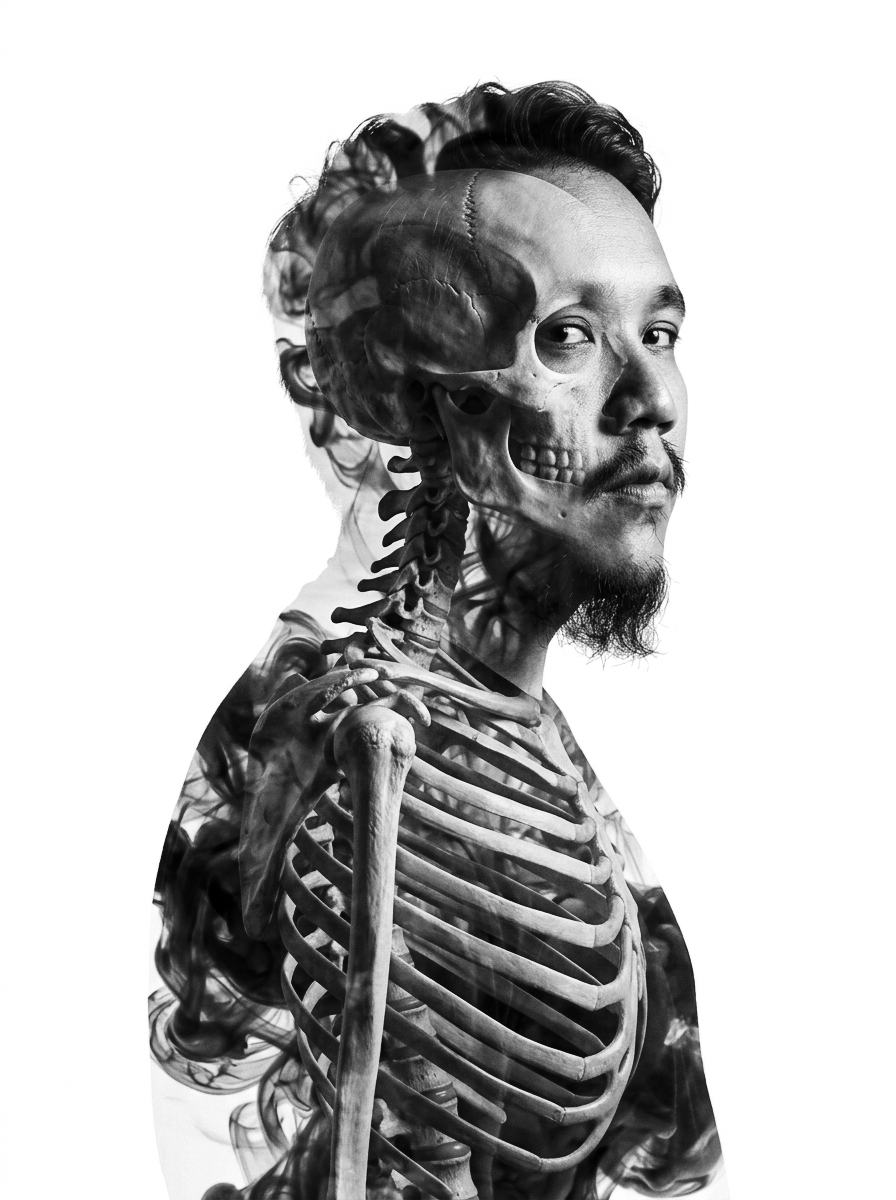
Give the Subject a Better Setting

Create a new setting while keeping your subject recognizable. Use prompts and visual references to shape backgrounds for portraits, product visuals, and campaign creative.