Creative Studio
API
Resources
Features
About Us
Download

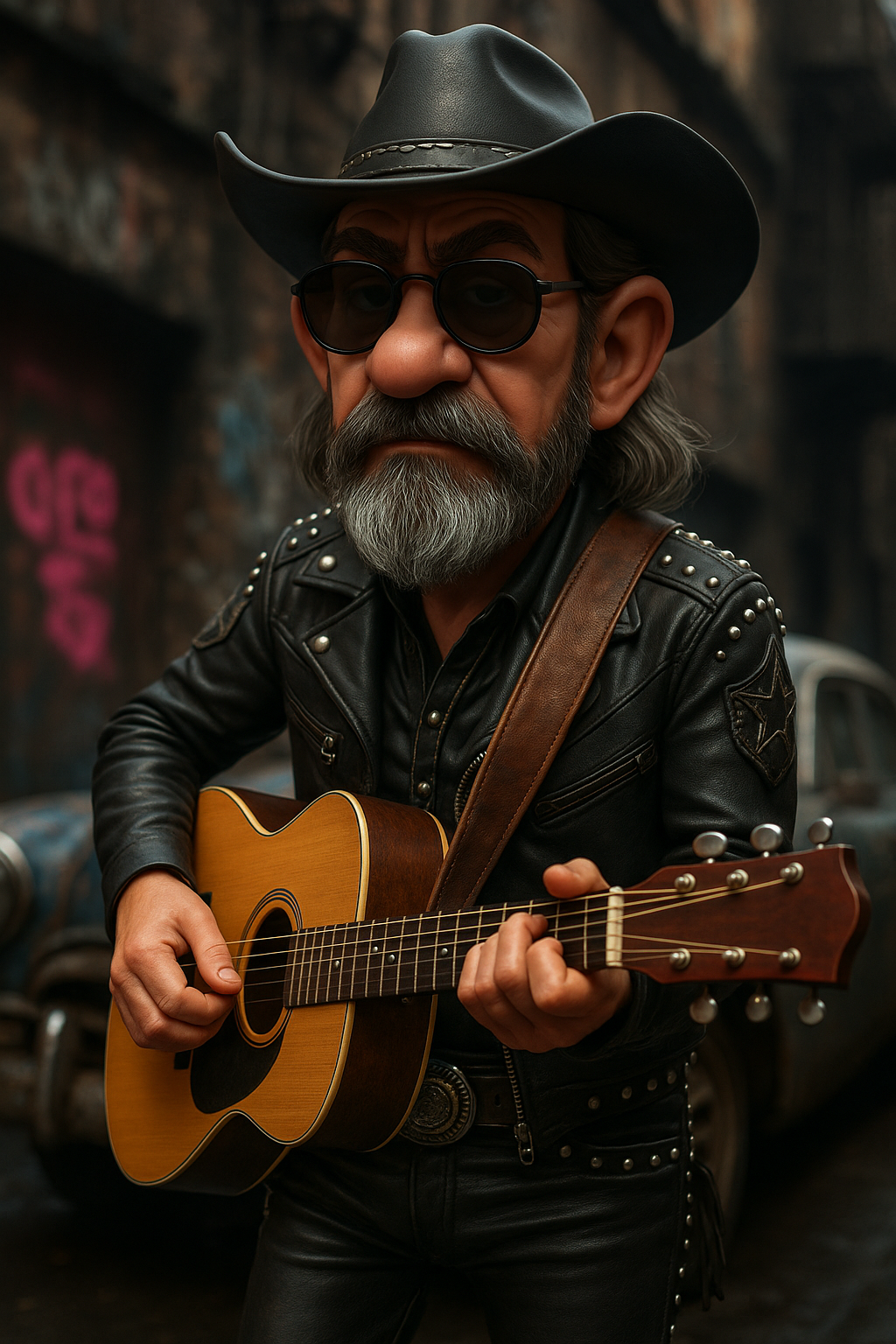
cam cartoon - fish eye lens & cartoon transformation

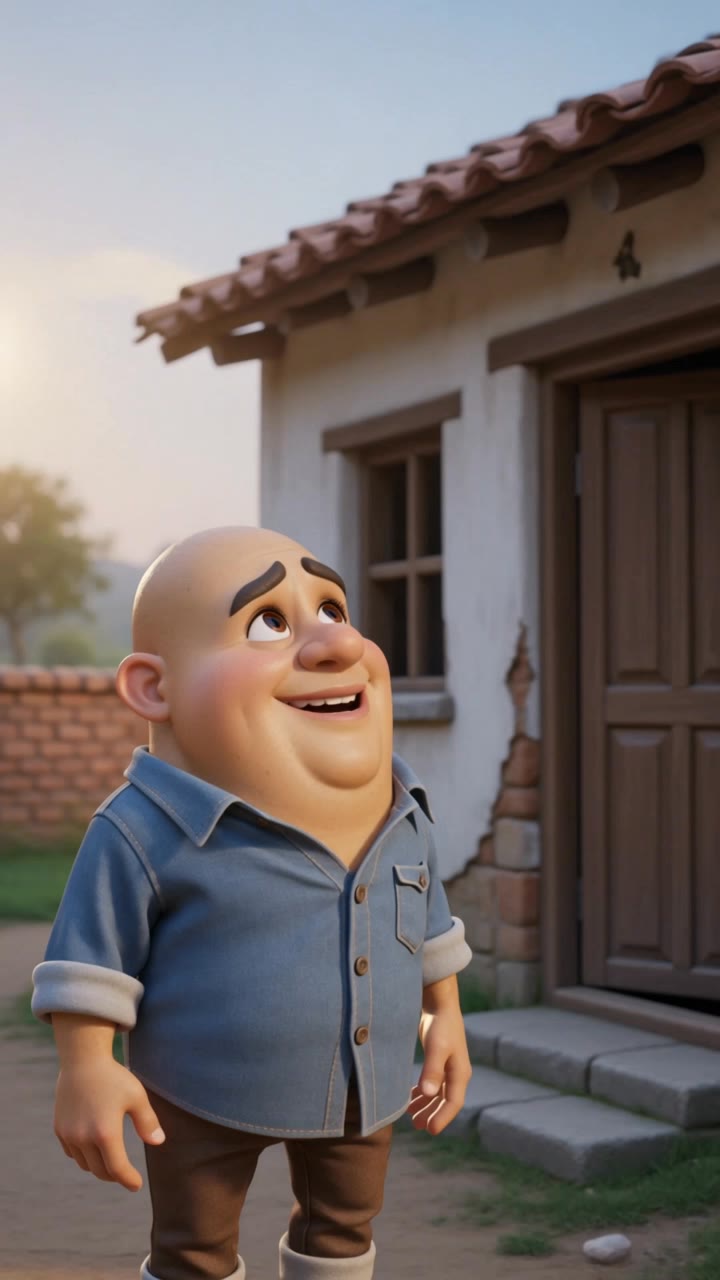
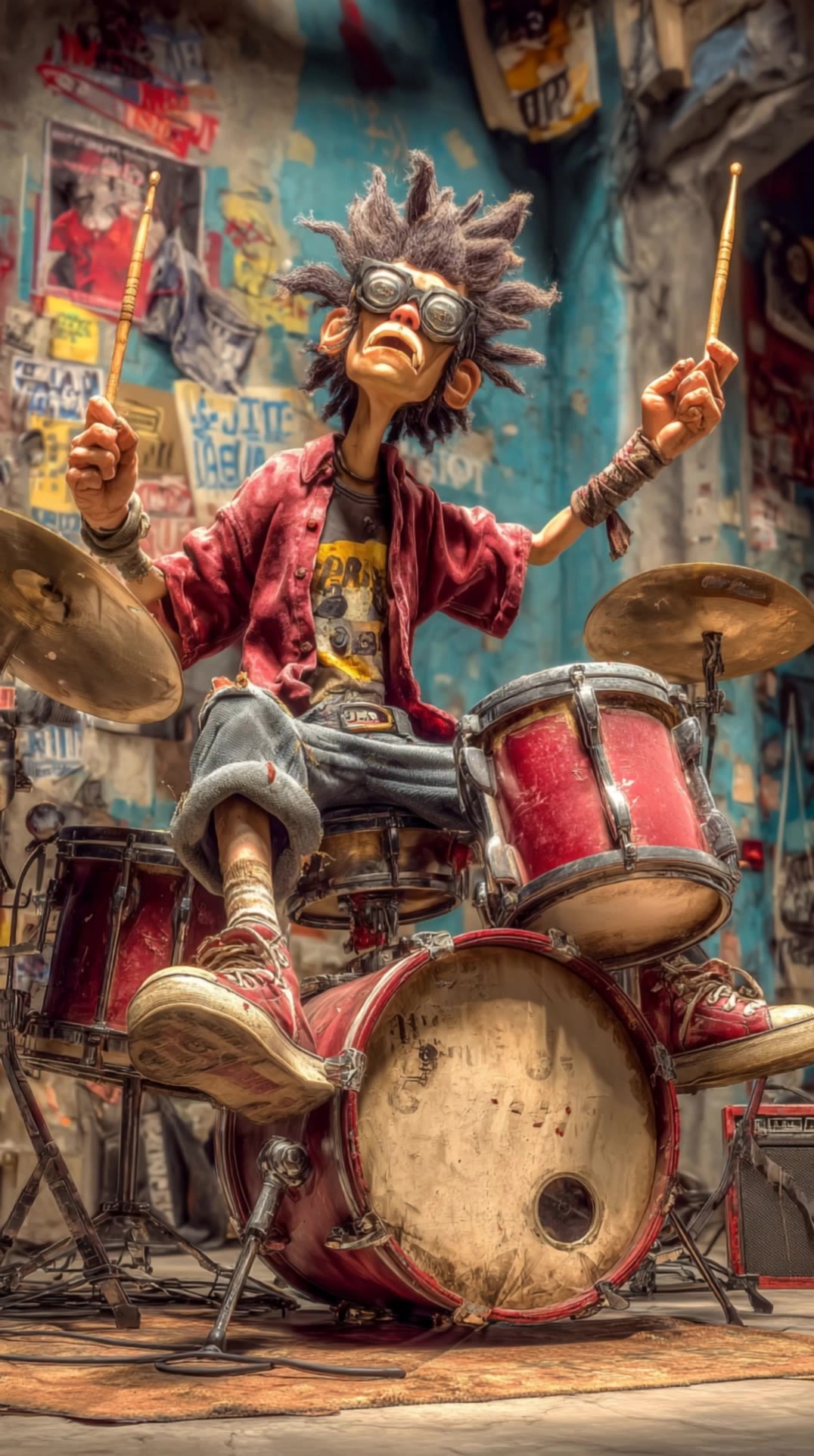
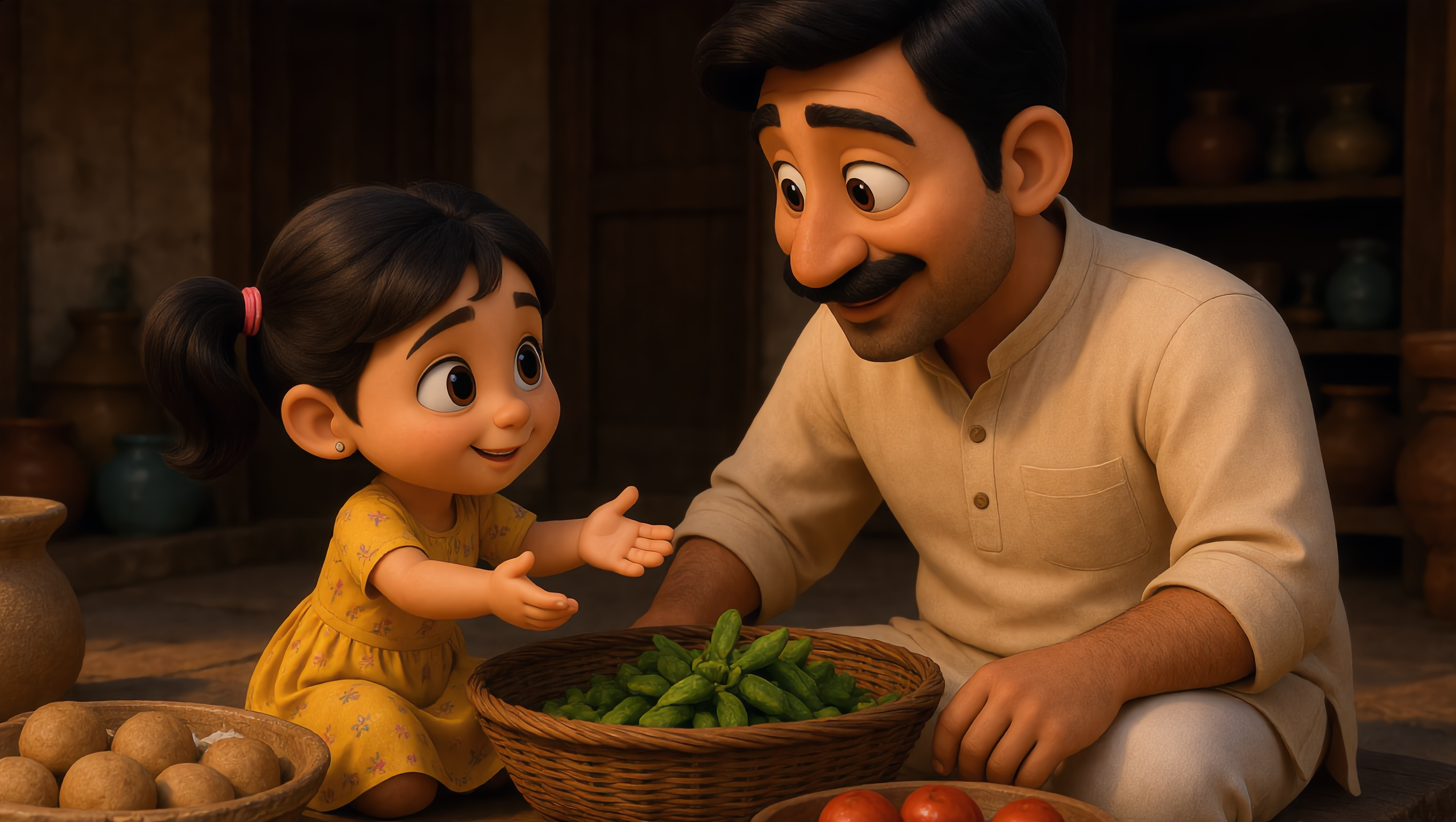
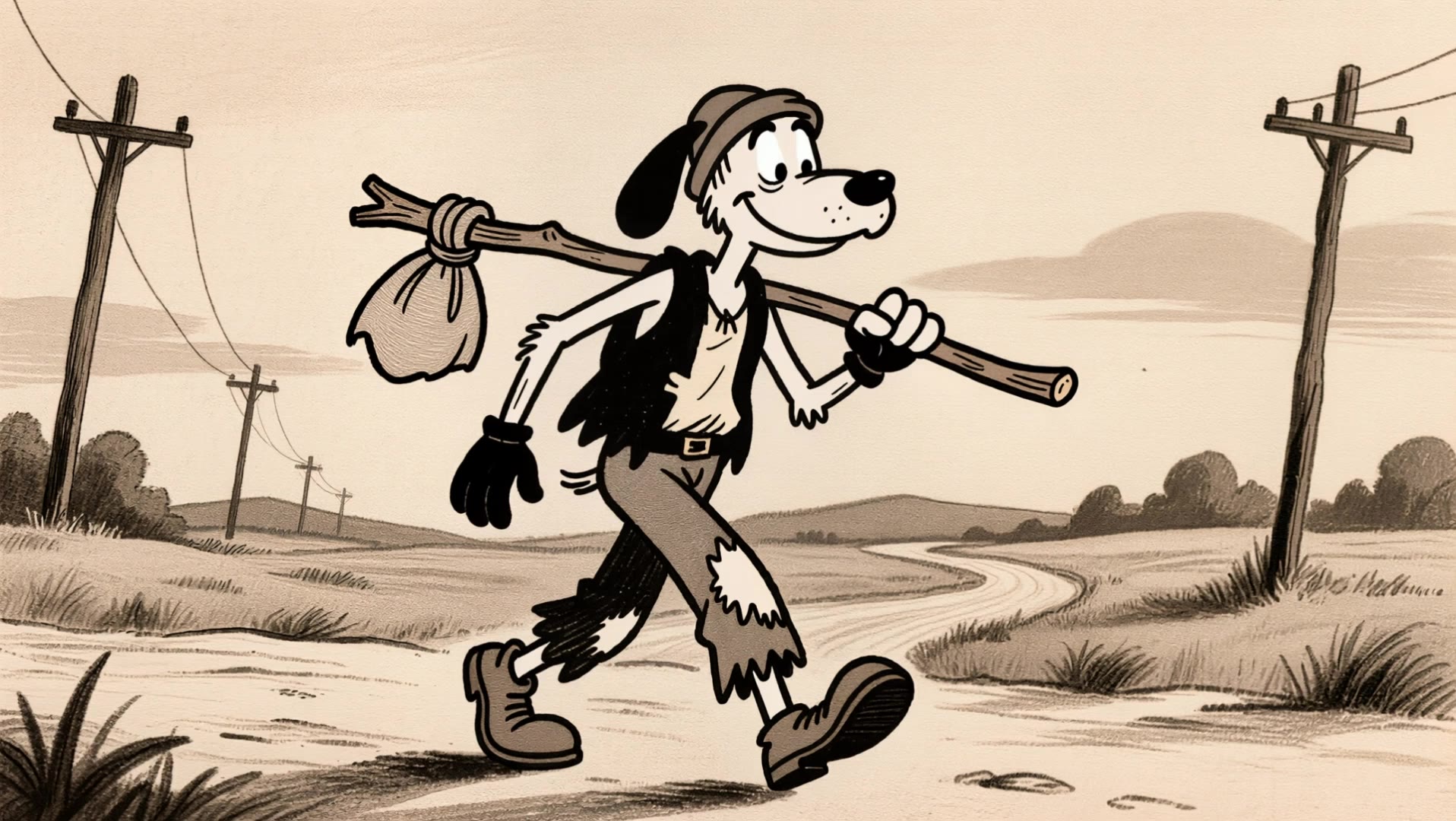
Immerse in unique cam cartoon visuals featuring fish-eye distortions and vibrant, hyperrealistic elements blended seamlessly with classic cartoon aesthetics. Unleash creativity with dynamic, cross-dimensional transitions between cartoon and real-life scenarios. Start exploring cam cartoon ideas and generate your own content with AI.

cam cartoon - fish eye lens & cartoon transformation

Recommended

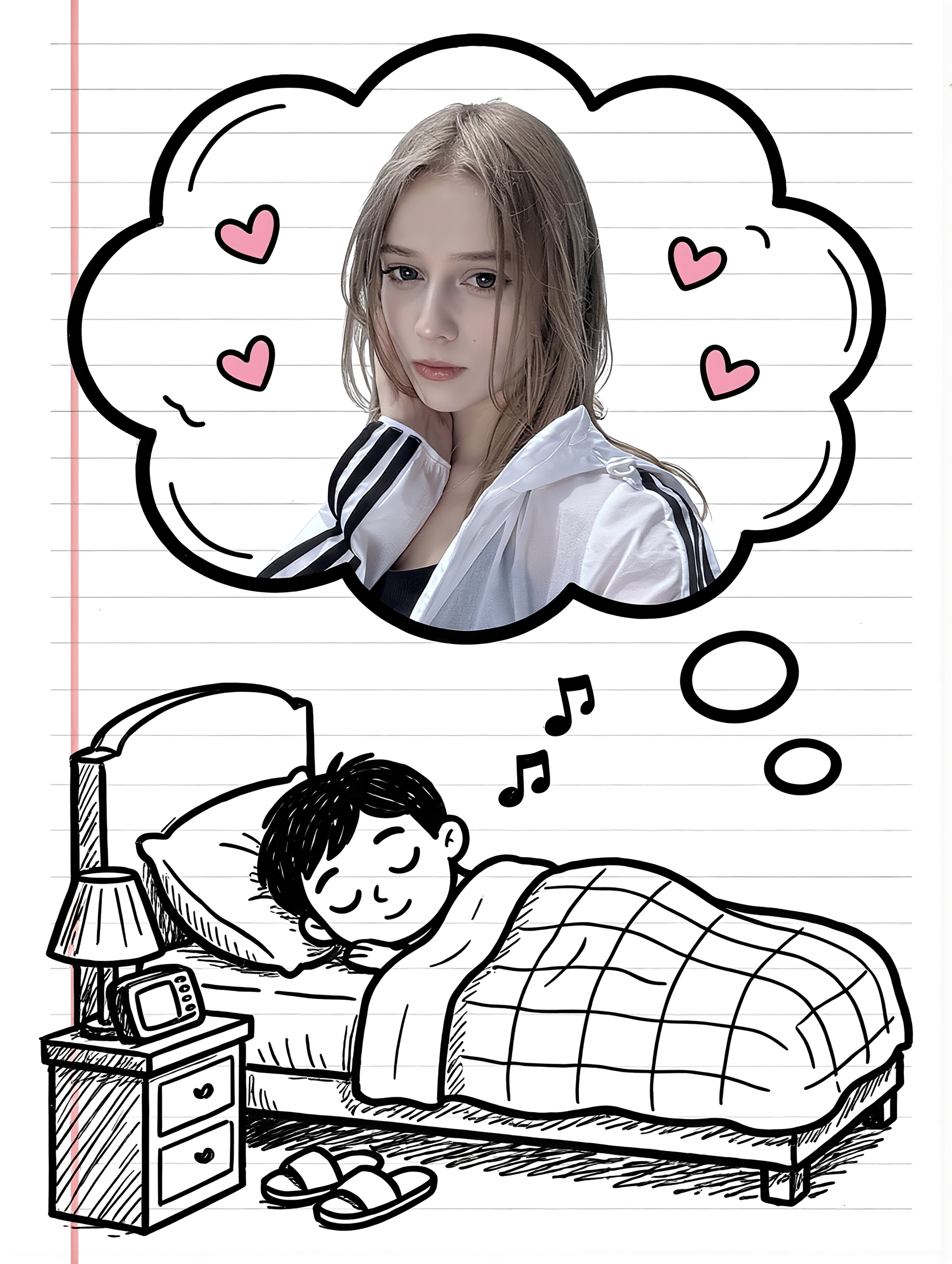
Kling AI work 314241239666877 - cam cartoon AI image
xuREIMyZ avatar
xuREIMyZ
cartoon hourse - cam cartoon AI image
eUNzqXAY avatar
eUNzqXAY
Couple Cartoon Fantasy - cam cartoon AI image
331.ヅ avatar
331.ヅ
Kling AI work 314482443665308 - cam cartoon AI video
sBoNwhiy avatar
sBoNwhiy
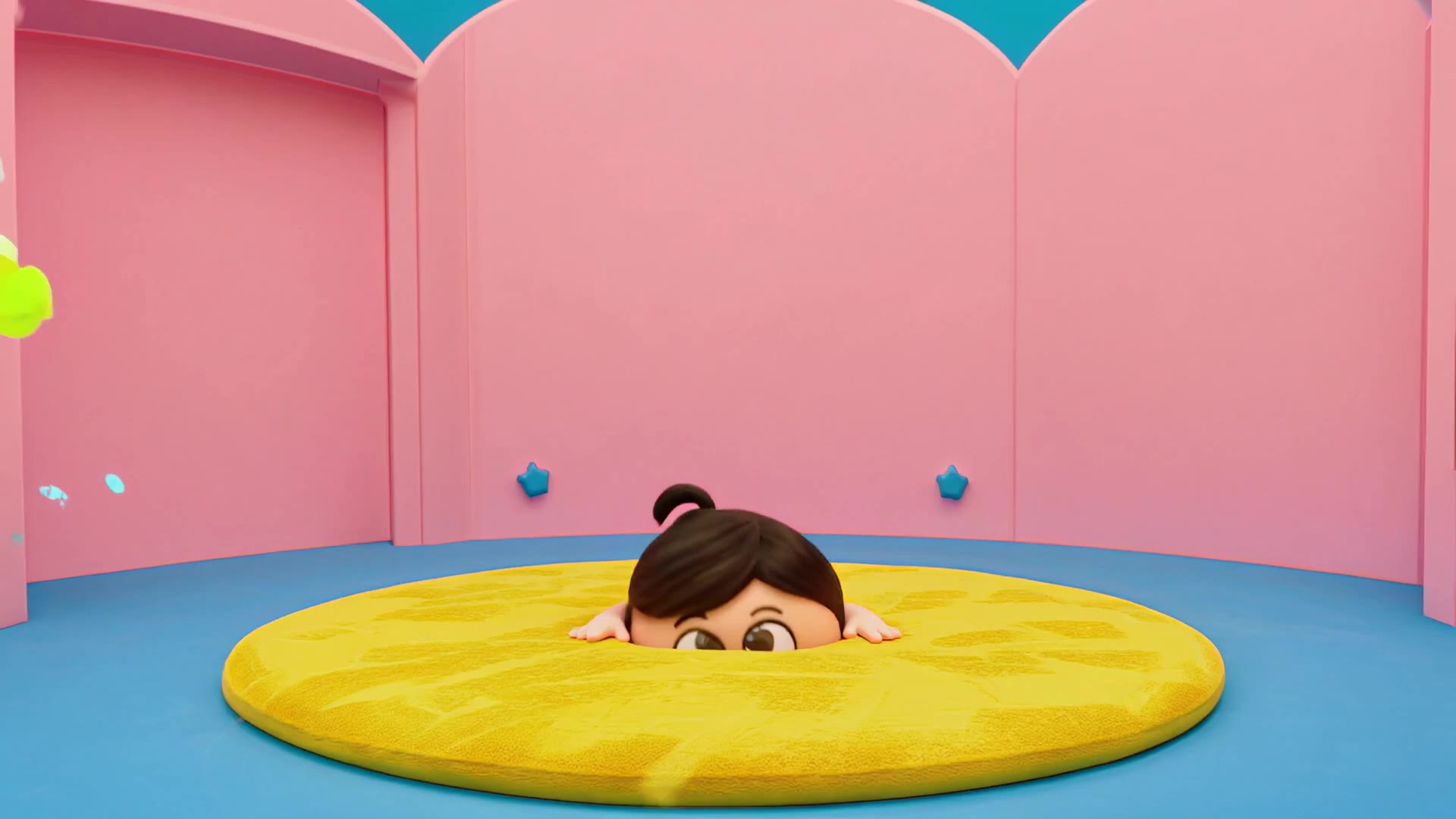
3D cartoon
 - cam cartoon AI video
hSOwsZCR avatar
hSOwsZCR
Kling AI work 318022072506369 - cam cartoon AI video
gee avatar
gee
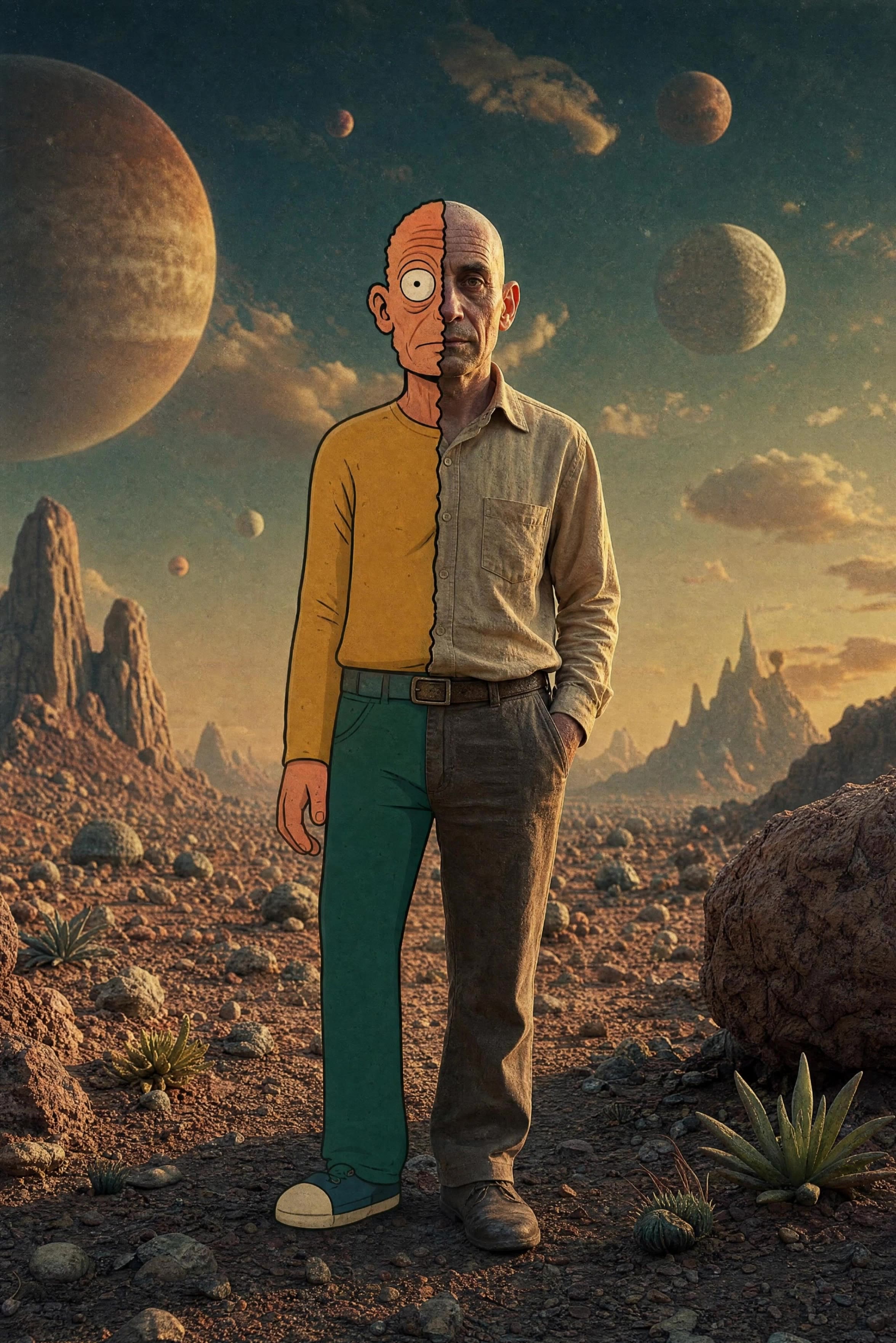
Half Human, Half Cartoon - cam cartoon AI video
PixelBenj avatar
PixelBenj
Kling AI work 314243489615142 - cam cartoon AI image
xuREIMyZ avatar
xuREIMyZ
3rd cartoon - cam cartoon AI video
ODlYVRDT avatar
ODlYVRDT
Kling AI work 315663511668143 - cam cartoon AI video
MISS3 avatar
MISS3
Kling AI work 310234846525155 - cam cartoon AI video
VRcreativ avatar
VRcreativ
Elite Creator
cam girl - cam cartoon AI video
qvTpVXRX avatar
qvTpVXRX
Kling AI work 297583591665755 - cam cartoon AI image
qHebIHdK avatar
qHebIHdK
Kling AI work 295515469522210 - cam cartoon AI video
hcaEAMJs avatar
hcaEAMJs
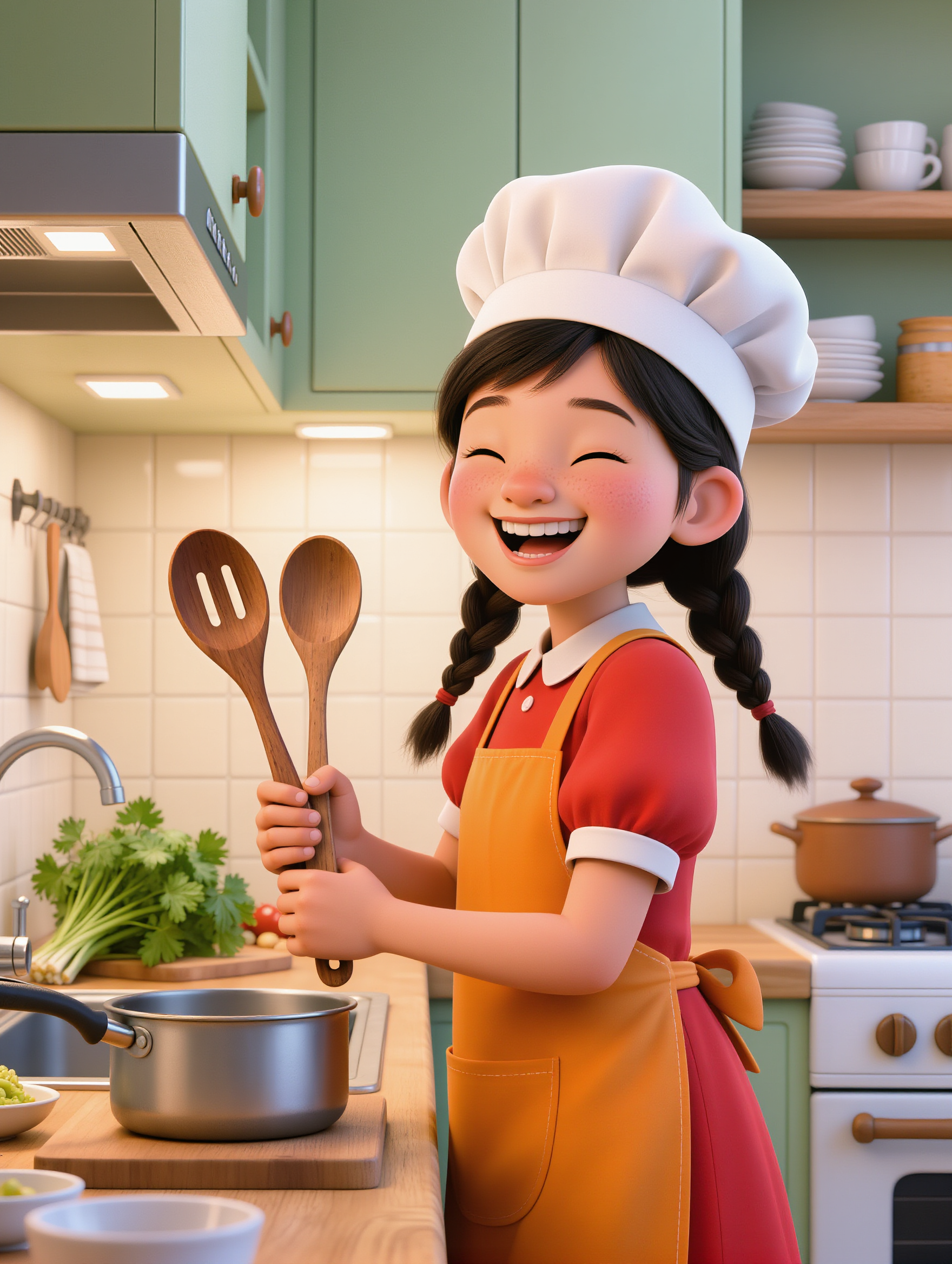
cute little 3D cartoon girl with - cam cartoon AI image
sqgwHigz avatar
sqgwHigz
Old style chromatic cartoon Loop - cam cartoon AI video
Robert Sweeney  avatar
Robert Sweeney
Animation cartoon character and  - cam cartoon AI image
rSuReOYN avatar
rSuReOYN
Kling AI work 314585399661117 - cam cartoon AI video
hAVAbPYU avatar
hAVAbPYU

How to Animate an Image

Upload Your Image

Upload Your Image

Upload any image—drag and drop a portrait, product photo, or illustration. Kling supports various formats and brings images to life while maintaining consistent, high-quality results.

Describe the Motion

Describe the Motion

Type what you want to see, like “she turns, smiles, and starts talking to the camera.” For advanced control, you can also upload a start and end frame to define the exact transition.

Generate & Export

Generate & Export

Hit generate, wait a few seconds, and download your animated video. Free image to video generation is available in 1080p, while Pro users can unlock stunning native 4K resolution.

Shape AI Characters, Build Creative Worlds

Create Characters from Prompts or References

Create Characters from Prompts or References

Start with a text prompt to shape an original character, from facial features and hairstyle to clothing, expression, pose, and visual style. If you already have a specific look in mind, add reference images to guide the result more closely. Kling IMAGE 3.0 Omni supports creative directions ranging from realistic and cinematic characters to anime-inspired, fantasy, and CG-style designs.

Turn One Character into a Visual Series

Turn One Character into a Visual Series

Once you have a character you like, use Kling IMAGE 3.0 Omni Series Mode to build a connected set of images around it. Explore new expressions, viewpoints, scenes, and story moments while keeping the character and overall visual direction consistent across the series. It's well suited for storyboards, comics, campaign concepts, social content, and ongoing character development.

Build a Reusable Character Element

Build a Reusable Character Element

Create a reusable Character Element from a reference image, multiple views, or a supported character video. You can start with one main image and let Kling AI generate additional views, add your own reference angles for more visual information, or use a video to capture richer character details. Once saved, the Element can be called up again in supported image and video workflows without redefining the character from scratch.

Apps

Image to Video
Image to Video

Image to Video

Text to Video
Text to Video

Text to Video

Omni
Omni

Omni

Digital Human
Digital Human

Digital Human

Restyle
Restyle

Restyle

Text to Image
Text to Image

Text to Image

60M+
60M+
Users
600M+
600M+
AI Videos Generated
4.7 ★
4.7 ★
App Store
Industry-Leading
Industry-Leading
Cinematic 4K

Reviews

Samuele Poggi (@visualsk2)

Samuele Poggi (@visualsk2)

★★★★★

I use Kling AI daily to push the limits of AI filmmaking. It allows me to create highly cinematic content, blending AI and VFX to develop innovative projects. It has significantly impacted my creative process, enabling me to achieve complex animations that would otherwise require high production budgets.

Huang Lu (Elson)

Huang Lu (Elson)

★★★★★

I’ve been using Kling AI since its initial release, and it’s remained one of the leading AI media generators ever since. With Kling AI, I’ve created hundreds of videos, collectively amassing millions of views.

Jyo John Mulloor

Jyo John Mulloor

★★★★★

Kling AI has been instrumental in transforming my creative workflow, unlocking new dimensions of artistic expression that were once unimaginable. I use Kling AI extensively to develop high-concept visuals, animate surreal dreamscapes, and create AI-assisted films that blur the line between reality and fantasy. Kling AI’s deep learning capabilities have not only enhanced my creative efficiency but also inspired me to explore storytelling in ways I never thought possible.

FAQ

Q1Can I use images generated with Kling AI commercially?
Q2What is image to image AI?
Q3Can I edit only one part of an image?

Bring Your Character to Life

Add a voice or script to turn your character video into a polished lip-sync performance.

Voiceover | Text to Speech | Audio trimming | Realistic, 3D & 2D character