
Creative Studio
API
Resources
Features
About Us
Download

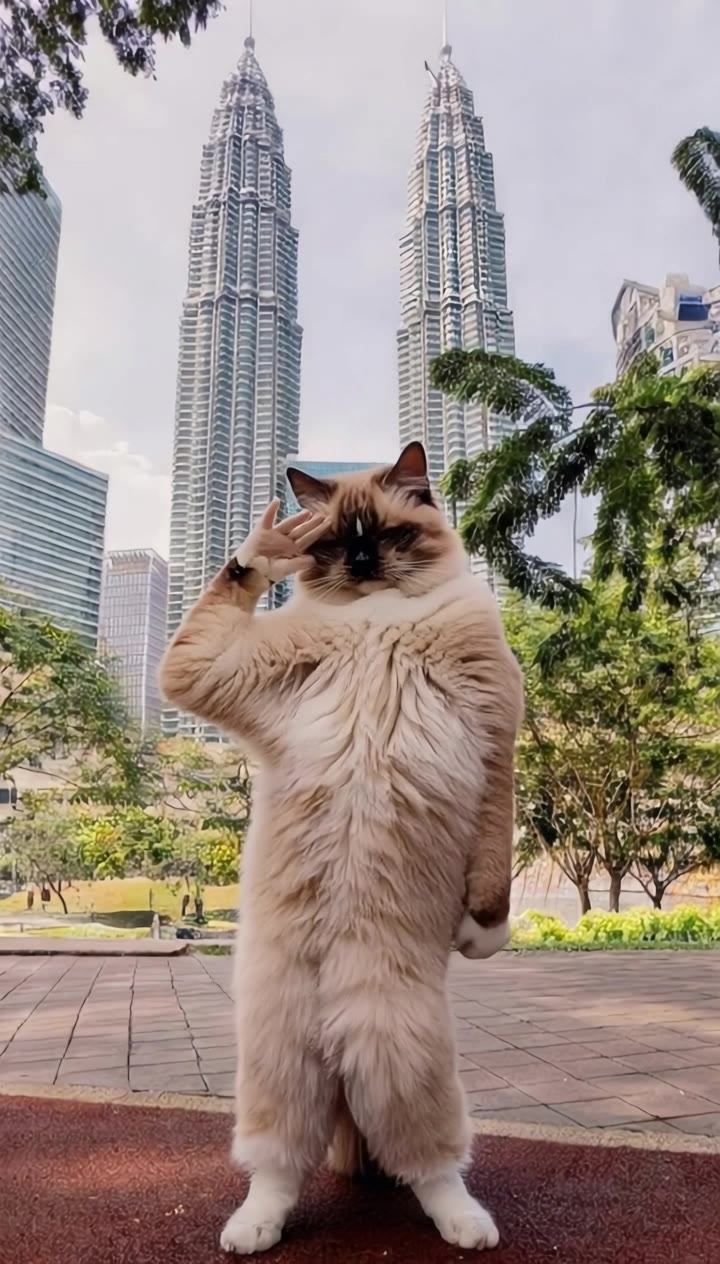
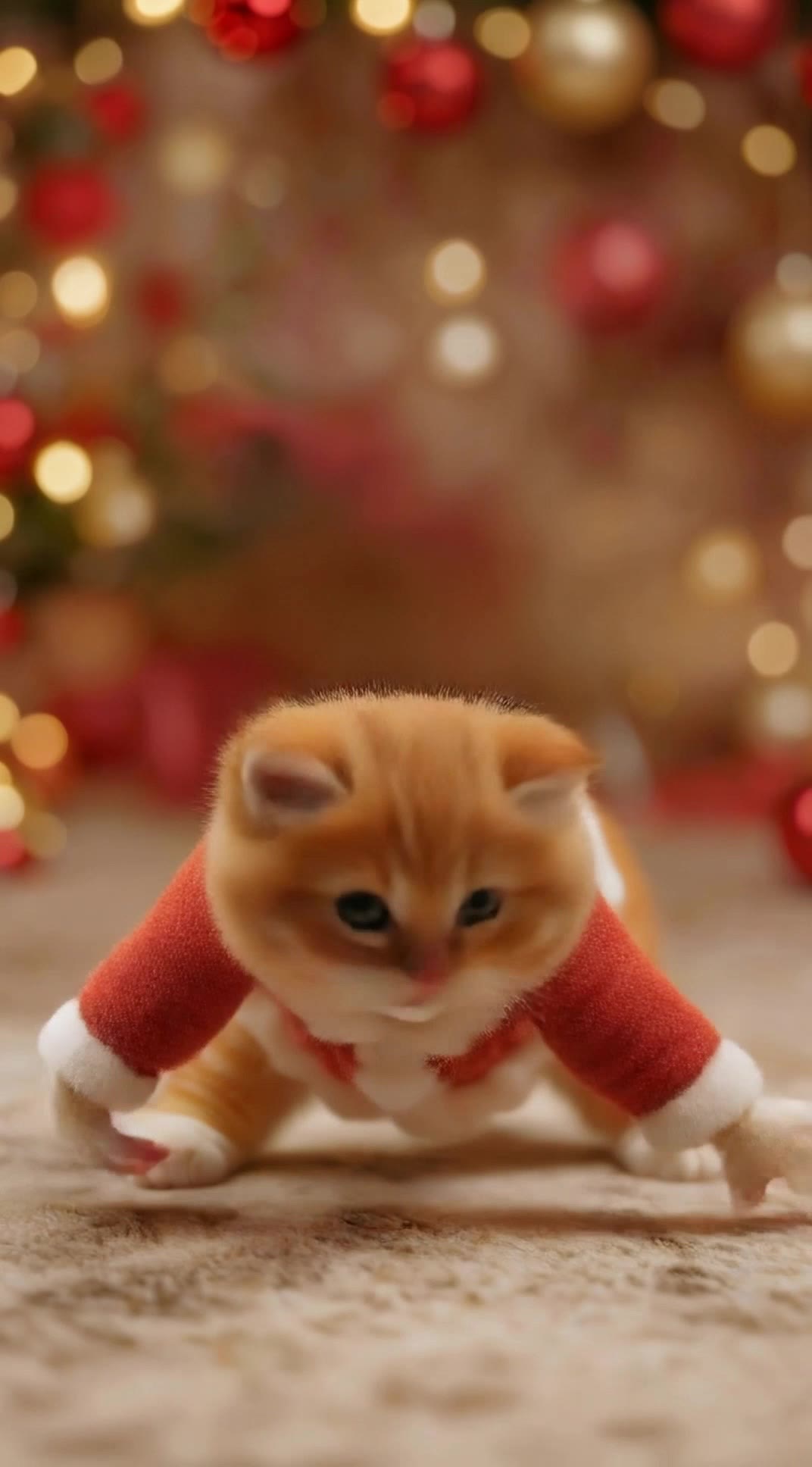
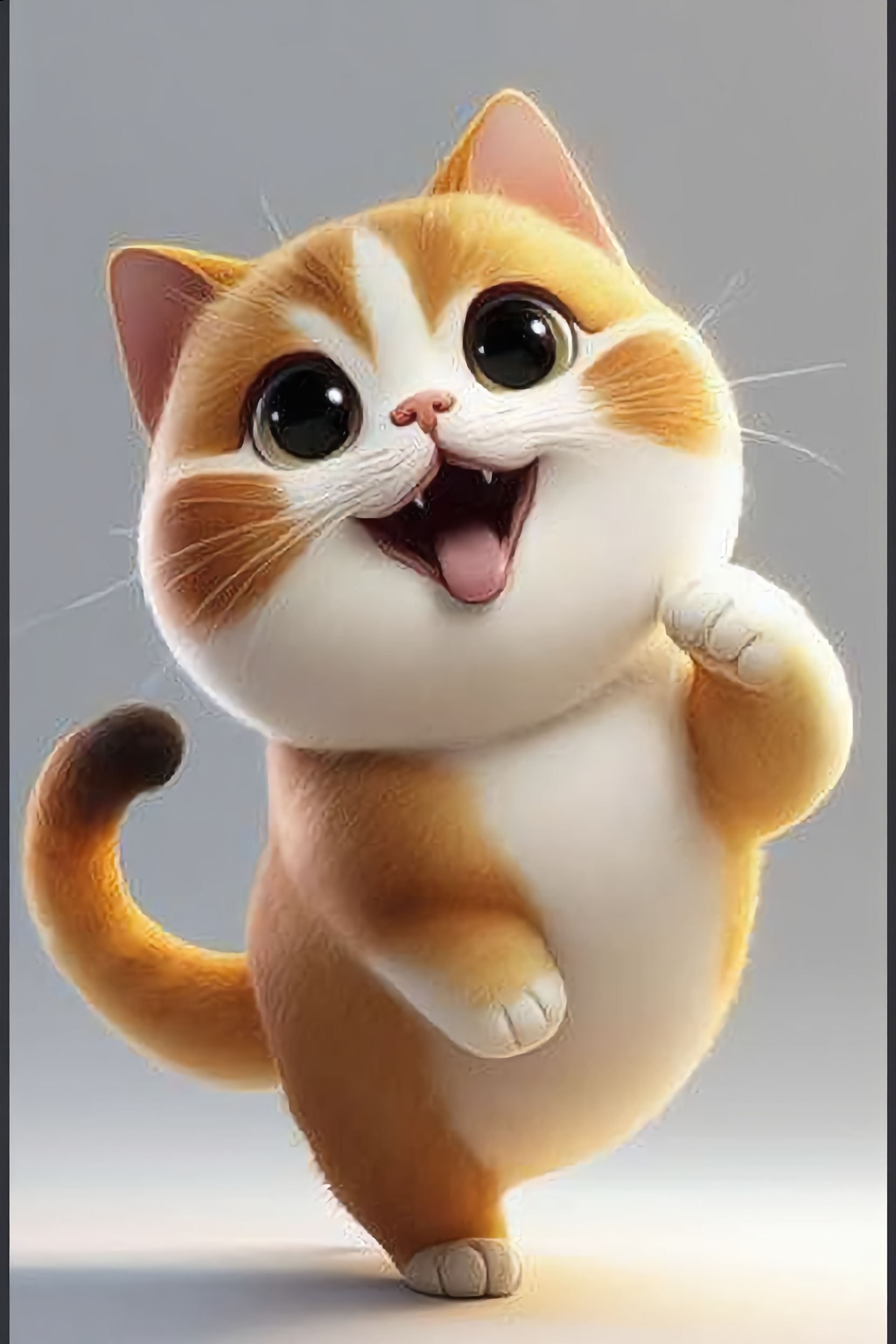
Cat Dance Wallpaper Ideas – AI-Generated Designs

Explore cat dance-themed wallpaper ideas generated by AI. Get inspired with unique, AI-made visuals that capture the cat dance theme. Customize and adapt to your liking.

Cat Dance Wallpaper Ideas – AI-Generated Designs

Recommended

Kling AI work 307125975615699 - cat dance wallpaper AI video
BCXeNXTN avatar
BCXeNXTN
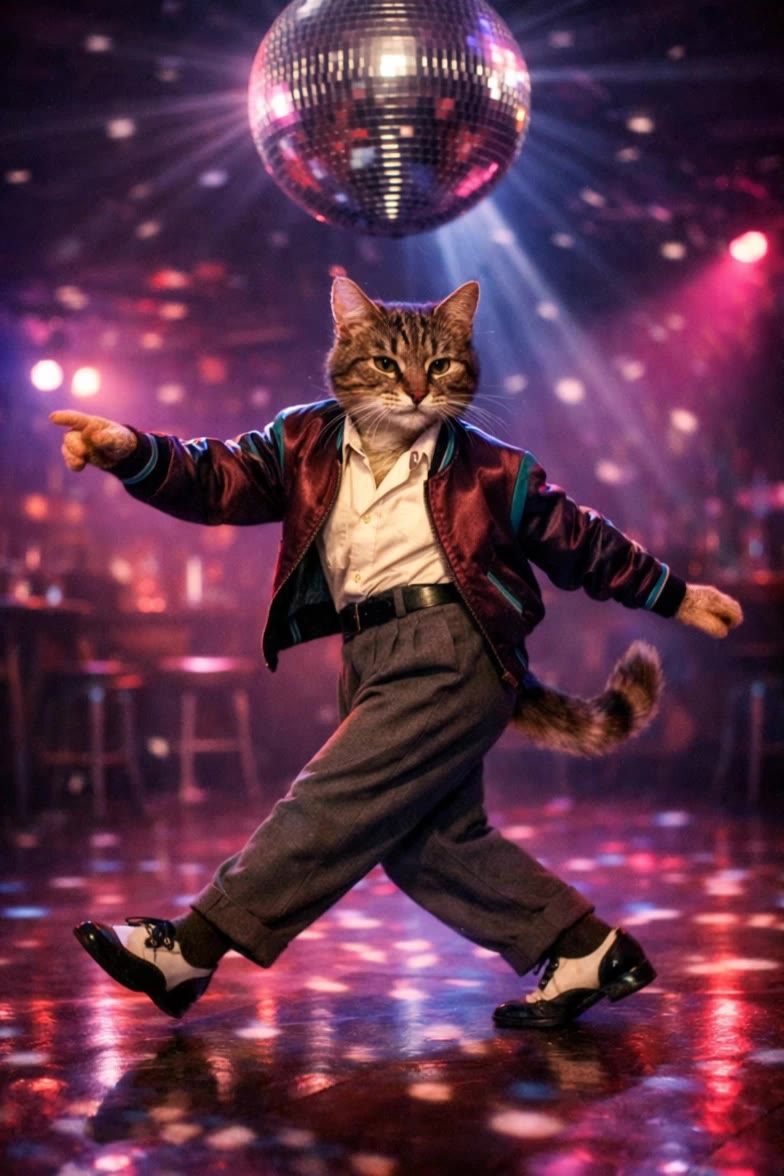
Dancing disco cat - cat dance wallpaper AI video
Visual ASMR avatar
Visual ASMR
Cat Trend - cat dance wallpaper AI video
Pawsome avatar
Pawsome
dance  - cat dance wallpaper AI image
yVyjmFiC avatar
yVyjmFiC
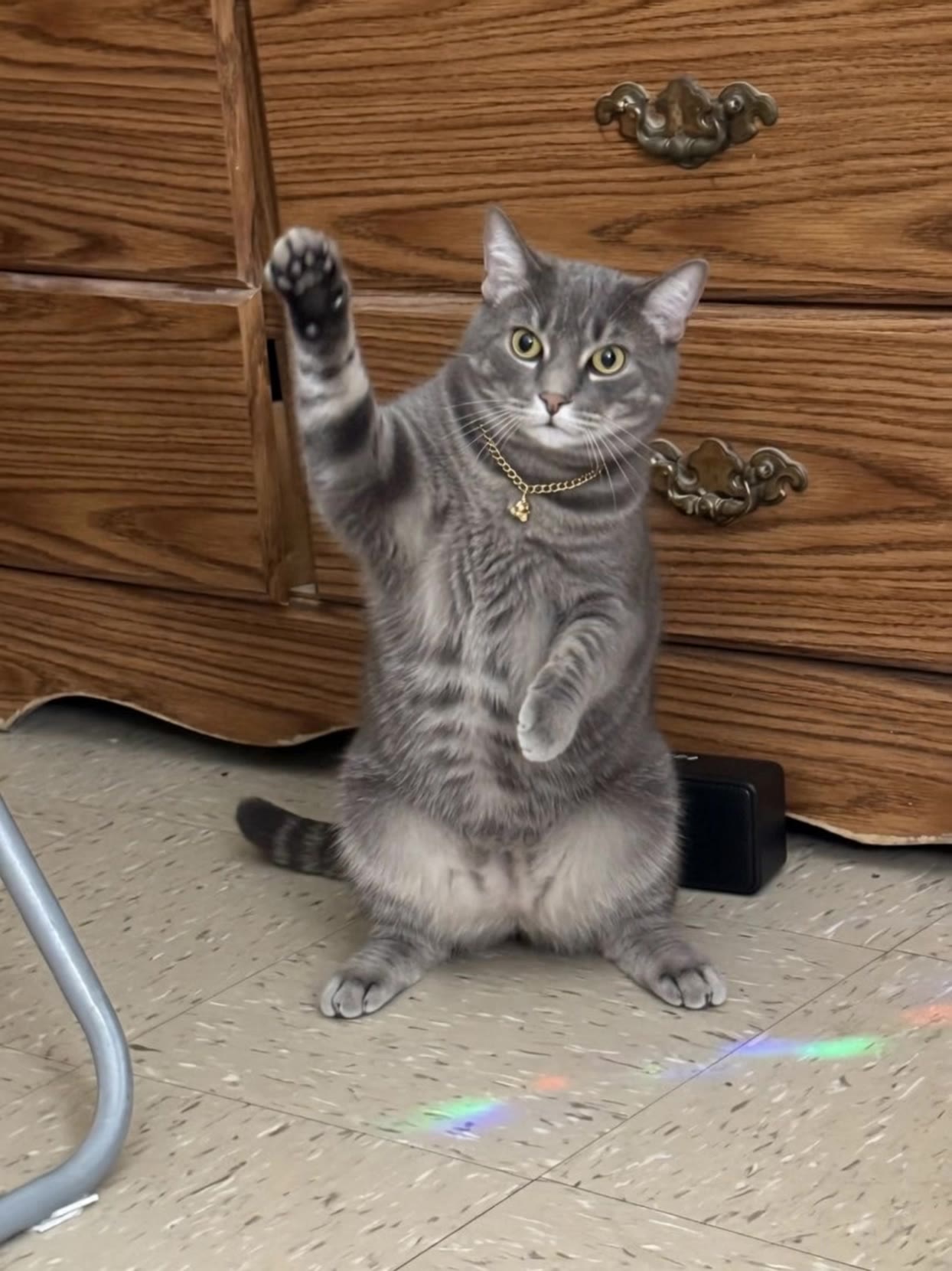
cat dance - cat dance wallpaper AI video
Yashka avatar
Yashka
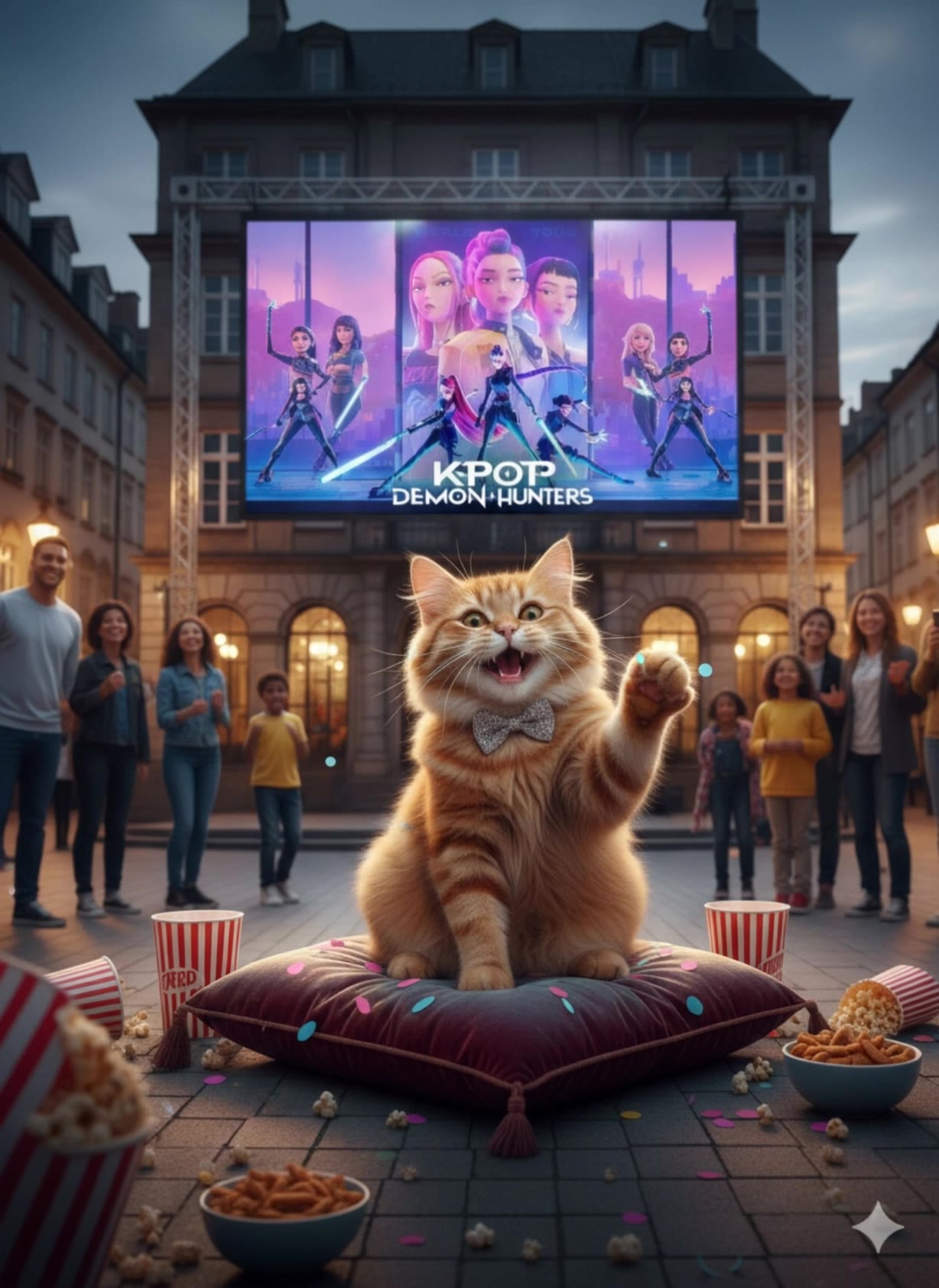
K-POP dancing cat - cat dance wallpaper AI video
JspecE avatar
JspecE
Kling AI work 316184636501352 - cat dance wallpaper AI video
ThEiMnvk avatar
ThEiMnvk
Cat Dancing - cat dance wallpaper AI video
Nikko avatar
Nikko
Kling AI work 313584902660014 - cat dance wallpaper AI video
ocsqfdQB avatar
ocsqfdQB
Kling AI work 310009409661180 - cat dance wallpaper AI video
uNxGgYwA avatar
uNxGgYwA
My cat dancing and singing - cat dance wallpaper AI video
lwHjlaqc avatar
lwHjlaqc
"Breakdancing cat" - cat dance wallpaper AI video
Gjdzinas avatar
Gjdzinas
Dance Video  Cat - cat dance wallpaper AI image
iUQNWtvx avatar
iUQNWtvx
Kling AI work 314802043668217 - cat dance wallpaper AI video
DXJwIgbv avatar
DXJwIgbv
Kling AI work 308947931616034 - cat dance wallpaper AI video
ckwUqCaN avatar
ckwUqCaN
Kling AI work 310126141525748 - cat dance wallpaper AI video
uHUsgJLn avatar
uHUsgJLn
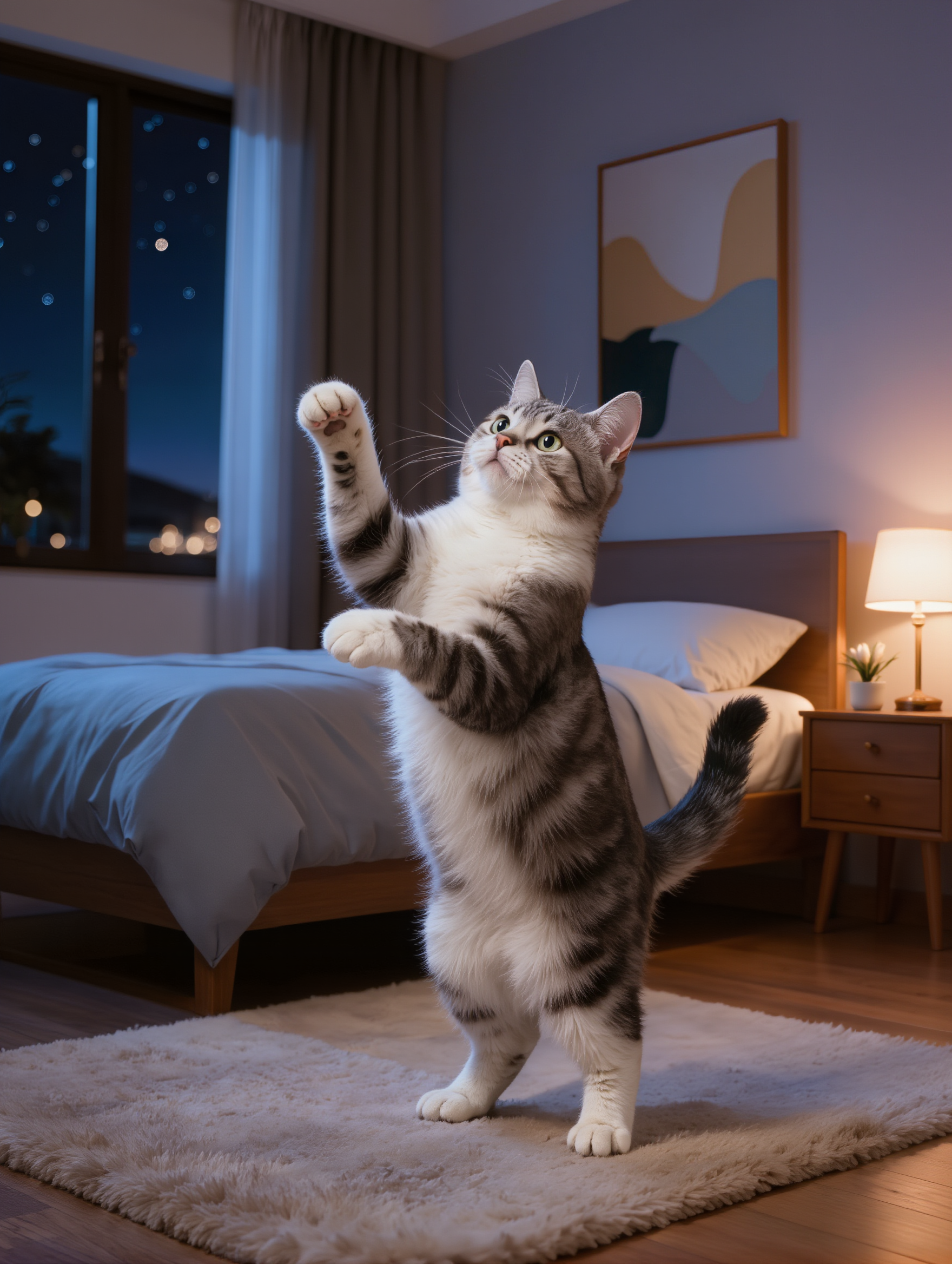
Cat dancing at night - cat dance wallpaper AI image
kedan_ex avatar
kedan_ex
Cat Dance - cat dance wallpaper AI video
Zmartini AI avatar
Zmartini AI

How to Create Images with Kling AI

Write Down You Ideas

Write Down You Ideas

Open the AI Image Generator and choose the model that fits your project. Describe the subject and scene, then add details such as lighting, color, and visual style to shape the result.

Add References Or Not

Add References Or Not

Upload reference images for a character, product, composition, or style. References are optional, but they give Kling AI a clearer visual foundation when specific features, colors, or design details need to carry into the final image.

Generate Your Image

Generate Your Image

Choose your preferred format and output settings, then hit Generate. Once the result is ready, download it directly or open it in the image-to-video workflow to bring it to life with motion.

Remove Objects from Images with More Control

Remove Objects with Simple Text Prompts

Remove Objects with Simple Text Prompts

Skip complex masks and manual retouching. Tell Kling IMAGE 3.0 what you want gone in a text prompt, and it interprets your instruction as a targeted image edit. It gives you a faster way to clean up photos without a complicated editing workflow.

Target the Exact Object You Want Gone

Target the Exact Object You Want Gone

When several similar people or objects appear in the same image, describe the target by its position, appearance, or nearby context. Clearer instructions give you more control over which element is removed while helping reduce unintended changes to unrelated parts of the scene.

Keep the Edited Area Visually Consistent

Keep the Edited Area Visually Consistent

Removing an object also means recreating the area it once covered. Kling IMAGE 3.0 is designed to preserve surrounding style, lighting, and texture during targeted edits, helping the cleared area feel more connected to the rest of the image instead of standing out as an obvious edit.

Apps

Image to Video
Image to Video

Image to Video

Text to Video
Text to Video

Text to Video

Omni
Omni

Omni

Digital Human
Digital Human

Digital Human

Restyle
Restyle

Restyle

Text to Image
Text to Image

Text to Image

60M+
60M+
Users
600M+
600M+
AI Videos Generated
4.7 ★
4.7 ★
App Store
Industry-Leading
Industry-Leading
Cinematic 4K

Reviews

Maria Rubtsova

Maria Rubtsova

★★★★★

I’m Maria Rubtsova, an AIGC digital artist passionate about creating stunning visuals in the worlds of fashion, aesthetics, and fantasy. I use KlingAi to bring imagination to life through video. My work is all about exploring beauty, emotion, and the limitless possibilities of digital art.

Jyo John Mulloor

Jyo John Mulloor

★★★★★

Kling AI has been instrumental in transforming my creative workflow, unlocking new dimensions of artistic expression that were once unimaginable. I use Kling AI extensively to develop high-concept visuals, animate surreal dreamscapes, and create AI-assisted films that blur the line between reality and fantasy. Kling AI’s deep learning capabilities have not only enhanced my creative efficiency but also inspired me to explore storytelling in ways I never thought possible.

KakuDrop

KakuDrop

★★★★★

I have successfully collaborated with world-renowned artists and well-known companies that are recognized globally

FAQ

Q1Is a video enhancer the same as a video upscaler?
Q2What can I change with text prompts?
Q3Can I enhance my video in 4K?

Bring Your Old Photos Back to Life

Use the photo you already have as the starting point. Repair visible damage, improve faded areas, guide familiar faces with references, and create a higher-resolution version when you need it.