Creative Studio
API
Resources
Features
About Us
Download

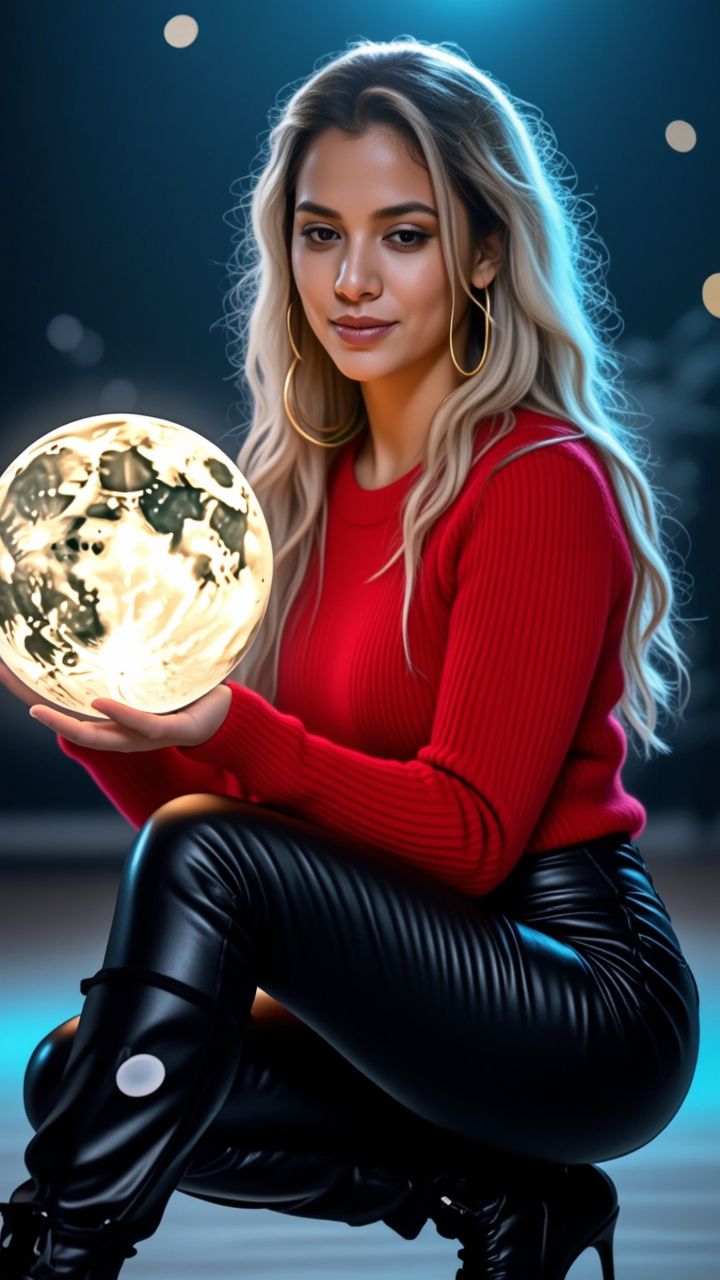
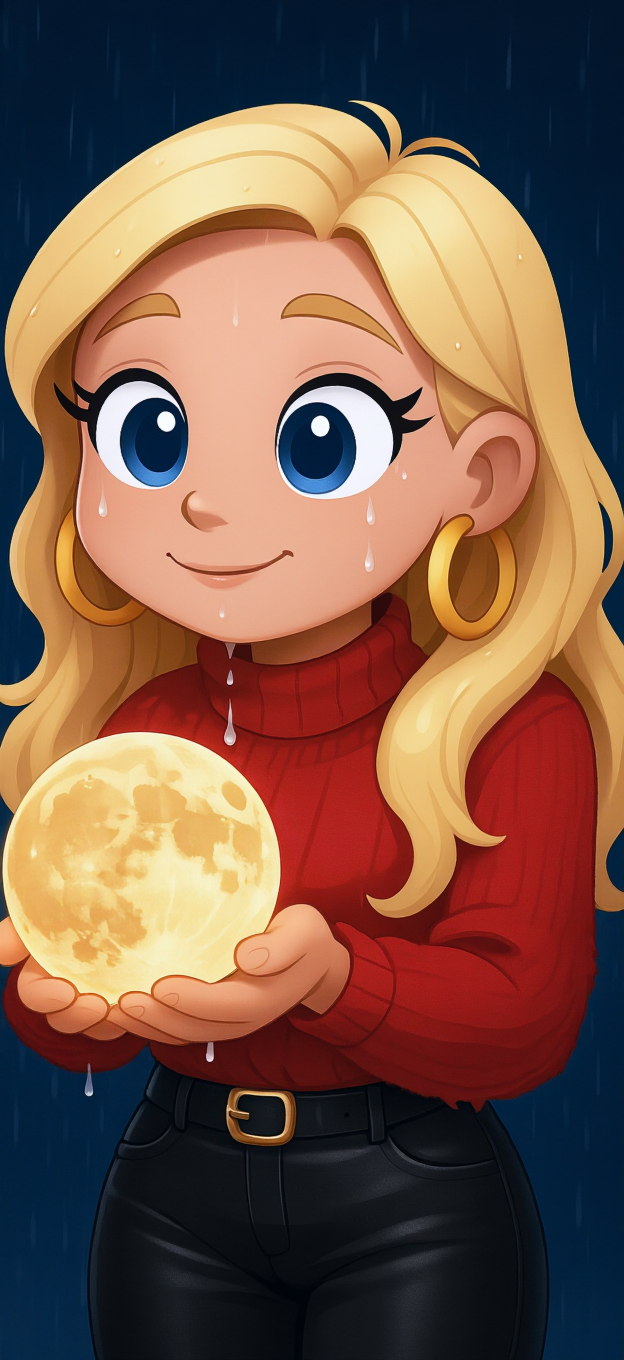
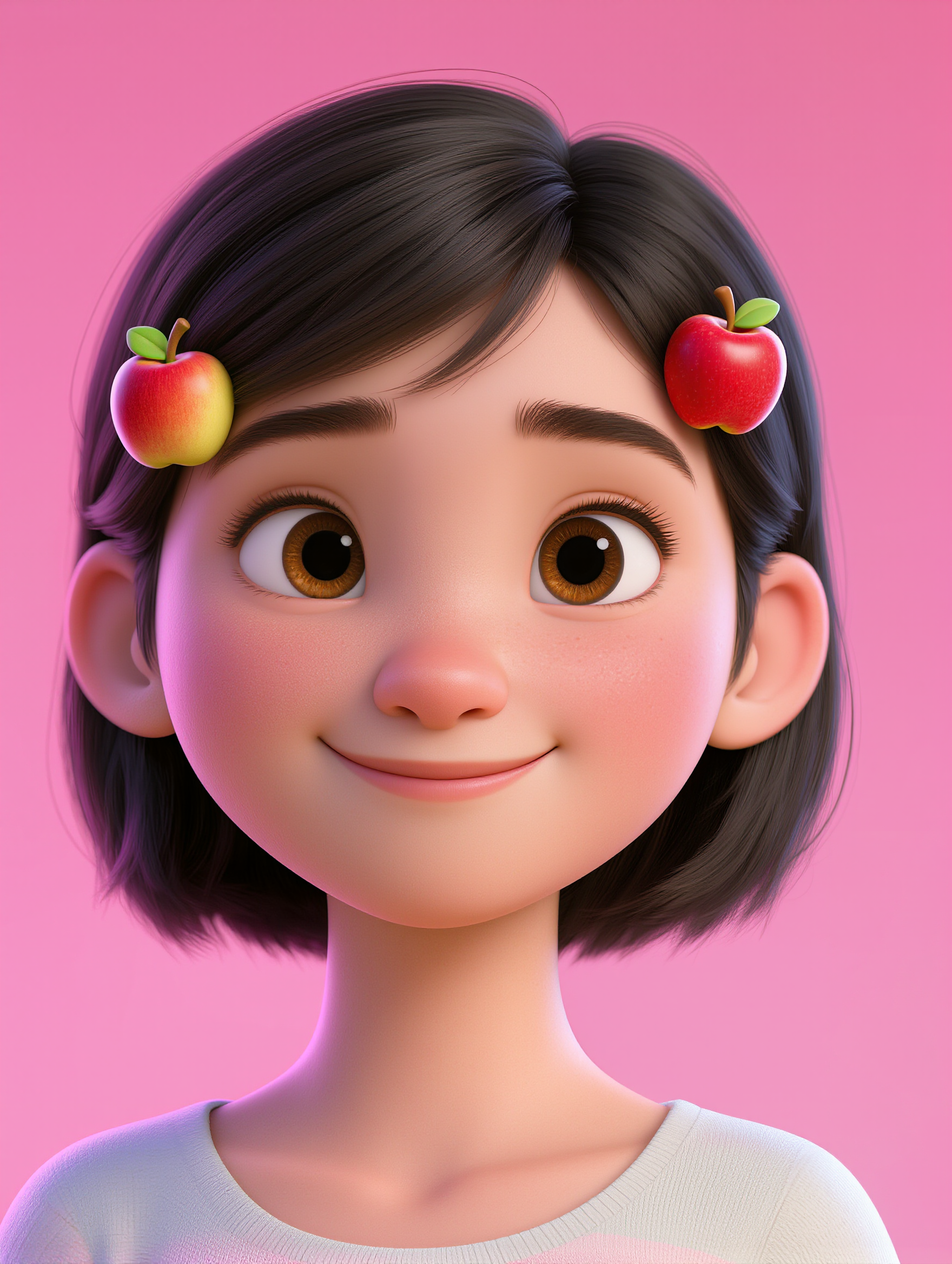
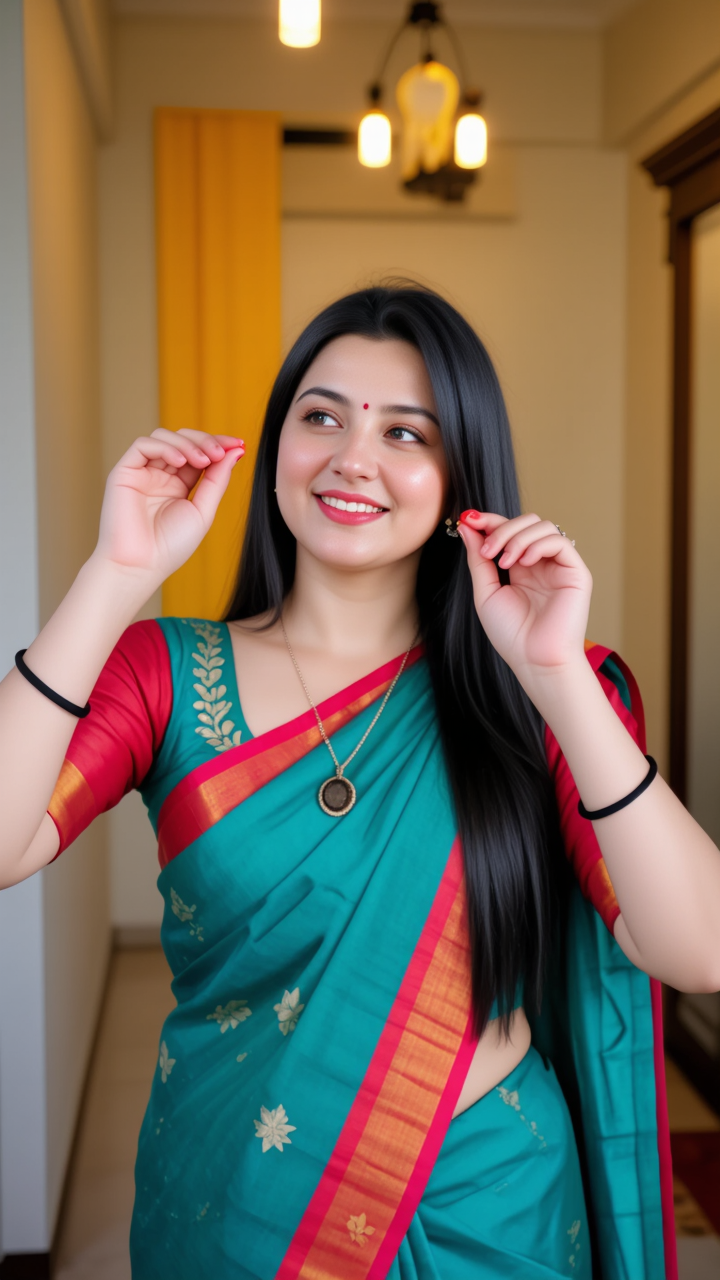
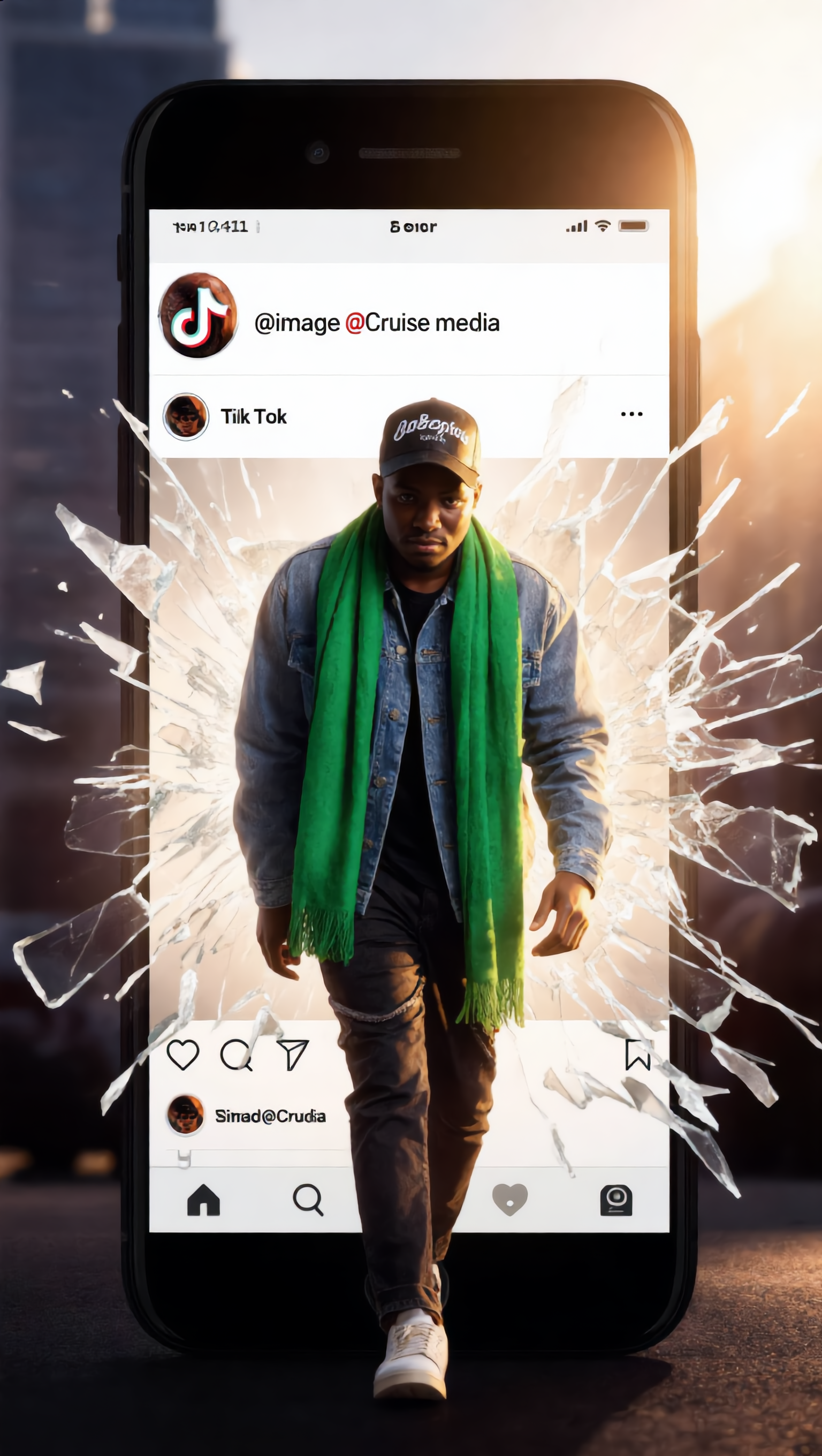
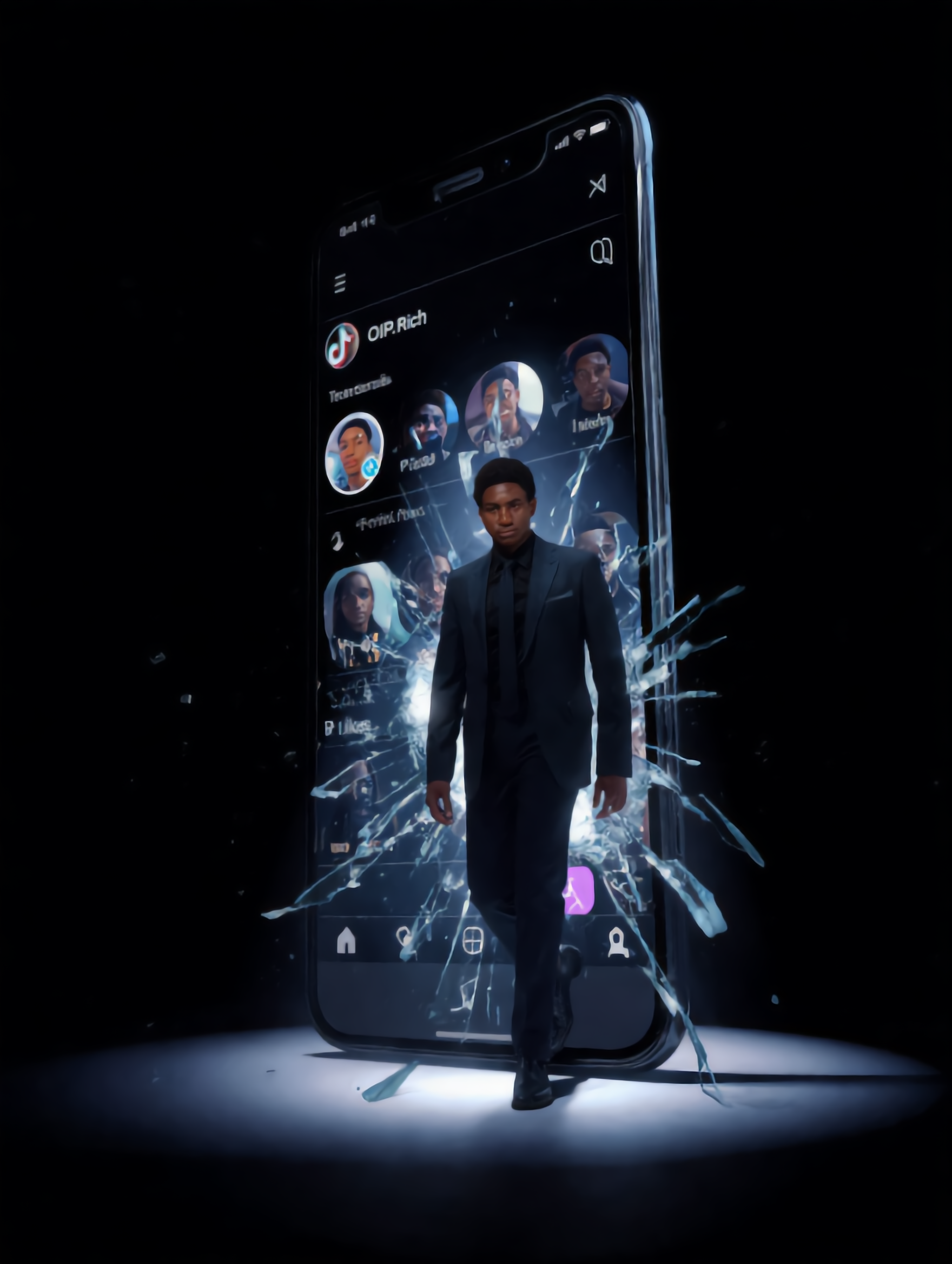
AI-made CGI TikTok profile pictures – Stand out on social media

Stand out on social media with AI-made CGI TikTok profile pictures. Create unique avatars that reflect your style. Easy-to-use templates allow you to design professional-looking profile pictures without any design skills.

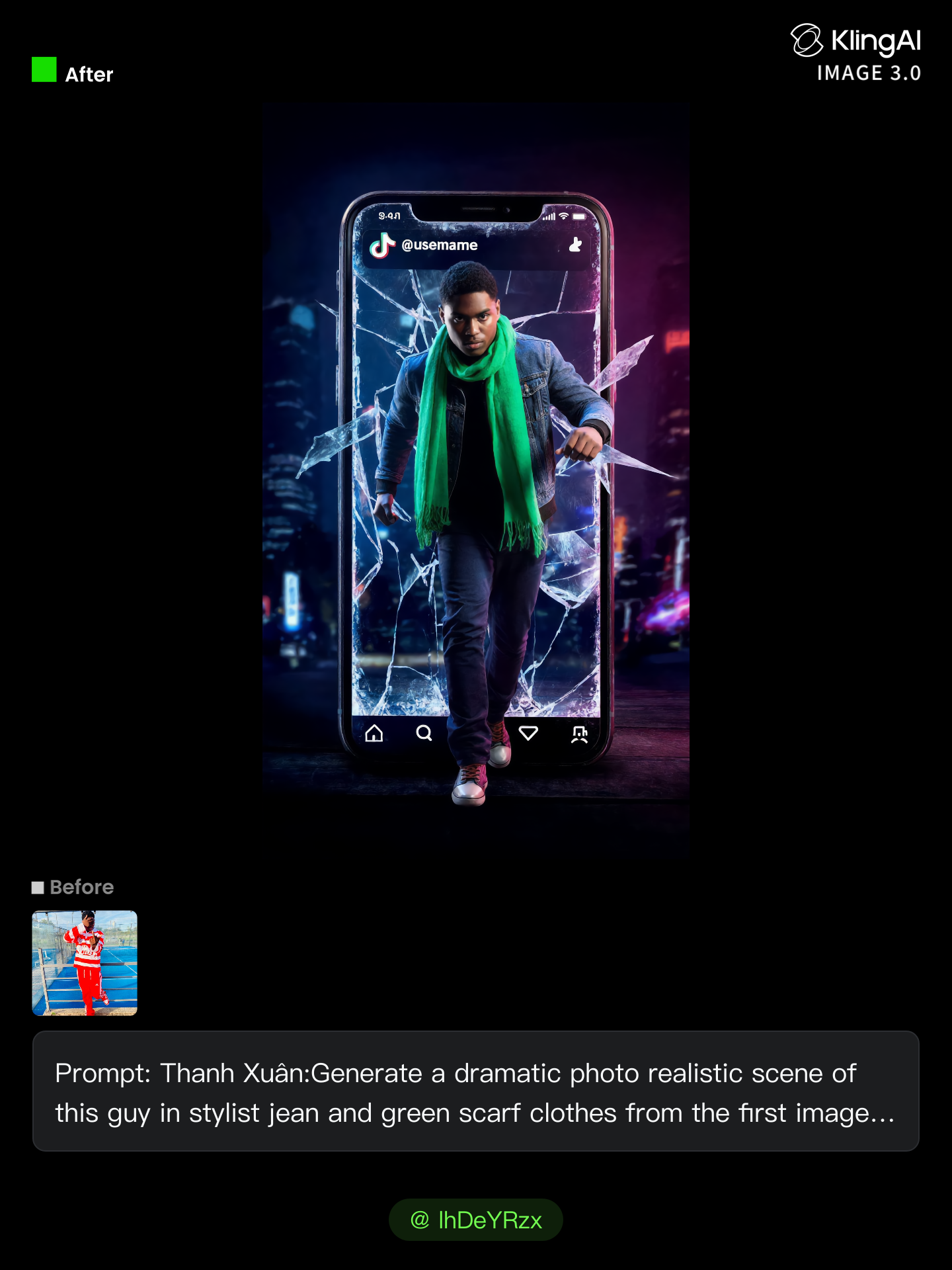
AI-made CGI TikTok profile pictures – Stand out on social media

Recommended

tiktok dance - cgi tiktok profile picture AI video
MeoGreen avatar
MeoGreen
video Ai bán sản phẩm tiktok - cgi tiktok profile picture AI video
otIXBlJB avatar
otIXBlJB
viral tiktok trend - cgi tiktok profile picture AI video
yassr avatar
yassr
Kling AI work 312201862617298 - cgi tiktok profile picture AI image
BunnyLOVE Studios avatar
BunnyLOVE Studios
TIKTOK - cgi tiktok profile picture AI video
sqsWKXkN avatar
sqsWKXkN
Trend tiktok - cgi tiktok profile picture AI video
VhavDXxr avatar
VhavDXxr
tiktok - cgi tiktok profile picture AI video
InMvTRNL avatar
InMvTRNL
Kling AI work 294775608618123 - cgi tiktok profile picture AI video
Joboy96 avatar
Joboy96
Tiktok Dance - cgi tiktok profile picture AI video
fIqUcmjB avatar
fIqUcmjB
TikTok Dance - cgi tiktok profile picture AI video
Mizuki Sora avatar
Mizuki Sora
Kling AI work 317173814508338 - cgi tiktok profile picture AI video
KLING JARVIS 2025 avatar
KLING JARVIS 2025
Kling AI work 312201827612991 - cgi tiktok profile picture AI image
BunnyLOVE Studios avatar
BunnyLOVE Studios
Mirror self shot picture - cgi tiktok profile picture AI video
videosAI𝙥𝙧𝙤 avatar
videosAI𝙥𝙧𝙤
Elite Creator
CGI Commercial - cgi tiktok profile picture AI video
firatyildiz avatar
firatyildiz
Creative Partner
One picture – two stars - cgi tiktok profile picture AI video
00:53
Alla_nov avatar
Alla_nov
Elite Creator
CGI Promotional Video - cgi tiktok profile picture AI video
YQxTeJaI avatar
YQxTeJaI
post dance tiktok ai - cgi tiktok profile picture AI video
RIKY SAPUTRA avatar
RIKY SAPUTRA
Tik-tok - cgi tiktok profile picture AI video
edAi avatar
edAi
Tiktok dance viral - cgi tiktok profile picture AI video
Bunny Barz avatar
Bunny Barz

How to Use Kling AI Face Swap

Step 1: Upload Your Target and References

Step 1: Upload Your Target and References

Add the photo or video you want to edit, then add the face reference you want Kling AI to follow. For video, you can also use multiple views or a character element when you need stronger identity consistency across different angles.

Step 2: Describe the Face Swap You Want

Step 2: Describe the Face Swap You Want

Tell Kling AI which face to replace and what reference to use. For example: "Replace the face in [Image 1] with the face from [Image 2] while keeping all other content unchanged."

Step 3: Generate Your Face Swap

Step 3: Generate Your Face Swap

Choose your preferred output settings, such as the generation mode and aspect ratio, then click Generate. Kling AI will apply your instructions and chosen settings to create your face-swapped image or video.

Why Kling Sets the Standard for Video Creation

Flawless Character Consistency for High-Quality Videos

Flawless Character Consistency for High-Quality Videos

Unlike standard tools that distort faces when moving, Kling Video 3.0 lets you strictly lock a character’s appearance. Upload a single photo, or use a short video/multiple angles as a reference to completely eliminate the “AI morphing” effect.

All-in-One Native Audio & Lip-Sync

All-in-One Native Audio & Lip-Sync

Your video isn’t just silent footage; it speaks. Generate perfectly matched voices and realistic lip movements in multiple languages or regional accents. Even in multi-character scenes, you can precisely assign who speaks—no third-party tools required.

Up to 15s Multi-Shot Cinematic Output

Up to 15s Multi-Shot Cinematic Output

Go beyond a basic 3-second clip. Kling 3.0 extends generation to 15 seconds of smooth, uninterrupted narrative. You can even use native storyboard controls to direct multi-shot sequences in a single click—outputting in crystal-clear 4K for professional use.

Apps

Image to Video
Image to Video

Image to Video

Text to Video
Text to Video

Text to Video

Omni
Omni

Omni

Digital Human
Digital Human

Digital Human

Restyle
Restyle

Restyle

Text to Image
Text to Image

Text to Image

60M+
60M+
Users
600M+
600M+
AI Videos Generated
4.7 ★
4.7 ★
App Store
Industry-Leading
Industry-Leading
Cinematic 4K

Reviews

Ozan Sihay

Ozan Sihay

★★★★★

Kling AI allows me to rapidly prototype ideas, refine storytelling elements, and produce visually compelling content efficiently. It has not only accelerated my creative processes, but also deepened my understanding of how AI can enrich visual storytelling.

Huang Lu (Elson)

Huang Lu (Elson)

★★★★★

I’ve been using Kling AI since its initial release, and it’s remained one of the leading AI media generators ever since. With Kling AI, I’ve created hundreds of videos, collectively amassing millions of views.

Déborah

Déborah

★★★★★

I use Kling AI every day. It's amazing to see the almost daily progress it makes. I used AI for fun at first, and I now find that Kling AI's animations allow me to gain professional visibility, with three times more views on my animated posts than on my static posts.

FAQ

Q1Can Kling AI change the background of a photo?
Q2Is Kling AI Background Remover free?
Q3Can I make an image background transparent?

Keep the Shot. Change the Background.

Remove the background you do not want or move existing footage into a new scene - without rebuilding the shot frame by frame.