Creative Studio
API
Resources
Features
About Us
Download

character image creator - furry gym & manga inspired

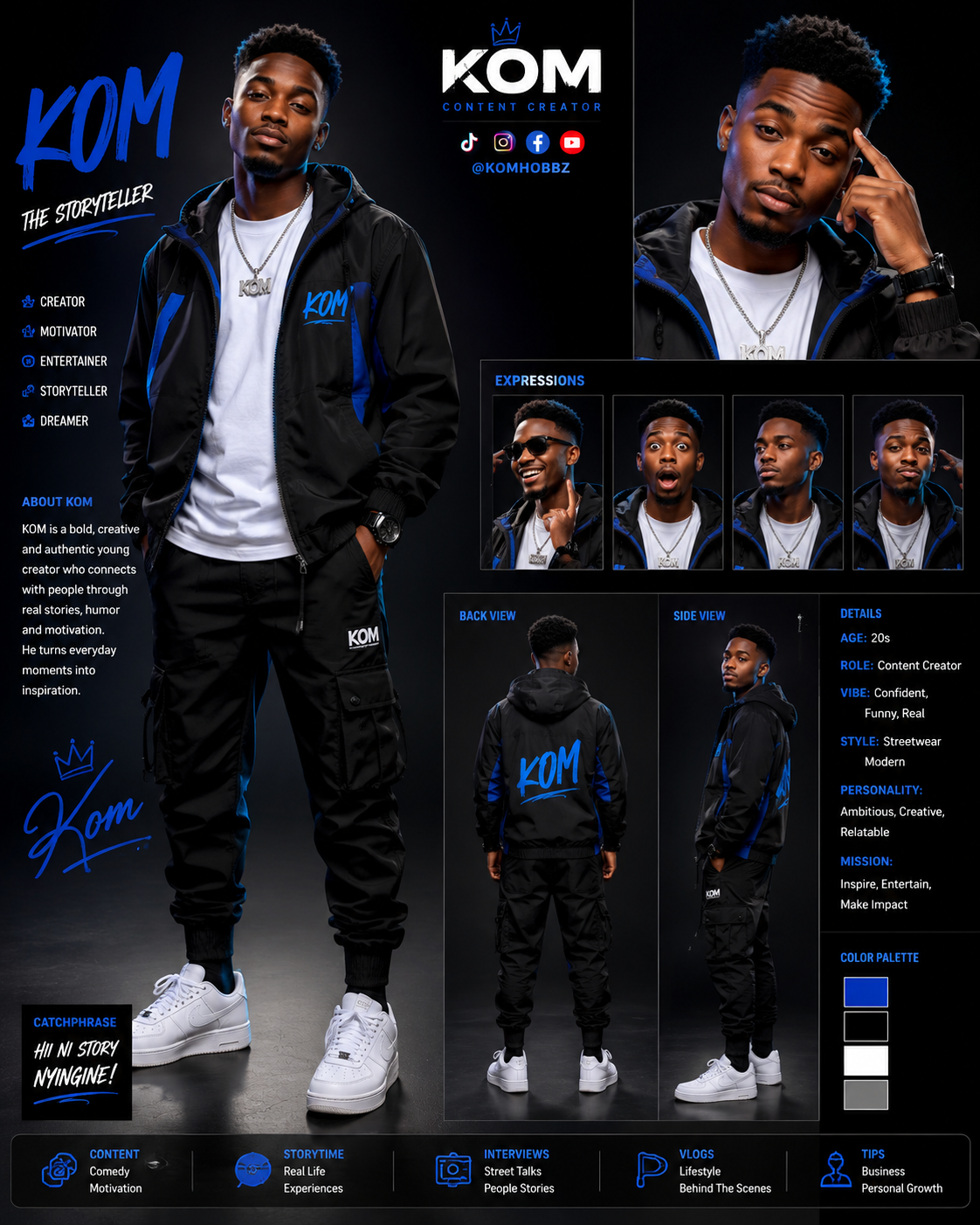
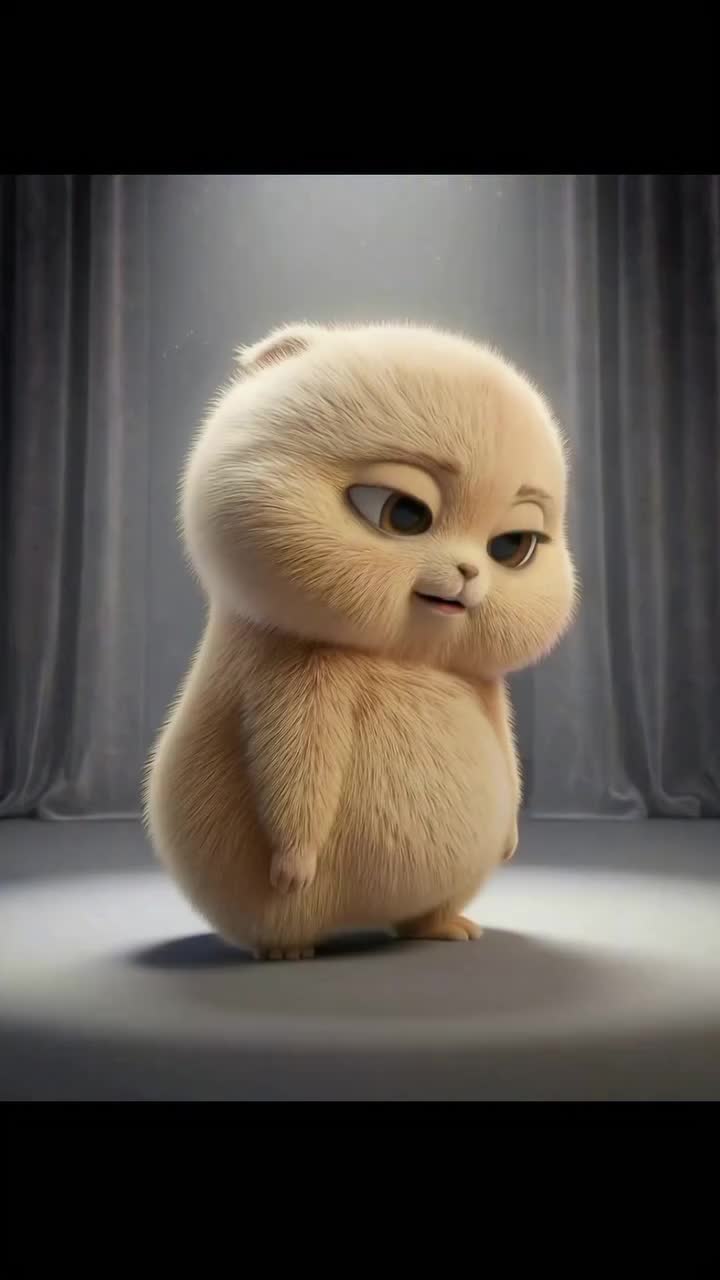
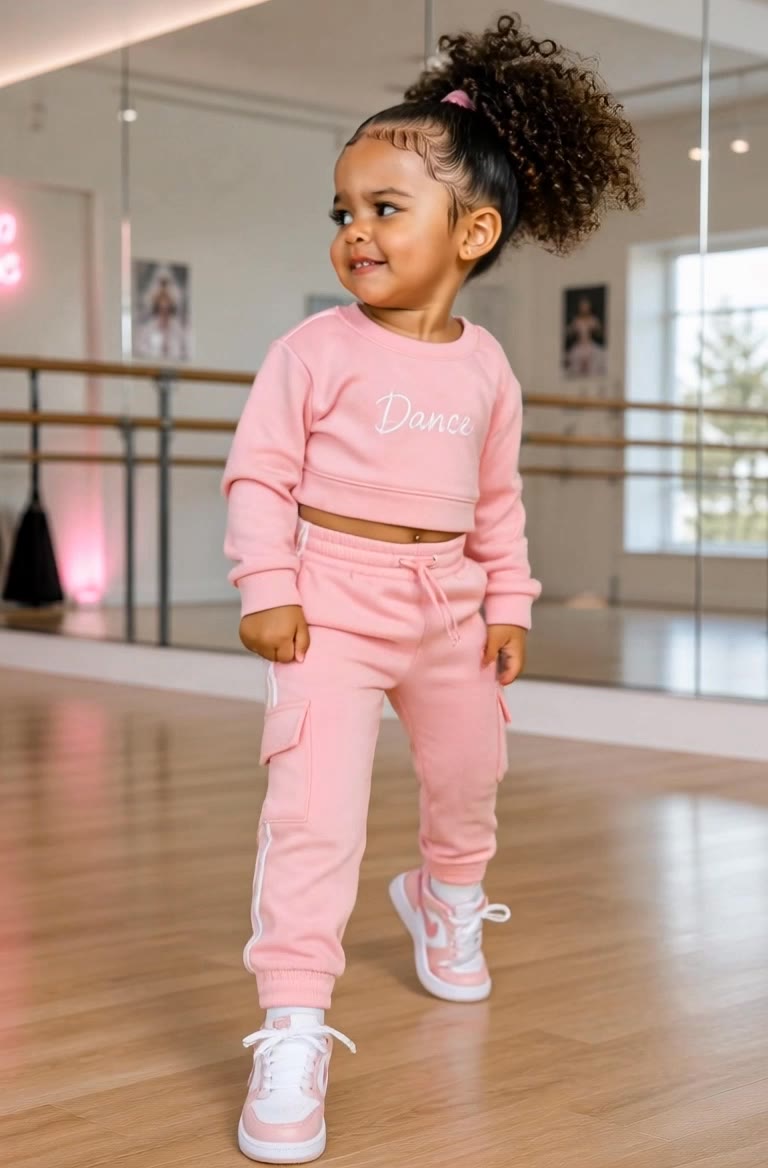
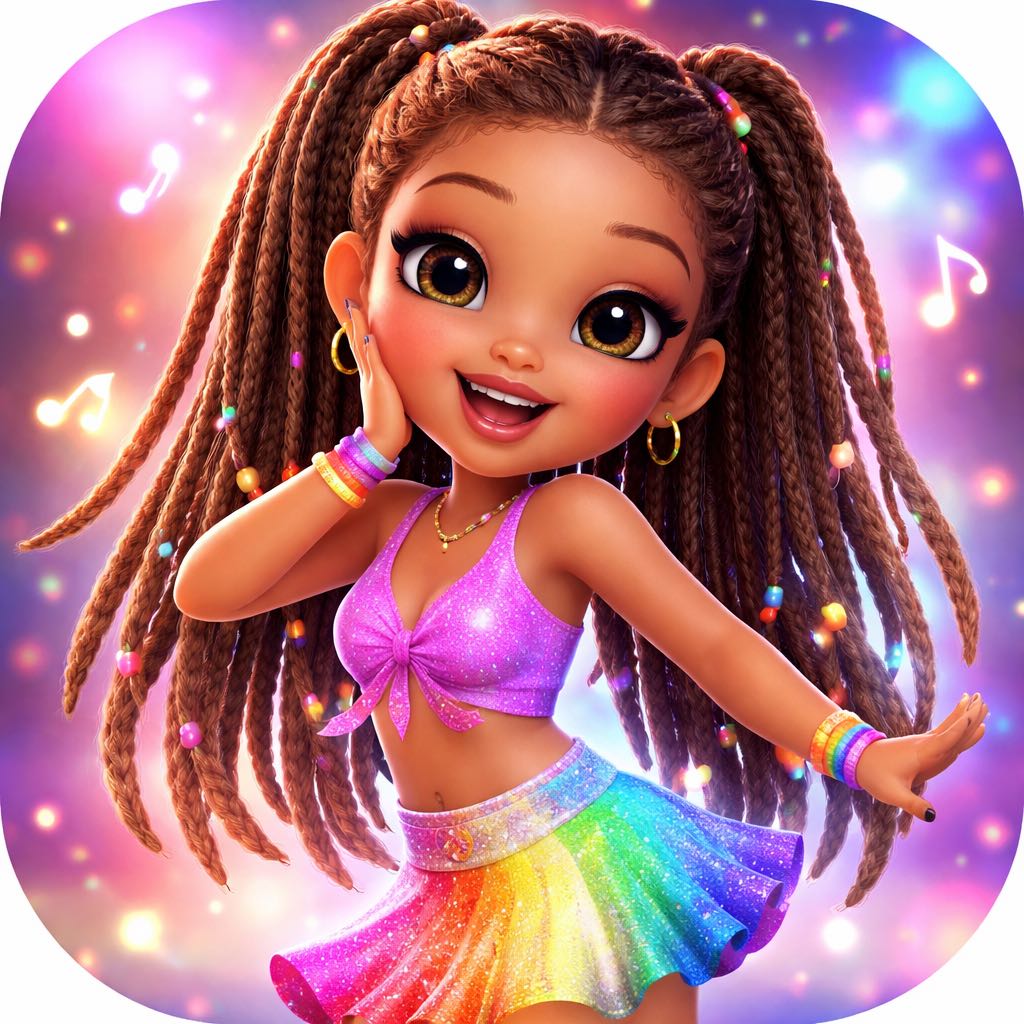
Unleash your creativity with unique character designs featuring curly-haired creators, 3D avatars, and Disney-like joy. Start exploring character image creator ideas and generate your own content with AI.

character image creator - furry gym & manga inspired

Recommended

Kling AI work 312374164522087 - character image creator AI video
affbbhcI avatar
affbbhcI
Kling AI work 312545794665201 - character image creator AI video
Cathrinegart.creatio avatar
Cathrinegart.creatio
Manga inspired character - character image creator AI video
Panosia avatar
Panosia
The Universal Creator - character image creator AI video
Hugues avatar
Hugues
Shop girl - character image creator AI image
yndMKGpm avatar
yndMKGpm
Kling AI work 316207698503269 - character image creator AI video
favy avatar
favy
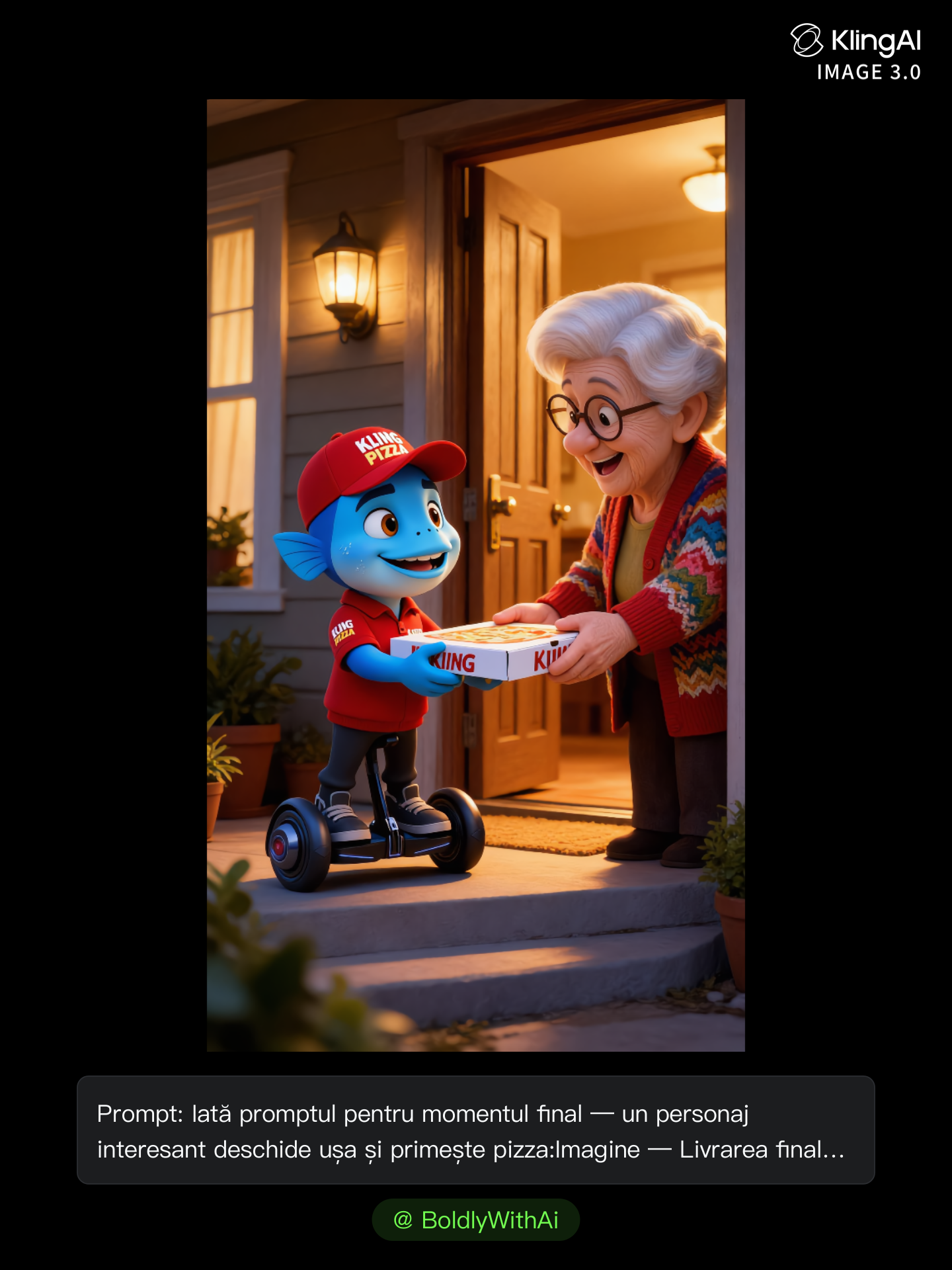
Kling Anniversary Character - character image creator AI image
BoldlyWithAi avatar
BoldlyWithAi
Elite Creator
Introduction of character - character image creator AI video
nikusha avatar
nikusha
Kling AI work 310752717520514 - character image creator AI image
Iona avatar
Iona
My 2 Years with Kling AI - character image creator AI video
NorBelma avatar
NorBelma
Kling AI work 313727322663916 - character image creator AI video
UlldbVMa avatar
UlldbVMa
Upload any image  - character image creator AI video
@Tiny Ai Dancers avatar
@Tiny Ai Dancers
Kling AI work 311034683505071 - character image creator AI video
Blessed avatar
Blessed
Upload any image  - character image creator AI video
@Tiny Ai Dancers avatar
@Tiny Ai Dancers
Kling AI work 310754480520126 - character image creator AI video
FtMaFTJF avatar
FtMaFTJF
Kling AI work 310950619610518 - character image creator AI video
Blessed avatar
Blessed
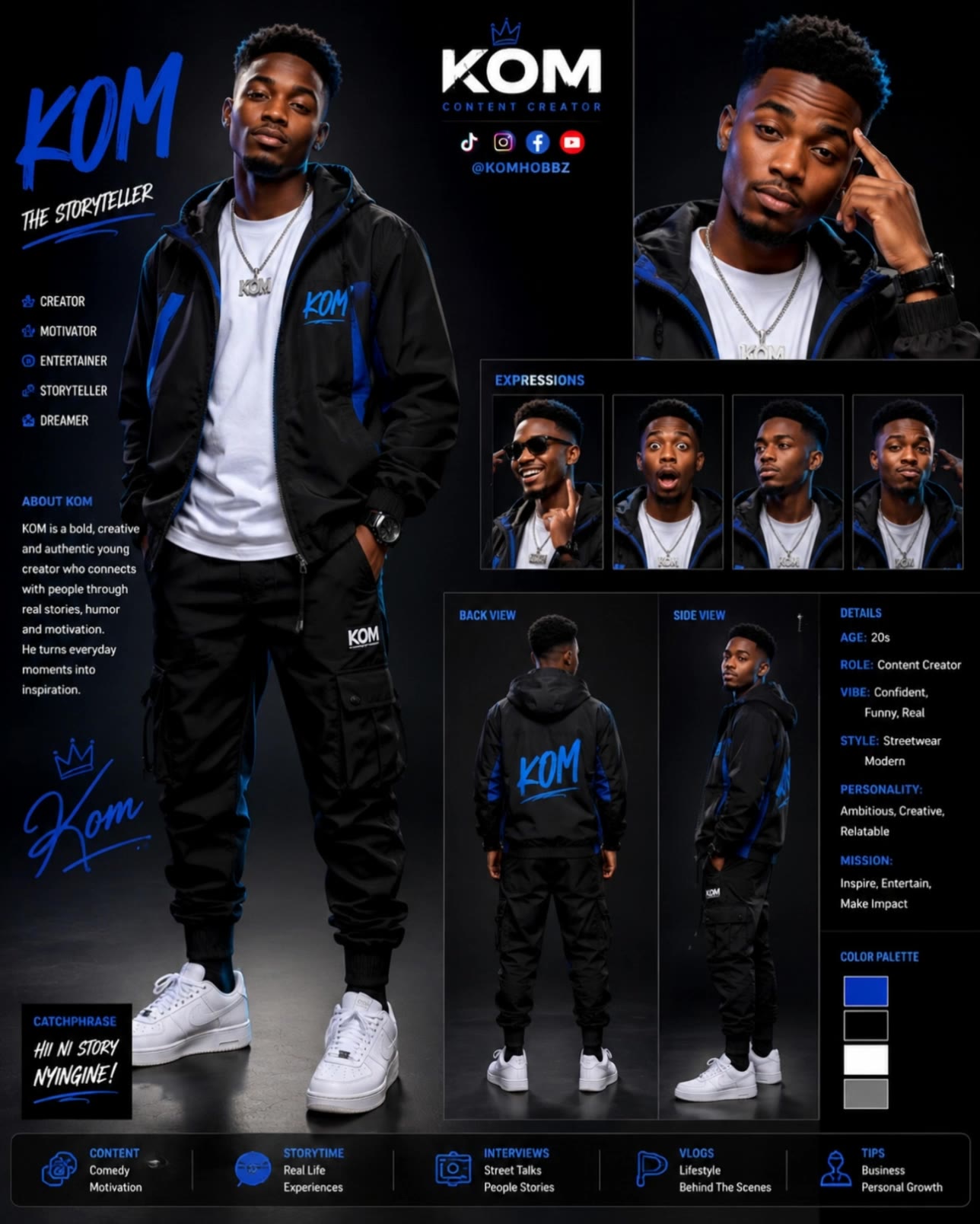
Kom - character image creator AI video
KOM254 avatar
KOM254
Kling AI work 313693676615326 - character image creator AI video
UlldbVMa avatar
UlldbVMa
Kling AI work 305989180534675 - character image creator AI video
WLBISLGd avatar
WLBISLGd

How to Change Clothes with Kling AI

Step 1: Upload the Model Photo and Outfit References

Step 1: Upload the Model Photo and Outfit References

Upload the model's photo you want to edit, then add references for the clothing, shoes, hats, bags, or accessories you want to use. You can combine multiple references when different parts of the final look come from different images.

Step 2: Describe the Outfit Change

Step 2: Describe the Outfit Change

Tell Kling AI how each reference should be used. For example, use Image 1 as the base person, then apply the shirt from Image 2, jacket from Image 3, skirt from Image 4, and shoes from Image 5.

Step 3: Generate Your Outfit Change

Step 3: Generate Your Outfit Change

Choose your preferred aspect ratio and 2K or 4K resolution, then generate your new look. Preview the final composite and download your favorite result.

Create Richer Text to Speech Experiences with Kling AI

Generate Video with Native Audio

Generate Video with Native Audio

Create the visuals, dialogue, and sound together, with the voice included from the start. Add your script or character lines to the prompt, and Kling VIDEO 3.0 Omni generates spoken dialogue as part of the same video. This brings AI text to speech directly into the video generation process for conversations, narrated scenes, character stories, and more.

Match Every Voice to the Right Character

Match Every Voice to the Right Character

Create conversations with several characters and keep each line connected to the intended speaker. Multi-Character Coreference helps Kling VIDEO 3.0 keep each line with the intended speaker, even when three or more characters appear in the same scene. Use it for interviews, group conversations, and story scenes where several characters need to speak.

Reach More Audiences in More Languages

Reach More Audiences in More Languages

Create dialogue in Chinese, English, Japanese, Korean, and Spanish with Multilingual Content Generation. Kling VIDEO 3.0 can switch between languages within the same video and supports a range of dialects and accents for more natural character speech. This makes it easier to adapt characters and dialogue for different regions and audiences.

Apps

Image to Video
Image to Video

Image to Video

Text to Video
Text to Video

Text to Video

Omni
Omni

Omni

Digital Human
Digital Human

Digital Human

Restyle
Restyle

Restyle

Text to Image
Text to Image

Text to Image

60M+
60M+
Users
600M+
600M+
AI Videos Generated
4.7 ★
4.7 ★
App Store
Industry-Leading
Industry-Leading
Cinematic 4K

Reviews

Maria Rubtsova

Maria Rubtsova

★★★★★

I’m Maria Rubtsova, an AIGC digital artist passionate about creating stunning visuals in the worlds of fashion, aesthetics, and fantasy. I use KlingAi to bring imagination to life through video. My work is all about exploring beauty, emotion, and the limitless possibilities of digital art.

Ozan Sihay

Ozan Sihay

★★★★★

Kling AI allows me to rapidly prototype ideas, refine storytelling elements, and produce visually compelling content efficiently. It has not only accelerated my creative processes, but also deepened my understanding of how AI can enrich visual storytelling.

Huang Lu (Elson)

Huang Lu (Elson)

★★★★★

I’ve been using Kling AI since its initial release, and it’s remained one of the leading AI media generators ever since. With Kling AI, I’ve created hundreds of videos, collectively amassing millions of views.

FAQ

Q1Can Kling AI edit existing images?
Q2How does Kling AI text-to-image work?
Q3Is Kling AI text-to-image free to use?

Change the Shot Without Reshooting It

Upload your footage, describe the result, and let Kling rebuild the scene around your direction.

Free tier available | Simple prompt editing | Up to 4K output | Fast generation