
Creative Studio
API
Resources
Features
About Us
Download

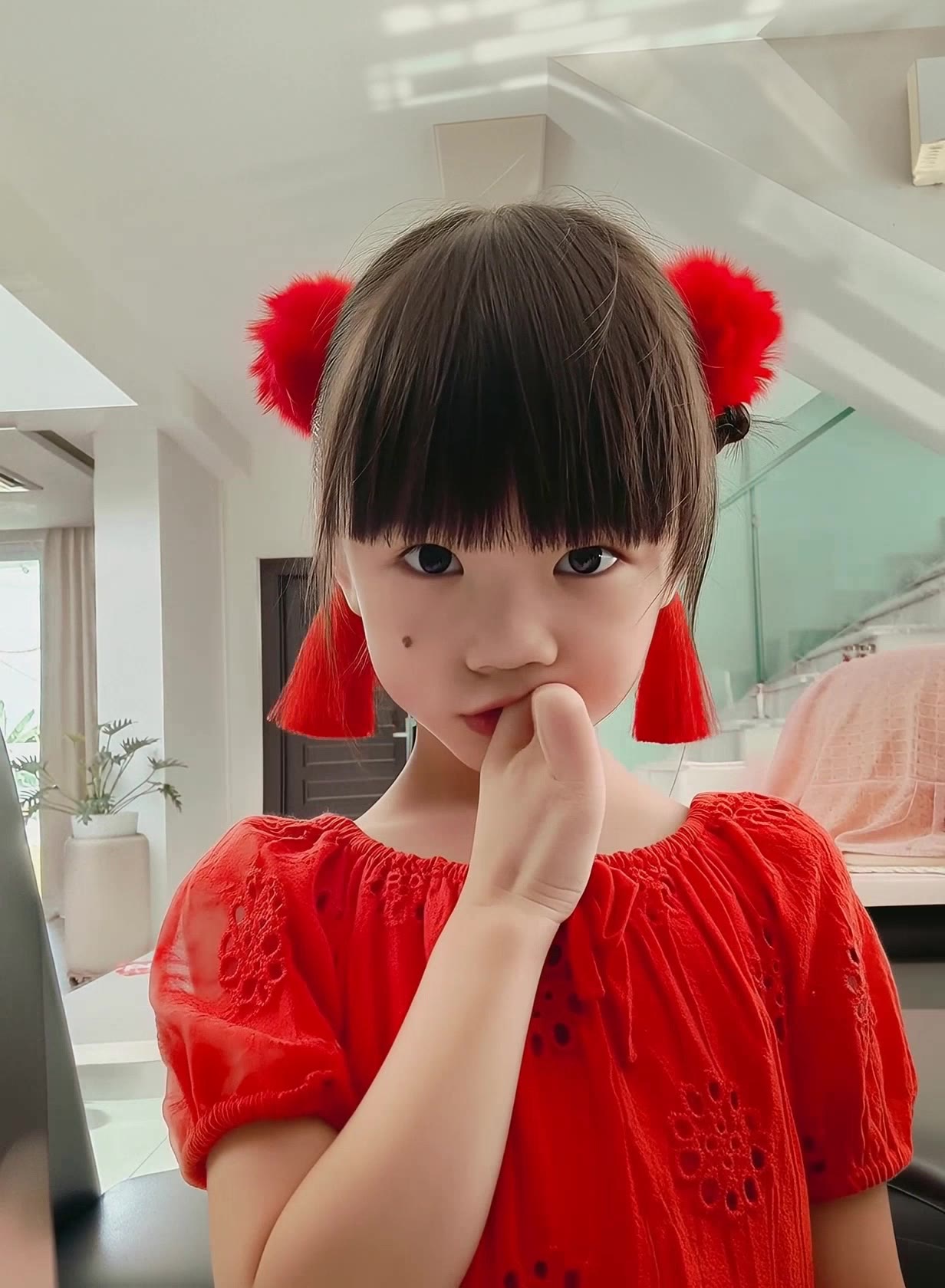
Child AI Character Swap Ideas – Cute and Imaginative Transformations

Discover AI-made child character swap ideas. Enjoy cute and imaginative transformations that can be tailored to your preferences. Perfect for quick and charming design projects.

Child AI Character Swap Ideas – Cute and Imaginative Transformations

Recommended

algerian child  - child ai character swap AI video
WWfMyQrE avatar
WWfMyQrE
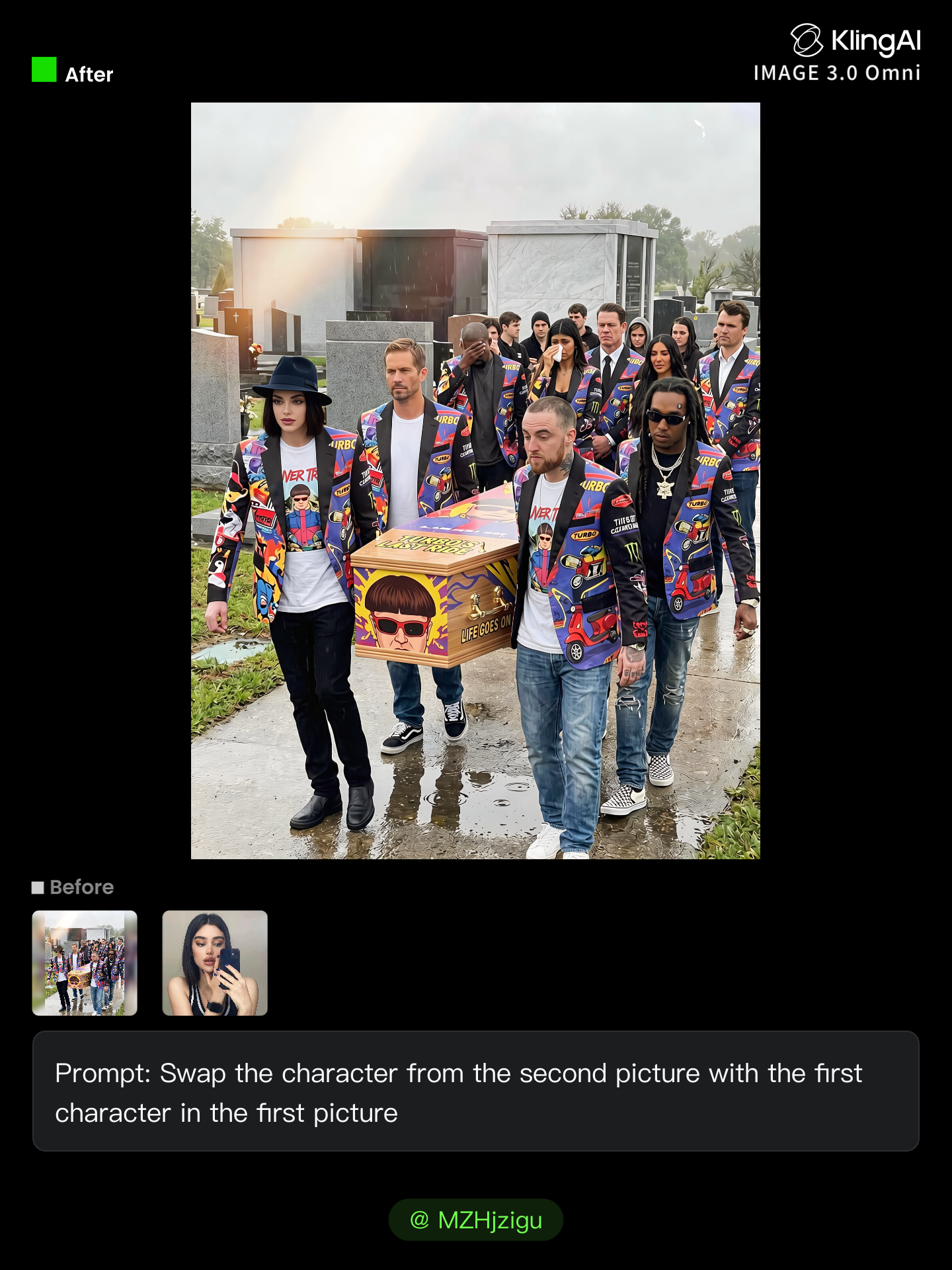
Kling AI work 314467314527485 - child ai character swap AI image
MZHjzigu avatar
MZHjzigu
Kling AI work 318581398525912 - child ai character swap AI video
azys avatar
azys
Elite Creator
Kling AI work 306547059538471 - child ai character swap AI video
ACPVdpvr avatar
ACPVdpvr
Kling AI work 309263907611920 - child ai character swap AI image
NWrPVMeJ avatar
NWrPVMeJ
phone buzz + tired gasp - child ai character swap AI video
lorsSnHH avatar
lorsSnHH
manualtracking 🪄 - child ai character swap AI video
susu avatar
susu
Kling AI work 314466234661245 - child ai character swap AI image
MZHjzigu avatar
MZHjzigu
Kling AI work 317786834526599 - child ai character swap AI video
SAMUEL CEA SOLAR avatar
SAMUEL CEA SOLAR
Kling AI work 316520556663335 - child ai character swap AI video
jjHbUido avatar
jjHbUido
Amara the wonderful child  - child ai character swap AI image
kdKDvWWo avatar
kdKDvWWo
Kling AI work 314466729528944 - child ai character swap AI image
MZHjzigu avatar
MZHjzigu
Montcalm at Golden Hour - child ai character swap AI video
KLING1663 avatar
KLING1663
Kling AI work 311118571500832 - child ai character swap AI video
MKZIMBxT avatar
MKZIMBxT
Kak Ros Bruce Lee - child ai character swap AI video
uUxRSDhQ avatar
uUxRSDhQ
Kling AI work 309267952665760 - child ai character swap AI image
NWrPVMeJ avatar
NWrPVMeJ
Kling AI work 317006966500417 - child ai character swap AI image
WzveNPmx avatar
WzveNPmx

How to Lip Sync a Video in Kling AI

Choose a Clear Character Video

Choose a Clear Character Video

Choose a supported Kling AI clip with a full, clearly visible face. Lip Sync works with realistic, 3D, and 2D human characters.

Add Audio or Enter a Script

Add Audio or Enter a Script

Upload a voiceover or singing track, or use Text to Speech to generate a voice. Trim the audio if it runs longer than the video.

Generate and Review

Generate and Review

Generate the lip sync and preview the result. If the timing feels off, trim the audio or adjust the Text to Speech speed.

More Than a Cleaner Background

Keep the Focus on Your Subject

Keep the Focus on Your Subject

Busy room? Distracting backdrop? Clear away what pulls attention from the person, product, character, or action you actually want people to see. Give product videos, presenter clips, ads, and social content a cleaner look without manually tracing the subject through every frame. No green screen. No tedious masking. Just tell Kling what needs to stay.

Give the Scene a Better Place to Happen

Give the Scene a Better Place to Happen

Love the footage but not where it was filmed? Change the setting instead of starting over. Describe what you want, or bring in a reference image when you already have the look in mind. Move the same shot into a clean studio, a branded space, a storefront, an outdoor scene, or somewhere completely different.

Keep Creating Without Switching Gears

Keep Creating Without Switching Gears

Once the background feels right, there is plenty more you can do in Kling AI. Generate new shots, build multi-shot sequences, work with native audio, explore Motion Control, sound, and effects, or keep shaping the video with Kling’s creative tools. From background fix to fuller video idea, you can keep the project moving with the same creative studio.

Apps

Image to Video
Image to Video

Image to Video

Text to Video
Text to Video

Text to Video

Omni
Omni

Omni

Digital Human
Digital Human

Digital Human

Restyle
Restyle

Restyle

Text to Image
Text to Image

Text to Image

60M+
60M+
Users
600M+
600M+
AI Videos Generated
4.7 ★
4.7 ★
App Store
Industry-Leading
Industry-Leading
Cinematic 4K

Reviews

Halim Alrasihi

Halim Alrasihi

★★★★★

I use AI daily and Kling AI is a crucial part of my workflow, whether for client work or personal projects. What I love most about using Kling AI is that it provides all the tools I need in one place, from keyframes to character references, elements and special effects.

Déborah

Déborah

★★★★★

I use Kling AI every day. It's amazing to see the almost daily progress it makes. I used AI for fun at first, and I now find that Kling AI's animations allow me to gain professional visibility, with three times more views on my animated posts than on my static posts.

KakuDrop

KakuDrop

★★★★★

I have successfully collaborated with world-renowned artists and well-known companies that are recognized globally

FAQ

Q1What is an AI art generator?
Q2What is the best AI art generator?
Q3Can I use AI-generated art commercially?

Make Something Worth Keeping

Start with a sentence, a sketch, or a visual reference. Shape the idea until the style, composition, and details feel like yours.

Free tier available | Text to Art | Reference Images | Style Transfer