
Creative Studio
API
Resources
Features
About Us
Download

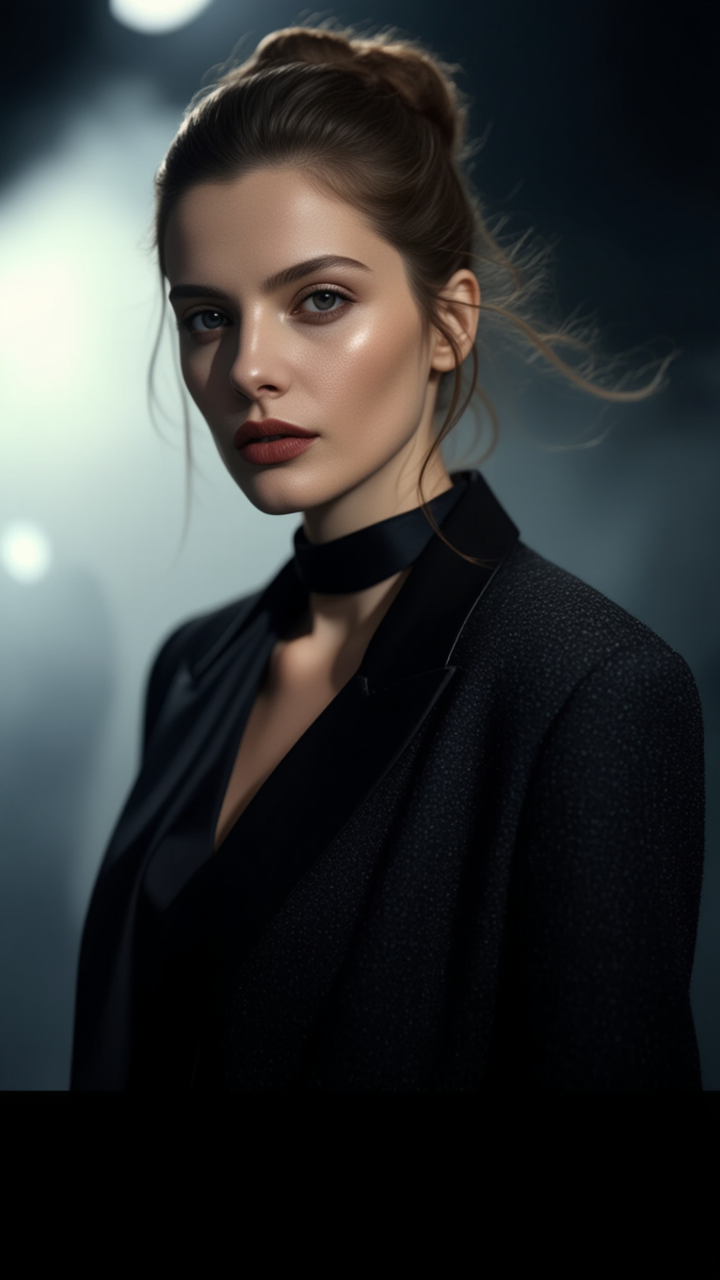
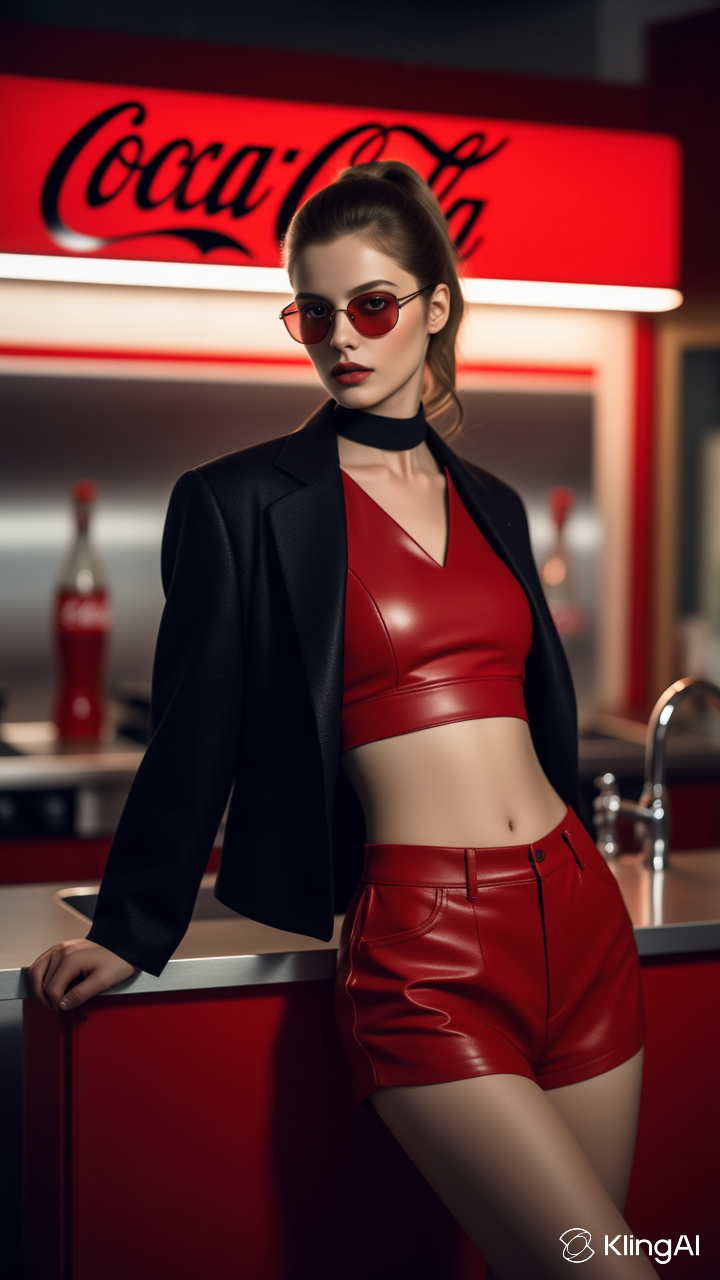
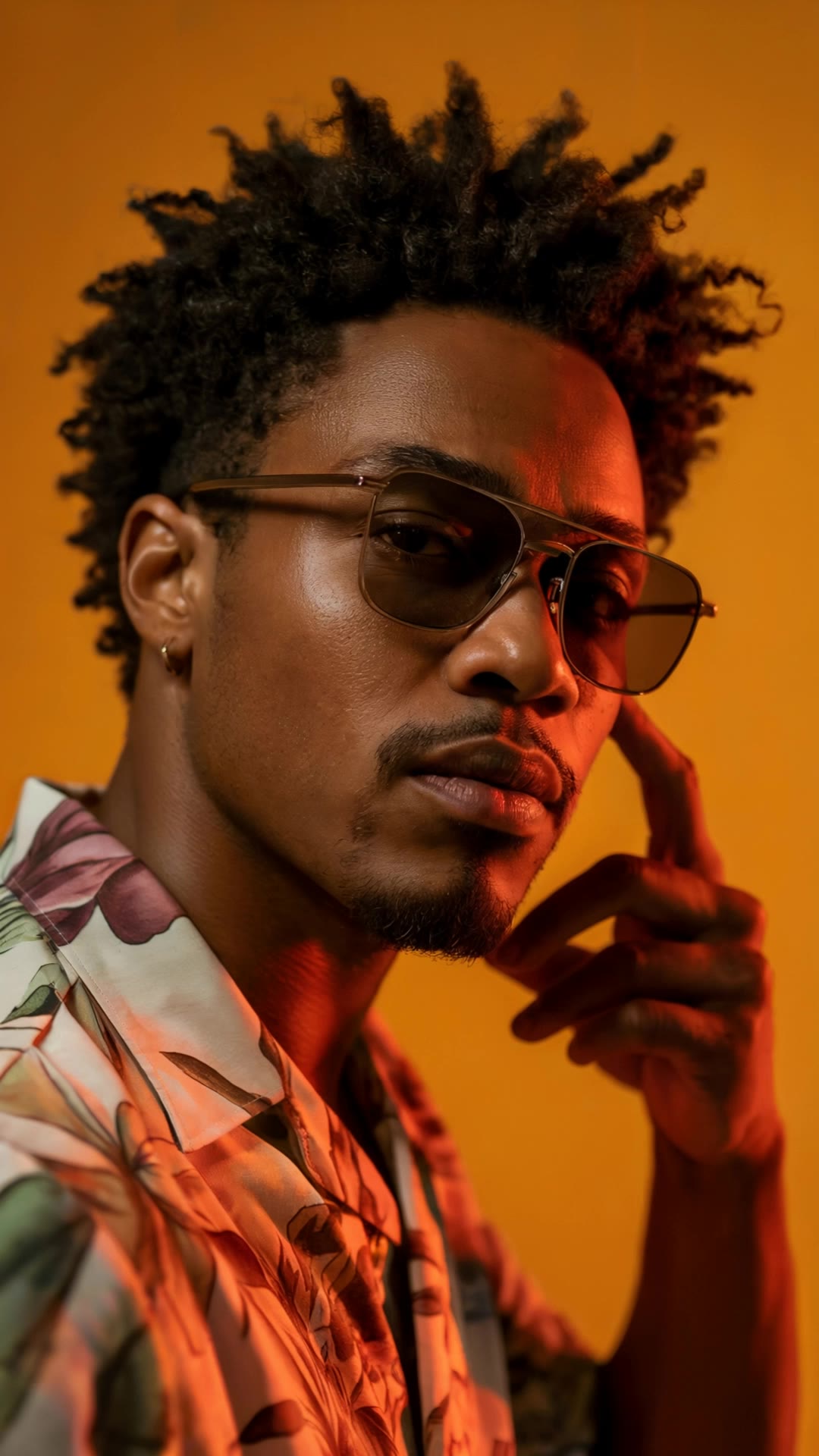
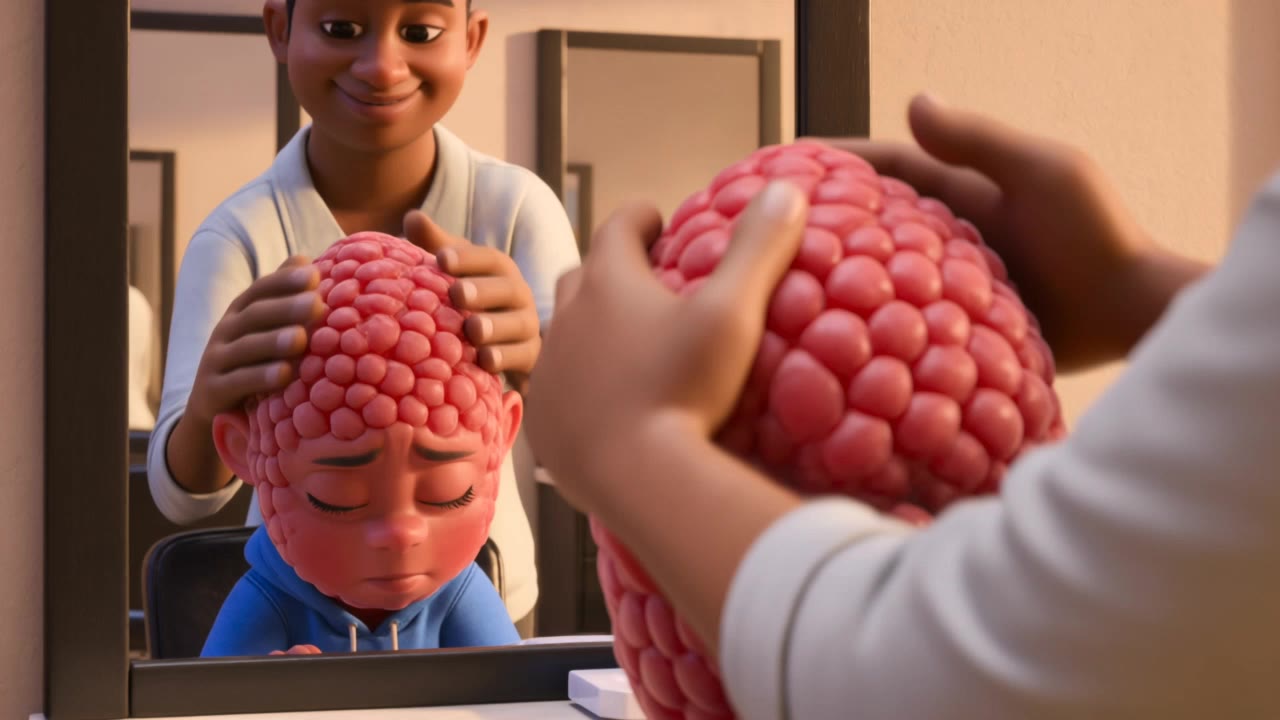
cinema hair studio - studio lighting & hair in the wind

Experience the allure of cinematic hair transformations with studio lighting and luxurious styles. Immerse in the elegance of 8K portraits and dynamic hair moments captured in high-definition realism. Start exploring cinema hair studio ideas and generate your own content with AI.

cinema hair studio - studio lighting & hair in the wind

Recommended

Exploration - cinema hair studio AI video
OVlHzJcG avatar
OVlHzJcG
white hair pink eye girl - cinema hair studio AI video
VhdnJSqy avatar
VhdnJSqy
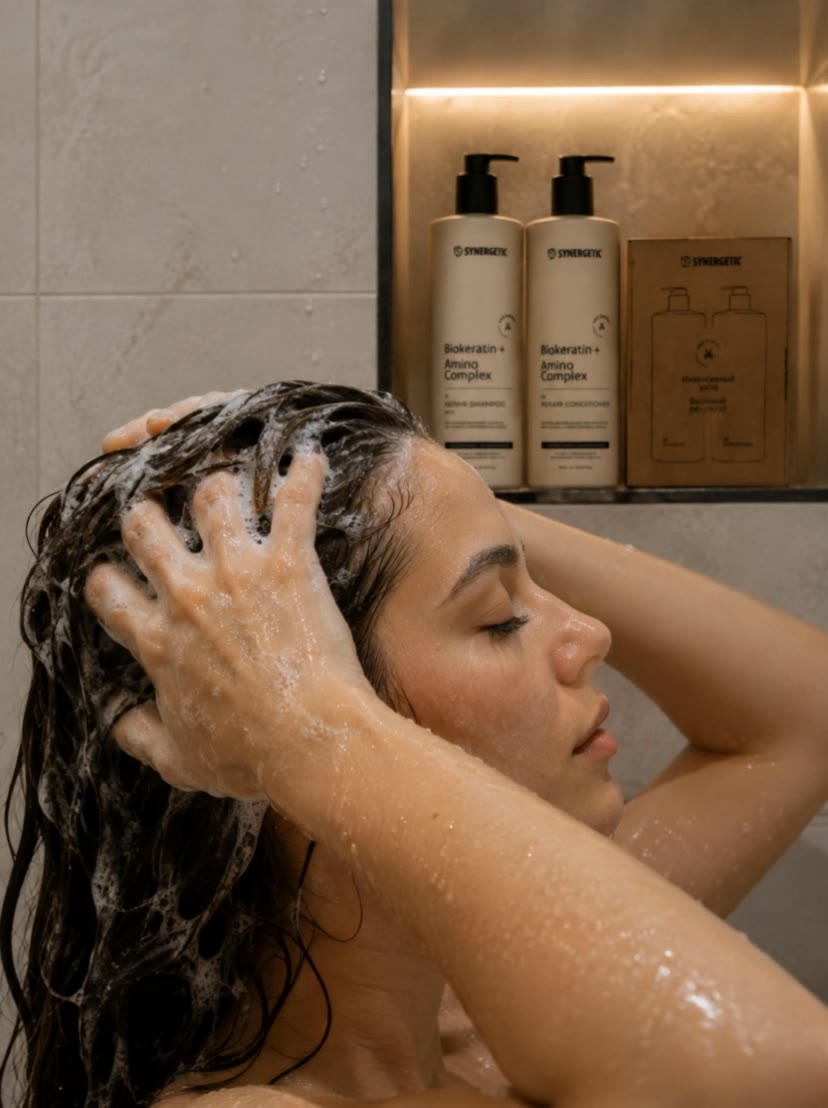
 woman is washing hair - cinema hair studio AI video
htjxBhMn avatar
htjxBhMn
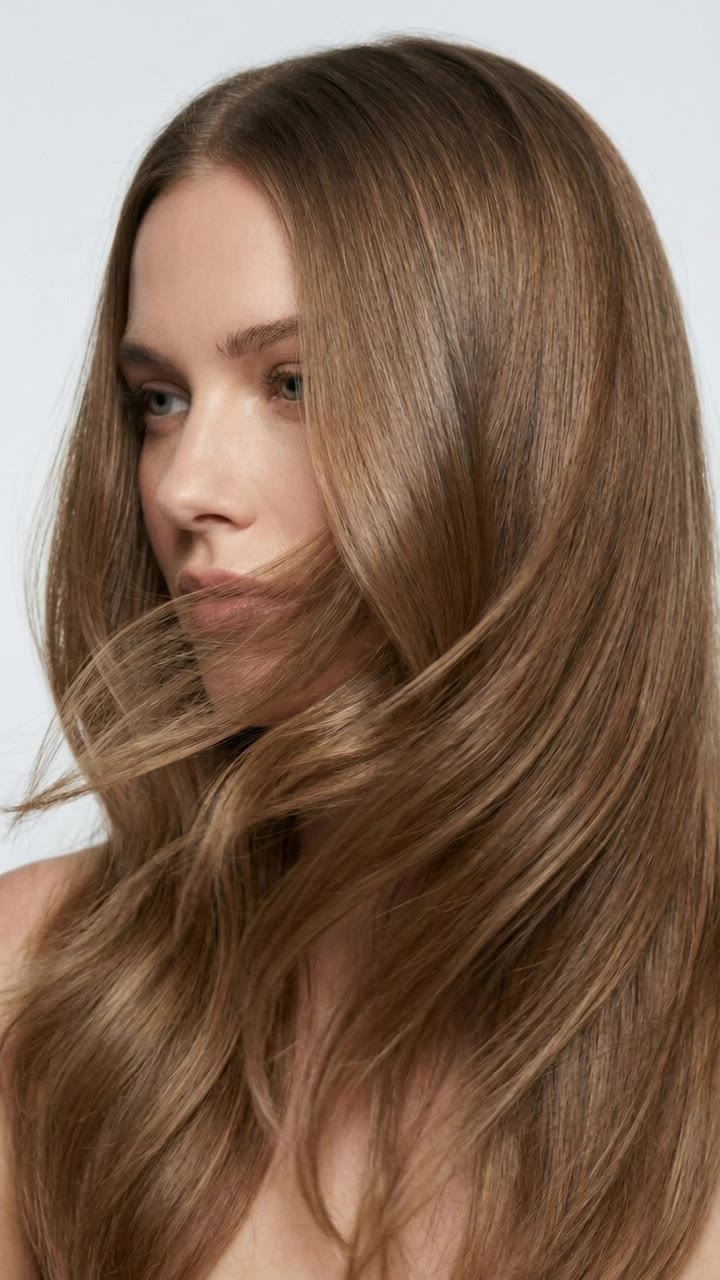
Hair in the wind - cinema hair studio AI video
Proxy avatar
Proxy
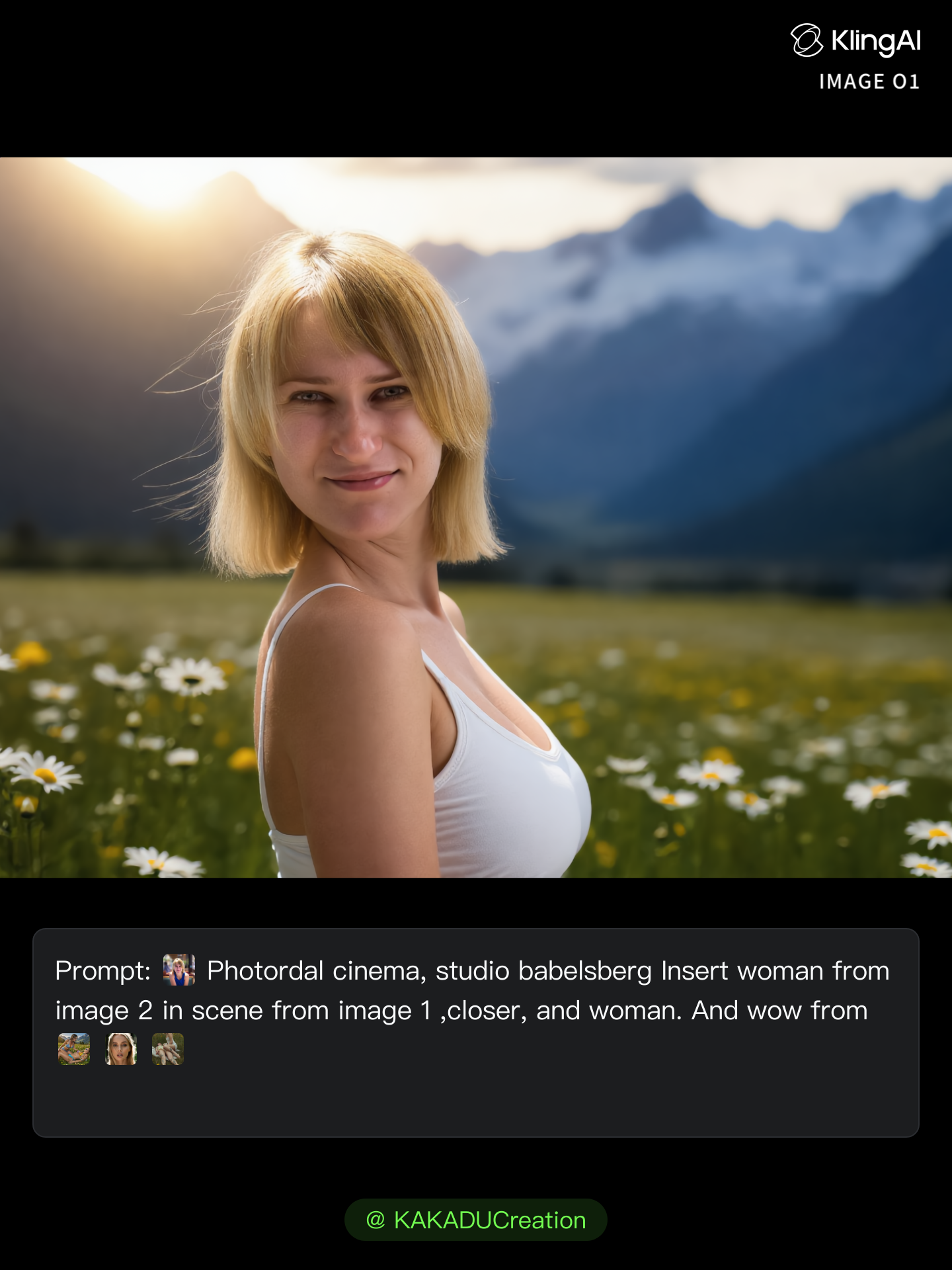
Kling AI work 300818948523870 - cinema hair studio AI image
ℹ️MissKAKADU🌼 avatar
ℹ️MissKAKADU🌼
Kling AI work 295710371507881 - cinema hair studio AI video
Eleonora Amosova avatar
Eleonora Amosova
Kling AI work 298663204524894 - cinema hair studio AI image
tIvAWyWe avatar
tIvAWyWe
curly hair - cinema hair studio AI video
Logotypin avatar
Logotypin
Elite Creator
Hair - cinema hair studio AI video
HDajTgmf avatar
HDajTgmf
shorrt hair - cinema hair studio AI image
klingai.video.ai avatar
klingai.video.ai
e10 eyes white hair boi - cinema hair studio AI video
VhdnJSqy avatar
VhdnJSqy
Hair - cinema hair studio AI video
MahdiMahyar avatar
MahdiMahyar
Kling AI work 321231802664940 - cinema hair studio AI image
Jonathas Natan avatar
Jonathas Natan
Kling AI work 294825216664937 - cinema hair studio AI video
Vajlee avatar
Vajlee
Kling AI work 312079333524715 - cinema hair studio AI image
rBZuvMqt avatar
rBZuvMqt
Kling AI work 298663204525887 - cinema hair studio AI image
tIvAWyWe avatar
tIvAWyWe
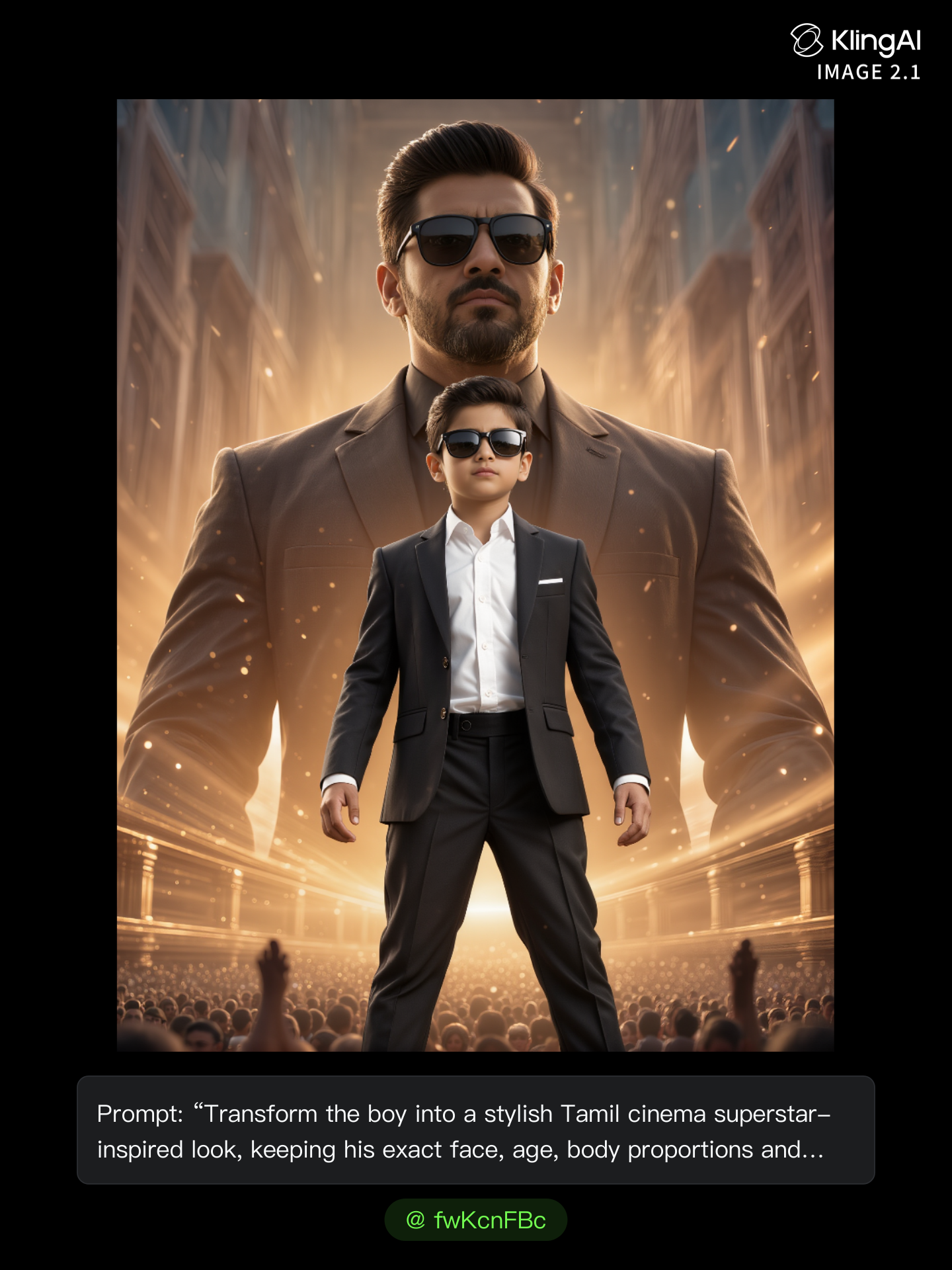
boss - cinema hair studio AI image
fwKcnFBc avatar
fwKcnFBc
Kling AI Prompt:
Realistic hair  - cinema hair studio AI image
pssEICto avatar
pssEICto

How to Create AI Backgrounds in High-Quality

Start with Your Photo

Start with Your Photo

Upload the person, product, or image you want to work with. If you already have a location, mood, composition, or visual style in mind, add reference images to give Kling AI a clearer direction.

Describe the New Scene

Describe the New Scene

Describe what you want behind the subject and what should stay familiar. You might ask for a clean studio, a sunlit kitchen, a city rooftop, or something more imaginative. If you are using references, explain which parts of them you want to follow.

Generate a High-Quality Background

Generate a High-Quality Background

Choose your preferred aspect ratio and output resolution, then generate the image. Kling IMAGE 3.0 supports output up to 2K. For higher-resolution native 4K output, use Kling IMAGE 3.0 Omni.

Change Image Colors with Natural Detail

Explore Different Colorways from One Image

Explore Different Colorways from One Image

One photo can give you more than one look. Turn a single product shot, outfit, or creative asset into different color variations without rebuilding the image from scratch. Kling IMAGE 3.0 can update the color direction while helping keep the subject, composition, and surrounding scene consistent.

Match a Color from a Reference Image

Match a Color from a Reference Image

Sometimes a color is easier to show than describe. Upload a product, outfit, design, or other visual reference and tell Kling IMAGE 3.0 which color direction you want to follow. It gives you a simple way to communicate a palette, shade, or overall look without relying on words alone.

Change the Color, Keep the Texture

Change the Color, Keep the Texture

A new shade should still look right on the material underneath it. Kling IMAGE 3.0 can help retain visible details such as fabric texture, metallic reflections, wood grain, glass surfaces, and skin texture as you recolor an object. That means a blue jacket can still look like fabric, and a black cabinet can still look like painted wood.

Apps

Image to Video
Image to Video

Image to Video

Text to Video
Text to Video

Text to Video

Omni
Omni

Omni

Digital Human
Digital Human

Digital Human

Restyle
Restyle

Restyle

Text to Image
Text to Image

Text to Image

60M+
60M+
Users
600M+
600M+
AI Videos Generated
4.7 ★
4.7 ★
App Store
Industry-Leading
Industry-Leading
Cinematic 4K

Reviews

Ozan Sihay

Ozan Sihay

★★★★★

Kling AI allows me to rapidly prototype ideas, refine storytelling elements, and produce visually compelling content efficiently. It has not only accelerated my creative processes, but also deepened my understanding of how AI can enrich visual storytelling.

Jyo John Mulloor

Jyo John Mulloor

★★★★★

Kling AI has been instrumental in transforming my creative workflow, unlocking new dimensions of artistic expression that were once unimaginable. I use Kling AI extensively to develop high-concept visuals, animate surreal dreamscapes, and create AI-assisted films that blur the line between reality and fantasy. Kling AI’s deep learning capabilities have not only enhanced my creative efficiency but also inspired me to explore storytelling in ways I never thought possible.

PJ Ace

PJ Ace

★★★★★

Kling AI has made it easy for us to generate world class visuals for Fortune 500 companies, TV shows and music for big artists. We love the easy of use of the platform and the quality of the generations. My first time using Kling AI, I got 22 million views on just one video. It's that good.

FAQ

Q1Does script-to-video AI automatically split a script into shots?
Q2What should I look for in the best script-to-video AI?
Q3What is an AI script-to-video generator?

Give Your Next Video a Cinematic 4K Finish

Start with the footage you already have. Improve visual quality, refine lighting and color with prompts, and choose 4K output when you need a higher-resolution result.