
Creative Studio
API
Resources
Features
About Us
Download

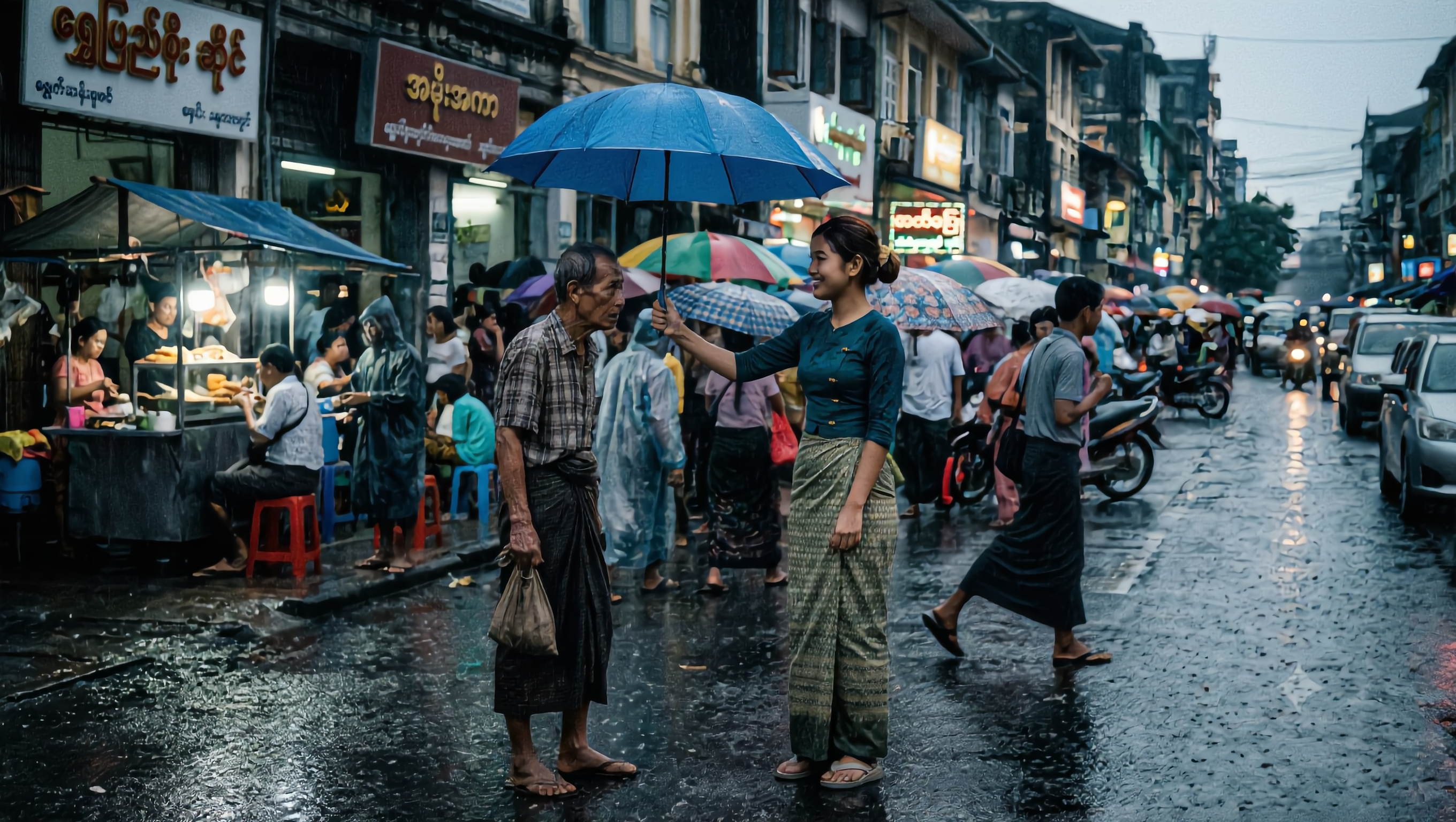
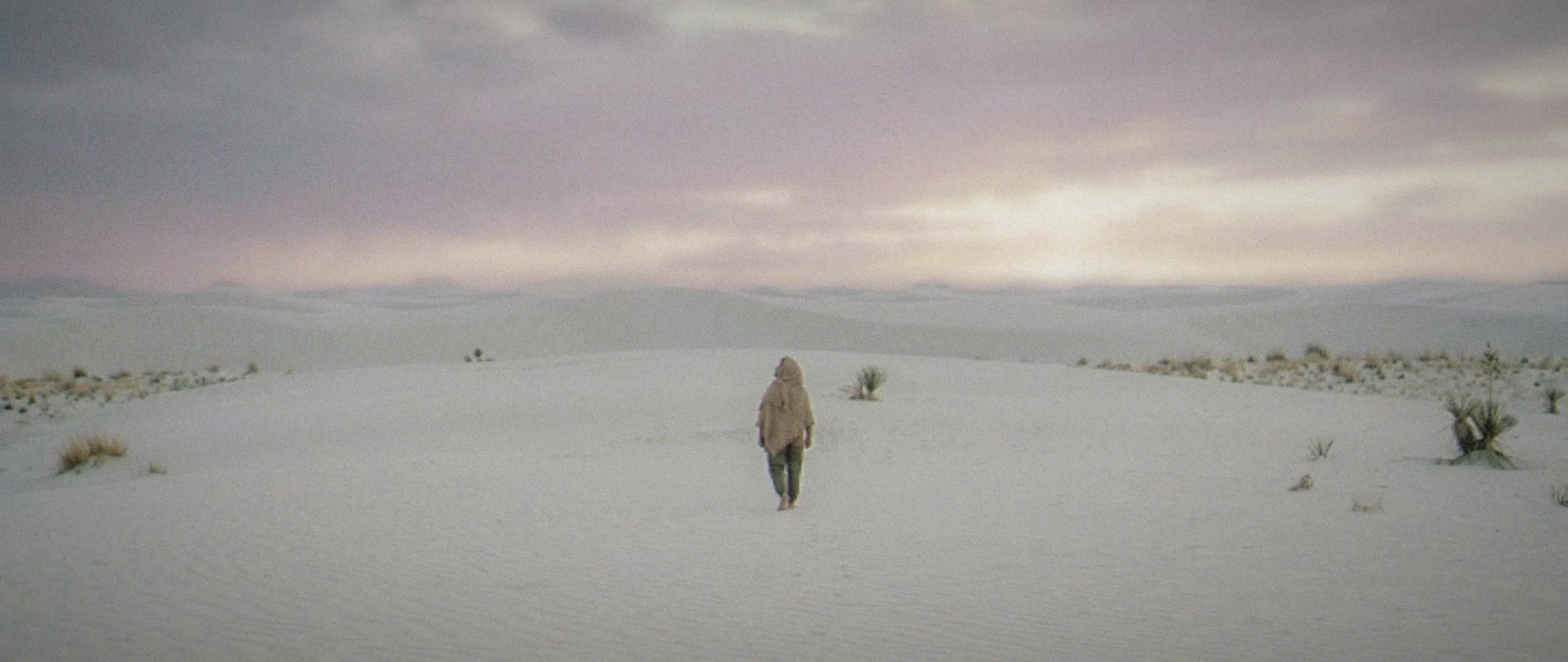
AI-generated cinematic style ideas – Professional and dramatic visuals

Explore AI-generated cinematic style ideas that offer professional and dramatic visuals. These styles are perfect for film projects, videos, or creative artwork. AI helps you achieve a cinematic look with ease and precision.


AI-generated cinematic style ideas – Professional and dramatic visuals

Recommended

Kling AI work 318246406661446 - cinematic style AI video
laETAVbU avatar
laETAVbU
Best cinematic video vibes for
 - cinematic style AI video
Hasnain avatar
Hasnain
In rough style of Egon Schiele - cinematic style AI video
AI-GMQ avatar
AI-GMQ
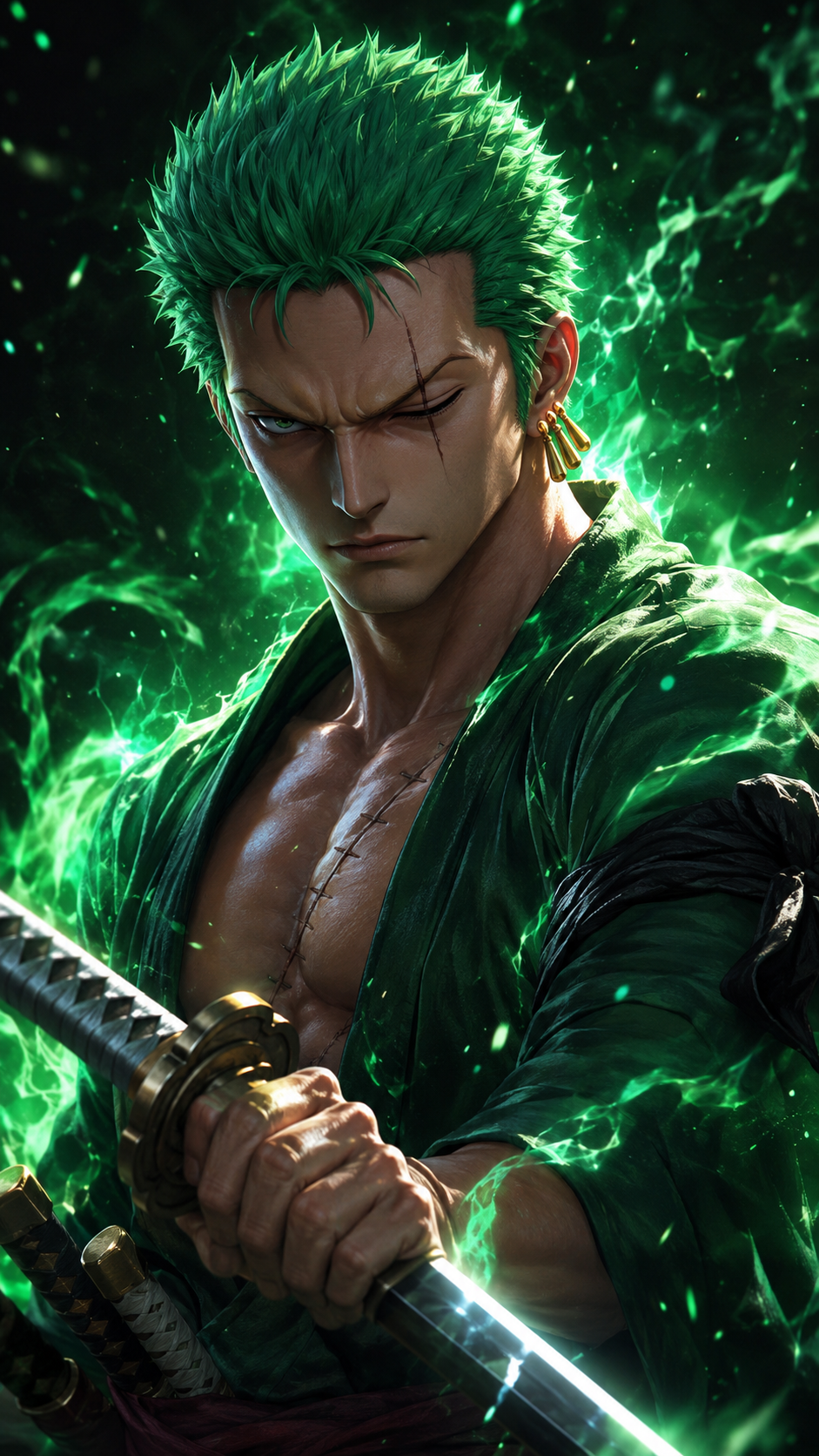
Zoro in cinematic 3D anime style - cinematic style AI video
00:08
iAoCpgza avatar
iAoCpgza
Kling AI work 312825203660789 - cinematic style AI image
apReXNJD avatar
apReXNJD
Style: Modern anime, cinematic l - cinematic style AI image
ByECNyNf avatar
ByECNyNf
A romantic cinematic love story  - cinematic style AI image
YZhGruGx avatar
YZhGruGx
"smooth cinematic animation - cinematic style AI video
ydorBAiW avatar
ydorBAiW
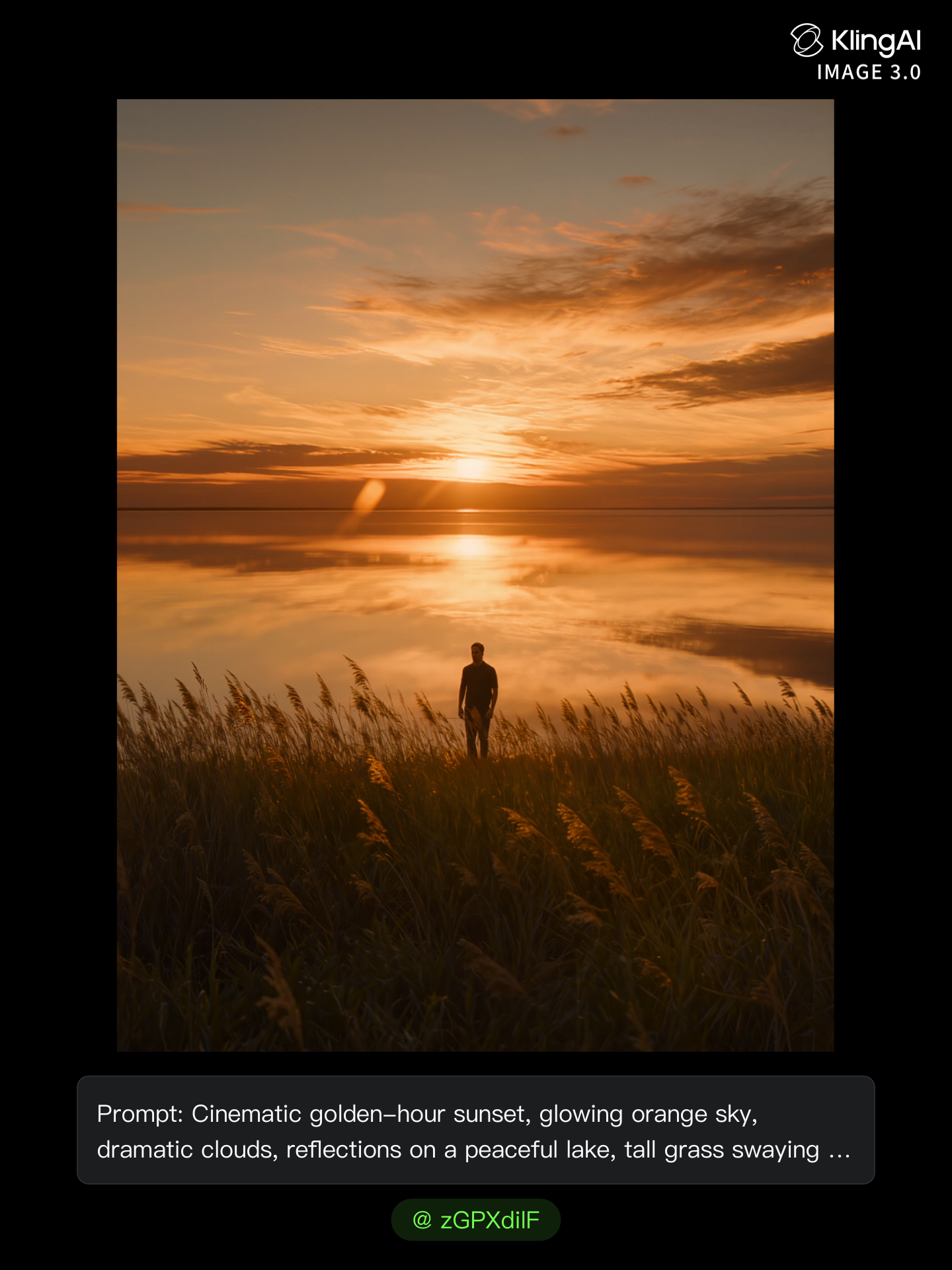
cool cinematic sunset  - cinematic style AI image
zGPXdilF avatar
zGPXdilF
Kling AI work 310802539612055 - cinematic style AI image
jgMQBkld avatar
jgMQBkld
Style - cinematic style AI video
Viktor_Fox avatar
Viktor_Fox
Kling AI work 314782045616280 - cinematic style AI image
oxzaBjKZ avatar
oxzaBjKZ
Cinematic style music video - cinematic style AI video
00:57
sODpAazh avatar
sODpAazh
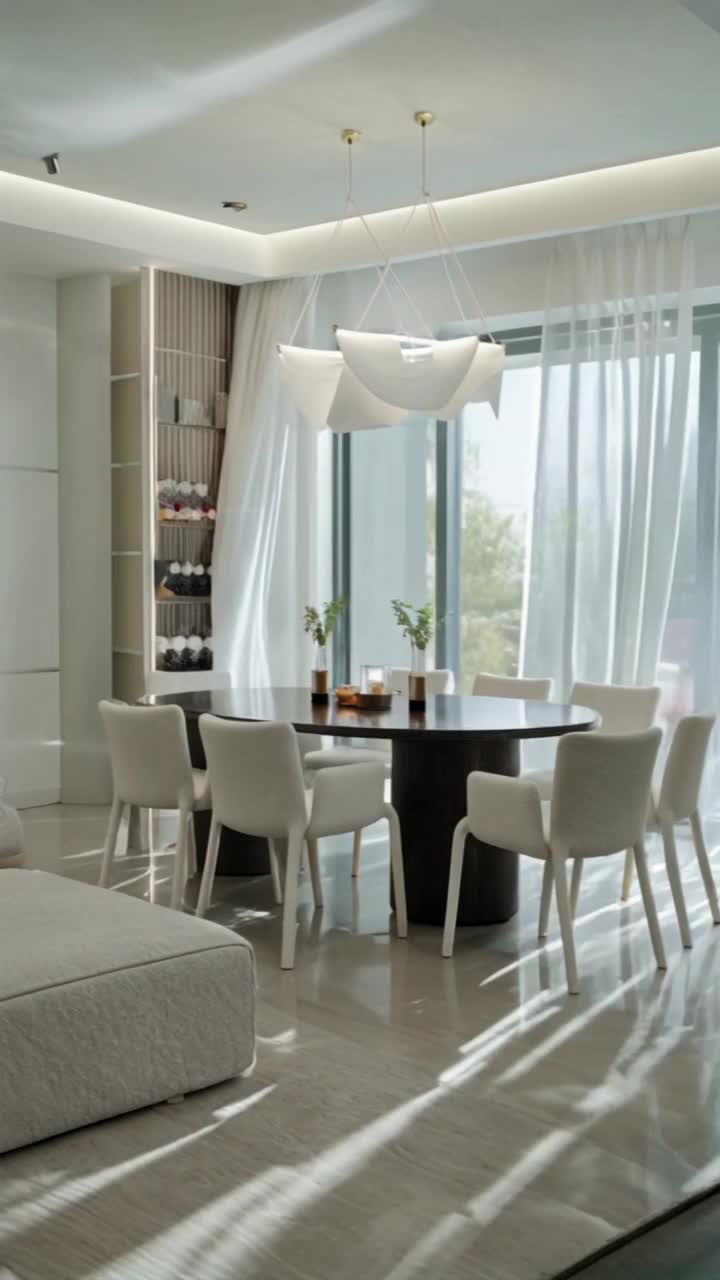
Cinematic Interior - cinematic style AI video
hFIYbYtR avatar
hFIYbYtR
cinematic shot of golden coffee - cinematic style AI video
ydorBAiW avatar
ydorBAiW
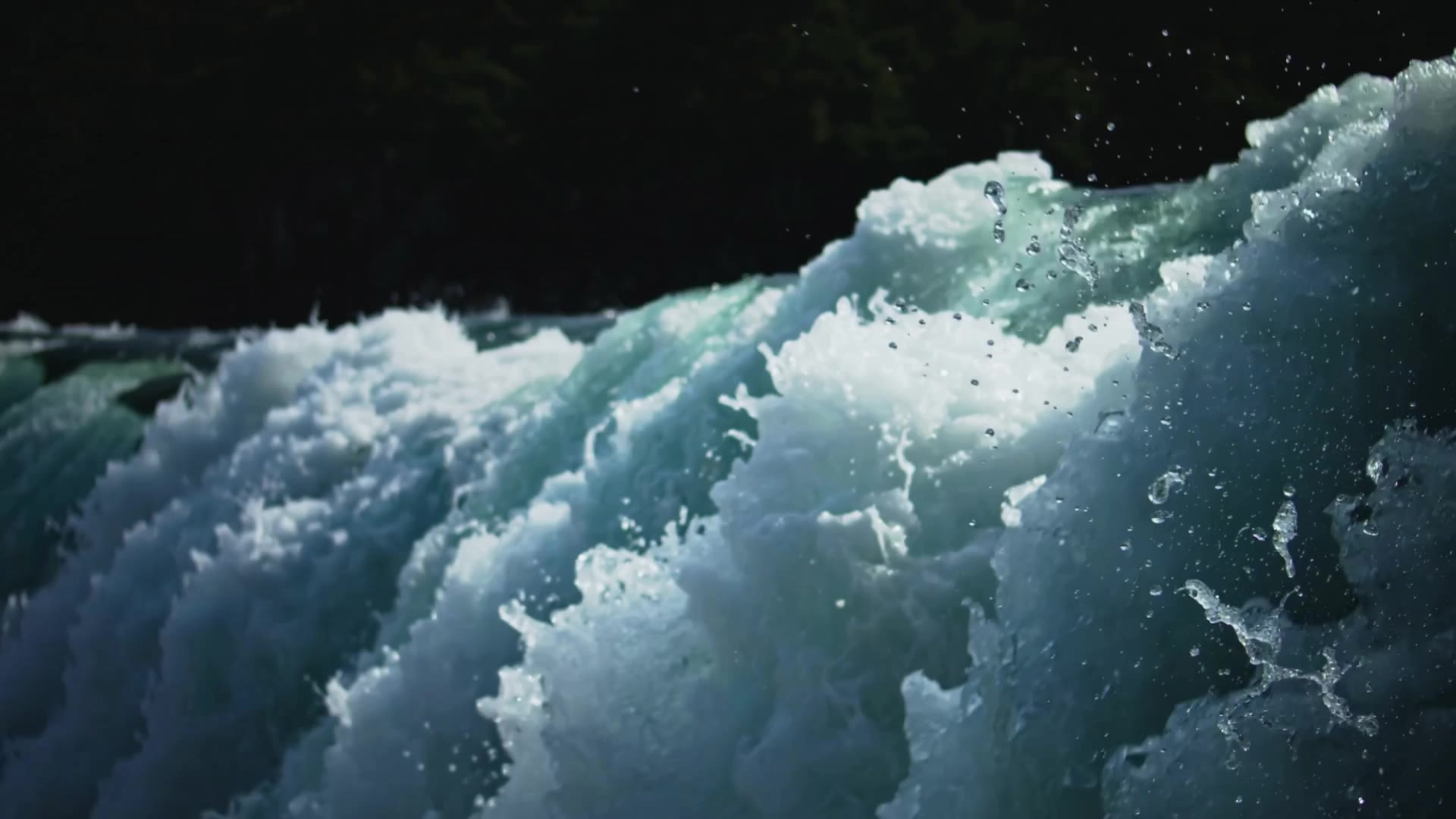
Waterfall from few meters - cinematic style AI video
Teemu Haapaniemi avatar
Teemu Haapaniemi
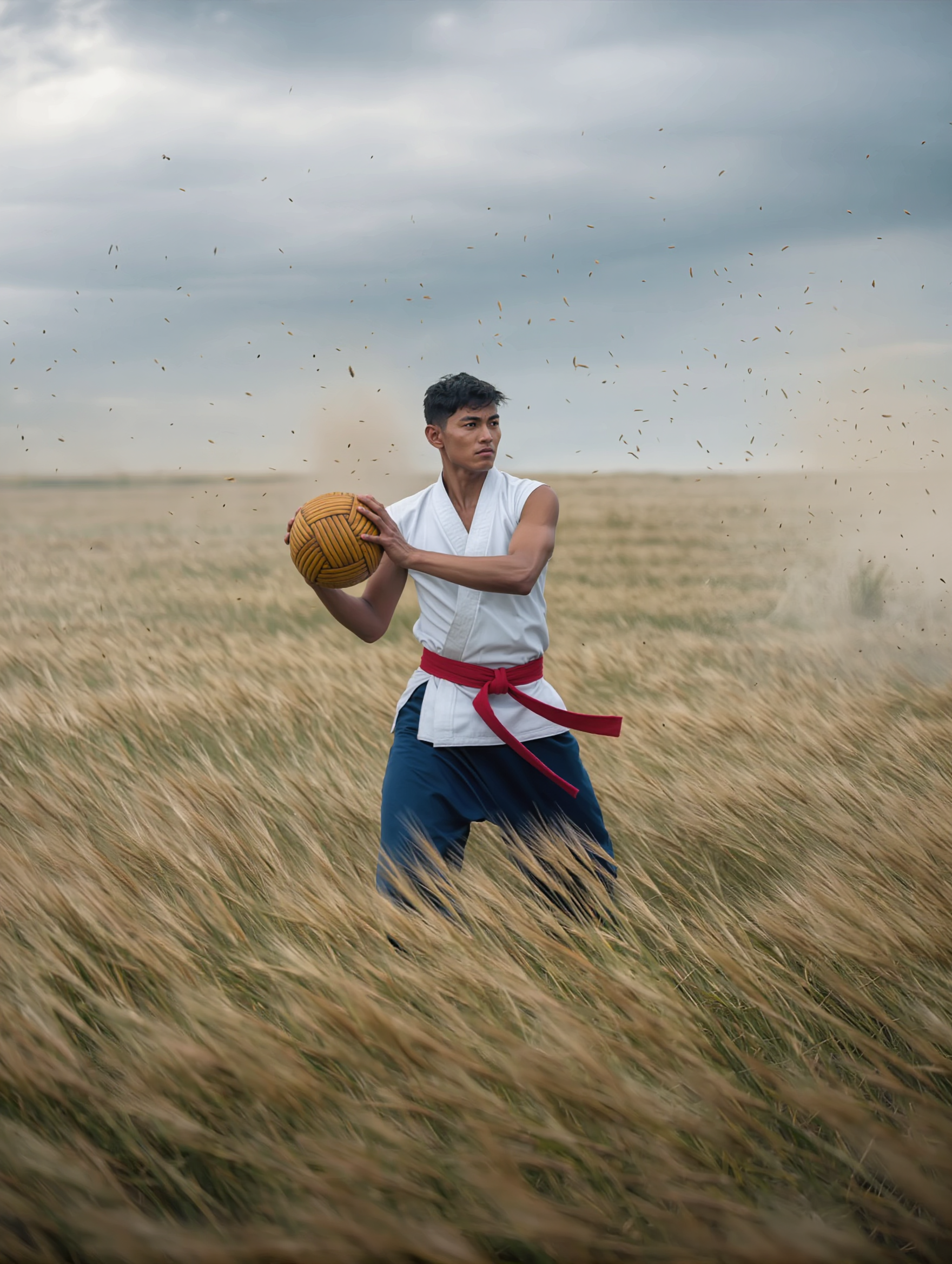
Cinematic wide shot, a martial a - cinematic style AI image
cxxREUCp avatar
cxxREUCp
Kling AI work 317549304523323 - cinematic style AI video
wZnbwHvS avatar
wZnbwHvS

How to Use Kling AI Image to Image

Upload Your Images

Upload Your Images

Open Image Generation, select IMAGE 3.0 Omni, and upload the image you want to transform and add reference images to carry into the result.

Set the Creative Direction

Set the Creative Direction

You can combine elements from several references, change the style, adjust the camera angle, or enable Image Series mode to create multiple connected visuals in one generation.

Generate and Create More

Generate and Create More

Select the aspect ratio, number of images, and 2K or 4K resolution, then generate and review your results. Download or share the finished image, or use it for your new AI video.

Expand Images Beyond the Frame with More Control

Extend the Scene Naturally Beyond the Frame

Extend the Scene Naturally Beyond the Frame

Add new visual space around your existing image while keeping the expansion connected to the original scene. Kling IMAGE 3.0 can follow visual details such as scenery, color, lighting, and texture, helping newly generated content feel consistent with the source image.

Keep Key Subjects Consistent as the Scene Expands

Keep Key Subjects Consistent as the Scene Expands

Expanding the frame should not change the subject that anchors the image. Kling IMAGE 3.0 automatically preserves your key subjects during extension. Simply specify the person, product, or central element in your prompt to keep them consistent with the original image.

Choose What Appears in the Expanded Area

Choose What Appears in the Expanded Area

The new space does not have to be left entirely to the model. Describe what you want outside the original frame, from a wider room or distant landscape to more sky, architecture, plants, or decorative details, and let Kling IMAGE 3.0 continue the scene around your idea.

Apps

Image to Video
Image to Video

Image to Video

Text to Video
Text to Video

Text to Video

Omni
Omni

Omni

Digital Human
Digital Human

Digital Human

Restyle
Restyle

Restyle

Text to Image
Text to Image

Text to Image

60M+
60M+
Users
600M+
600M+
AI Videos Generated
4.7 ★
4.7 ★
App Store
Industry-Leading
Industry-Leading
Cinematic 4K

Reviews

Halim Alrasihi

Halim Alrasihi

★★★★★

I use AI daily and Kling AI is a crucial part of my workflow, whether for client work or personal projects. What I love most about using Kling AI is that it provides all the tools I need in one place, from keyframes to character references, elements and special effects.

Samuele Poggi (@visualsk2)

Samuele Poggi (@visualsk2)

★★★★★

I use Kling AI daily to push the limits of AI filmmaking. It allows me to create highly cinematic content, blending AI and VFX to develop innovative projects. It has significantly impacted my creative process, enabling me to achieve complex animations that would otherwise require high production budgets.

PJ Ace

PJ Ace

★★★★★

Kling AI has made it easy for us to generate world class visuals for Fortune 500 companies, TV shows and music for big artists. We love the easy of use of the platform and the quality of the generations. My first time using Kling AI, I got 22 million views on just one video. It's that good.

FAQ

Q1Can I create different expressions for the same avatar?
Q2Is this the same as Kling AI Avatar?
Q3Can I make anime or 3D avatars?

Give the Subject a Better Setting

Create a new setting while keeping your subject recognizable. Use prompts and visual references to shape backgrounds for portraits, product visuals, and campaign creative.