
Creative Studio
API
Resources
Features
About Us
Download

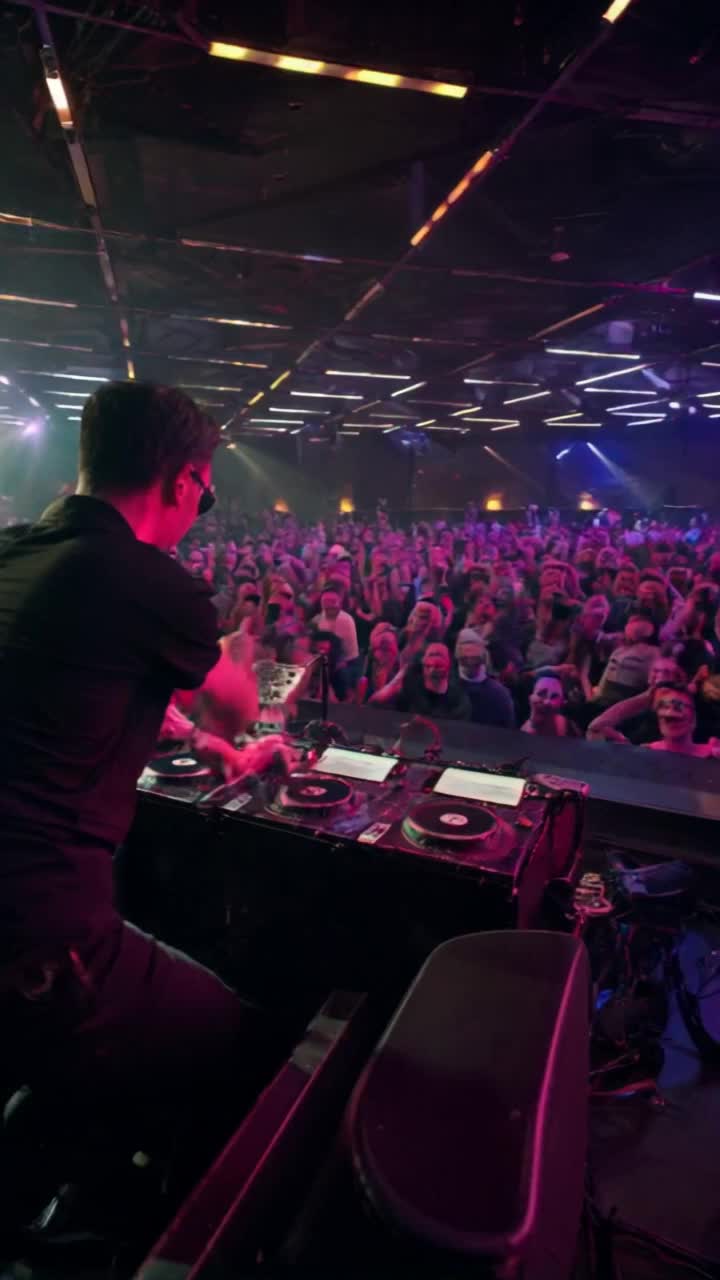
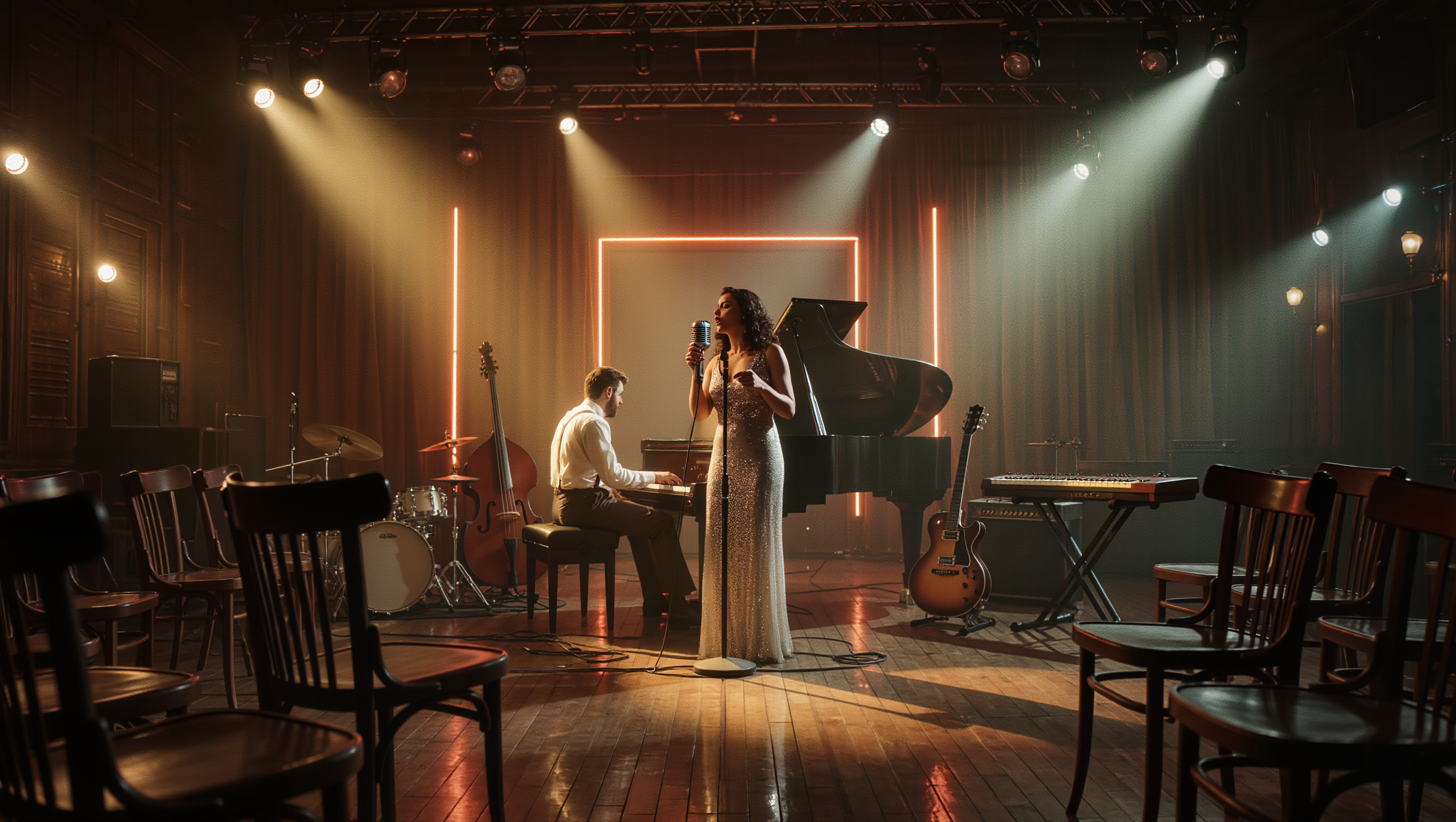
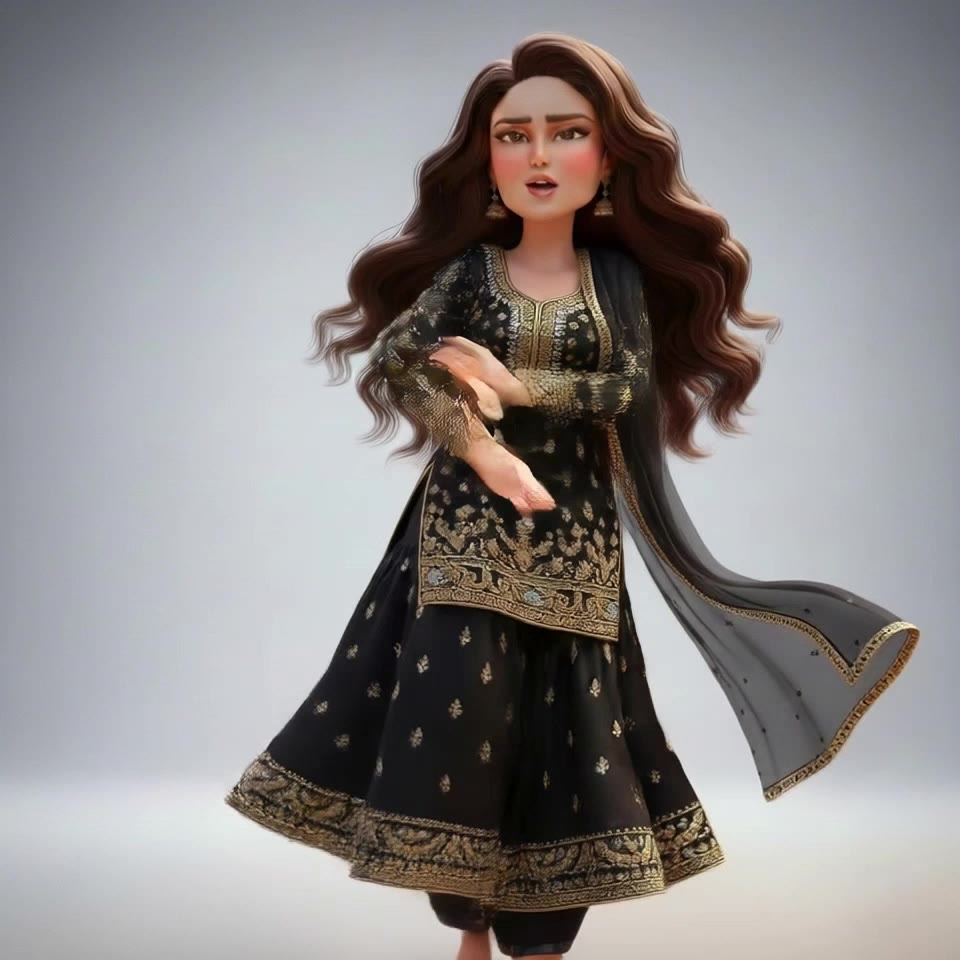
AI club image to video transformations – Energetic and vibrant

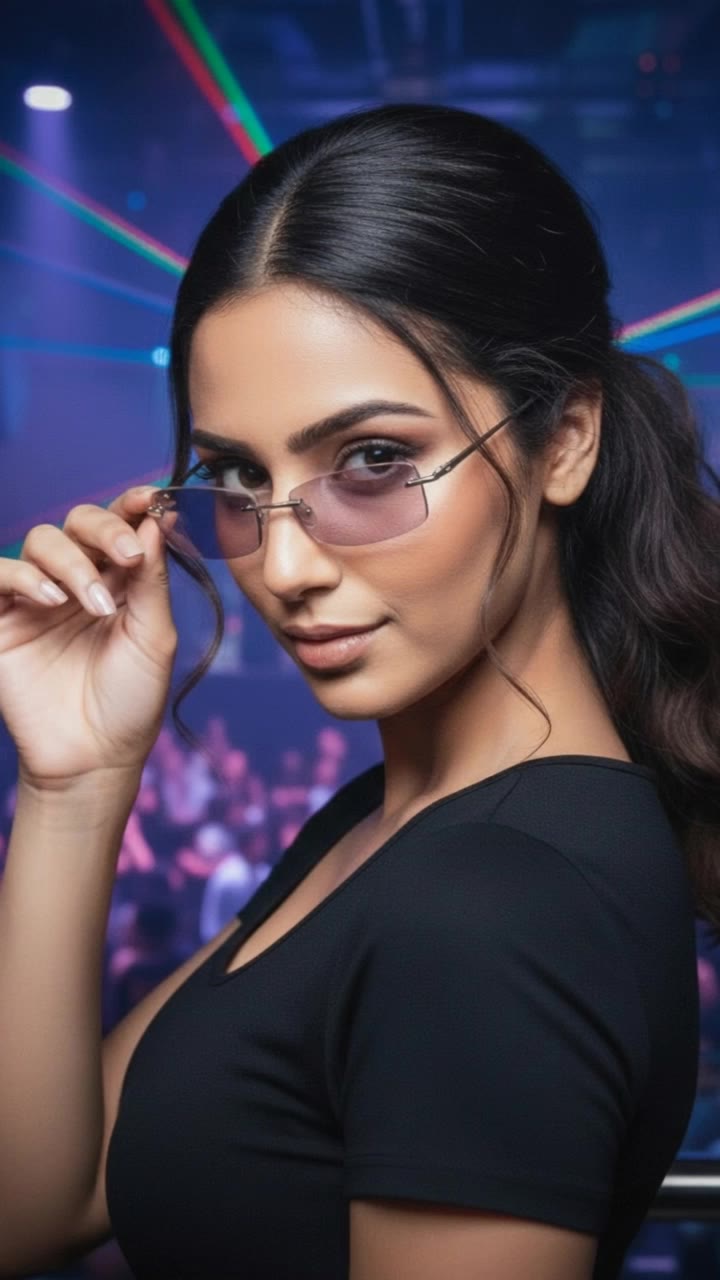
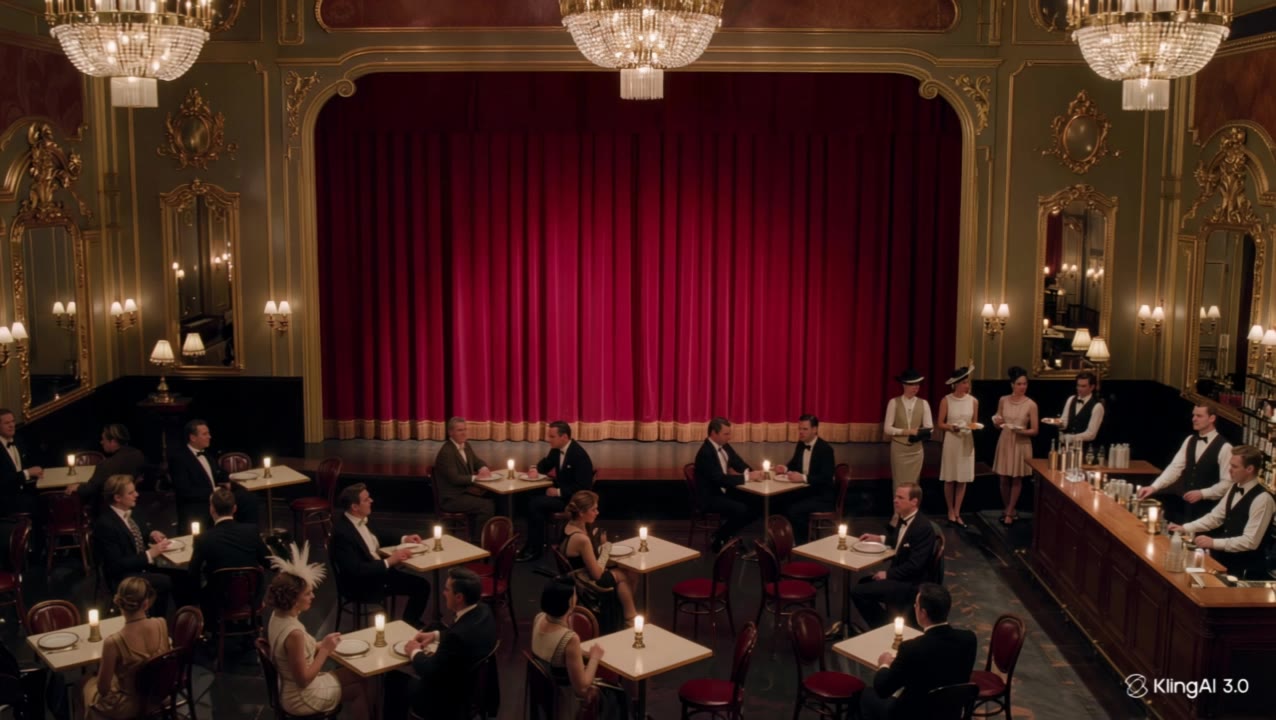
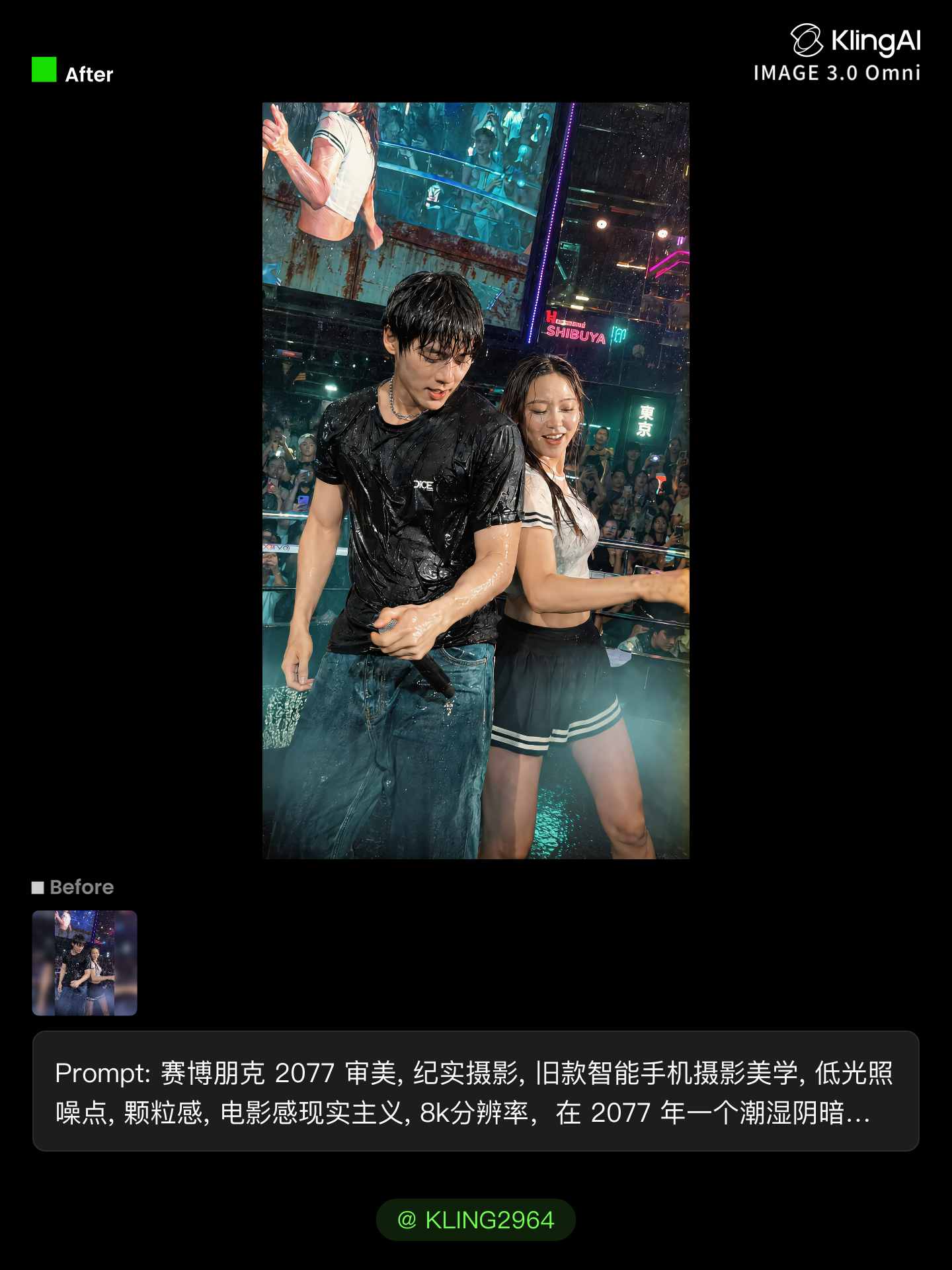
Create energetic and vibrant club image to video transformations with AI. These transformations are quick and easy to generate.

AI club image to video transformations – Energetic and vibrant

Recommended

Kling AI work 317159202616804 - club image to video AI video
Elara AI avatar
Elara AI
Image to video - club image to video AI video
tKCRyKxK avatar
tKCRyKxK
Kling AI work 317275015324738 - club image to video AI video
DkIpZzan avatar
DkIpZzan
Kling AI work 318688154520670 - club image to video AI video
RqBWYOMQ avatar
RqBWYOMQ
Upload any image  - club image to video AI video
@Tiny Ai Dancers avatar
@Tiny Ai Dancers
vintage club - club image to video AI video
ODJsGYEr avatar
ODJsGYEr
Upload any image - club image to video AI video
@Tiny Ai Dancers avatar
@Tiny Ai Dancers
Upload any image - club image to video AI video
@Tiny Ai Dancers avatar
@Tiny Ai Dancers
Upload any image  - club image to video AI video
@Tiny Ai Dancers avatar
@Tiny Ai Dancers
Kling AI work 276554799537938 - club image to video AI video
V-ART avatar
V-ART
Kling AI work 310639200660774 - club image to video AI video
BLtnOWOc avatar
BLtnOWOc
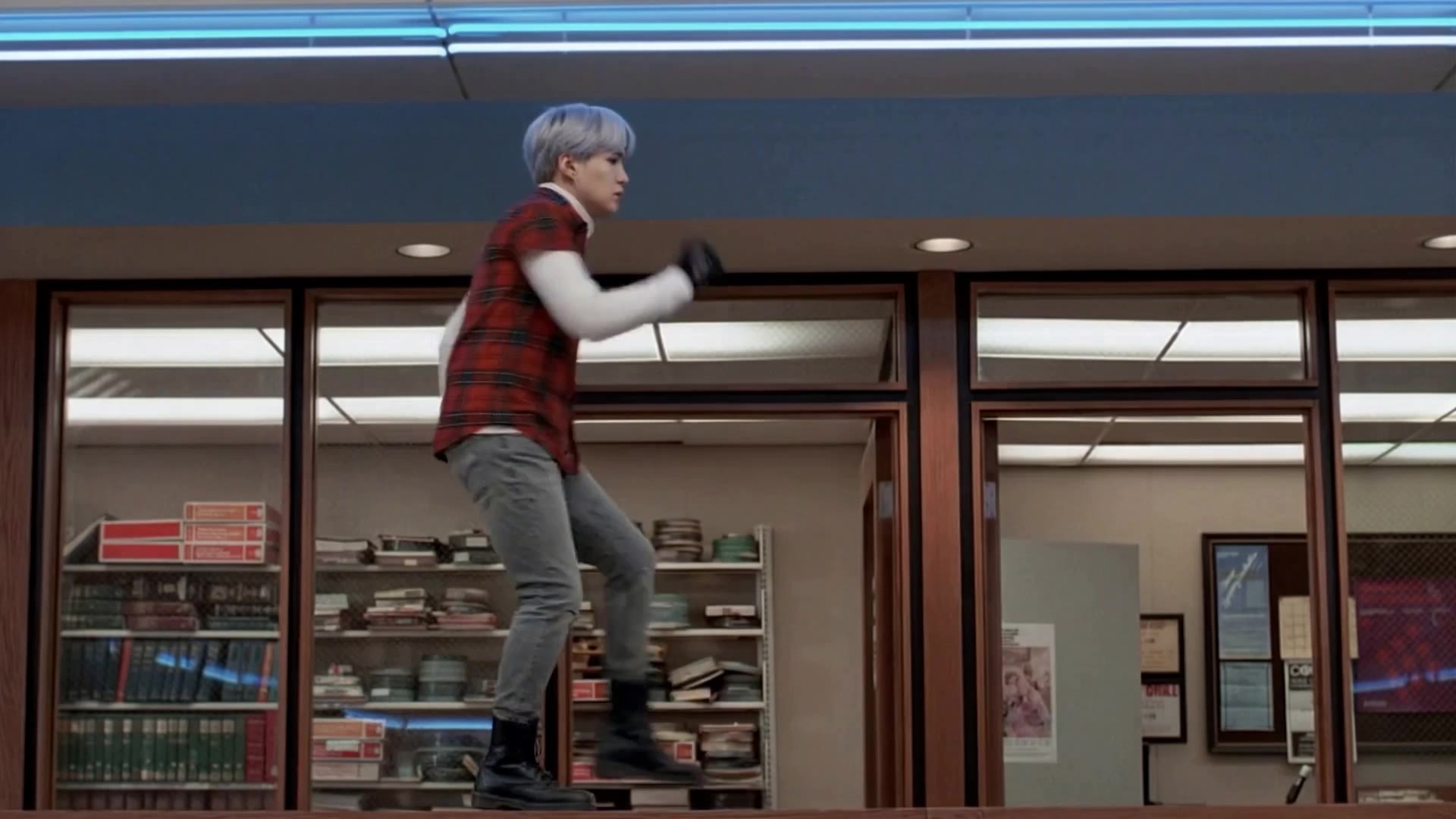
BTS Suga in The Breakfast Club - club image to video AI video
radon MG avatar
radon MG
Elite Creator
Kling AI work 317156796305869 - club image to video AI video
Elara AI avatar
Elara AI
Upload any image  - club image to video AI video
@Tiny Ai Dancers avatar
@Tiny Ai Dancers
Kling AI work 318523813663658 - club image to video AI image
njDQICmd avatar
njDQICmd
Kling AI work 305571649657691 - club image to video AI image
GABE avatar
GABE
Upload any image  - club image to video AI video
@Tiny Ai Dancers avatar
@Tiny Ai Dancers
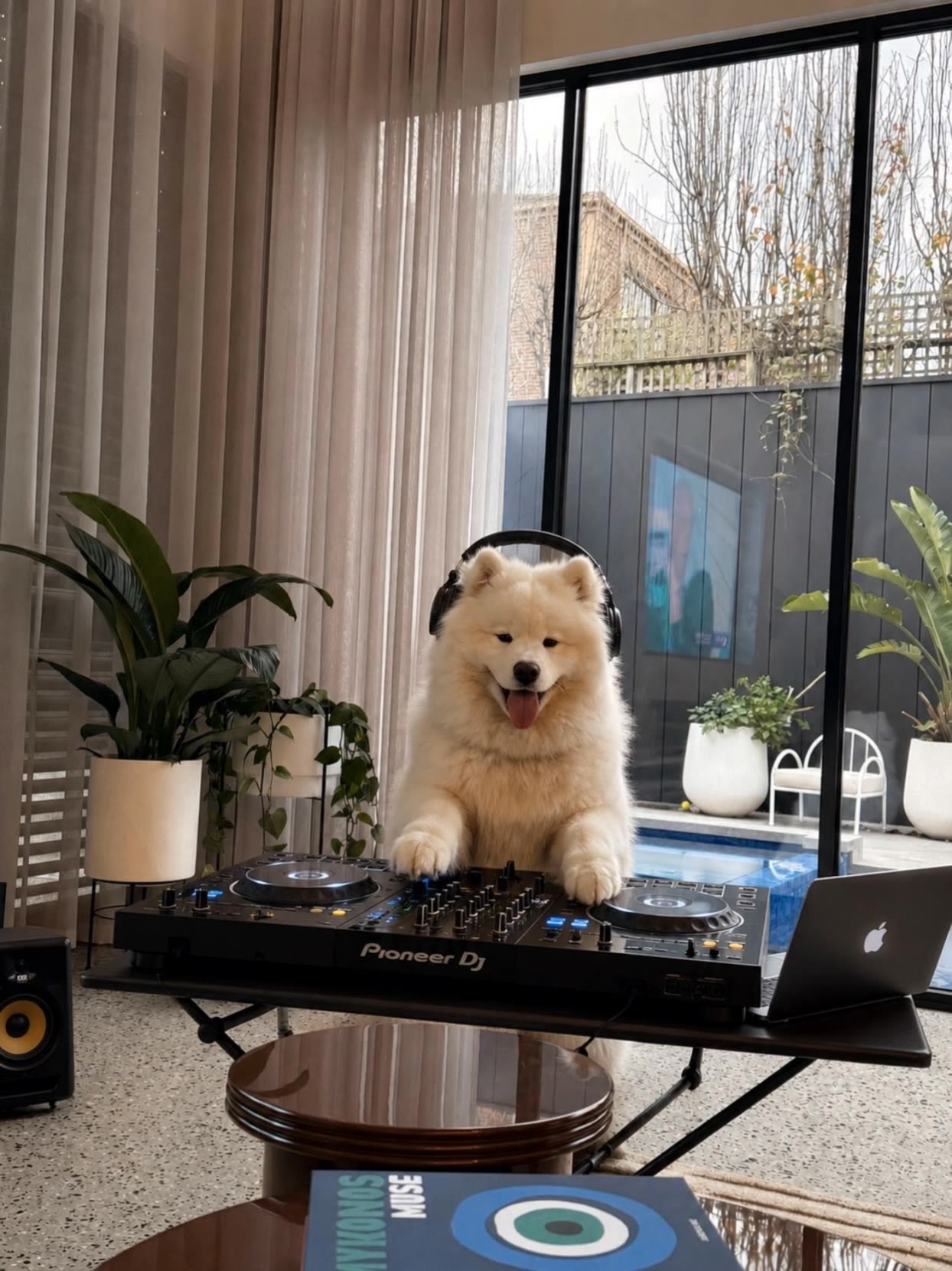
Samoyed mix - club image to video AI video
CNPRyCGa avatar
CNPRyCGa

How to Master AI Motion Control in 3 Steps

Upload Your Assets

Upload Your Assets

Provide a static character image and a motion reference video showing the exact expressions you want to replicate.

Bind Face Subject

Bind Face Subject

Enable this feature to lock facial consistency. Upload multi-angle photos to create a precise facial reference map.

Generate & Export

Generate & Export

Process your motion-controlled video and download the final render in high resolution.

One Image-to-Image Generator, More Ways to Create

Refine With Precision

Refine With Precision

Bring in up to 10 reference images to keep the subject, color, shape, and visual details that matter, then update only what needs to change. Whether you’re reworking a background, adjusting lighting, or refining a product or character, IMAGE 3.0 helps the new image stay true to the original while making the edit feel clean, natural, and intentional.

Restyle With Freedom

Restyle With Freedom

Give any image a fresh look in more than one way. Start with the built-in style library to recreate a look in one click, or upload your original image with a reference to follow a specific visual direction. Kling AI image-to-image model carries over the qualities that define the style while keeping the subject clear and the composition intact.

Generate Image Series in 4K

Generate Image Series in 4K

Start with one image or several references and generate a connected set in one pass. IMAGE 3.0 Omni keeps characters, products, style, and tone consistent from image to image, while still allowing new actions, framing, camera angles, and shot types. Native 4K output makes it well suited to cinematic multi-shot storyboards, product image sets, and character design.

Apps

Image to Video
Image to Video

Image to Video

Text to Video
Text to Video

Text to Video

Omni
Omni

Omni

Digital Human
Digital Human

Digital Human

Restyle
Restyle

Restyle

Text to Image
Text to Image

Text to Image

60M+
60M+
Users
600M+
600M+
AI Videos Generated
4.7 ★
4.7 ★
App Store
Industry-Leading
Industry-Leading
Cinematic 4K

Reviews

Halim Alrasihi

Halim Alrasihi

★★★★★

I use AI daily and Kling AI is a crucial part of my workflow, whether for client work or personal projects. What I love most about using Kling AI is that it provides all the tools I need in one place, from keyframes to character references, elements and special effects.

Huang Lu (Elson)

Huang Lu (Elson)

★★★★★

I’ve been using Kling AI since its initial release, and it’s remained one of the leading AI media generators ever since. With Kling AI, I’ve created hundreds of videos, collectively amassing millions of views.

Samuele Poggi (@visualsk2)

Samuele Poggi (@visualsk2)

★★★★★

I use Kling AI daily to push the limits of AI filmmaking. It allows me to create highly cinematic content, blending AI and VFX to develop innovative projects. It has significantly impacted my creative process, enabling me to achieve complex animations that would otherwise require high production budgets.

FAQ

Q1How do I keep the face from changing or morphing in my video?
Q2Can I generate 4K videos from an image?
Q3What is the best AI to turn an image into a video?

Start Creating AI Videos with Kling

Turn your image into a talking, high-quality video in seconds. No watermarks, no complicated setup.

Free tier available (Memberships are watermark-free) | 1080p export (Memberships unlock 4K) | Instant results