
Creative Studio
API
Resources
Features
About Us
Download

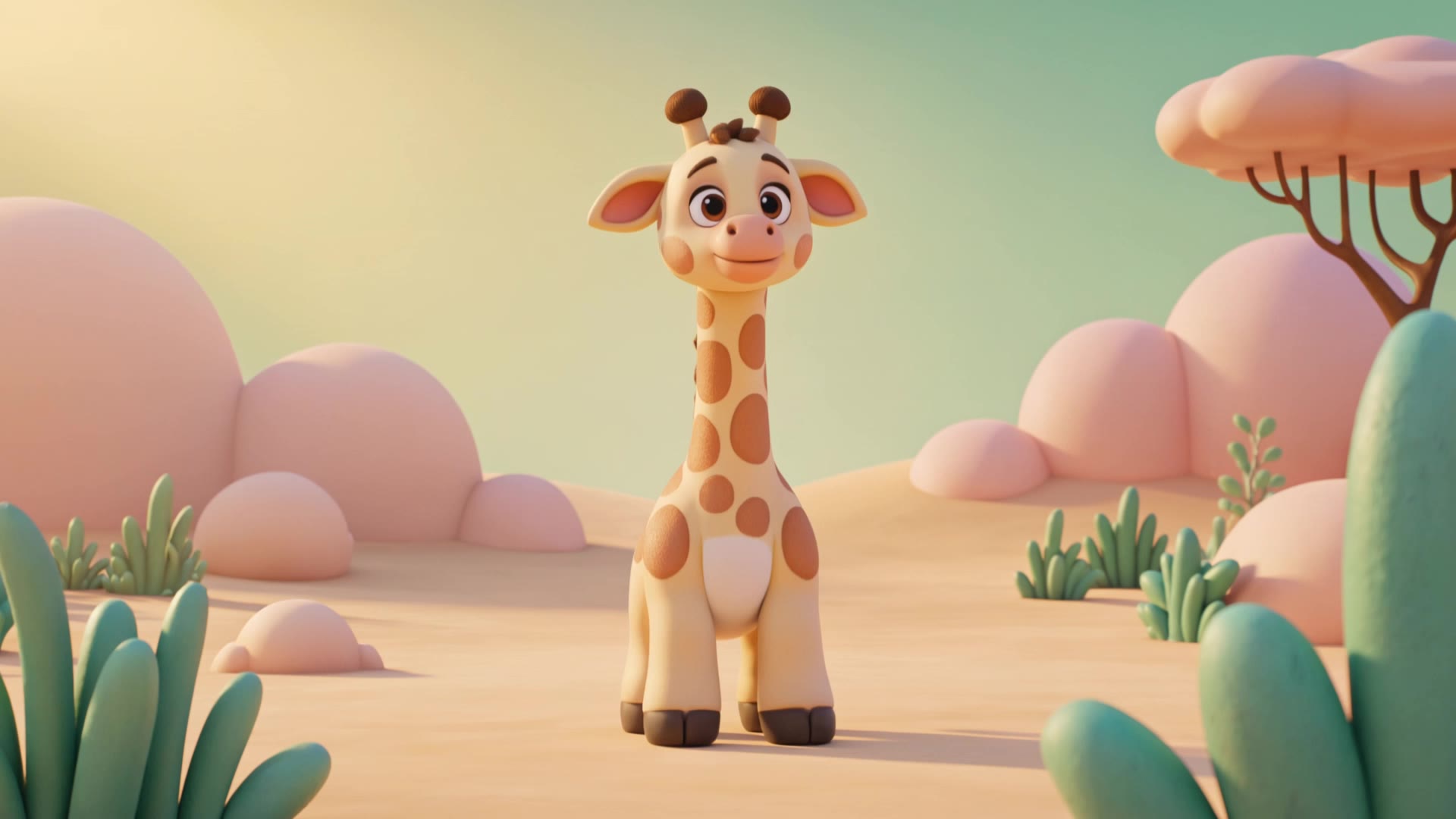
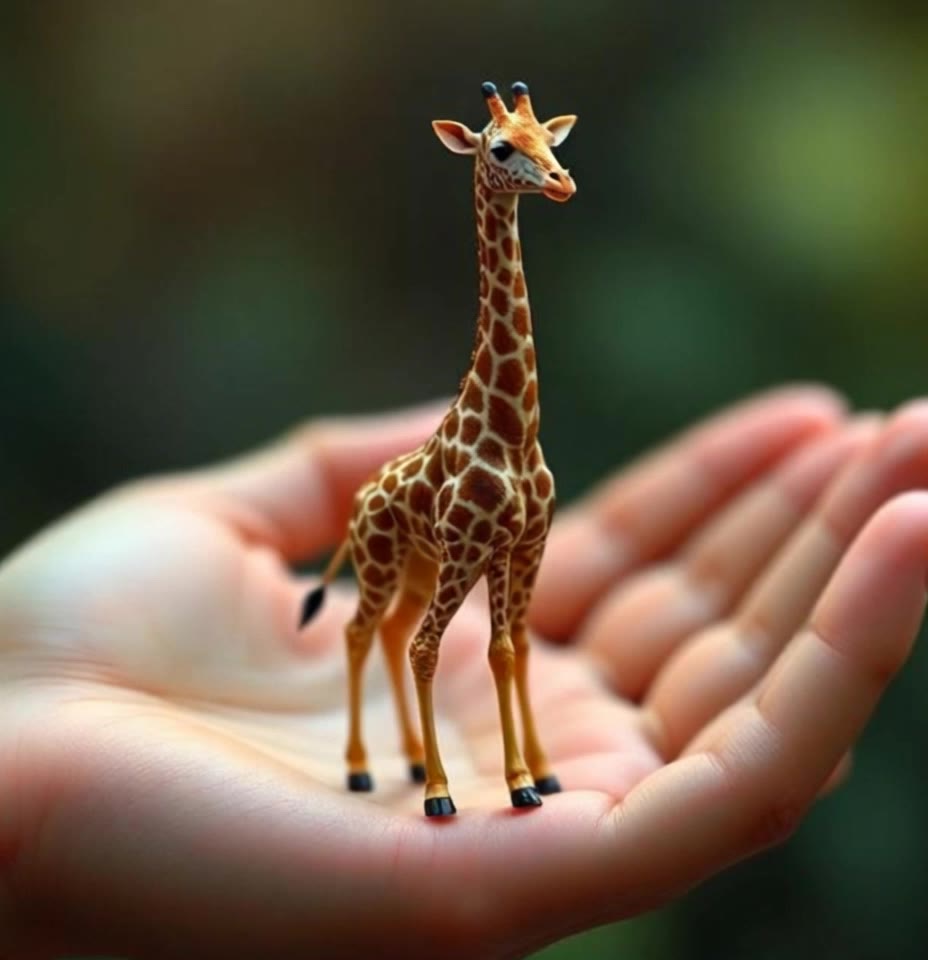
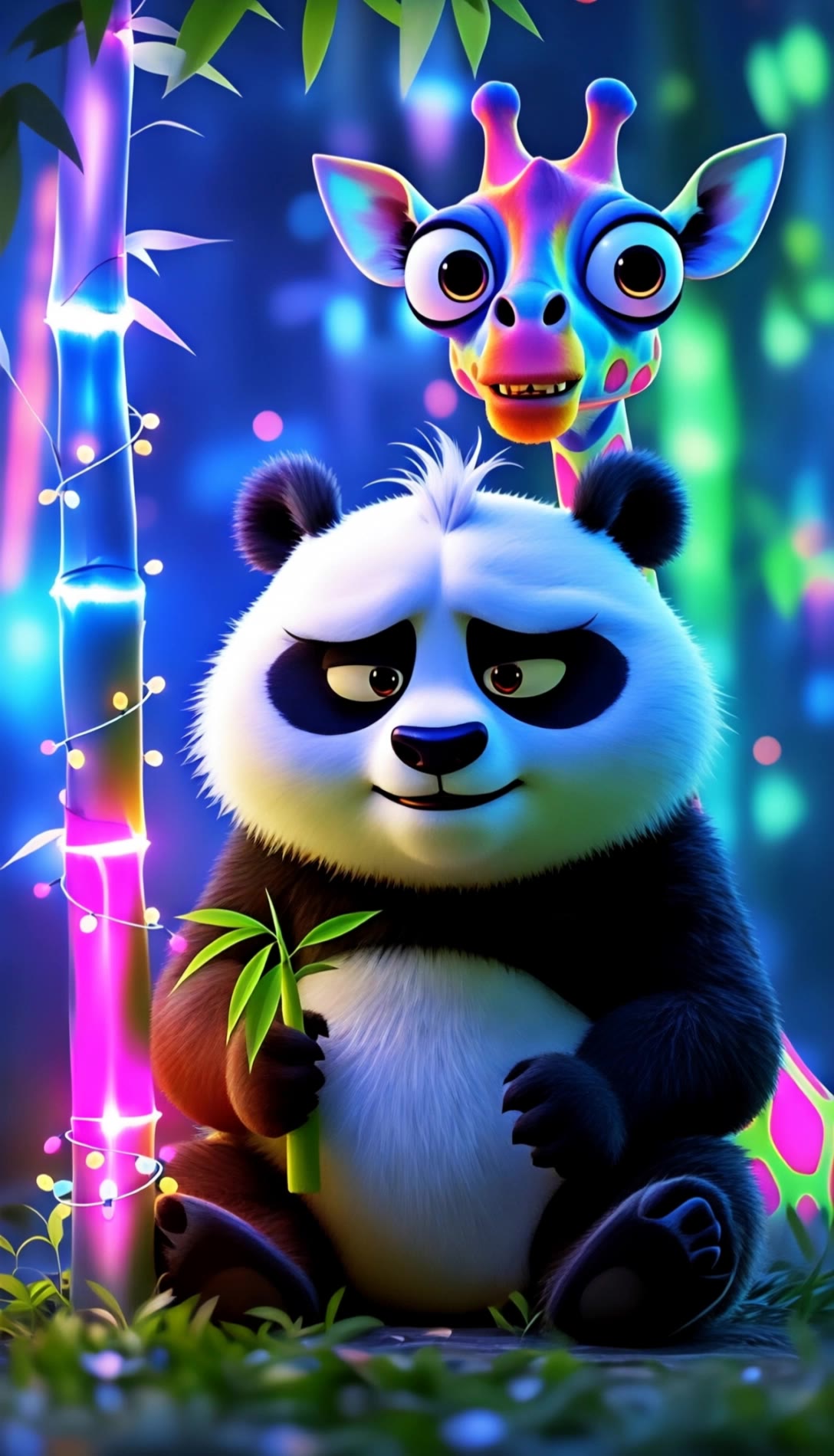
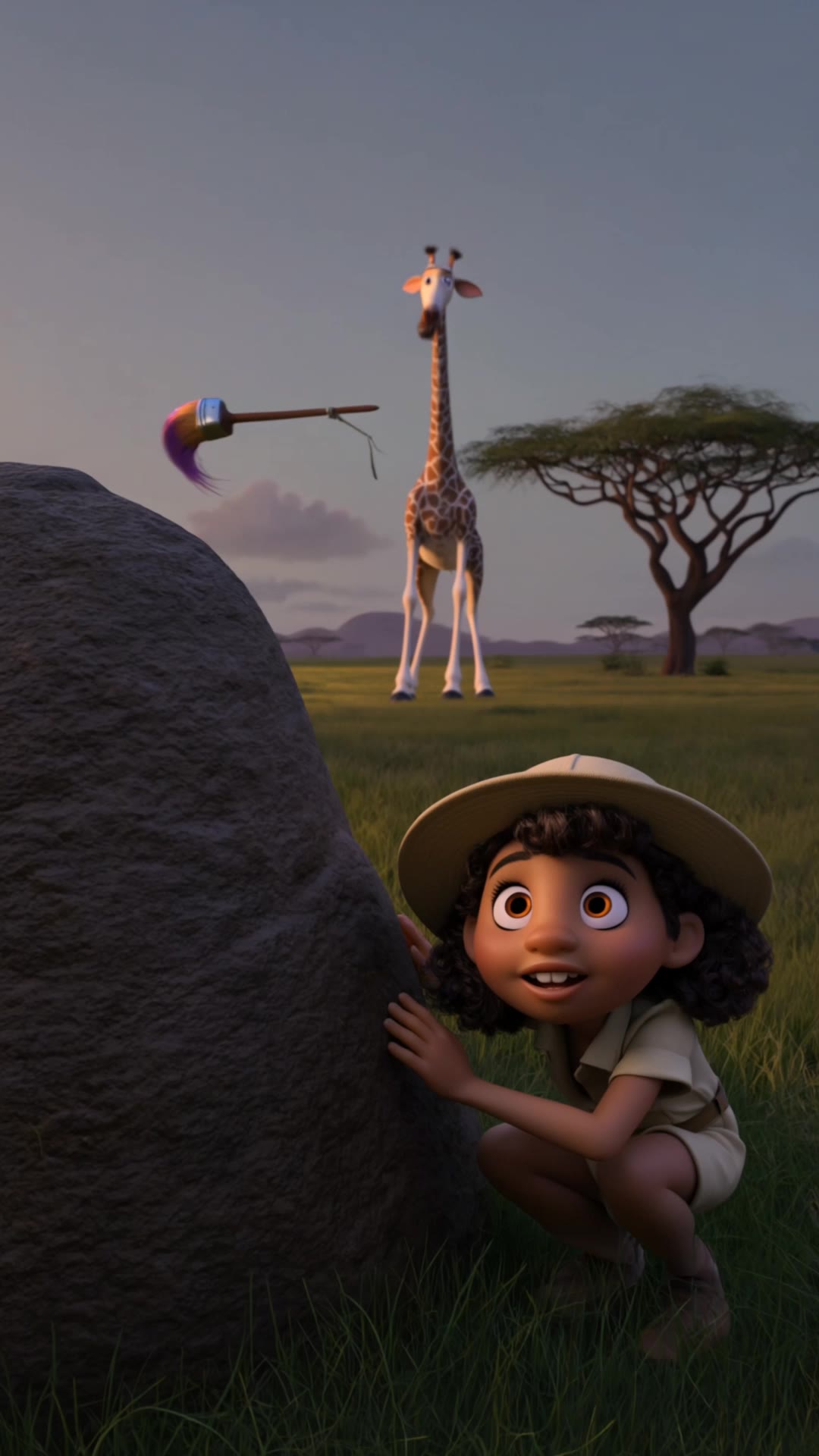
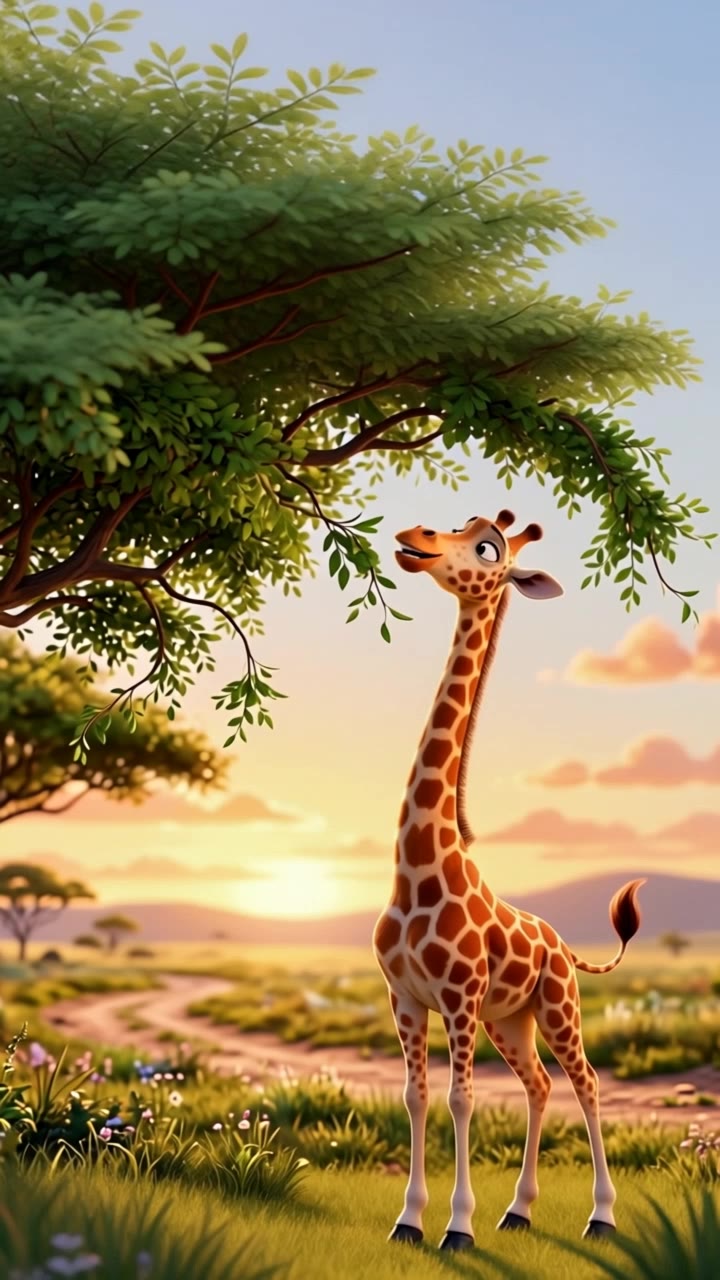
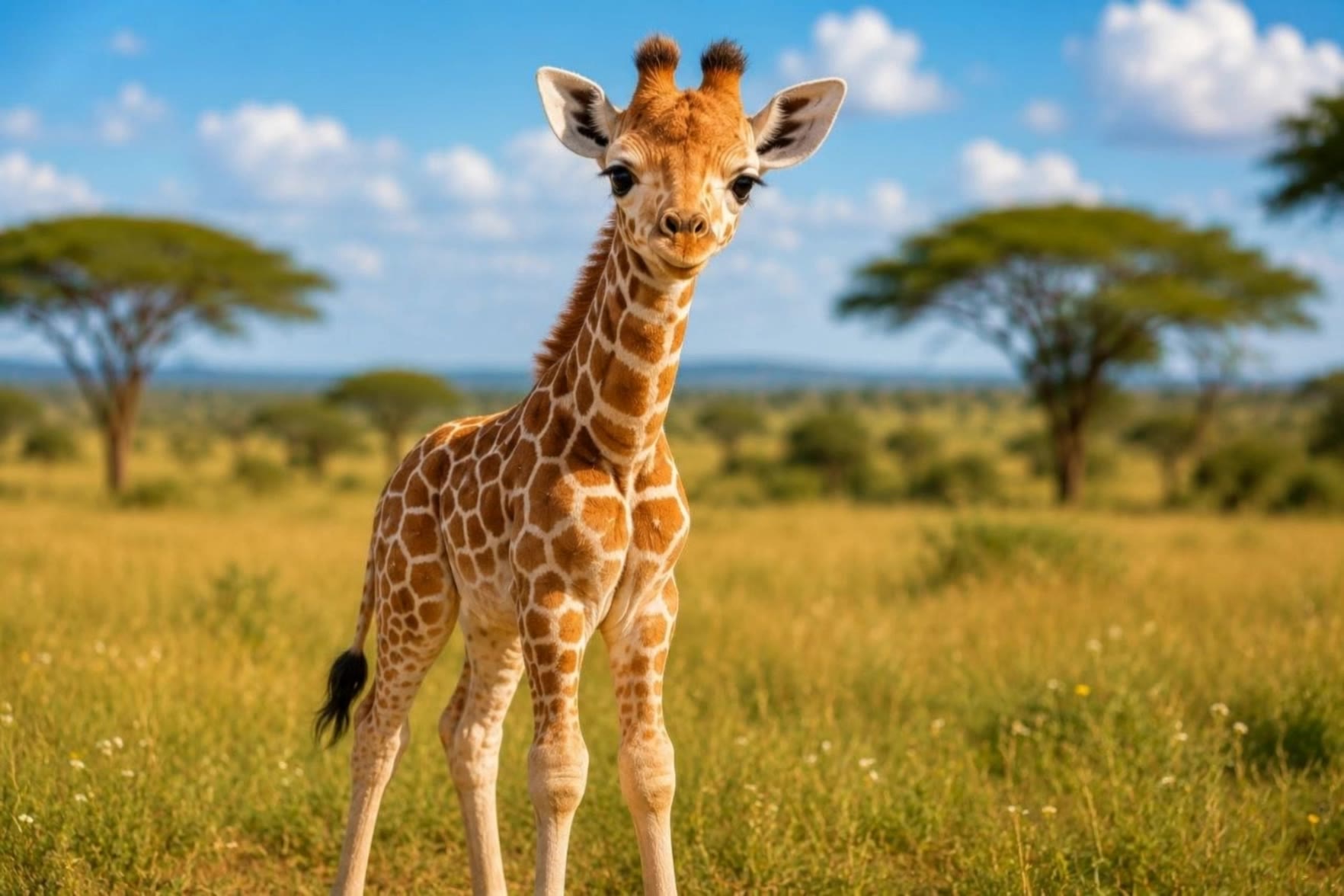
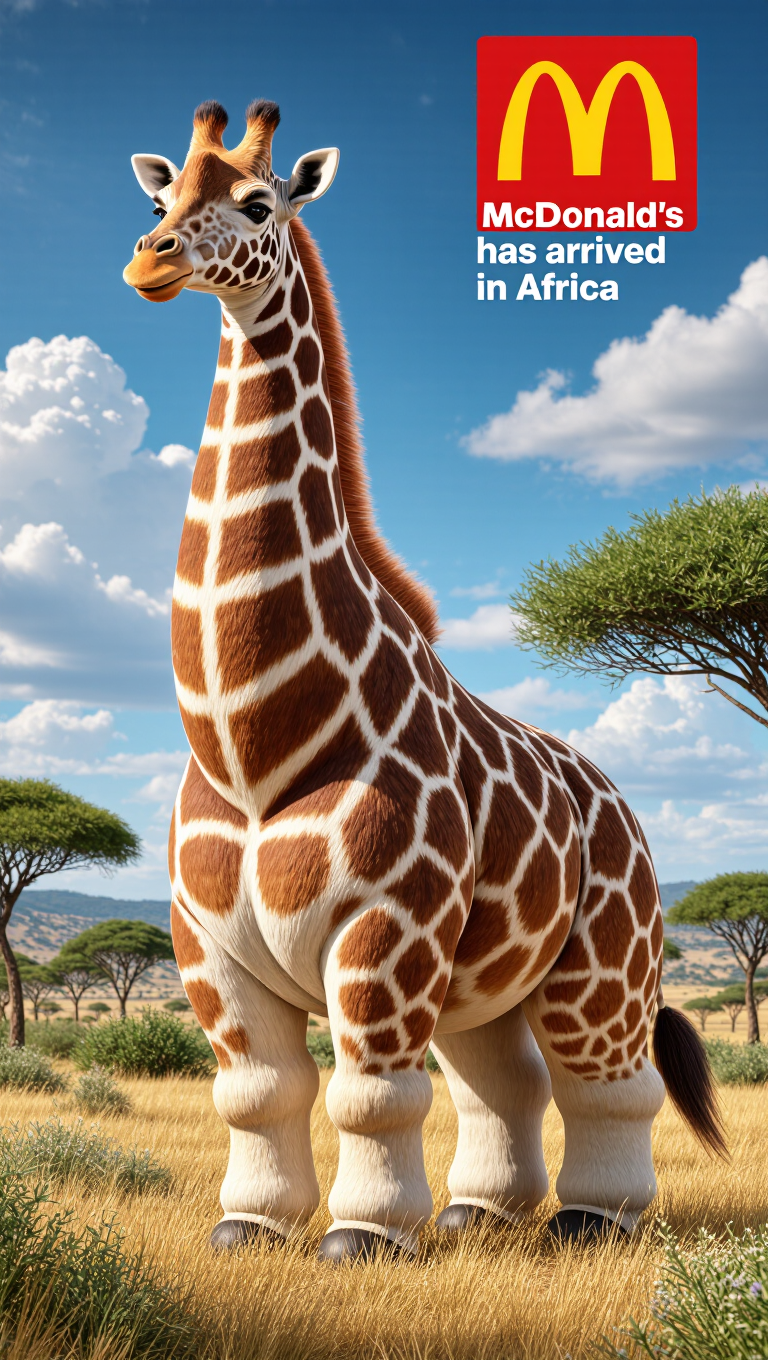
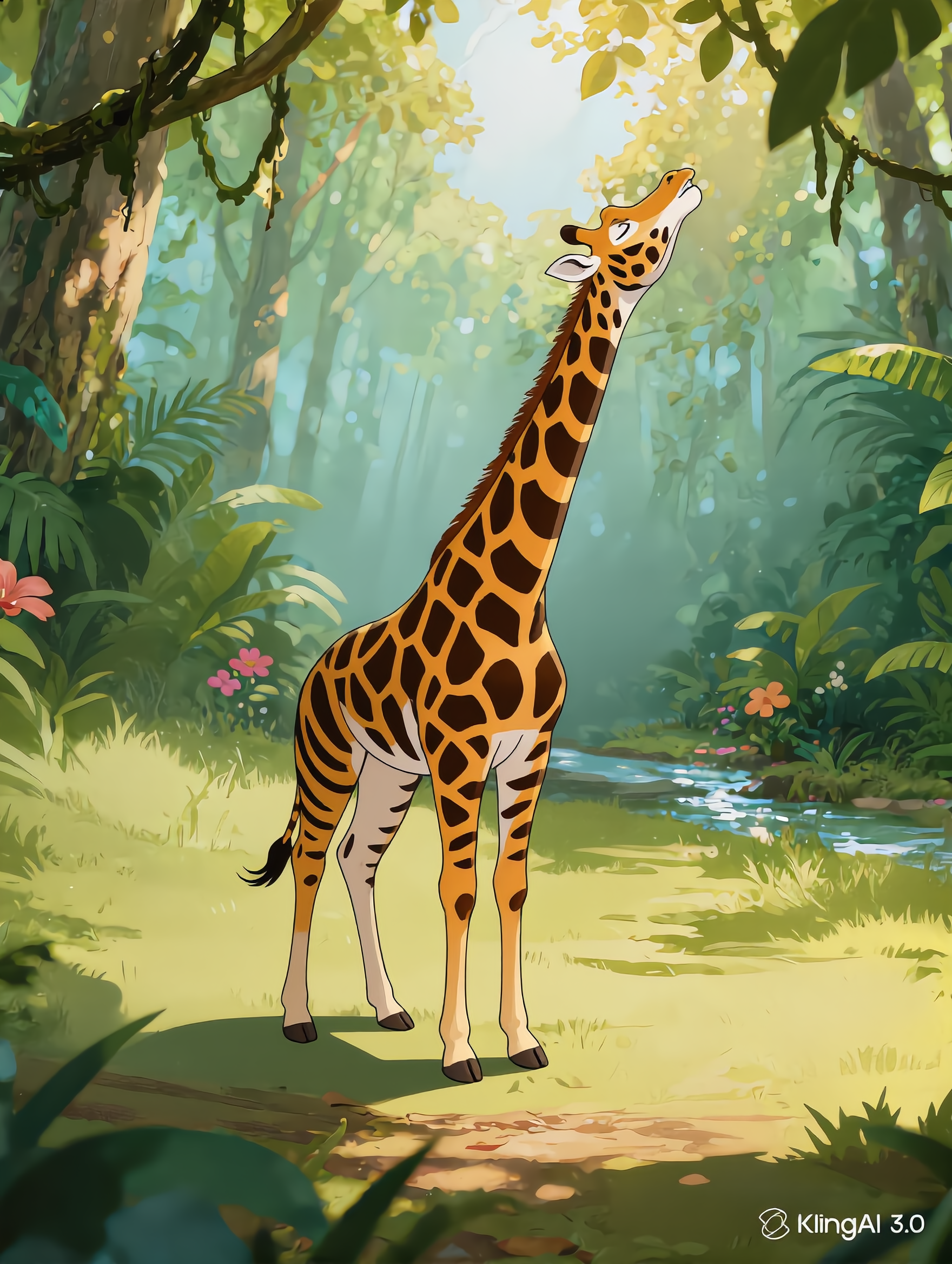
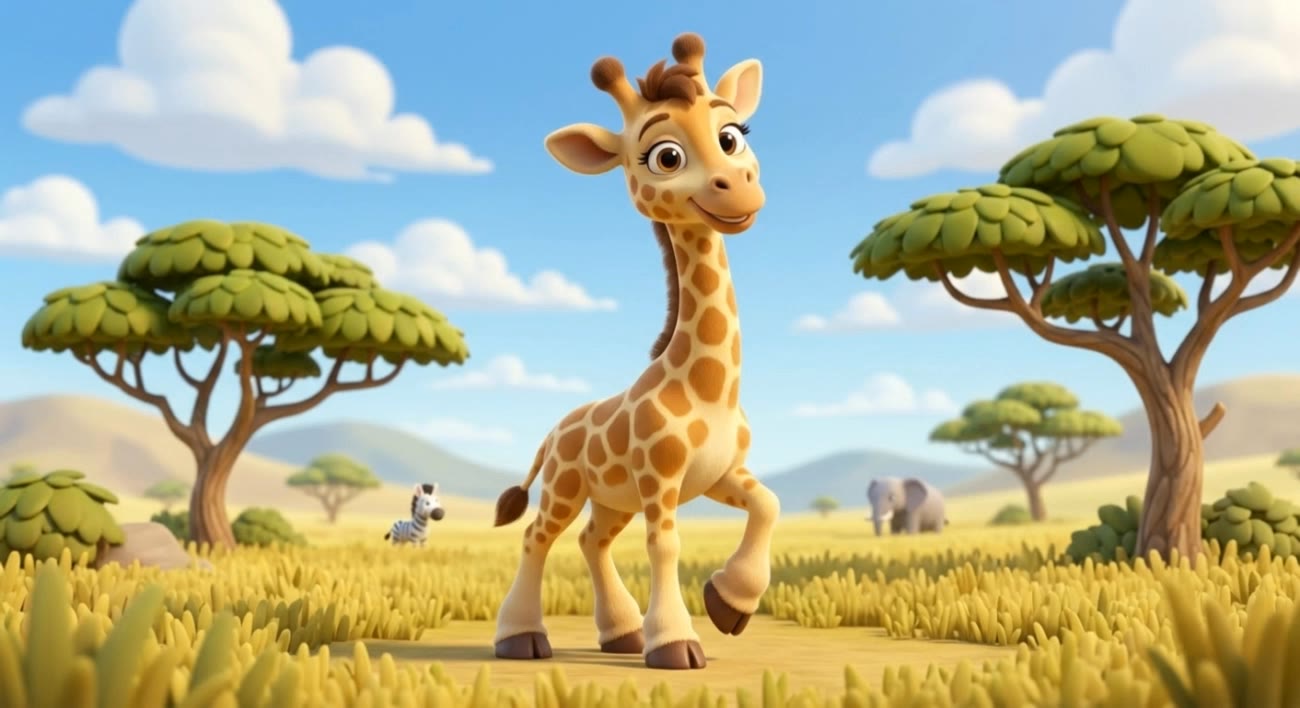
colors of a giraffe - dappled coat & bright colors

Unveil the vibrant patterns and unique coat details of giraffes through imaginative scenarios and artistic hybrids. Immerse in the vivid hues and textures as giraffes interact in extraordinary settings. Start exploring colors of a giraffe ideas and generate your own content with AI.

colors of a giraffe - dappled coat & bright colors

Recommended

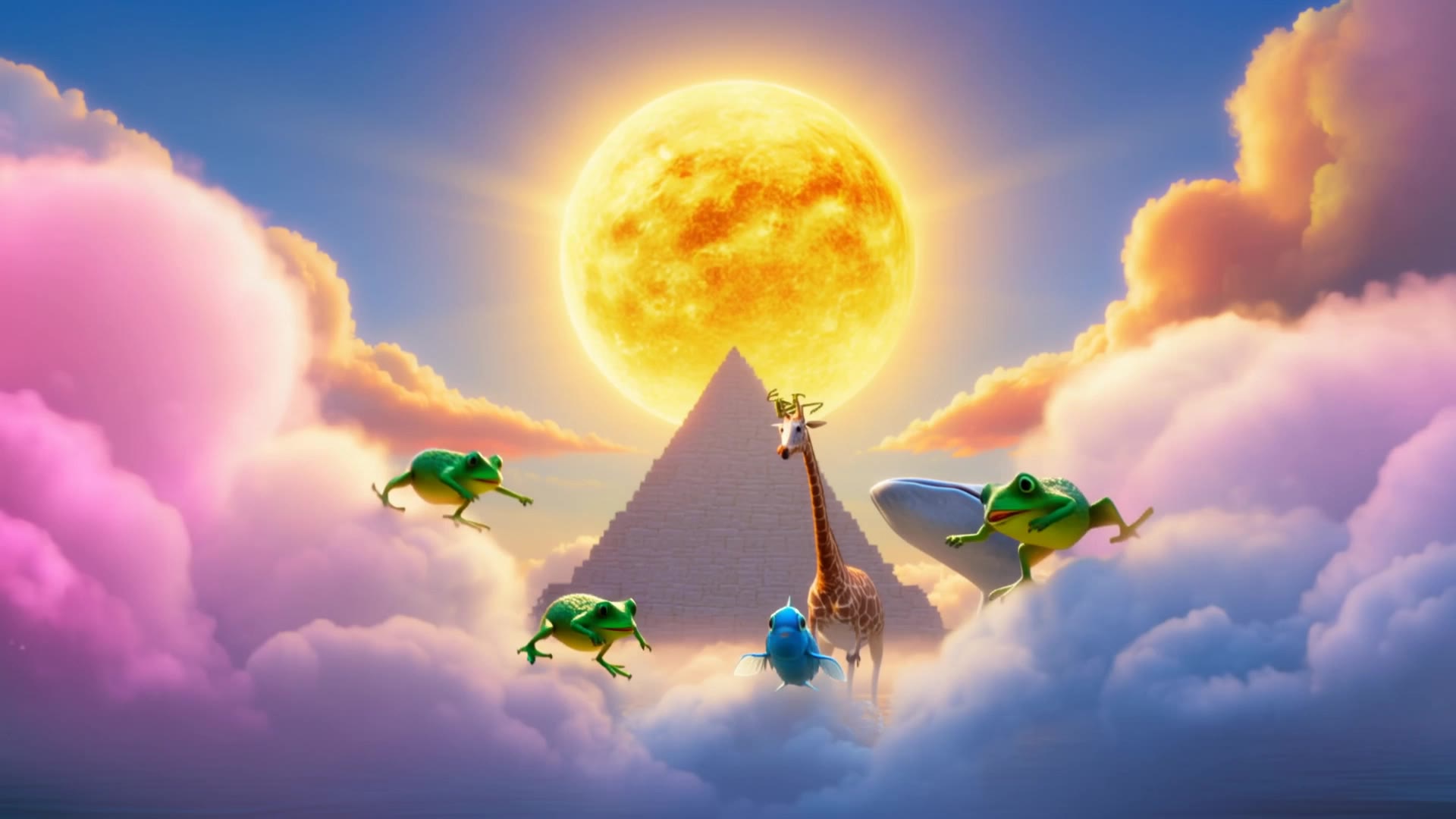
My space giraffe is dreaming of  - colors of a giraffe AI video
Daria Khotuleva avatar
Daria Khotuleva
Kling AI work 315226558662559 - colors of a giraffe AI video
KVDDTmTh avatar
KVDDTmTh
Kling AI work 307161988665716 - colors of a giraffe AI video
Craetor_Nati avatar
Craetor_Nati
Giraffe walking - colors of a giraffe AI video
YrAzdsSr avatar
YrAzdsSr
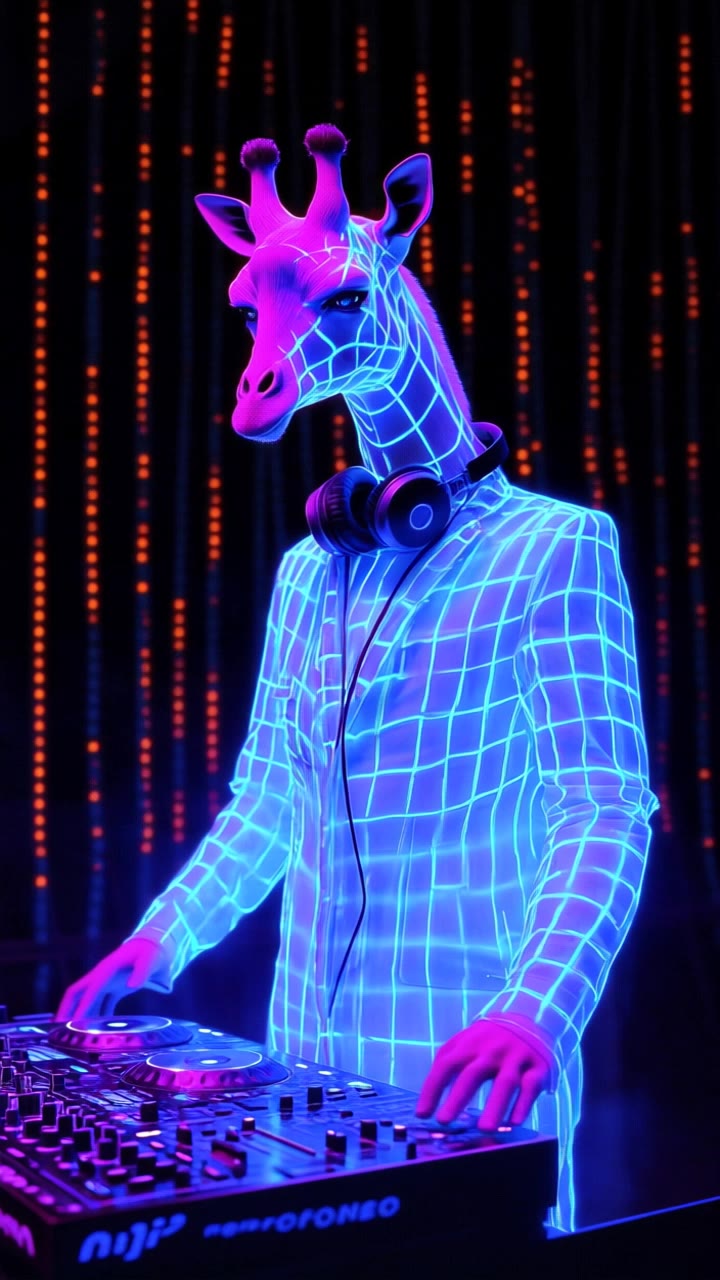
Giraffe deejays
 - colors of a giraffe AI video
GxGwiecI avatar
GxGwiecI
Kling AI work 308854796522877 - colors of a giraffe AI video
wMGQRDML avatar
wMGQRDML
Kling AI work 306080096536202 - colors of a giraffe AI video
fhCAGJzr avatar
fhCAGJzr
giraffe - colors of a giraffe AI video
itM avatar
itM
Kling AI work 315226475507293 - colors of a giraffe AI video
KVDDTmTh avatar
KVDDTmTh
Kling AI work 317038188506986 - colors of a giraffe AI video
tjNWHMCj avatar
tjNWHMCj
Kiss with giraffe - colors of a giraffe AI video
Pecherskiy_kz avatar
Pecherskiy_kz
Kling AI work 319725751528667 - colors of a giraffe AI video
fupkKumU avatar
fupkKumU
Kling AI work 319548081503154 - colors of a giraffe AI video
mikki avatar
mikki
Kling AI work 296800899521833 - colors of a giraffe AI video
Alireza avatar
Alireza
Kling AI work 296788670500230 - colors of a giraffe AI video
BSkXyMlg avatar
BSkXyMlg
GIRAFFE SURFING  - colors of a giraffe AI video
Dronov_ai avatar
Dronov_ai
Elite Creator
Kling AI work 297103496520566 - colors of a giraffe AI image
Gilles avatar
Gilles
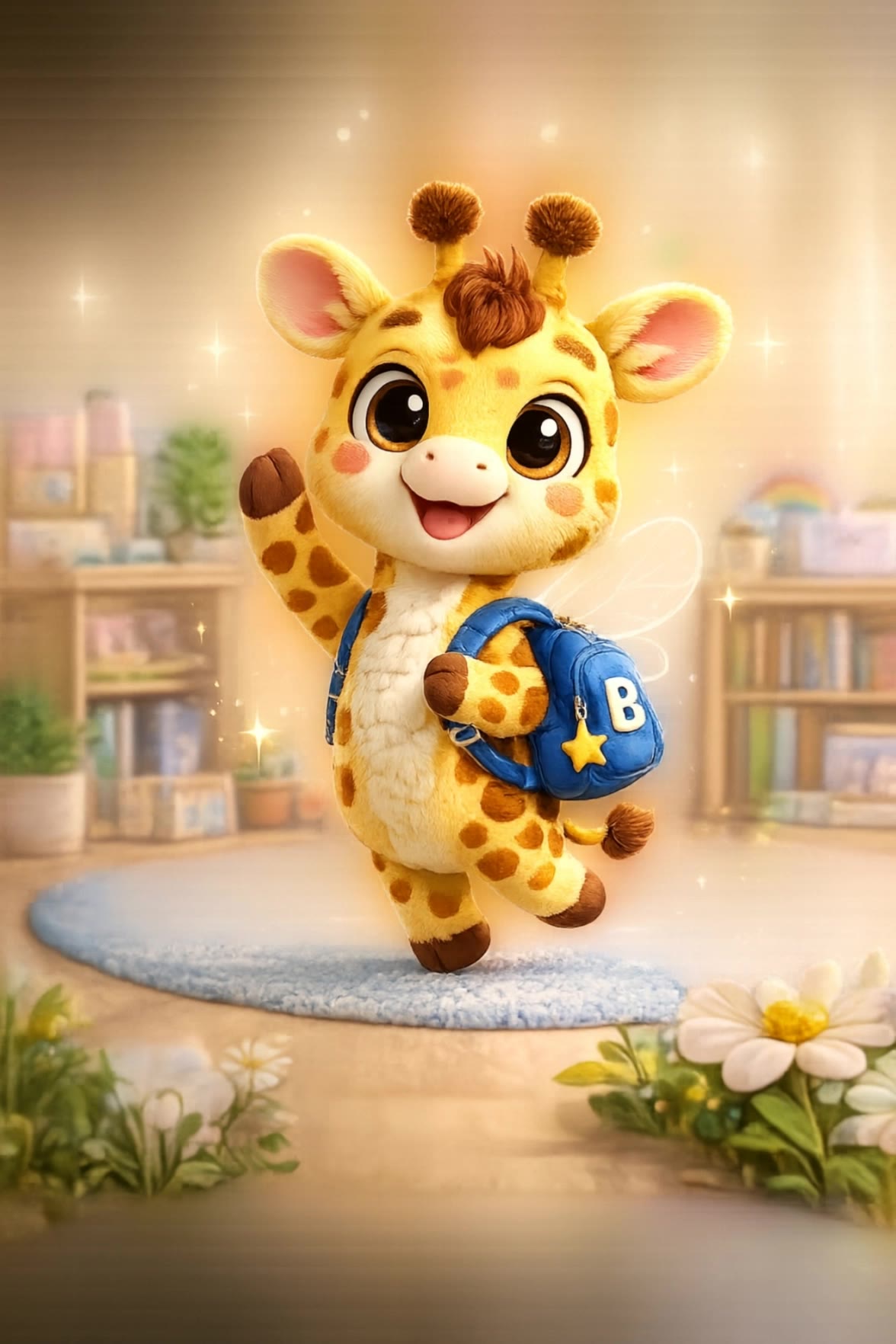
My little Giraffe - colors of a giraffe AI video
jon avatar
jon

How to Change Clothes with Kling AI

Step 1: Upload the Model Photo and Outfit References

Step 1: Upload the Model Photo and Outfit References

Upload the model's photo you want to edit, then add references for the clothing, shoes, hats, bags, or accessories you want to use. You can combine multiple references when different parts of the final look come from different images.

Step 2: Describe the Outfit Change

Step 2: Describe the Outfit Change

Tell Kling AI how each reference should be used. For example, use Image 1 as the base person, then apply the shirt from Image 2, jacket from Image 3, skirt from Image 4, and shoes from Image 5.

Step 3: Generate Your Outfit Change

Step 3: Generate Your Outfit Change

Choose your preferred aspect ratio and 2K or 4K resolution, then generate your new look. Preview the final composite and download your favorite result.

Remove Watermarks Without Rebuilding the Whole Image

Remove Watermarks with a Simple Prompt

Remove Watermarks with a Simple Prompt

Kling AI makes watermark removal easier with intuitive text-based editing. Simply describe what you want to remove, such as a watermark, logo, or unwanted text, and Kling IMAGE 3.0 analyzes your instructions to create a cleaner image. No complex editing skills are required, making professional-quality image cleanup accessible to everyone.

Keep the Original Look Familiar

Keep the Original Look Familiar

A small cleanup should not require changing the whole image. Kling IMAGE 3.0 supports localized editing while helping preserve surrounding style, lighting, texture, and composition. This makes it easier to remove a distracting mark while keeping the rest of the image close to the source.

Select the Area Yourself with the Eraser Pen

Select the Area Yourself with the Eraser Pen

When the unwanted mark is easy to identify visually, use Kling AI's separate Removel tool to mark the area directly. It gives you another way to start the cleanup when selecting the target yourself feels more straightforward than describing the edit in a prompt.

Apps

Image to Video
Image to Video

Image to Video

Text to Video
Text to Video

Text to Video

Omni
Omni

Omni

Digital Human
Digital Human

Digital Human

Restyle
Restyle

Restyle

Text to Image
Text to Image

Text to Image

60M+
60M+
Users
600M+
600M+
AI Videos Generated
4.7 ★
4.7 ★
App Store
Industry-Leading
Industry-Leading
Cinematic 4K

Reviews

Samuele Poggi (@visualsk2)

Samuele Poggi (@visualsk2)

★★★★★

I use Kling AI daily to push the limits of AI filmmaking. It allows me to create highly cinematic content, blending AI and VFX to develop innovative projects. It has significantly impacted my creative process, enabling me to achieve complex animations that would otherwise require high production budgets.

Maria Rubtsova

Maria Rubtsova

★★★★★

I’m Maria Rubtsova, an AIGC digital artist passionate about creating stunning visuals in the worlds of fashion, aesthetics, and fantasy. I use KlingAi to bring imagination to life through video. My work is all about exploring beauty, emotion, and the limitless possibilities of digital art.

Huang Lu (Elson)

Huang Lu (Elson)

★★★★★

I’ve been using Kling AI since its initial release, and it’s remained one of the leading AI media generators ever since. With Kling AI, I’ve created hundreds of videos, collectively amassing millions of views.

FAQ

Q1Can I use reference images with Kling AI?
Q2Can I use Kling AI-generated images commercially?
Q3Can Kling AI edit existing images?

Change the Shot Without Reshooting It

Upload your footage, describe the result, and let Kling rebuild the scene around your direction.

Free tier available | Simple prompt editing | Up to 4K output | Fast generation