Creative Studio
API
Resources
Features
About Us
Download

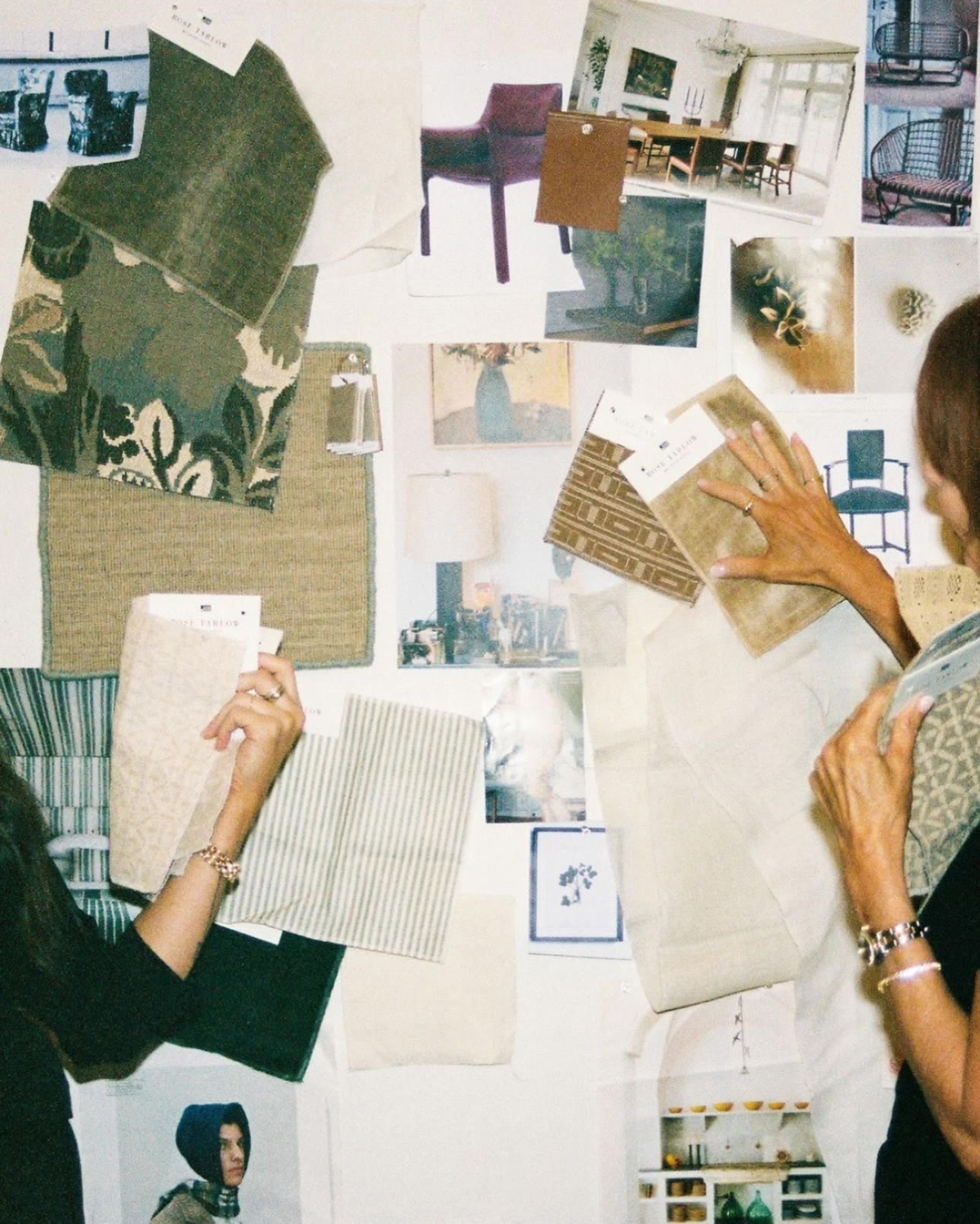
create mood board - garden path & 3D storytelling

Unleash creativity with garden-inspired themes and AI-driven art prompts. Start exploring create mood board ideas and generate your own content with AI.

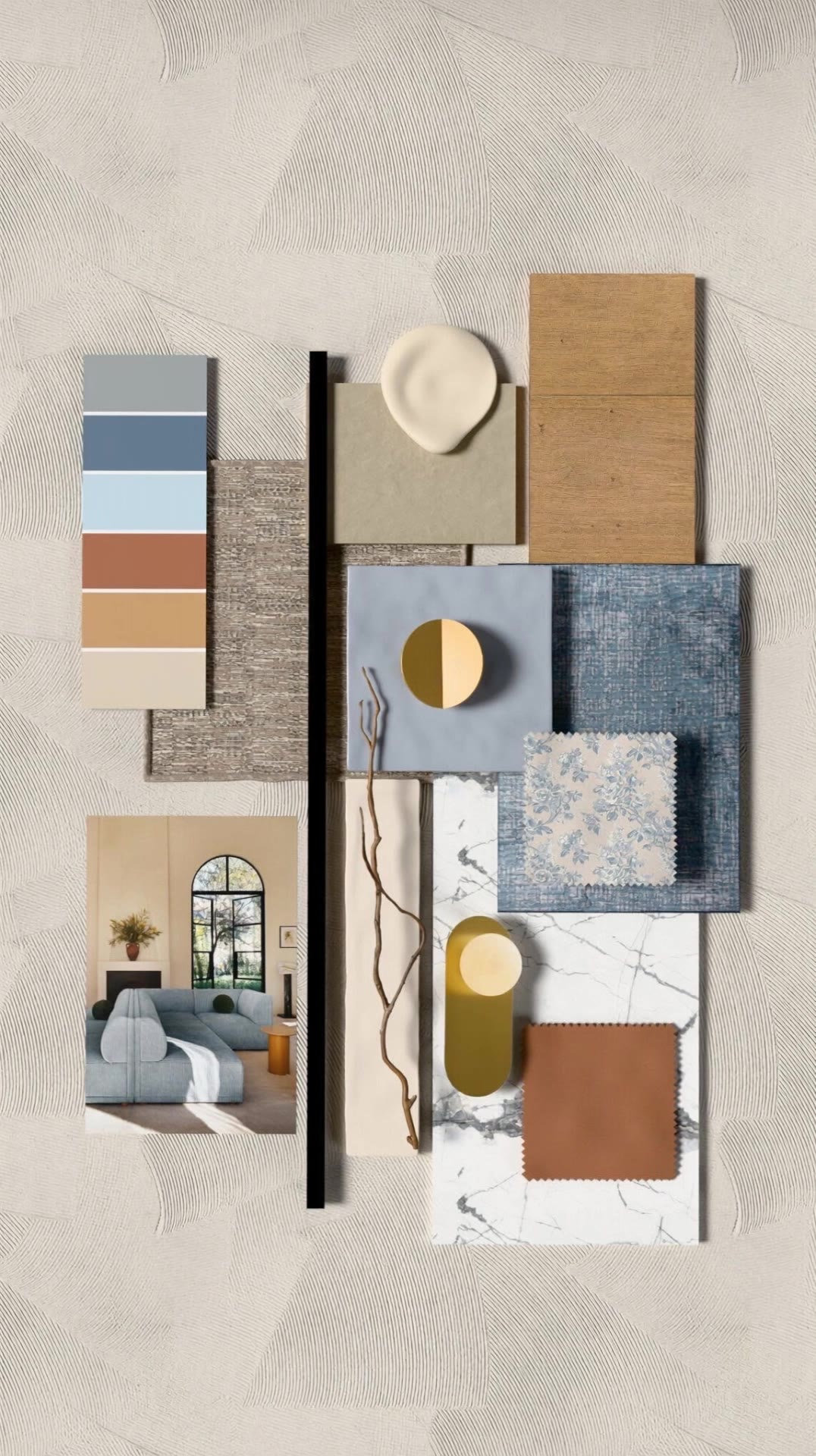
create mood board - garden path & 3D storytelling

Recommended

Create realistic video - create mood board AI image
DYdlsTDQ avatar
DYdlsTDQ
Kling AI work 315758963663032 - create mood board AI video
FhioRwJw avatar
FhioRwJw
happy mood - create mood board AI video
VnCmOFGH avatar
VnCmOFGH
Create a realistic cinematic ver - create mood board AI image
shnpyHhZ avatar
shnpyHhZ
Kling AI work 306515820668336 - create mood board AI video
Alaa Rasheed avatar
Alaa Rasheed
Kling AI work 300899333508943 - create mood board AI video
BYIIPzGX avatar
BYIIPzGX
Kling AI work 314416276508497 - create mood board AI video
HnakYYSm avatar
HnakYYSm
Always in a happy mood  - create mood board AI image
smallest Emmy avatar
smallest Emmy
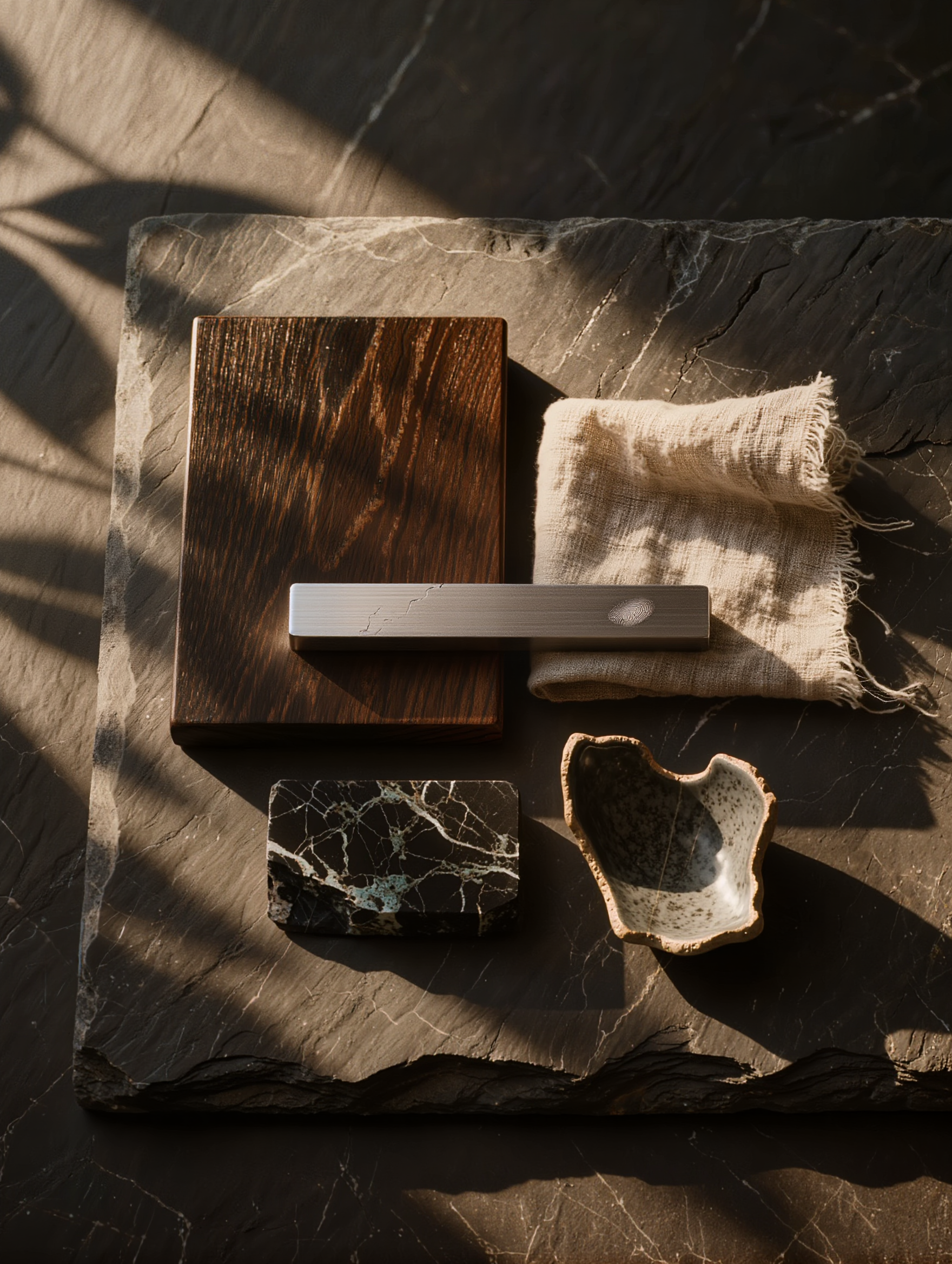
Creative Desk Aesthetic - create mood board AI image
Dev avatar
Dev
Creative Partner
Kling AI work 306515060505609 - create mood board AI video
Alaa Rasheed avatar
Alaa Rasheed
Mood booster - create mood board AI video
Jess avatar
Jess
Want to create videos for free? - create mood board AI video
wpJfUAig avatar
wpJfUAig
Kling AI work 314990173613351 - create mood board AI image
BIjQVyWU avatar
BIjQVyWU
Bringing an empty room to life - create mood board AI video
Carlota avatar
Carlota
Kling AI work 313172983321046 - create mood board AI video
HqoEkeUA avatar
HqoEkeUA
Create KOL with BG - create mood board AI image
KRyMIfRn avatar
KRyMIfRn
Kling AI work 300899425313582 - create mood board AI video
BYIIPzGX avatar
BYIIPzGX
Autumn mood - create mood board AI image
artisticvideo avatar
artisticvideo
Elite Creator
Create Like me 😉 - create mood board AI video
mochaasicail avatar
mochaasicail

How to Use Kling AI Text to Speech

Step 1: Enter the Video Generation Workspace

Step 1: Enter the Video Generation Workspace

Edit your prompt to set the scene, characters, and style, or upload a reference image to shape the look of your video.

Step 2: Add Dialogue and Speech Instructions

Step 2: Add Dialogue and Speech Instructions

Add dialogue to your prompt and clearly specify which character speaks each line. You can also describe the language or dialect, speaking pace, tone, and delivery style in the prompt to guide how each character sounds.

Step 3: Choose Your Settings and Generate

Step 3: Choose Your Settings and Generate

Choose your resolution (720p, 1080p, or 4K), video length (3–15 seconds), and aspect ratio (16:9, 9:16, or 1:1). Then click Generate to create your video.

What’s New in Video 3.0

Cinematic Audiovisual Synergy

Cinematic Audiovisual Synergy

Cinematic AI Video Generator with Native Audio Create multi-shot cinematic sequences with native audio and precise character-level lip-sync in one seamless automated content creation output. This next-generation AI video production model ensures perfect audio-visual alignment for professional storytelling.

Ultimate Element & Character Consistency

Ultimate Element & Character Consistency

Stable Character Consistency for Professional Filmmaking Maintain perfect character consistency and object stability across frames, ensuring a reliable visual identity even with complex camera movements. Our AI video model locks subjects to prevent flickering, delivering high-fidelity results for advanced video generation.

Professional Commercial Rendering

Professional Commercial Rendering

High-Fidelity 15s Sequences and Native Text Rendering Produce up to 15 seconds of uninterrupted video featuring clear, readable native text rendering—perfect for professional ads, product demos, and commercial content. This feature optimizes commercial video production by preserving brand elements directly within the AI-generated video.

Apps

Image to Video
Image to Video

Image to Video

Text to Video
Text to Video

Text to Video

Omni
Omni

Omni

Digital Human
Digital Human

Digital Human

Restyle
Restyle

Restyle

Text to Image
Text to Image

Text to Image

60M+
60M+
Users
600M+
600M+
AI Videos Generated
4.7 ★
4.7 ★
App Store
Industry-Leading
Industry-Leading
Cinematic 4K

Reviews

Déborah

Déborah

★★★★★

I use Kling AI every day. It's amazing to see the almost daily progress it makes. I used AI for fun at first, and I now find that Kling AI's animations allow me to gain professional visibility, with three times more views on my animated posts than on my static posts.

Jyo John Mulloor

Jyo John Mulloor

★★★★★

Kling AI has been instrumental in transforming my creative workflow, unlocking new dimensions of artistic expression that were once unimaginable. I use Kling AI extensively to develop high-concept visuals, animate surreal dreamscapes, and create AI-assisted films that blur the line between reality and fantasy. Kling AI’s deep learning capabilities have not only enhanced my creative efficiency but also inspired me to explore storytelling in ways I never thought possible.

Ozan Sihay

Ozan Sihay

★★★★★

Kling AI allows me to rapidly prototype ideas, refine storytelling elements, and produce visually compelling content efficiently. It has not only accelerated my creative processes, but also deepened my understanding of how AI can enrich visual storytelling.

FAQ

Q1Can I use AI-generated art commercially?
Q2Can Kling AI generate AI art in 4K?
Q3What is the best AI art generator?

Make Something Worth Keeping

Start with a sentence, a sketch, or a visual reference. Shape the idea until the style, composition, and details feel like yours.

Free tier available | Text to Art | Reference Images | Style Transfer