
Studio-Animedia
0
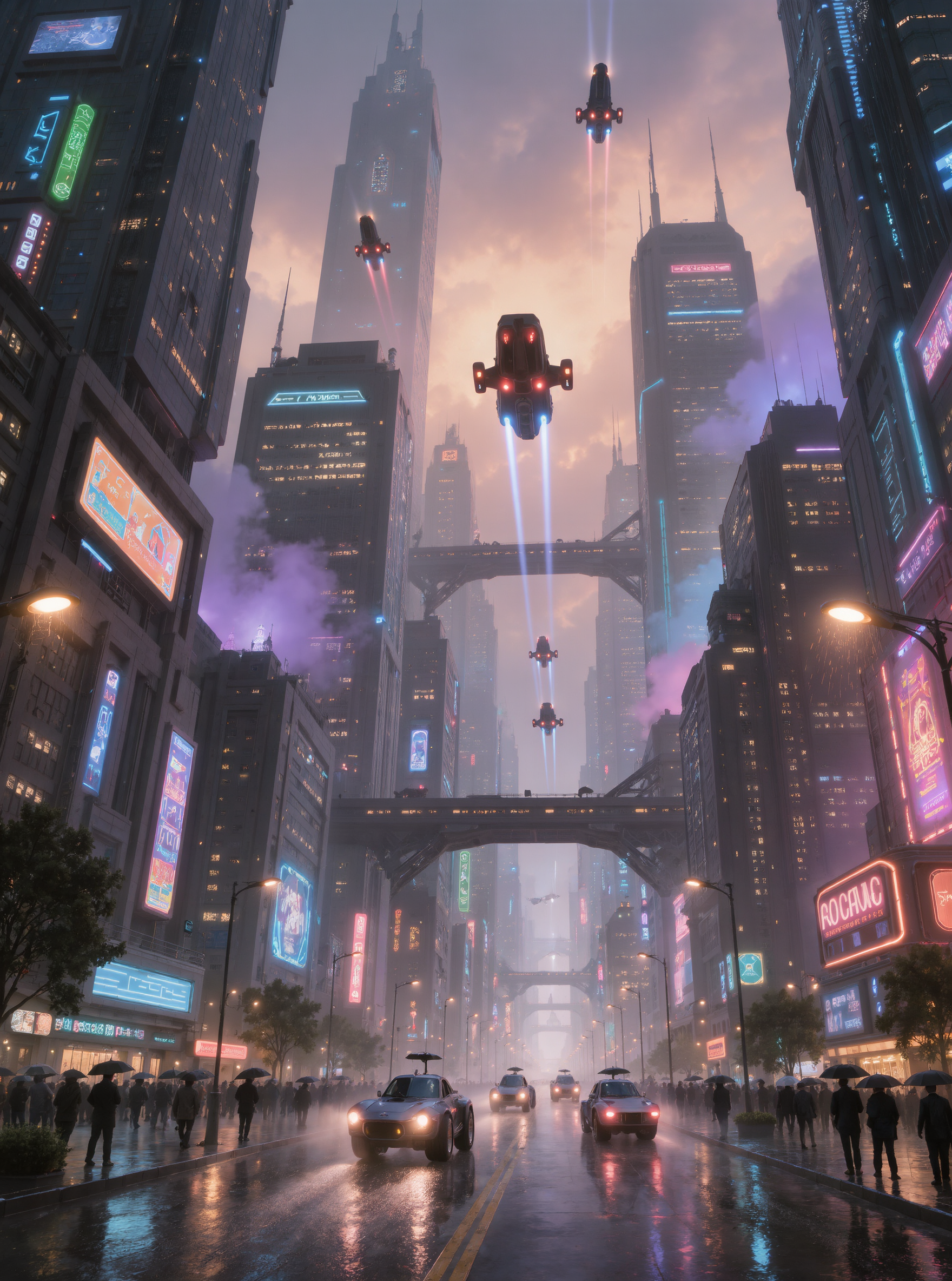
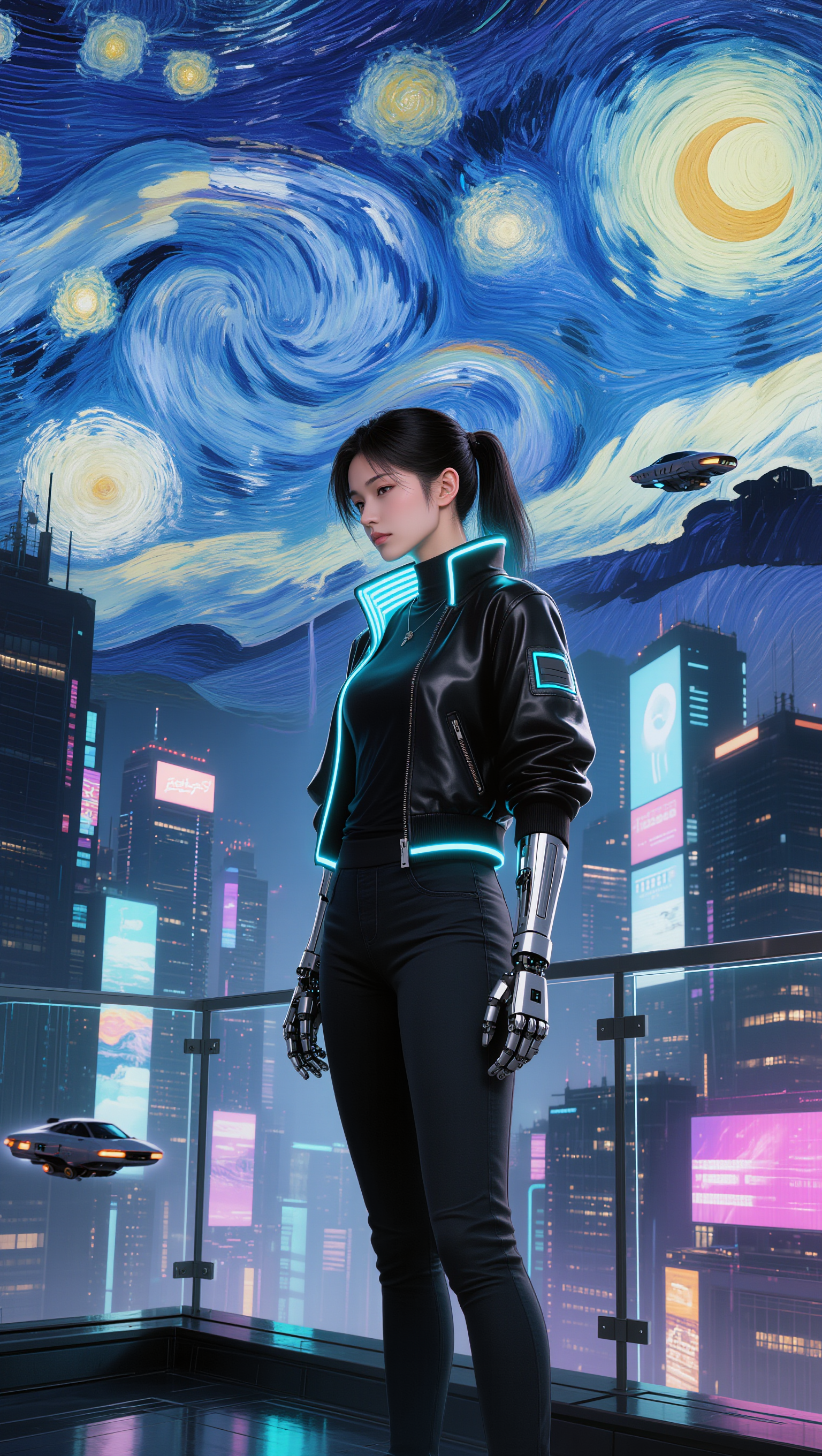
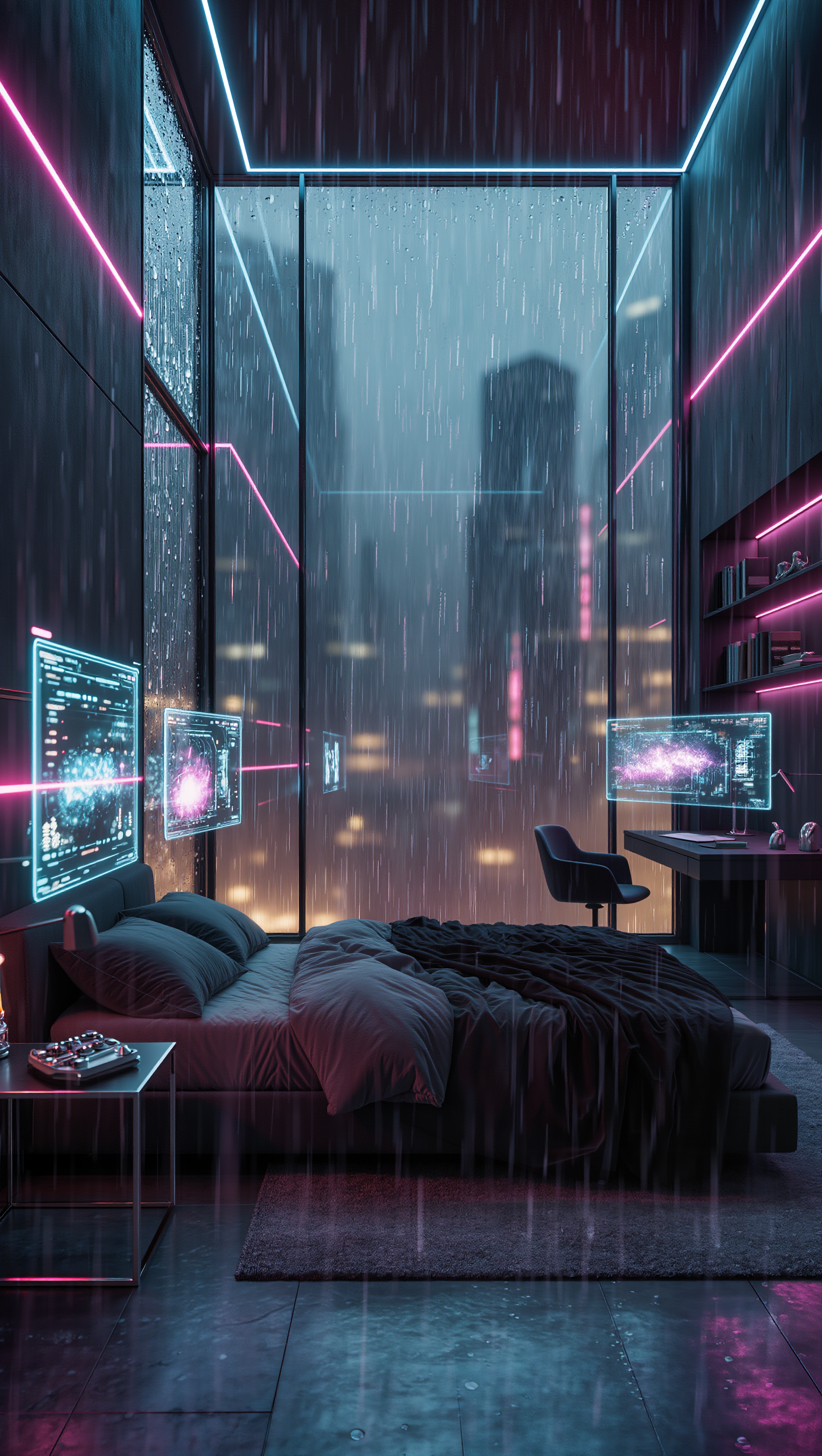
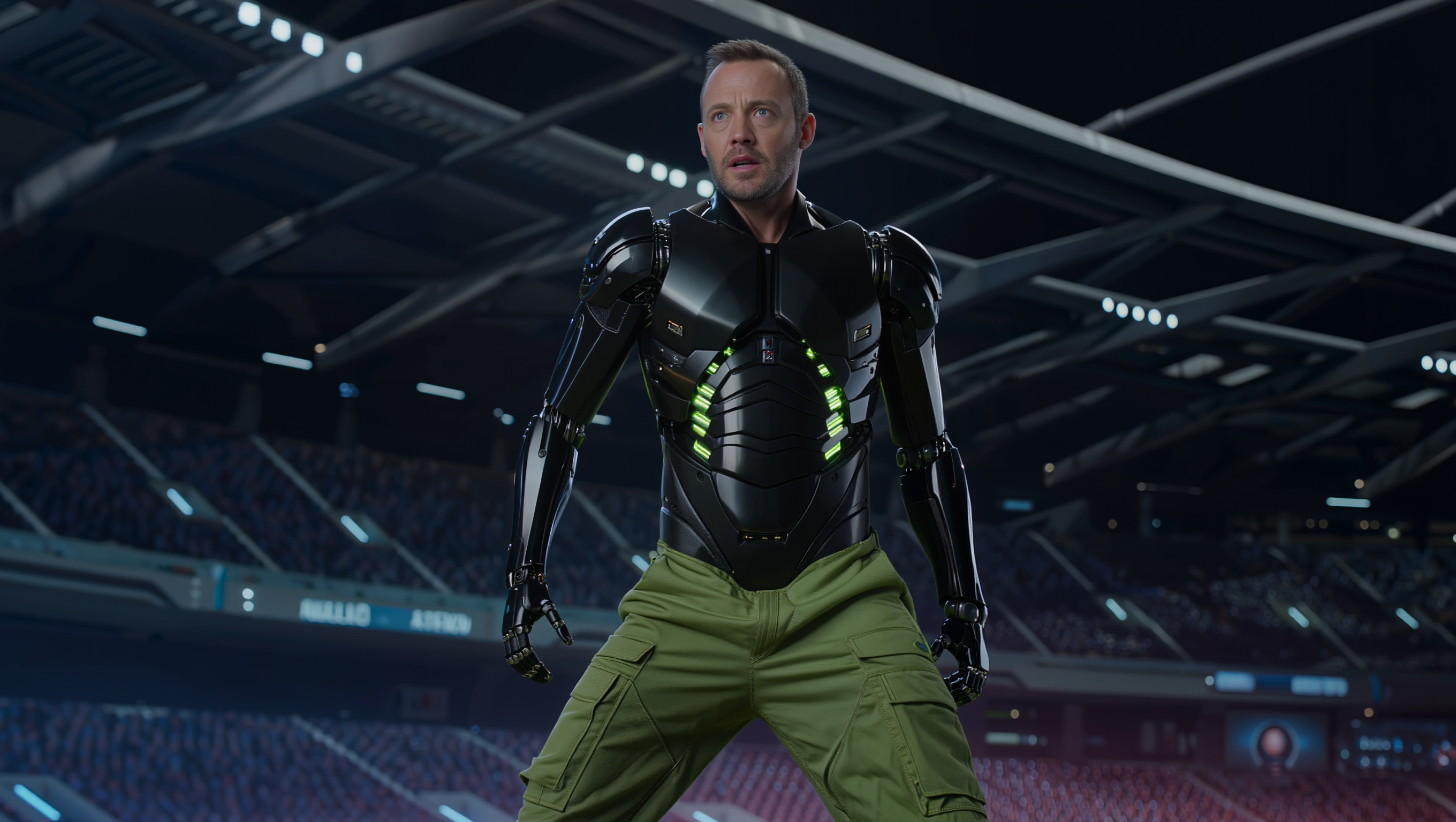
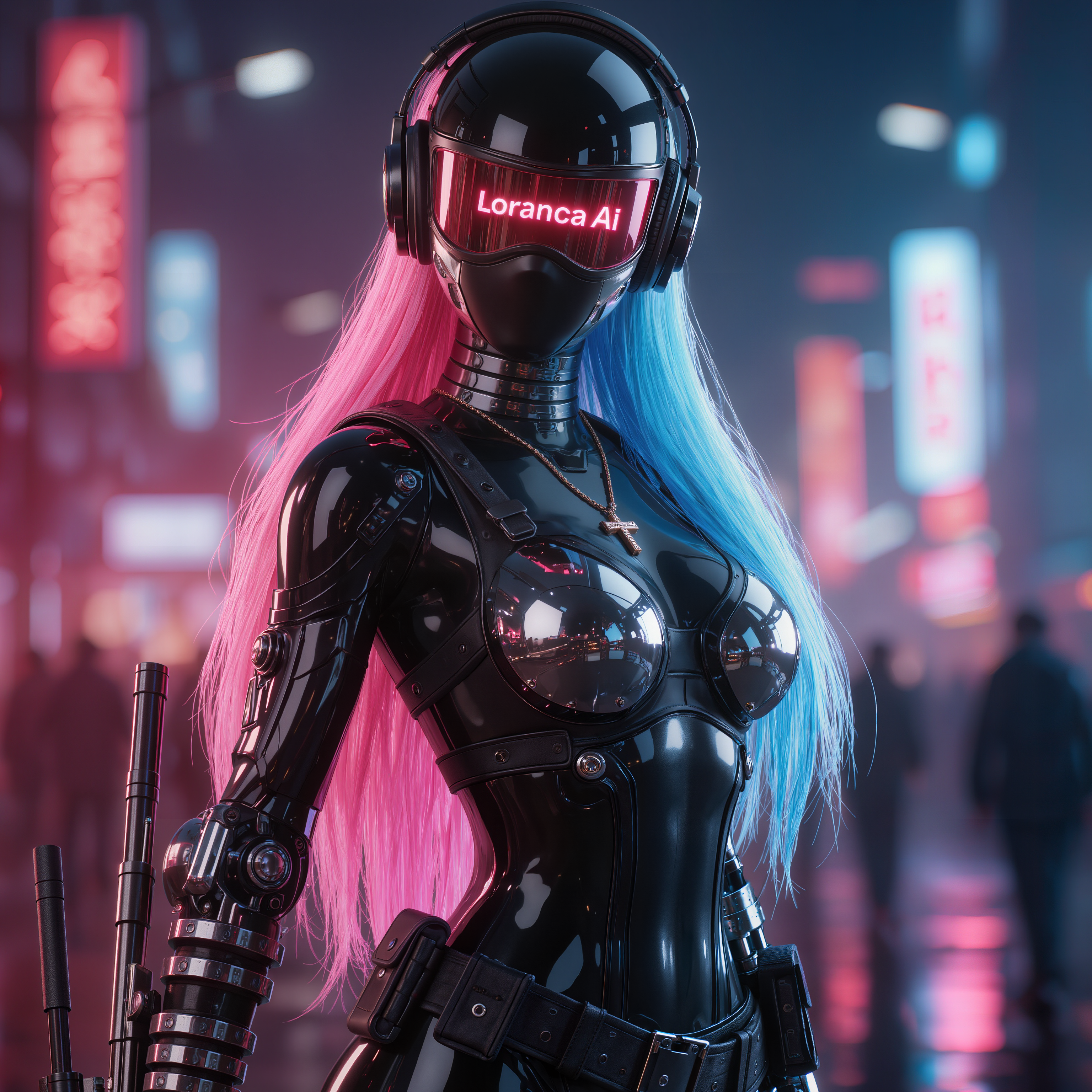
Immerse in the neon-lit, high-tech allure of cyberpunk art with themes of cyber-enhanced humans and futuristic cityscapes. Witness the blend of human beauty and artificial design through intricate, glowing circuitry and vibrant, pulsating lights. Start exploring cyberpunk art style ideas and generate your own content with AI.


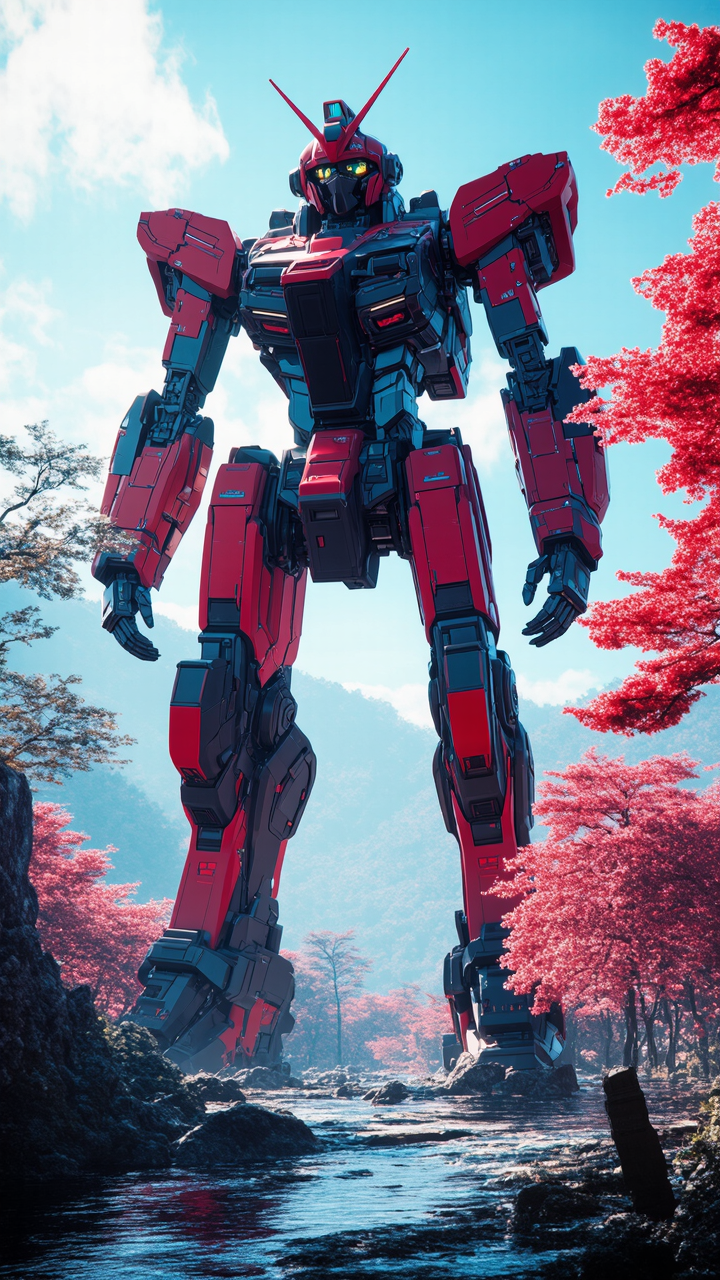

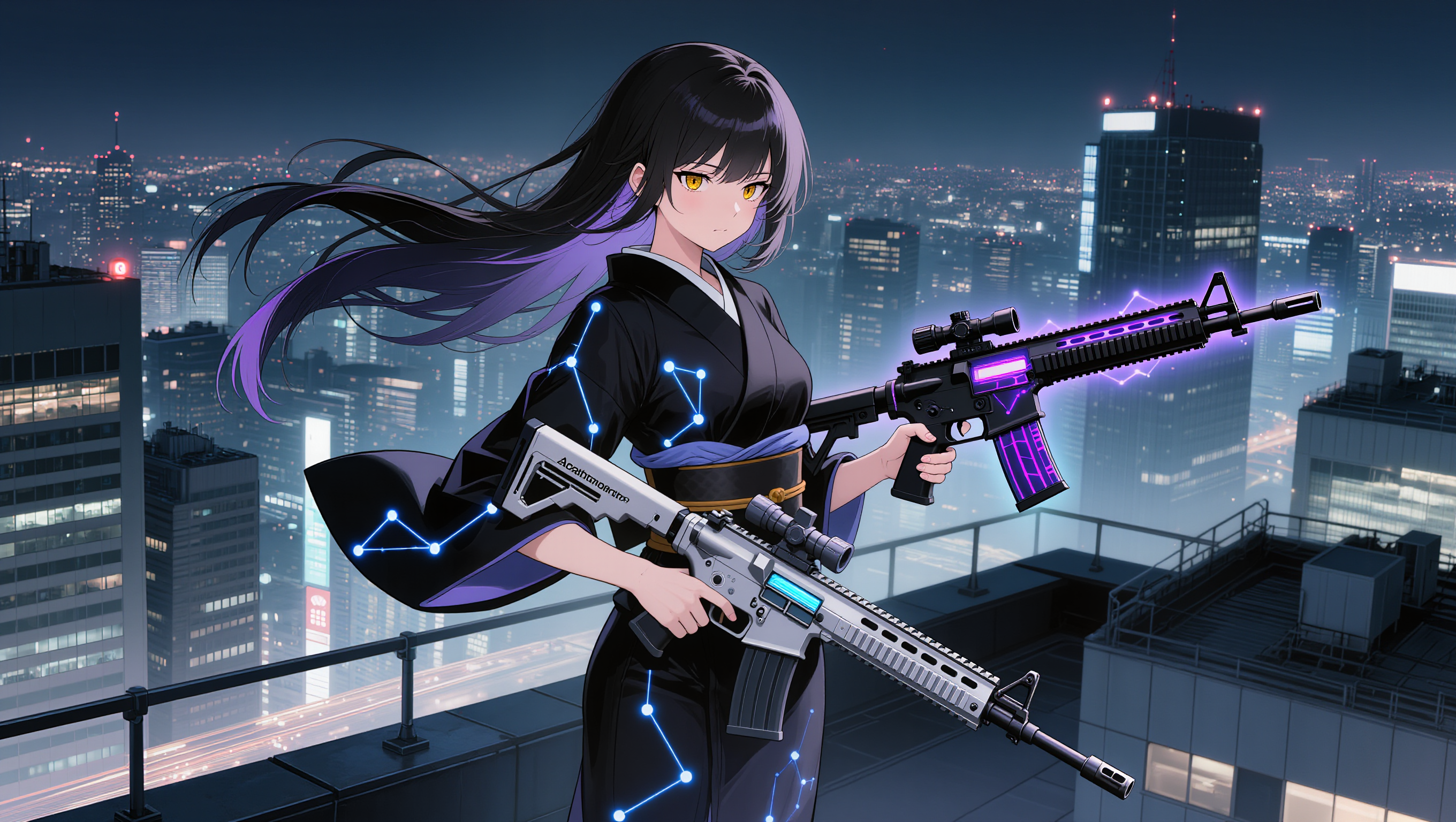
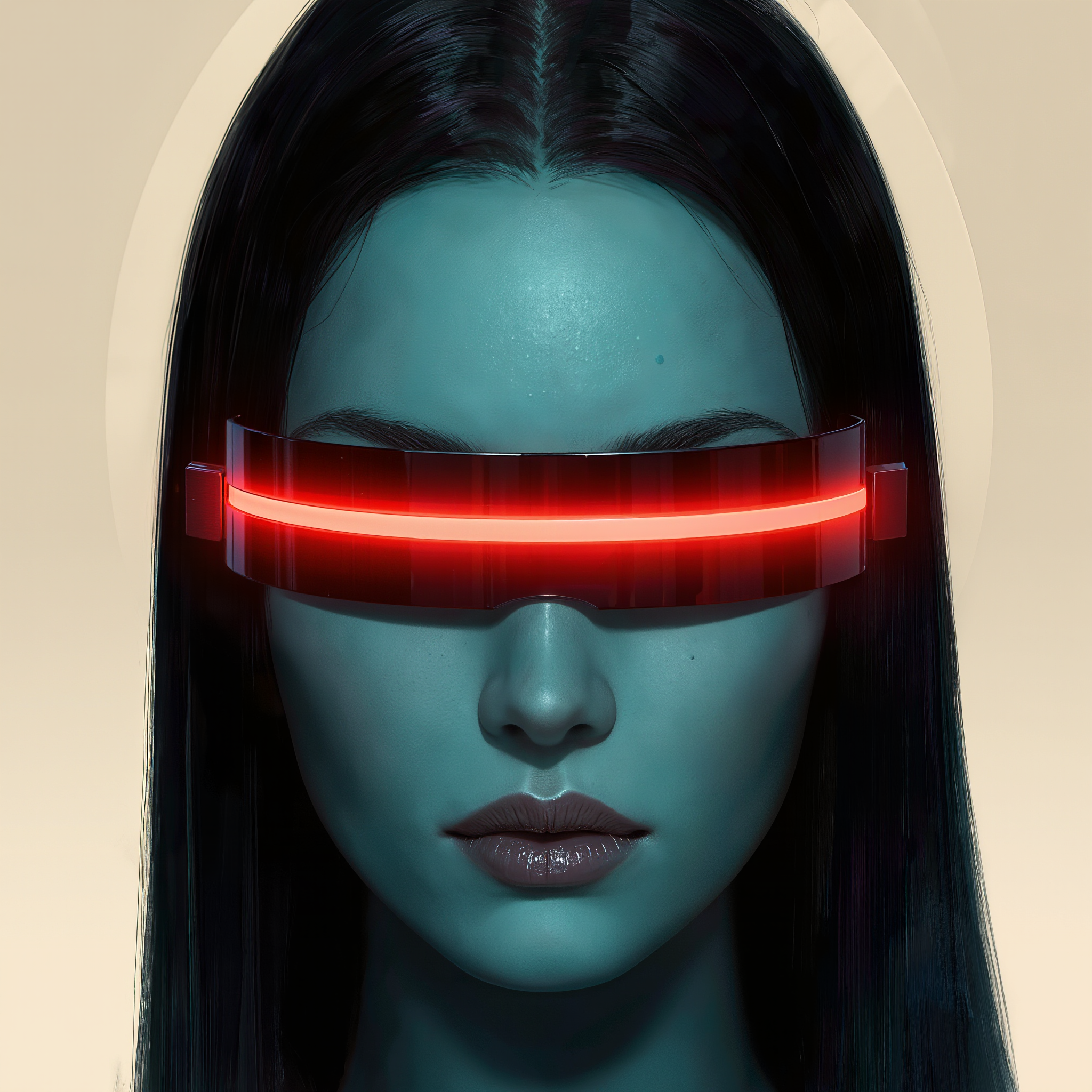
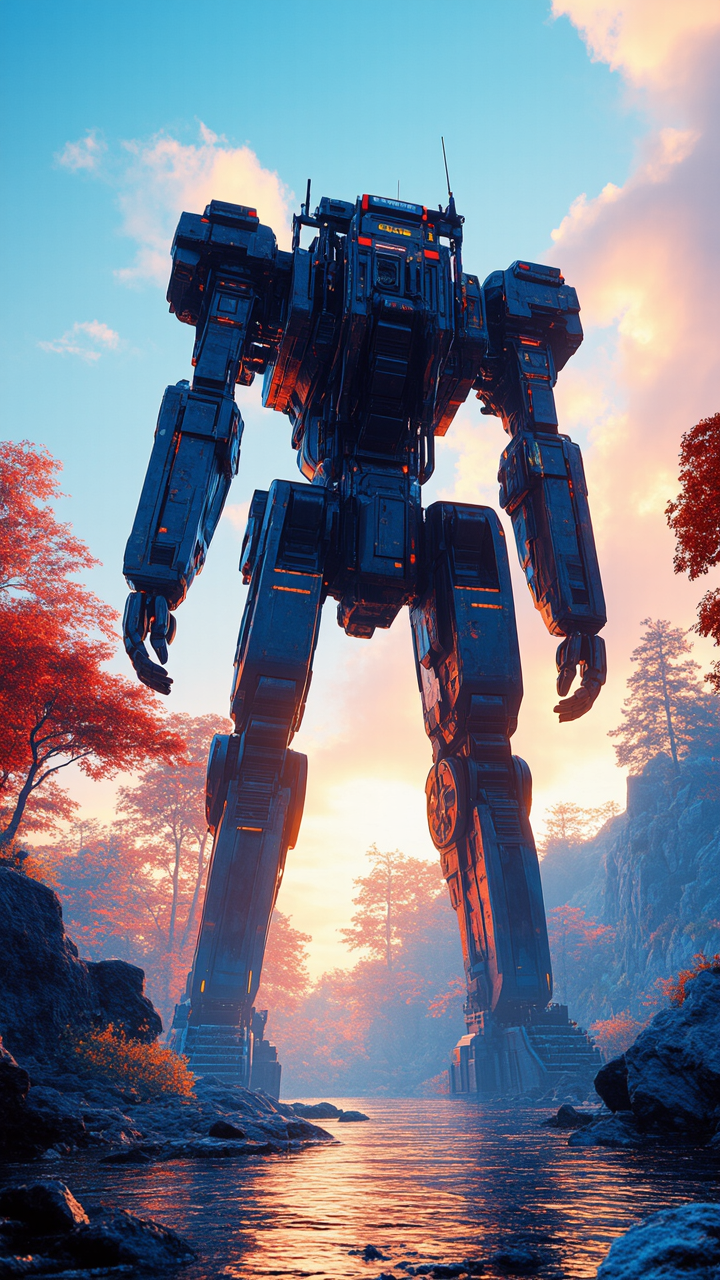

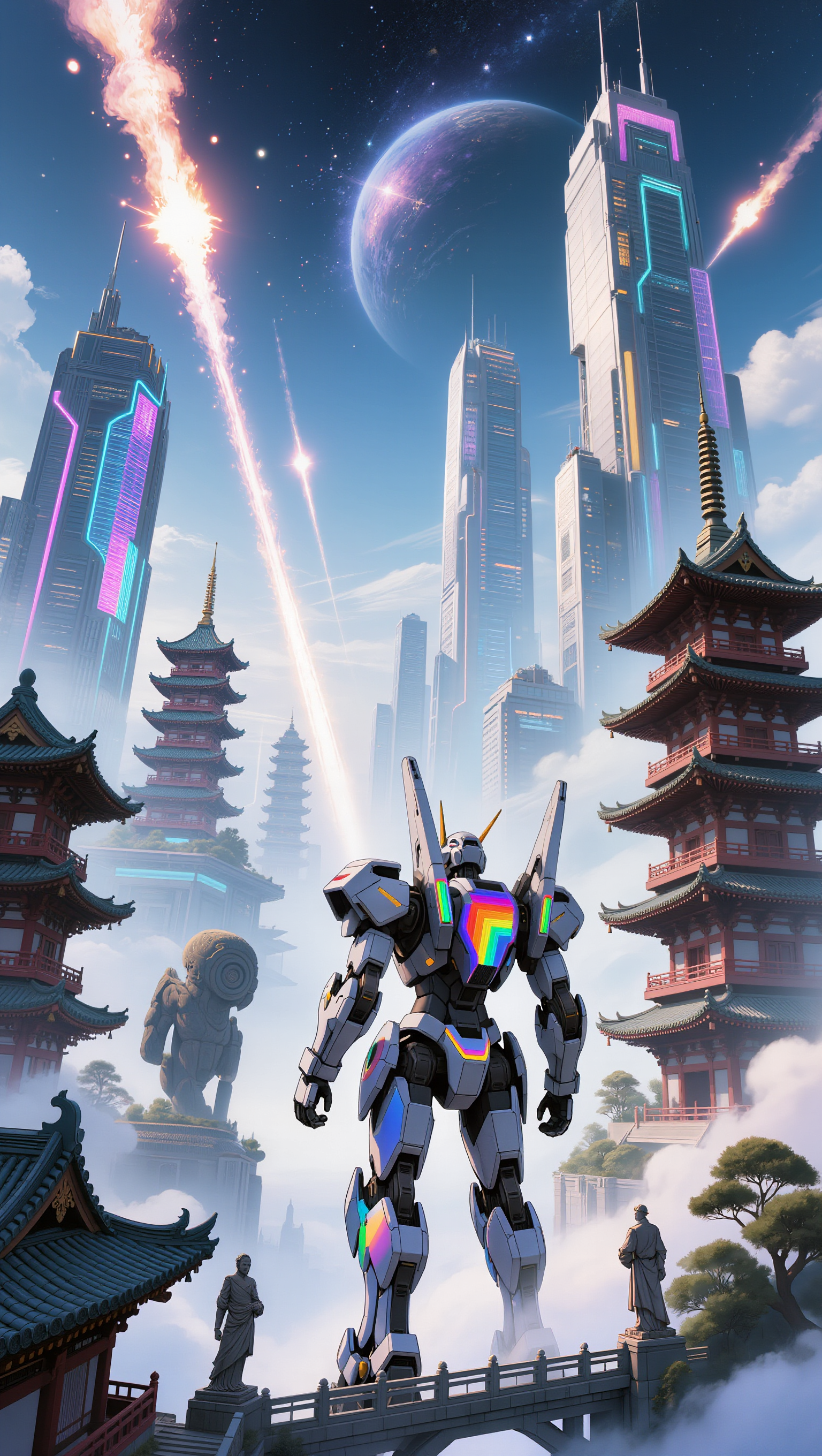
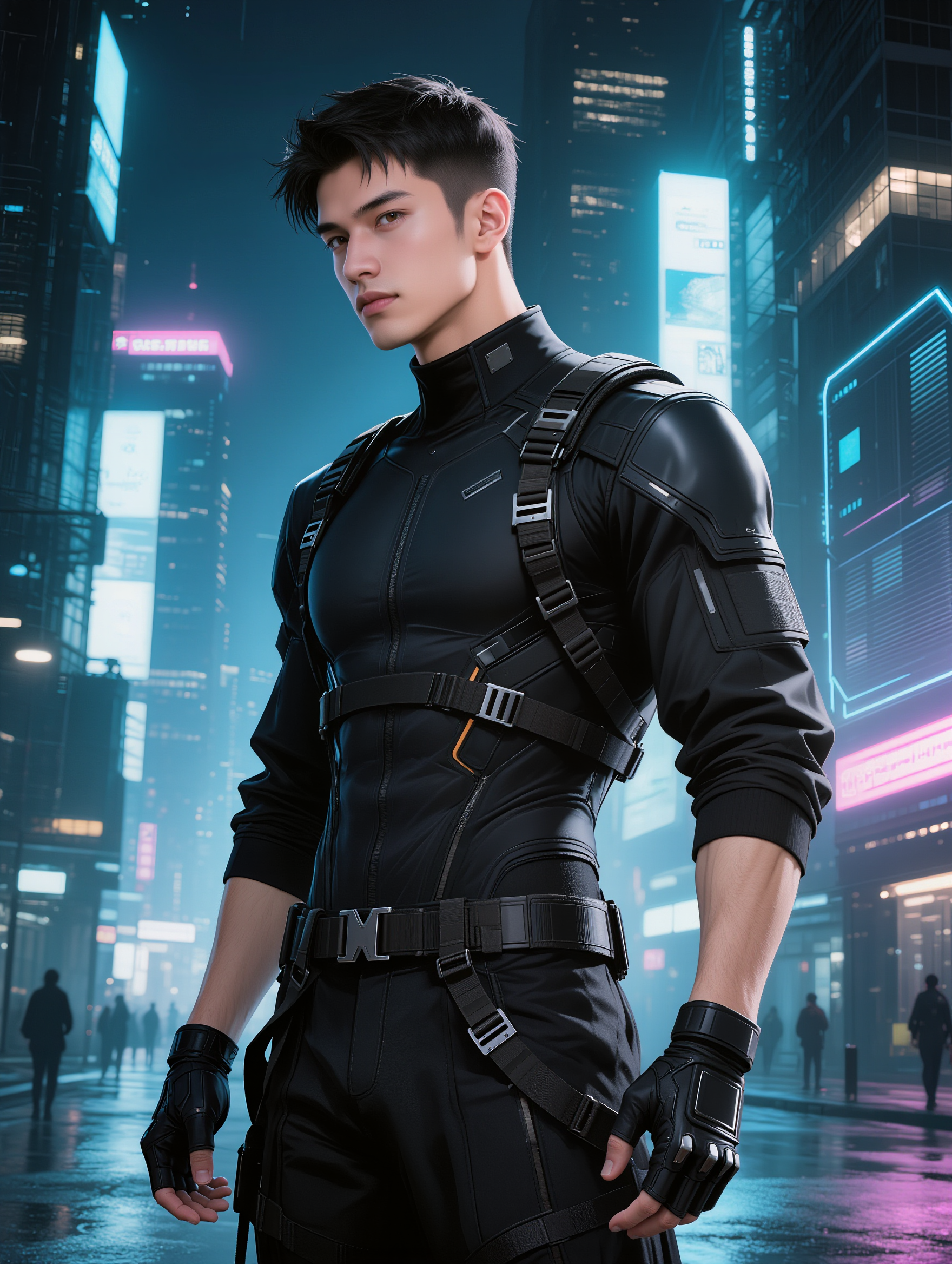
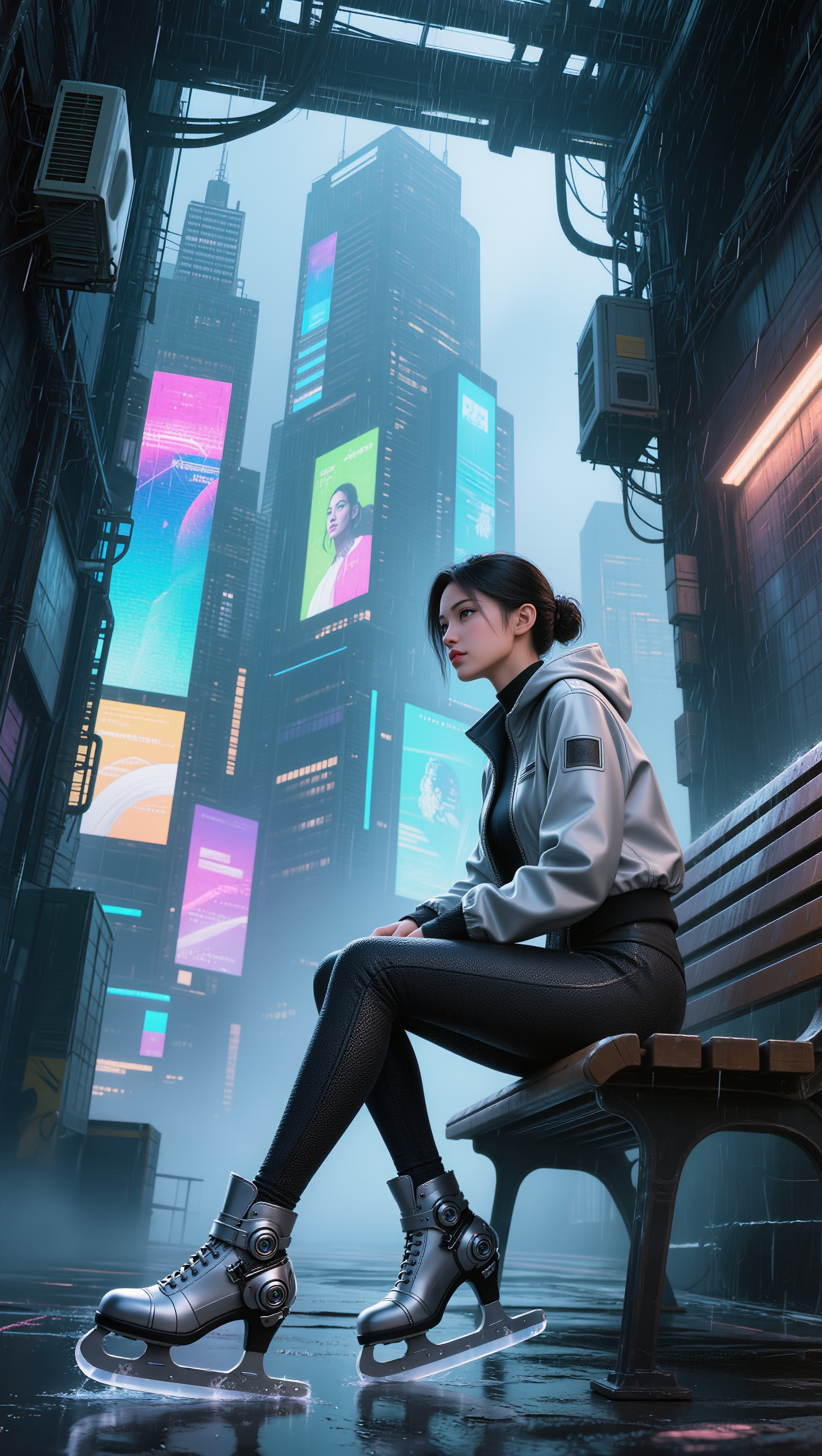




Clear away a distracting background without tracing around the subject by hand. Create transparent product shots, portraits, logos, and graphics for listings, profile images, presentations, and design work. When you need a higher-resolution de-priming effect, IMAGE 3.0 Omni also supports 2K and 4K output.

Already know what belongs behind the subject? Skip the extra editing and go straight to the final look. Describe a new setting or add a reference image to guide it, whether you're refreshing a product shot, portrait, social graphic, or campaign visual.

Keep the clip you already have and change the setting around it. With VIDEO 3.0 Omni, use a prompt or reference image to update backgrounds for ads, product videos, presenter clips, and social content—without another shoot or a green screen.

















I use AI daily and Kling AI is a crucial part of my workflow, whether for client work or personal projects. What I love most about using Kling AI is that it provides all the tools I need in one place, from keyframes to character references, elements and special effects.

Kling AI allows me to rapidly prototype ideas, refine storytelling elements, and produce visually compelling content efficiently. It has not only accelerated my creative processes, but also deepened my understanding of how AI can enrich visual storytelling.

I have successfully collaborated with world-renowned artists and well-known companies that are recognized globally
Turn your script into a video with native dialogue and sound for multi-character conversations, multilingual scenes, and more.
Native audio | Multi-Character Coreference | Multilingual Content Generation
