Creative Studio
API
Resources
Features
About Us
Download

Cyberpunk Wallpaper Ideas – AI-Generated Designs

Find cyberpunk wallpaper ideas with AI. Explore designs that can be tailored to your preferences. Enjoy AI-generated visuals that are easy to adapt and use.

Cyberpunk Wallpaper Ideas – AI-Generated Designs

Recommended

Kling AI work 308883544502902 - cyberpunk wallpaper AI video
amy avatar
amy
Kling AI work 309376340666243 - cyberpunk wallpaper AI video
RLzpWRVE avatar
RLzpWRVE
Cyberpunk - cyberpunk wallpaper AI image
KANMVxth avatar
KANMVxth
Kling AI work 316096450660708 - cyberpunk wallpaper AI video
GYCnTLuu avatar
GYCnTLuu
Kling AI work 296067467665214 - cyberpunk wallpaper AI image
Echo avatar
Echo
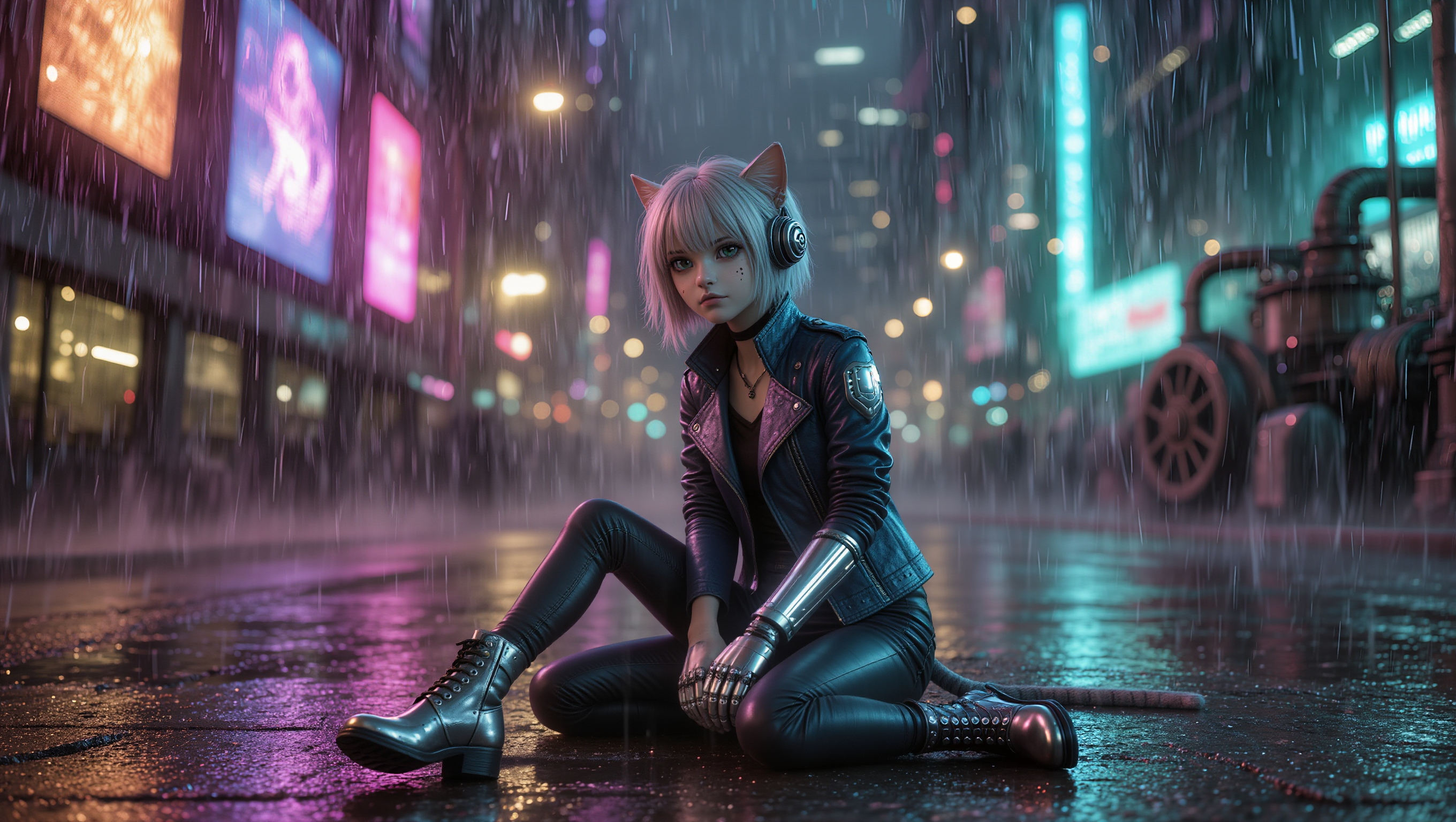
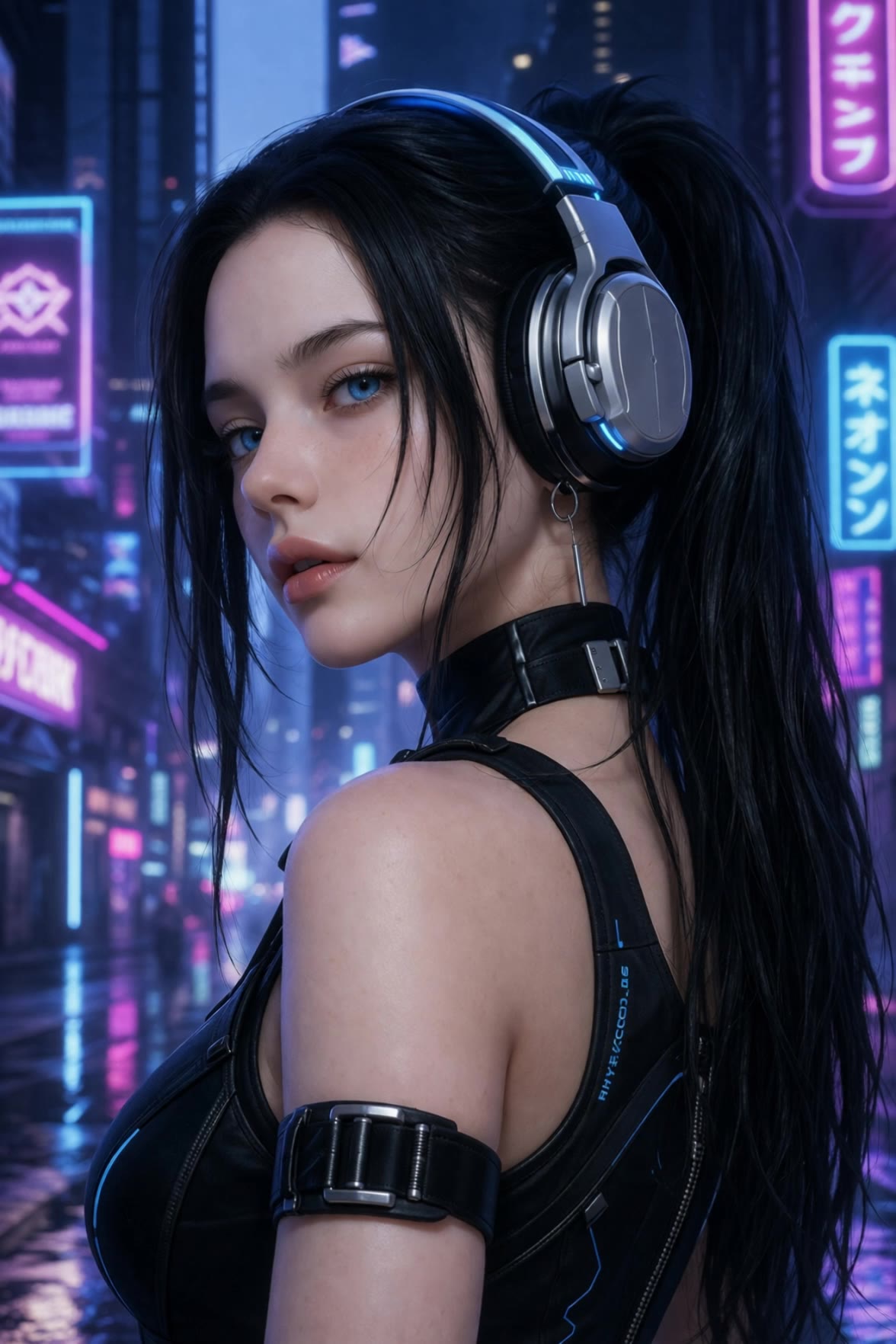
cyberpunk girl - cyberpunk wallpaper AI video
Cos mic avatar
Cos mic
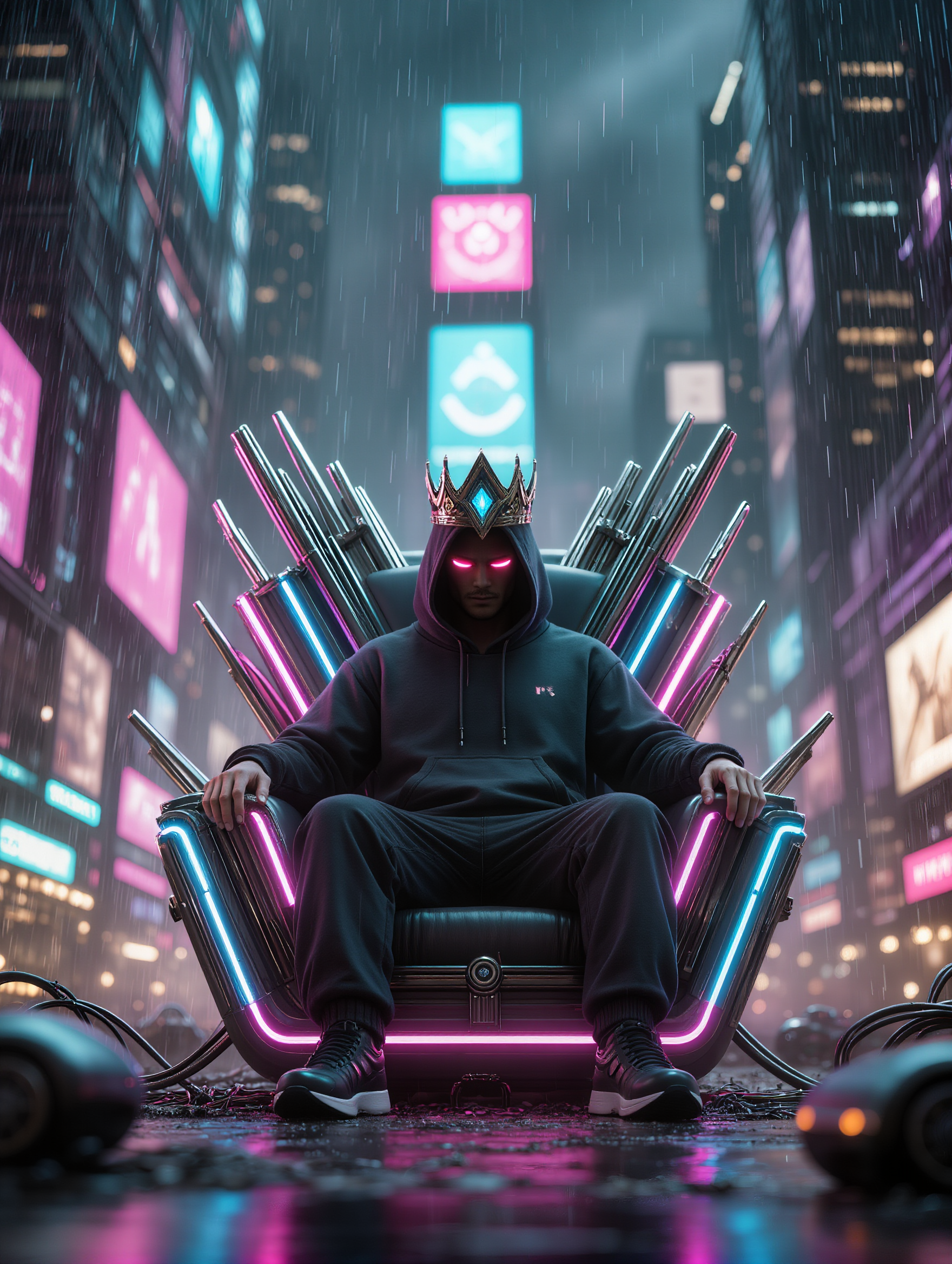
Cyberpunk - cyberpunk wallpaper AI image
KLING5548 avatar
KLING5548
Cyberpunk cityscape after rain, - cyberpunk wallpaper AI video
BPDZVcKr avatar
BPDZVcKr
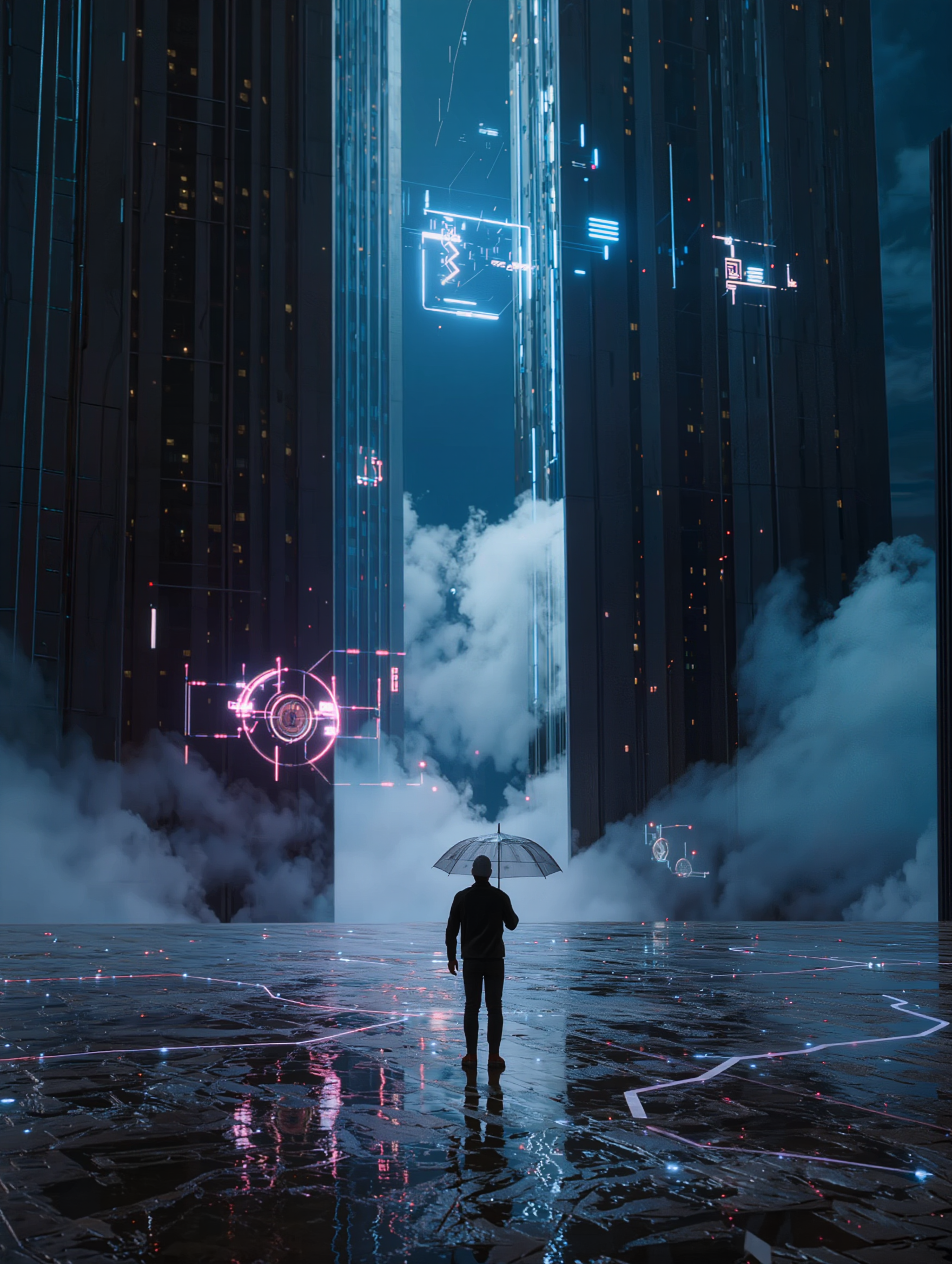
Cyberpunk City - cyberpunk wallpaper AI image
Vortex avatar
Vortex
Kling AI work 311964590618317 - cyberpunk wallpaper AI video
WTFblox avatar
WTFblox
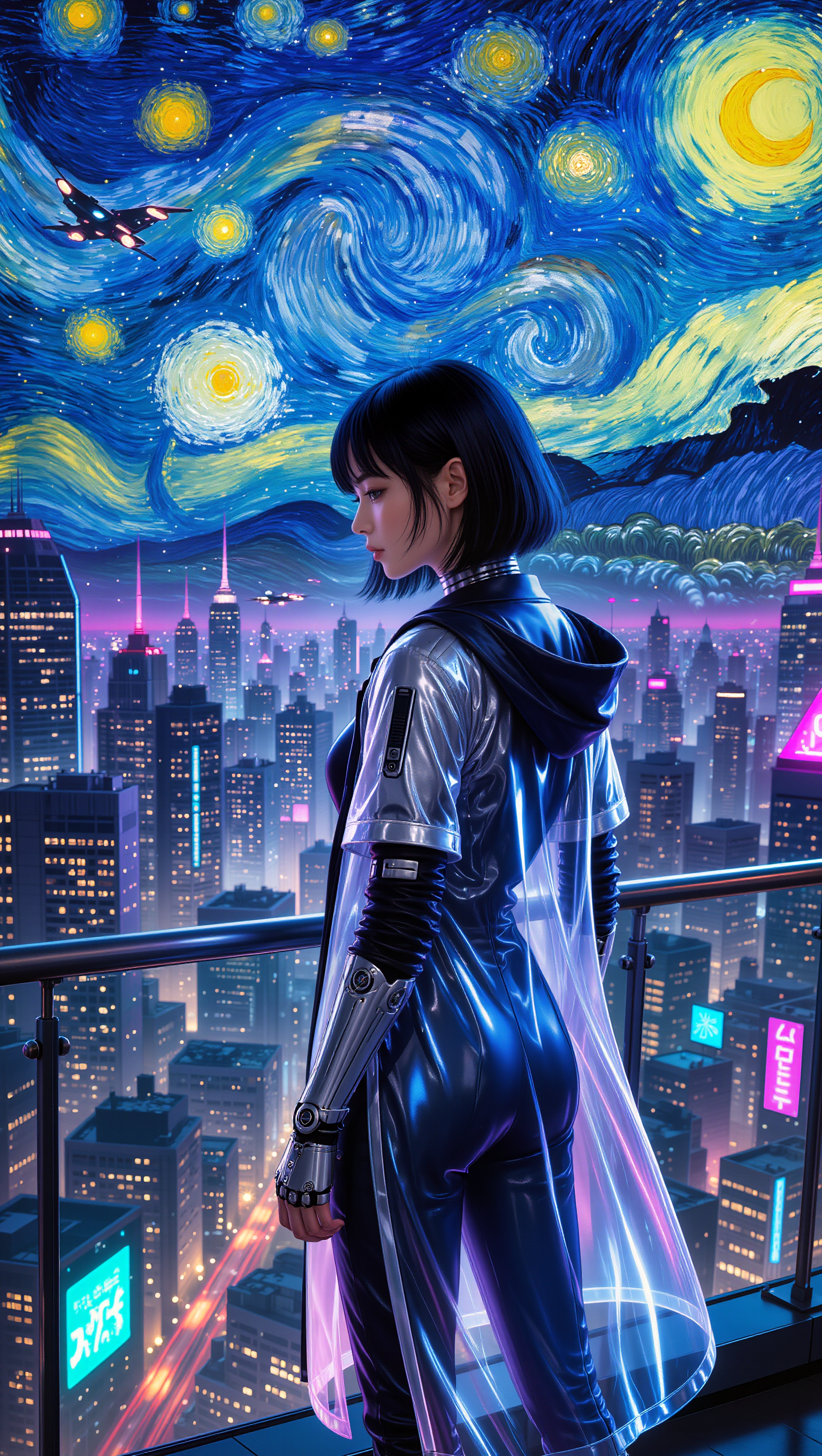
Cyberpunk Van Gogh - cyberpunk wallpaper AI image
Acid0 avatar
Acid0
knight wallpaper - cyberpunk wallpaper AI video
cristian prado avatar
cristian prado
cyberpunk girl - cyberpunk wallpaper AI video
Cos mic avatar
Cos mic
Cyberpunk Van Gogh - cyberpunk wallpaper AI image
Acid0 avatar
Acid0
cyberpunk boy - cyberpunk wallpaper AI video
Cos mic avatar
Cos mic
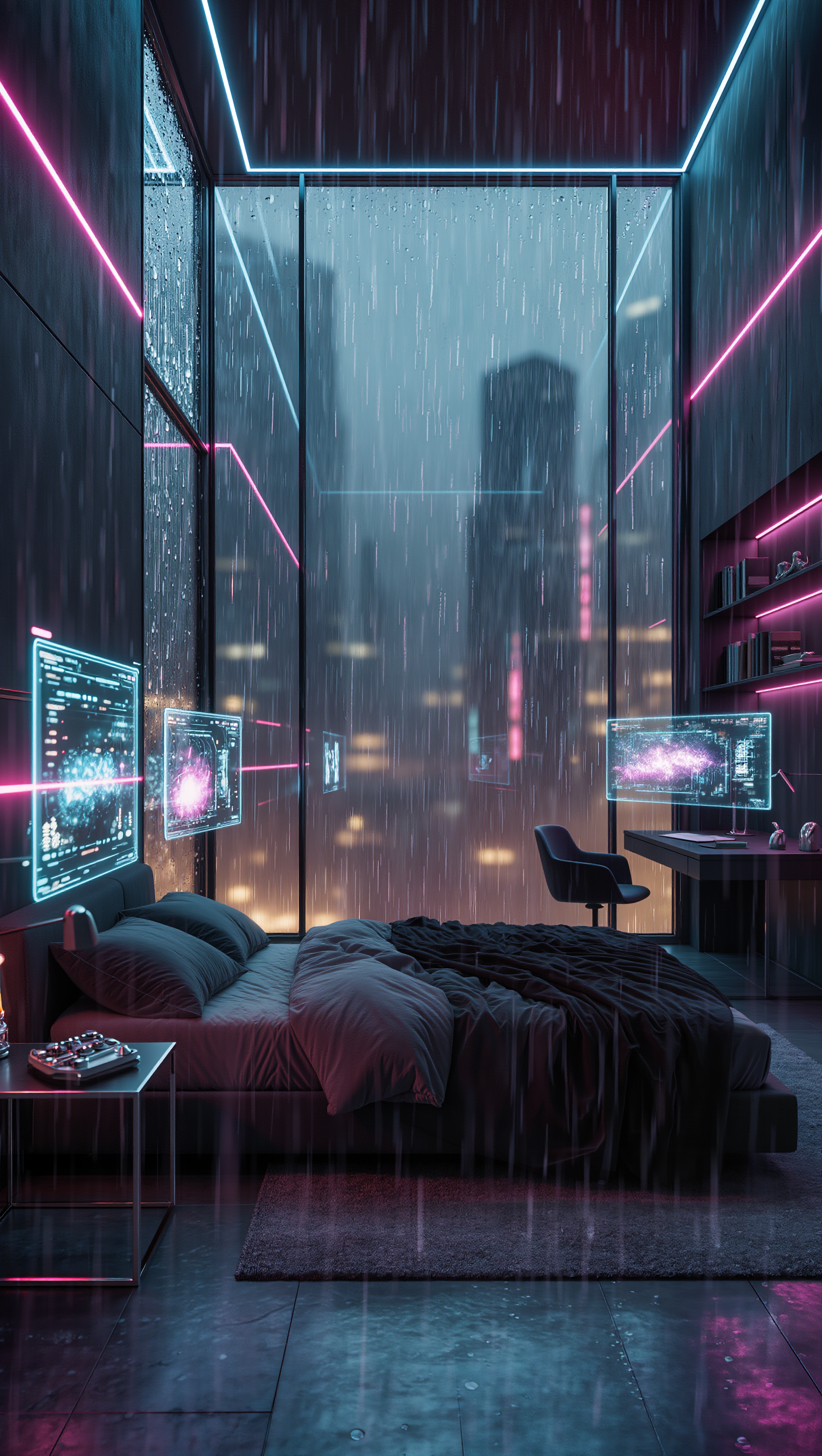
Cyberpunk room - cyberpunk wallpaper AI image
NTafziGS avatar
NTafziGS
Cyberpunk Future - cyberpunk wallpaper AI video
FNuEpajE avatar
FNuEpajE
Kling AI work 312157413524280 - cyberpunk wallpaper AI video
Harty avatar
Harty
Cyberpunk city - cyberpunk wallpaper AI video
clevoryx avatar
clevoryx

How to Create AI Characters with Kling AI

Step 1: Describe Your Character

Step 1: Describe Your Character

Start with a text prompt describing the character you want to create. Define key details such as appearance, hairstyle, clothing, visual style, expression, pose, or setting to help Kling AI generate a character that matches your description.

Step 2: Add Reference Images if Available

Step 2: Add Reference Images if Available

Already have a character design or visual direction in mind? Add one or more reference images to guide the character's appearance and key visual traits. Multiple views can help Kling AI maintain consistency across different angles.

Step 3: Generate and Develop Your Character

Step 3: Generate and Develop Your Character

Generate your character, review the result, and continue refining the design. Explore new poses, scenes, styles, and related images, or reuse the character in later creative workflows.

More Than a Cleaner Background

Keep the Focus on Your Subject

Keep the Focus on Your Subject

Busy room? Distracting backdrop? Clear away what pulls attention from the person, product, character, or action you actually want people to see. Give product videos, presenter clips, ads, and social content a cleaner look without manually tracing the subject through every frame. No green screen. No tedious masking. Just tell Kling what needs to stay.

Give the Scene a Better Place to Happen

Give the Scene a Better Place to Happen

Love the footage but not where it was filmed? Change the setting instead of starting over. Describe what you want, or bring in a reference image when you already have the look in mind. Move the same shot into a clean studio, a branded space, a storefront, an outdoor scene, or somewhere completely different.

Keep Creating Without Switching Gears

Keep Creating Without Switching Gears

Once the background feels right, there is plenty more you can do in Kling AI. Generate new shots, build multi-shot sequences, work with native audio, explore Motion Control, sound, and effects, or keep shaping the video with Kling’s creative tools. From background fix to fuller video idea, you can keep the project moving with the same creative studio.

Apps

Image to Video
Image to Video

Image to Video

Text to Video
Text to Video

Text to Video

Omni
Omni

Omni

Digital Human
Digital Human

Digital Human

Restyle
Restyle

Restyle

Text to Image
Text to Image

Text to Image

60M+
60M+
Users
600M+
600M+
AI Videos Generated
4.7 ★
4.7 ★
App Store
Industry-Leading
Industry-Leading
Cinematic 4K

Reviews

PJ Ace

PJ Ace

★★★★★

Kling AI has made it easy for us to generate world class visuals for Fortune 500 companies, TV shows and music for big artists. We love the easy of use of the platform and the quality of the generations. My first time using Kling AI, I got 22 million views on just one video. It's that good.

Halim Alrasihi

Halim Alrasihi

★★★★★

I use AI daily and Kling AI is a crucial part of my workflow, whether for client work or personal projects. What I love most about using Kling AI is that it provides all the tools I need in one place, from keyframes to character references, elements and special effects.

KakuDrop

KakuDrop

★★★★★

I have successfully collaborated with world-renowned artists and well-known companies that are recognized globally

FAQ

Q1Can I create AI videos from images?
Q2What is the best AI video generator?
Q3Is there a free AI video generator with no watermark?

Turn Text into Cinematic Videos

Create 4K videos with native audio and consistent characters from a single prompt.

Free tier available | Watermark-free membership | HD to 4K export | Fast generation