Creative Studio
API
Resources
Features
About Us
Download

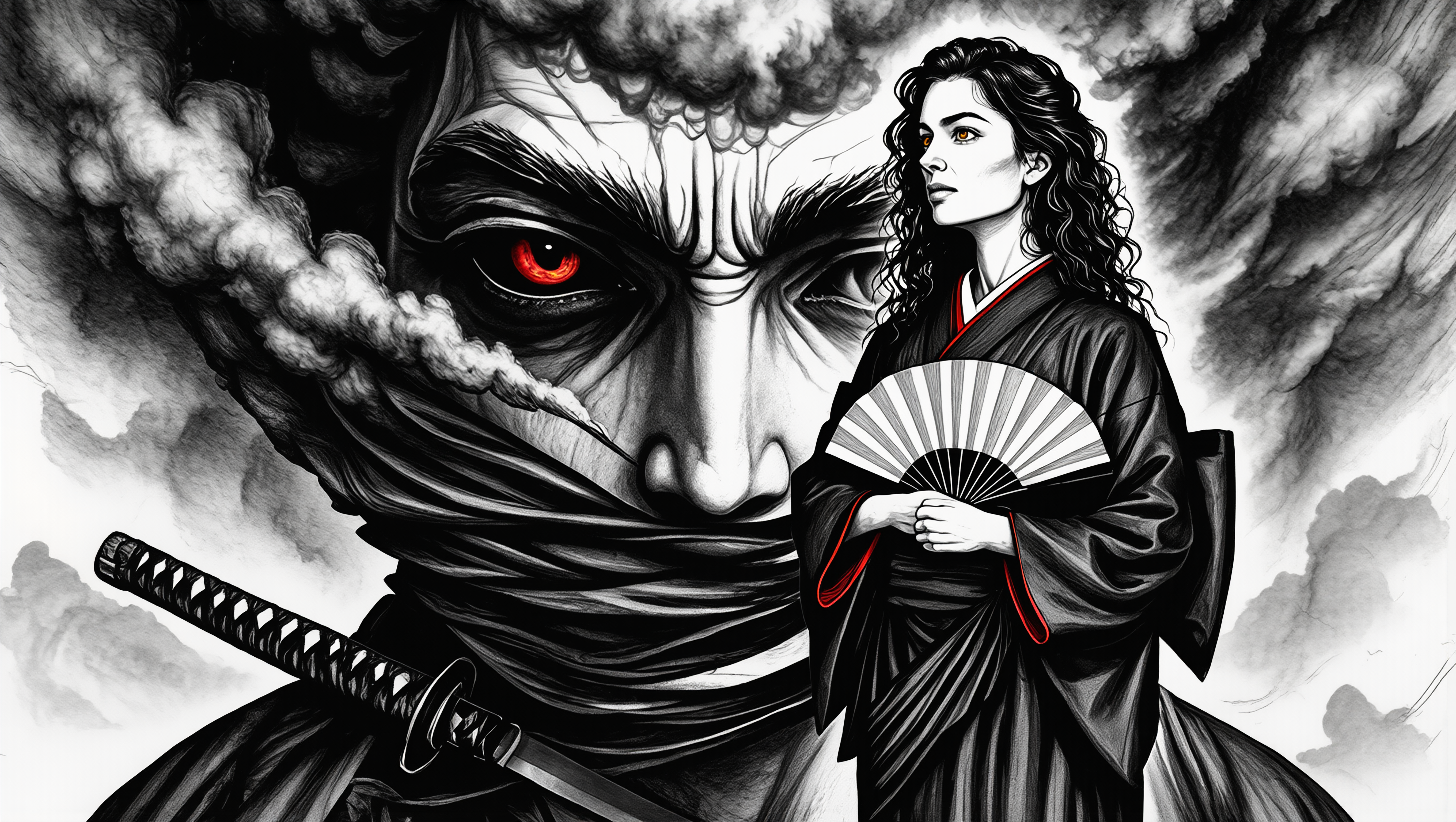
d art x - modern art & 50s-60s Magazine Art

Immerse in unique visual themes like modern art studies, pop art vectors, and AI-generated CG butterfly art. Start exploring d art x ideas and generate your own content with AI.

d art x - modern art & 50s-60s Magazine Art

Recommended

art - d art x AI video
00:47
tiktok.com/@visualpo avatar
tiktok.com/@visualpo
Kling AI work 311811732667924 - d art x AI image
Havikz73 avatar
Havikz73
Kling AI work 311811866614242 - d art x AI image
Havikz73 avatar
Havikz73
line art - d art x AI image
Bic_Revelation avatar
Bic_Revelation
Elite Creator
art!  - d art x AI video
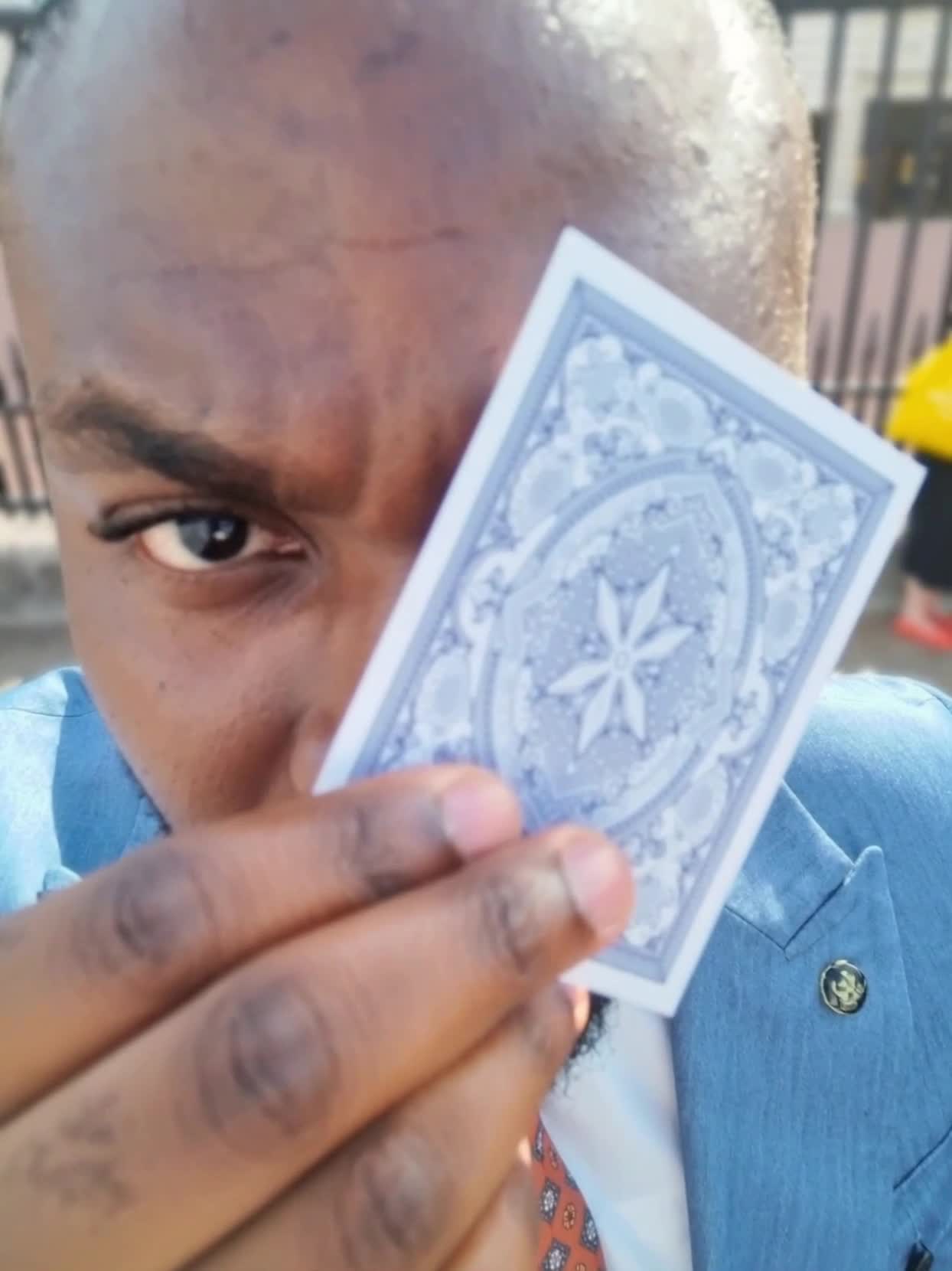
Spinning Cards
vLFlUXmX avatar
vLFlUXmX
art work  - d art x AI video
izighAtp avatar
izighAtp
*Fun and Art* - d art x AI image
*Midcoast* avatar
*Midcoast*
My art - d art x AI video
00:05
FutureComing avatar
FutureComing
🎨 Abstract Art - d art x AI image
fPJymUIk avatar
fPJymUIk
Art - d art x AI video
01:12
lumivixz avatar
lumivixz
my art - d art x AI video
00:14
fDxBNMqj avatar
fDxBNMqj
Art - d art x AI video
EWade avatar
EWade
art - d art x AI video
00:07
psyhug avatar
psyhug
art - d art x AI video
UqhKLySy avatar
UqhKLySy
Art Noveau  - d art x AI image
EvelinevanHoek avatar
EvelinevanHoek
art work  - d art x AI image
iVuHmtuE avatar
iVuHmtuE
art - d art x AI video
00:07
URKkBMEv avatar
URKkBMEv
scifi mech robot - d art x AI image
Iceblossom avatar
Iceblossom
ai digital art  - d art x AI video
00:08
Abdul avatar
Abdul

How to Create AI Backgrounds in High-Quality

Start with Your Photo

Start with Your Photo

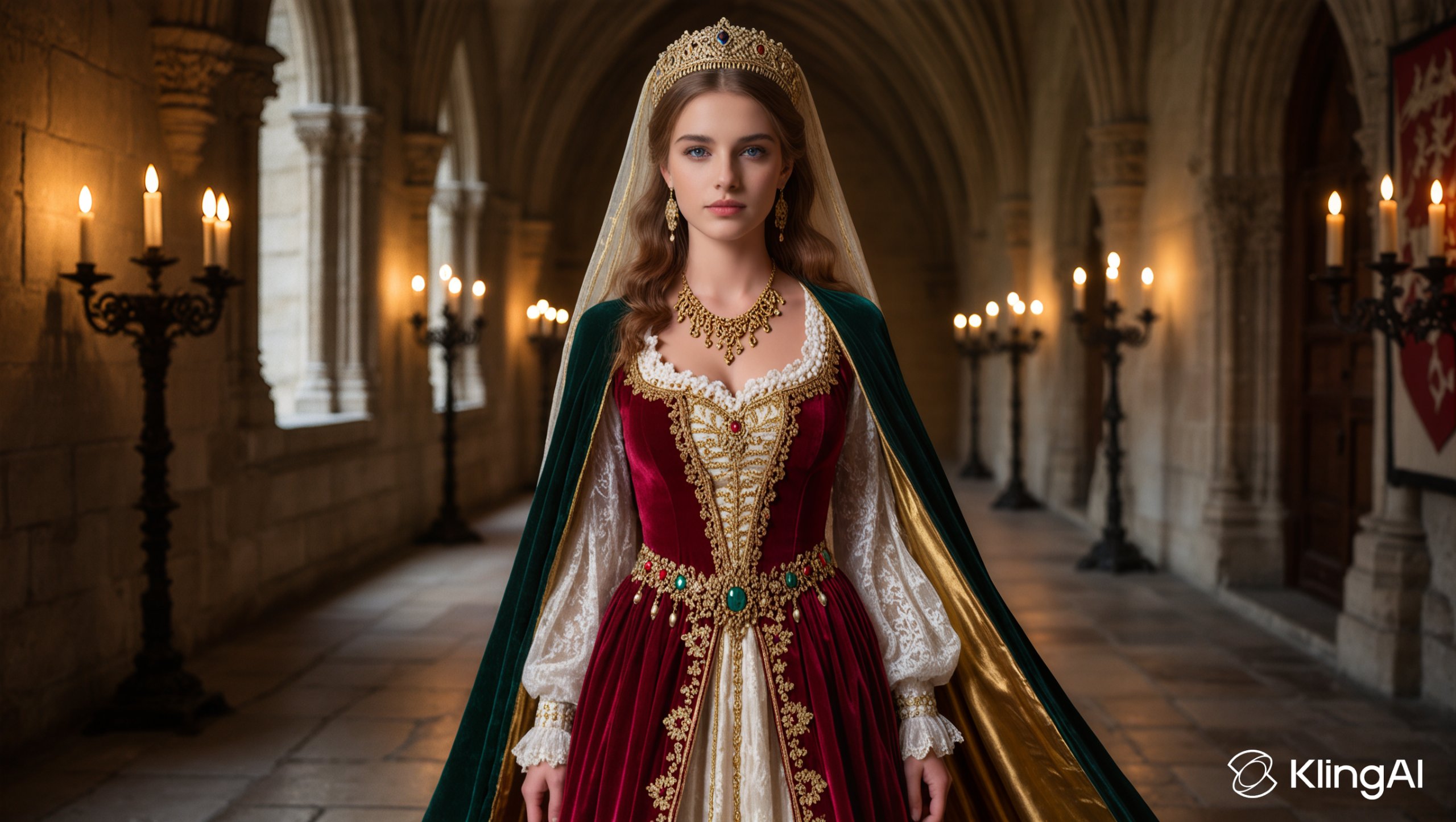
Upload the person, product, or image you want to work with. If you already have a location, mood, composition, or visual style in mind, add reference images to give Kling AI a clearer direction.

Describe the New Scene

Describe the New Scene

Describe what you want behind the subject and what should stay familiar. You might ask for a clean studio, a sunlit kitchen, a city rooftop, or something more imaginative. If you are using references, explain which parts of them you want to follow.

Generate a High-Quality Background

Generate a High-Quality Background

Choose your preferred aspect ratio and output resolution, then generate the image. Kling IMAGE 3.0 supports output up to 2K. For higher-resolution native 4K output, use Kling IMAGE 3.0 Omni.

From Clean Cutouts to Completely New Backgrounds

Clean Cutouts, Ready to Use

Clean Cutouts, Ready to Use

Clear away a distracting background without tracing around the subject by hand. Create transparent product shots, portraits, logos, and graphics for listings, profile images, presentations, and design work. When you need a higher-resolution de-priming effect, IMAGE 3.0 Omni also supports 2K and 4K output.

Go Straight to the Background You Want

Go Straight to the Background You Want

Already know what belongs behind the subject? Skip the extra editing and go straight to the final look. Describe a new setting or add a reference image to guide it, whether you're refreshing a product shot, portrait, social graphic, or campaign visual.

Refresh Video Footage Without Reshooting

Refresh Video Footage Without Reshooting

Keep the clip you already have and change the setting around it. With VIDEO 3.0 Omni, use a prompt or reference image to update backgrounds for ads, product videos, presenter clips, and social content—without another shoot or a green screen.

Apps

Image to Video
Image to Video

Image to Video

Text to Video
Text to Video

Text to Video

Omni
Omni

Omni

Digital Human
Digital Human

Digital Human

Restyle
Restyle

Restyle

Text to Image
Text to Image

Text to Image

60M+
60M+
Users
600M+
600M+
AI Videos Generated
4.7 ★
4.7 ★
App Store
Industry-Leading
Industry-Leading
Cinematic 4K

Reviews

Jyo John Mulloor

Jyo John Mulloor

★★★★★

Kling AI has been instrumental in transforming my creative workflow, unlocking new dimensions of artistic expression that were once unimaginable. I use Kling AI extensively to develop high-concept visuals, animate surreal dreamscapes, and create AI-assisted films that blur the line between reality and fantasy. Kling AI’s deep learning capabilities have not only enhanced my creative efficiency but also inspired me to explore storytelling in ways I never thought possible.

Huang Lu (Elson)

Huang Lu (Elson)

★★★★★

I’ve been using Kling AI since its initial release, and it’s remained one of the leading AI media generators ever since. With Kling AI, I’ve created hundreds of videos, collectively amassing millions of views.

Maria Rubtsova

Maria Rubtsova

★★★★★

I’m Maria Rubtsova, an AIGC digital artist passionate about creating stunning visuals in the worlds of fashion, aesthetics, and fantasy. I use KlingAi to bring imagination to life through video. My work is all about exploring beauty, emotion, and the limitless possibilities of digital art.

FAQ

Q1What is an AI image extender?
Q2Can AI extend an image without stretching the original content?
Q3Can I use AI image extension for social media and ecommerce images?

Make Your Profile Picture Stand Out

Start with the photo you already have and turn it into something you feel better putting your name next to. Keep it professional, make it more personal, or give it a completely different mood—the final look is yours to shape.