

KLING4352
0
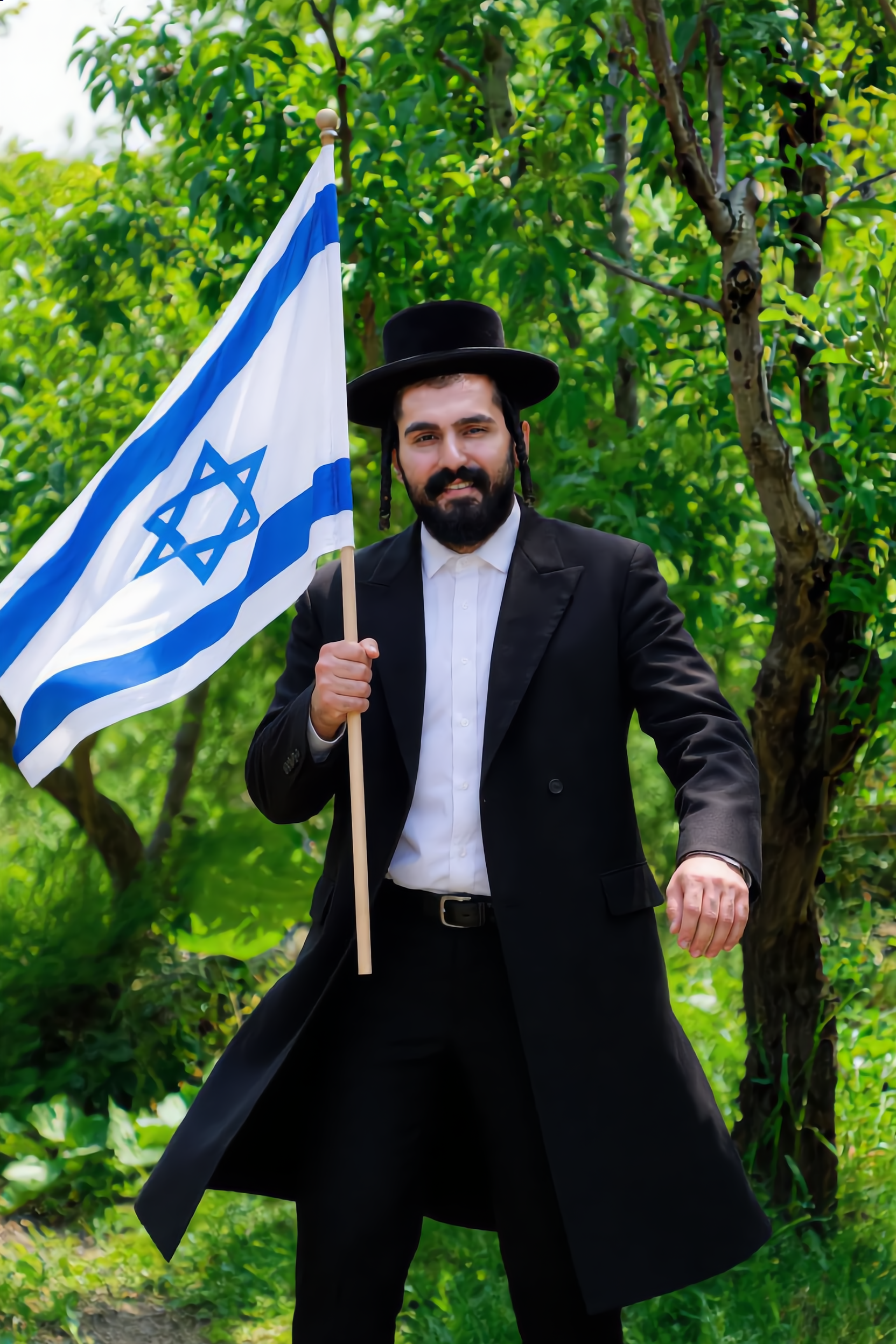
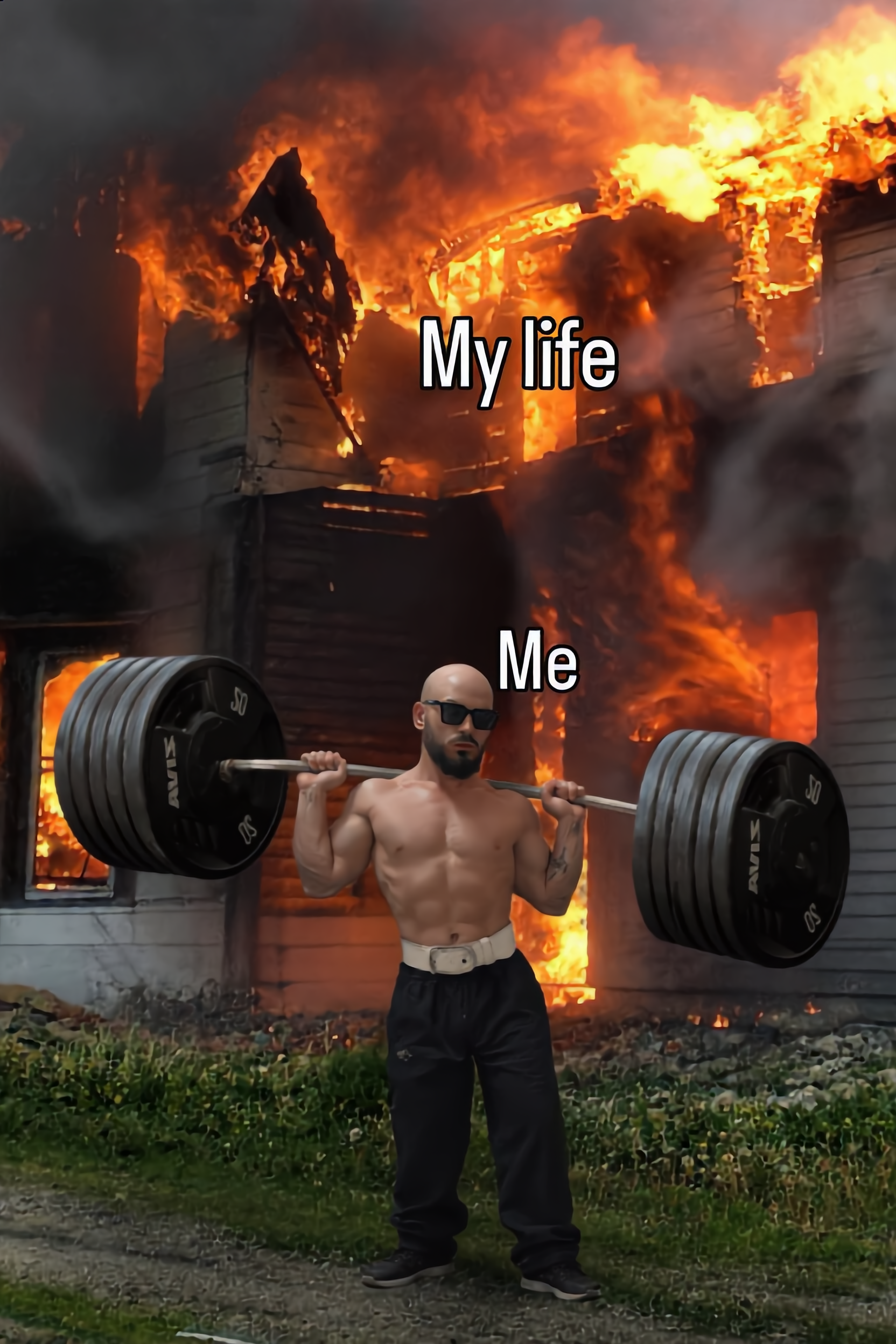
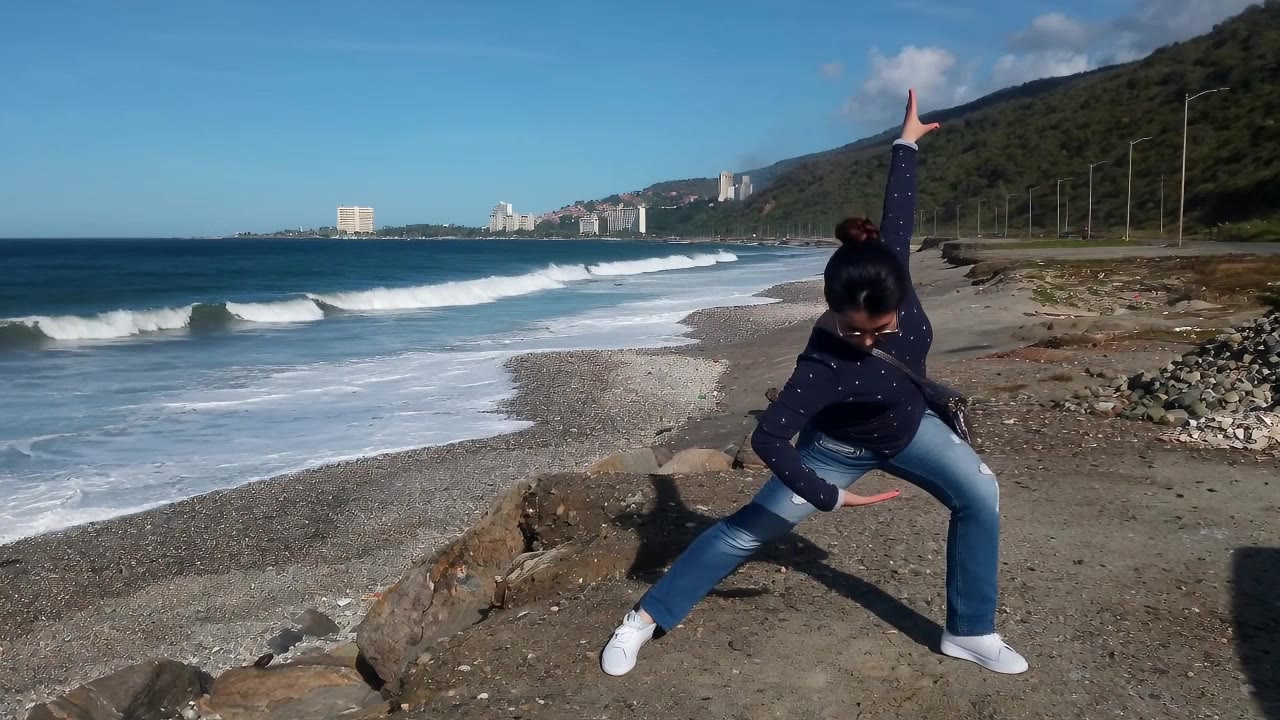
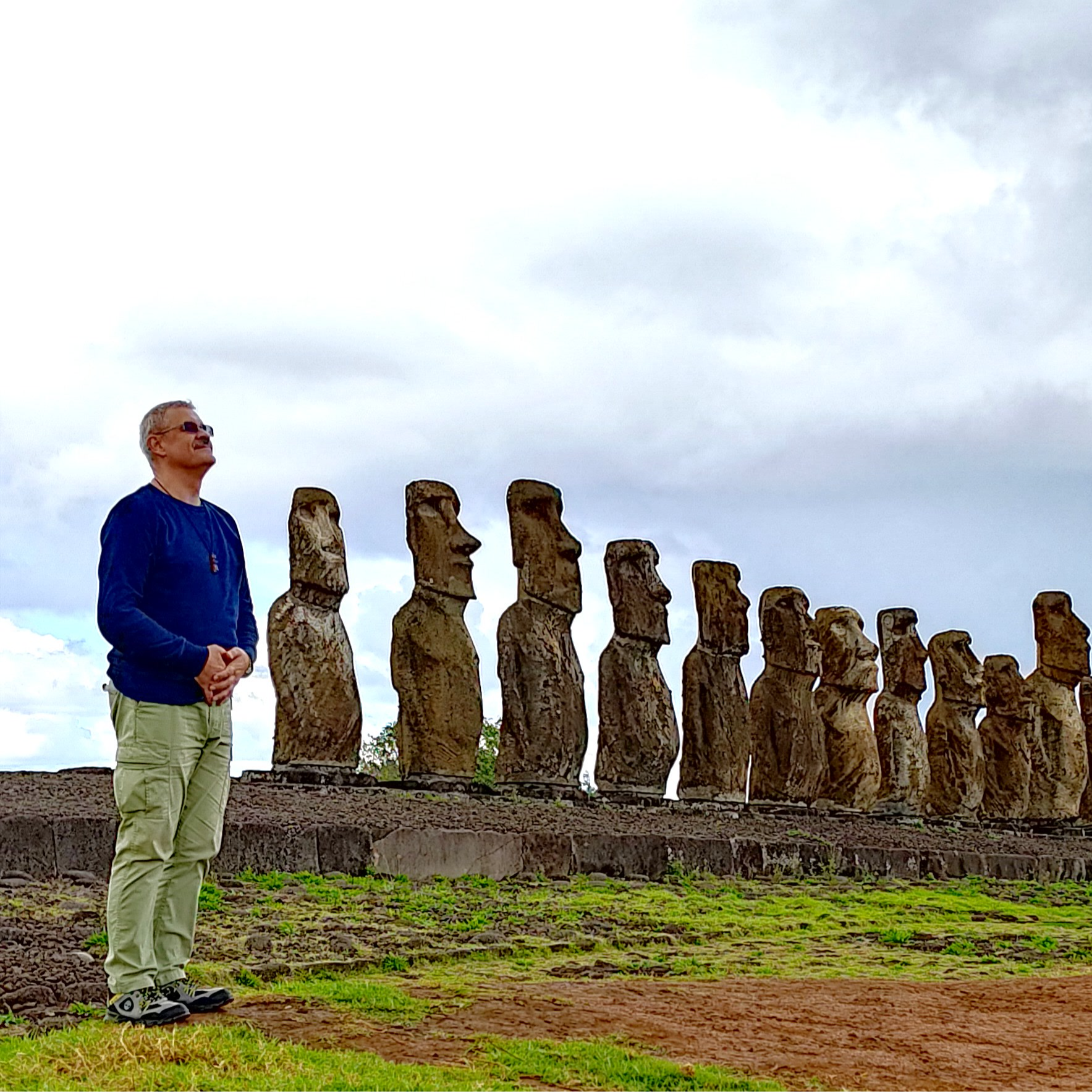
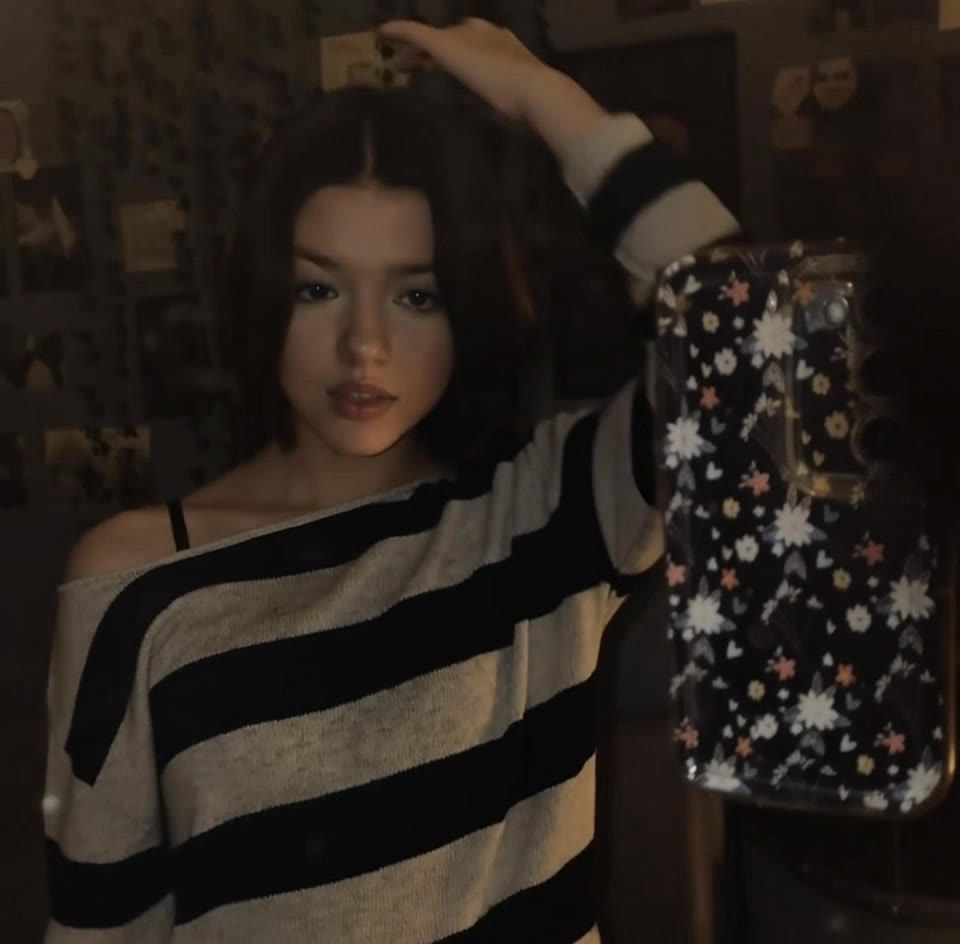
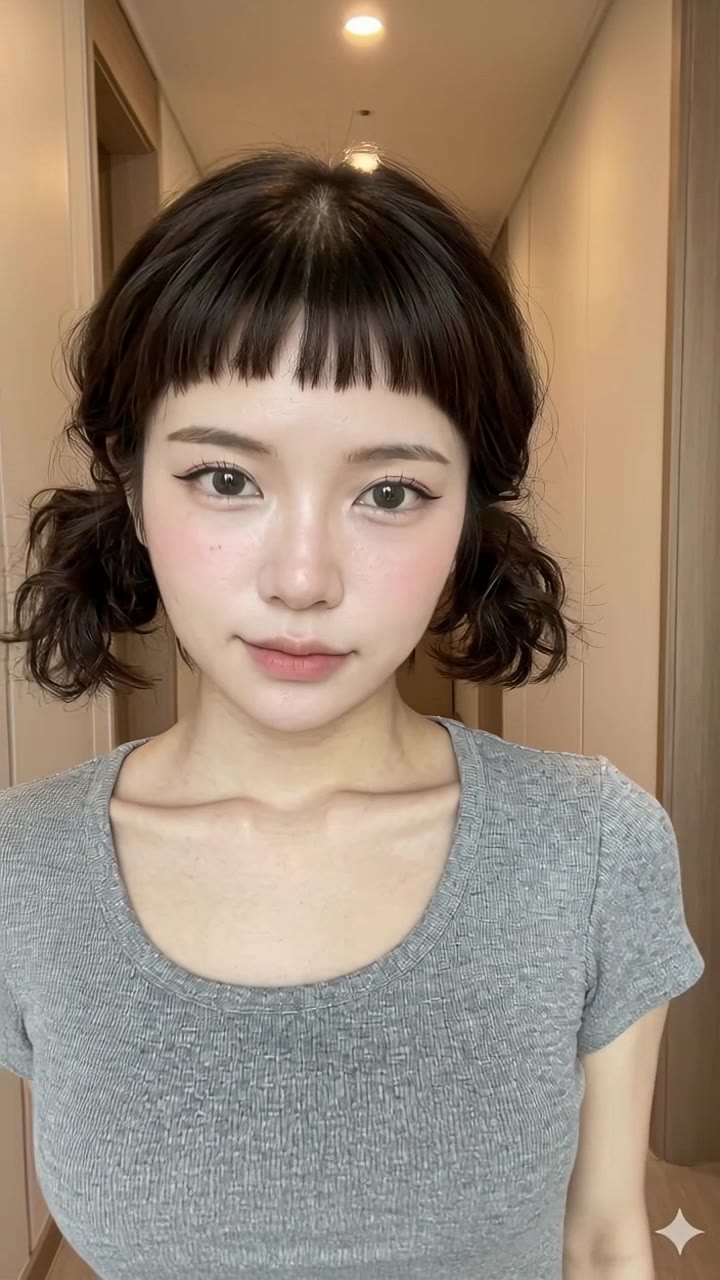
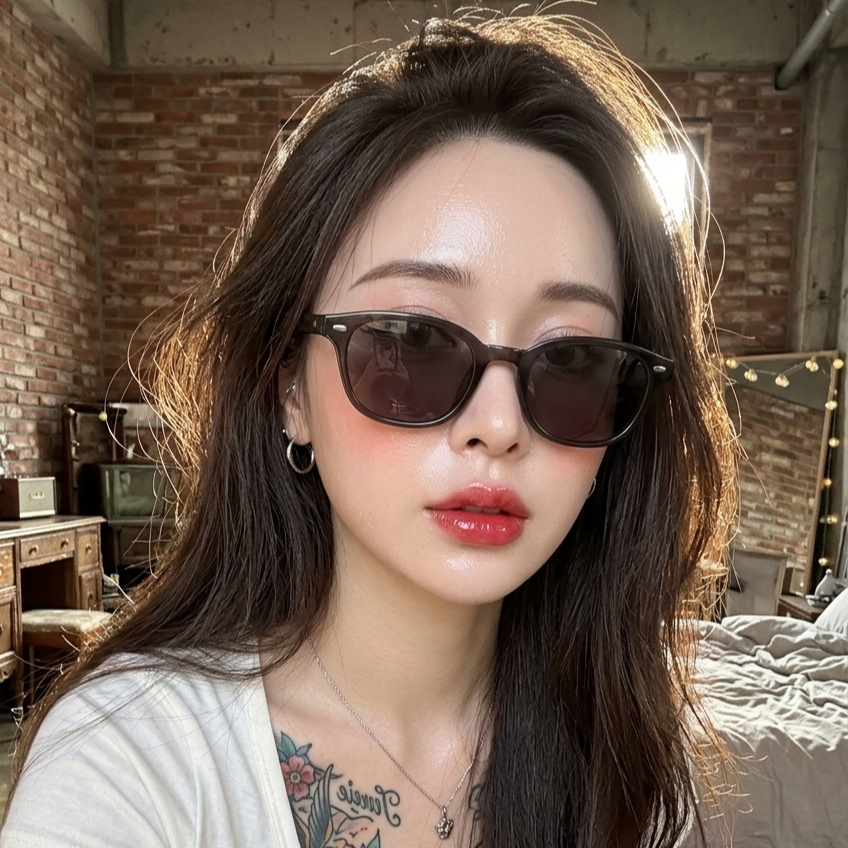
Explore AI-generated dance image to video ideas. These concepts are created with AI, providing quick and customizable options for your movement-themed content. Easily adapt these visuals to fit your dance style.







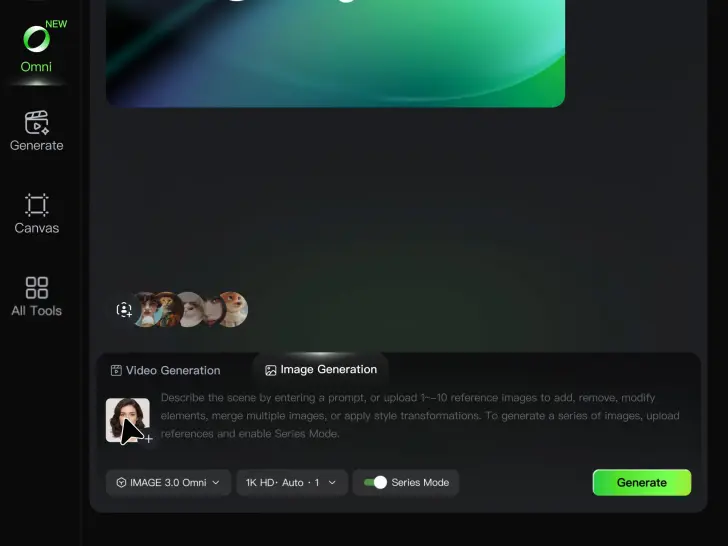
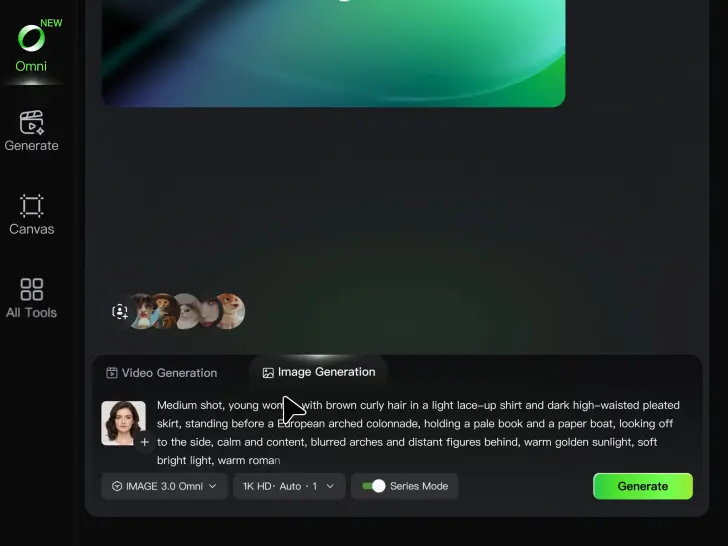

A conversation does not have to stay on one camera angle. An action beat does not have to play out in a single wide shot. Turn on Multi-Shot and Kling can plan scene transitions, framing, and camera-angle changes around what you wrote. A simple story beat can move from an establishing shot to a character close-up, then cut again when the action calls for it.
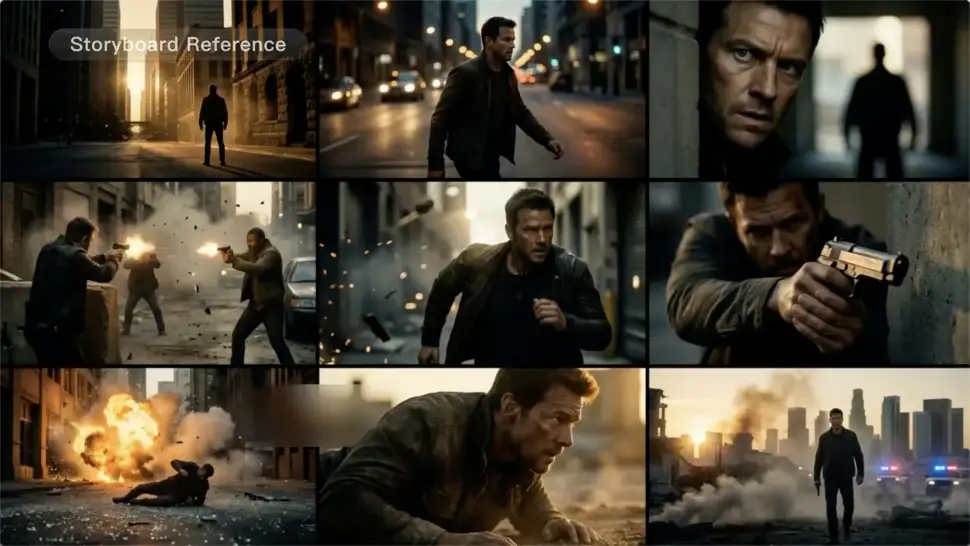
When you already know how the scene should be covered, use Custom Multi-Shot instead of leaving every decision to the model. Decide what happens in each shot, how long it lasts, whether the camera is wide or close, which angle you want, and how the camera moves. It gives you a practical way to turn screenplay direction or a rough shot list into something Kling can generate.

A cut should not feel like a new actor walked into the scene. Use a Character Element when someone needs to return across different angles, actions, or settings, and make it clear in the prompt which character belongs in each shot. For workflows that need a richer mix of character, image, video, and scene references, VIDEO 3.0 Omni gives you more ways to anchor the people and visual details your story depends on.

















Kling AI allows me to rapidly prototype ideas, refine storytelling elements, and produce visually compelling content efficiently. It has not only accelerated my creative processes, but also deepened my understanding of how AI can enrich visual storytelling.

Kling AI has transformed my workflow by collapsing timelines and democratizing production. It’s shifted my mindset from resource-dependent filmmaking to a boundless creative sandbox, where experimentation yields unexpected beauty.

I’ve been using Kling AI since its initial release, and it’s remained one of the leading AI media generators ever since. With Kling AI, I’ve created hundreds of videos, collectively amassing millions of views.
Start with a sentence, a sketch, or a reference photo. Shape the composition, dial in the details, and keep iterating in Kling AI.
Free tier available | Text-to-image | Image-to-image | Fast generation
