


XNTLuSEJ
0
Explore AI-generated dance phone wallpapers by Kling AI. Get energetic, customizable wallpapers quickly for your device.













-8x.png?x-kcdn-pid=112372&x-oss-process=image%2Fresize%2Cw_100%2Ch_100%2Cm_mfit)


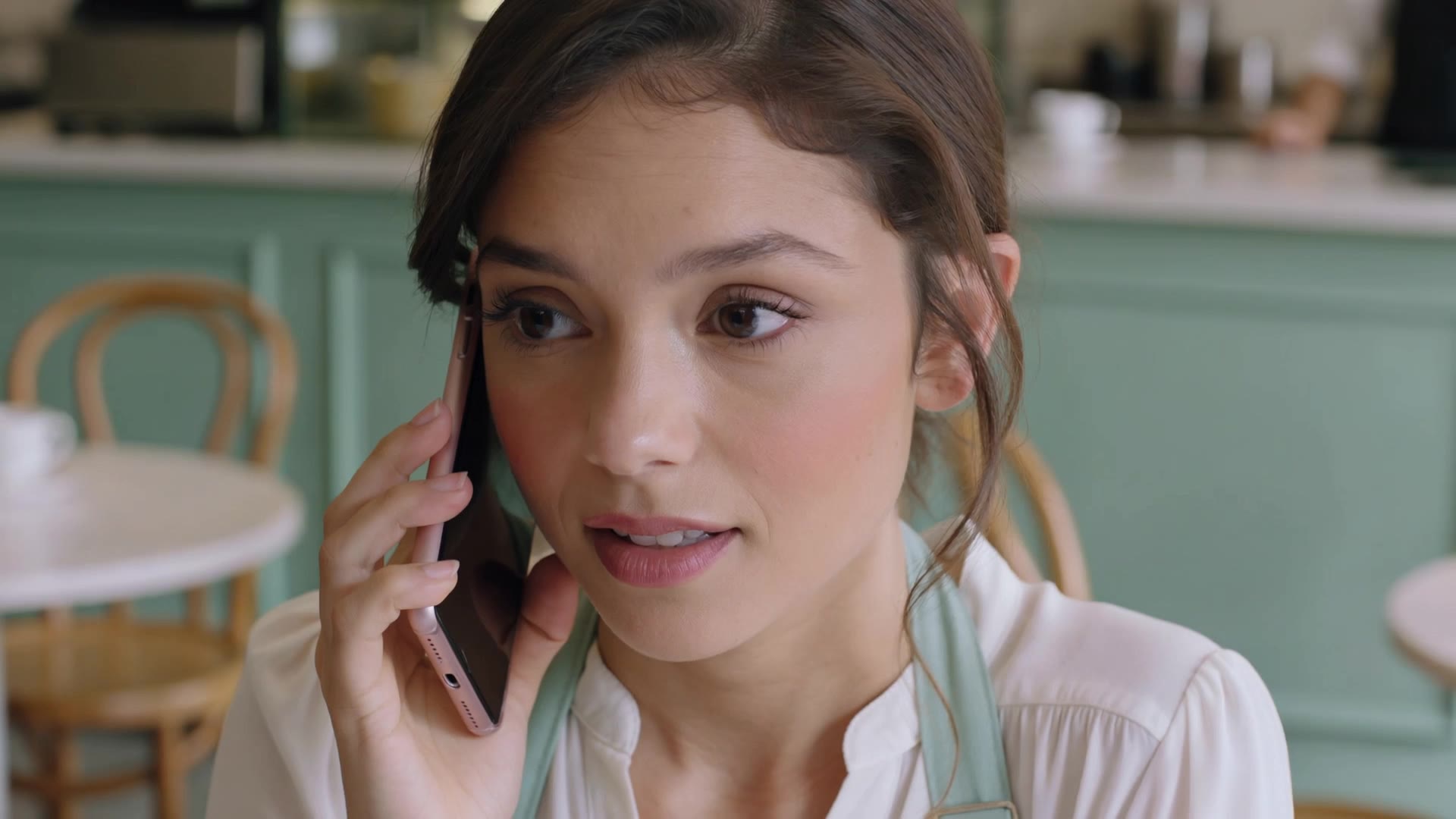
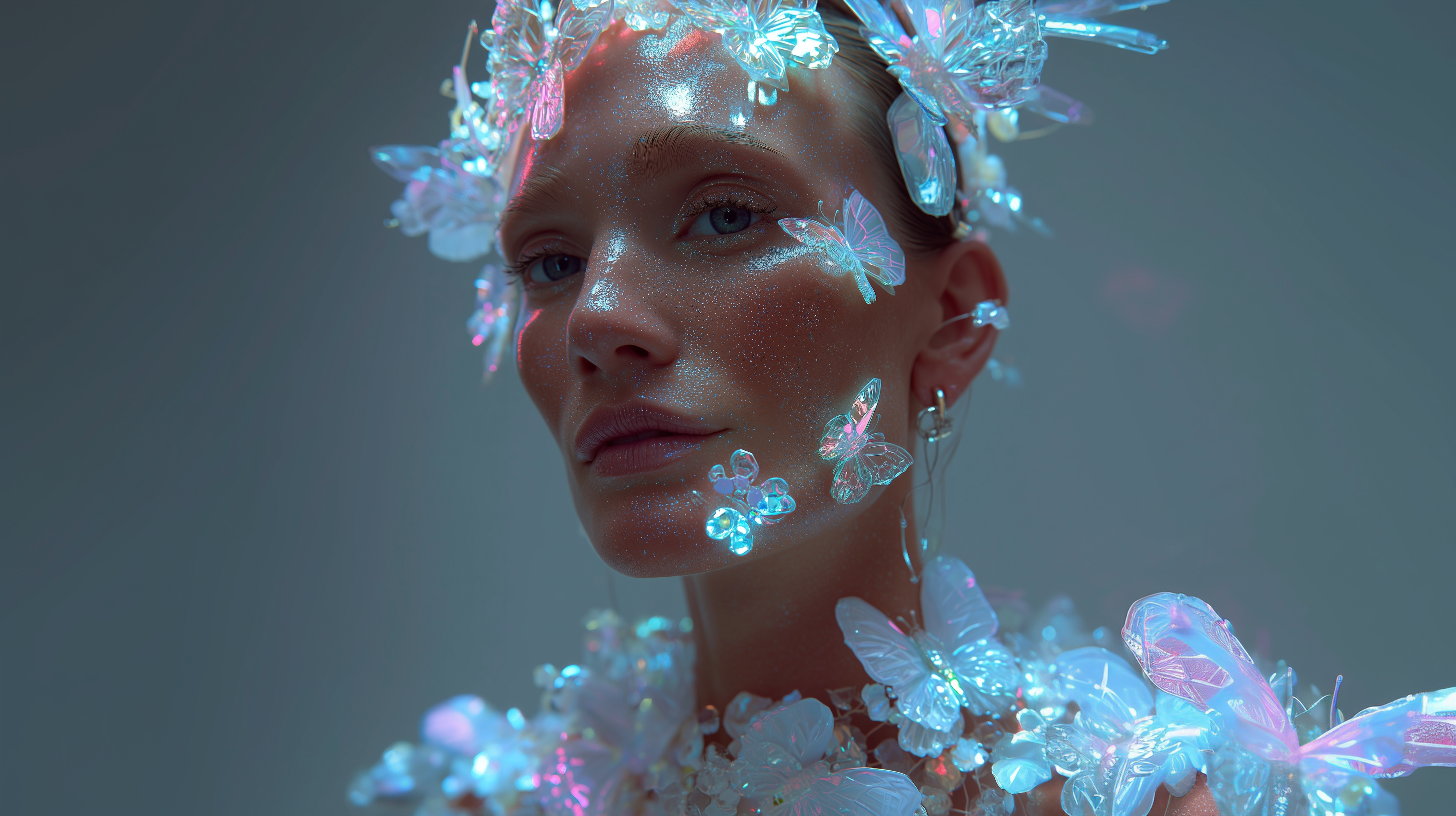

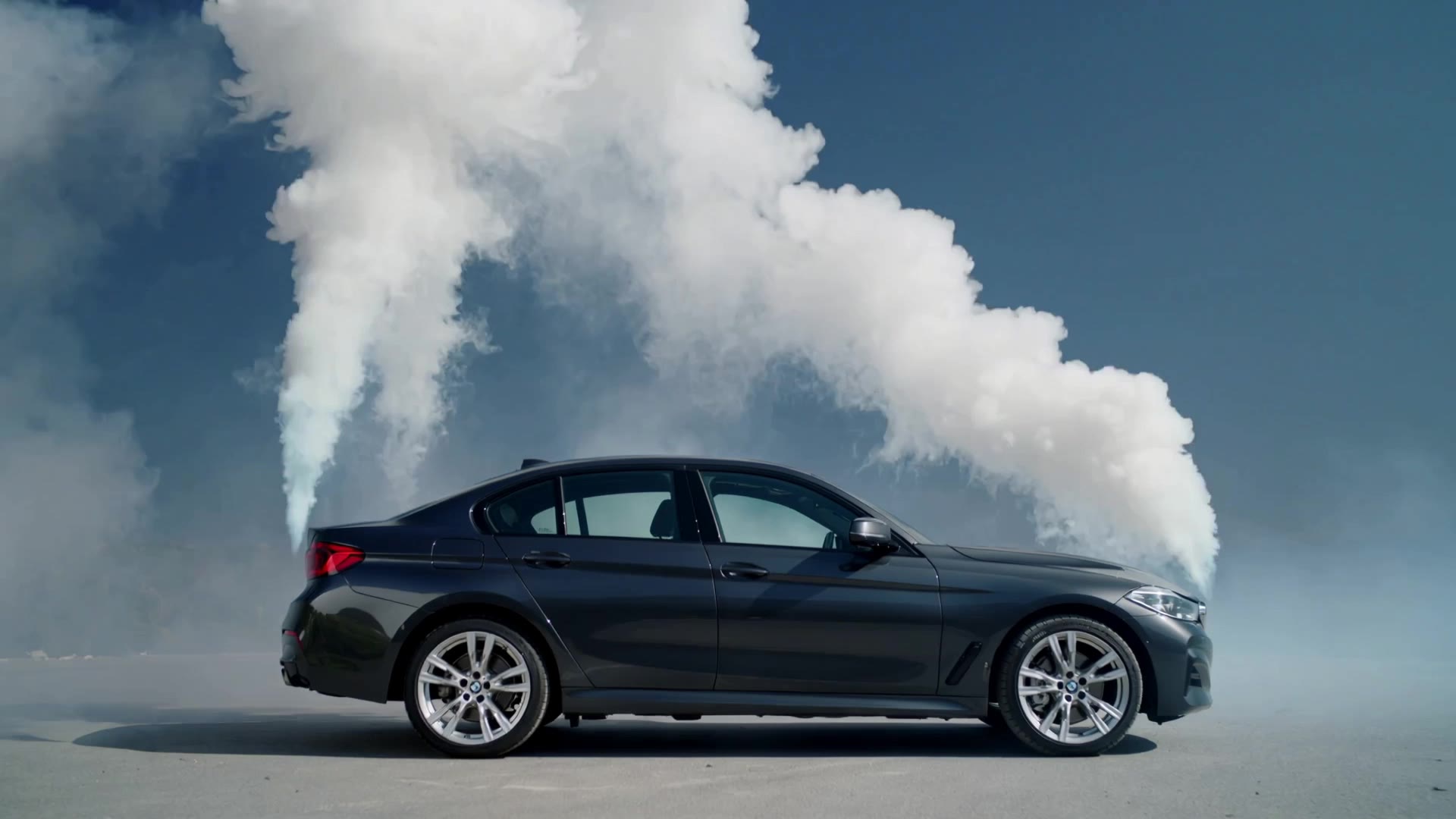





Give footage with limited resolution more room to hold up on larger screens. Upload your clip, choose 4K output, and generate a higher-resolution version with clearer edges and more visible detail for viewing, editing, or final delivery.

Soft footage can lose definition in faces, objects, edges, and backgrounds. Use Kling AI to generate a clearer version with stronger visual definition, whether you are working with an older clip, compressed footage, or a shot that simply looks too soft.

See more definition in skin, fabric, product surfaces, landscapes, water, smoke, and other detailed parts of a scene. Instead of simply enlarging the existing pixels, VIDEO 3.0 Omni generates new visual detail as it creates the higher-resolution result.

















Kling AI has been instrumental in transforming my creative workflow, unlocking new dimensions of artistic expression that were once unimaginable. I use Kling AI extensively to develop high-concept visuals, animate surreal dreamscapes, and create AI-assisted films that blur the line between reality and fantasy. Kling AI’s deep learning capabilities have not only enhanced my creative efficiency but also inspired me to explore storytelling in ways I never thought possible.

I use AI daily and Kling AI is a crucial part of my workflow, whether for client work or personal projects. What I love most about using Kling AI is that it provides all the tools I need in one place, from keyframes to character references, elements and special effects.

I use Kling AI daily to push the limits of AI filmmaking. It allows me to create highly cinematic content, blending AI and VFX to develop innovative projects. It has significantly impacted my creative process, enabling me to achieve complex animations that would otherwise require high production budgets.
Start with one scene, work out how the camera should tell it, and turn the written beat into a sequence with dialogue, sound, and recurring characters built into the generation.