Creative Studio
API
Resources
Features
About Us
Download

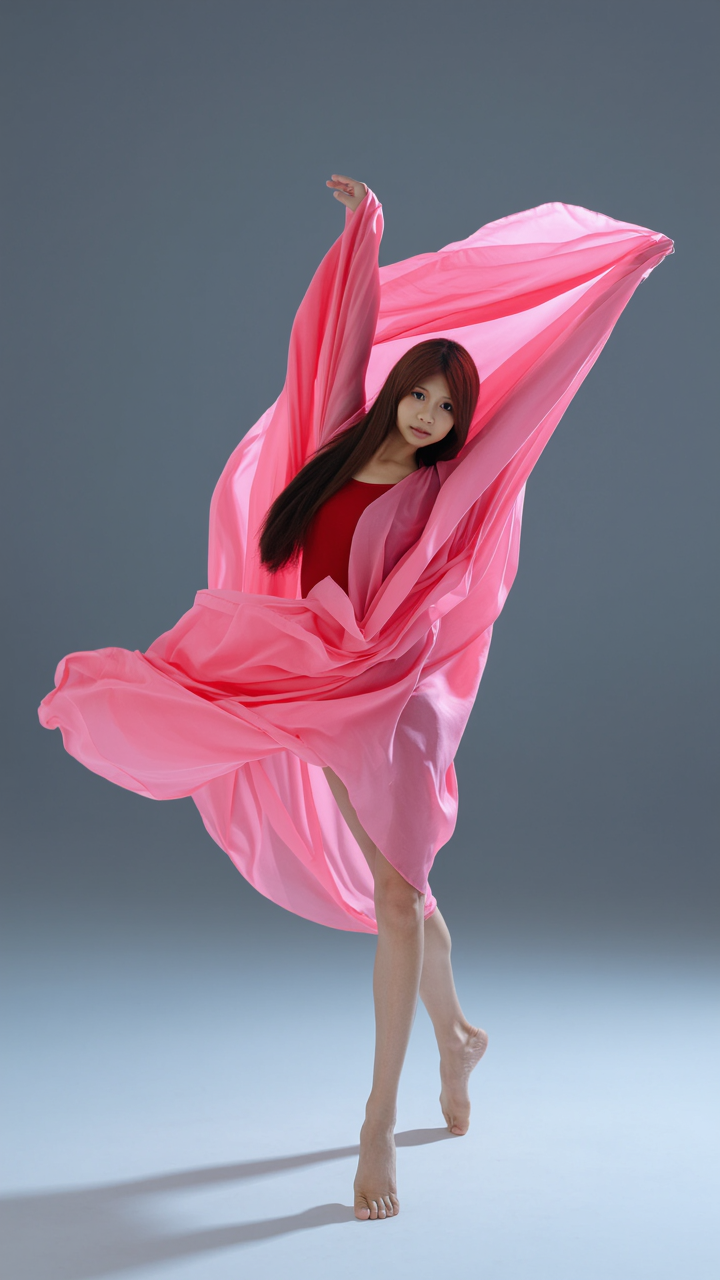
Dance Poster Design Ideas – AI Image Concepts

Discover AI-generated dance poster design ideas. Get multiple concepts in minutes, tailored to your preferences. Easy to customize and use for your event.

Dance Poster Design Ideas – AI Image Concepts

Recommended

Kling AI work 319263852507330 - dance poster design AI video
pPyvlbPT avatar
pPyvlbPT
dance digdig - dance poster design AI image
unCuaDWb avatar
unCuaDWb
character design - dance poster design AI image
ℹ️MissKAKADU🌼 avatar
ℹ️MissKAKADU🌼
Dance - dance poster design AI video
GKWxcesk avatar
GKWxcesk
Kling AI work 319446621523004 - dance poster design AI video
SuFKtVgB avatar
SuFKtVgB
Kling AI work 310551338505928 - dance poster design AI video
yXkYAJqy avatar
yXkYAJqy
Dance of Destiny - dance poster design AI video
SecondPlan avatar
SecondPlan
Elite Creator
dance - dance poster design AI video
rFGANUos avatar
rFGANUos
Kling AI work 317299603506236 - dance poster design AI video
OdyomlDb avatar
OdyomlDb
girl dance - dance poster design AI video
Maks_AI_Creator avatar
Maks_AI_Creator
Elite Creator
Kling AI work 310632433661113 - dance poster design AI video
MkqpNiKA avatar
MkqpNiKA
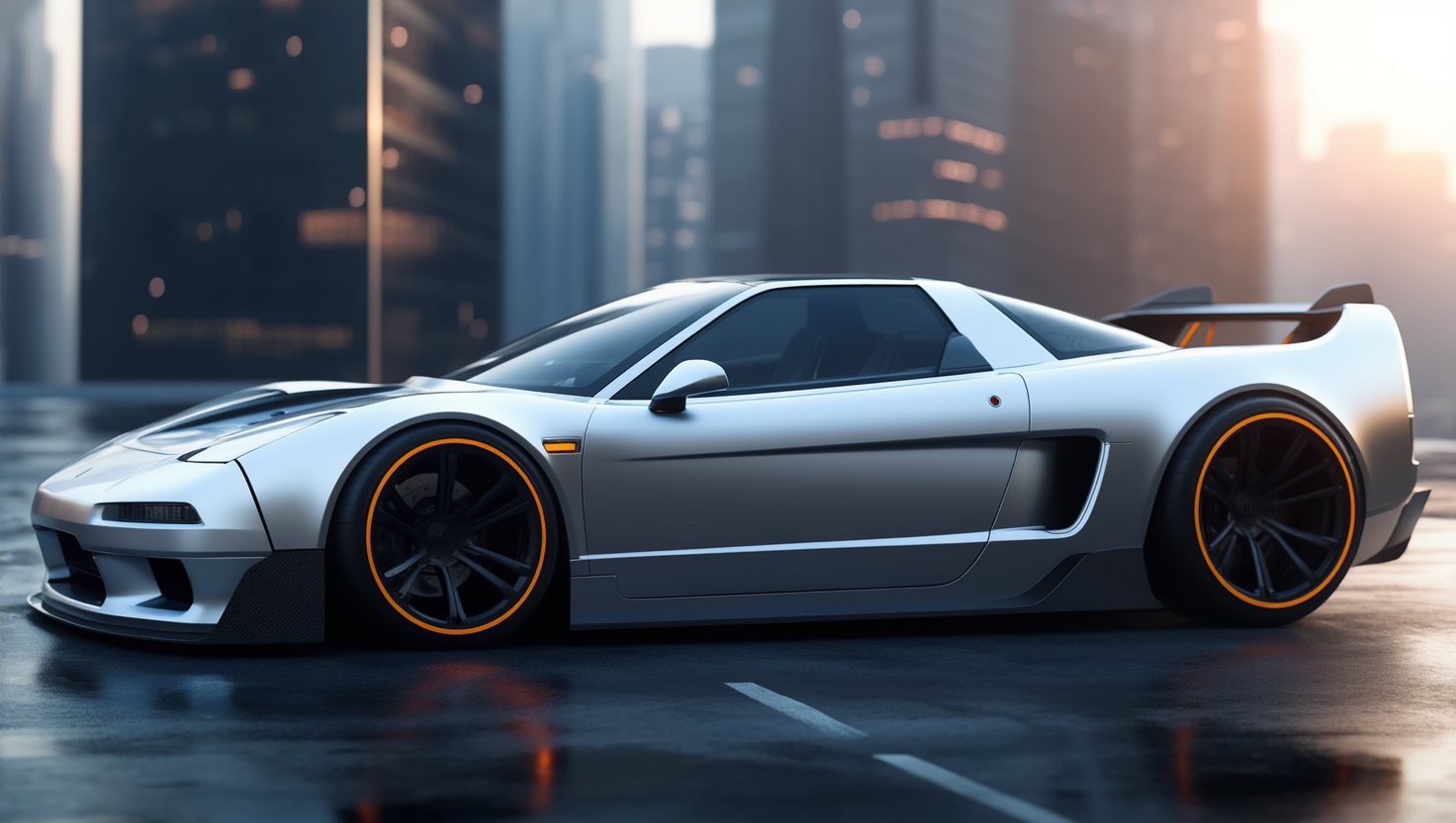
adndizayn nsx concept design - dance poster design AI image
KLING3332 avatar
KLING3332
Kling AI work 318783402610962 - dance poster design AI video
XayoIgeG avatar
XayoIgeG
character design - dance poster design AI image
ℹ️MissKAKADU🌼 avatar
ℹ️MissKAKADU🌼
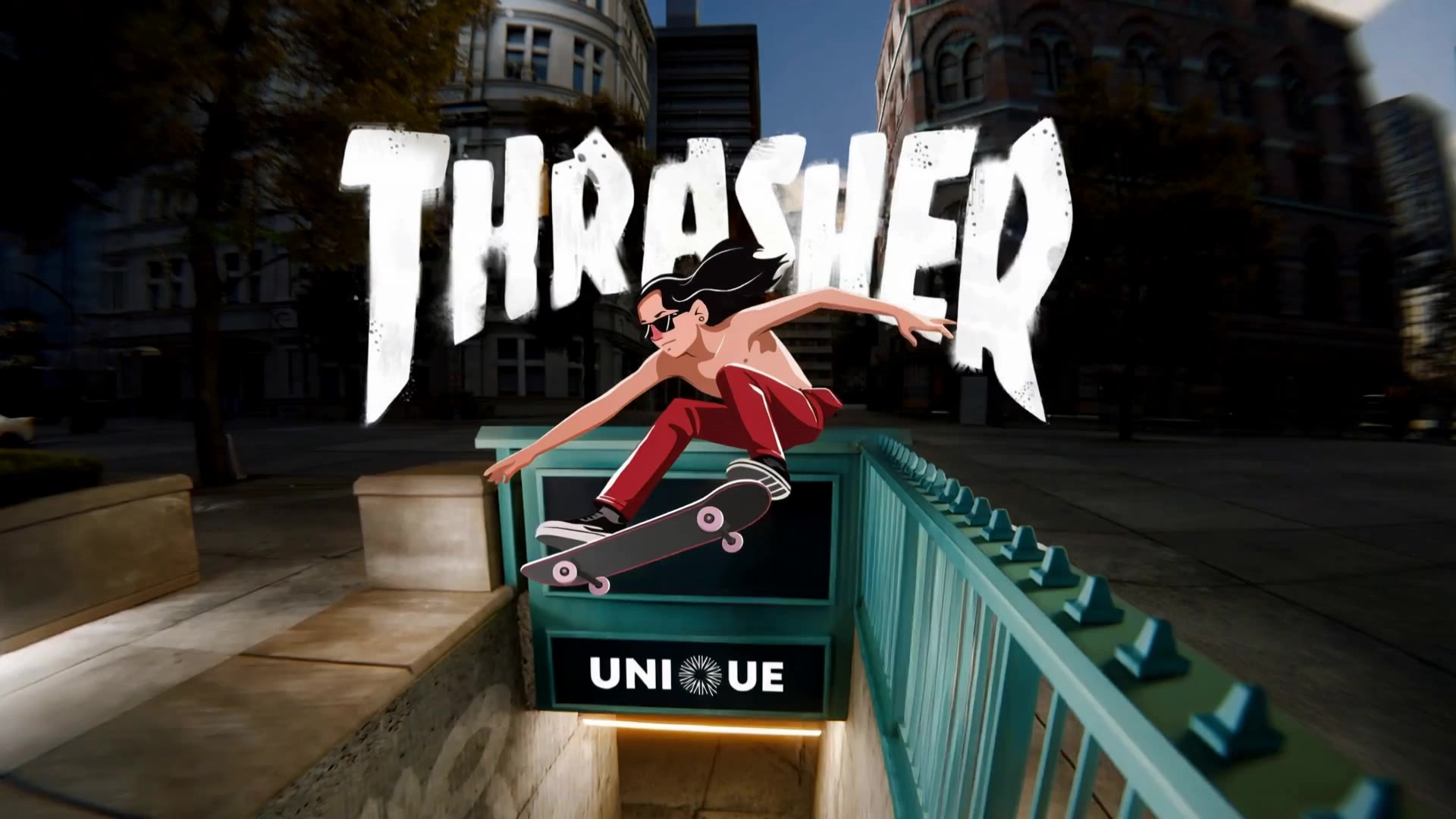
Unique Poster Thrasher - dance poster design AI video
Marchenko Vladislav avatar
Marchenko Vladislav
dance  - dance poster design AI image
yVyjmFiC avatar
yVyjmFiC
Kling AI work 316625009616593 - dance poster design AI video
drEeINcF avatar
drEeINcF
Dance all night - dance poster design AI video
Bic_Revelation avatar
Bic_Revelation
Elite Creator
Girl Dance  - dance poster design AI video
nqXmTOLZ avatar
nqXmTOLZ

How to Change Clothes with Kling AI

Step 1: Upload the Model Photo and Outfit References

Step 1: Upload the Model Photo and Outfit References

Upload the model's photo you want to edit, then add references for the clothing, shoes, hats, bags, or accessories you want to use. You can combine multiple references when different parts of the final look come from different images.

Step 2: Describe the Outfit Change

Step 2: Describe the Outfit Change

Tell Kling AI how each reference should be used. For example, use Image 1 as the base person, then apply the shirt from Image 2, jacket from Image 3, skirt from Image 4, and shoes from Image 5.

Step 3: Generate Your Outfit Change

Step 3: Generate Your Outfit Change

Choose your preferred aspect ratio and 2K or 4K resolution, then generate your new look. Preview the final composite and download your favorite result.

Expand Images Beyond the Frame with More Control

Extend the Scene Naturally Beyond the Frame

Extend the Scene Naturally Beyond the Frame

Add new visual space around your existing image while keeping the expansion connected to the original scene. Kling IMAGE 3.0 can follow visual details such as scenery, color, lighting, and texture, helping newly generated content feel consistent with the source image.

Keep Key Subjects Consistent as the Scene Expands

Keep Key Subjects Consistent as the Scene Expands

Expanding the frame should not change the subject that anchors the image. Kling IMAGE 3.0 automatically preserves your key subjects during extension. Simply specify the person, product, or central element in your prompt to keep them consistent with the original image.

Choose What Appears in the Expanded Area

Choose What Appears in the Expanded Area

The new space does not have to be left entirely to the model. Describe what you want outside the original frame, from a wider room or distant landscape to more sky, architecture, plants, or decorative details, and let Kling IMAGE 3.0 continue the scene around your idea.

Apps

Image to Video
Image to Video

Image to Video

Text to Video
Text to Video

Text to Video

Omni
Omni

Omni

Digital Human
Digital Human

Digital Human

Restyle
Restyle

Restyle

Text to Image
Text to Image

Text to Image

60M+
60M+
Users
600M+
600M+
AI Videos Generated
4.7 ★
4.7 ★
App Store
Industry-Leading
Industry-Leading
Cinematic 4K

Reviews

Huang Lu (Elson)

Huang Lu (Elson)

★★★★★

I’ve been using Kling AI since its initial release, and it’s remained one of the leading AI media generators ever since. With Kling AI, I’ve created hundreds of videos, collectively amassing millions of views.

Halim Alrasihi

Halim Alrasihi

★★★★★

I use AI daily and Kling AI is a crucial part of my workflow, whether for client work or personal projects. What I love most about using Kling AI is that it provides all the tools I need in one place, from keyframes to character references, elements and special effects.

James Phillips

James Phillips

★★★★★

Kling AI has transformed my workflow by collapsing timelines and democratizing production. It’s shifted my mindset from resource-dependent filmmaking to a boundless creative sandbox, where experimentation yields unexpected beauty.

FAQ

Q1Can I generate AI backgrounds in 2K or 4K?
Q2What is an AI background generator?
Q3Can Kling AI change a background without changing the person or product?

See Your Image in a Whole New Color

Explore a different product color, refresh an outfit, rethink a room, or give an existing creative a new direction with Kling IMAGE 3.0. Describe the change, and generate a new version now.