
Creative Studio
API
Resources
Features
About Us
Download

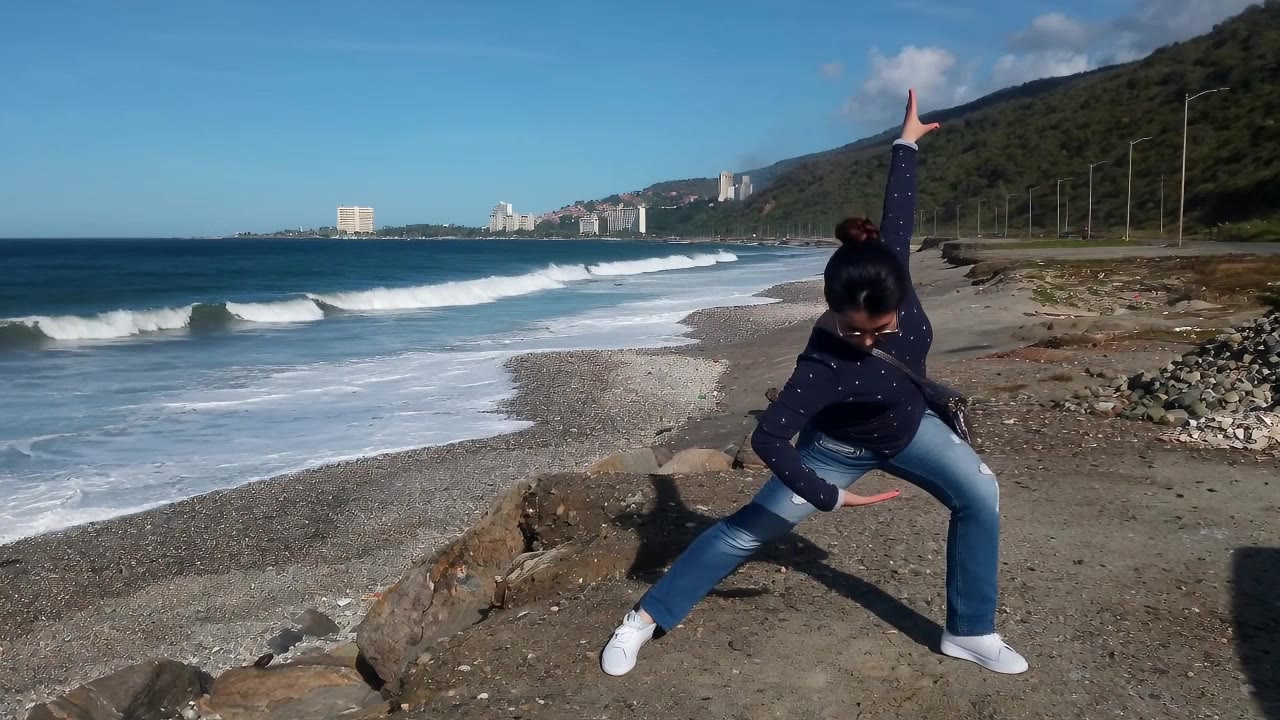
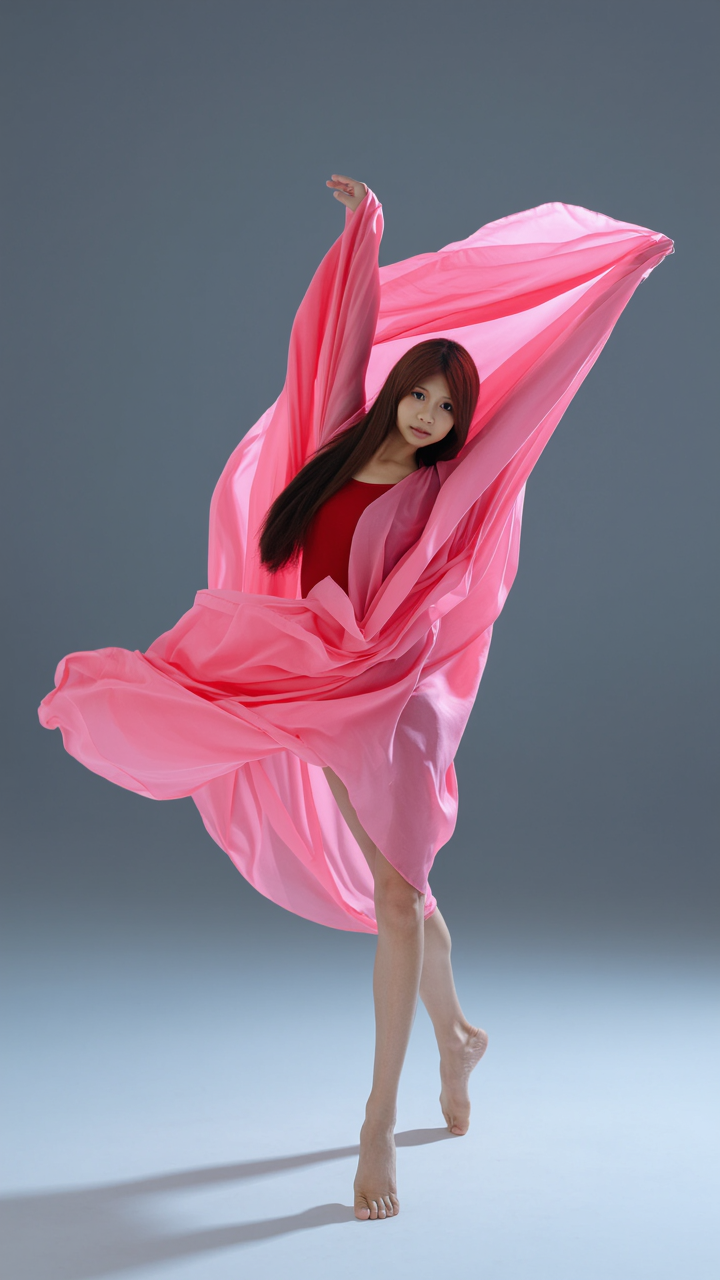
AI-generated dance scene ideas – Energetic and dynamic

Explore energetic and dynamic AI-generated dance scene ideas. Quickly create and customize scenes that capture the spirit of dance.

AI-generated dance scene ideas – Energetic and dynamic

Recommended

dance digdig - dance scene AI image
unCuaDWb avatar
unCuaDWb
girl dance - dance scene AI video
Maks_AI_Creator avatar
Maks_AI_Creator
Elite Creator
dance - dance scene AI image
DoYsFChq avatar
DoYsFChq
Pumpkin dance - dance scene AI video
ZlzqSVdz avatar
ZlzqSVdz
dance  - dance scene AI image
yVyjmFiC avatar
yVyjmFiC
dance  - dance scene AI video
zZGMoJQF avatar
zZGMoJQF
My Heart Gesture Dance - dance scene AI video
ggWTcGXd avatar
ggWTcGXd
Humorous Dance  - dance scene AI video
BebrrIUq avatar
BebrrIUq
“Dance. Smile. Enjoy. ❤️✨” - dance scene AI video
lGXcsrCz avatar
lGXcsrCz
dance  - dance scene AI video
zZGMoJQF avatar
zZGMoJQF
China Dance - dance scene AI video
Sergio avatar
Sergio
Fox dance - dance scene AI video
The Femily avatar
The Femily
dance - dance scene AI video
WHkGoPsF avatar
WHkGoPsF
dance - dance scene AI video
PiNKICK avatar
PiNKICK
Creative Partner
Ticket to the dance floor - dance scene AI image
zFXzKGIg avatar
zFXzKGIg
dance - dance scene AI video
rFGANUos avatar
rFGANUos
The Dance Scene - dance scene AI video
00:25
bAuExcgR avatar
bAuExcgR
dance - dance scene AI video
KLING0137 avatar
KLING0137
Girl Dance  - dance scene AI video
nqXmTOLZ avatar
nqXmTOLZ

How to Remove Background from Video

Upload Your Video

Upload Your Video

Start with the footage you already have in VIDEO 3.0 Omni. Your clip does not need to be recorded against a green screen before you change the background.

Delete or Replace Video Background

Delete or Replace Video Background

Tell Kling which subject should stay and which background you want removed. If a new setting is your real goal, skip the separate removal step: describe the background you want or add a reference image for Kling to follow.

Generate and Review

Generate and Review

Generate the edit and check the subject and background throughout the clip. If something needs adjusting, refine the instruction and try another version, then save the result or continue editing in Kling AI.

Improve Video Resolution, Clarity, and Detail

Upscale Low-Resolution Video to 4K

Upscale Low-Resolution Video to 4K

Give footage with limited resolution more room to hold up on larger screens. Upload your clip, choose 4K output, and generate a higher-resolution version with clearer edges and more visible detail for viewing, editing, or final delivery.

Make Blurry or Soft Video Look Clearer

Make Blurry or Soft Video Look Clearer

Soft footage can lose definition in faces, objects, edges, and backgrounds. Use Kling AI to generate a clearer version with stronger visual definition, whether you are working with an older clip, compressed footage, or a shot that simply looks too soft.

Bring Out More Texture and Fine Detail

Bring Out More Texture and Fine Detail

See more definition in skin, fabric, product surfaces, landscapes, water, smoke, and other detailed parts of a scene. Instead of simply enlarging the existing pixels, VIDEO 3.0 Omni generates new visual detail as it creates the higher-resolution result.

Apps

Image to Video
Image to Video

Image to Video

Text to Video
Text to Video

Text to Video

Omni
Omni

Omni

Digital Human
Digital Human

Digital Human

Restyle
Restyle

Restyle

Text to Image
Text to Image

Text to Image

60M+
60M+
Users
600M+
600M+
AI Videos Generated
4.7 ★
4.7 ★
App Store
Industry-Leading
Industry-Leading
Cinematic 4K

Reviews

Maria Rubtsova

Maria Rubtsova

★★★★★

I’m Maria Rubtsova, an AIGC digital artist passionate about creating stunning visuals in the worlds of fashion, aesthetics, and fantasy. I use KlingAi to bring imagination to life through video. My work is all about exploring beauty, emotion, and the limitless possibilities of digital art.

James Phillips

James Phillips

★★★★★

Kling AI has transformed my workflow by collapsing timelines and democratizing production. It’s shifted my mindset from resource-dependent filmmaking to a boundless creative sandbox, where experimentation yields unexpected beauty.

Jyo John Mulloor

Jyo John Mulloor

★★★★★

Kling AI has been instrumental in transforming my creative workflow, unlocking new dimensions of artistic expression that were once unimaginable. I use Kling AI extensively to develop high-concept visuals, animate surreal dreamscapes, and create AI-assisted films that blur the line between reality and fantasy. Kling AI’s deep learning capabilities have not only enhanced my creative efficiency but also inspired me to explore storytelling in ways I never thought possible.

FAQ

Q1Is a video enhancer the same as a video upscaler?
Q2Can I enhance my video in 4K?
Q3Can an AI video quality enhancer improve blurry or low-resolution footage?

Bring Your Old Photos Back to Life

Use the photo you already have as the starting point. Repair visible damage, improve faded areas, guide familiar faces with references, and create a higher-resolution version when you need it.