
SLFxoLFB
1
Explore AI-generated dancing inpaint ideas. These AI-made visuals offer quick, customizable energetic designs. Ideal for creating unique, movement-inspired artwork without design skills.


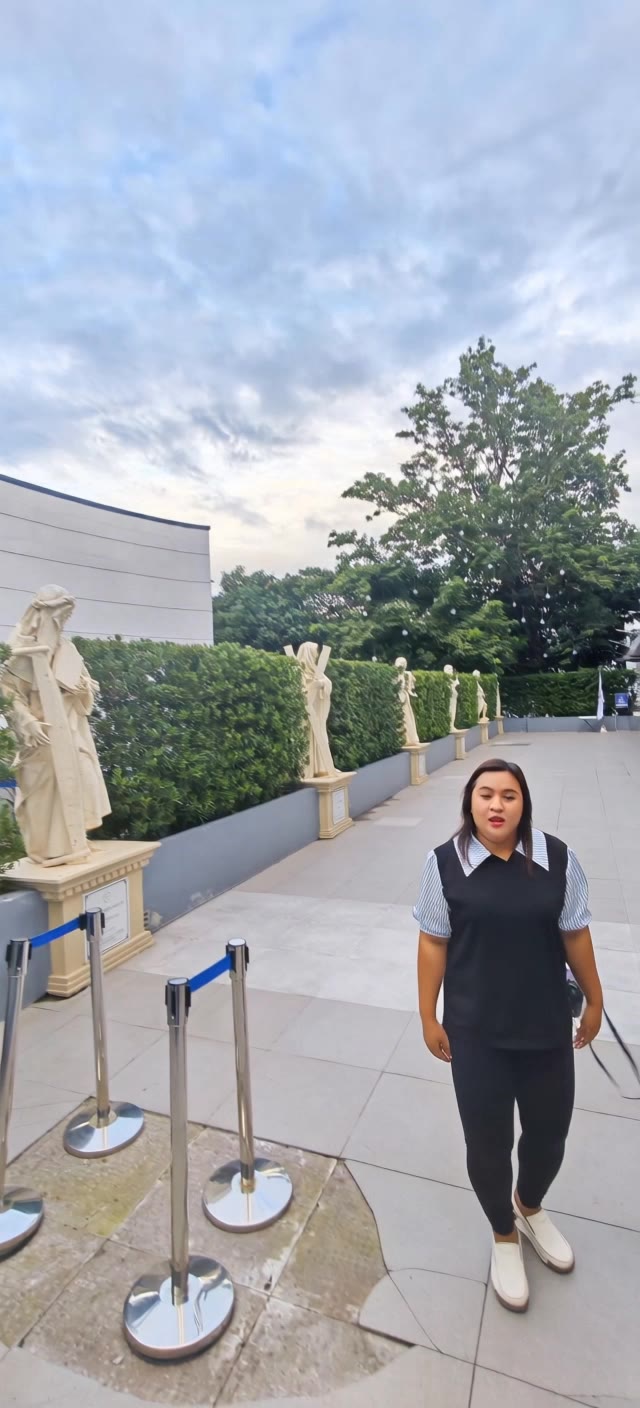



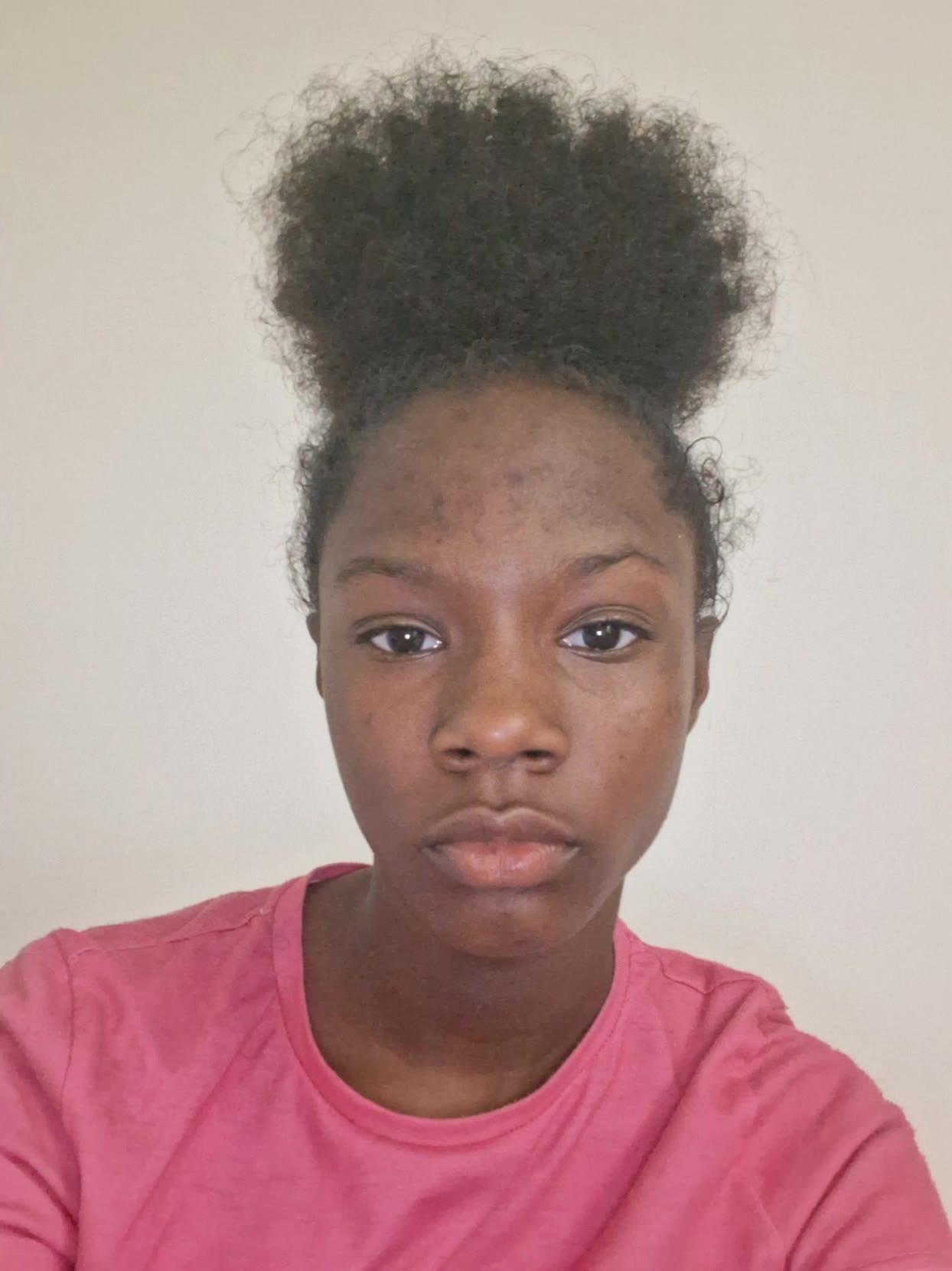


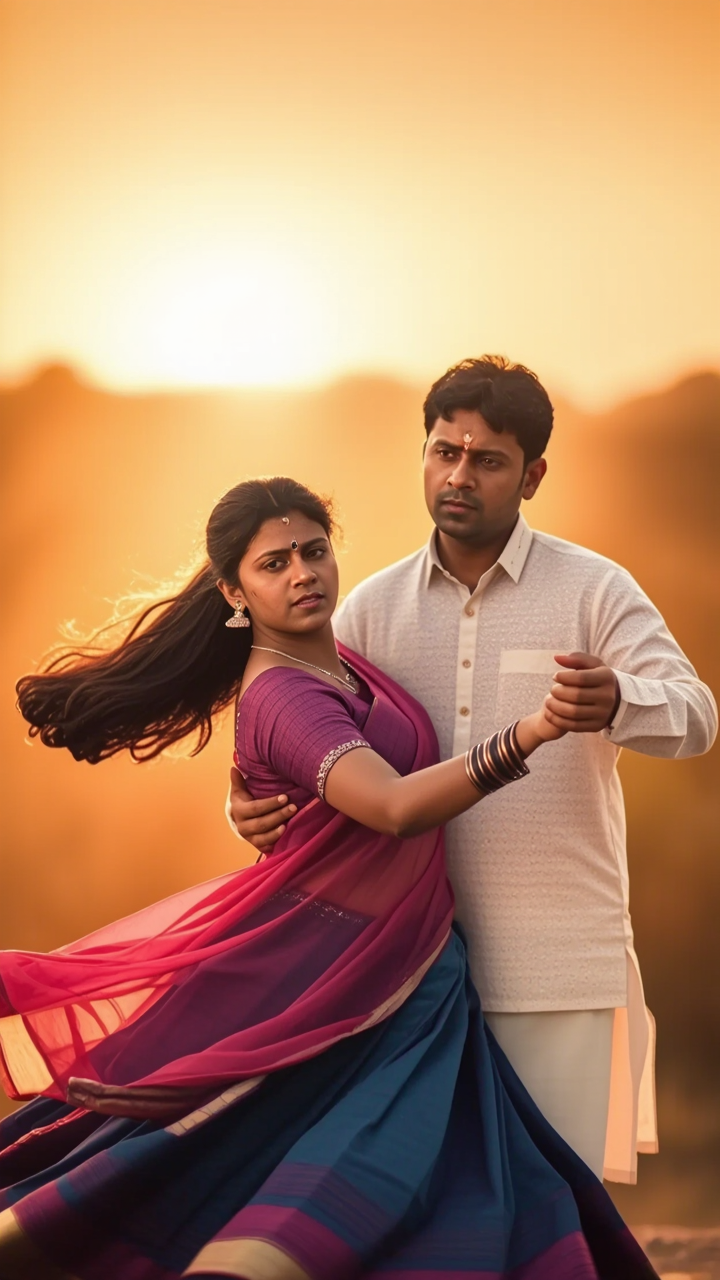


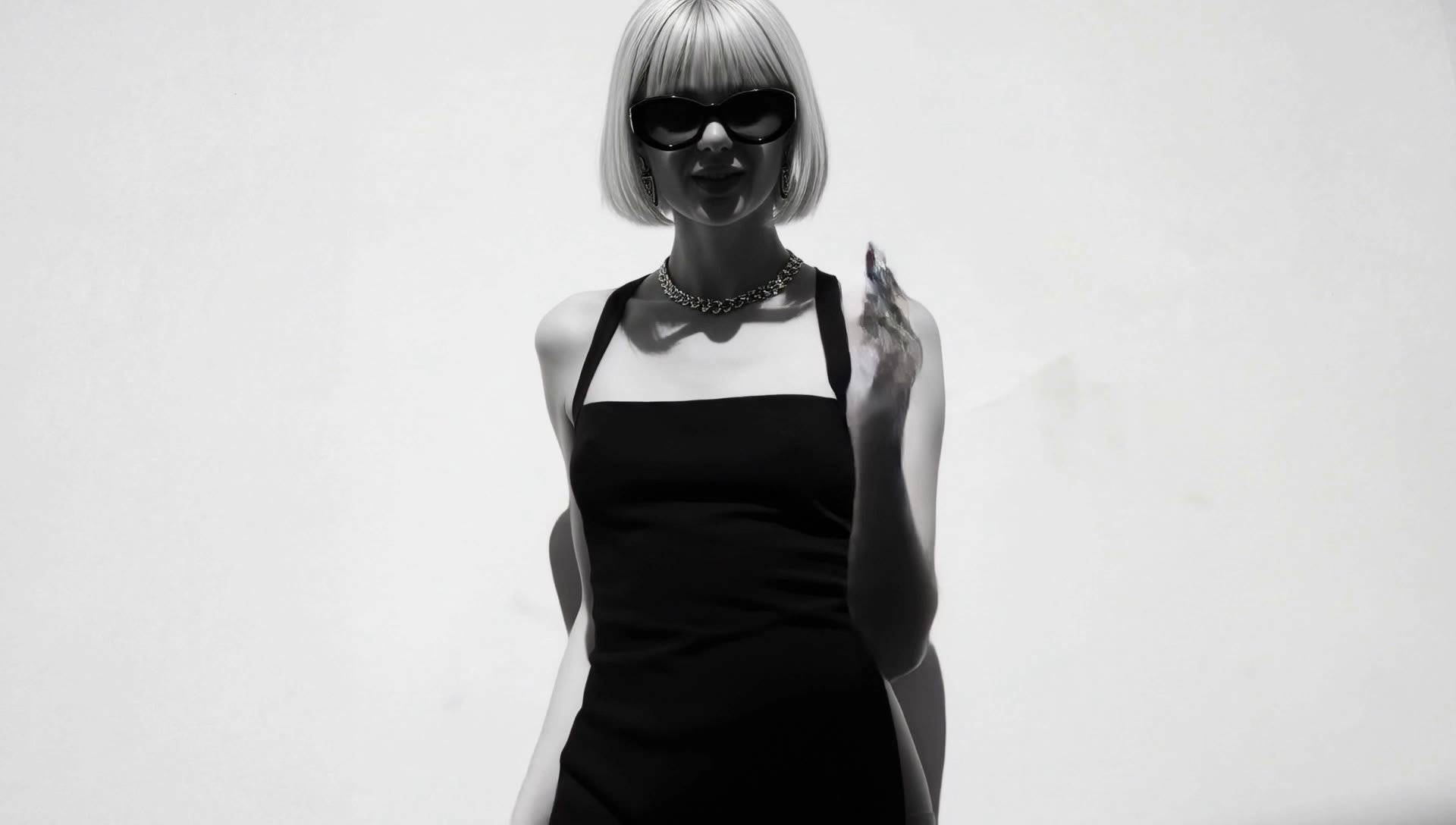



Turn your text descriptions into detailed images with Kling AI. Describe the subject, scene, style, and composition you want, and the model transforms your prompt into visuals that match your creative direction. Create realistic portraits, cinematic scenes, product visuals, and artistic images directly from text.

Create characters and visual concepts that remain consistent across different images. Kling IMAGE 3.0 uses reference images to preserve important details, including appearance, clothing, objects, and overall style. This makes it easier to create character designs, brand visuals, and image series with a consistent look.

Explore different visual directions with prompts and reference images. Adjust composition, perspective, lighting, and style to create new variations while keeping the main concept consistent. This helps you test different ideas and develop visuals for artwork, marketing materials, and creative projects.

















I use Kling AI every day. It's amazing to see the almost daily progress it makes. I used AI for fun at first, and I now find that Kling AI's animations allow me to gain professional visibility, with three times more views on my animated posts than on my static posts.

Kling AI seamlessly integrates into my creative workflow, playing a key role in transforming my images. After generating and upscaling an image, Kling becomes a crucial element, bringing my creations to life with movement and depth.

I’ve been using Kling AI since its initial release, and it’s remained one of the leading AI media generators ever since. With Kling AI, I’ve created hundreds of videos, collectively amassing millions of views.
Start with one scene, work out how the camera should tell it, and turn the written beat into a sequence with dialogue, sound, and recurring characters built into the generation.
