
Creative Studio
API
Resources
Features
About Us
Download

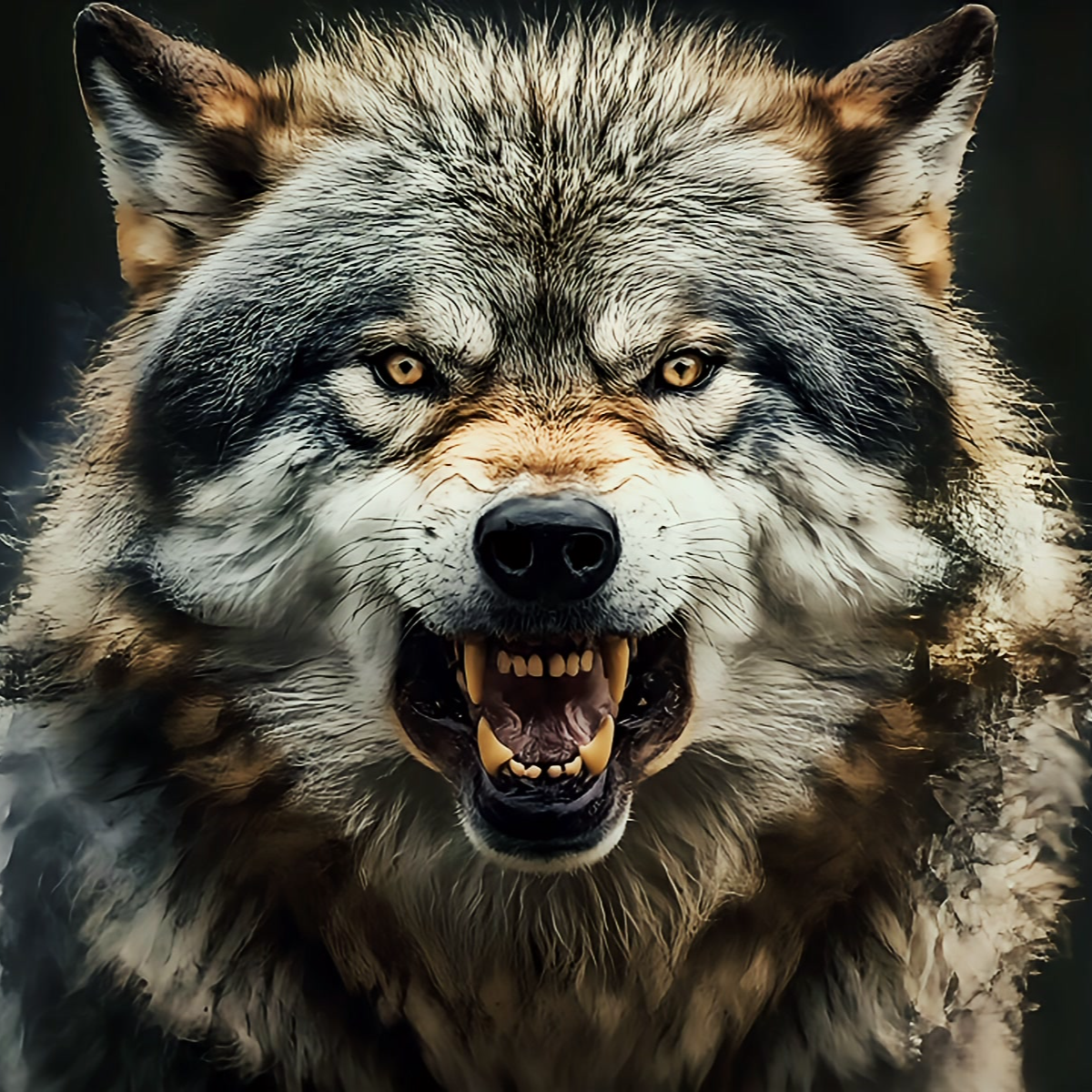
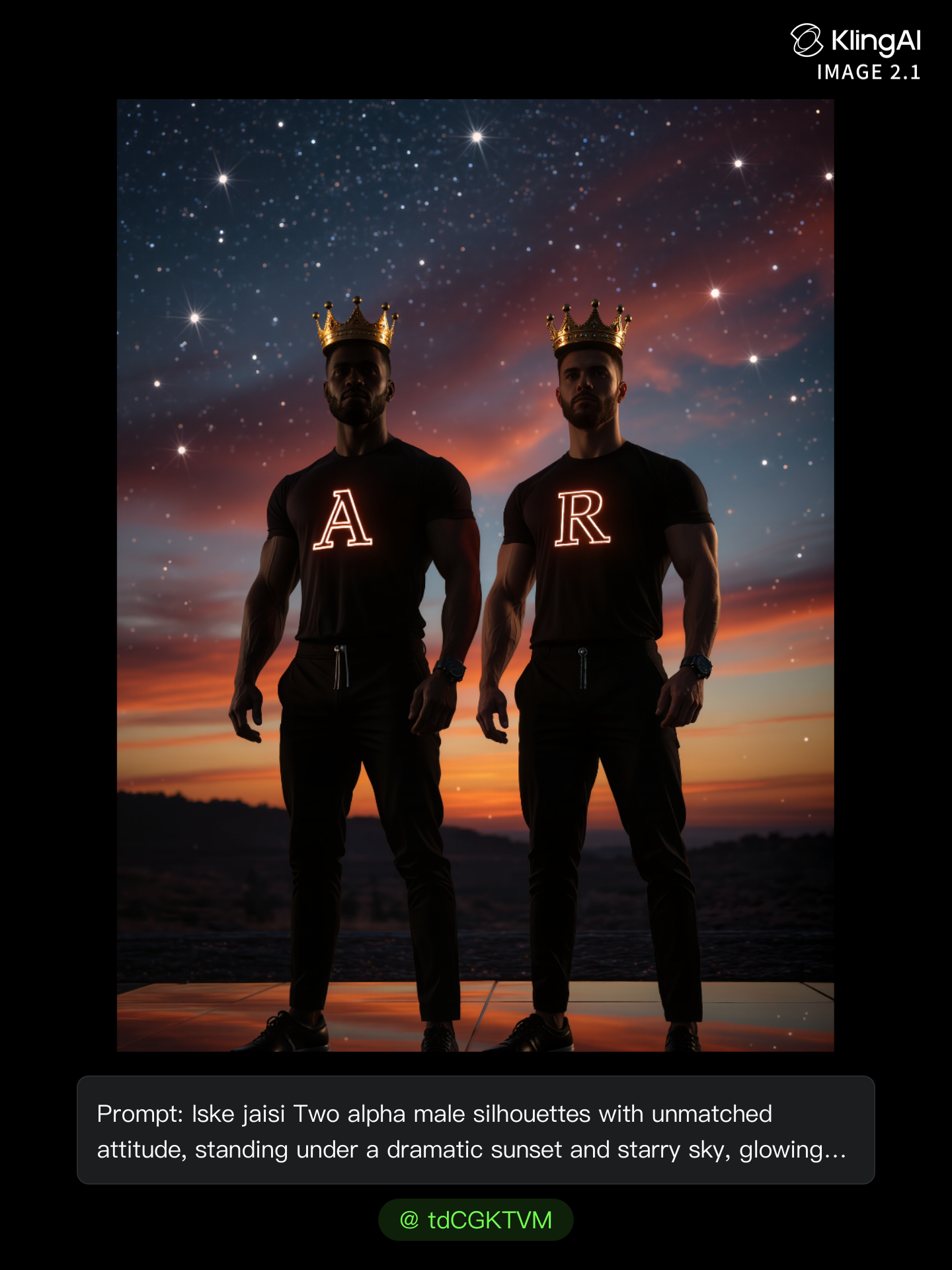
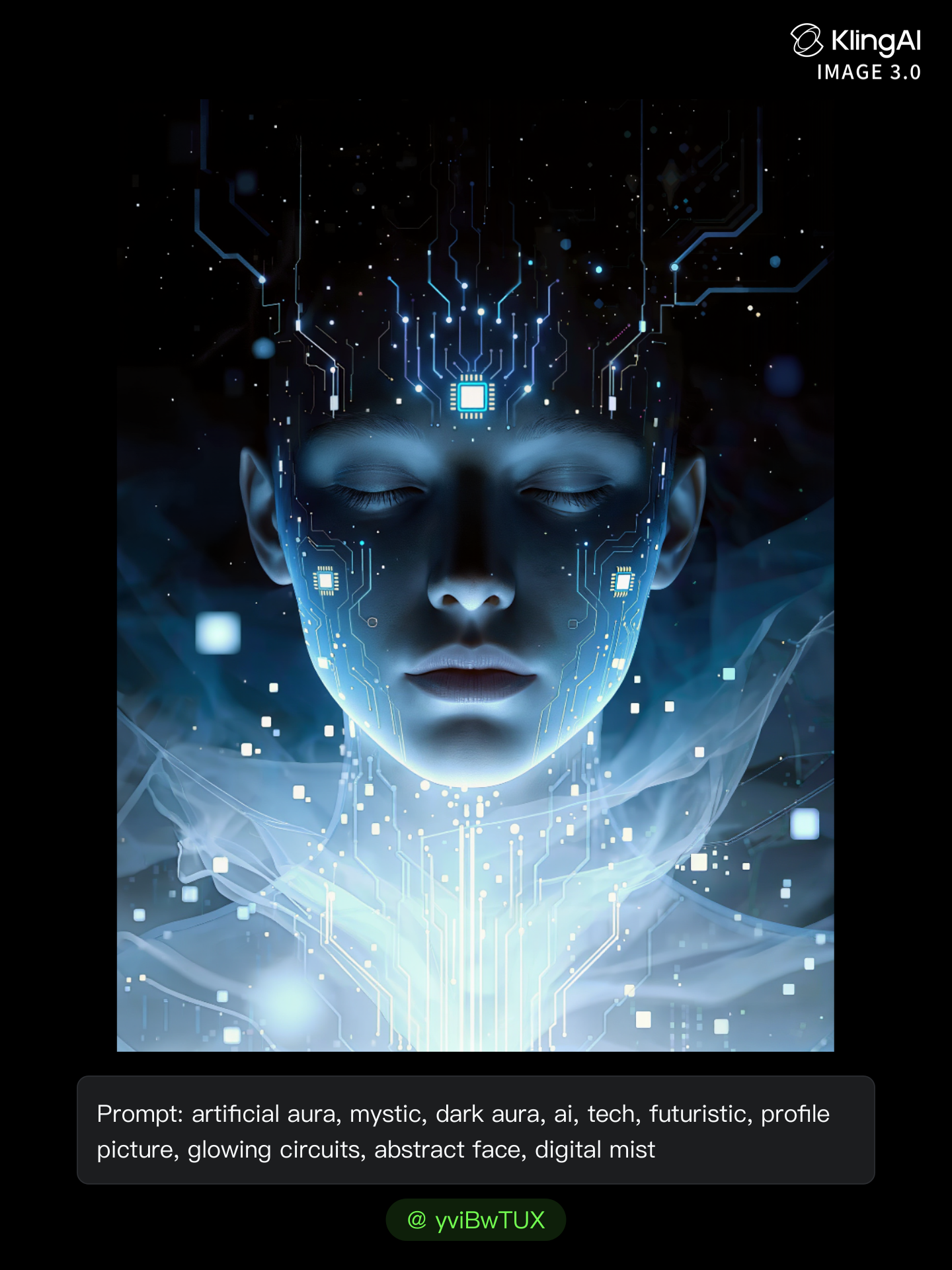
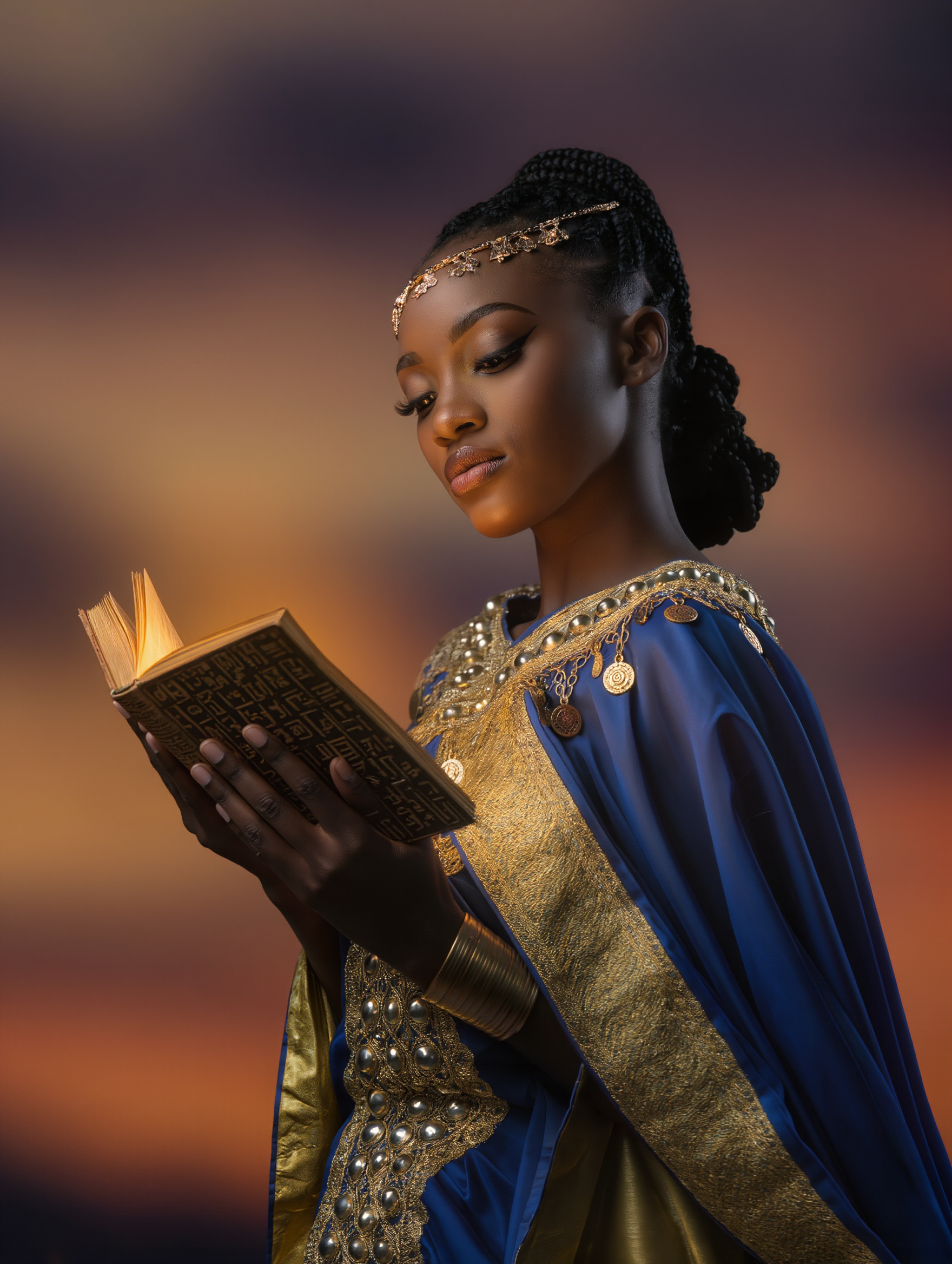
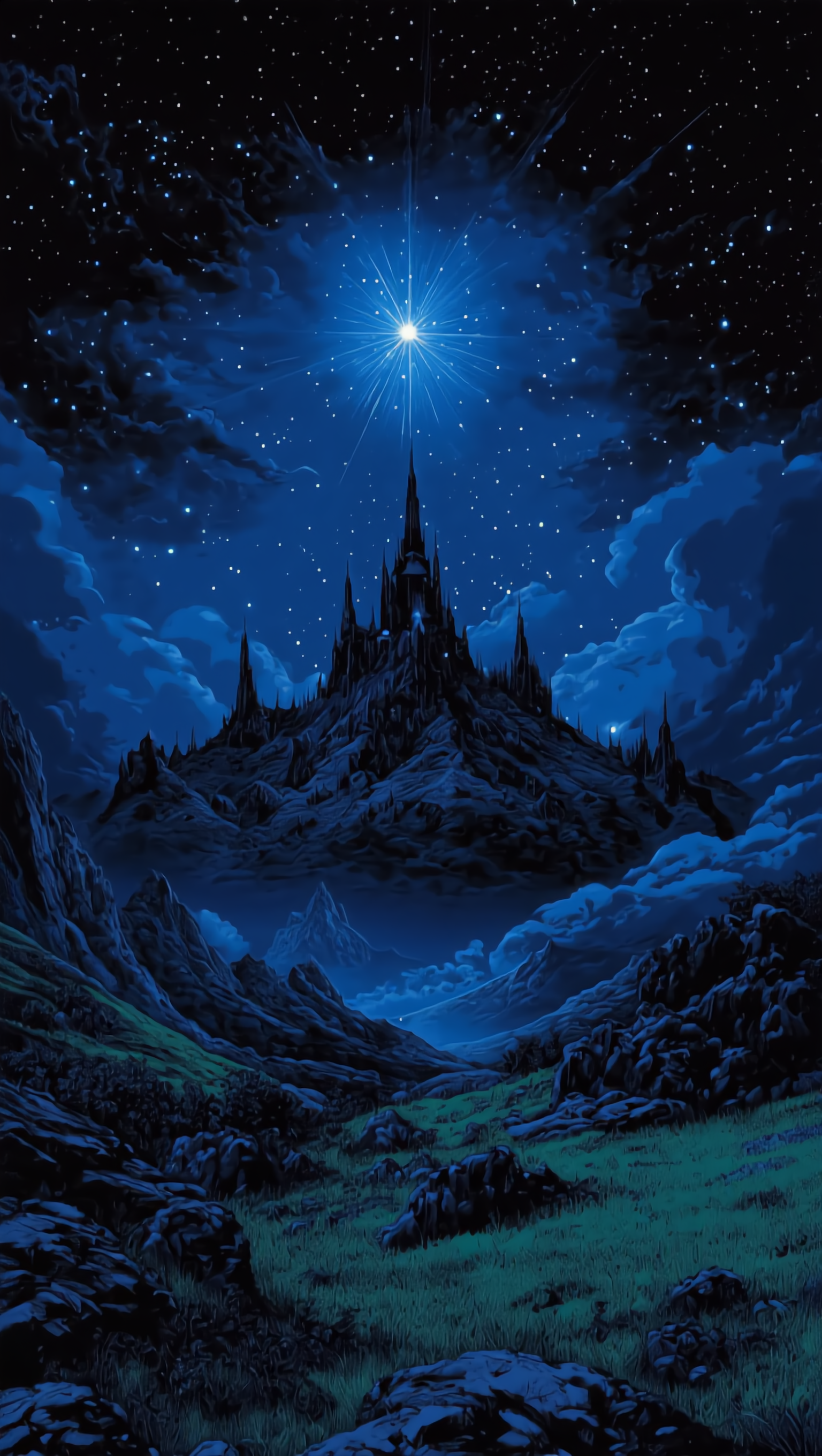
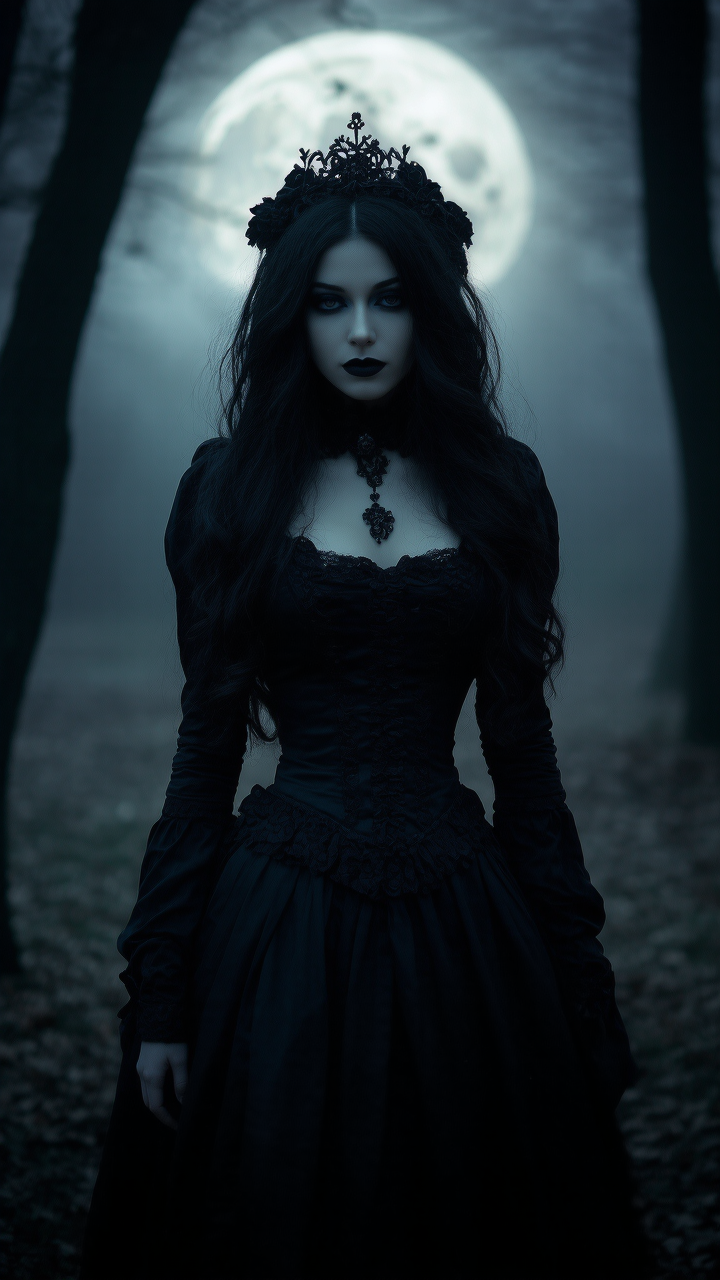
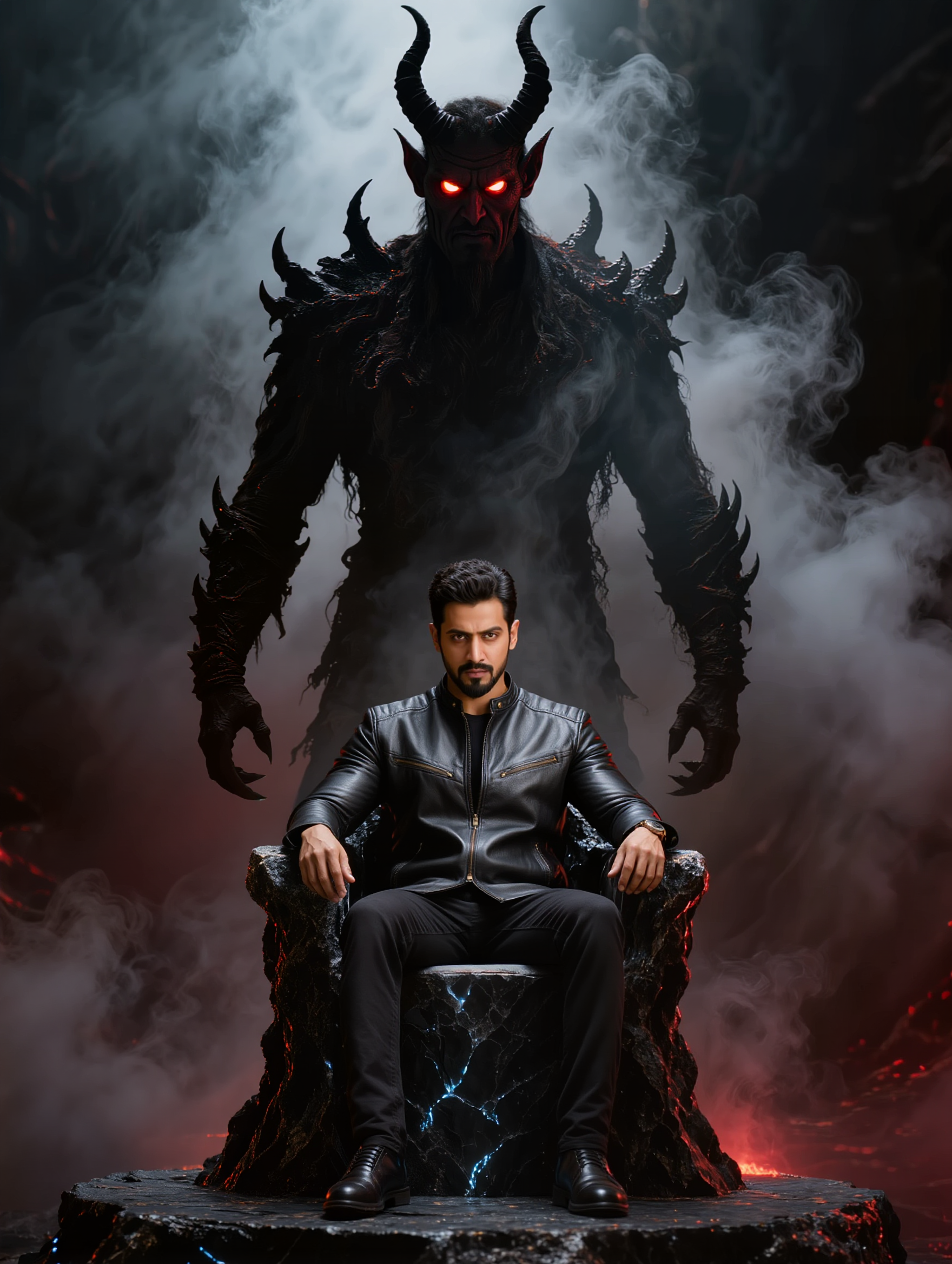
Dark Fantasy Instagram Profile Picture Ideas – AI Creations

Get inspired with AI-created dark fantasy Instagram profile pictures. Customize and use them to enhance your social media presence.

Dark Fantasy Instagram Profile Picture Ideas – AI Creations

Recommended

Sorcière Fantasy - dark fantasy instagram profile picture AI video
Charps avatar
Charps
Kling AI work 313169518524428 - dark fantasy instagram profile picture AI image
YpCPoElB avatar
YpCPoElB
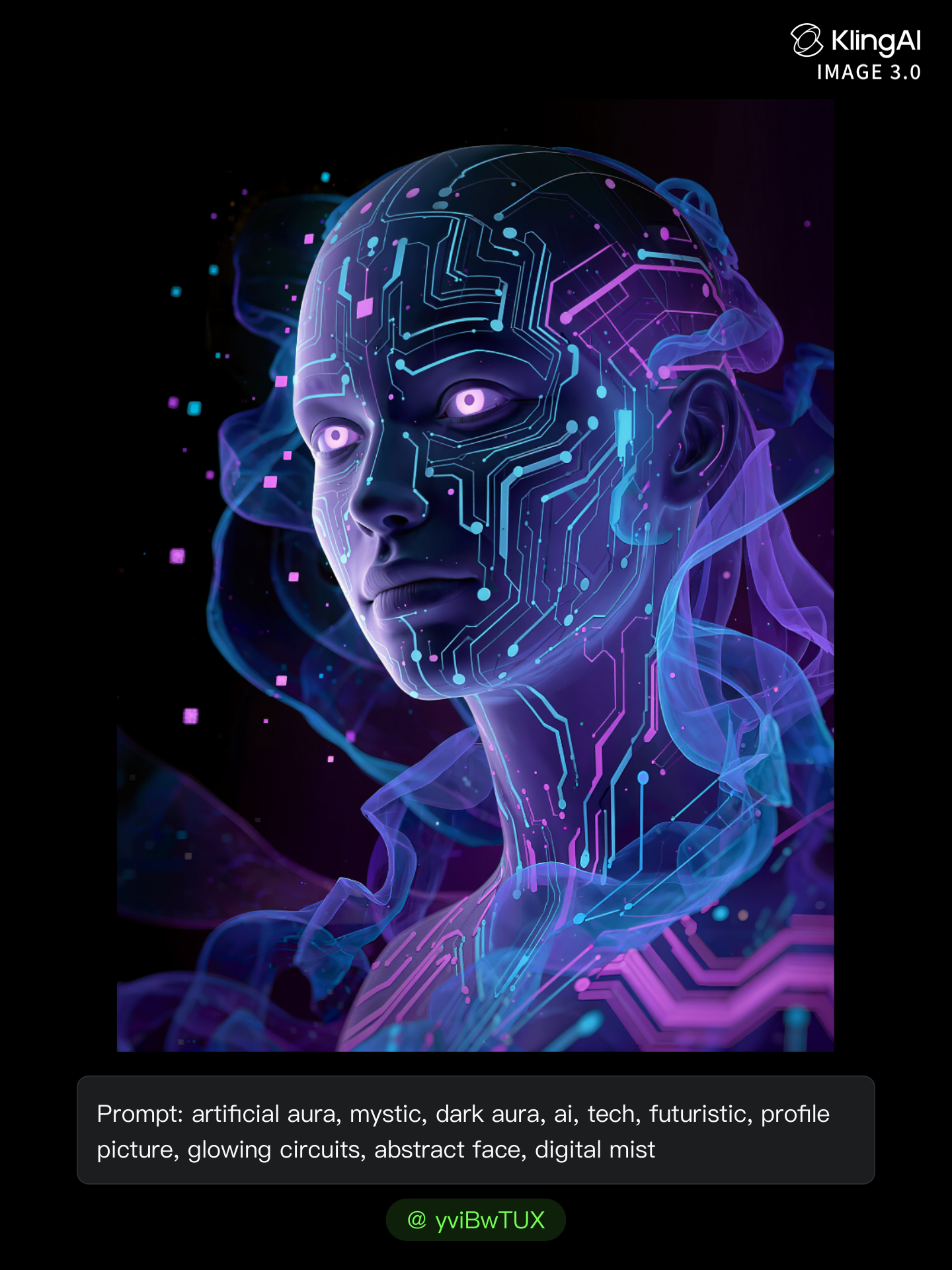
Kling AI work 310600871614758 - dark fantasy instagram profile picture AI image
yviBwTUX avatar
yviBwTUX
Mirror self shot picture - dark fantasy instagram profile picture AI video
videosAI𝙥𝙧𝙤 avatar
videosAI𝙥𝙧𝙤
Elite Creator
Dark fantasy elven woman - dark fantasy instagram profile picture AI video
Misty_Lakes avatar
Misty_Lakes
Kling AI work 317394115502451 - dark fantasy instagram profile picture AI video
𓆸𝑴𝒂𝒆𝒑𝒉𝒓𝒊𝒔𓆸 avatar
𓆸𝑴𝒂𝒆𝒑𝒉𝒓𝒊𝒔𓆸
Kling AI work 310600772668302 - dark fantasy instagram profile picture AI image
yviBwTUX avatar
yviBwTUX
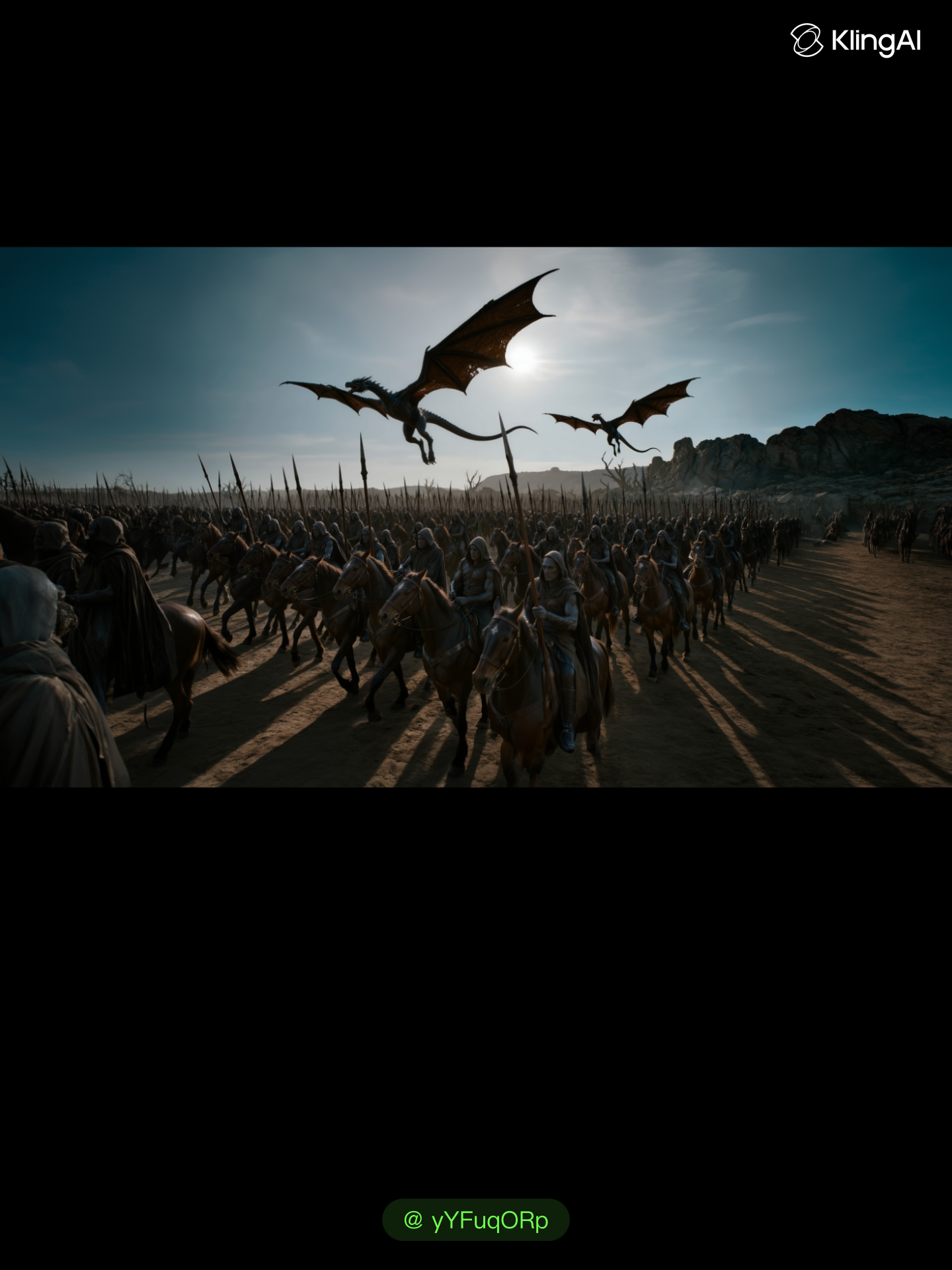
Dark fantasy - dark fantasy instagram profile picture AI image
yYFuqORp avatar
yYFuqORp
Kling AI work 299465230611178 - dark fantasy instagram profile picture AI image
PJNmpdZs avatar
PJNmpdZs
Kling AI work 310075519501206 - dark fantasy instagram profile picture AI image
dSByhTnE avatar
dSByhTnE
dark knight - dark fantasy instagram profile picture AI image
Eman Daman avatar
Eman Daman
Kling AI work 317463643612407 - dark fantasy instagram profile picture AI image
caZYaagg avatar
caZYaagg
Kling AI work 315649959506349 - dark fantasy instagram profile picture AI image
mam-miracle avatar
mam-miracle
Dark Elf Ranger Queen - dark fantasy instagram profile picture AI image
BoldlyWithAi avatar
BoldlyWithAi
Elite Creator
dark knight - dark fantasy instagram profile picture AI image
Eman Daman avatar
Eman Daman
Demon vs Warriors – Dark Fantasy - dark fantasy instagram profile picture AI video
00:15
cIhdIuJl avatar
cIhdIuJl
Dark Fantasy  - dark fantasy instagram profile picture AI video
00:28
lumivixz avatar
lumivixz
Kling AI work 275755590538165 - dark fantasy instagram profile picture AI image
KC with Power Cosmic avatar
KC with Power Cosmic
dark knight - dark fantasy instagram profile picture AI image
Eman Daman avatar
Eman Daman

How to Create AI Video Dubbing with Kling

Step 1: Set Up Your Characters and Scene

Step 1: Set Up Your Characters and Scene

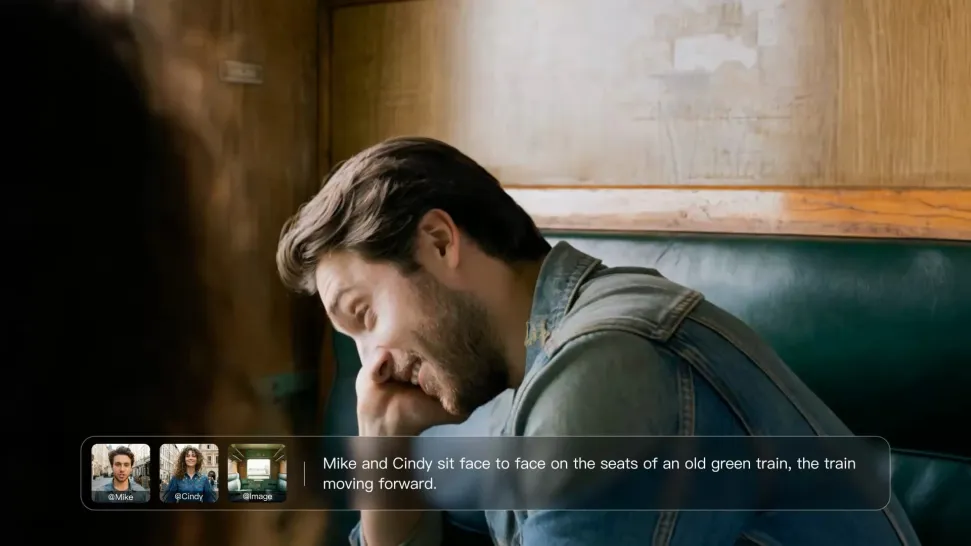
Describe the characters and scene you want to create, or add supported image or Character Element references when you already have a specific look in mind. Make each speaker easy to identify before adding dialogue.

Step 2: Add Dialogue and Set Each Voice

Step 2: Add Dialogue and Set Each Voice

Write each character’s lines and keep them clearly paired with the right speaker. Add the language, accent, tone, or delivery to your prompt when you want to shape how each line sounds, and mix supported languages within the same scene when needed.

Step 3: Generate with Native Audio

Step 3: Generate with Native Audio

Generate the video with Native Audio to create dialogue, lip movements, visuals, ambience, and supporting sound together. Enable Multi-Shot when you want the conversation to unfold across different shots, camera angles, or scene beats.

Shape AI Characters, Build Creative Worlds

Create Characters from Prompts or References

Create Characters from Prompts or References

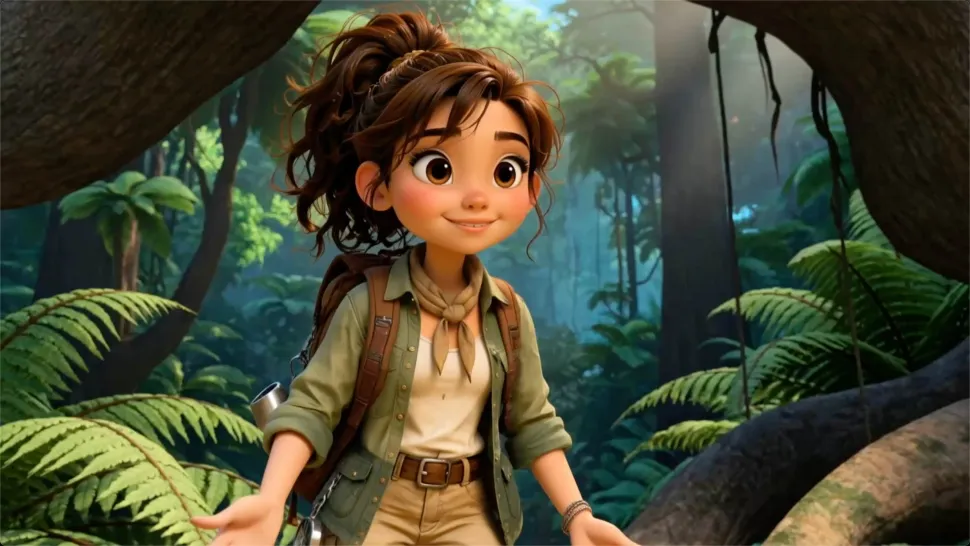
Start with a text prompt to shape an original character, from facial features and hairstyle to clothing, expression, pose, and visual style. If you already have a specific look in mind, add reference images to guide the result more closely. Kling IMAGE 3.0 Omni supports creative directions ranging from realistic and cinematic characters to anime-inspired, fantasy, and CG-style designs.

Turn One Character into a Visual Series

Turn One Character into a Visual Series

Once you have a character you like, use Kling IMAGE 3.0 Omni Series Mode to build a connected set of images around it. Explore new expressions, viewpoints, scenes, and story moments while keeping the character and overall visual direction consistent across the series. It's well suited for storyboards, comics, campaign concepts, social content, and ongoing character development.

Build a Reusable Character Element

Build a Reusable Character Element

Create a reusable Character Element from a reference image, multiple views, or a supported character video. You can start with one main image and let Kling AI generate additional views, add your own reference angles for more visual information, or use a video to capture richer character details. Once saved, the Element can be called up again in supported image and video workflows without redefining the character from scratch.

Apps

Image to Video
Image to Video

Image to Video

Text to Video
Text to Video

Text to Video

Omni
Omni

Omni

Digital Human
Digital Human

Digital Human

Restyle
Restyle

Restyle

Text to Image
Text to Image

Text to Image

60M+
60M+
Users
600M+
600M+
AI Videos Generated
4.7 ★
4.7 ★
App Store
Industry-Leading
Industry-Leading
Cinematic 4K

Reviews

Vincent Smadja

Vincent Smadja

★★★★★

Kling AI seamlessly integrates into my creative workflow, playing a key role in transforming my images. After generating and upscaling an image, Kling becomes a crucial element, bringing my creations to life with movement and depth.

Jyo John Mulloor

Jyo John Mulloor

★★★★★

Kling AI has been instrumental in transforming my creative workflow, unlocking new dimensions of artistic expression that were once unimaginable. I use Kling AI extensively to develop high-concept visuals, animate surreal dreamscapes, and create AI-assisted films that blur the line between reality and fantasy. Kling AI’s deep learning capabilities have not only enhanced my creative efficiency but also inspired me to explore storytelling in ways I never thought possible.

KakuDrop

KakuDrop

★★★★★

I have successfully collaborated with world-renowned artists and well-known companies that are recognized globally

FAQ

Q1What is the difference between Lip Sync and Native Audio?
Q2Which languages does Kling AI support?
Q3What kinds of characters can I lip sync?

Make Something Worth Keeping

Start with a sentence, a sketch, or a visual reference. Shape the idea until the style, composition, and details feel like yours.

Free tier available | Text to Art | Reference Images | Style Transfer