Creative Studio
API
Resources
Features
About Us
Download

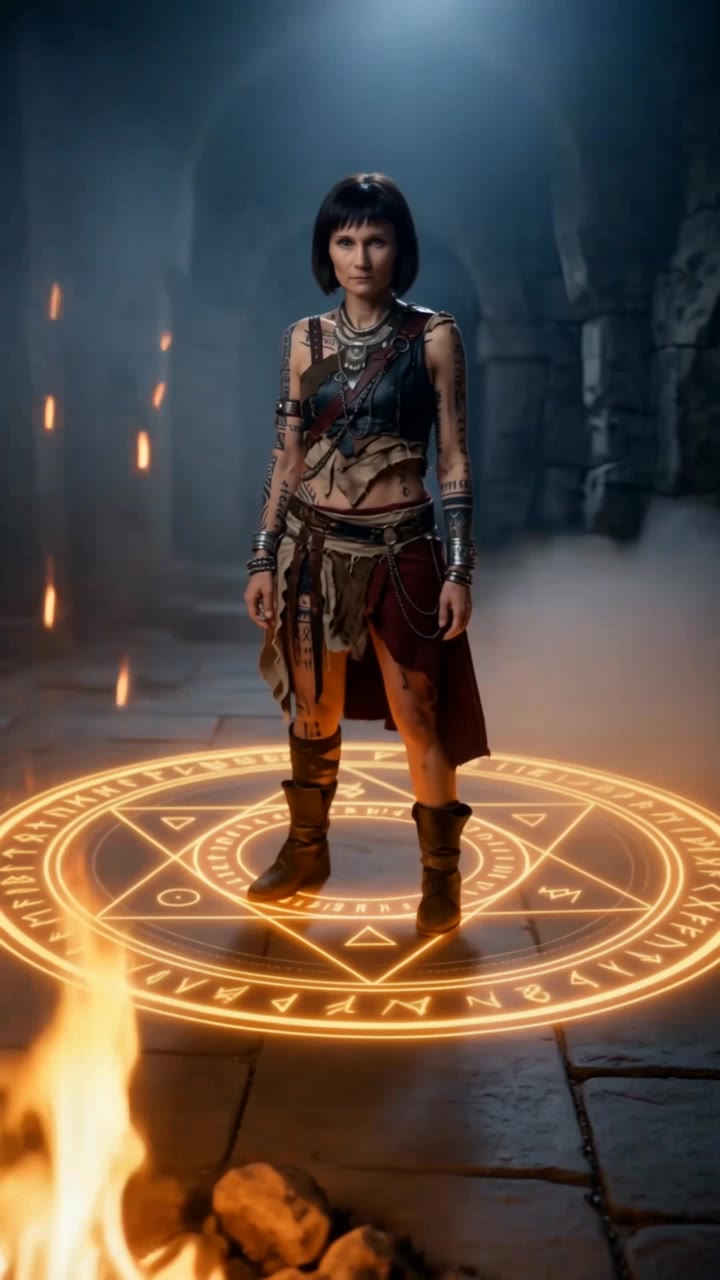
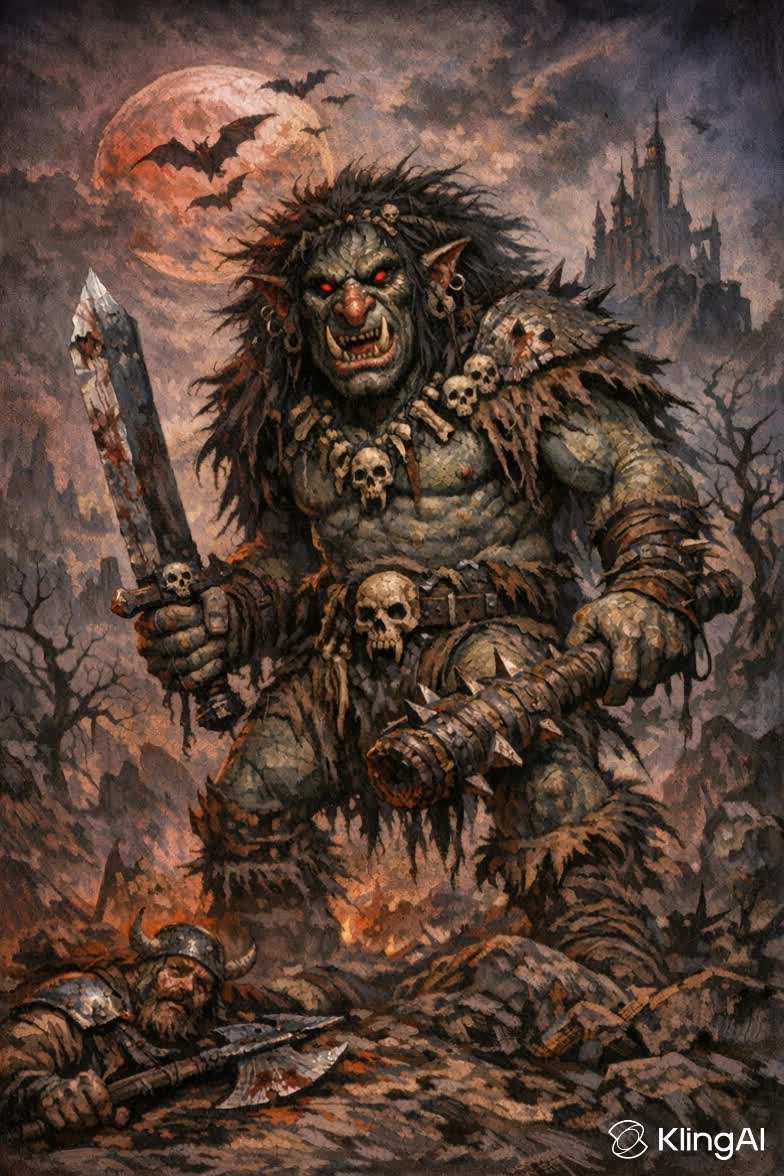
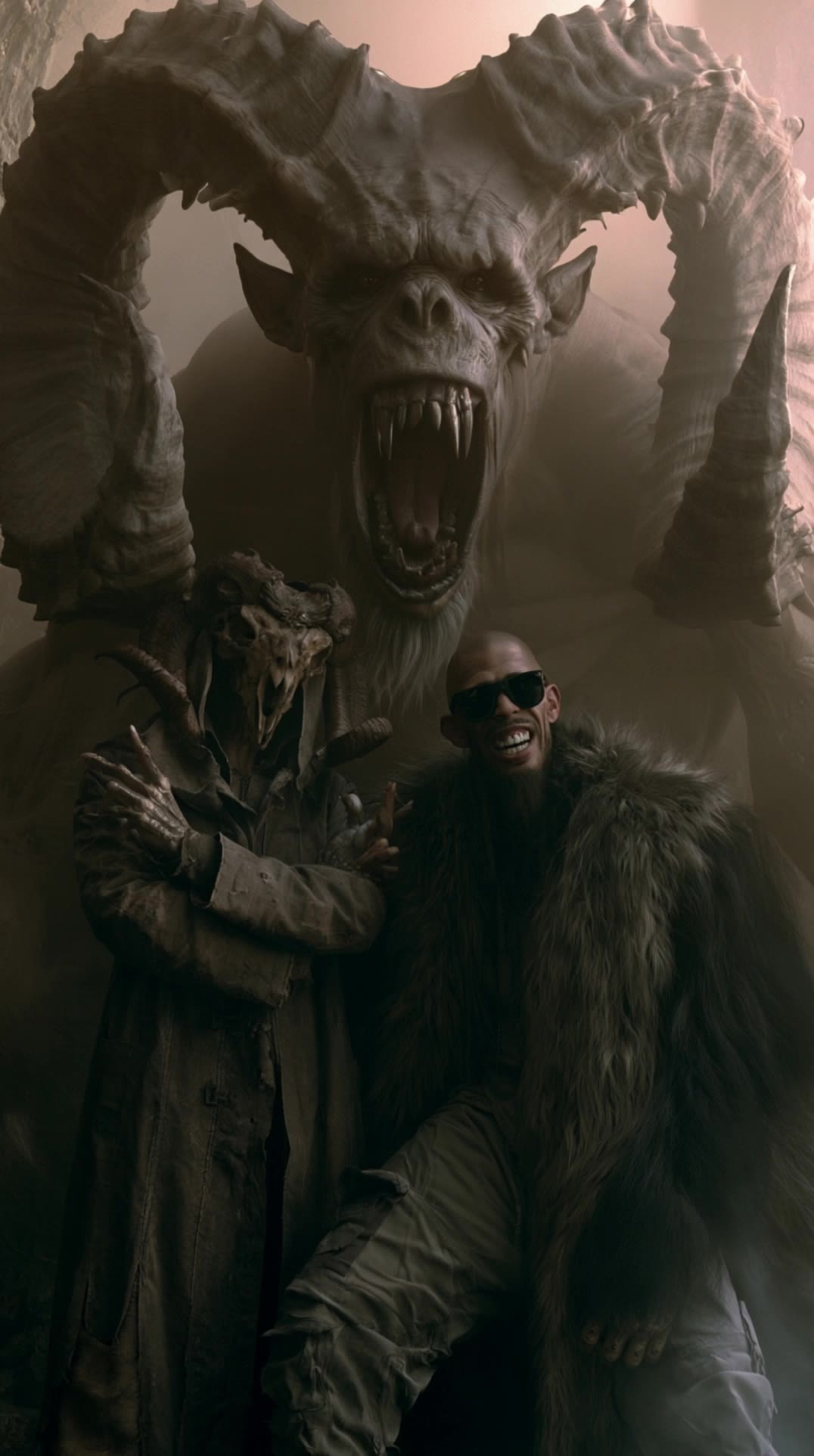
AI-generated dark fantasy style ideas – Explore mystical concepts

Discover AI-generated dark fantasy style ideas. Quickly explore mystical concepts and adapt them with AI assistance.

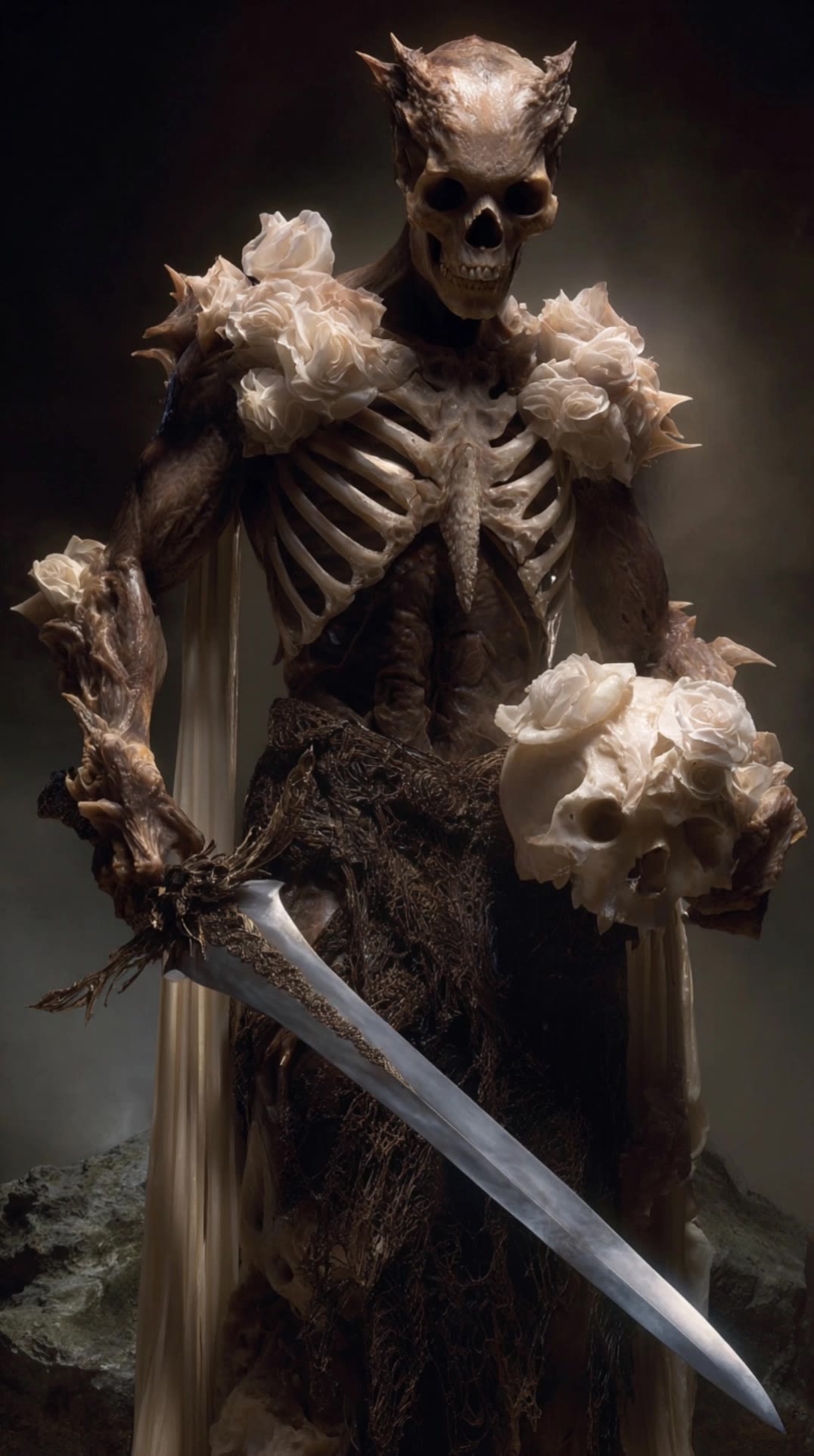
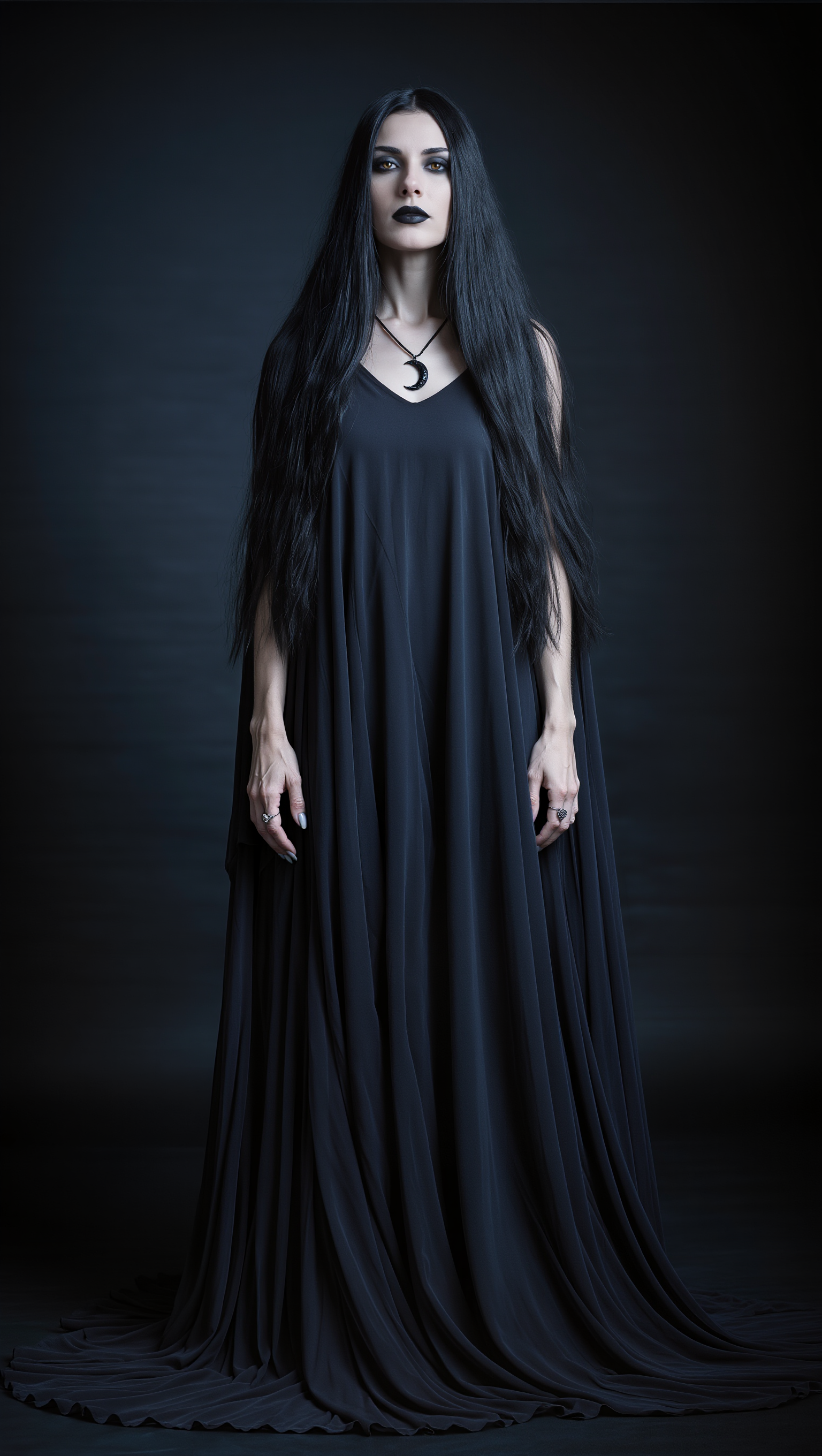
AI-generated dark fantasy style ideas – Explore mystical concepts

Recommended

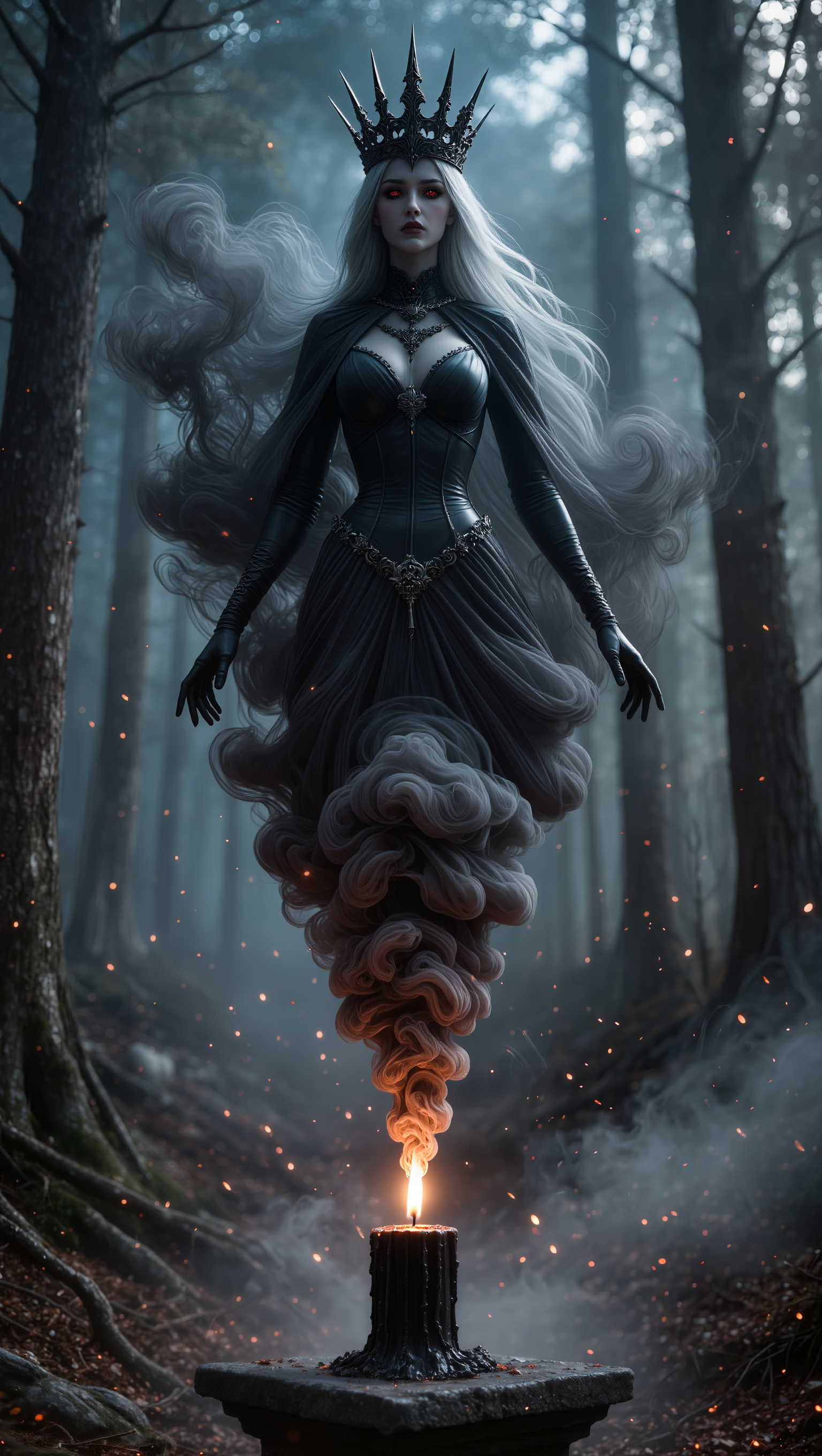
Kling AI work 297749237615192 - dark fantasy style AI image
Arcana Whisper❤️‍🔥 avatar
Arcana Whisper❤️‍🔥
dark fantasy - dark fantasy style AI video
Maks_AI_Creator avatar
Maks_AI_Creator
Elite Creator
Dark Fantasy Cathedral  - dark fantasy style AI video
dreampixie avatar
dreampixie
Elite Creator
Ai Dark Fantasy Art - dark fantasy style AI video
hImguxmk avatar
hImguxmk
Darkness - dark fantasy style AI video
Manuetta Moon avatar
Manuetta Moon
Dark - dark fantasy style AI image
tdgiLQds avatar
tdgiLQds
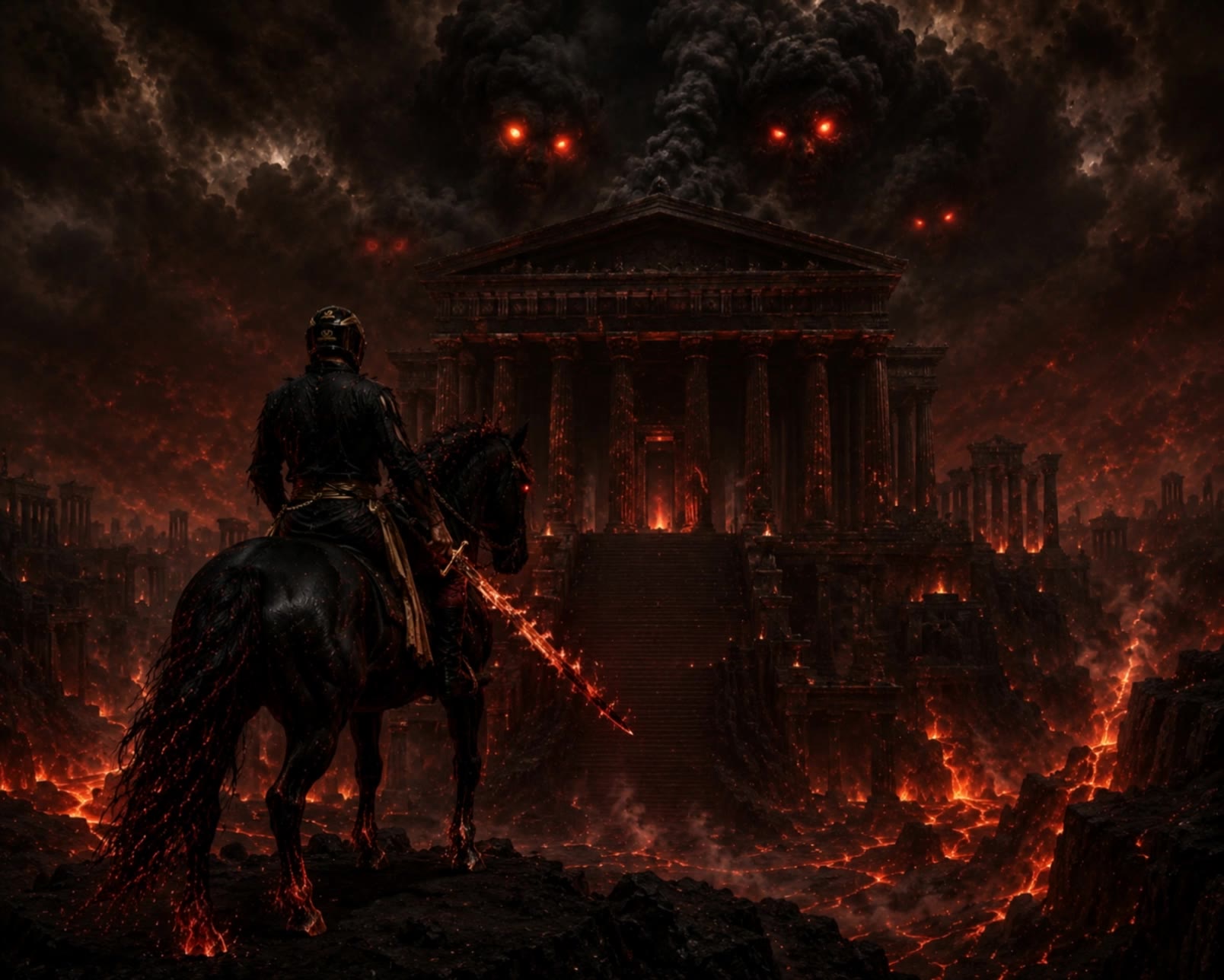
DARK HORSE IN HELL - dark fantasy style AI video
DJ ROBINX avatar
DJ ROBINX
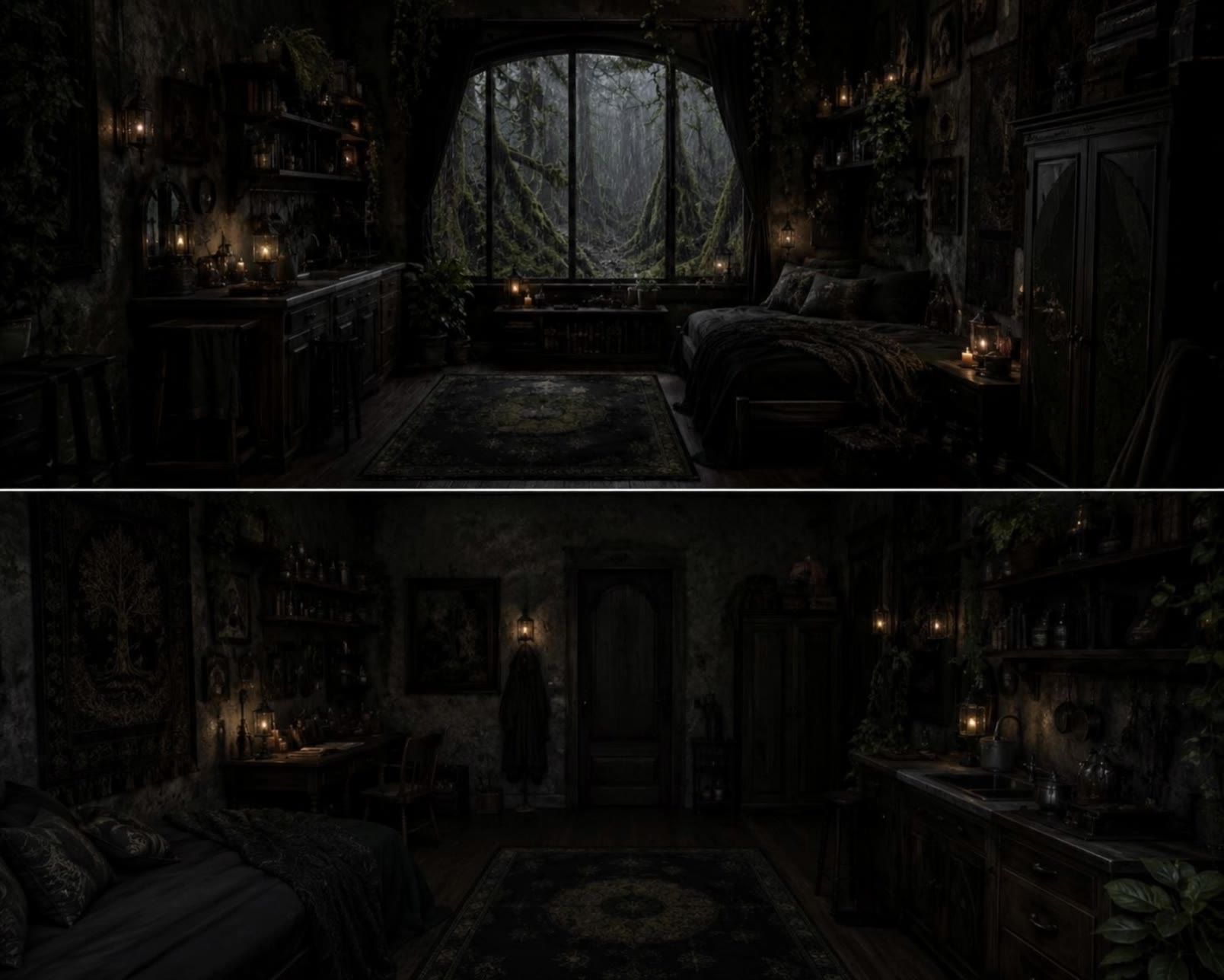
dark fantasy apartment - dark fantasy style AI video
GOOVkKag avatar
GOOVkKag
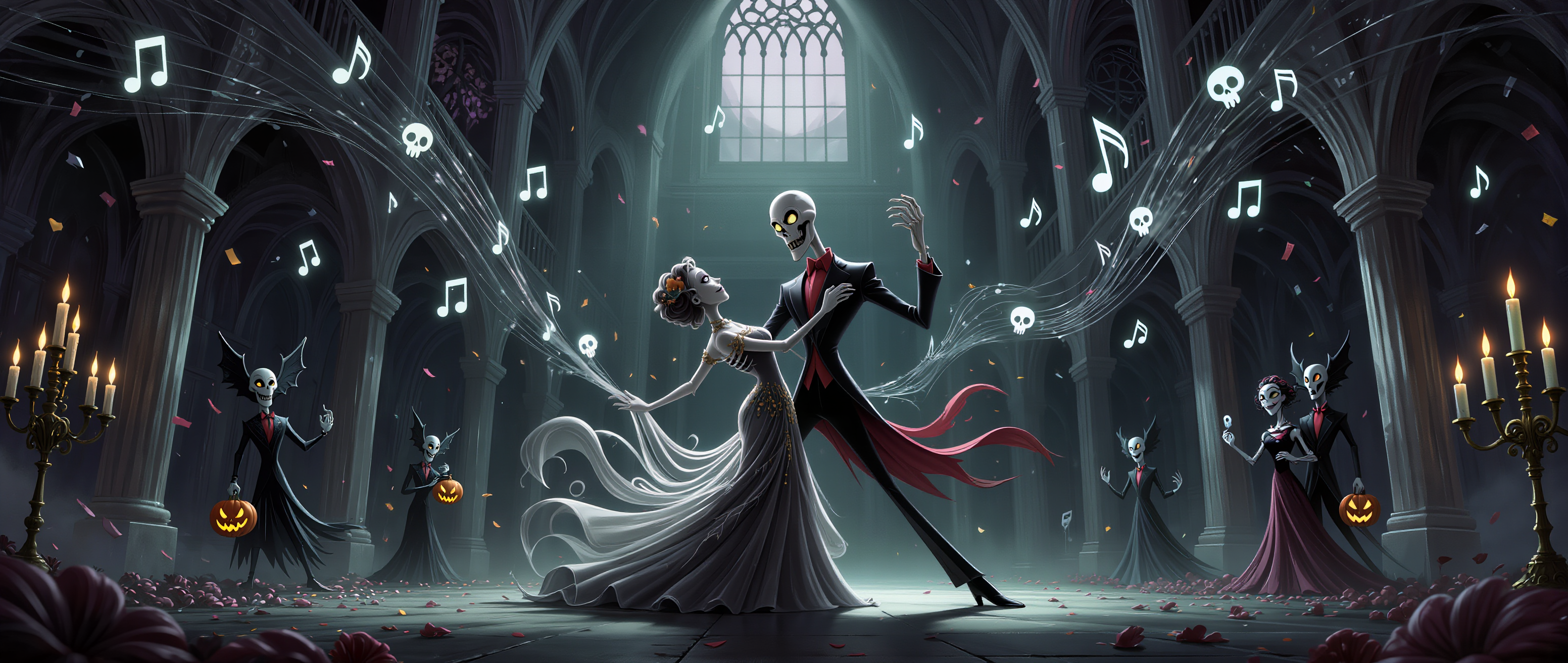
Dark Masquerade - dark fantasy style AI image
Vc929 avatar
Vc929
dark knight - dark fantasy style AI image
Eman Daman avatar
Eman Daman
Dark fantasy wizard  - dark fantasy style AI video
JAbjxpwS avatar
JAbjxpwS
Kling AI work 315920998660368 - dark fantasy style AI video
ZRSfizdq avatar
ZRSfizdq
dark knight - dark fantasy style AI image
Eman Daman avatar
Eman Daman
dark knight - dark fantasy style AI image
Eman Daman avatar
Eman Daman
Dark Aura - dark fantasy style AI video
ZdeEwySr avatar
ZdeEwySr
Dark Fantasy - dark fantasy style AI video
ndsplUxN avatar
ndsplUxN
dark fantasy - dark fantasy style AI video
Annabel avatar
Annabel
Dark Fantasy Troll - dark fantasy style AI video
00:05
TheBeardedSailor avatar
TheBeardedSailor
dark fantasy - dark fantasy style AI video
Maks_AI_Creator avatar
Maks_AI_Creator
Elite Creator

How to Remove Background from Video

Upload Your Video

Upload Your Video

Start with the footage you already have in VIDEO 3.0 Omni. Your clip does not need to be recorded against a green screen before you change the background.

Delete or Replace Video Background

Delete or Replace Video Background

Tell Kling which subject should stay and which background you want removed. If a new setting is your real goal, skip the separate removal step: describe the background you want or add a reference image for Kling to follow.

Generate and Review

Generate and Review

Generate the edit and check the subject and background throughout the clip. If something needs adjusting, refine the instruction and try another version, then save the result or continue editing in Kling AI.

Natural Face Swaps Without the Editing Hassle

Image Face Swap Without the Busywork

Image Face Swap Without the Busywork

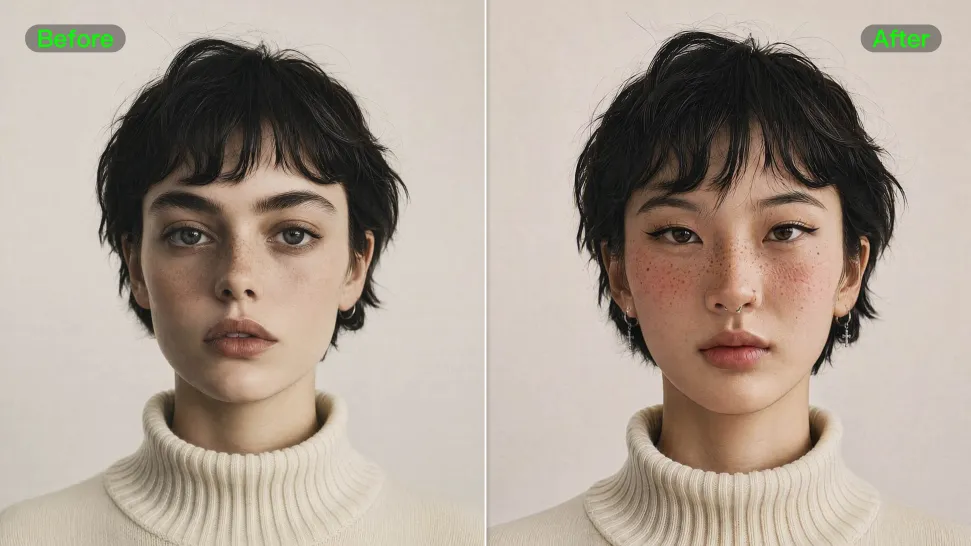
From portrait-style shots to playful creative images, Kling IMAGE 3.0 helps you create more natural and consistent face swaps. Add the photo you want to edit, provide a face reference, and tell Kling AI what you want to change. The edit can stay close to the original photo, helping the new face feel like part of the image rather than something added on top.
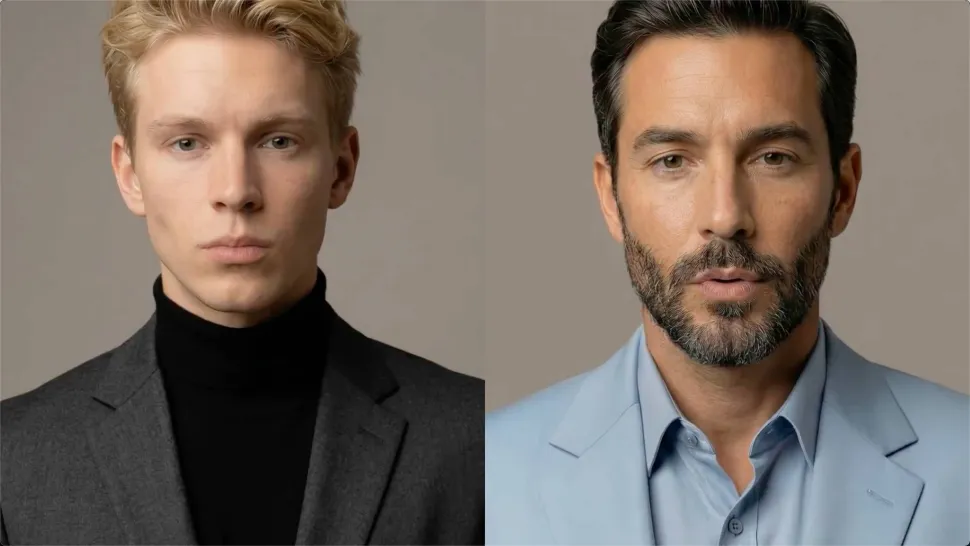
Keep the Same Face Across Angles and Shots

Keep the Same Face Across Angles and Shots

A single reference does not always show everything. Add multiple views or use a character element to give Kling AI more information about the person you want to preserve. Kling VIDEO 3.0 Omni uses those references to help maintain key identity features as the subject changes pose, the camera moves, or the scene shifts—especially useful for moving footage and multi-shot videos where consistency matters.
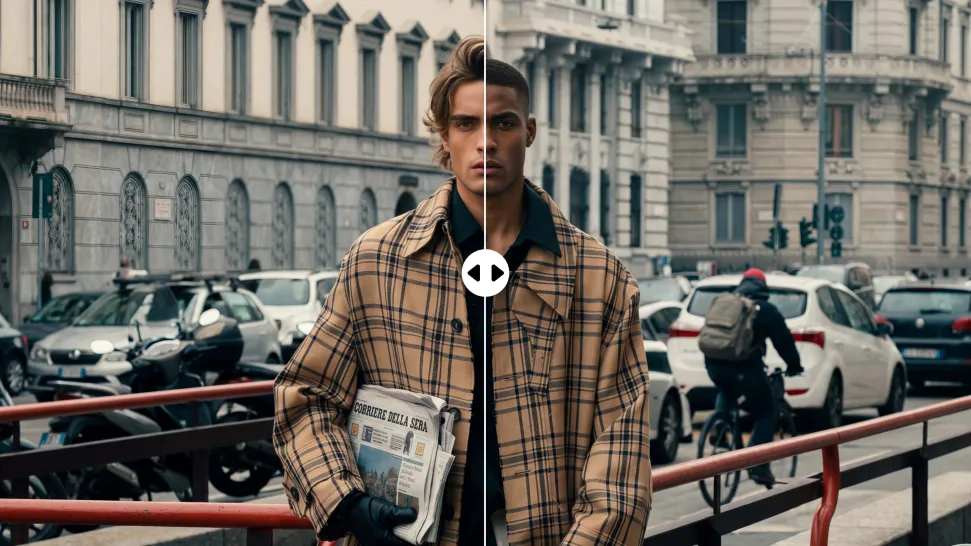
Change the Face, Keep the Scene

Change the Face, Keep the Scene

Swap the face, not the whole scene. Kling AI keeps the original lighting, mood, and overall look in place, helping the new face blend naturally into the shot while the setting and visual feel stay true to the original.

Apps

Image to Video
Image to Video

Image to Video

Text to Video
Text to Video

Text to Video

Omni
Omni

Omni

Digital Human
Digital Human

Digital Human

Restyle
Restyle

Restyle

Text to Image
Text to Image

Text to Image

60M+
60M+
Users
600M+
600M+
AI Videos Generated
4.7 ★
4.7 ★
App Store
Industry-Leading
Industry-Leading
Cinematic 4K

Reviews

Déborah

Déborah

★★★★★

I use Kling AI every day. It's amazing to see the almost daily progress it makes. I used AI for fun at first, and I now find that Kling AI's animations allow me to gain professional visibility, with three times more views on my animated posts than on my static posts.

PJ Ace

PJ Ace

★★★★★

Kling AI has made it easy for us to generate world class visuals for Fortune 500 companies, TV shows and music for big artists. We love the easy of use of the platform and the quality of the generations. My first time using Kling AI, I got 22 million views on just one video. It's that good.

Maria Rubtsova

Maria Rubtsova

★★★★★

I’m Maria Rubtsova, an AIGC digital artist passionate about creating stunning visuals in the worlds of fashion, aesthetics, and fantasy. I use KlingAi to bring imagination to life through video. My work is all about exploring beauty, emotion, and the limitless possibilities of digital art.

FAQ

Q1Do I need a finished script to create an AI video?
Q2Does script-to-video AI automatically split a script into shots?
Q3How long can a script-to-video AI video be?

Give Your Next Video a Cinematic 4K Finish

Start with the footage you already have. Improve visual quality, refine lighting and color with prompts, and choose 4K output when you need a higher-resolution result.