Creative Studio
API
Resources
Features
About Us
Download

deep x swap - identity crisis & deep blue sea

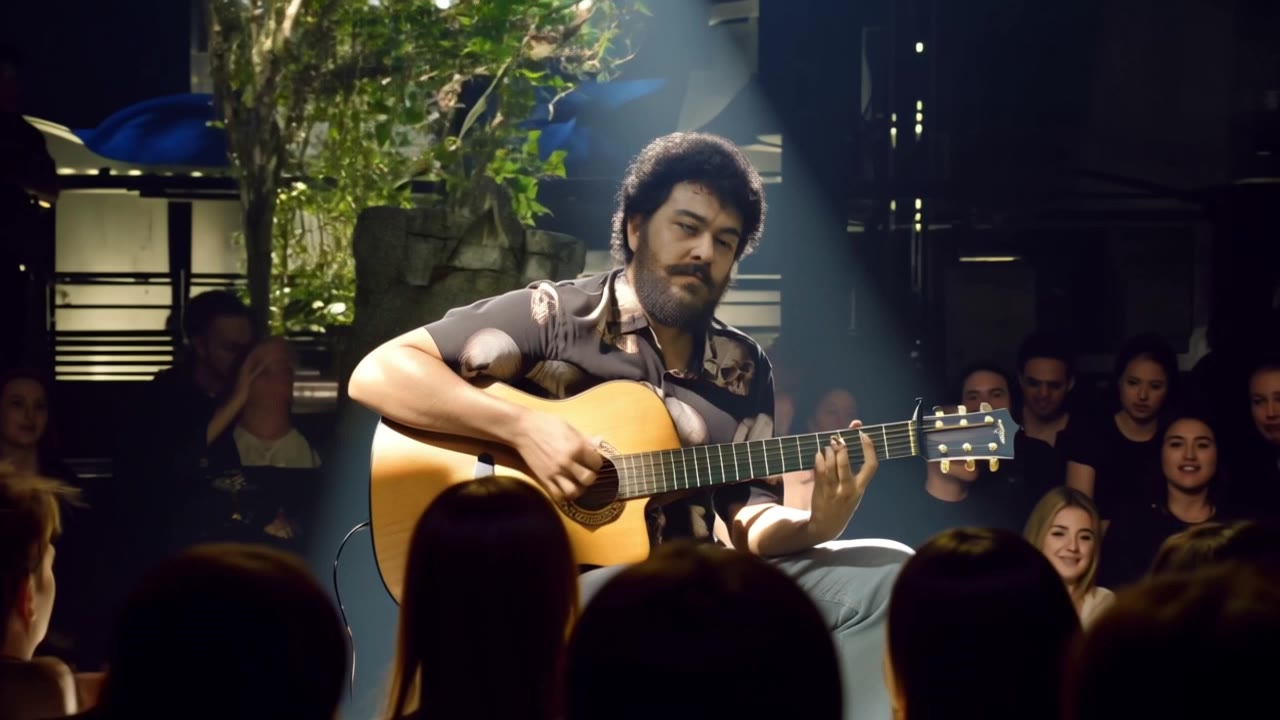
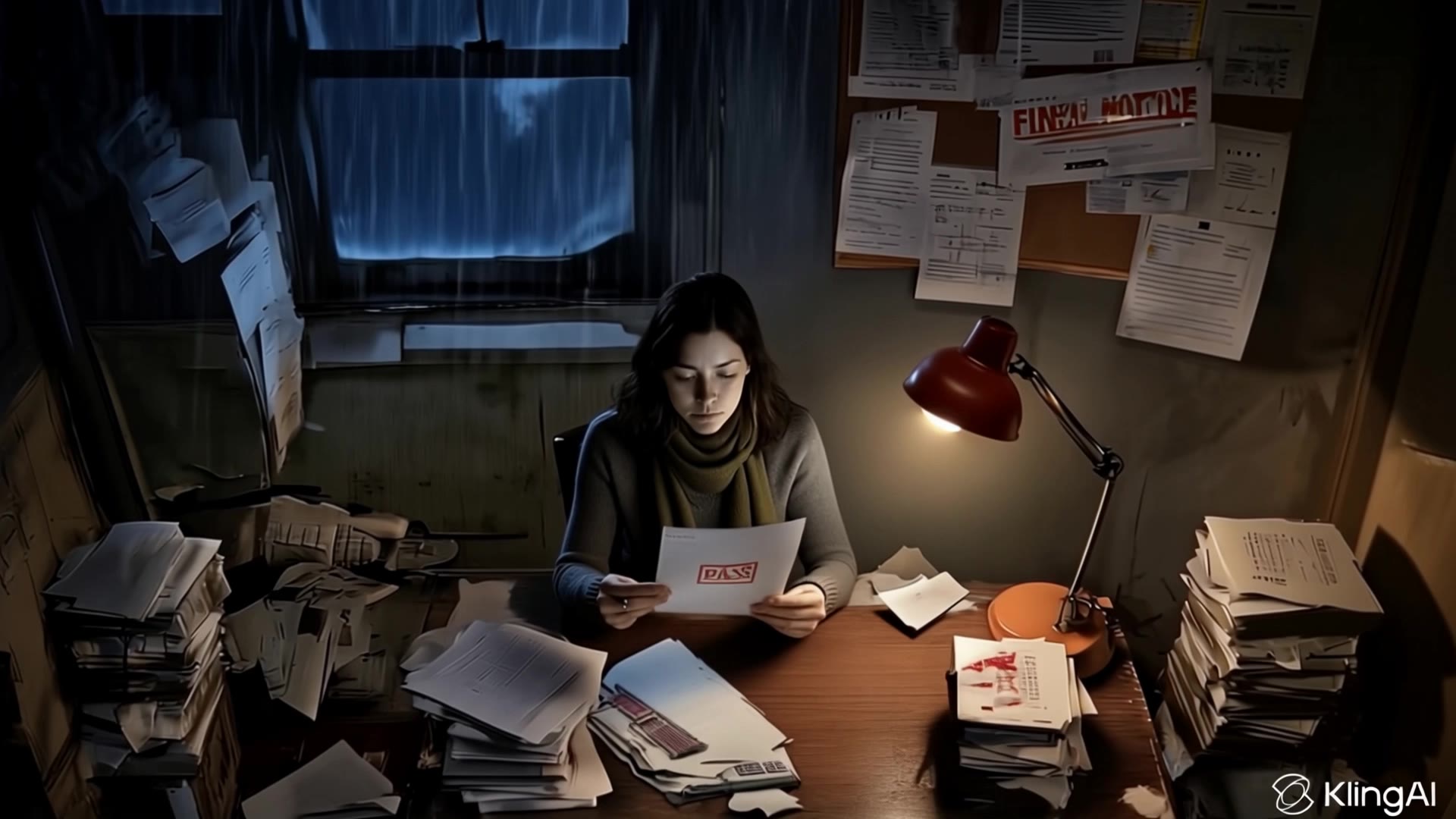
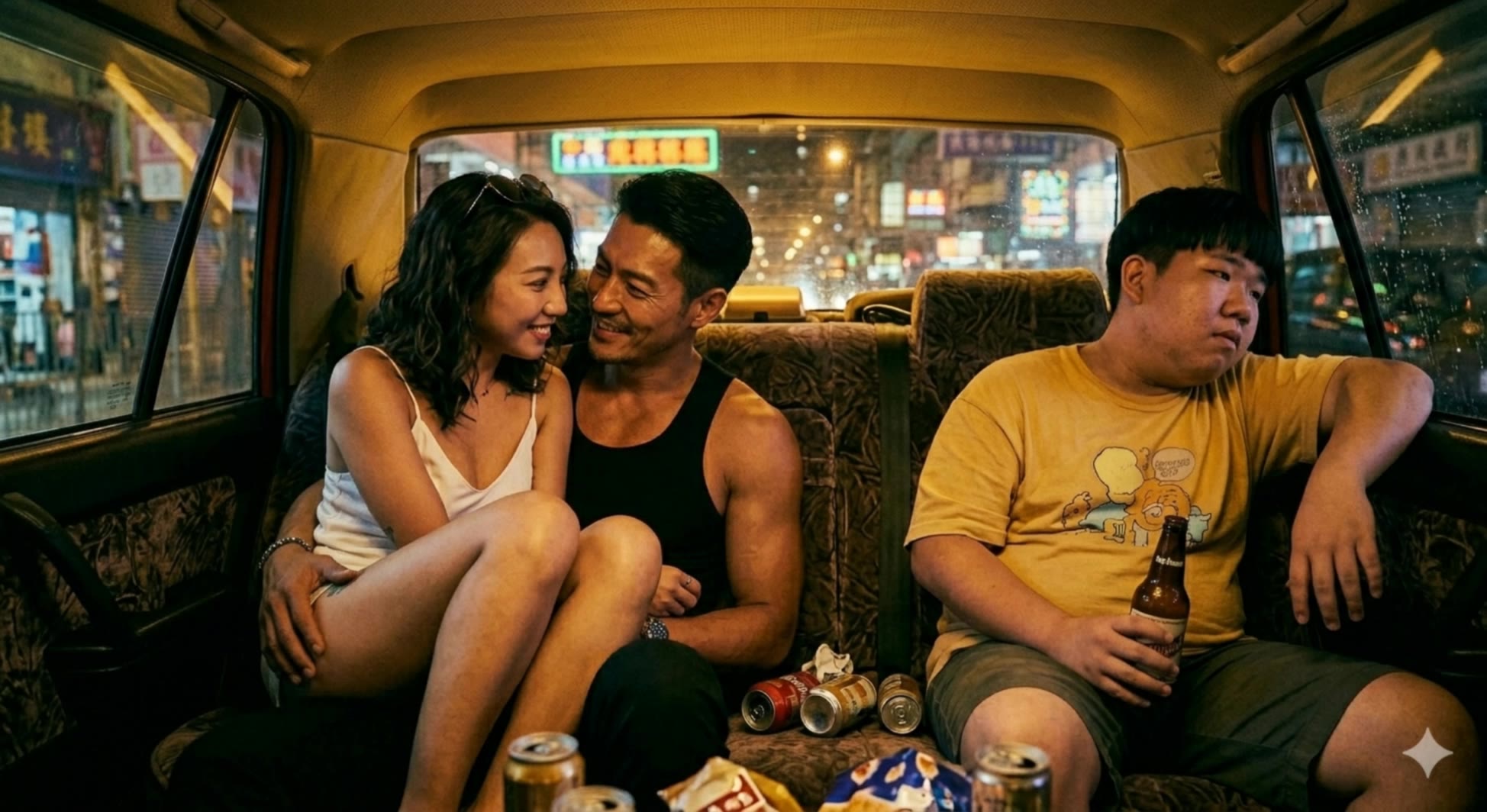
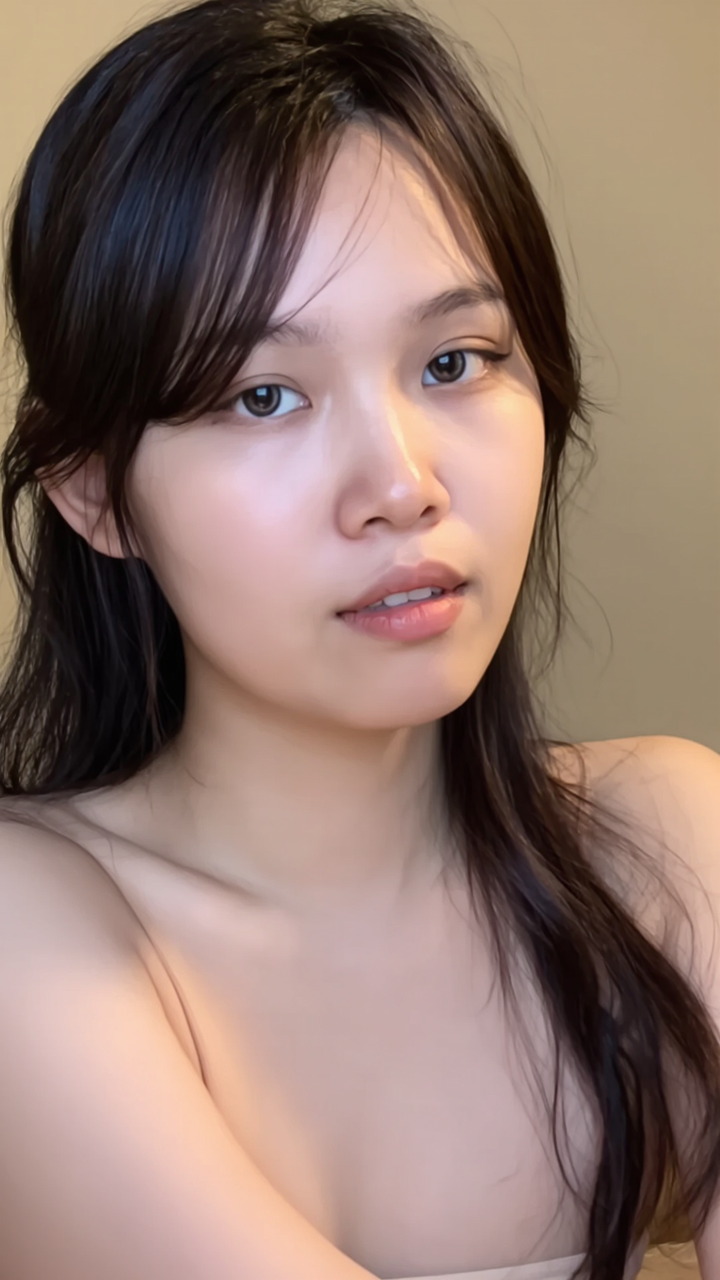
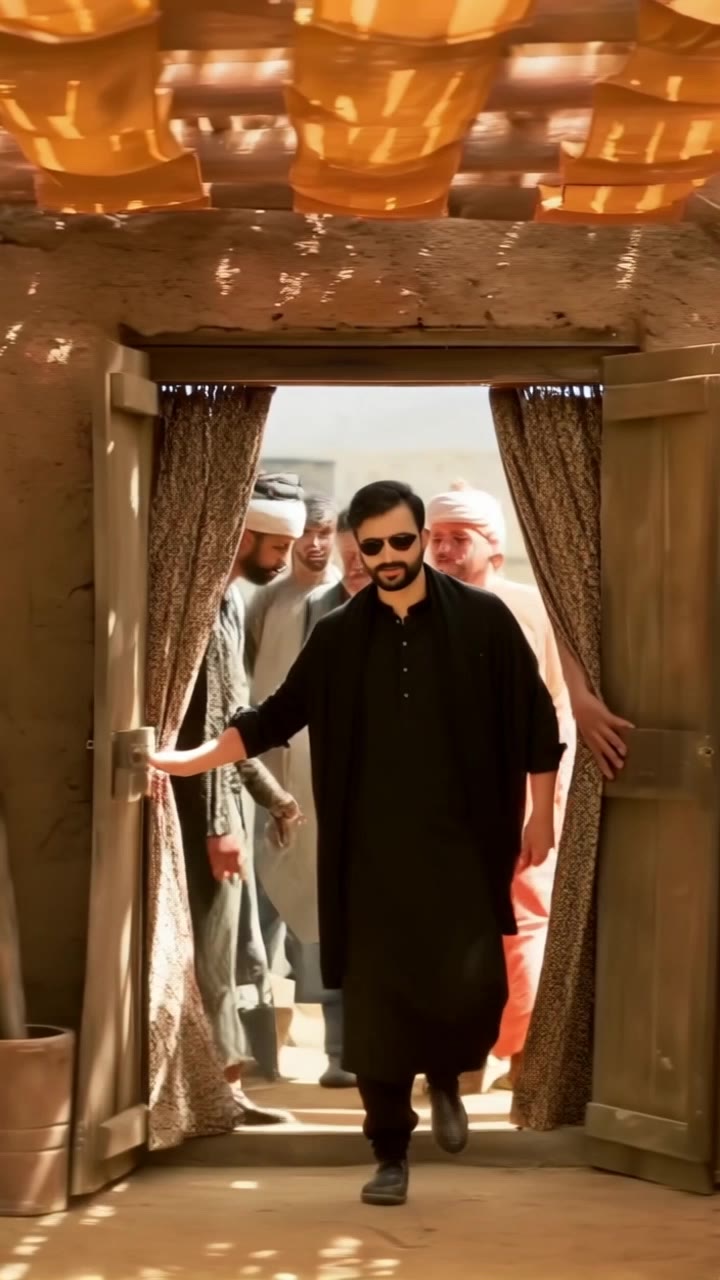
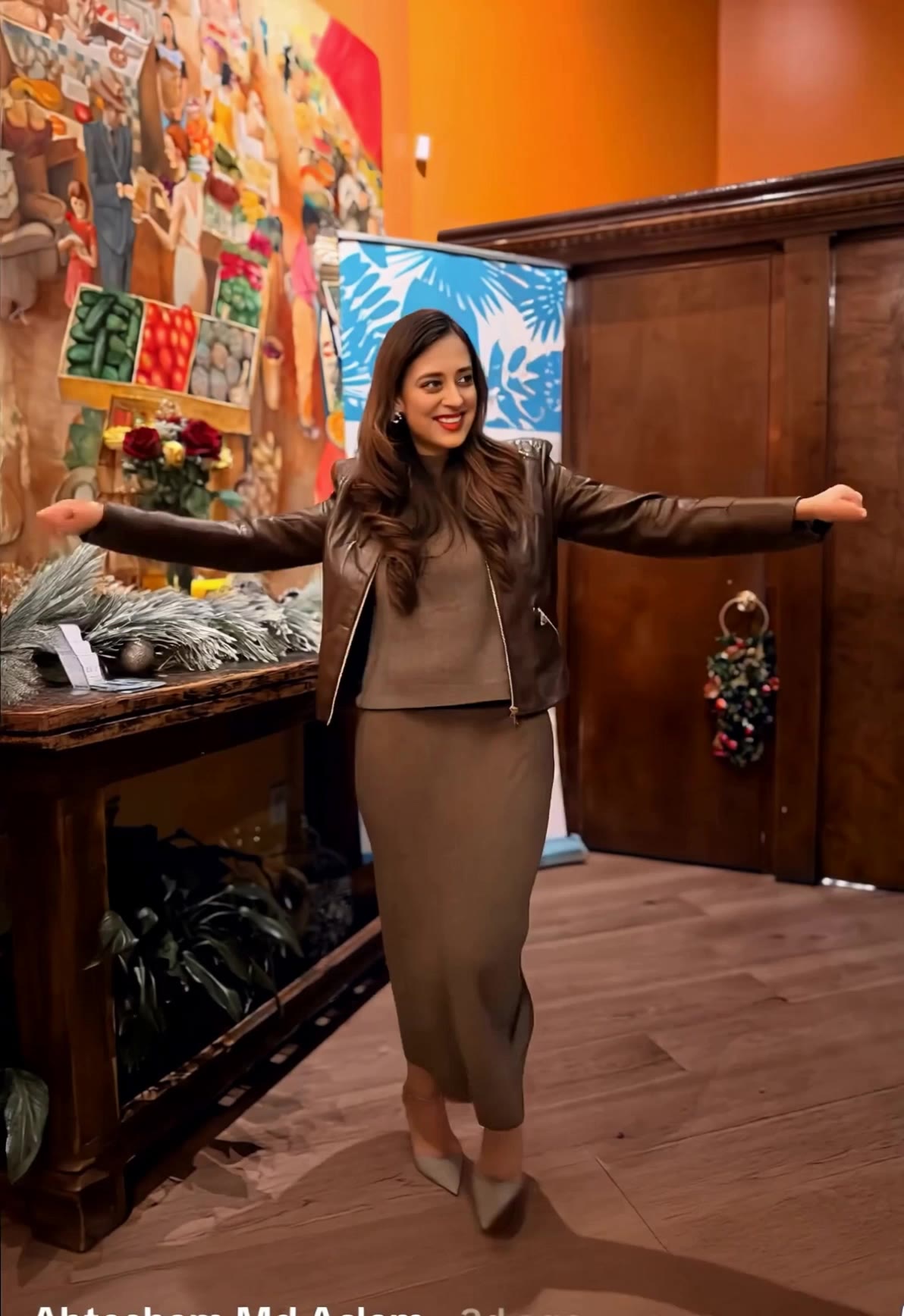
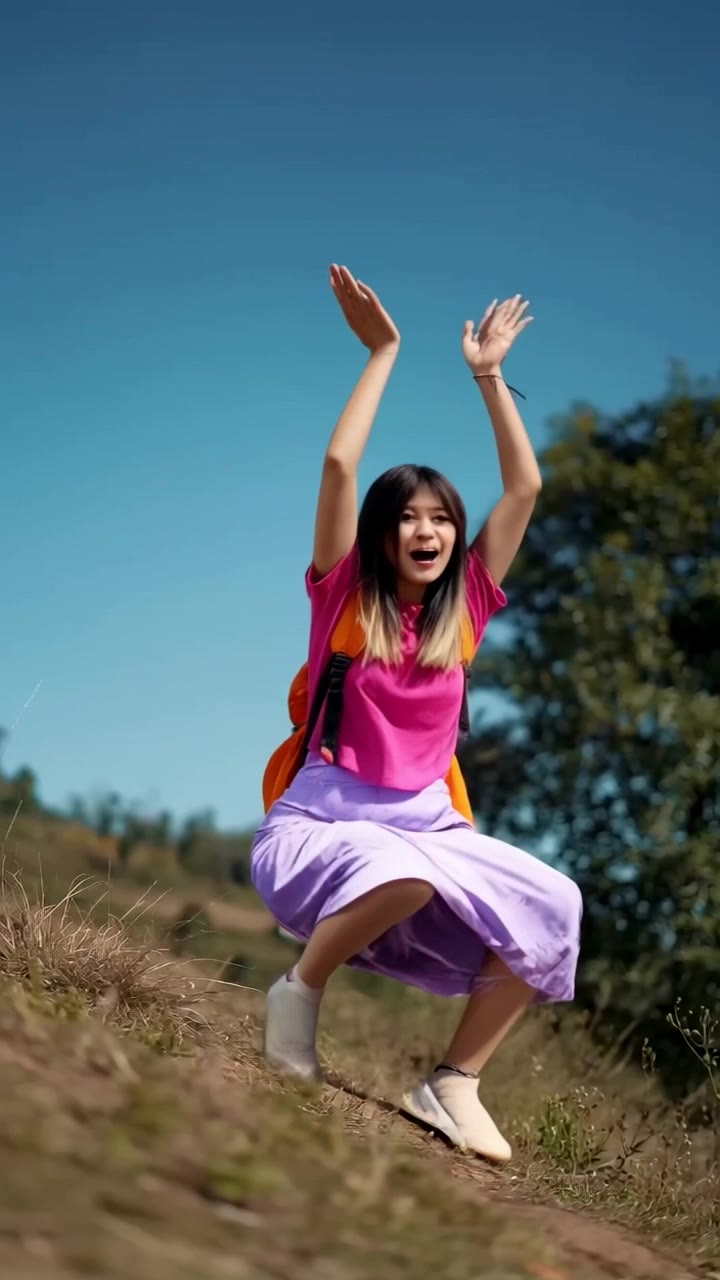
Immerse in the surreal world of endless identity transformations and explore the mesmerizing depths of AI-driven face swaps. Start exploring deep x swap ideas and generate your own content with AI.


deep x swap - identity crisis & deep blue sea

Recommended

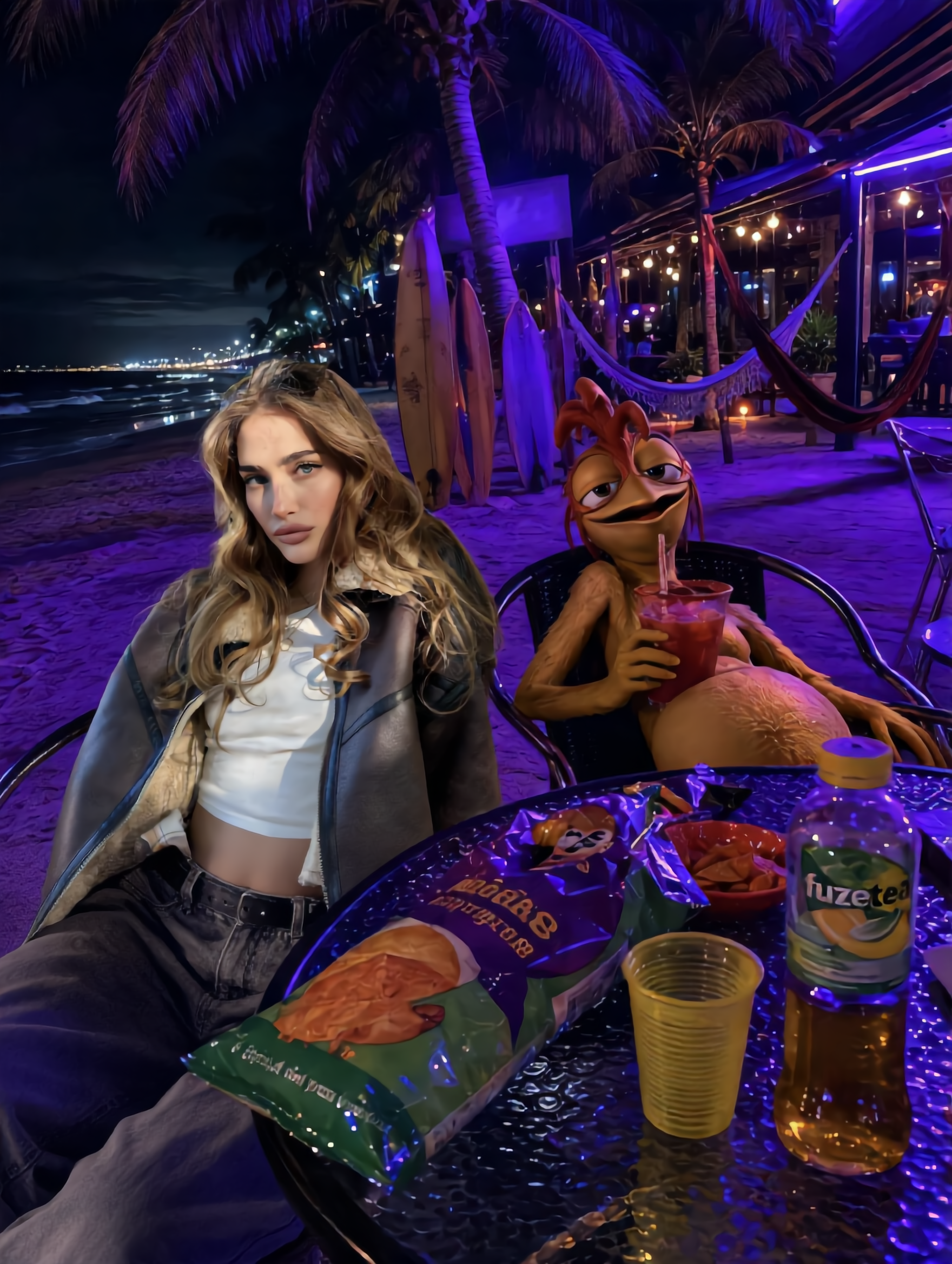
Kling AI work 312105694612224 - deep x swap AI image
Future avatar
Future
Kling AI work 299084304654096 - deep x swap AI video
oQHLWruK avatar
oQHLWruK
Kling AI work 291762766661772 - deep x swap AI video
CZscPjGx avatar
CZscPjGx
tired ah passla - deep x swap AI video
lorsSnHH avatar
lorsSnHH
Kling AI work 309397035502983 - deep x swap AI video
smNkawAv avatar
smNkawAv
Kling AI work 314939795661289 - deep x swap AI image
nlEWboUk avatar
nlEWboUk
Kling AI work 297544548618411 - deep x swap AI video
DYjsllIE avatar
DYjsllIE
face swap  - deep x swap AI video
hivetechmedia avatar
hivetechmedia
Kling AI work 297692536618463 - deep x swap AI video
XFEzBzvd avatar
XFEzBzvd
Kling AI work 296283181527466 - deep x swap AI video
HYSutIeq avatar
HYSutIeq
Kling AI work 298621759526331 - deep x swap AI video
jMQHtlaB avatar
jMQHtlaB
Kling AI work 314466234661245 - deep x swap AI image
MZHjzigu avatar
MZHjzigu
Kling AI work 297638918500908 - deep x swap AI video
vjBGTAPq avatar
vjBGTAPq
Car Swap - deep x swap AI video
FireStorm avatar
FireStorm
Kling AI work 297636101522560 - deep x swap AI video
yRbkdSKi avatar
yRbkdSKi
Kling AI work 299587785616939 - deep x swap AI video
hBeNbOZM avatar
hBeNbOZM
Kling AI work 309412920526564 - deep x swap AI video
smNkawAv avatar
smNkawAv
Kling AI work 298002425610062 - deep x swap AI video
wIazCiSi avatar
wIazCiSi

How to Make an Avatar with Kling

Bring a Photo or an Idea

Bring a Photo or an Idea

Have an original photo to recreate? Upload it and use it as the visual starting point. If you would rather invent someone new, skip the photo and begin with a description.

Make the Look Your Own

Make the Look Your Own

Describe the avater you want to see, including the features, hairstyle, or outfit, or take the whole image into a different art style. The more specific the direction, the easier it is to shape the result around your idea.

Generate Your Avatar

Generate Your Avatar

Choose the available image settings and generate your avatar. Found one that feels close? Use it on other platforms right away.

Edit Any Part with Kling AI

Add, Remove, or Replace Image Content

Add, Remove, or Replace Image Content

Tell Kling what you want to change in text prompts. Replace a person, remove an object, or fine-tune details such as color, material, pose, and expression. Even detailed edits take fewer and easier steps because you can change the photo with AI instead of with traditional photo editing tools. IMAGE 3.0 follows your instruction while keeping the photo’s original style, lighting, and texture in place, so the edited area still belongs in the same shot.

Change the Color, Lighting, or Style

Change the Color, Lighting, or Style

Give an existing photo a different mood effortlessly. Lift a dim scene, soften harsh light, warm or cool the colors, or bring color to a black-and-white photo or line drawing. A short prompt replaces the usual round of manual adjustments. Looking for a bigger shift? Add a style reference or spell out the visual direction. IMAGE 3.0 carries the palette, texture, and atmosphere across the whole image, so the new look feels cohesive rather than pasted on. Use it for studio-style professional headshots, distinctive portrait treatments, cinematic scene design, or a visual style that feels entirely your own.

Rework the Shot or Camera Angle

Rework the Shot or Camera Angle

Tell Kling how you want the shot to look in a text prompt. Turn a front-facing photo into a side view, move the camera higher or lower, or change a wide shot into a close-up. You can explore a new composition around the same subject without setting up another shoot. IMAGE 3.0 rebuilds the scene from the angle you request, adjusting the perspective, camera height, shot size, focal length, and depth of field along with it. The result is a newly generated view based on the source photo, rather than hidden details recovered from outside the original frame.

Apps

Image to Video
Image to Video

Image to Video

Text to Video
Text to Video

Text to Video

Omni
Omni

Omni

Digital Human
Digital Human

Digital Human

Restyle
Restyle

Restyle

Text to Image
Text to Image

Text to Image

60M+
60M+
Users
600M+
600M+
AI Videos Generated
4.7 ★
4.7 ★
App Store
Industry-Leading
Industry-Leading
Cinematic 4K

Reviews

PJ Ace

PJ Ace

★★★★★

Kling AI has made it easy for us to generate world class visuals for Fortune 500 companies, TV shows and music for big artists. We love the easy of use of the platform and the quality of the generations. My first time using Kling AI, I got 22 million views on just one video. It's that good.

Jyo John Mulloor

Jyo John Mulloor

★★★★★

Kling AI has been instrumental in transforming my creative workflow, unlocking new dimensions of artistic expression that were once unimaginable. I use Kling AI extensively to develop high-concept visuals, animate surreal dreamscapes, and create AI-assisted films that blur the line between reality and fantasy. Kling AI’s deep learning capabilities have not only enhanced my creative efficiency but also inspired me to explore storytelling in ways I never thought possible.

KakuDrop

KakuDrop

★★★★★

I have successfully collaborated with world-renowned artists and well-known companies that are recognized globally

FAQ

Q1How do I generate an AI video?
Q2Does Kling support audio and talking characters?
Q3What is the best AI video generator?

Experience Video 3.0 on Kling

Create cinematic, multi-shot videos with native audio and precise control—all in one generation.

Native audio | Multi-shot control | Up to 15s continuous output