Creative Studio
API
Resources
Features
About Us
Download

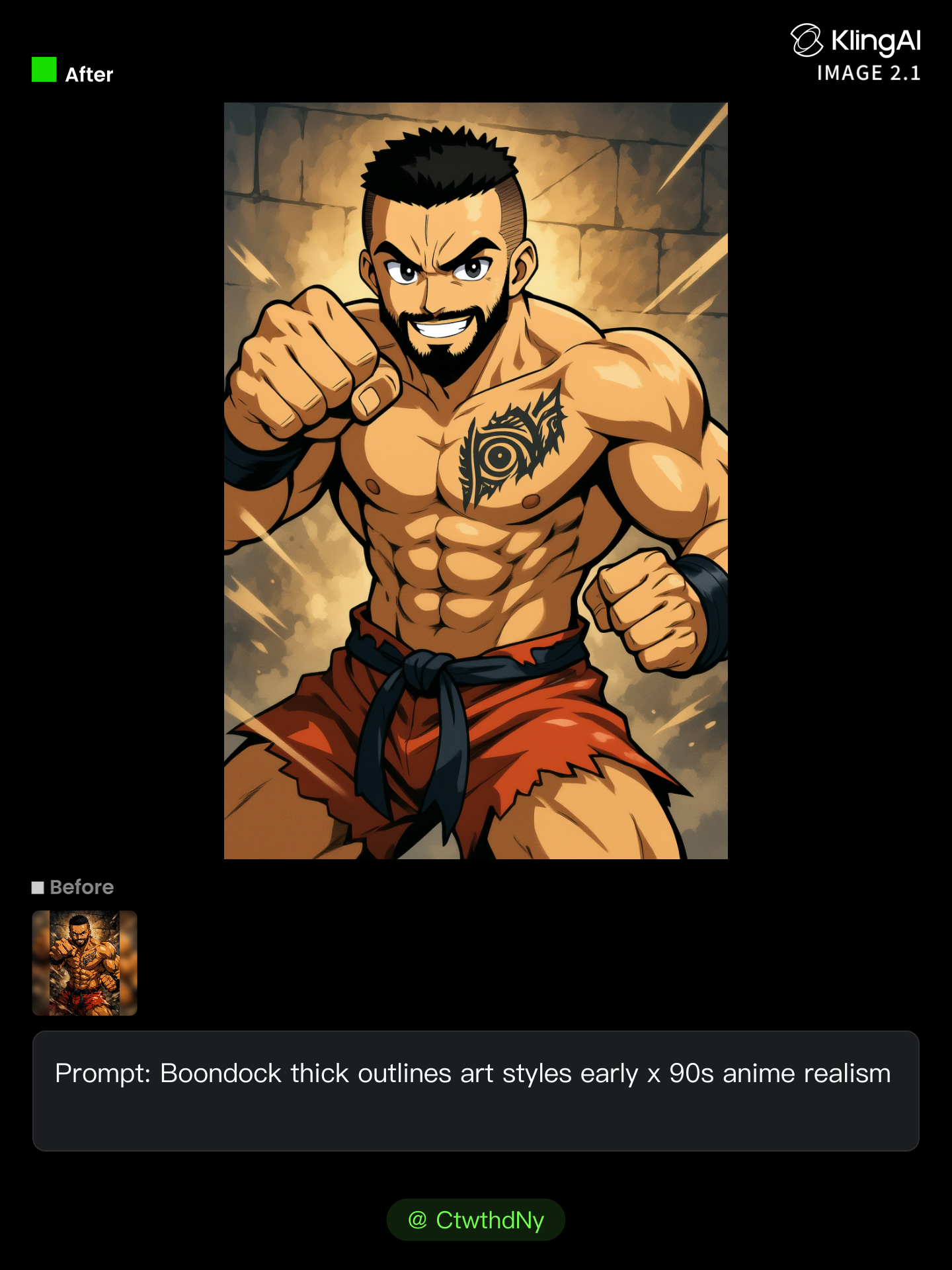
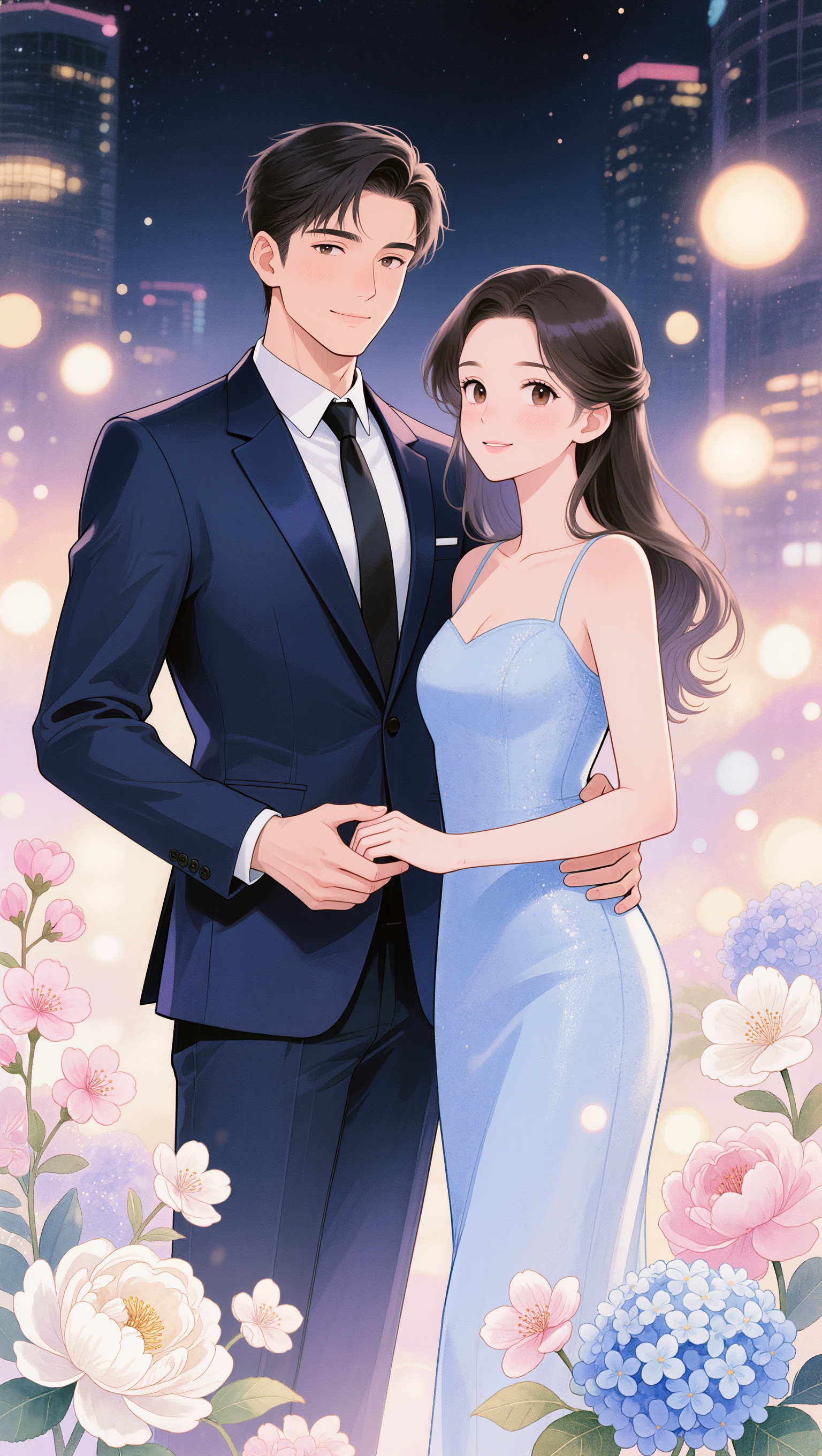
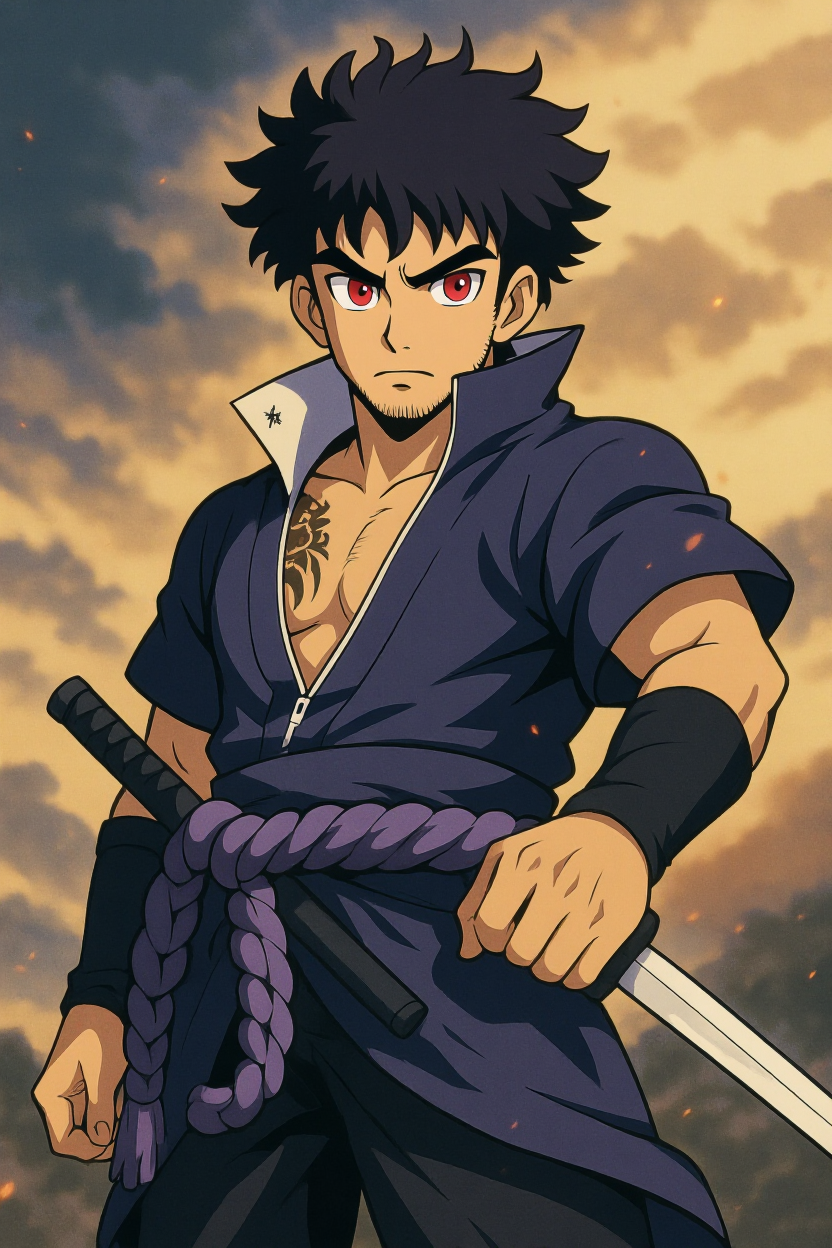
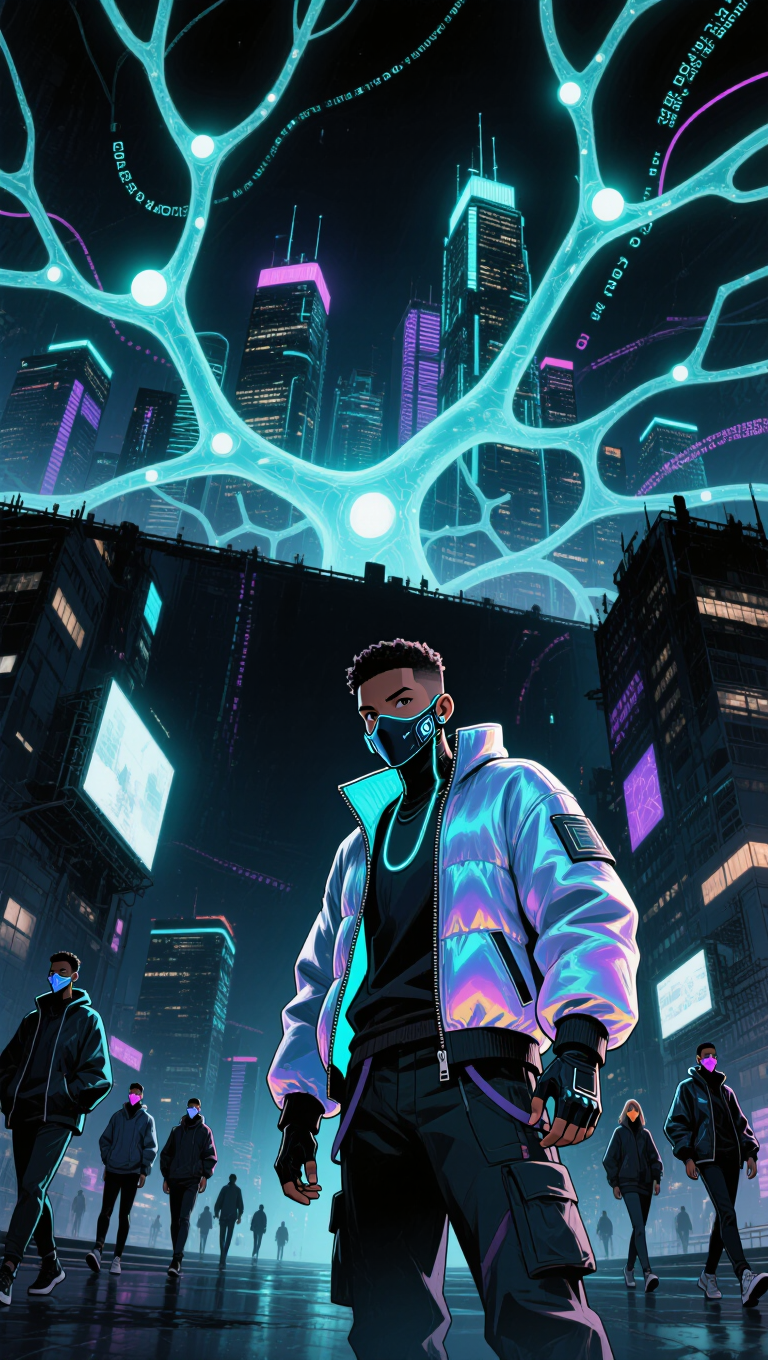
different anime styles - silhouette love & painted aesthetics

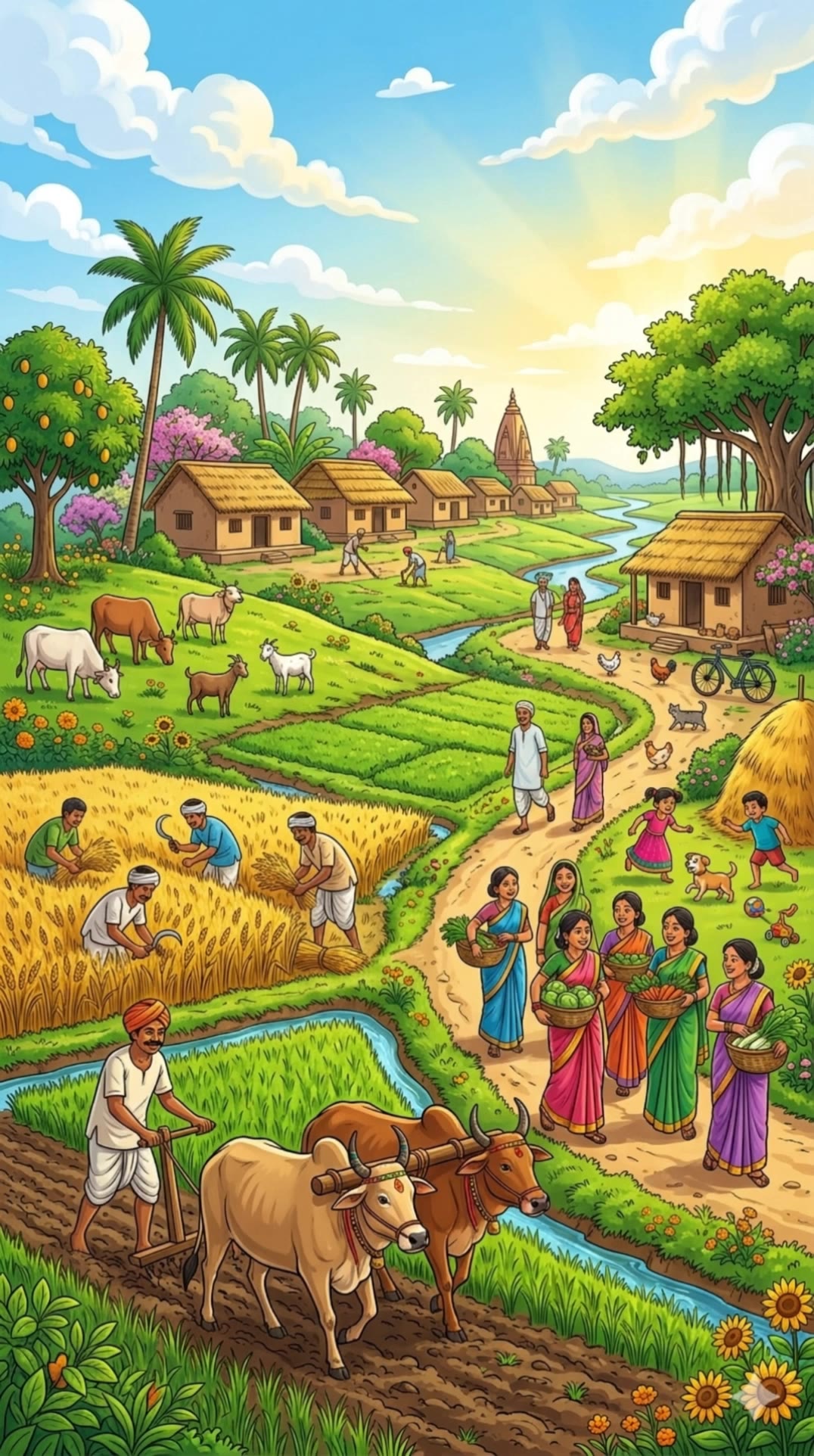
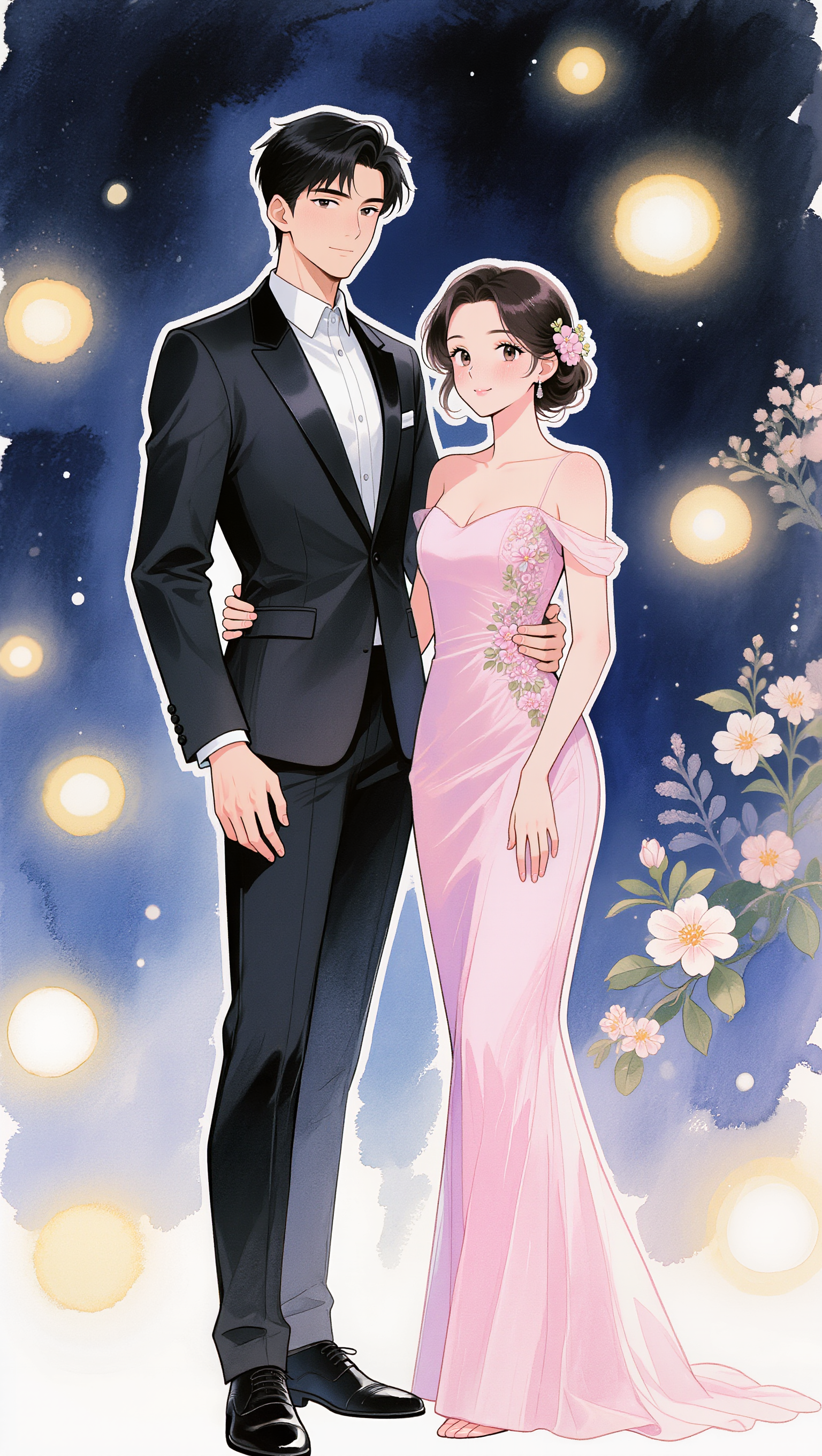
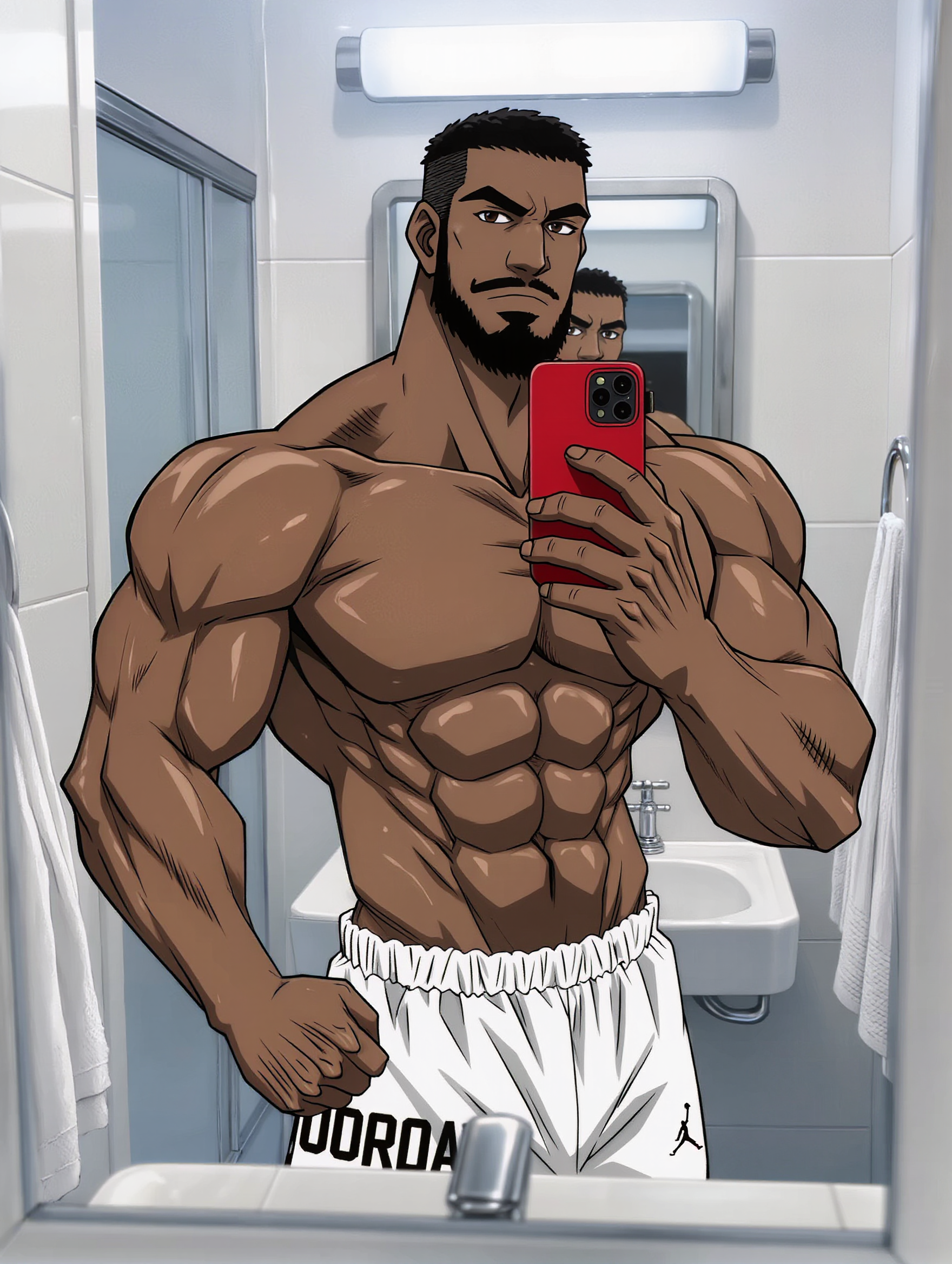
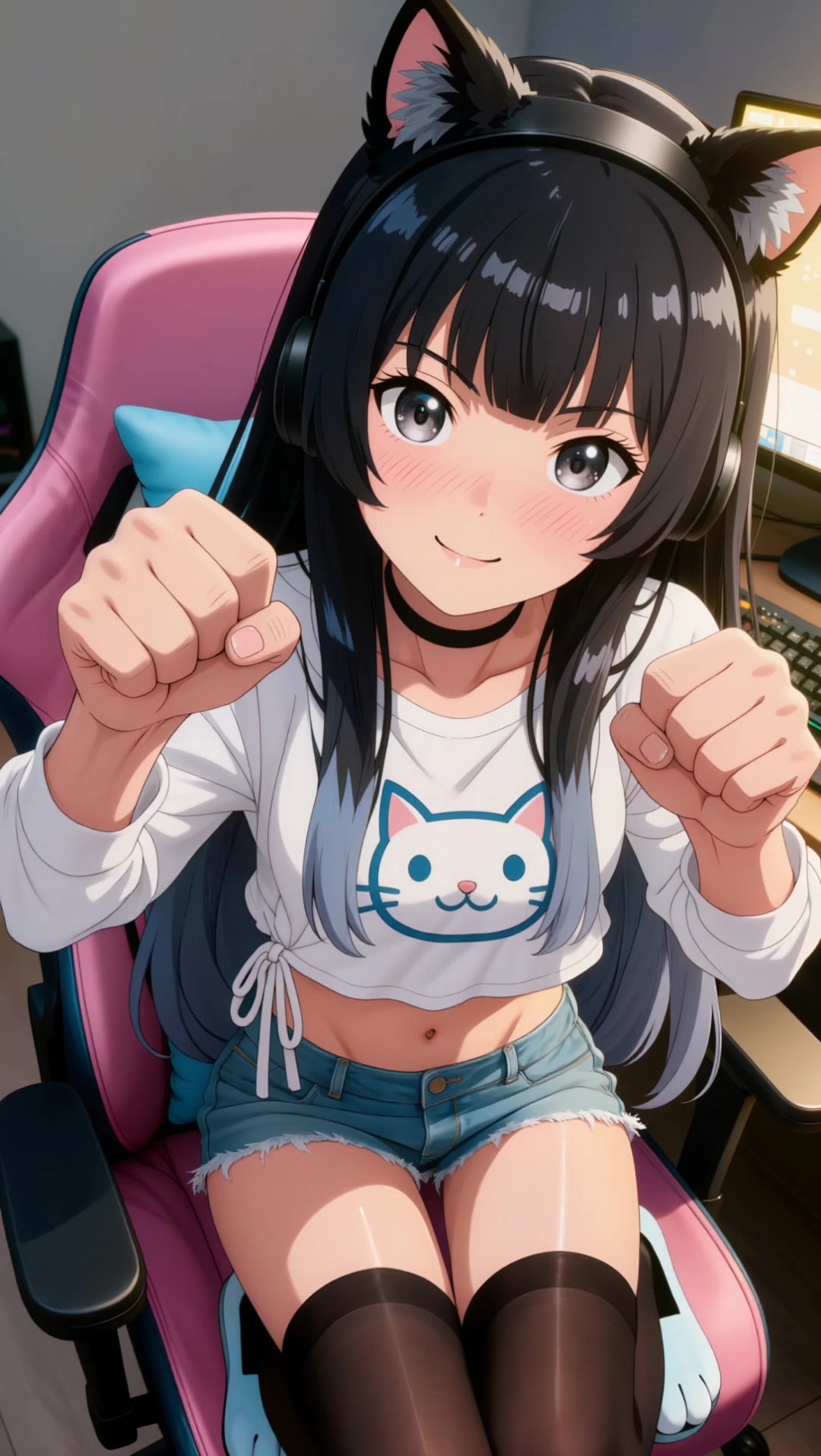
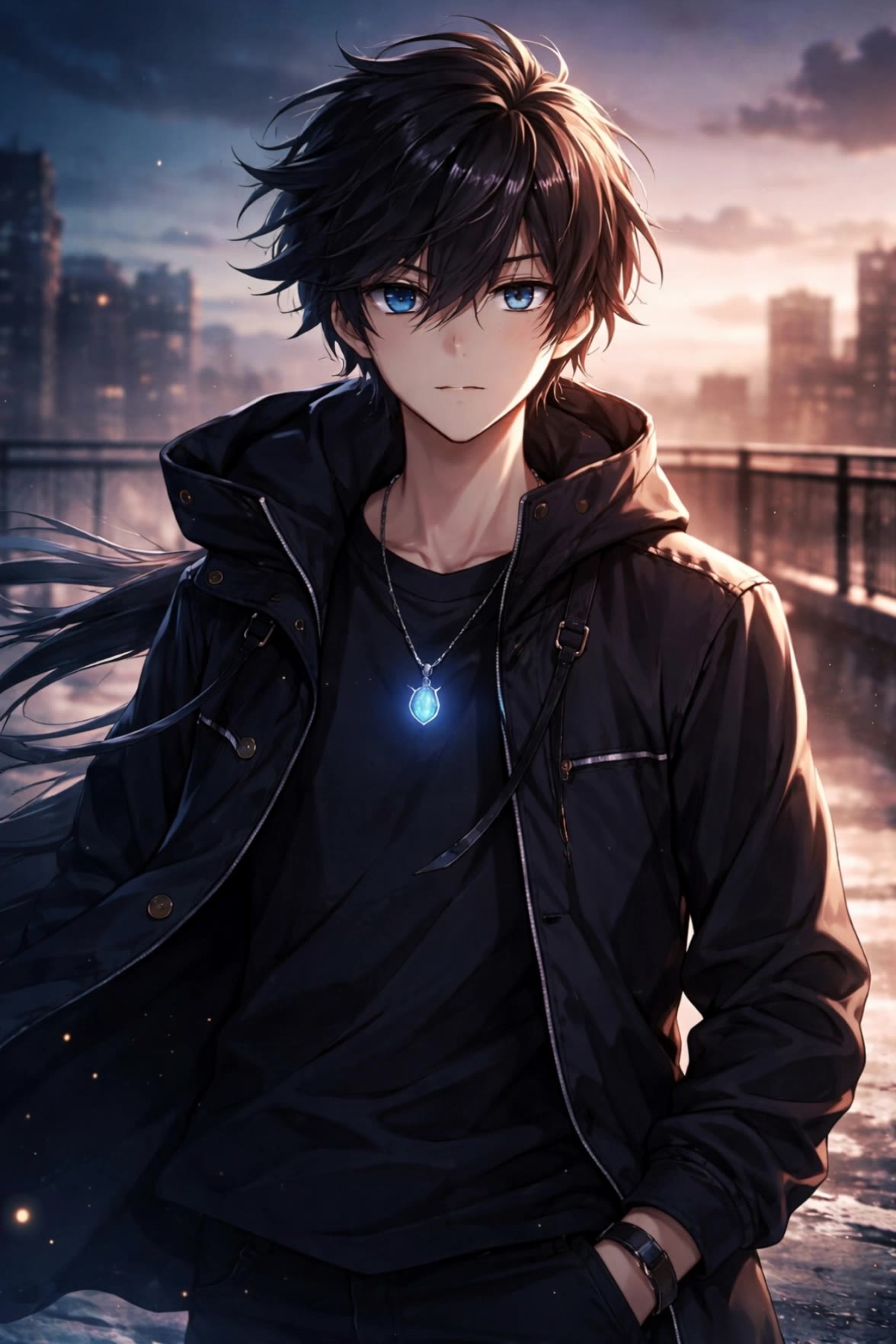
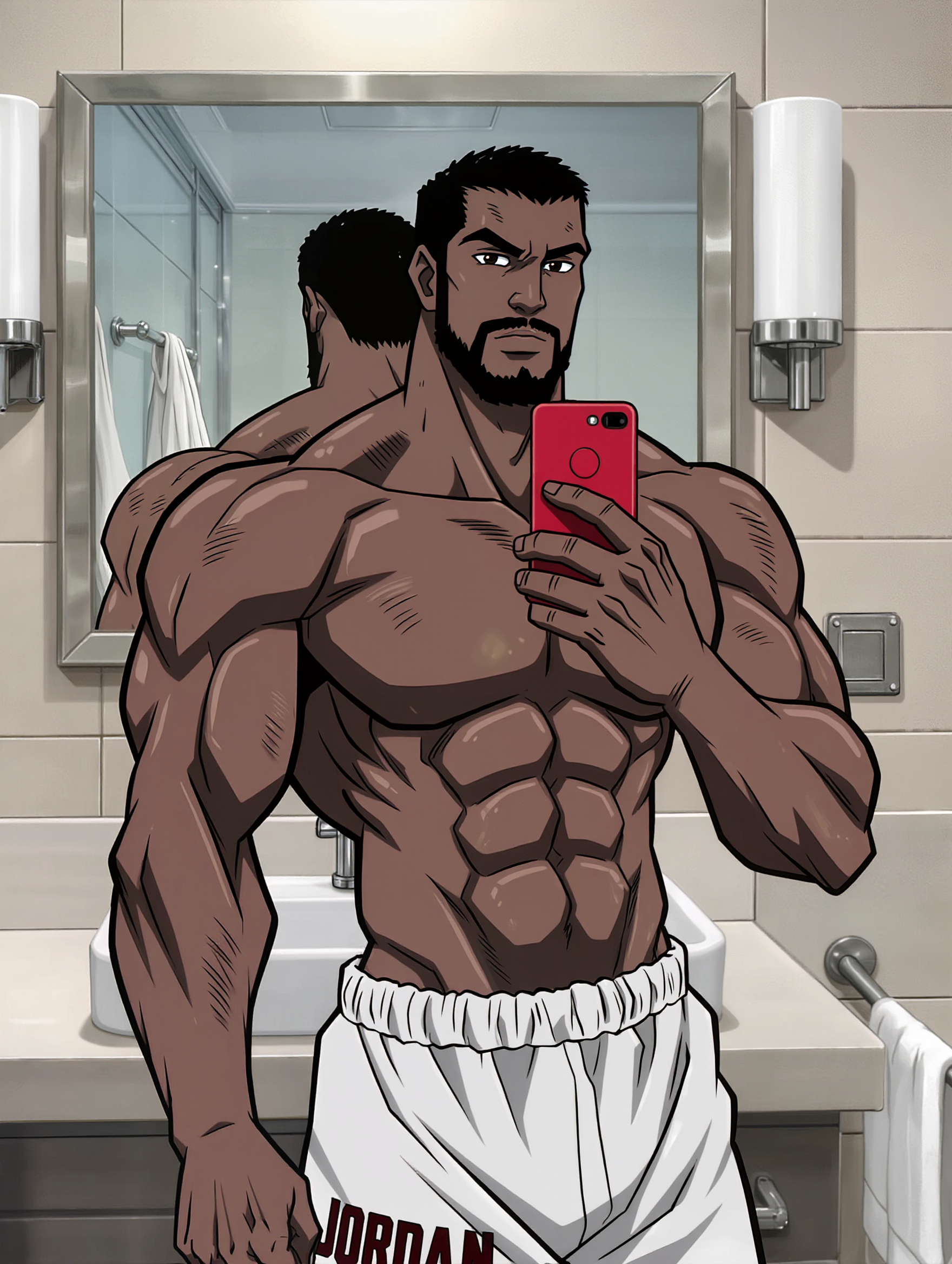
Unveil the charm of painted anime versus traditional drawn styles, and delve into the enchanting world of anime silhouette love scenes. Start exploring different anime styles ideas and generate your own content with AI.

different anime styles - silhouette love & painted aesthetics

Recommended

Kling AI work 308236541500371 - different anime styles AI image
jeron avatar
jeron
Misfitv2 - different anime styles AI image
rRJAXPaD avatar
rRJAXPaD
Kling AI work 313940192668681 - different anime styles AI video
ankitrawal77 avatar
ankitrawal77
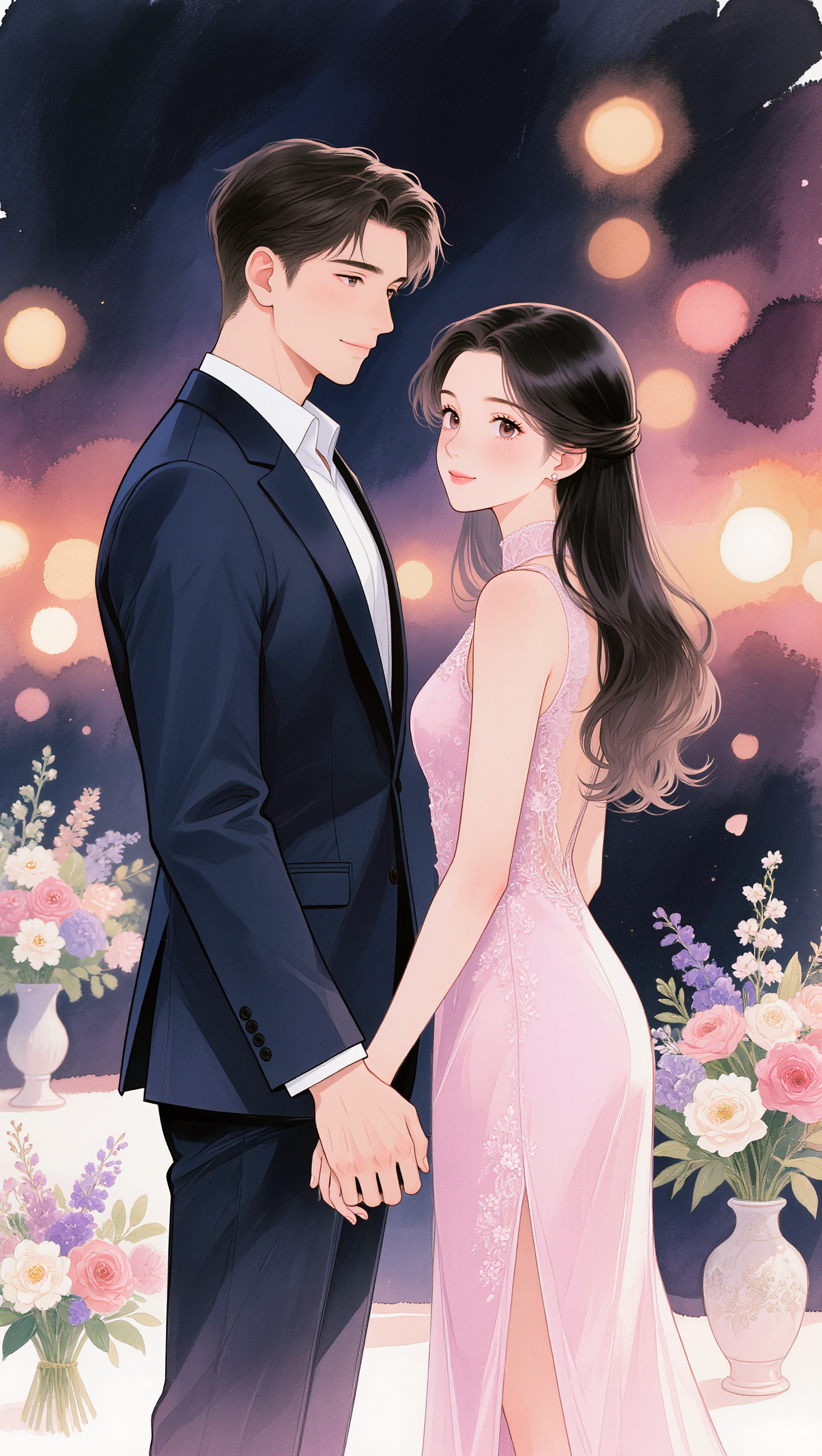
Anime outing couple - different anime styles AI image
Eman Daman avatar
Eman Daman
Kling AI work 310519116613077 - different anime styles AI image
LjwkFWWC avatar
LjwkFWWC
Kling AI work 309353687666276 - different anime styles AI video
BunnyLOVE Studios avatar
BunnyLOVE Studios
Kling AI work 308186640505368 - different anime styles AI image
LjwkFWWC avatar
LjwkFWWC
Anime - different anime styles AI video
YUPGJDnw avatar
YUPGJDnw
Kling AI work 310519116616069 - different anime styles AI image
LjwkFWWC avatar
LjwkFWWC
Kling AI work 308587880617981 - different anime styles AI image
jeron avatar
jeron
Anime outing couple - different anime styles AI image
Eman Daman avatar
Eman Daman
AI Avatar with different styles - different anime styles AI image
designbyarif avatar
designbyarif
Elite Creator
Kling AI work 308236357507777 - different anime styles AI image
jeron avatar
jeron
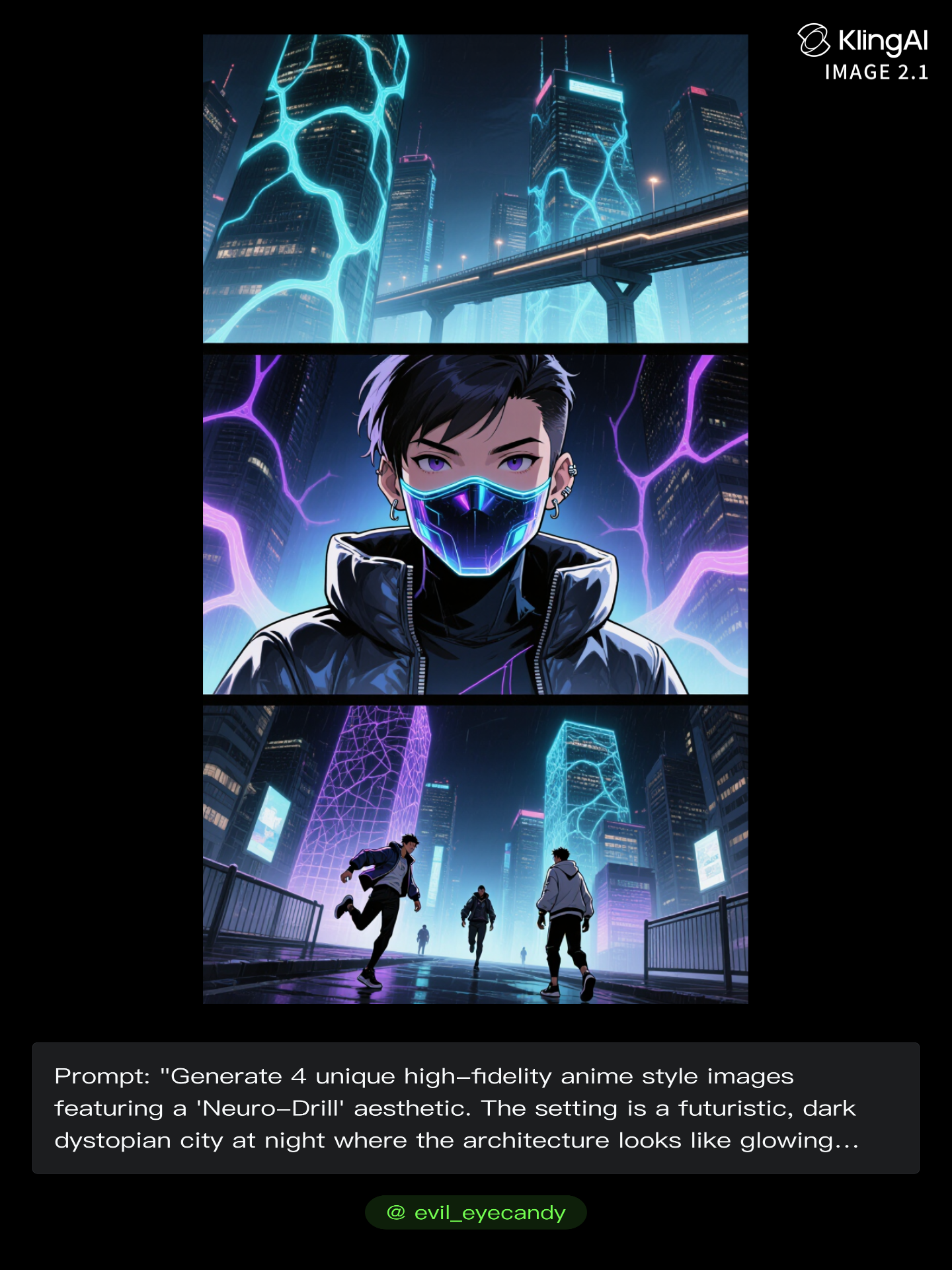
Kling AI work 296817825527002 - different anime styles AI image
evil_eyecandy avatar
evil_eyecandy
Anime outing couple - different anime styles AI image
Eman Daman avatar
Eman Daman
Kling AI work 308186640504374 - different anime styles AI image
LjwkFWWC avatar
LjwkFWWC
Kling AI work 296818018668665 - different anime styles AI image
evil_eyecandy avatar
evil_eyecandy
Anime  - different anime styles AI image
DreamForgeAI avatar
DreamForgeAI

How to Generate Images with Kling AI

Write Your Prompt

Write Your Prompt

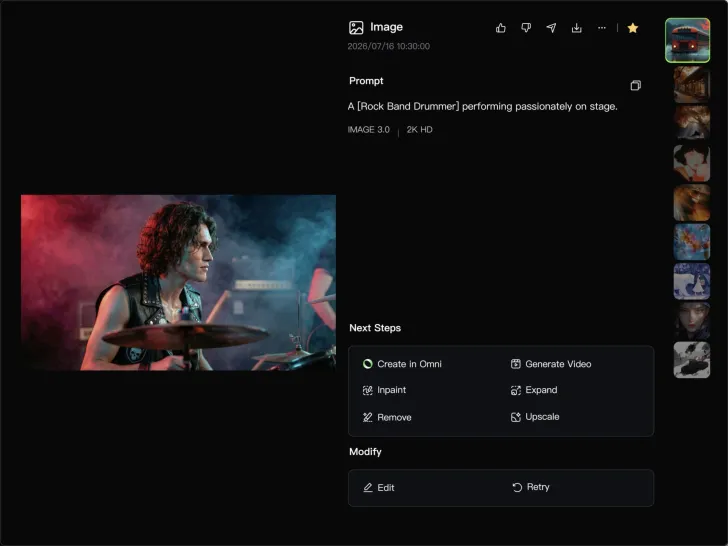
Describe your idea in natural language or start with recommended prompts. Add details about the subject, scene, and style to guide your image creation.

Add References And Generate

Add References And Generate

Upload reference images, select your aspect ratio and number of outputs, then generate visuals based on your creative direction.

Refine And Create More

Refine And Create More

Edit your results with tools for local changes, image expansion, and enhancement. You can also turn your images into videos and continue creating with Kling AI.

Key Features of Kling AI Image Generator

Turn Ideas into Images

Turn Ideas into Images

Describe the scene, character, product, or style you have in mind, and watch your idea come to life. Whether you're generating from scratch or fine-tuning an existing result, Kling IMAGE 3.0 follows your instructions, including tweaking the composition, shifting the lighting, and adjusting visual details until it looks right.

Bring References Into New Creations

Bring References Into New Creations

Bring in references for a character, product, color palette, material, composition, or visual style. IMAGE 3.0 draws on the defining qualities of up to 10 images and brings them together in one cohesive result, keeping the details that make each reference recognizable.

Produce Professional Image Series in 4K

Produce Professional Image Series in 4K

Plan and create a complete visual series as one cohesive project, rather than generating each image separately. IMAGE 3.0 Omni supports intentional shot progression, varied framing, and a unified creative direction across the set, with native 4K output for cinematic storyboards, product campaigns, character development, comics, and branded content.

Apps

Image to Video
Image to Video

Image to Video

Text to Video
Text to Video

Text to Video

Omni
Omni

Omni

Digital Human
Digital Human

Digital Human

Restyle
Restyle

Restyle

Text to Image
Text to Image

Text to Image

60M+
60M+
Users
600M+
600M+
AI Videos Generated
4.7 ★
4.7 ★
App Store
Industry-Leading
Industry-Leading
Cinematic 4K

Reviews

Jyo John Mulloor

Jyo John Mulloor

★★★★★

Kling AI has been instrumental in transforming my creative workflow, unlocking new dimensions of artistic expression that were once unimaginable. I use Kling AI extensively to develop high-concept visuals, animate surreal dreamscapes, and create AI-assisted films that blur the line between reality and fantasy. Kling AI’s deep learning capabilities have not only enhanced my creative efficiency but also inspired me to explore storytelling in ways I never thought possible.

Maria Rubtsova

Maria Rubtsova

★★★★★

I’m Maria Rubtsova, an AIGC digital artist passionate about creating stunning visuals in the worlds of fashion, aesthetics, and fantasy. I use KlingAi to bring imagination to life through video. My work is all about exploring beauty, emotion, and the limitless possibilities of digital art.

Samuele Poggi (@visualsk2)

Samuele Poggi (@visualsk2)

★★★★★

I use Kling AI daily to push the limits of AI filmmaking. It allows me to create highly cinematic content, blending AI and VFX to develop innovative projects. It has significantly impacted my creative process, enabling me to achieve complex animations that would otherwise require high production budgets.

FAQ

Q1Can Kling AI generate AI art in 4K?
Q2Is there a free AI art generator?
Q3Can I turn a sketch or reference image into AI art with Kling AI?

Make Every Scene Speak

Turn your script into a video with native dialogue and sound for multi-character conversations, multilingual scenes, and more.

Native audio | Multi-Character Coreference | Multilingual Content Generation