Creative Studio
API
Resources
Features
About Us
Download

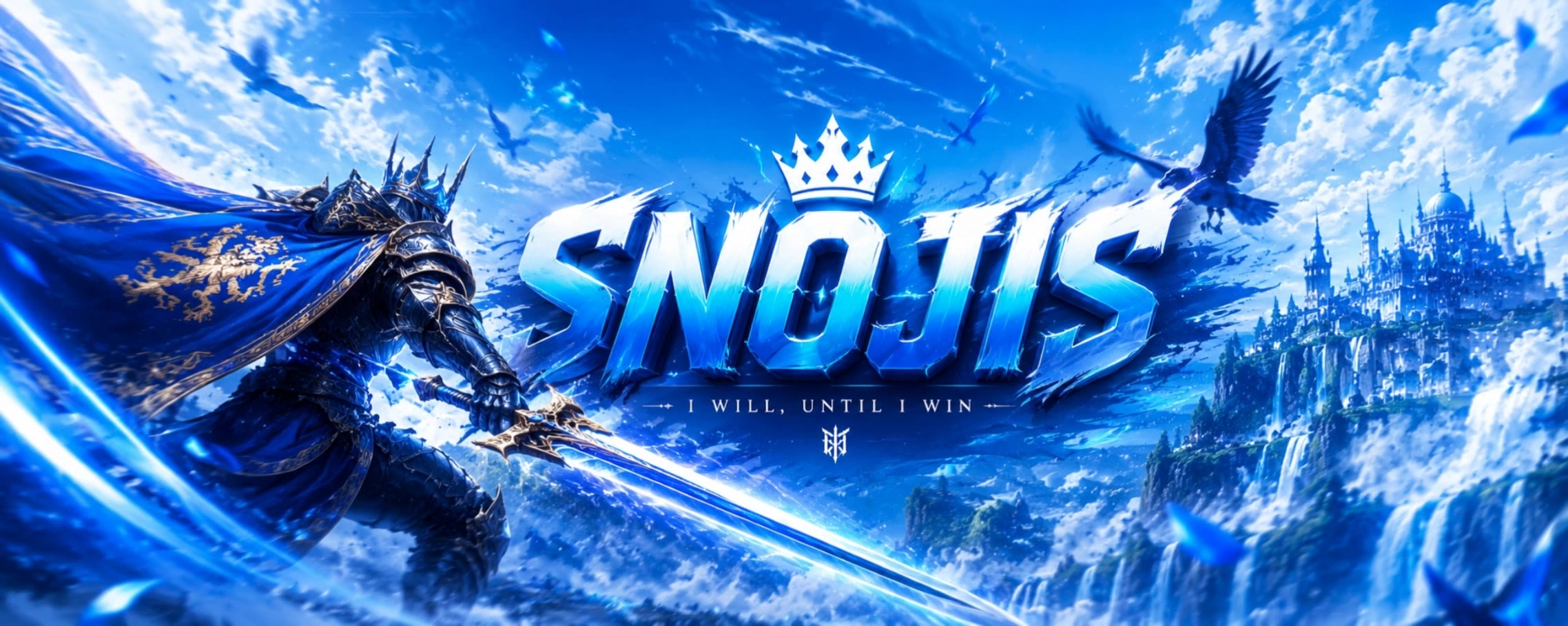
discord banner maker - Cyberpunk VR & Apothecary

Create stunning, futuristic banners with our AI-driven discord banner maker, inspired by neon cyber worlds and high-resolution tabloid spreads. Start exploring discord banner maker ideas and generate your own content with AI.

discord banner maker - Cyberpunk VR & Apothecary

Recommended

Kling AI work 318926855527409 - discord banner maker AI video
IKKruupB avatar
IKKruupB
Kling AI work 316316432665856 - discord banner maker AI video
joYUEQTI avatar
joYUEQTI
Kling AI work 316597850667847 - discord banner maker AI video
aLRXjHJZ avatar
aLRXjHJZ
Kling AI work 305811378652290 - discord banner maker AI image
cyCXIbGn avatar
cyCXIbGn
Kling AI work 317086950305628 - discord banner maker AI video
uxiFZBWo avatar
uxiFZBWo
Kling AI work 316653748665488 - discord banner maker AI video
EaiTYAya avatar
EaiTYAya
Kling AI work 307536227530347 - discord banner maker AI image
Anime beings avatar
Anime beings
Ads - discord banner maker AI video
Viktor_Fox avatar
Viktor_Fox
Kling AI work 319780805616648 - discord banner maker AI video
RDKcDOum avatar
RDKcDOum
intro banneds - discord banner maker AI video
iTOuNMWw avatar
iTOuNMWw
INTRO FOR PUBLICITY VIDEO - discord banner maker AI video
OMmMMiQT avatar
OMmMMiQT
Kling AI work 320365339507335 - discord banner maker AI image
eVAbTRFE avatar
eVAbTRFE
Kling AI work 301662058531280 - discord banner maker AI video
tBtCxrQq avatar
tBtCxrQq
MZ animated logo. - discord banner maker AI video
lippe avatar
lippe
Kling AI work 319761053504703 - discord banner maker AI video
TJNaDDCf avatar
TJNaDDCf
Kling AI work 316379110505881 - discord banner maker AI video
hQESwiOn avatar
hQESwiOn
Kling AI work 311498554616986 - discord banner maker AI video
uCPbVPUV avatar
uCPbVPUV
Kling AI work 316338430503801 - discord banner maker AI image
uIgnoIoo avatar
uIgnoIoo
Kling AI work 311703784525642 - discord banner maker AI video
WFycuETE avatar
WFycuETE

How to Use Kling AI Text to Speech

Step 1: Enter the Video Generation Workspace

Step 1: Enter the Video Generation Workspace

Edit your prompt to set the scene, characters, and style, or upload a reference image to shape the look of your video.

Step 2: Add Dialogue and Speech Instructions

Step 2: Add Dialogue and Speech Instructions

Add dialogue to your prompt and clearly specify which character speaks each line. You can also describe the language or dialect, speaking pace, tone, and delivery style in the prompt to guide how each character sounds.

Step 3: Choose Your Settings and Generate

Step 3: Choose Your Settings and Generate

Choose your resolution (720p, 1080p, or 4K), video length (3–15 seconds), and aspect ratio (16:9, 9:16, or 1:1). Then click Generate to create your video.

Create Voices That Match Your Characters

Generate Character Voices Directly with the Video

Generate Character Voices Directly with the Video

Write the dialogue into your video prompt and let Kling generate the spoken performance together with the scene. Because voice, facial performance, mouth movement, visuals, ambience, and supporting sound are created in the same workflow, the dialogue feels connected to what the character is doing on screen rather than added as a separate layer afterward.

Create Dialogue Across Languages and Accents

Create Dialogue Across Languages and Accents

Create character voices in multiple languages, including English, Chinese, Japanese, Korean, and Spanish. You can also customize accents, dialects, and speaking styles to make characters sound more authentic for different regions, cultures, and story settings.

Keep a Character's Voice Consistent Across Scenes

Keep a Character's Voice Consistent Across Scenes

For recurring characters, Kling VIDEO 3.0 Omni lets you add voice to reusable Character Elements. A character can carry both recognizable visual traits and a connected voice into supported future generations. This makes it easier to build recurring presenters, fictional characters, or story leads that not only look familiar across scenes, but also keep a more consistent vocal identity.

Apps

Image to Video
Image to Video

Image to Video

Text to Video
Text to Video

Text to Video

Omni
Omni

Omni

Digital Human
Digital Human

Digital Human

Restyle
Restyle

Restyle

Text to Image
Text to Image

Text to Image

60M+
60M+
Users
600M+
600M+
AI Videos Generated
4.7 ★
4.7 ★
App Store
Industry-Leading
Industry-Leading
Cinematic 4K

Reviews

Ozan Sihay

Ozan Sihay

★★★★★

Kling AI allows me to rapidly prototype ideas, refine storytelling elements, and produce visually compelling content efficiently. It has not only accelerated my creative processes, but also deepened my understanding of how AI can enrich visual storytelling.

James Phillips

James Phillips

★★★★★

Kling AI has transformed my workflow by collapsing timelines and democratizing production. It’s shifted my mindset from resource-dependent filmmaking to a boundless creative sandbox, where experimentation yields unexpected beauty.

Déborah

Déborah

★★★★★

I use Kling AI every day. It's amazing to see the almost daily progress it makes. I used AI for fun at first, and I now find that Kling AI's animations allow me to gain professional visibility, with three times more views on my animated posts than on my static posts.

FAQ

Q1Can I edit my face swap after it is generated?
Q2Can I use multiple reference images for a face swap?
Q3How does AI Video Face Swap work?

Give Photos and Videos a Whole New Face

Upload your photo or video, add the face you want to swap in, and let Kling AI recreate the scene while keeping the look, motion, and surroundings feeling natural.

Effortless Face Swaps | Facial Detail Control | Natural Blending