Creative Studio
API
Resources
Features
About Us
Download

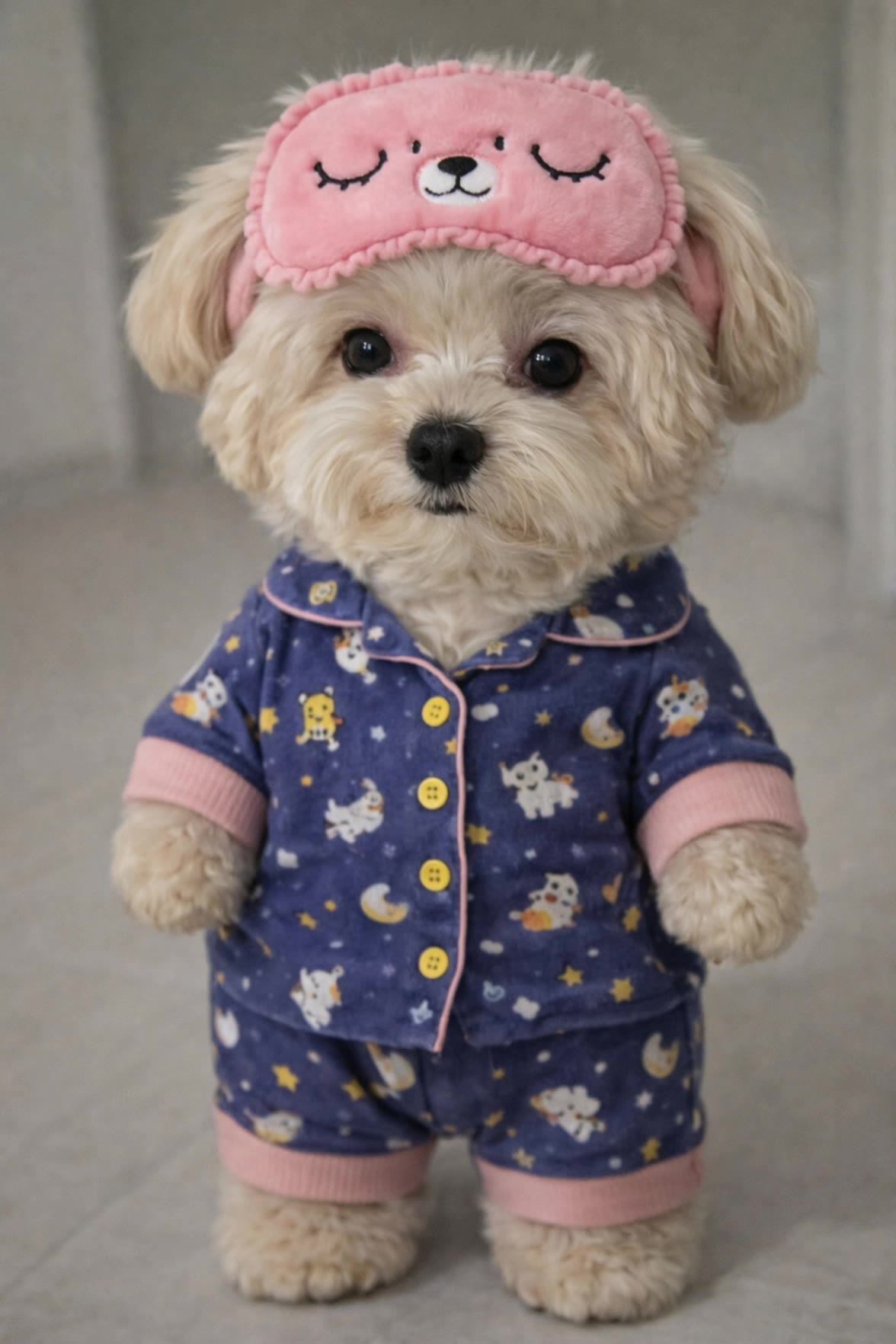
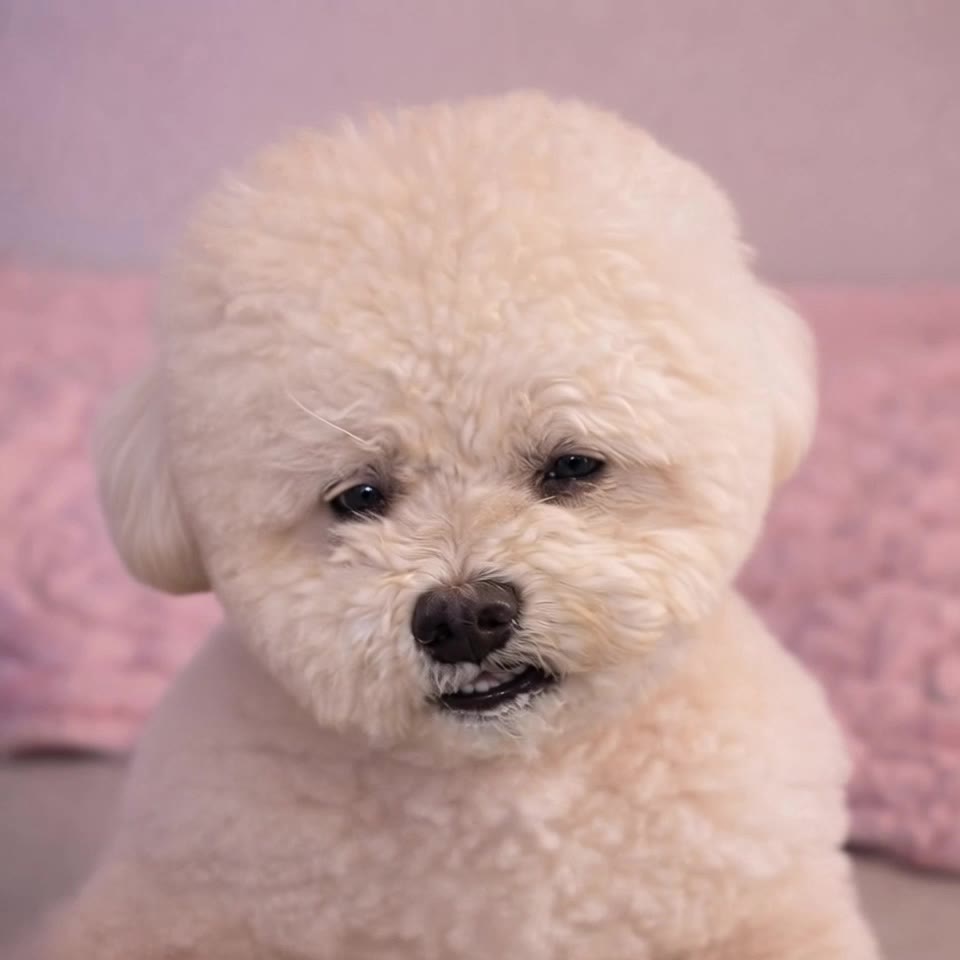
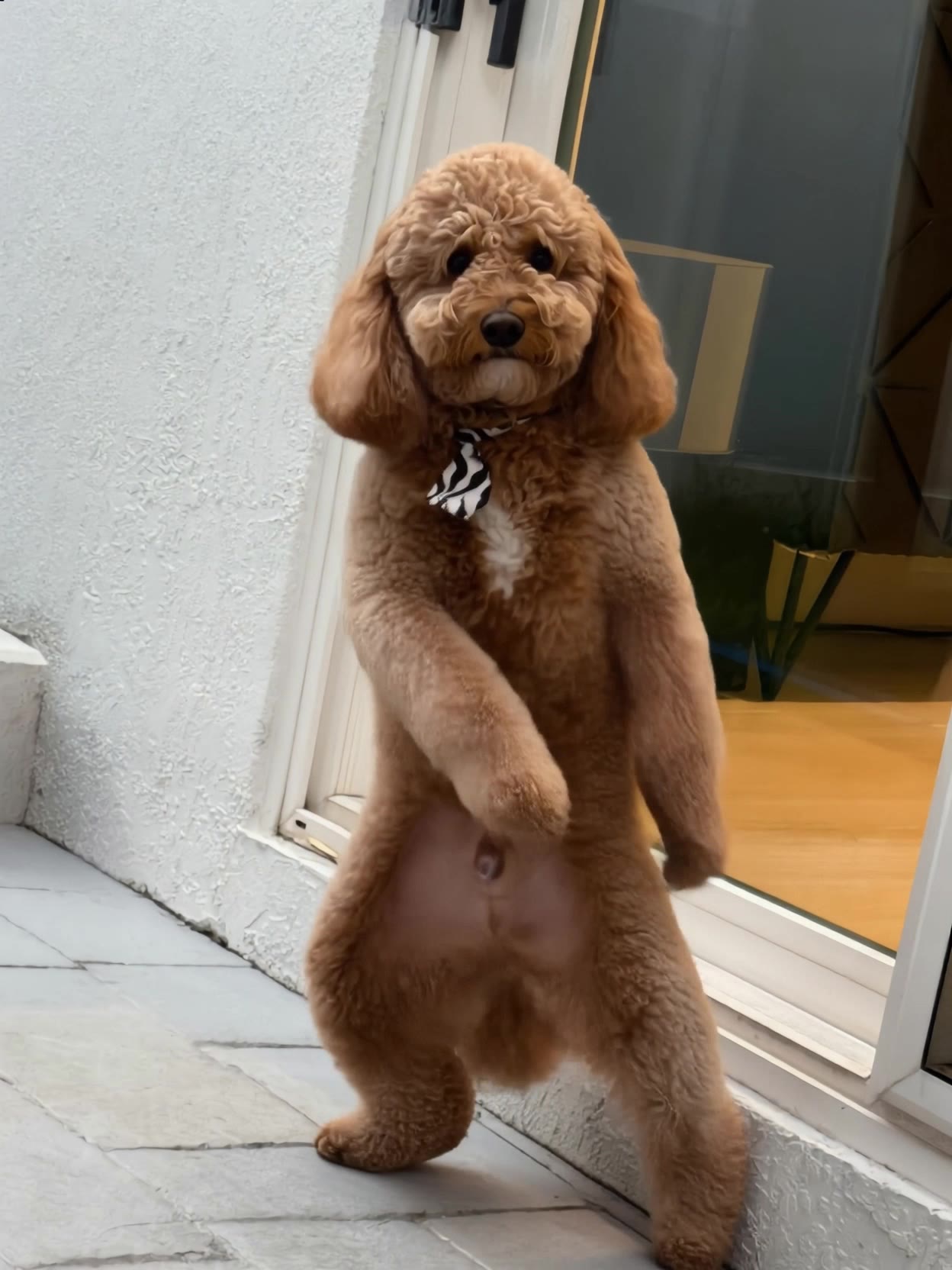
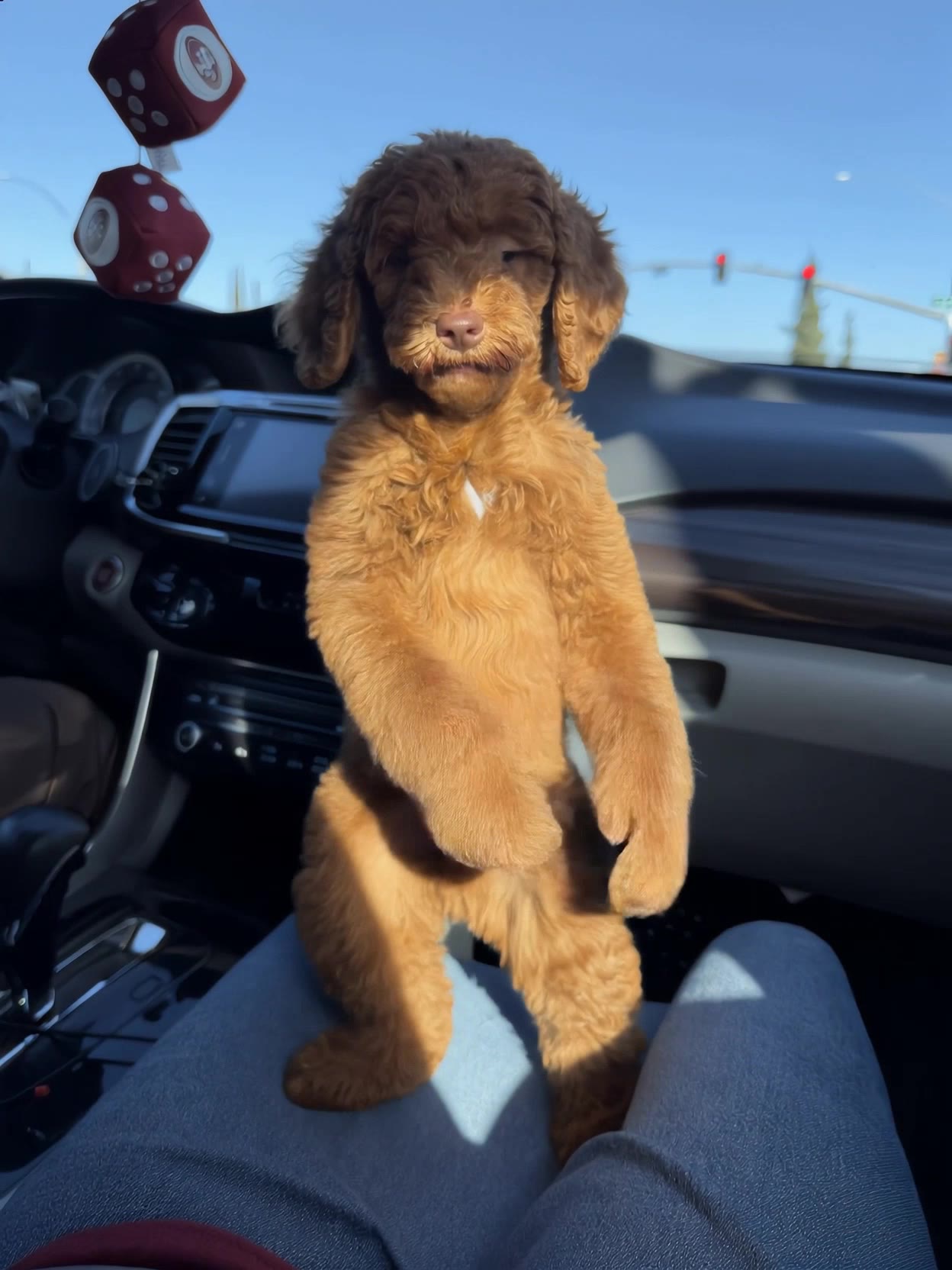
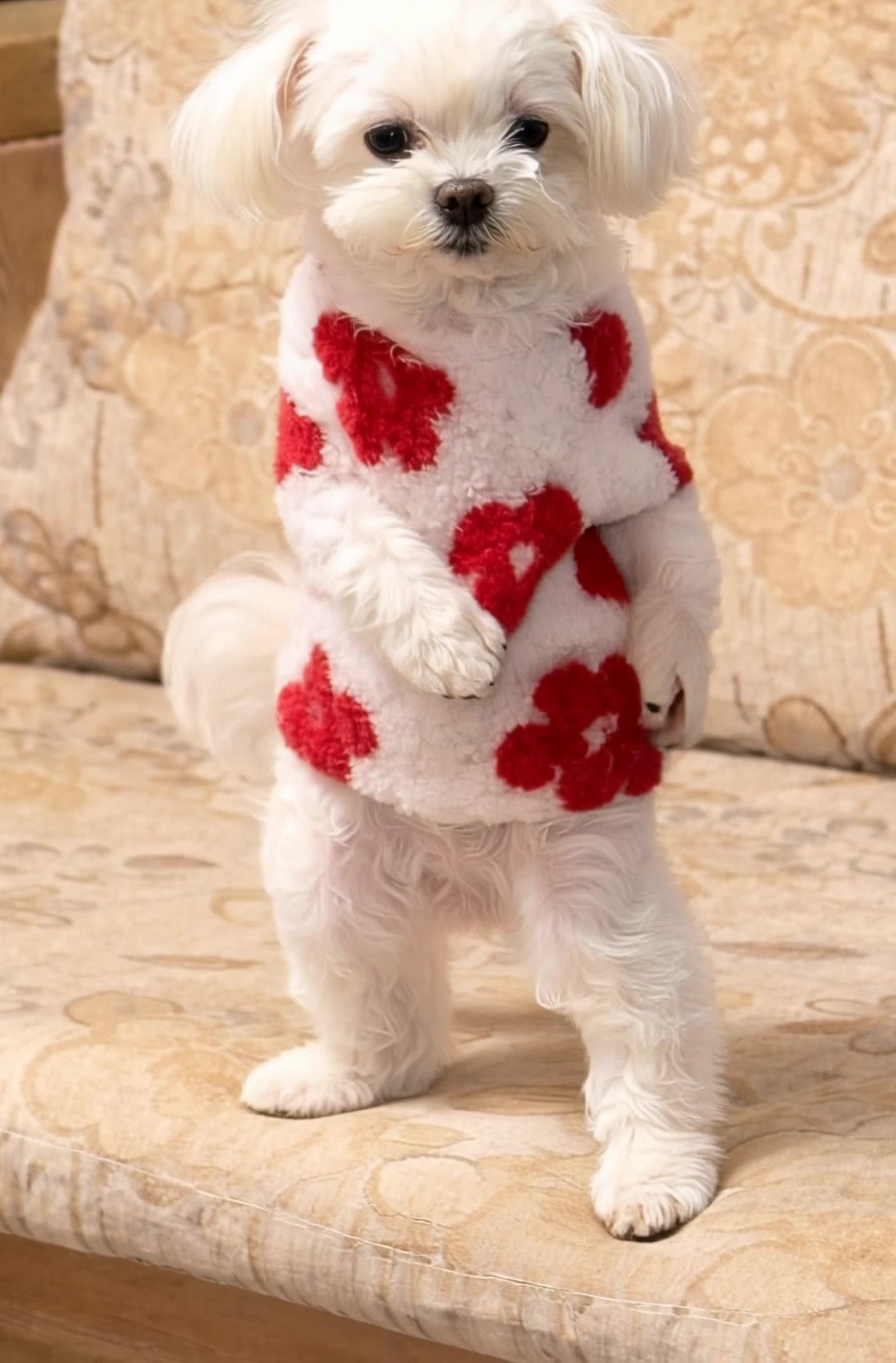
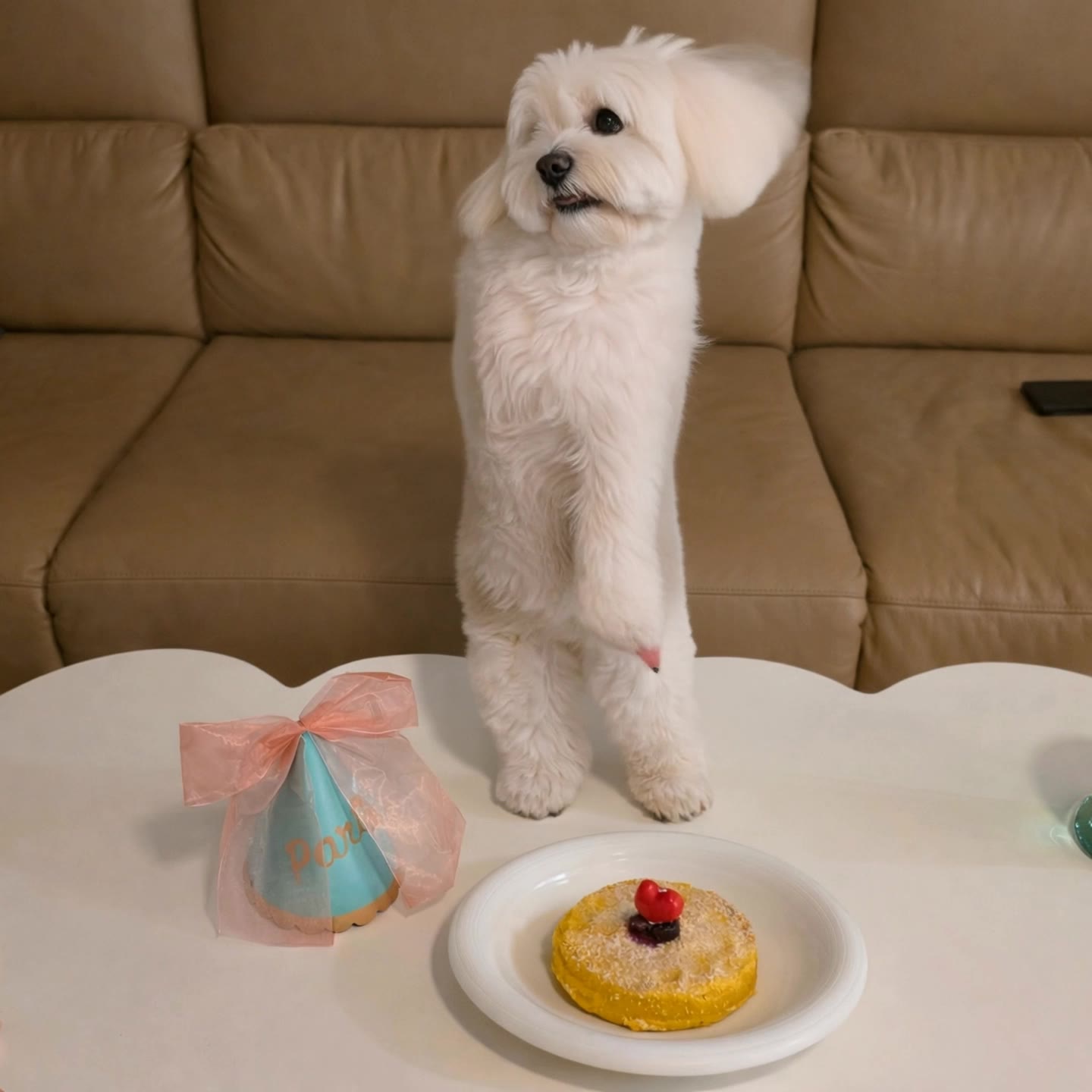
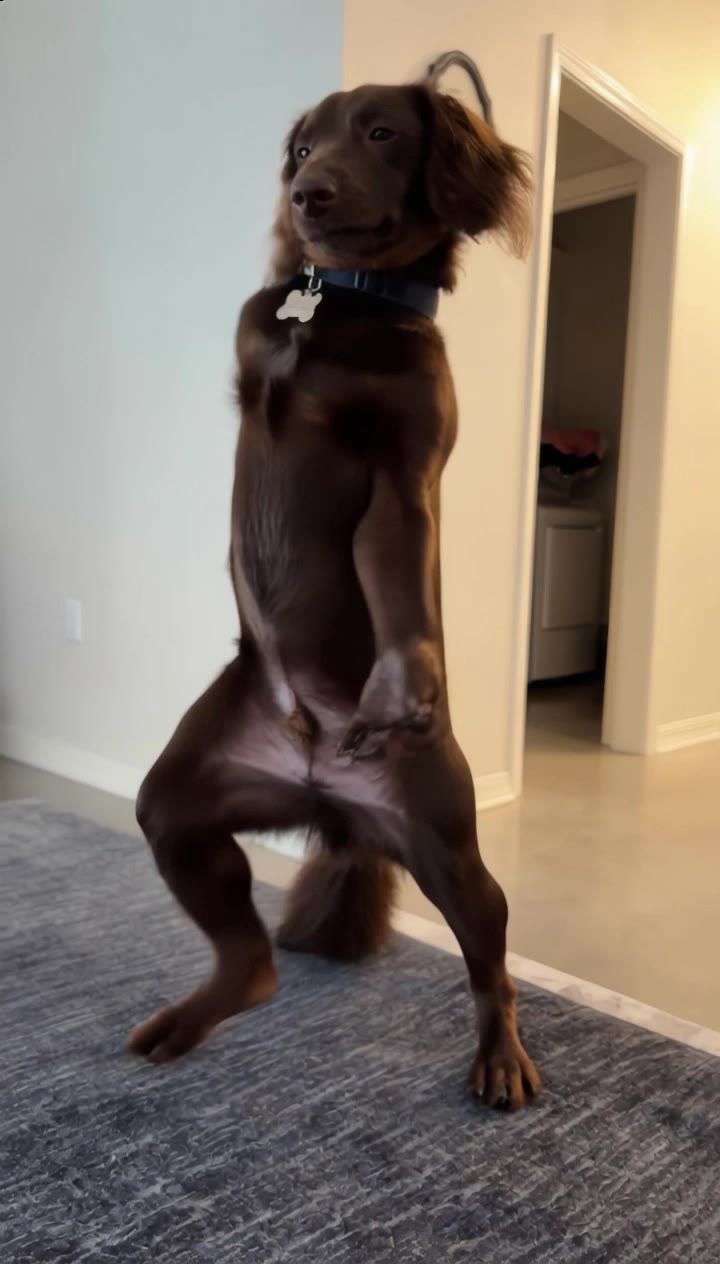
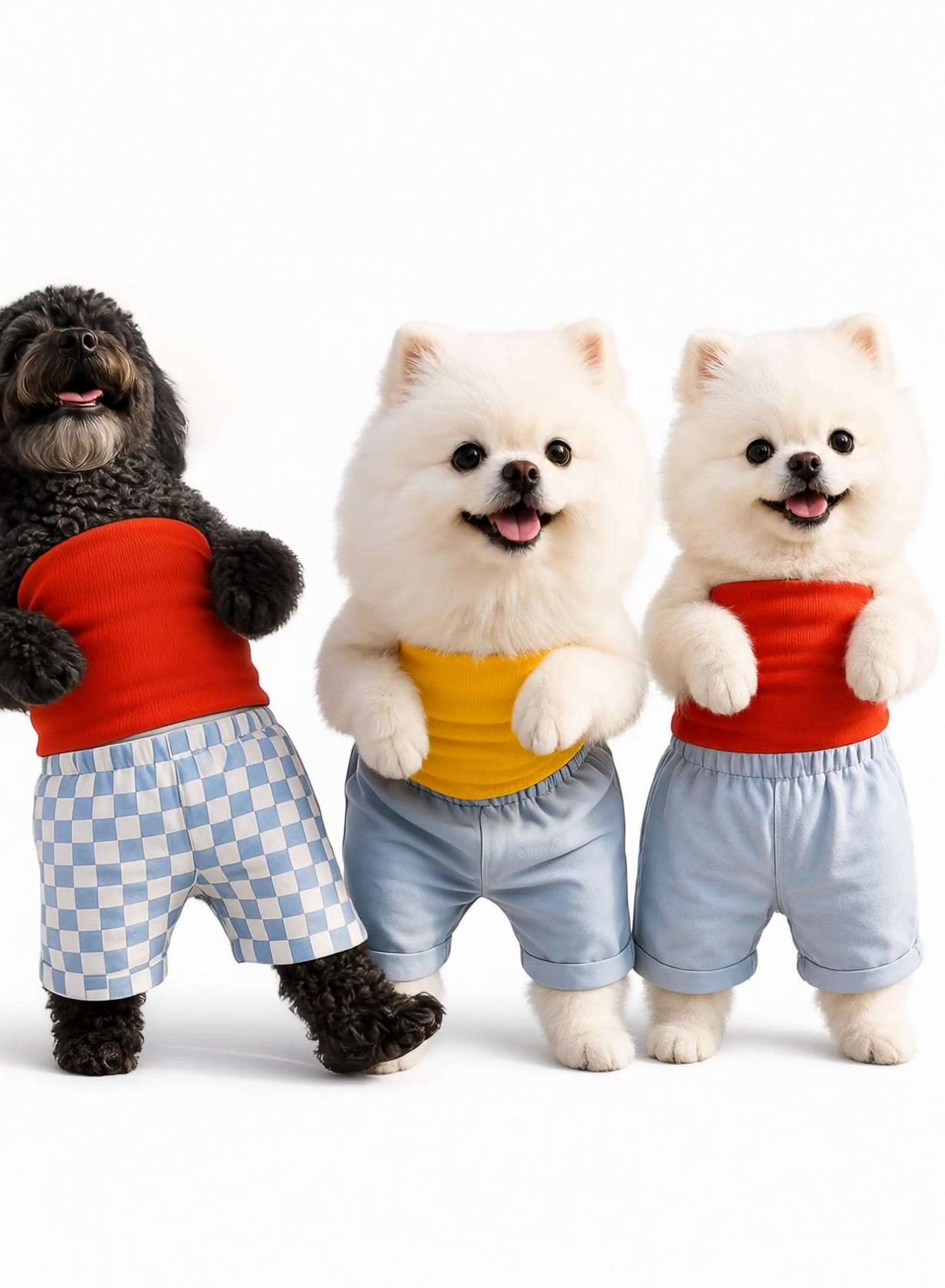
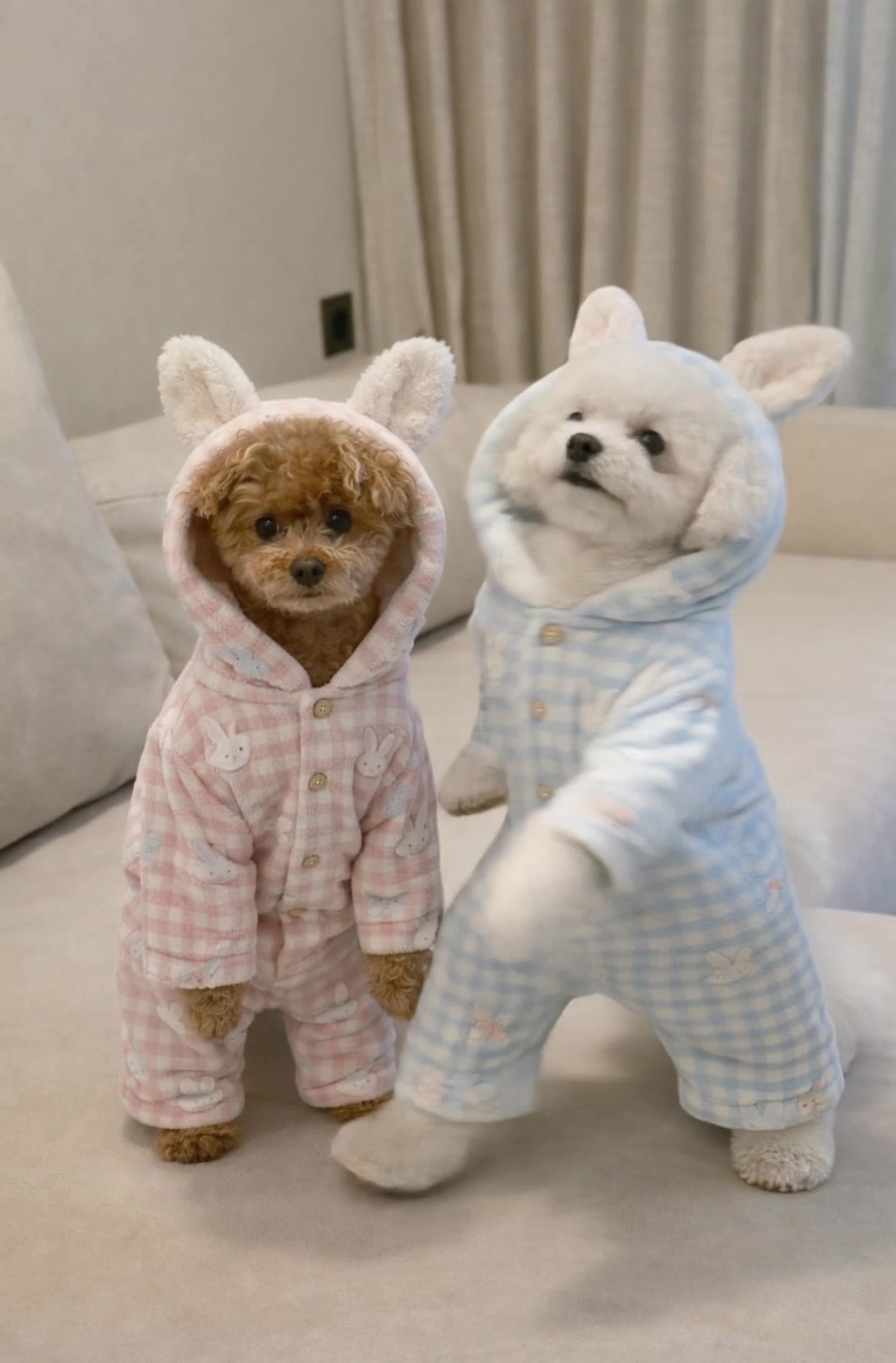
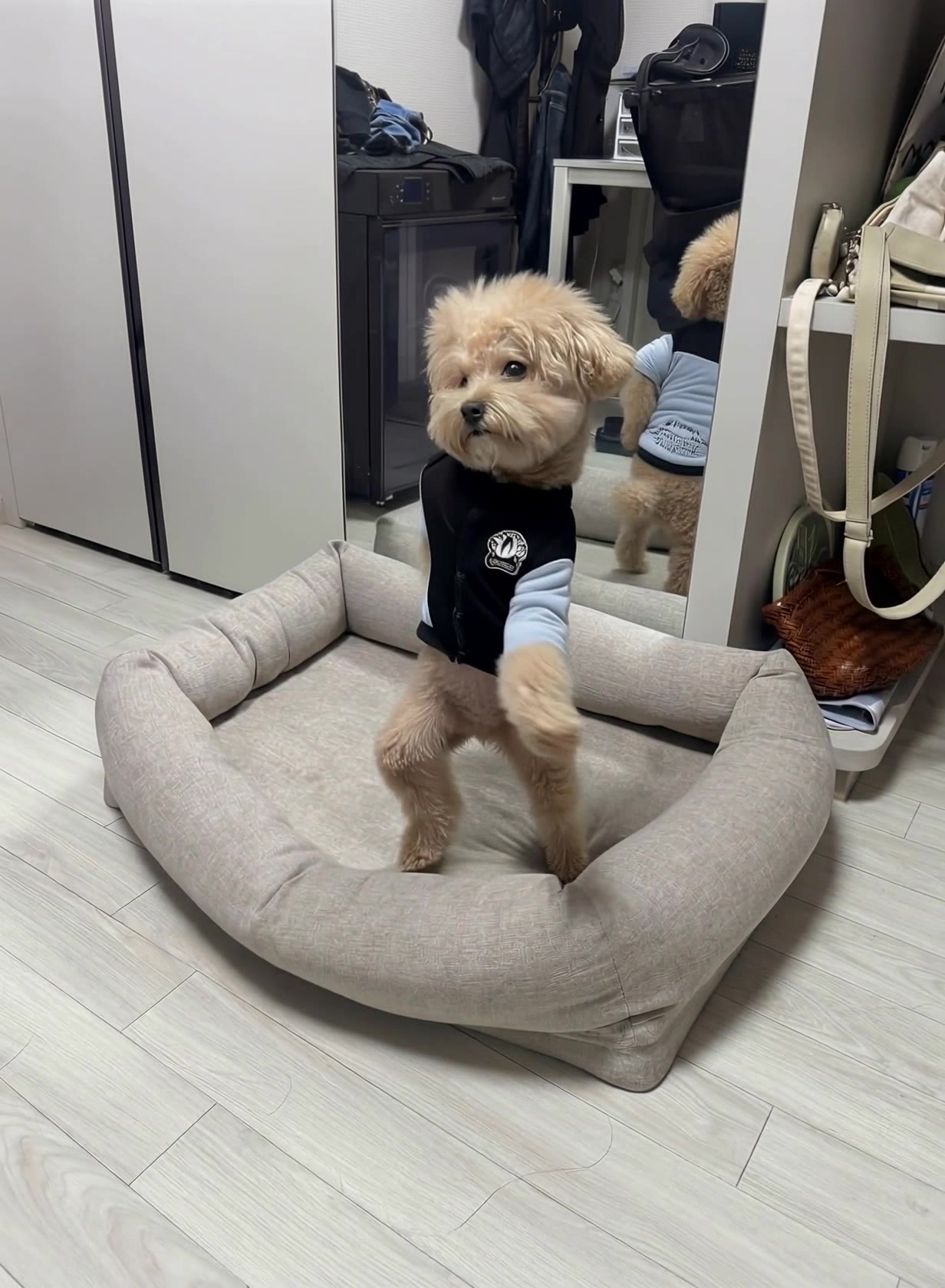
AI-generated dog image to video ideas

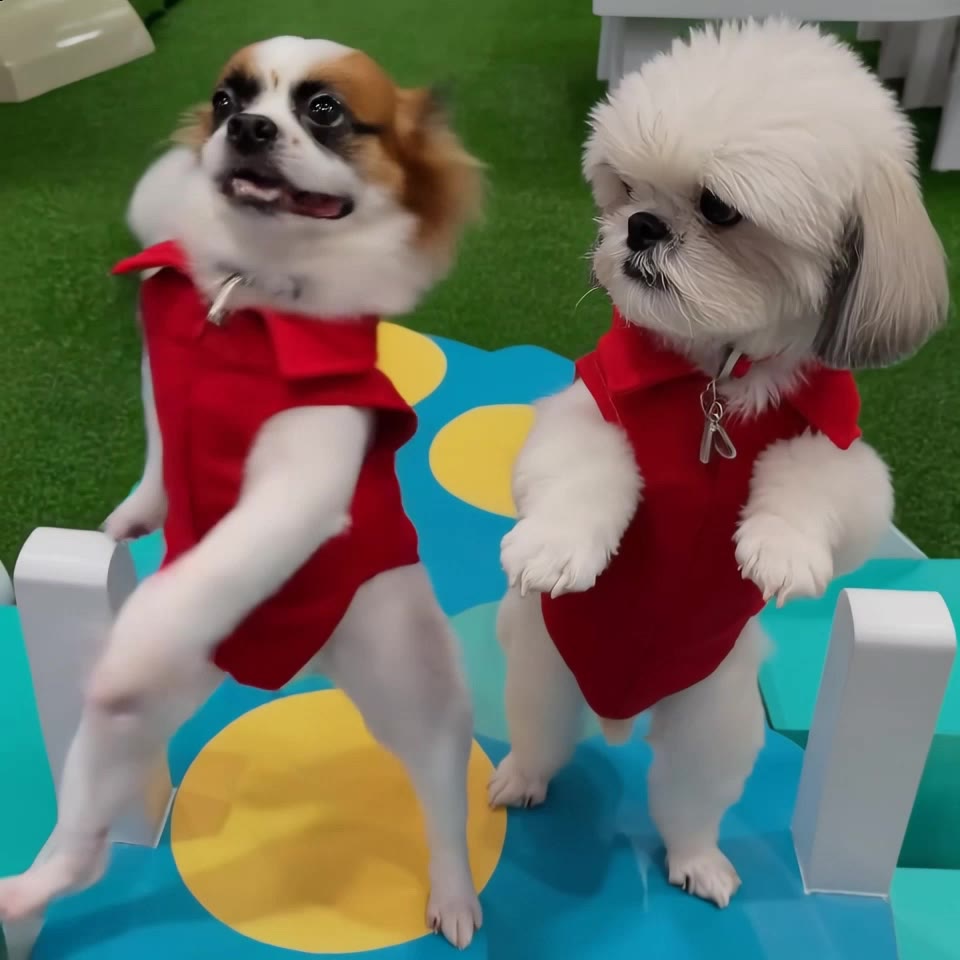
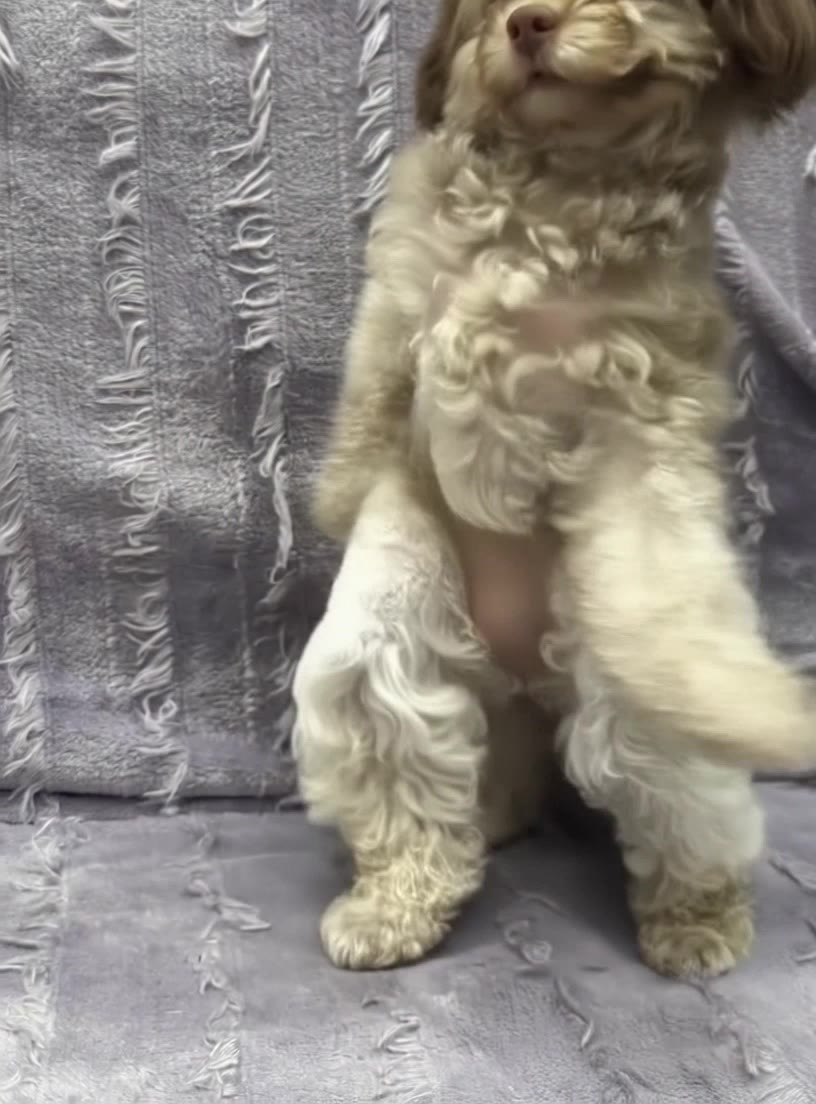
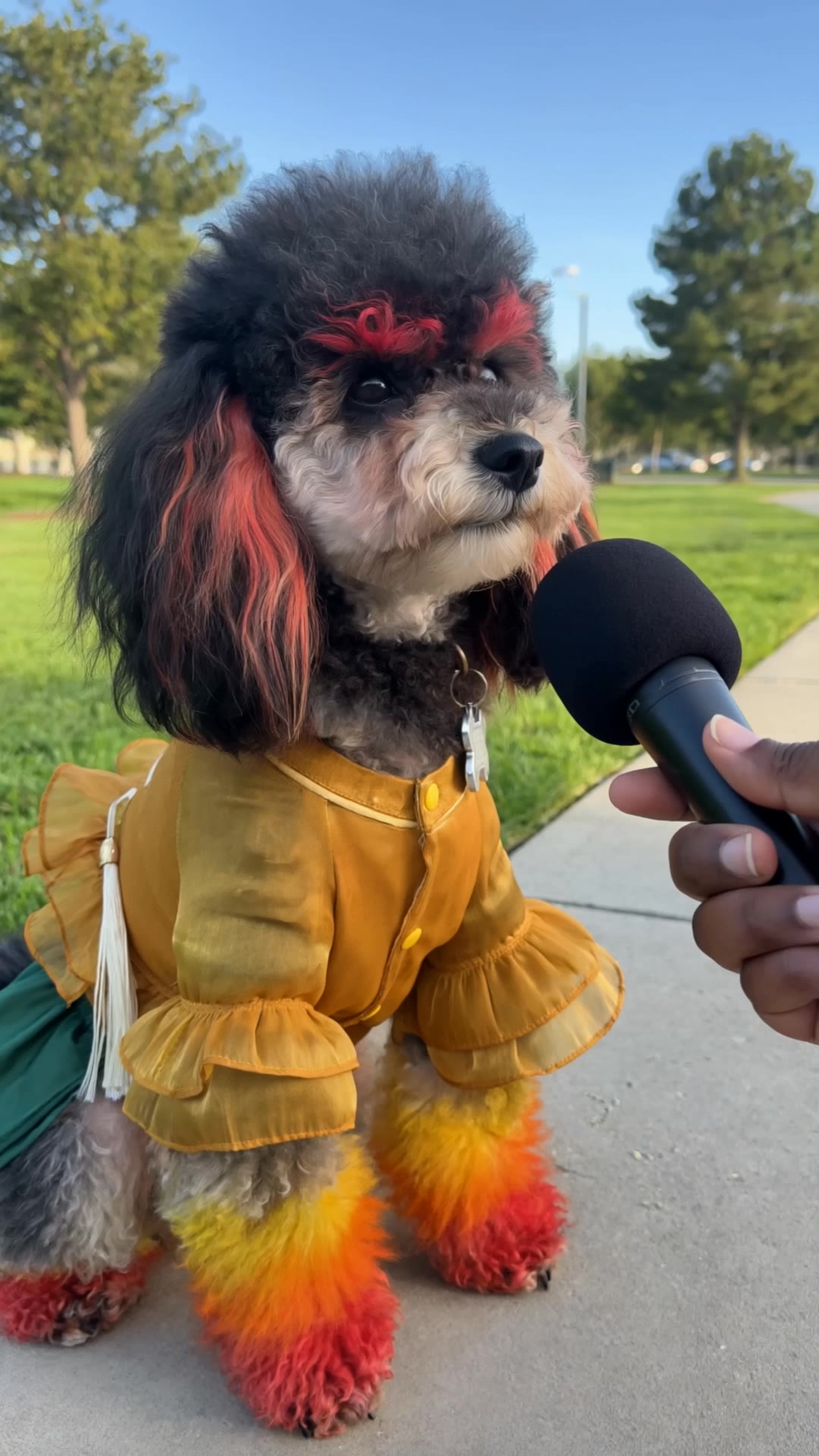
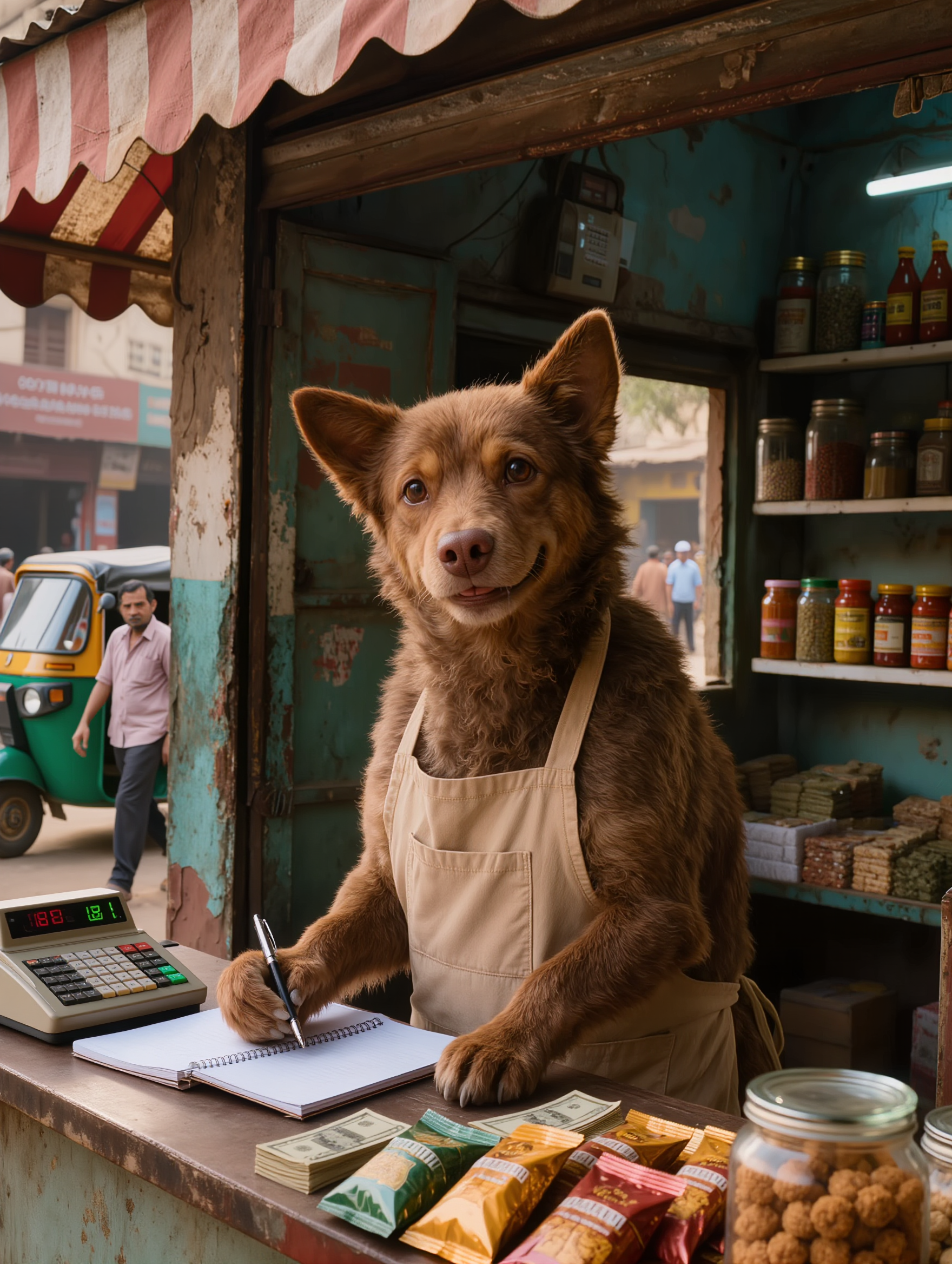
Discover AI-created dog image to video ideas. Quickly generate and customize visuals for your pet-themed projects.

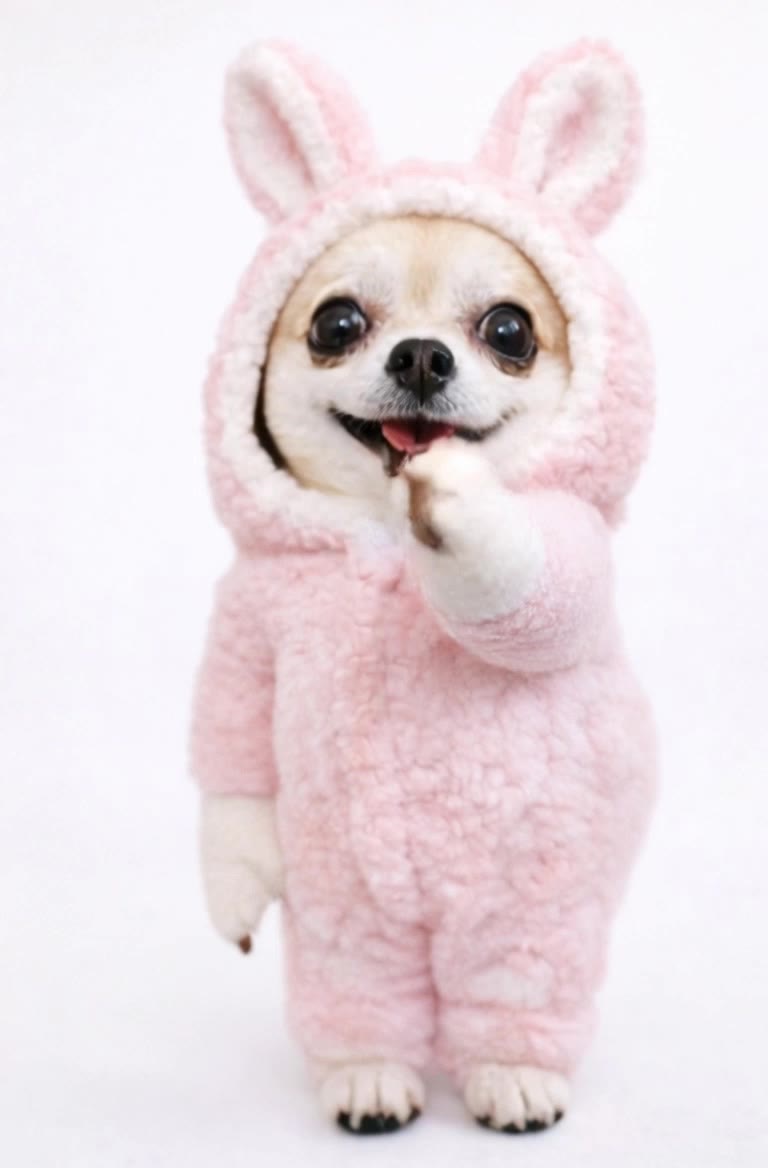
AI-generated dog image to video ideas

Recommended

Kling AI work 306450061508187 - dog image to video AI video
JJasonBourne avatar
JJasonBourne
Upload any image  - dog image to video AI video
@Tiny Ai Dancers avatar
@Tiny Ai Dancers
Kling AI work 312252496668956 - dog image to video AI video
UqjFBfsg avatar
UqjFBfsg
Image to video - dog image to video AI video
tKCRyKxK avatar
tKCRyKxK
Kling AI work 299145109507727 - dog image to video AI video
MDNUlwRs avatar
MDNUlwRs
Kling AI work 299181573615952 - dog image to video AI video
rEAmQKZJ avatar
rEAmQKZJ
Dog Samurai  - dog image to video AI video
faGWWbqy avatar
faGWWbqy
MY DOG - dog image to video AI video
SSKpCnmS avatar
SSKpCnmS
Kling AI work 299348217525108 - dog image to video AI video
PkUofYPF avatar
PkUofYPF
Kling AI work 311274723666537 - dog image to video AI video
klBaWWoV avatar
klBaWWoV
Kling AI work 313730245610250 - dog image to video AI video
KzAhgSJr avatar
KzAhgSJr
dog - dog image to video AI video
hGQuGZgH avatar
hGQuGZgH
Kling AI work 311315197617836 - dog image to video AI video
ZogkRvvt avatar
ZogkRvvt
Adding Items to a video - dog image to video AI video
TalD avatar
TalD
Kling AI work 313974359527723 - dog image to video AI video
rWBBitQi avatar
rWBBitQi
Realistic Dog at Apartments - dog image to video AI video
jqDUOiKv avatar
jqDUOiKv
Kling AI work 299316983617310 - dog image to video AI video
EEGAPyOR avatar
EEGAPyOR
Kling AI work 299310100520978 - dog image to video AI video
ZlRputCK avatar
ZlRputCK
Kling AI work 299780617315768 - dog image to video AI video
bGMThaqi avatar
bGMThaqi

How to Remove an Object from an Image with Kling

Step 1: Upload the Photo You Want to Clean Up

Step 1: Upload the Photo You Want to Clean Up

Upload the photo you want to edit. Start with a clear source image where the unwanted object and surrounding details are easy to distinguish.

Step 2: Describe What You Want to Remove

Step 2: Describe What You Want to Remove

Tell Kling IMAGE 3.0 which object, person, text, or other element you want to remove. Add details such as its position, appearance, or nearby context when the image contains similar elements, and specify what should stay unchanged around the edit.

Step 3: Generate Your Cleaned Image

Step 3: Generate Your Cleaned Image

Choose your preferred image ratio and output quality, then generate your edited image. Select up to 2K resolution for clearer, higher-resolution output.

Create Voices That Match Your Characters

Generate Character Voices Directly with the Video

Generate Character Voices Directly with the Video

Write the dialogue into your video prompt and let Kling generate the spoken performance together with the scene. Because voice, facial performance, mouth movement, visuals, ambience, and supporting sound are created in the same workflow, the dialogue feels connected to what the character is doing on screen rather than added as a separate layer afterward.

Create Dialogue Across Languages and Accents

Create Dialogue Across Languages and Accents

Create character voices in multiple languages, including English, Chinese, Japanese, Korean, and Spanish. You can also customize accents, dialects, and speaking styles to make characters sound more authentic for different regions, cultures, and story settings.

Keep a Character's Voice Consistent Across Scenes

Keep a Character's Voice Consistent Across Scenes

For recurring characters, Kling VIDEO 3.0 Omni lets you add voice to reusable Character Elements. A character can carry both recognizable visual traits and a connected voice into supported future generations. This makes it easier to build recurring presenters, fictional characters, or story leads that not only look familiar across scenes, but also keep a more consistent vocal identity.

Apps

Image to Video
Image to Video

Image to Video

Text to Video
Text to Video

Text to Video

Omni
Omni

Omni

Digital Human
Digital Human

Digital Human

Restyle
Restyle

Restyle

Text to Image
Text to Image

Text to Image

60M+
60M+
Users
600M+
600M+
AI Videos Generated
4.7 ★
4.7 ★
App Store
Industry-Leading
Industry-Leading
Cinematic 4K

Reviews

Halim Alrasihi

Halim Alrasihi

★★★★★

I use AI daily and Kling AI is a crucial part of my workflow, whether for client work or personal projects. What I love most about using Kling AI is that it provides all the tools I need in one place, from keyframes to character references, elements and special effects.


James Phillips

James Phillips

★★★★★

Kling AI has transformed my workflow by collapsing timelines and democratizing production. It’s shifted my mindset from resource-dependent filmmaking to a boundless creative sandbox, where experimentation yields unexpected beauty.

Vincent Smadja

Vincent Smadja

★★★★★

Kling AI seamlessly integrates into my creative workflow, playing a key role in transforming my images. After generating and upscaling an image, Kling becomes a crucial element, bringing my creations to life with movement and depth.

FAQ

Q1How do I generate an AI video?
Q2Can I generate AI videos from text prompts?
Q3Can I create AI videos from images?

Turn Text into Cinematic Videos

Create 4K videos with native audio and consistent characters from a single prompt.

Free tier available | Watermark-free membership | HD to 4K export | Fast generation