Creative Studio
API
Resources
Features
About Us
Download

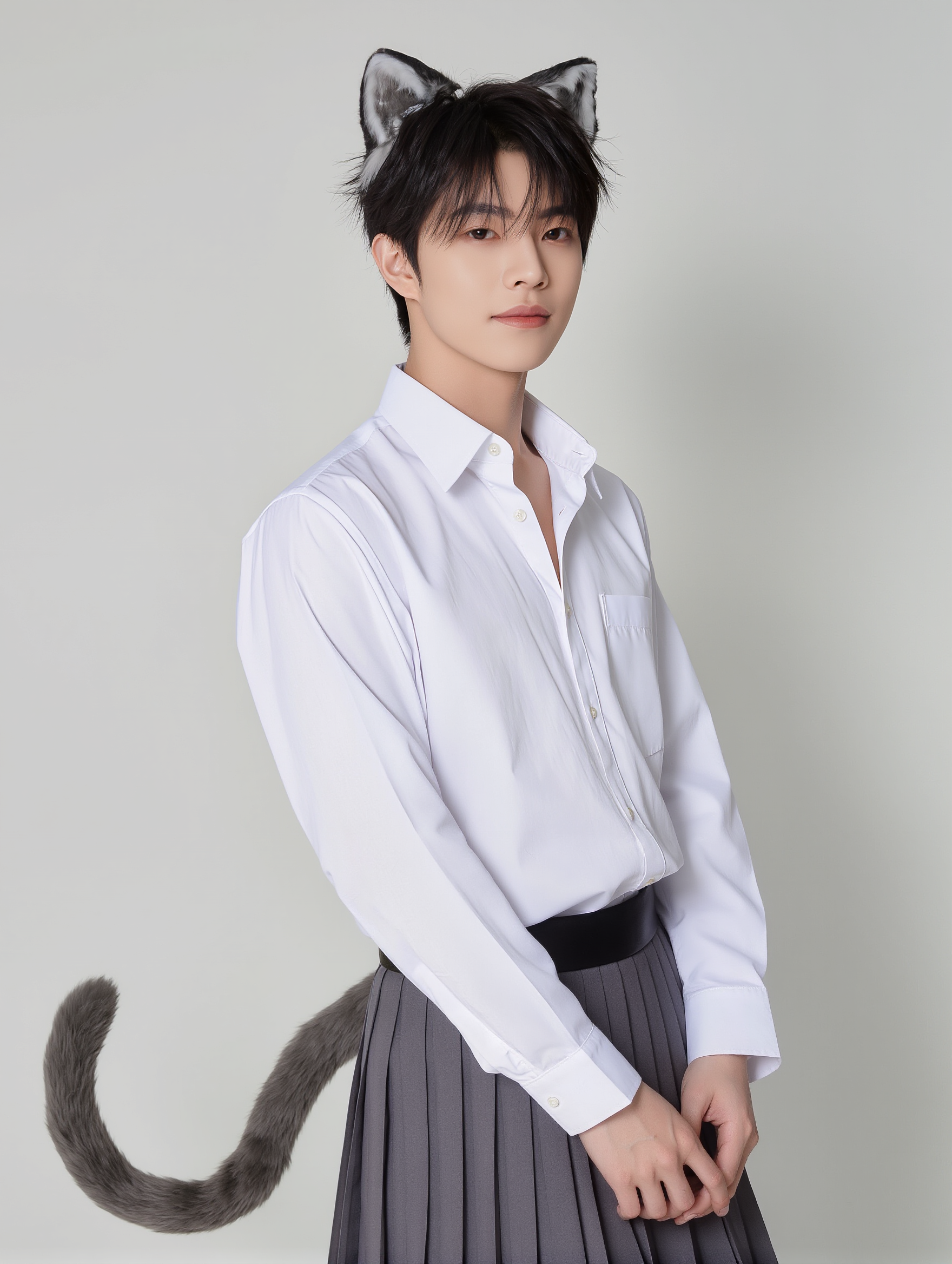
ears eyeballs open click - animal features & fantastical transformations

Engage with whimsical themes featuring cat ears and dramatic wind-flap ears in heroic tales. Dive into creative transformations with growing ears and playful characters. Start exploring ears eyeballs open click ideas and generate your own content with AI.

ears eyeballs open click - animal features & fantastical transformations

Recommended

Trying to keep up - ears eyeballs open click AI video
FkNbCglm avatar
FkNbCglm
Kling AI work 316749364522992 - ears eyeballs open click AI video
EyeCreate avatar
EyeCreate
Emotions 🥹😸 - ears eyeballs open click AI video
VisualWoW avatar
VisualWoW
Elite Creator
Kling AI work 316422713667173 - ears eyeballs open click AI image
hTDMZSzI avatar
hTDMZSzI
Kling AI work 317479442610893 - ears eyeballs open click AI video
lxRINDpA avatar
lxRINDpA
Kling AI work 311682987316554 - ears eyeballs open click AI video
mNkUhGPS avatar
mNkUhGPS
Kling AI work 310139851521217 - ears eyeballs open click AI image
natalie55555 avatar
natalie55555
Elite Creator
Kling AI work 314424291615072 - ears eyeballs open click AI video
gseqhahY avatar
gseqhahY
Kling AI work 309580207611863 - ears eyeballs open click AI video
DYZoQjuv avatar
DYZoQjuv
Kling AI work 306713215617398 - ears eyeballs open click AI image
jefrrey epstein avatar
jefrrey epstein
Kling AI work 310139336313581 - ears eyeballs open click AI image
natalie55555 avatar
natalie55555
Elite Creator
Kling AI work 316046739528310 - ears eyeballs open click AI image
SAJxzmfB avatar
SAJxzmfB
Kling AI work 317985805667557 - ears eyeballs open click AI video
hmerABjV avatar
hmerABjV
Kling AI work 307365853503120 - ears eyeballs open click AI video
lfsoiyud avatar
lfsoiyud
Kling AI work 314816581661099 - ears eyeballs open click AI image
WeepingOtakuWillows avatar
WeepingOtakuWillows
Kling AI work 315942344525565 - ears eyeballs open click AI image
AxnonIpb avatar
AxnonIpb
Cartoon Eyes in Real Life - ears eyeballs open click AI video
BrianDesign avatar
BrianDesign
Kling AI work 306711770612285 - ears eyeballs open click AI image
jefrrey epstein avatar
jefrrey epstein
Kling AI work 310139851520206 - ears eyeballs open click AI image
natalie55555 avatar
natalie55555
Elite Creator

How to Use Kling AI Art Generator

Start with a Prompt

Start with a Prompt

Open IMAGE 3.0 Omni. Write what you want to make, upload an existing image, or add references that show the character, object, composition, or style you want Kling to follow.

Set the Art Direction

Set the Art Direction

Add the details that matter to the piece: medium, palette, mood, lighting, framing, perspective, or another visual cue. When you use several references, tell Kling what each one contributes instead of leaving the relationship between them ambiguous.

Generate and Keep Working

Generate and Keep Working

Generate the artwork, review the result, and adjust the prompt or creative direction if needed. For connected images, continue the idea with Image Series.

Improve Video Quality Beyond Resolution

Give Your Video a Cinematic Finish in 4K

Give Your Video a Cinematic Finish in 4K

Choose 4K in the output settings to give your footage a finely detailed finish. From the texture of fabric to the contours of a face, bring small details into view for larger screens and close-up shots. Give family recordings, social clips, and creative projects a richer presentation.

Fix Lighting, Color, and the Overall Look

Fix Lighting, Color, and the Overall Look

A good clip can still fall flat because of dull color, poor lighting, or an awkward composition. Use prompts to reduce visible grain and digital noise in low-light footage, then refine the lighting, color, and composition. Turn an ordinary view into an expressive close-up, bring warmth to a dim scene, or change the weather and time of day. Shape the overall look without adjusting every element by hand.

Fill in the Gaps for More Fluid Motion

Fill in the Gaps for More Fluid Motion

Upload your video and describe the missing action or moment you want to add. Add reference images when needed, then use Kling to generate additional footage that helps connect existing moments with less manual editing.

Apps

Image to Video
Image to Video

Image to Video

Text to Video
Text to Video

Text to Video

Omni
Omni

Omni

Digital Human
Digital Human

Digital Human

Restyle
Restyle

Restyle

Text to Image
Text to Image

Text to Image

60M+
60M+
Users
600M+
600M+
AI Videos Generated
4.7 ★
4.7 ★
App Store
Industry-Leading
Industry-Leading
Cinematic 4K

Reviews

Vincent Smadja

Vincent Smadja

★★★★★

Kling AI seamlessly integrates into my creative workflow, playing a key role in transforming my images. After generating and upscaling an image, Kling becomes a crucial element, bringing my creations to life with movement and depth.

Samuele Poggi (@visualsk2)

Samuele Poggi (@visualsk2)

★★★★★

I use Kling AI daily to push the limits of AI filmmaking. It allows me to create highly cinematic content, blending AI and VFX to develop innovative projects. It has significantly impacted my creative process, enabling me to achieve complex animations that would otherwise require high production budgets.

Huang Lu (Elson)

Huang Lu (Elson)

★★★★★

I’ve been using Kling AI since its initial release, and it’s remained one of the leading AI media generators ever since. With Kling AI, I’ve created hundreds of videos, collectively amassing millions of views.

FAQ

Q1Can I create voices for multiple characters?
Q2Can I keep the same character voice across different videos?
Q3What can I use an AI voice generator for?

Bring Every Voice Into the Story

Create character dialogue, multilingual voices, consistent voice identities, ambience, and sound effects with Kling VIDEO 3.0.

Multilingual Dialogue | Multi-Character Voices | Native Audio