
MZHjzigu
0
Discover AI-generated earth character swap ideas. Enjoy creative and imaginative transformations that can be customized for your projects. Ideal for quick and inspiring design solutions.


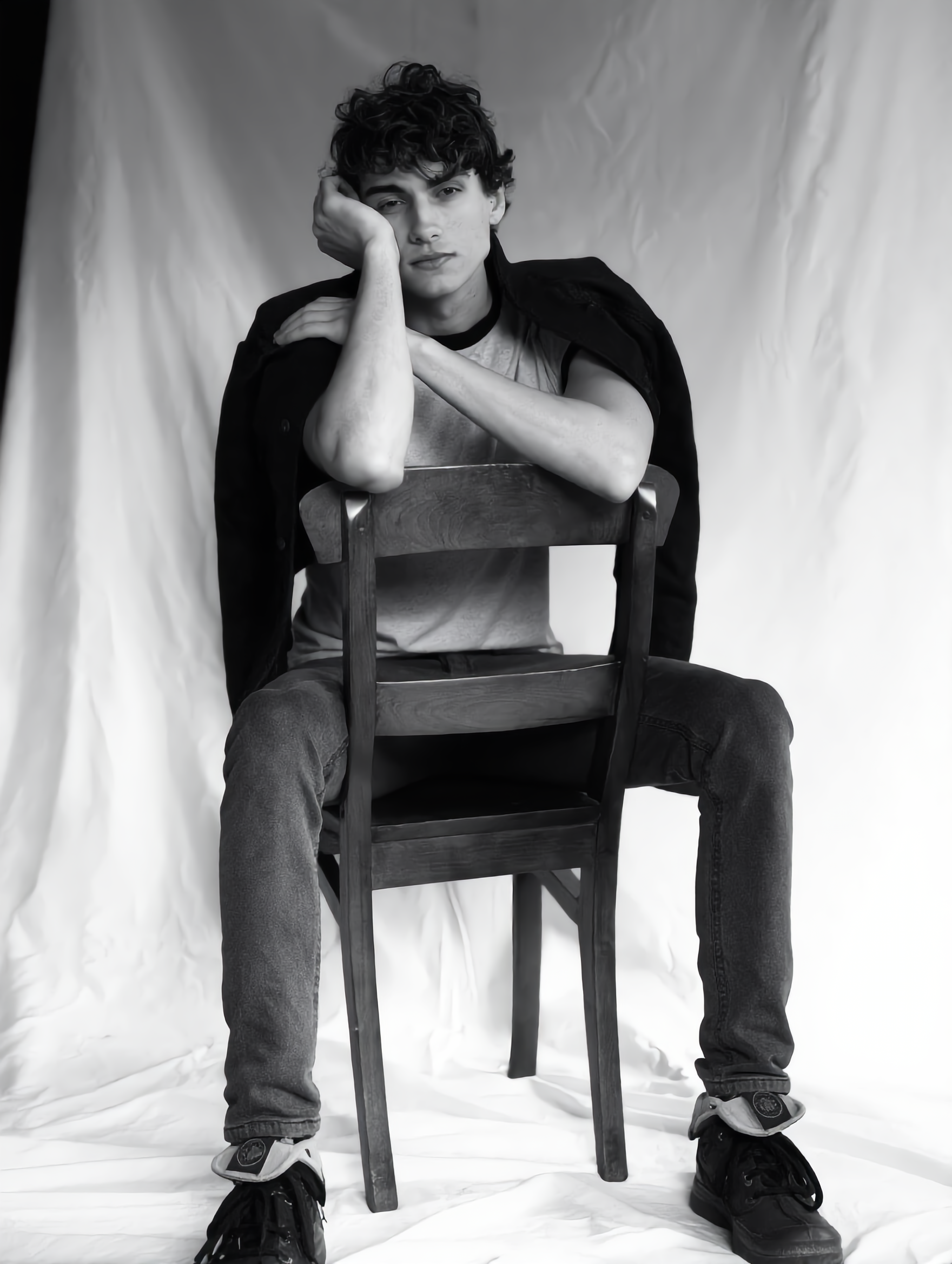
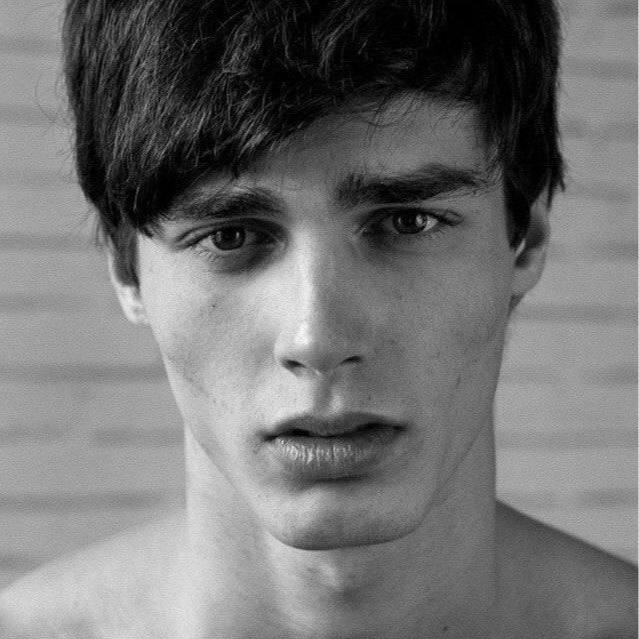
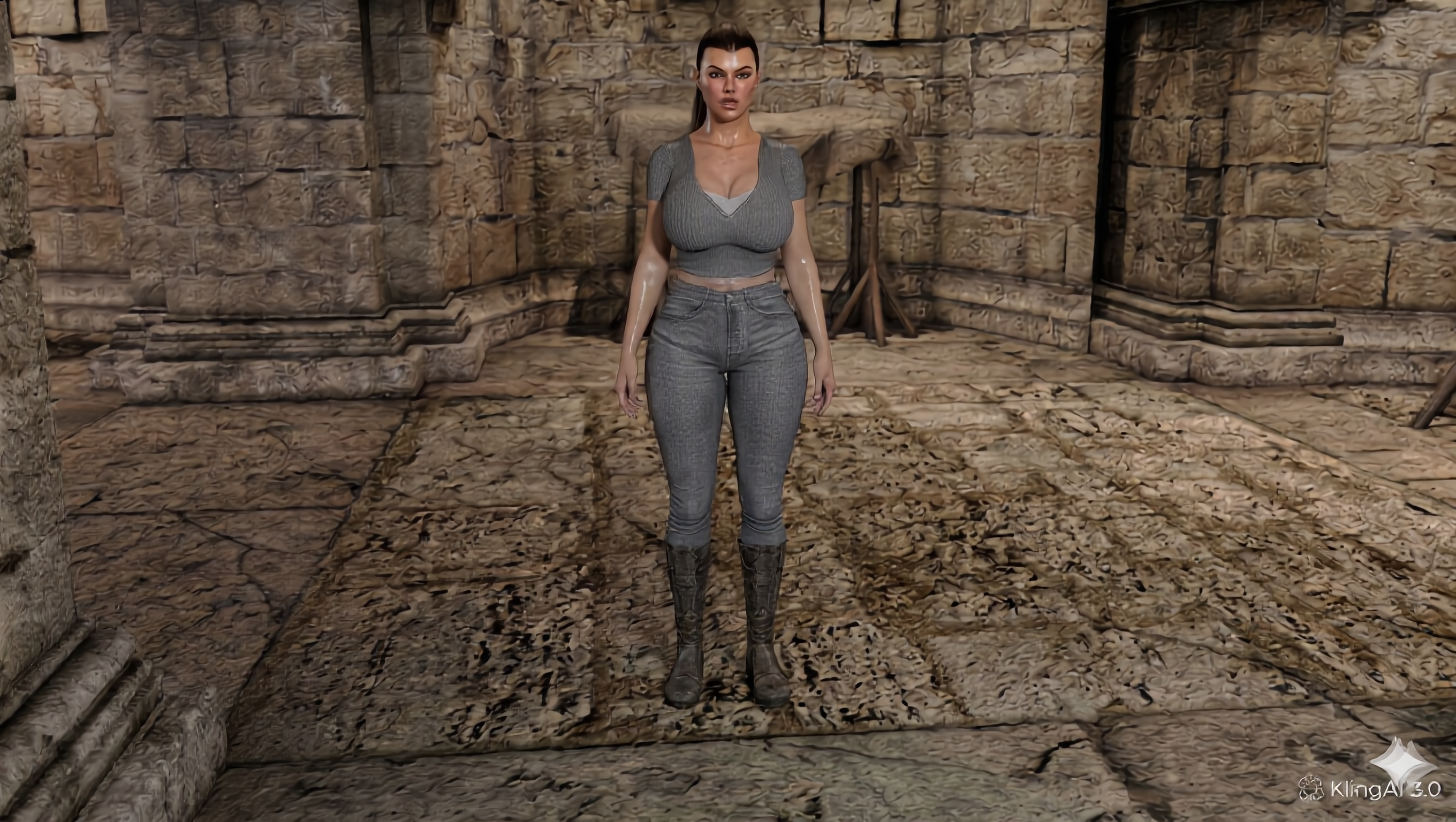
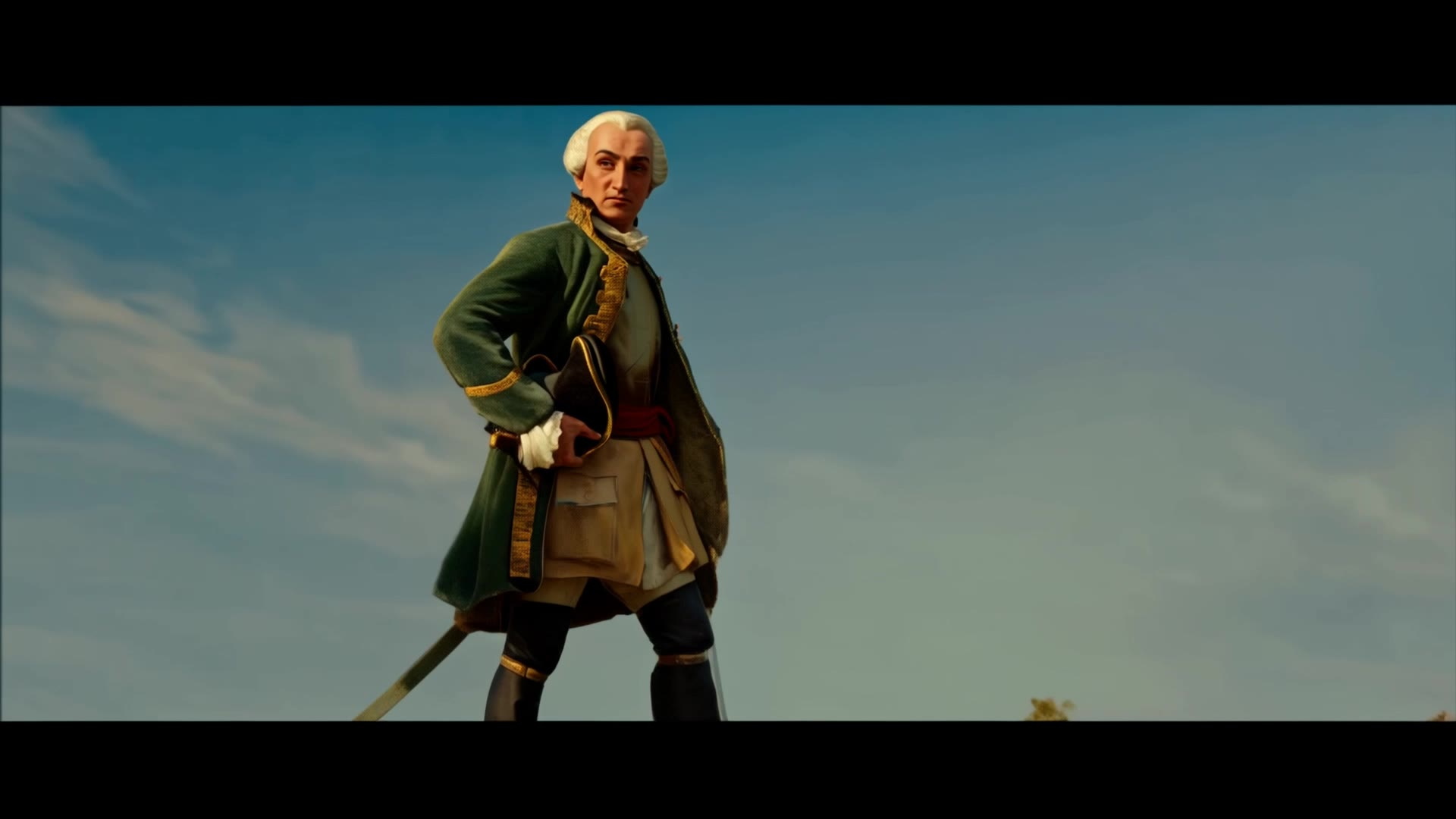
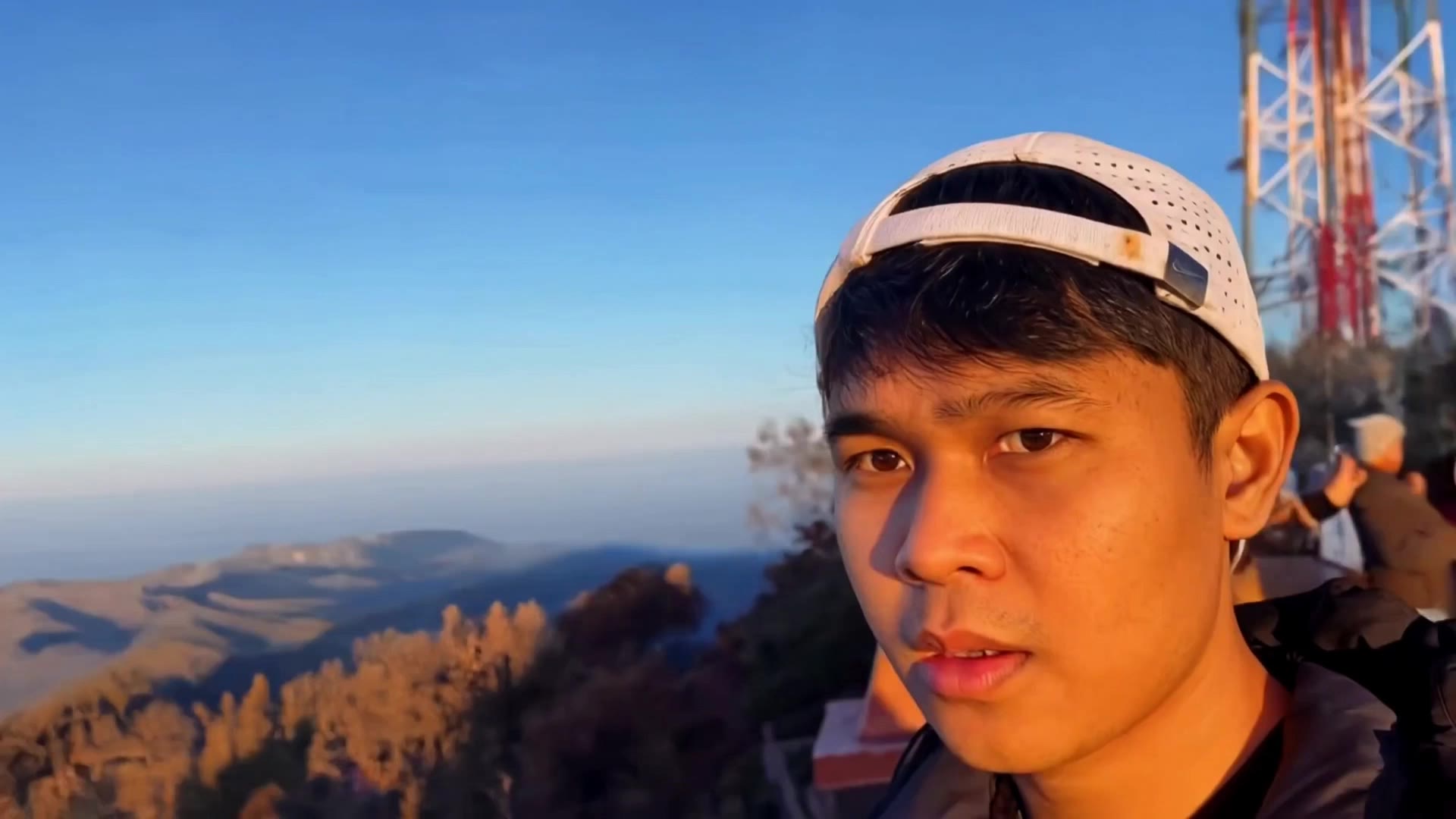


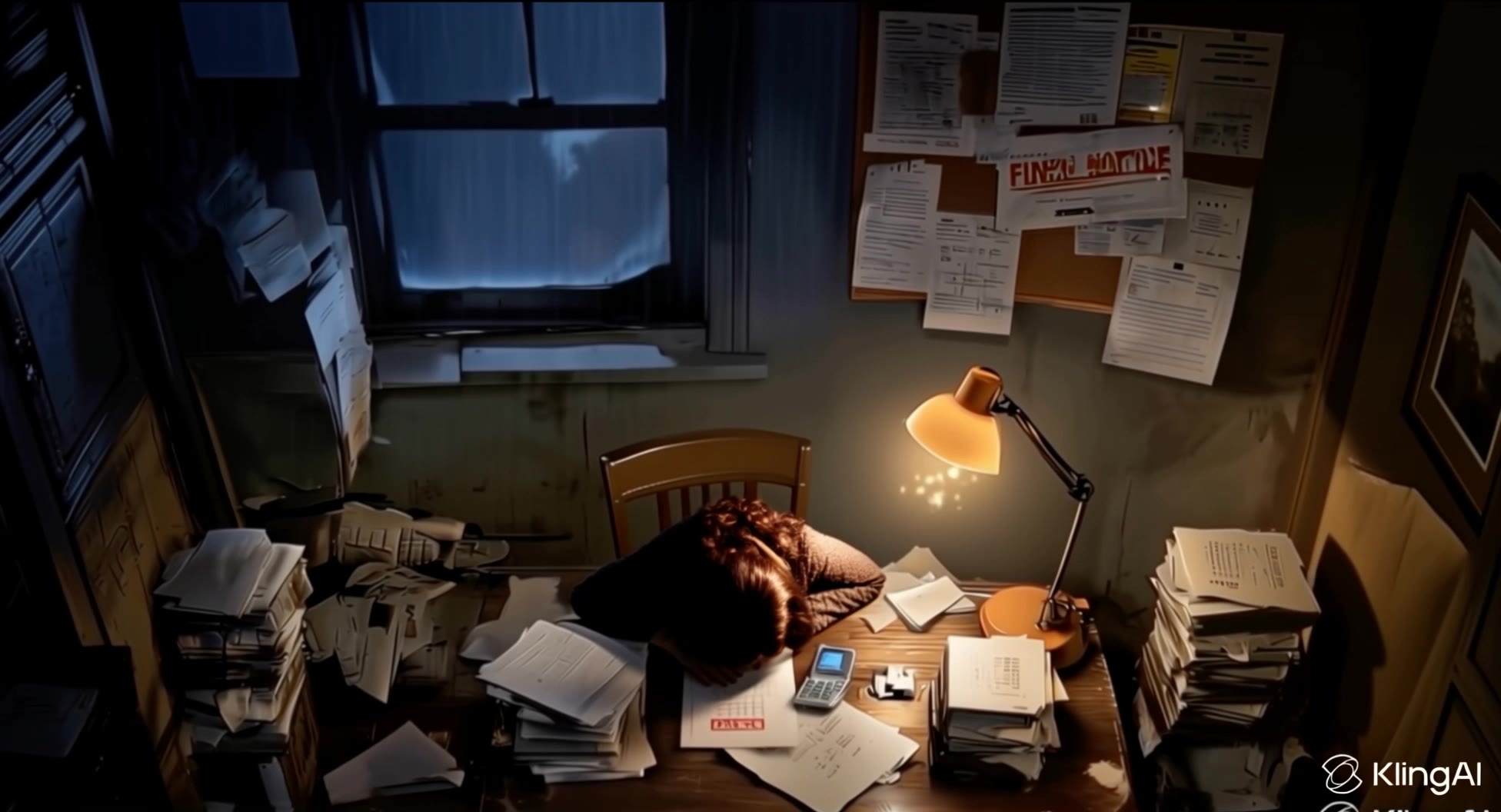


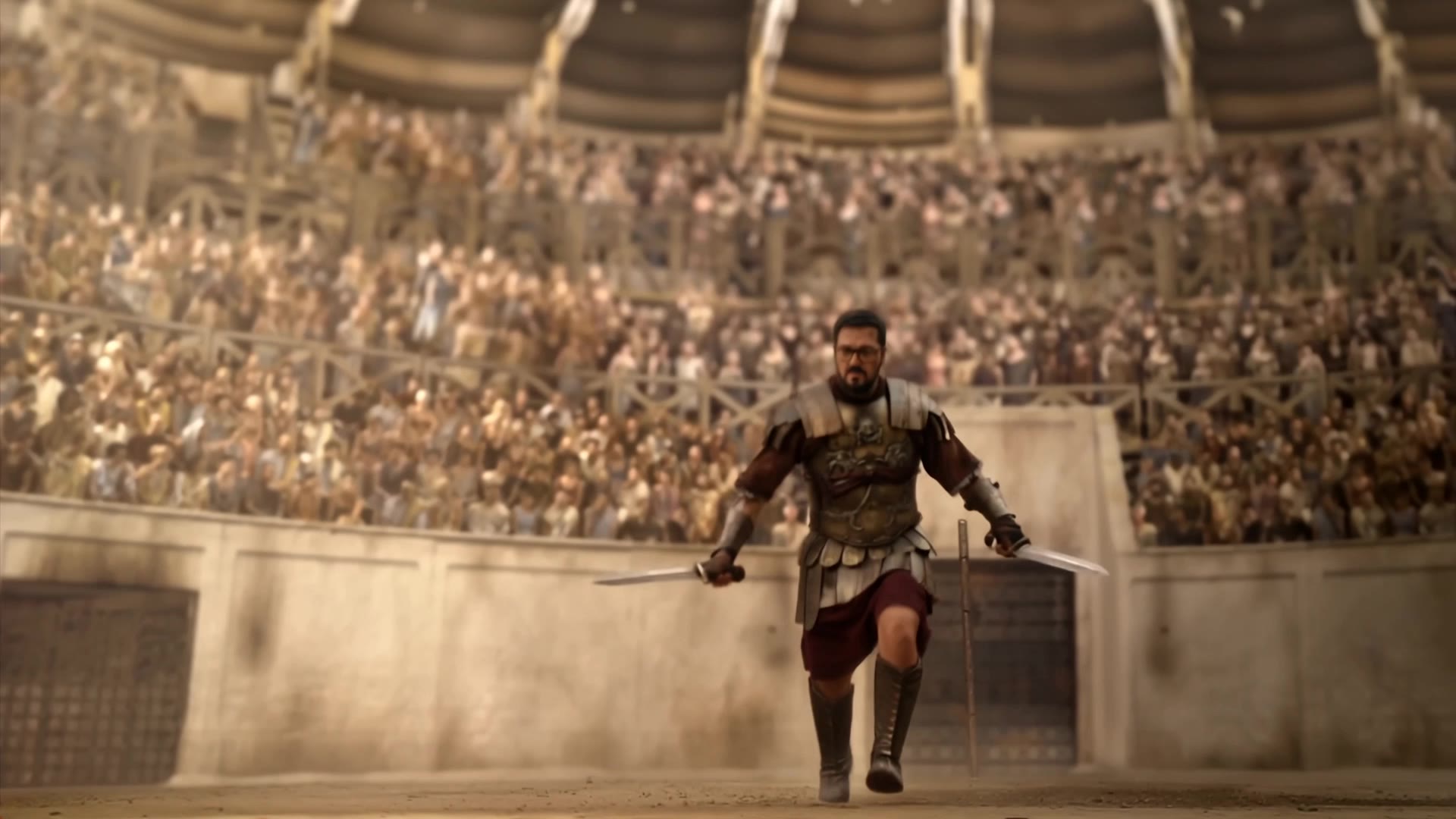









Bring in up to 10 reference images to keep the subject, color, shape, and visual details that matter, then update only what needs to change. Whether you’re reworking a background, adjusting lighting, or refining a product or character, IMAGE 3.0 helps the new image stay true to the original while making the edit feel clean, natural, and intentional.

Give any image a fresh look in more than one way. Start with the built-in style library to recreate a look in one click, or upload your original image with a reference to follow a specific visual direction. Kling AI image-to-image model carries over the qualities that define the style while keeping the subject clear and the composition intact.

Start with one image or several references and generate a connected set in one pass. IMAGE 3.0 Omni keeps characters, products, style, and tone consistent from image to image, while still allowing new actions, framing, camera angles, and shot types. Native 4K output makes it well suited to cinematic multi-shot storyboards, product image sets, and character design.

















Kling AI has been instrumental in transforming my creative workflow, unlocking new dimensions of artistic expression that were once unimaginable. I use Kling AI extensively to develop high-concept visuals, animate surreal dreamscapes, and create AI-assisted films that blur the line between reality and fantasy. Kling AI’s deep learning capabilities have not only enhanced my creative efficiency but also inspired me to explore storytelling in ways I never thought possible.

Kling AI seamlessly integrates into my creative workflow, playing a key role in transforming my images. After generating and upscaling an image, Kling becomes a crucial element, bringing my creations to life with movement and depth.

I use Kling AI every day. It's amazing to see the almost daily progress it makes. I used AI for fun at first, and I now find that Kling AI's animations allow me to gain professional visibility, with three times more views on my animated posts than on my static posts.
Create character dialogue, multilingual voices, consistent voice identities, ambience, and sound effects with Kling VIDEO 3.0.
Multilingual Dialogue | Multi-Character Voices | Native Audio
