Creative Studio
API
Resources
Features
About Us
Download

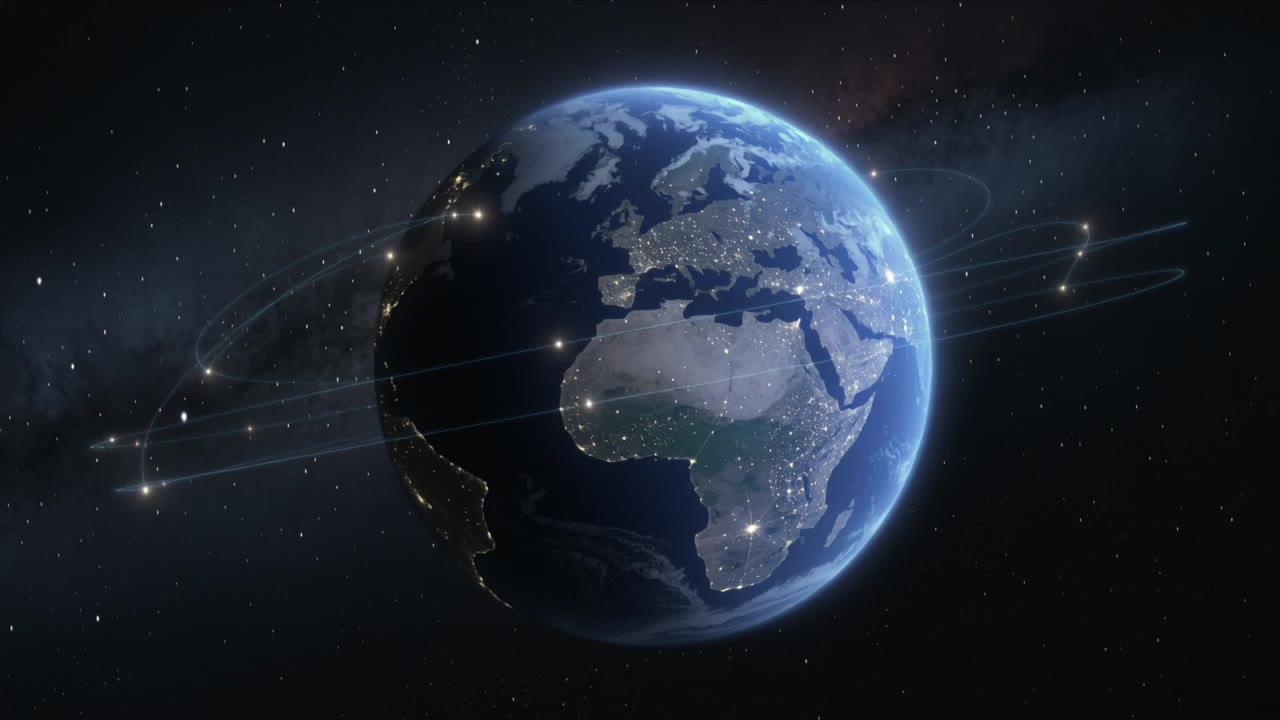
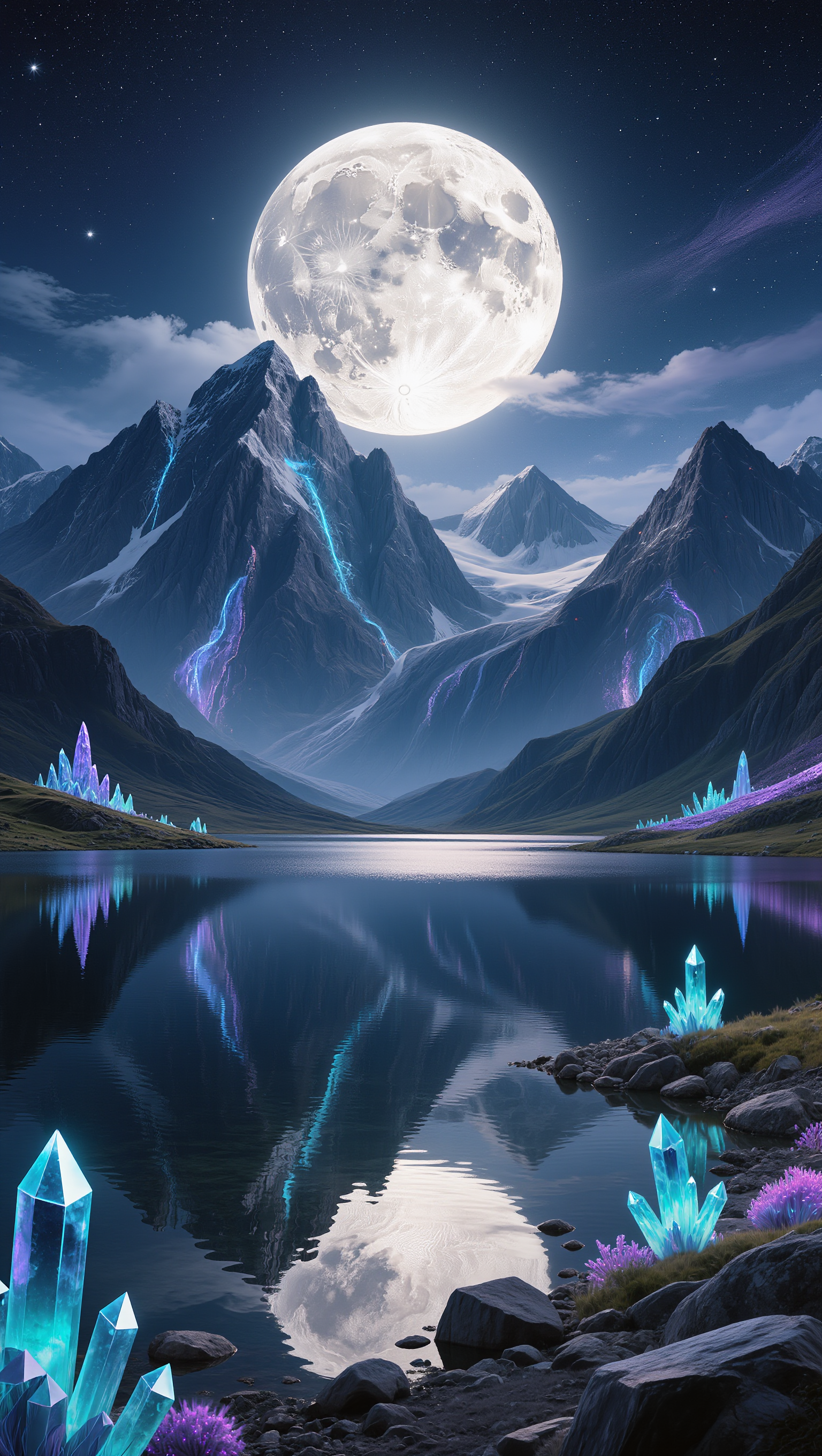
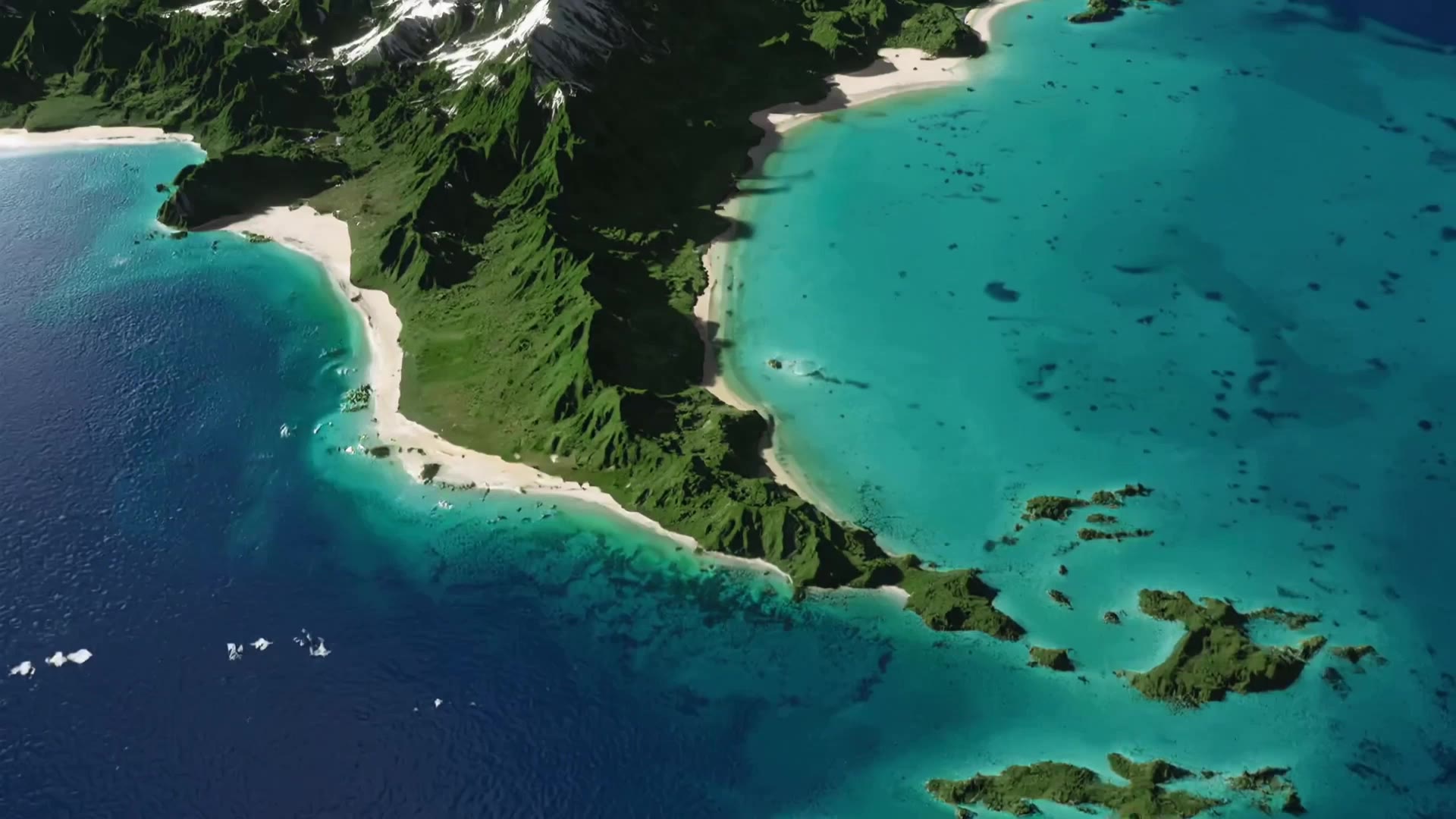
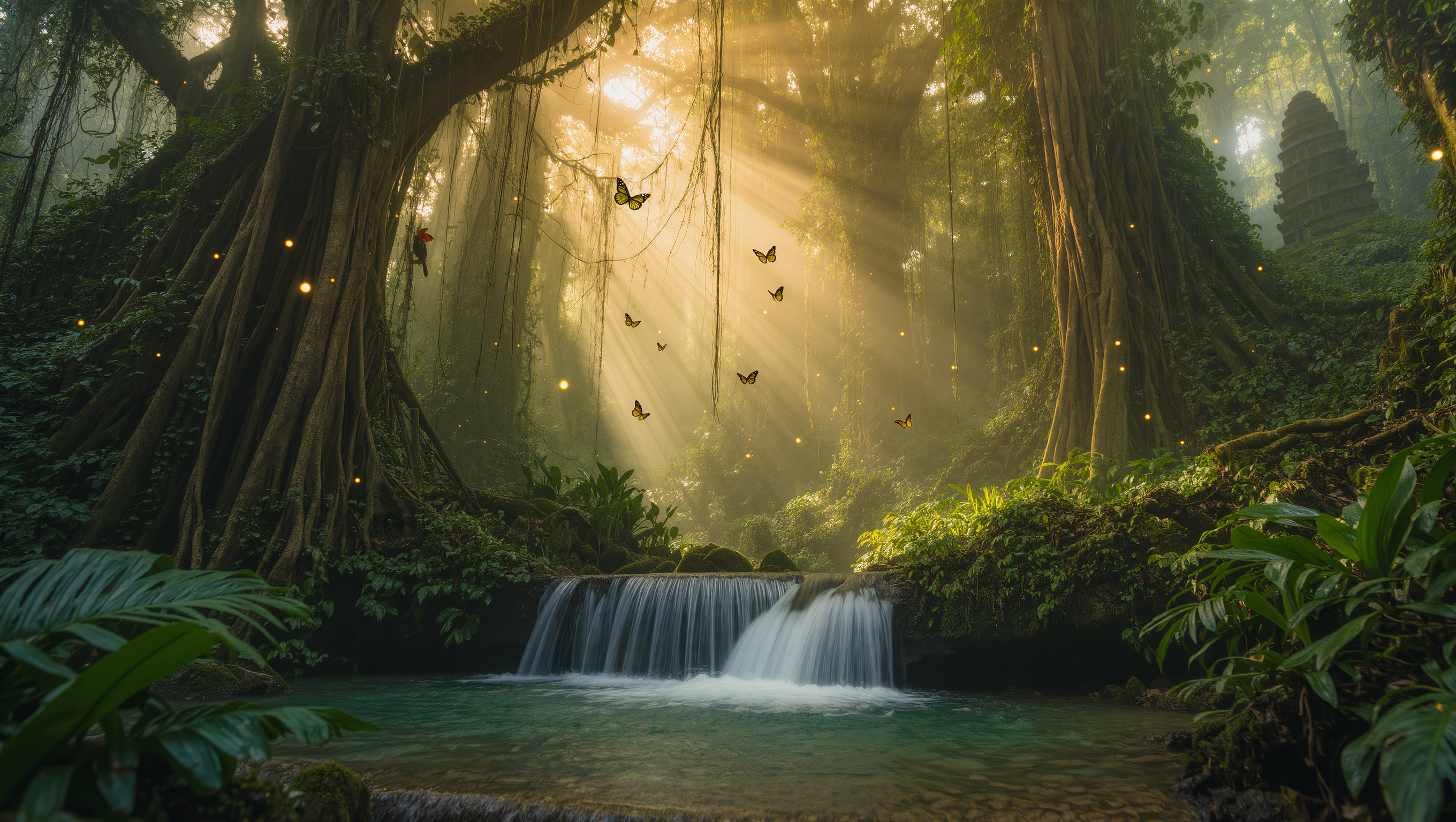
AI-generated earth desktop wallpaper ideas – quick and customizable

Explore AI-generated earth desktop wallpaper ideas. Get quick and customizable designs with AI help. Ideal for nature lovers.

AI-generated earth desktop wallpaper ideas – quick and customizable

Recommended

Desktop Oled wallpaper - earth desktop wallpaper AI video
00:10
vaDUEQlW avatar
vaDUEQlW
Kling AI work 314265054527114 - earth desktop wallpaper AI video
Buyo avatar
Buyo
Kling AI work 318382586502403 - earth desktop wallpaper AI video
YeHBOAfm avatar
YeHBOAfm
Earth from apocalyptic space - earth desktop wallpaper AI image
MOMO -KLING avatar
MOMO -KLING
Kling AI work 296461099617933 - earth desktop wallpaper AI image
TurbM3L0s3/AlohaKaim avatar
TurbM3L0s3/AlohaKaim
Kling AI work 309755336502052 - earth desktop wallpaper AI image
Rakesh avatar
Rakesh
Kling AI work 315488675667891 - earth desktop wallpaper AI video
QqzZZxhc avatar
QqzZZxhc
Kling AI work 296458340663090 - earth desktop wallpaper AI image
TurbM3L0s3/AlohaKaim avatar
TurbM3L0s3/AlohaKaim
Kling AI work 317581797663735 - earth desktop wallpaper AI video
obVZVXqQ avatar
obVZVXqQ
Planet Earth viewed from space - earth desktop wallpaper AI video
qmbJwyIJ avatar
qmbJwyIJ
Earth from space at night - earth desktop wallpaper AI image
VMDesign avatar
VMDesign
Kling AI work 296461119506570 - earth desktop wallpaper AI image
TurbM3L0s3/AlohaKaim avatar
TurbM3L0s3/AlohaKaim
Kling AI work 296340153505776 - earth desktop wallpaper AI video
gtgFCxuS avatar
gtgFCxuS
Kling AI work 309506927502144 - earth desktop wallpaper AI image
xJXRKrvK avatar
xJXRKrvK
Kling AI work 309755263521956 - earth desktop wallpaper AI image
Rakesh avatar
Rakesh
Kling AI work 296461119522563 - earth desktop wallpaper AI image
TurbM3L0s3/AlohaKaim avatar
TurbM3L0s3/AlohaKaim
Earth from space. Natural. - earth desktop wallpaper AI video
EDGENTERTAINMENT avatar
EDGENTERTAINMENT
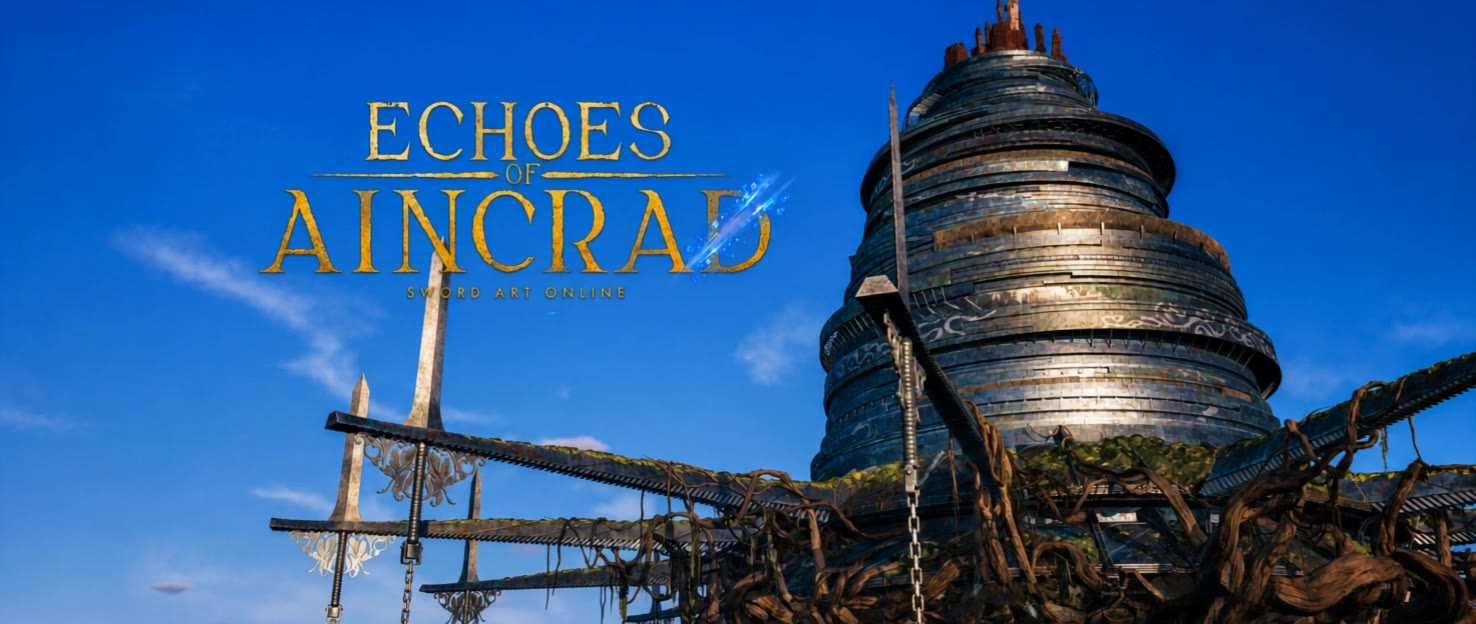
ECHOES OF AINCRAD (SAO) - earth desktop wallpaper AI video
Netstark avatar
Netstark
Earth Godess - earth desktop wallpaper AI video
Ivy Oshun avatar
Ivy Oshun

How to Create an AI Avatar Video

Create an Avatar

Create an Avatar

Pick a ready-made character from the Avatar Library, return to a saved avatar, upload an image from your device or Assets, or generate someone new with AI Image. The selected image becomes the visual starting point for the video.

Add the Voice

Add the Voice

Upload a finished recording, or enter the lines you want the character to deliver. With text to speech, select a voice and adjust its speed and emotional tone. Use punctuation to place pauses where they naturally belong, especially in longer passages.

Shape the Performance

Shape the Performance

Describe how the character should feel, react, and move while speaking. You can write the direction yourself or begin with one of the performance options Kling AI suggests for the selected character. Generate the video and review the delivery.

Create AI Art with More Creative Control

Bring More Than a Prompt to Your Art

Bring More Than a Prompt to Your Art

Start with words, a sketch, a photo, or the references that already capture part of your idea. IMAGE 3.0 can use up to 10 reference images, so you can bring a character from one image, an outfit from another, and a different setting or art style into the same creation. Use references for the details you want to keep, then use your prompt to decide what changes.

Find the Look That Fits Your Idea

Find the Look That Fits Your Idea

Create pencil drawings, watercolor paintings, anime art, comics, concept art, 3D-inspired images, and more. Try a completely different style, or fine-tune the one you already have. Kling AI also gives you control beyond the art style. Reframe the scene, shift the viewing angle, change the lighting or color palette, and keep refining the image until the whole piece comes together

Create a Series, Not Just a Single Image

Create a Series, Not Just a Single Image

Keep a character, setting, or visual style recognizable across multiple pieces of artwork with IMAGE 3.0 Omni. Generate new poses, scenes, and compositions while keeping the details that tie the series together. It works especially well for character concepts, comics, storyboards, and other ideas that need to develop across several images. Generate in native 2K or 4K when you want more detail in the finished artwork.

Apps

Image to Video
Image to Video

Image to Video

Text to Video
Text to Video

Text to Video

Omni
Omni

Omni

Digital Human
Digital Human

Digital Human

Restyle
Restyle

Restyle

Text to Image
Text to Image

Text to Image

60M+
60M+
Users
600M+
600M+
AI Videos Generated
4.7 ★
4.7 ★
App Store
Industry-Leading
Industry-Leading
Cinematic 4K

Reviews

Maria Rubtsova

Maria Rubtsova

★★★★★

I’m Maria Rubtsova, an AIGC digital artist passionate about creating stunning visuals in the worlds of fashion, aesthetics, and fantasy. I use KlingAi to bring imagination to life through video. My work is all about exploring beauty, emotion, and the limitless possibilities of digital art.

Vincent Smadja

Vincent Smadja

★★★★★

Kling AI seamlessly integrates into my creative workflow, playing a key role in transforming my images. After generating and upscaling an image, Kling becomes a crucial element, bringing my creations to life with movement and depth.

PJ Ace

PJ Ace

★★★★★

Kling AI has made it easy for us to generate world class visuals for Fortune 500 companies, TV shows and music for big artists. We love the easy of use of the platform and the quality of the generations. My first time using Kling AI, I got 22 million views on just one video. It's that good.

FAQ

Q1Can I edit my face swap after it is generated?
Q2Can I use Kling AI Face Swap for videos?
Q3What is AI Face Swap?

Create Characters That Inspire New Stories

Turn your ideas into distinctive AI characters with Kling AI. Create unique designs, explore different styles, and develop consistent characters for stories, games, and creative projects.

Free tier available | 2K/4K output | Reference-Based Creation