Creative Studio
API
Resources
Features
About Us
Download

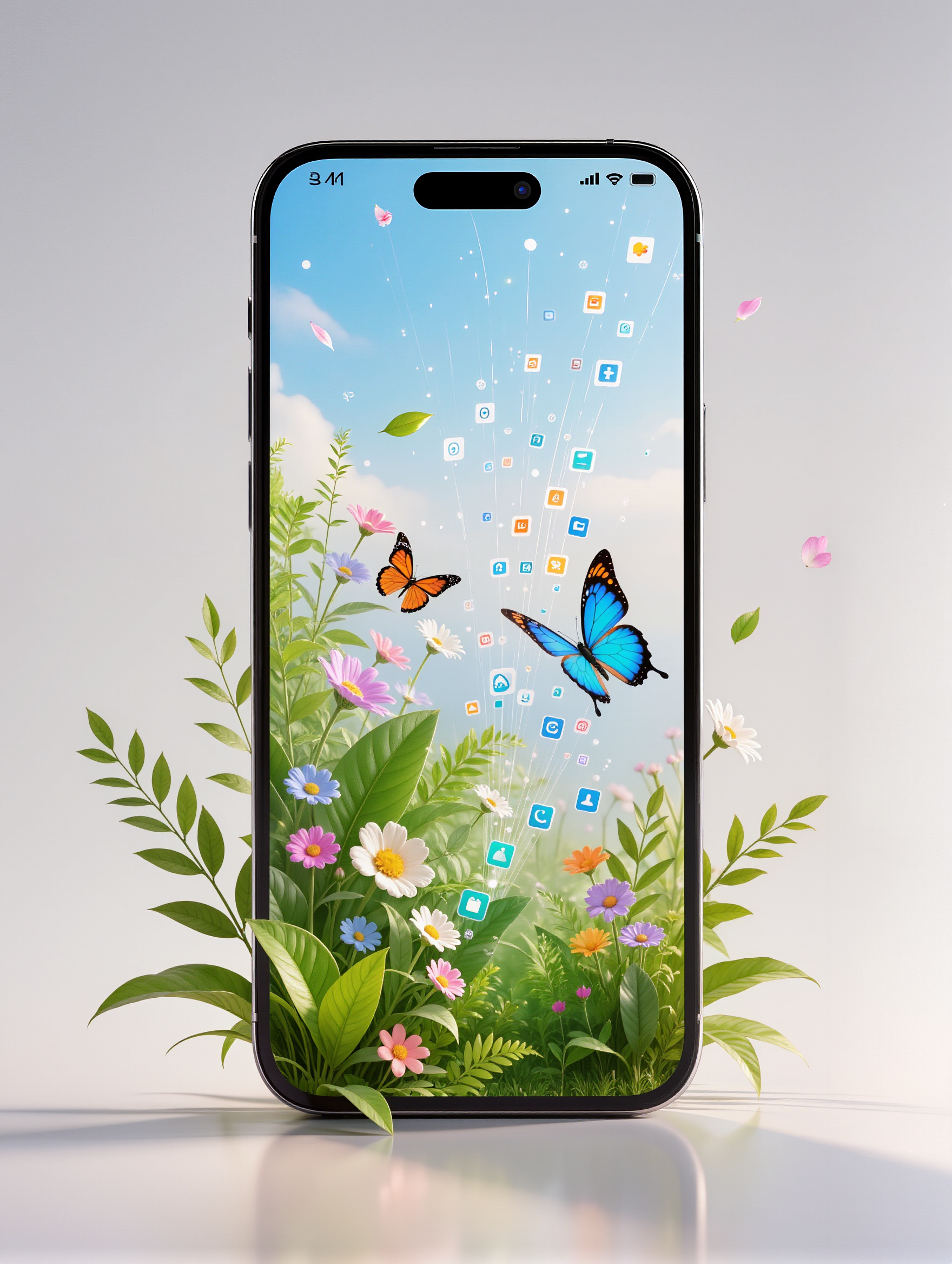
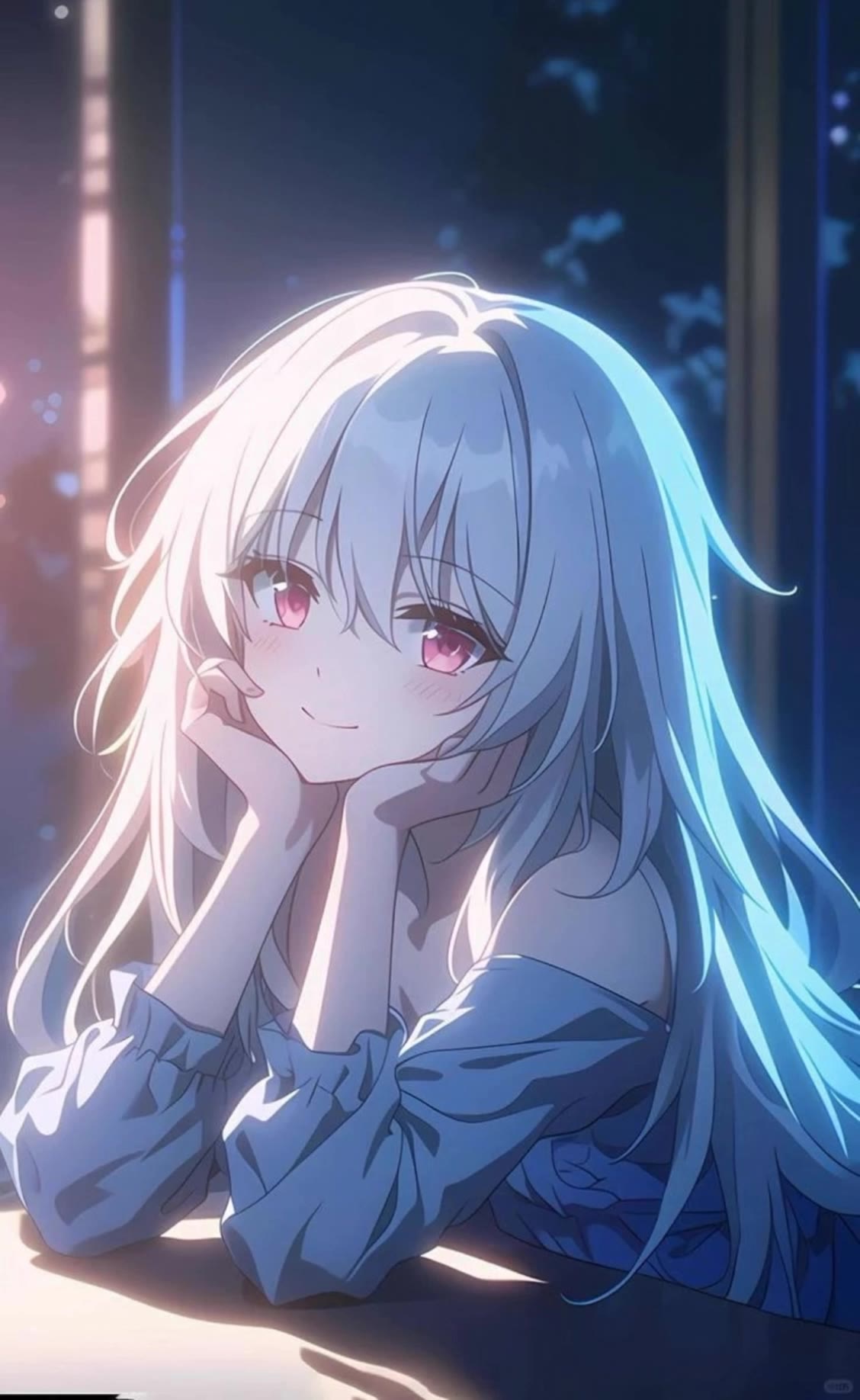
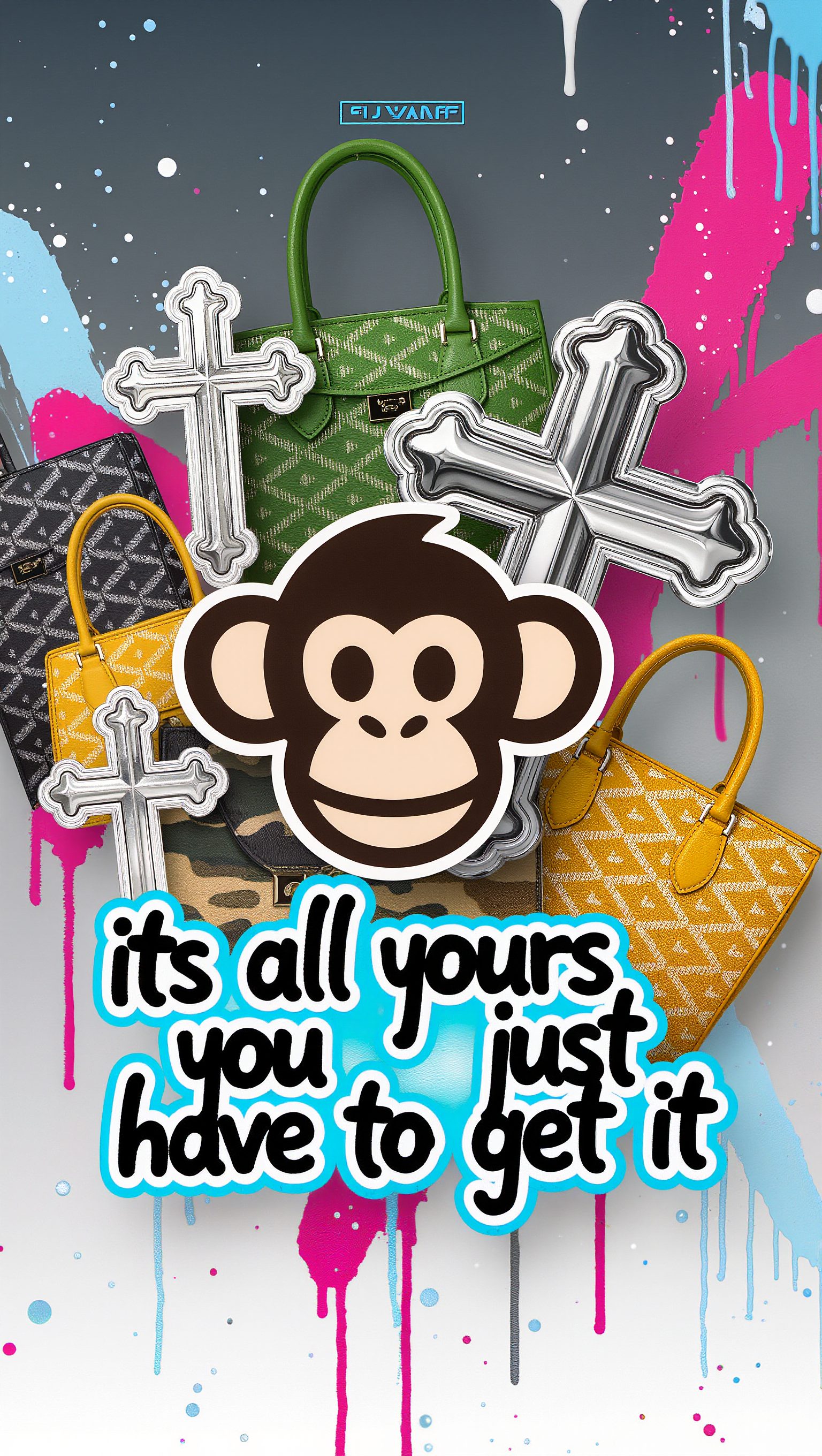
AI earth phone wallpapers – Kling AI designs

Browse AI-made earth phone wallpapers. Choose from various styles and details. Easy to customize for a perfect look.

AI earth phone wallpapers – Kling AI designs

Recommended

Kling AI work 296166832527506 - earth phone wallpaper AI image
uAQbuMMN avatar
uAQbuMMN
Kling AI work 308855324505863 - earth phone wallpaper AI image
YAEDnkOg avatar
YAEDnkOg
Earth from space. Natural. - earth phone wallpaper AI video
EDGENTERTAINMENT avatar
EDGENTERTAINMENT
Kling AI work 310749683503972 - earth phone wallpaper AI image
sn00pz avatar
sn00pz
Kling AI work 310972006522352 - earth phone wallpaper AI image
QpOULOuw avatar
QpOULOuw
Kling AI work 310299137616417 - earth phone wallpaper AI video
CayOOxjo avatar
CayOOxjo
Kling AI work 315488675667891 - earth phone wallpaper AI video
QqzZZxhc avatar
QqzZZxhc
Kling AI work 311683021503857 - earth phone wallpaper AI image
aVHklzIU avatar
aVHklzIU
Kling AI work 316055105665953 - earth phone wallpaper AI image
Dreaming avatar
Dreaming
Elite Creator
Kling AI work 312474589508797 - earth phone wallpaper AI video
sFdauqPG avatar
sFdauqPG
Friend: “Give me your phone, I w - earth phone wallpaper AI image
gSnEnbyH avatar
gSnEnbyH
Live Wallpaper - earth phone wallpaper AI video
Louis avatar
Louis
Elite Creator
Kling AI work 315854022612486 - earth phone wallpaper AI video
ymOeeHmZ avatar
ymOeeHmZ
Kling AI work 310749546665555 - earth phone wallpaper AI image
sn00pz avatar
sn00pz
At the phone - earth phone wallpaper AI video
Julietteuniverse avatar
Julietteuniverse
"Smartphone wallpaper format" - earth phone wallpaper AI image
CENCgEKU avatar
CENCgEKU
Kling AI work 314539786508991 - earth phone wallpaper AI image
jEPavyfA avatar
jEPavyfA
Kling AI work 309379297616914 - earth phone wallpaper AI image
KgSMpvBe avatar
KgSMpvBe
Kling AI work 312288007661930 - earth phone wallpaper AI image
klFeAEXq avatar
klFeAEXq

How to Change Clothes with Kling AI

Step 1: Upload the Model Photo and Outfit References

Step 1: Upload the Model Photo and Outfit References

Upload the model's photo you want to edit, then add references for the clothing, shoes, hats, bags, or accessories you want to use. You can combine multiple references when different parts of the final look come from different images.

Step 2: Describe the Outfit Change

Step 2: Describe the Outfit Change

Tell Kling AI how each reference should be used. For example, use Image 1 as the base person, then apply the shirt from Image 2, jacket from Image 3, skirt from Image 4, and shoes from Image 5.

Step 3: Generate Your Outfit Change

Step 3: Generate Your Outfit Change

Choose your preferred aspect ratio and 2K or 4K resolution, then generate your new look. Preview the final composite and download your favorite result.

One Image-to-Image Generator, More Ways to Create

Refine With Precision

Refine With Precision

Bring in up to 10 reference images to keep the subject, color, shape, and visual details that matter, then update only what needs to change. Whether you’re reworking a background, adjusting lighting, or refining a product or character, IMAGE 3.0 helps the new image stay true to the original while making the edit feel clean, natural, and intentional.

Restyle With Freedom

Restyle With Freedom

Give any image a fresh look in more than one way. Start with the built-in style library to recreate a look in one click, or upload your original image with a reference to follow a specific visual direction. Kling AI image-to-image model carries over the qualities that define the style while keeping the subject clear and the composition intact.

Generate Image Series in 4K

Generate Image Series in 4K

Start with one image or several references and generate a connected set in one pass. IMAGE 3.0 Omni keeps characters, products, style, and tone consistent from image to image, while still allowing new actions, framing, camera angles, and shot types. Native 4K output makes it well suited to cinematic multi-shot storyboards, product image sets, and character design.

Apps

Image to Video
Image to Video

Image to Video

Text to Video
Text to Video

Text to Video

Omni
Omni

Omni

Digital Human
Digital Human

Digital Human

Restyle
Restyle

Restyle

Text to Image
Text to Image

Text to Image

60M+
60M+
Users
600M+
600M+
AI Videos Generated
4.7 ★
4.7 ★
App Store
Industry-Leading
Industry-Leading
Cinematic 4K

Reviews

Déborah

Déborah

★★★★★

I use Kling AI every day. It's amazing to see the almost daily progress it makes. I used AI for fun at first, and I now find that Kling AI's animations allow me to gain professional visibility, with three times more views on my animated posts than on my static posts.

Jyo John Mulloor

Jyo John Mulloor

★★★★★

Kling AI has been instrumental in transforming my creative workflow, unlocking new dimensions of artistic expression that were once unimaginable. I use Kling AI extensively to develop high-concept visuals, animate surreal dreamscapes, and create AI-assisted films that blur the line between reality and fantasy. Kling AI’s deep learning capabilities have not only enhanced my creative efficiency but also inspired me to explore storytelling in ways I never thought possible.

James Phillips

James Phillips

★★★★★

Kling AI has transformed my workflow by collapsing timelines and democratizing production. It’s shifted my mindset from resource-dependent filmmaking to a boundless creative sandbox, where experimentation yields unexpected beauty.

FAQ

Q1What is the difference between an AI photo editor and an AI image generator?
Q2Can Kling AI retouch portraits?
Q3Can I enhance or upscale a photo with Kling AI?

Remove the Background. Create What Comes Next.

Remove the background, replace the scene, and take your visual somewhere new with Kling AI.

Free tier available | Image and video workflows | High-resolution options