
Creative Studio
API
Resources
About Us
Download

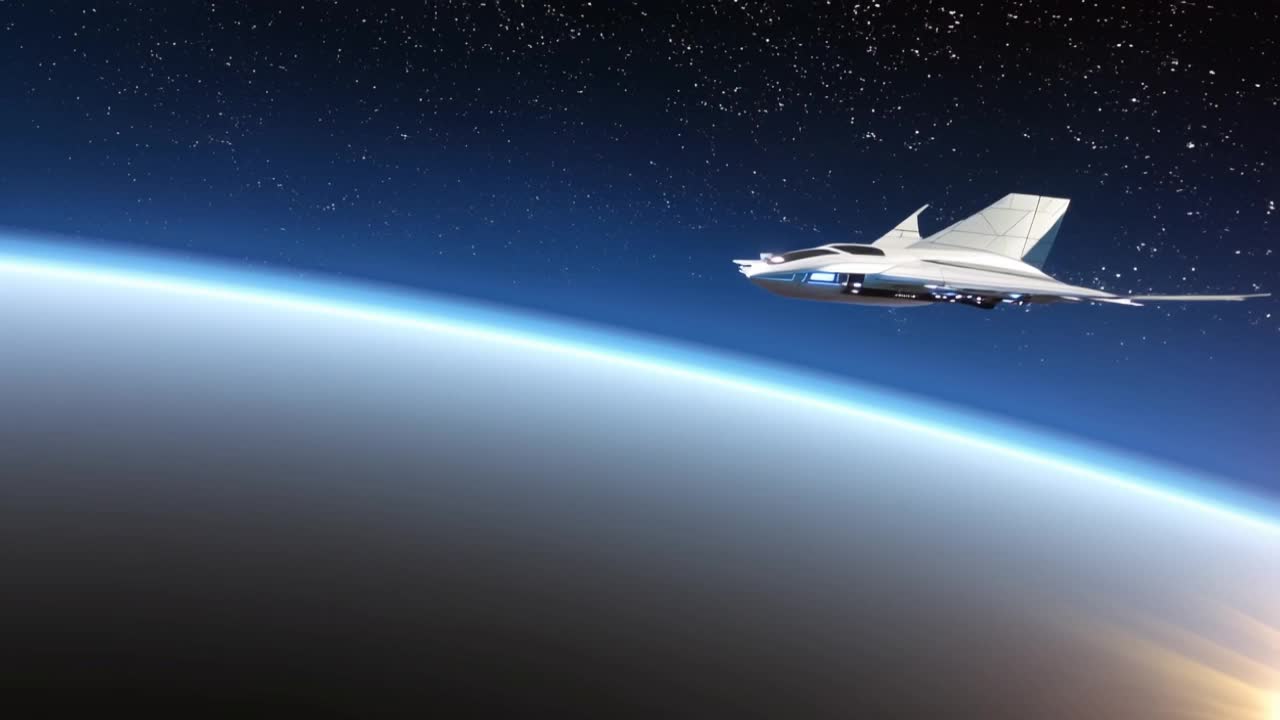
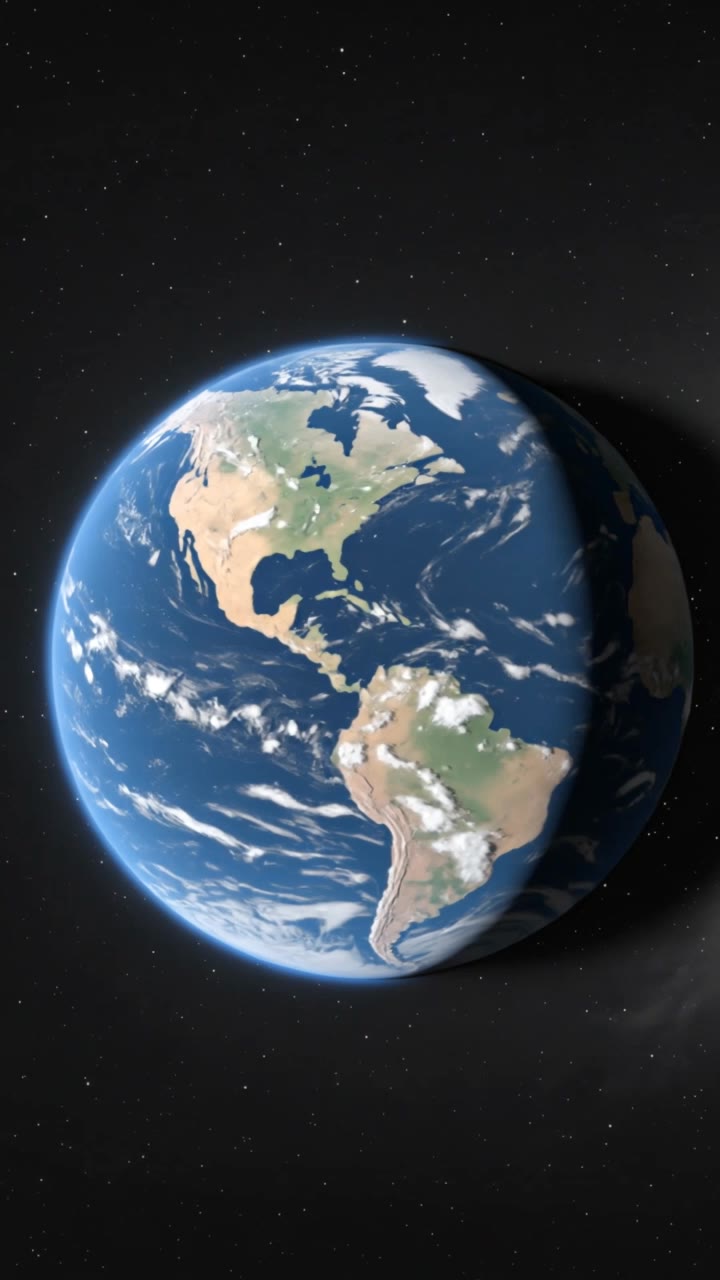
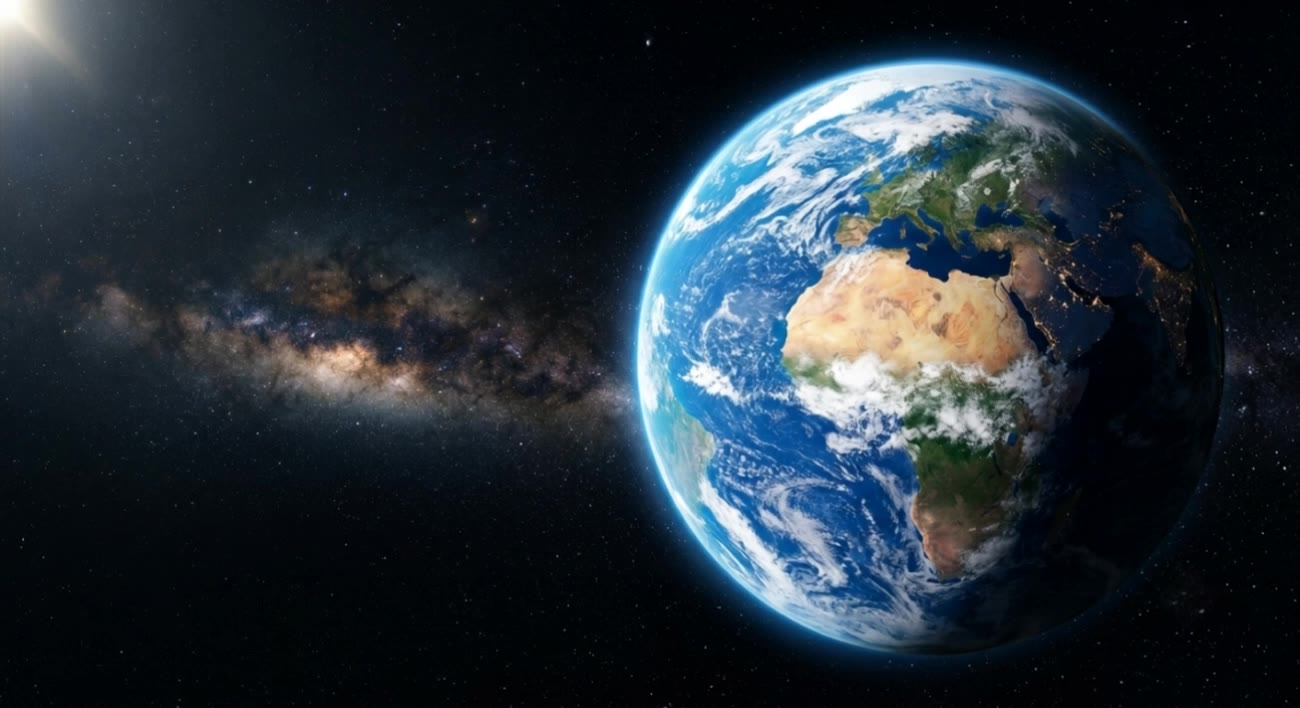
Earth Video Concepts – AI-Made Visuals

Explore AI-made visuals for earth videos. Get quick, customizable ideas that require no design skills, perfect for various creative projects.


Earth Video Concepts – AI-Made Visuals

Recommended

🌀 The Portal - Earth Zoom In - earth video AI video
Earth Zoom In
Ady Media Design avatar
Ady Media Design
Elite Creator
Earth - earth video AI image
LSPJ avatar
LSPJ
Earth - earth video AI video
Earth Zoom In
Babu@7999 avatar
Babu@7999
Earth - earth video AI video
pVNsgaWw avatar
pVNsgaWw
Dawn of Earth - earth video AI video
Daphnia_marina avatar
Daphnia_marina
Elite Creator
Invasion of the Earth | video - earth video AI video
WorldIsNice avatar
WorldIsNice
Earth - earth video AI video
mQDGIfCe avatar
mQDGIfCe
Earth - earth video AI video
Viktor_Fox avatar
Viktor_Fox
EARTH ZOOM - COMMERCIAL - earth video AI video
Earth Zoom In
pNEVzdzt avatar
pNEVzdzt
Chees earth - earth video AI image
Viktor_Fox avatar
Viktor_Fox
revolving earth - earth video AI video
bmthSbZP avatar
bmthSbZP
Earth from deep space - earth video AI image
Mohamed Elgohary avatar
Mohamed Elgohary
Earth Zoom In Westie - earth video AI video
Earth Zoom In
echoingshores avatar
echoingshores
Dino With Earth And Mercury - earth video AI video
HnVgMZfj avatar
HnVgMZfj
Earth - earth video AI video
Viktor_Fox avatar
Viktor_Fox
Ethereal Earth - earth video AI video
NzArtisan avatar
NzArtisan
earth - earth video AI video
MNZ1998 avatar
MNZ1998
the earth, the sea - earth video AI image
Mohamed Elgohary avatar
Mohamed Elgohary
Signal toward earth - earth video AI video
Atlas avatar
Atlas

How to Generate Images with Kling AI

Write Your Prompt

Write Your Prompt

Describe your idea in natural language or start with recommended prompts. Add details about the subject, scene, and style to guide your image creation.

Add References And Generate

Add References And Generate

Upload reference images, select your aspect ratio and number of outputs, then generate visuals based on your creative direction.

Refine And Create More

Refine And Create More

Edit your results with tools for local changes, image expansion, and enhancement. You can also turn your images into videos and continue creating with Kling AI.

Key Features of Kling AI Text-to-Image Generator

Create Detailed Images From Text Prompts

Create Detailed Images From Text Prompts

Turn your text descriptions into detailed images with Kling AI. Describe the subject, scene, style, and composition you want, and the model transforms your prompt into visuals that match your creative direction. Create realistic portraits, cinematic scenes, product visuals, and artistic images directly from text.

Keep Characters And Visual Elements Consistent

Keep Characters And Visual Elements Consistent

Create characters and visual concepts that remain consistent across different images. Kling IMAGE 3.0 uses reference images to preserve important details, including appearance, clothing, objects, and overall style. This makes it easier to create character designs, brand visuals, and image series with a consistent look.

Explore Different Styles And Variations

Explore Different Styles And Variations

Explore different visual directions with prompts and reference images. Adjust composition, perspective, lighting, and style to create new variations while keeping the main concept consistent. This helps you test different ideas and develop visuals for artwork, marketing materials, and creative projects.

Apps

Image to Video
Image to Video

Image to Video

Text to Video
Text to Video

Text to Video

Omni
Omni

Omni

Digital Human
Digital Human

Digital Human

Restyle
Restyle

Restyle

Text to Image
Text to Image

Text to Image

60M+
60M+
Users
600M+
600M+
AI Videos Generated
4.7 ★
4.7 ★
App Store
Industry-Leading
Industry-Leading
Cinematic 4K

Reviews

Vincent Smadja

Vincent Smadja

★★★★★

Kling AI seamlessly integrates into my creative workflow, playing a key role in transforming my images. After generating and upscaling an image, Kling becomes a crucial element, bringing my creations to life with movement and depth.

Déborah

Déborah

★★★★★

I use Kling AI every day. It's amazing to see the almost daily progress it makes. I used AI for fun at first, and I now find that Kling AI's animations allow me to gain professional visibility, with three times more views on my animated posts than on my static posts.

Jyo John Mulloor

Jyo John Mulloor

★★★★★

Kling AI has been instrumental in transforming my creative workflow, unlocking new dimensions of artistic expression that were once unimaginable. I use Kling AI extensively to develop high-concept visuals, animate surreal dreamscapes, and create AI-assisted films that blur the line between reality and fantasy. Kling AI’s deep learning capabilities have not only enhanced my creative efficiency but also inspired me to explore storytelling in ways I never thought possible.

FAQ

Q1Does Video 3.0 support multiple characters speaking?
Q2What’s the difference between Video 2.6 and 3.0?
Q3How long can videos be in Video 3.0?

Experience Video 3.0 on Kling

Create cinematic, multi-shot videos with native audio and precise control—all in one generation.

Native audio | Multi-shot control | Up to 15s continuous output