Creative Studio
API
Resources
Features
About Us
Download

Earth wallpaper ideas – AI-generated designs

Explore AI-generated earth wallpaper concepts. Quickly find and adapt designs to fit your earth-themed projects. Use AI to generate unique wallpaper ideas with ease.

Earth wallpaper ideas – AI-generated designs

Recommended

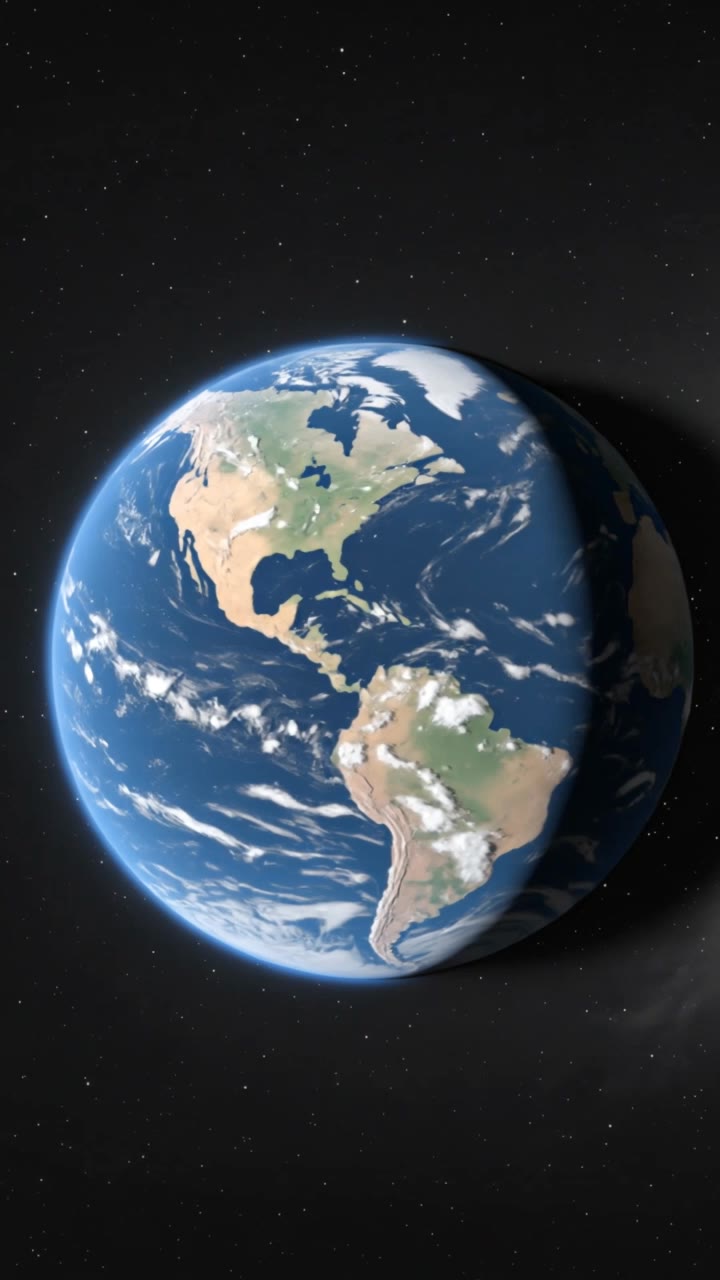
Earth from apocalyptic space - earth wallpaper AI image
MOMO -KLING avatar
MOMO -KLING
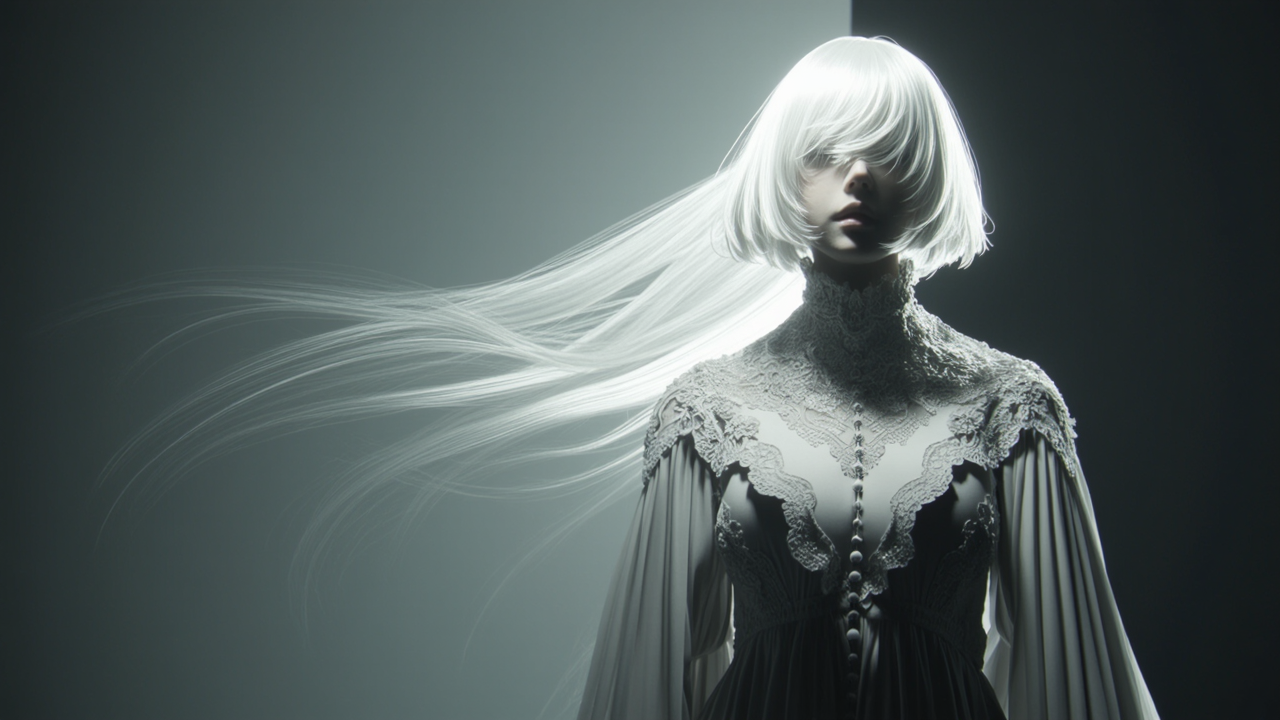
Glowing dark planet Earth - earth wallpaper AI video
qmbJwyIJ avatar
qmbJwyIJ
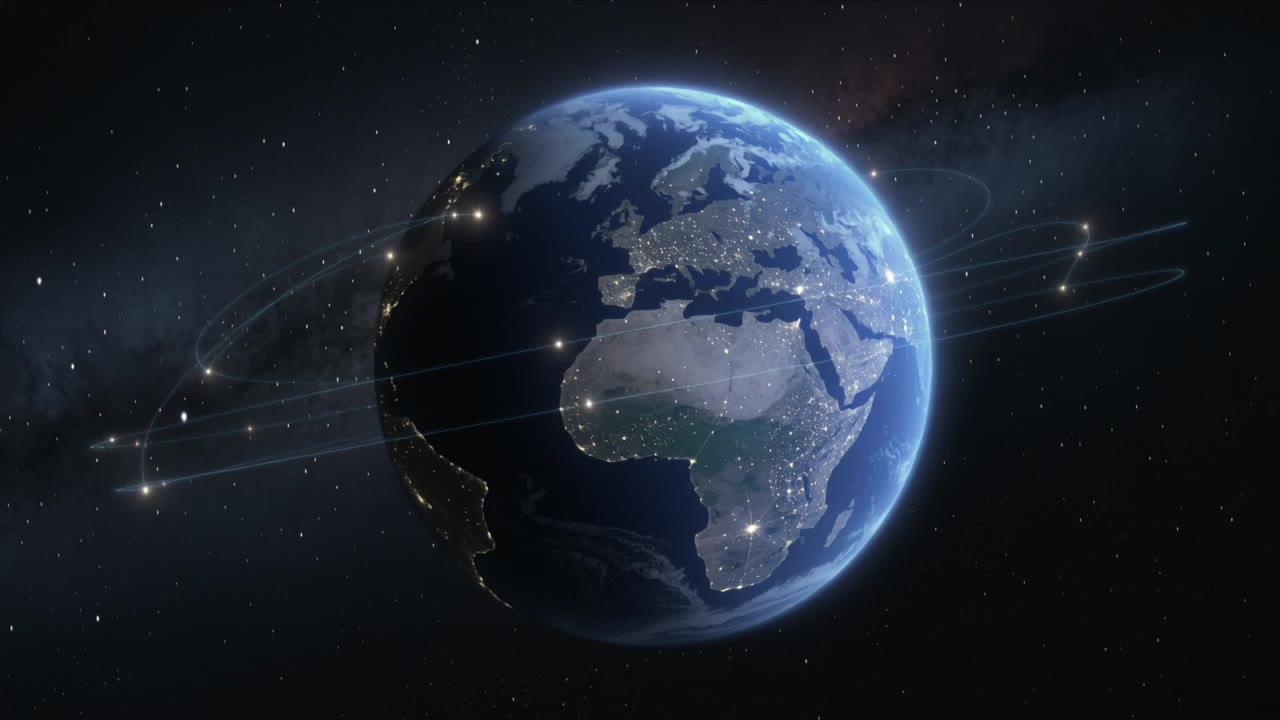
Earth from space at night - earth wallpaper AI image
VMDesign avatar
VMDesign
Earth Zoom In - earth wallpaper AI video
Earth Zoom In
Ceni avatar
Ceni
Kling AI work 315488675667891 - earth wallpaper AI video
QqzZZxhc avatar
QqzZZxhc
Planet Earth Sunrise - earth wallpaper AI video
okwNRhgN avatar
okwNRhgN
Kling AI work 310335821661328 - earth wallpaper AI image
Dreaming avatar
Dreaming
Elite Creator
Peace on earth - earth wallpaper AI video
Amia Calavel avatar
Amia Calavel
a glowing Earth - earth wallpaper AI image
mimoshi avatar
mimoshi
Planet Earth viewed from space - earth wallpaper AI video
qmbJwyIJ avatar
qmbJwyIJ
Kling AI work 309178580610711 - earth wallpaper AI video
wallpaper avatar
wallpaper
wallpaper - earth wallpaper AI video
00:21
AxaCwyoe avatar
AxaCwyoe
wallpaper - earth wallpaper AI video
EDCxWRhK avatar
EDCxWRhK
Earth Zoom In - earth wallpaper AI video
Earth Zoom In
cypnMFYh avatar
cypnMFYh
Earth from space. Natural. - earth wallpaper AI video
EDGENTERTAINMENT avatar
EDGENTERTAINMENT
Earth from space at night - earth wallpaper AI image
VMDesign avatar
VMDesign
Planet Earth viewed from space - earth wallpaper AI video
qmbJwyIJ avatar
qmbJwyIJ

How to Animate an Image

Upload Your Image

Upload Your Image

Upload any image—drag and drop a portrait, product photo, or illustration. Kling supports various formats and brings images to life while maintaining consistent, high-quality results.

Describe the Motion

Describe the Motion

Type what you want to see, like “she turns, smiles, and starts talking to the camera.” For advanced control, you can also upload a start and end frame to define the exact transition.

Generate & Export

Generate & Export

Hit generate, wait a few seconds, and download your animated video. Free image to video generation is available in 1080p, while Pro users can unlock stunning native 4K resolution.

Key Features of Kling AI Text-to-Video Generator

Precise Text-to-video Generation

Precise Text-to-video Generation

Turn your ideas into videos that closely match your prompt. Kling AI understands detailed descriptions and keeps recurring characters consistent across scenes, preserving their appearance, expressions, and movement throughout the video. Videos support up to 4K resolution, 15 seconds in length, and 60fps playback, depending on your plan.

Multi-shot Storyboarding

Multi-shot Storyboarding

Create more complete stories from a single prompt. When your prompt includes multiple scenes, Kling 3.0 can organize them into up to five connected shots with smooth scene transitions, reducing the need for manual editing.

Native Multilingual Audio

Native Multilingual Audio

Create videos with built-in dialogue, sound effects, and ambient audio in five languages: English, Chinese, Japanese, Korean, and Spanish. Regional accent variations are also available, including American, British, and Indian English, to make voices sound more natural.

Apps

Image to Video
Image to Video

Image to Video

Text to Video
Text to Video

Text to Video

Omni
Omni

Omni

Digital Human
Digital Human

Digital Human

Restyle
Restyle

Restyle

Text to Image
Text to Image

Text to Image

60M+
60M+
Users
600M+
600M+
AI Videos Generated
4.7 ★
4.7 ★
App Store
Industry-Leading
Industry-Leading
Cinematic 4K

Reviews

Jyo John Mulloor

Jyo John Mulloor

★★★★★

Kling AI has been instrumental in transforming my creative workflow, unlocking new dimensions of artistic expression that were once unimaginable. I use Kling AI extensively to develop high-concept visuals, animate surreal dreamscapes, and create AI-assisted films that blur the line between reality and fantasy. Kling AI’s deep learning capabilities have not only enhanced my creative efficiency but also inspired me to explore storytelling in ways I never thought possible.

Halim Alrasihi

Halim Alrasihi

★★★★★

I use AI daily and Kling AI is a crucial part of my workflow, whether for client work or personal projects. What I love most about using Kling AI is that it provides all the tools I need in one place, from keyframes to character references, elements and special effects.

Samuele Poggi (@visualsk2)

Samuele Poggi (@visualsk2)

★★★★★

I use Kling AI daily to push the limits of AI filmmaking. It allows me to create highly cinematic content, blending AI and VFX to develop innovative projects. It has significantly impacted my creative process, enabling me to achieve complex animations that would otherwise require high production budgets.

FAQ

Q1What happens if the reference motion and image don’t match?
Q2What is the difference between Kling 2.6 and 3.0 Motion Control?
Q3What kind of images work best for Motion Control?

Start Controlling Character Motion

Stop accepting distorted AI movements. Upload your reference and let Kling replicate it precisely.

Works on humans, anime & 3D | High-precision motion | Zero distortion