

cypnMFYh
0
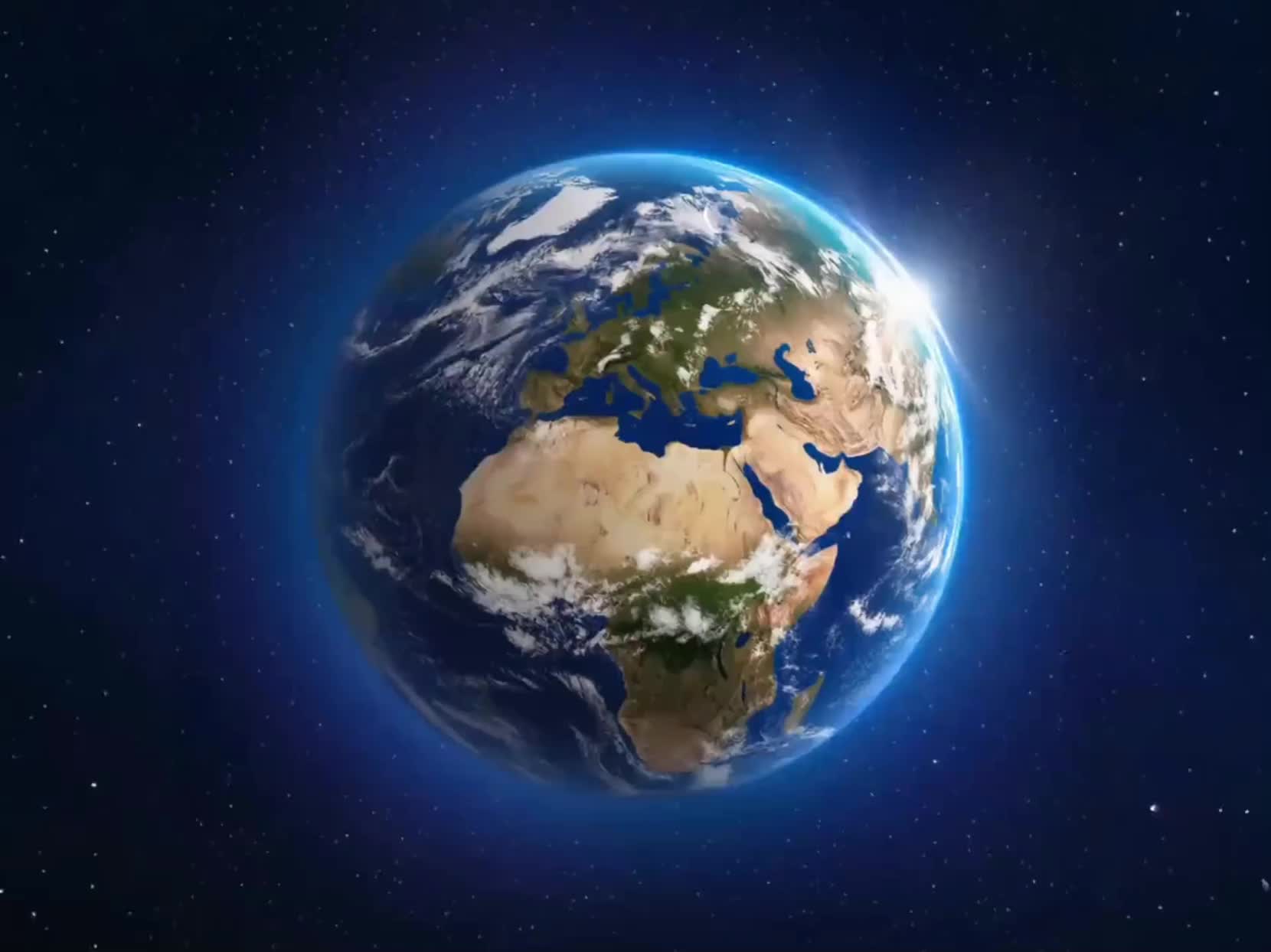
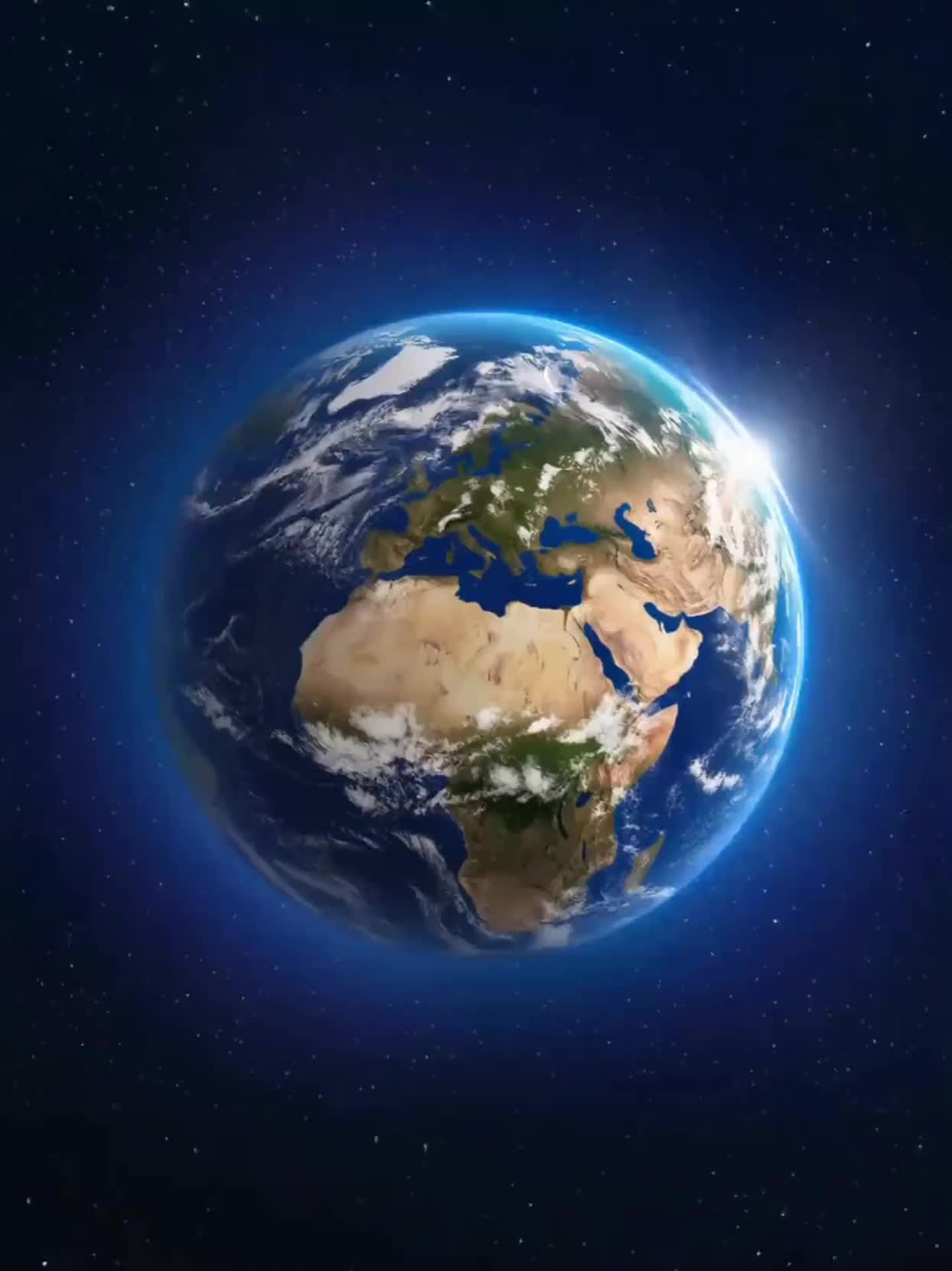
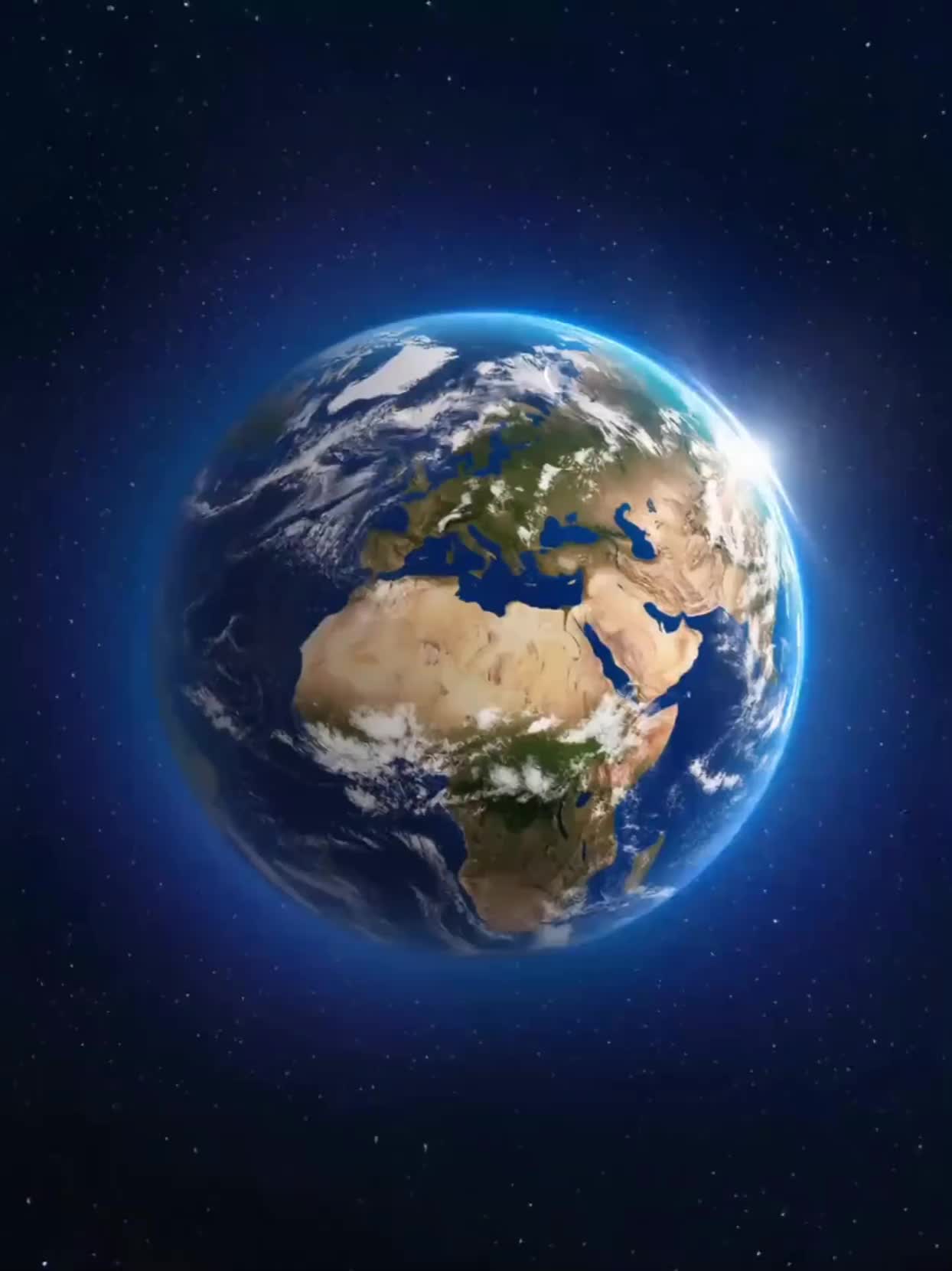
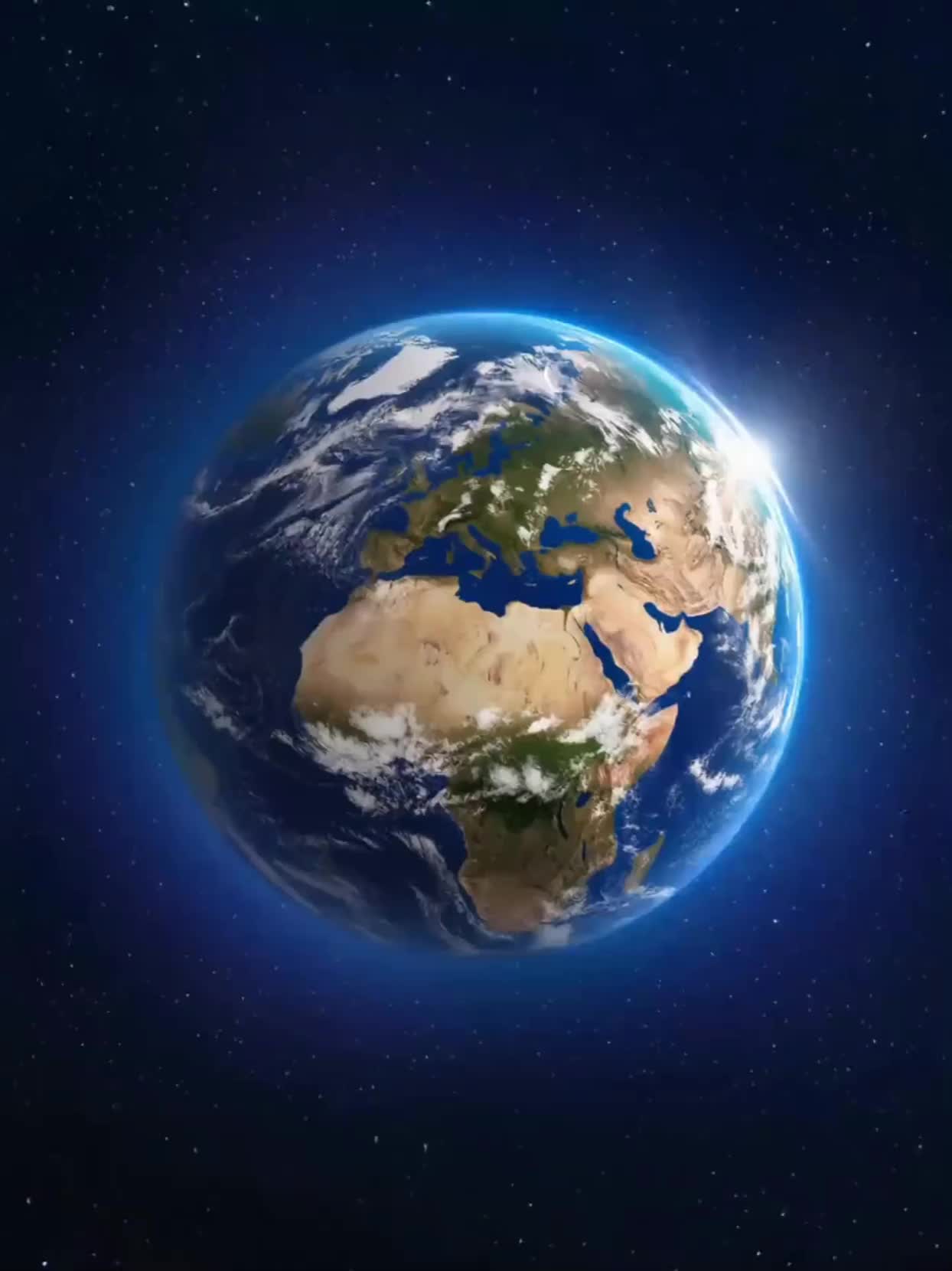
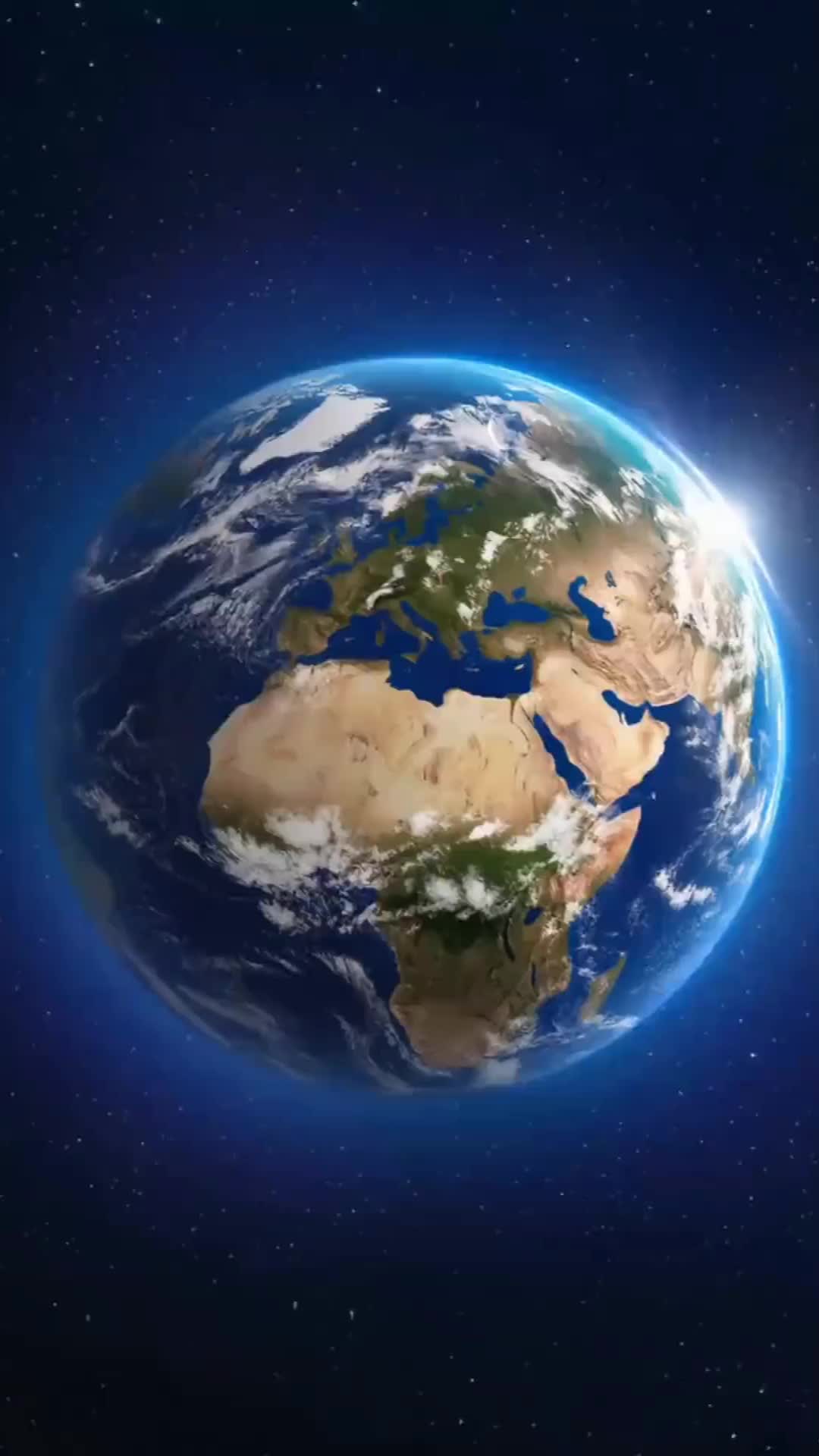
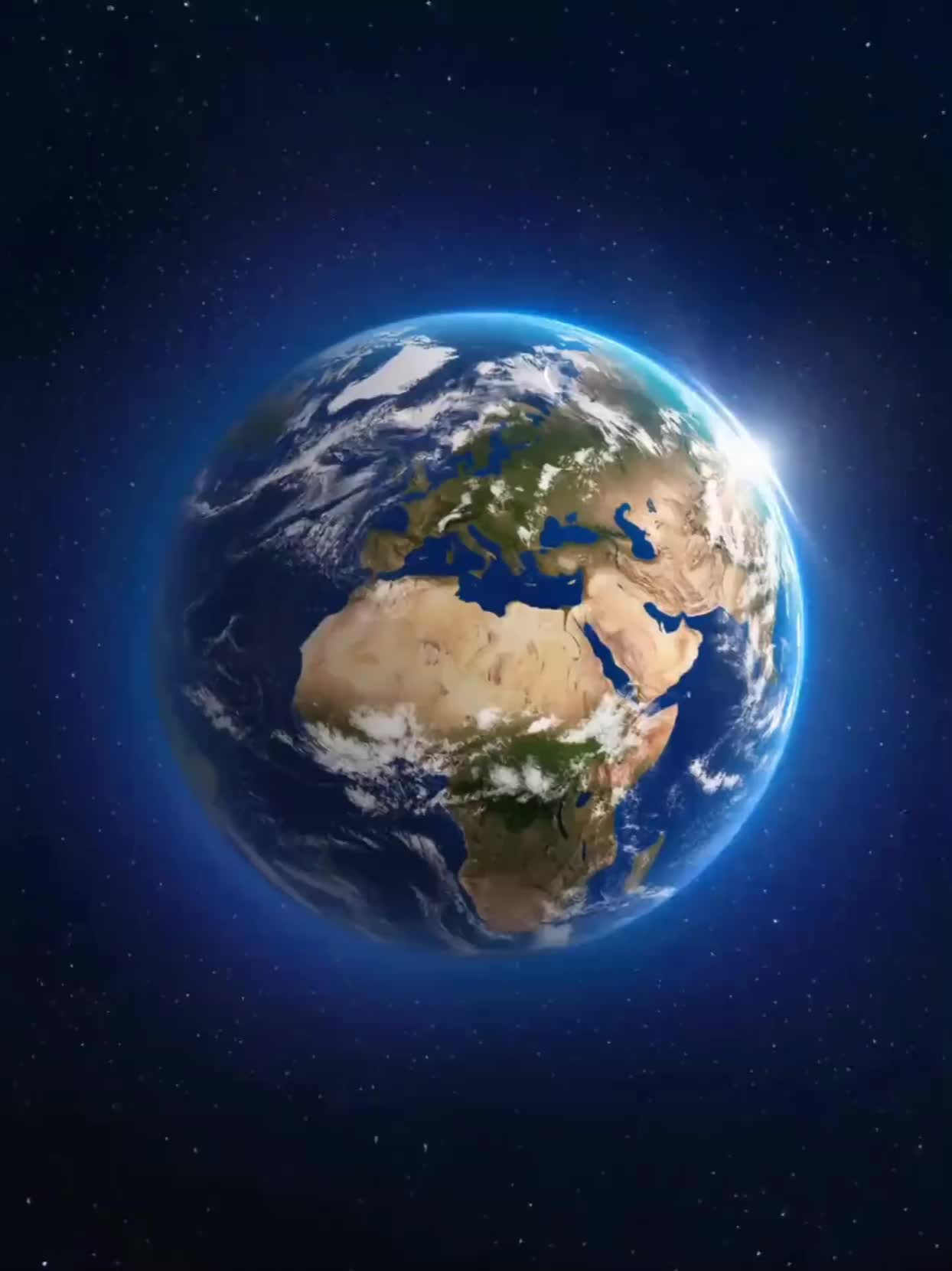
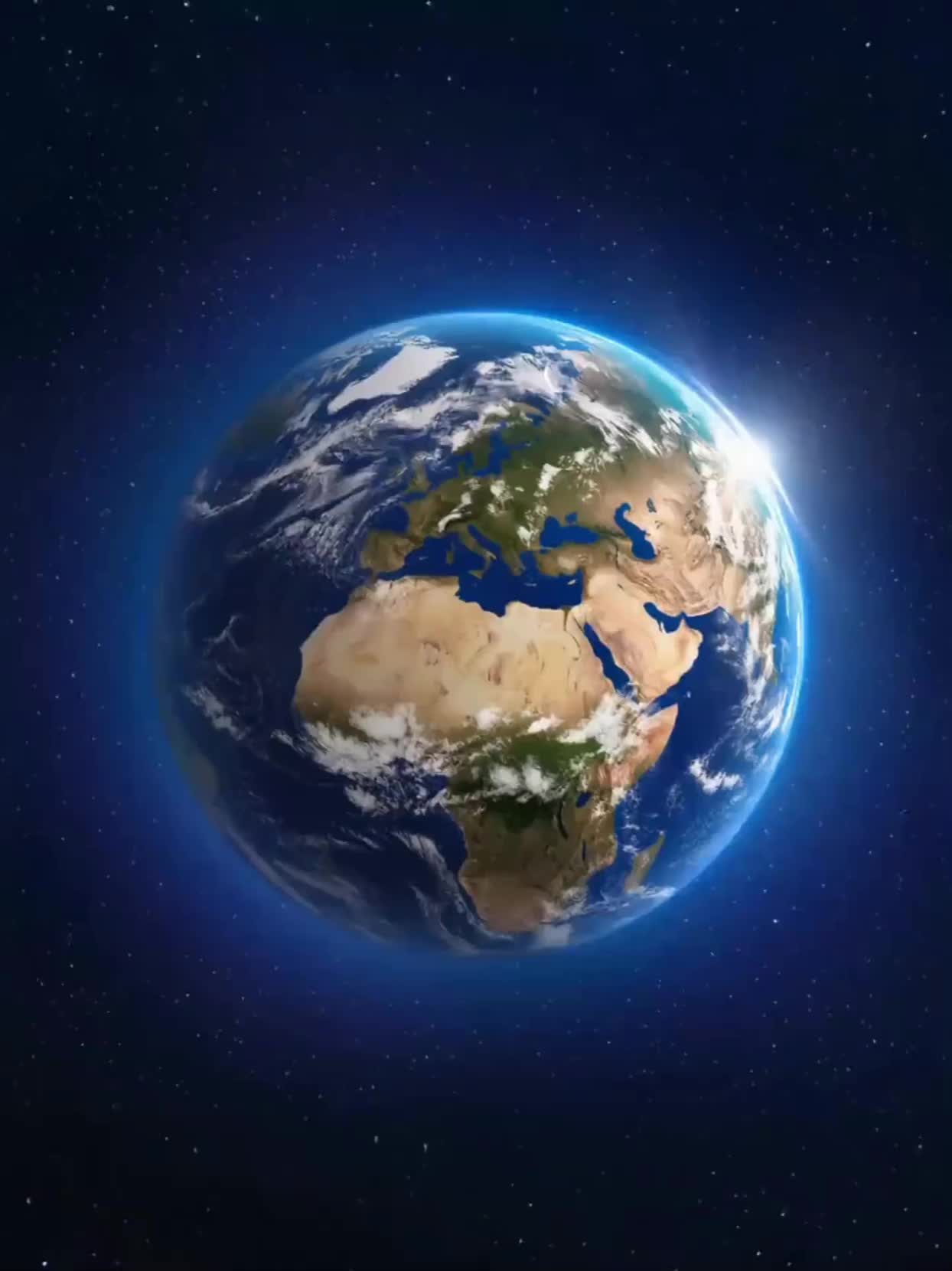
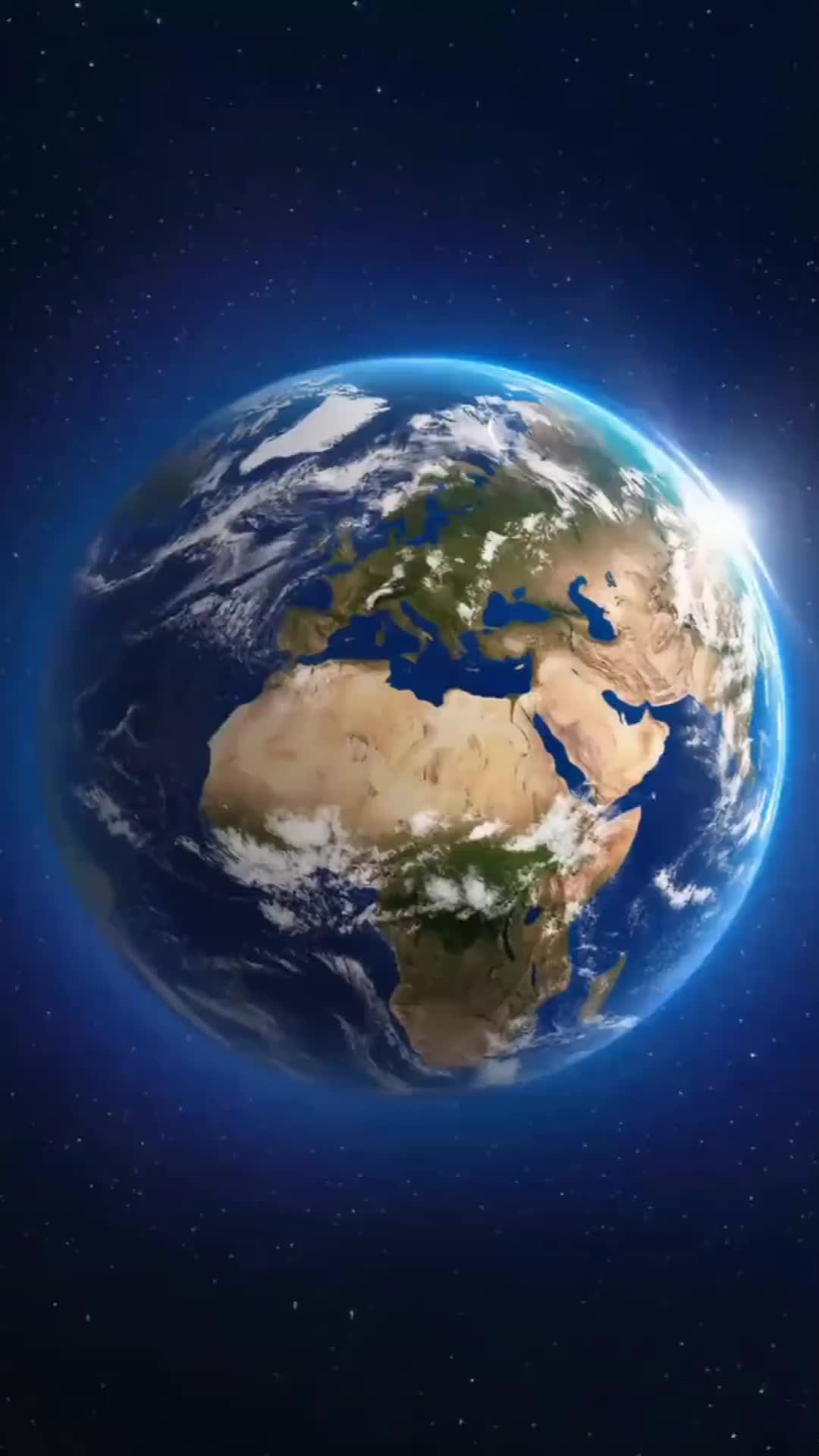
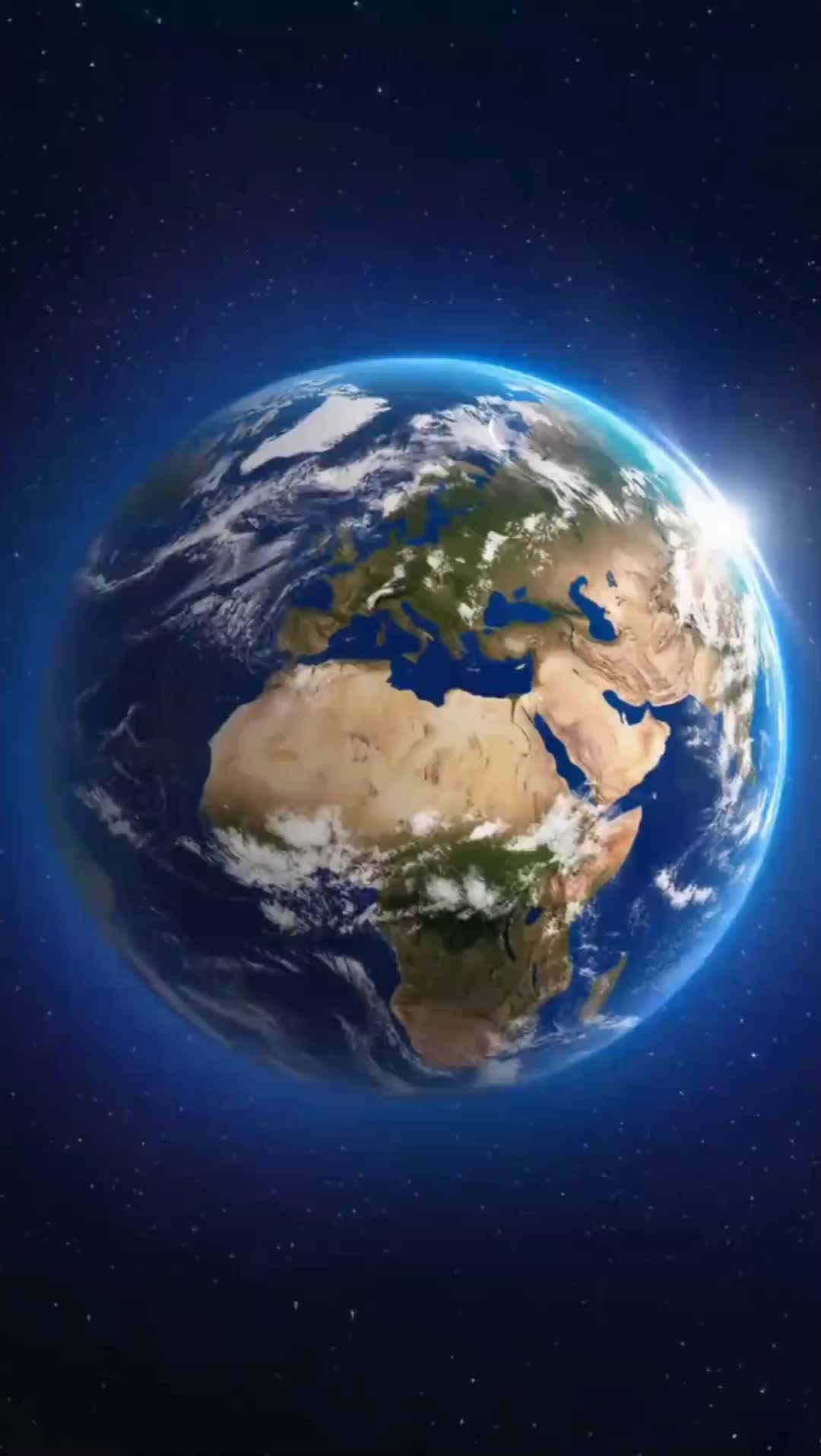
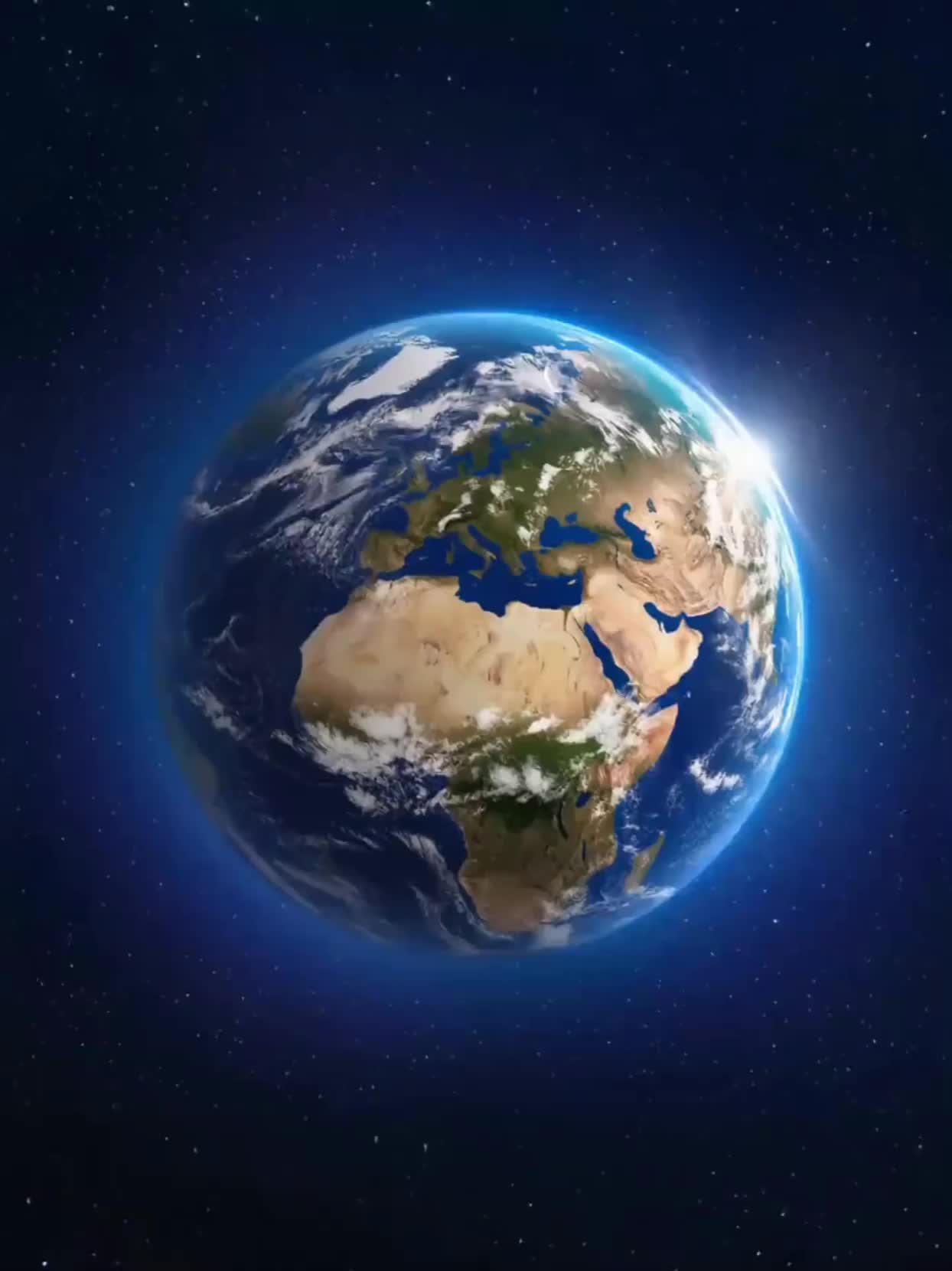
Explore AI-generated Earth zoom wallpaper concepts. Get planetary designs that can be customized to your view. Create unique wallpapers effortlessly.













Unlike standard tools that distort faces when moving, Kling Video 3.0 lets you strictly lock a character’s appearance. Upload a single photo, or use a short video/multiple angles as a reference to completely eliminate the “AI morphing” effect.

Your image doesn’t just move; it speaks. Generate perfectly matched voices and realistic lip movements in multiple languages or regional accents. Even in multi-character scenes, you can precisely assign who speaks—no third-party tools required.

Go beyond simple loops with up to 15 seconds of smooth narrative. Use advanced Motion Control to direct camera pans, tilts, and zooms, or define exact transitions with start and end frame references.

















I’ve been using Kling AI since its initial release, and it’s remained one of the leading AI media generators ever since. With Kling AI, I’ve created hundreds of videos, collectively amassing millions of views.

Kling AI allows me to rapidly prototype ideas, refine storytelling elements, and produce visually compelling content efficiently. It has not only accelerated my creative processes, but also deepened my understanding of how AI can enrich visual storytelling.

Kling AI seamlessly integrates into my creative workflow, playing a key role in transforming my images. After generating and upscaling an image, Kling becomes a crucial element, bringing my creations to life with movement and depth.
Turn tightly framed images into fuller scenes with Kling IMAGE 3.0. Extend the scene, guide what appears beyond the edges, and keep key subjects and visual style consistent.