Creative Studio
API
Resources
Features
About Us
Download

earthy tattoos - forest cabin & floral designs

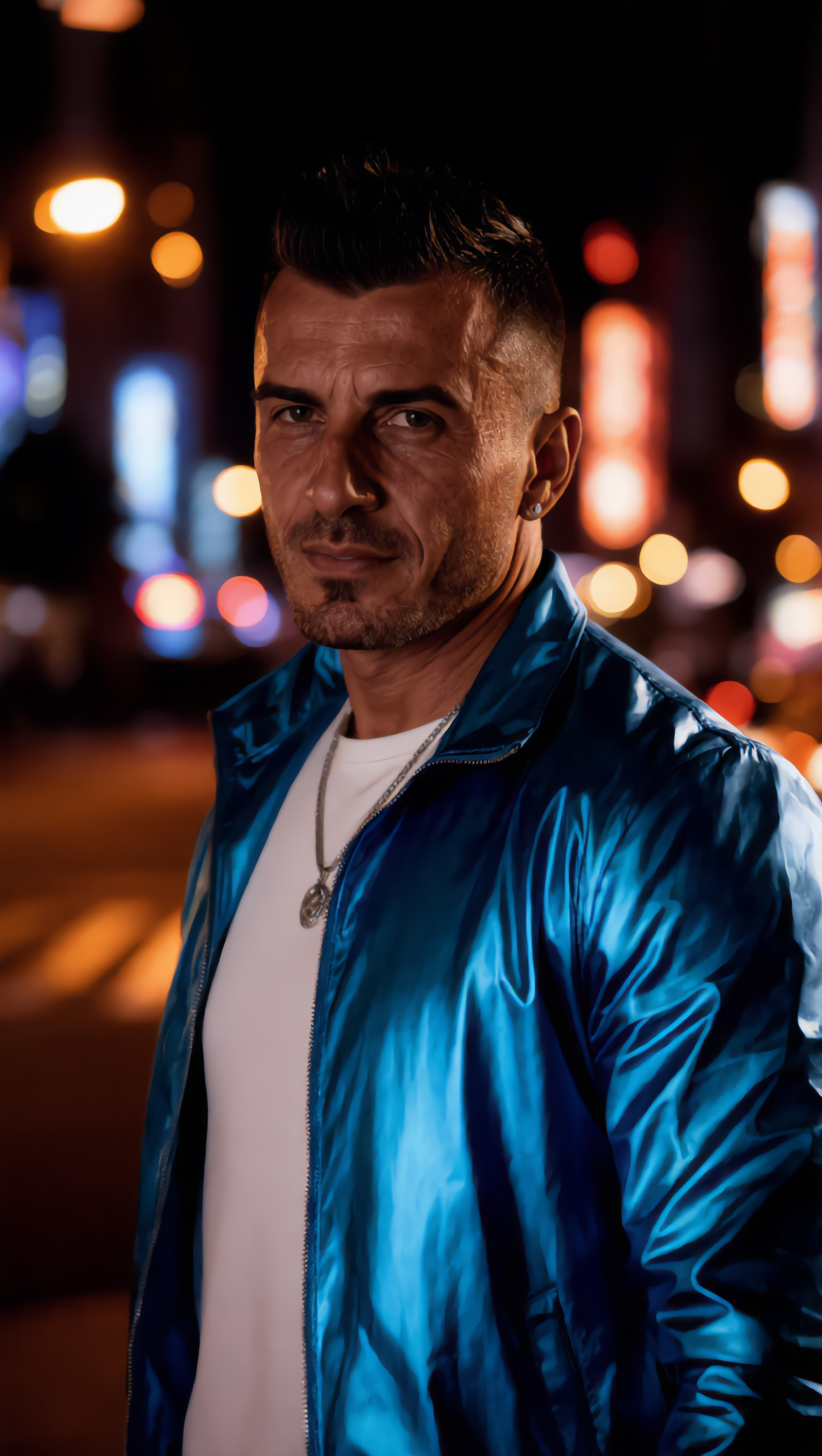
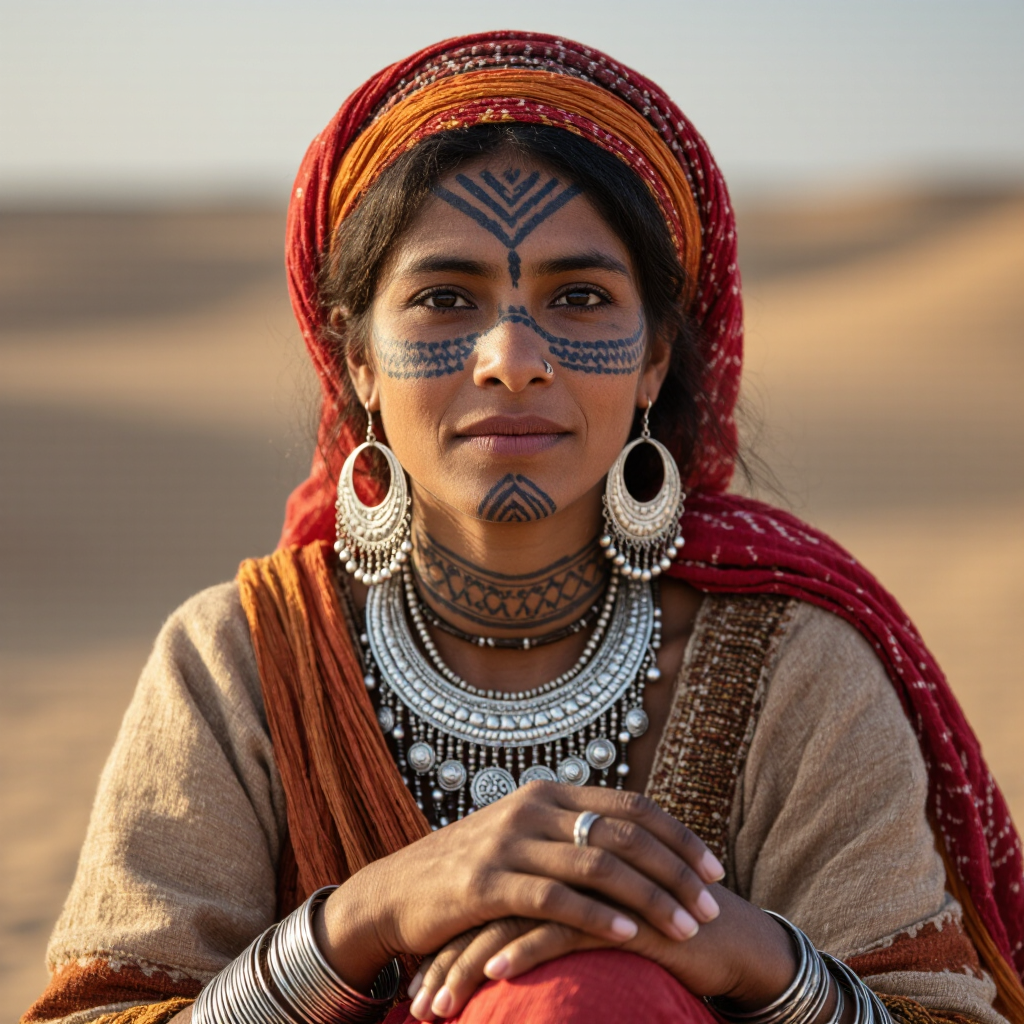
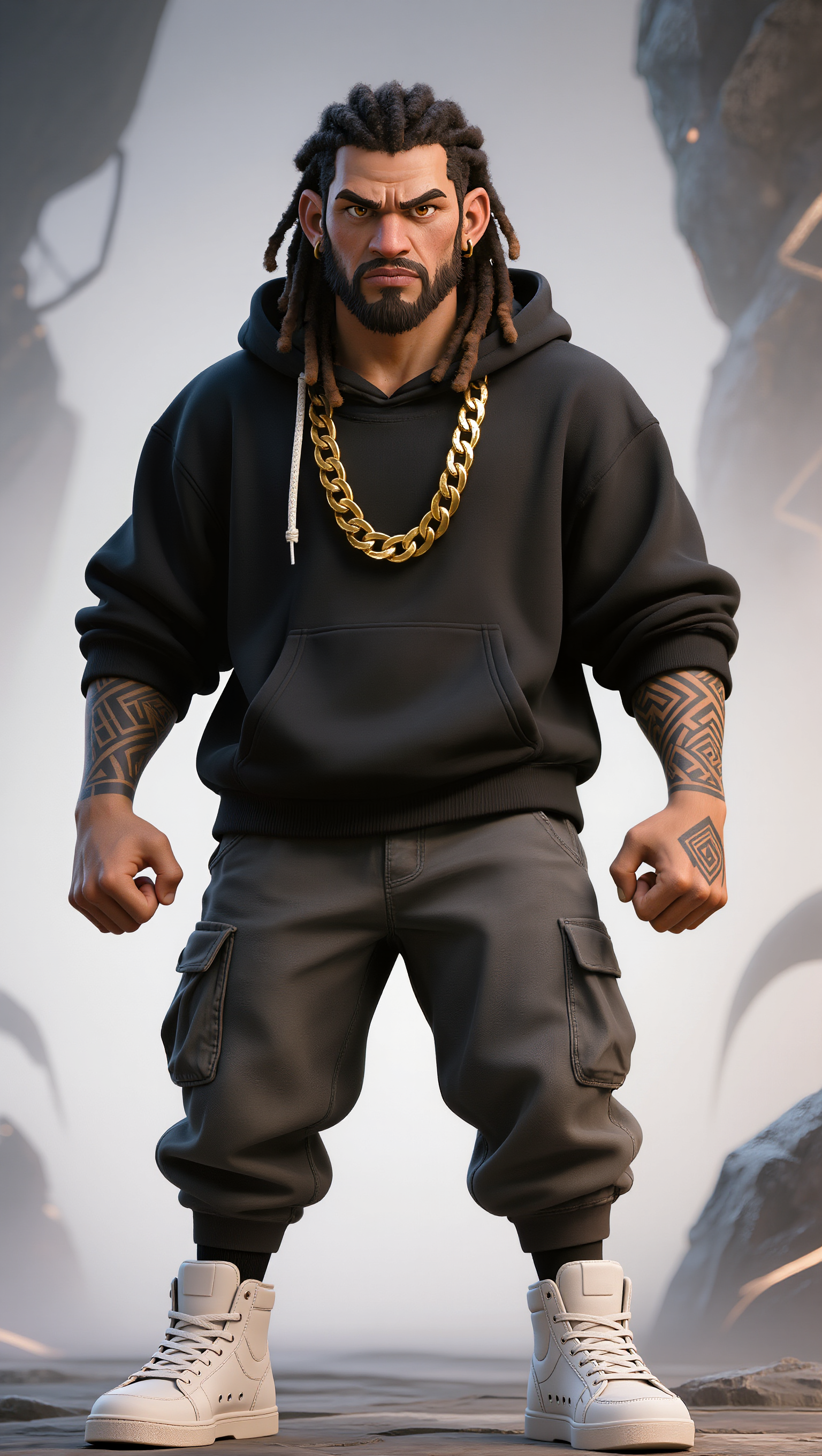
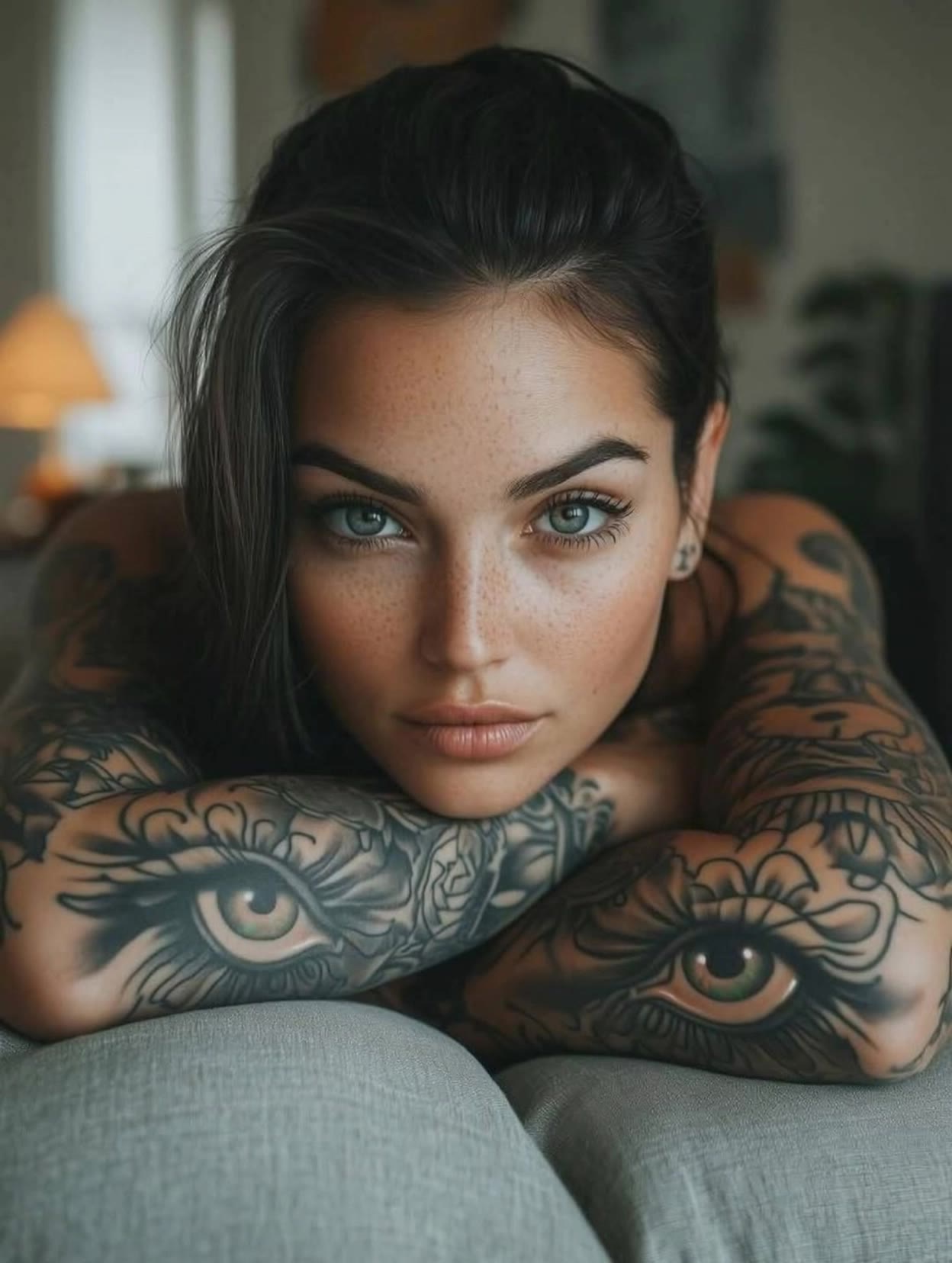
Embrace the allure of nature with earthy tattoos inspired by forest cabins, floral designs, and tribal motifs. Immerse in the fusion of traditional art and AI innovation for unique, living tattoo experiences. Start exploring earthy tattoos ideas and generate your own content with AI.

earthy tattoos - forest cabin & floral designs

Recommended

Plantando Luz - earthy tattoos AI image
rjncfyUB avatar
rjncfyUB
Kling AI work 313032738502162 - earthy tattoos AI image
weezyy avatar
weezyy
Kling AI work 313838127508853 - earthy tattoos AI video
SereneD avatar
SereneD
Kling AI work 297068426505094 - earthy tattoos AI image
honeyrum avatar
honeyrum
Kling AI work 296482820661929 - earthy tattoos AI image
wRIizSOR avatar
wRIizSOR
Kling AI work 313032738526168 - earthy tattoos AI image
weezyy avatar
weezyy
Kling AI work 296436186503391 - earthy tattoos AI image
Tchany avatar
Tchany
Elite Creator
Kling AI work 298598460523924 - earthy tattoos AI video
TalD avatar
TalD
Kling AI work 299897048503938 - earthy tattoos AI image
IStBHLhZ avatar
IStBHLhZ
Kling AI work 297428417520641 - earthy tattoos AI image
Chey Taylor avatar
Chey Taylor
Kling AI work 316462532618312 - earthy tattoos AI image
HerFairyTells avatar
HerFairyTells
Kling AI work 307459977535910 - earthy tattoos AI video
SFPasVnT avatar
SFPasVnT
Kling AI work 313254897615364 - earthy tattoos AI image
aMXWFfxQ avatar
aMXWFfxQ
Kling AI work 308444263501597 - earthy tattoos AI image
Amraa avatar
Amraa
Kling AI work 297714842528676 - earthy tattoos AI video
Davis Cooper avatar
Davis Cooper
Kling AI work 313032738505181 - earthy tattoos AI image
weezyy avatar
weezyy
tribal beauty forest - earthy tattoos AI image
Eman Daman avatar
Eman Daman
Kling AI work 308444233536005 - earthy tattoos AI image
Amraa avatar
Amraa

How to Create AI Characters with Kling AI

Step 1: Describe Your Character

Step 1: Describe Your Character

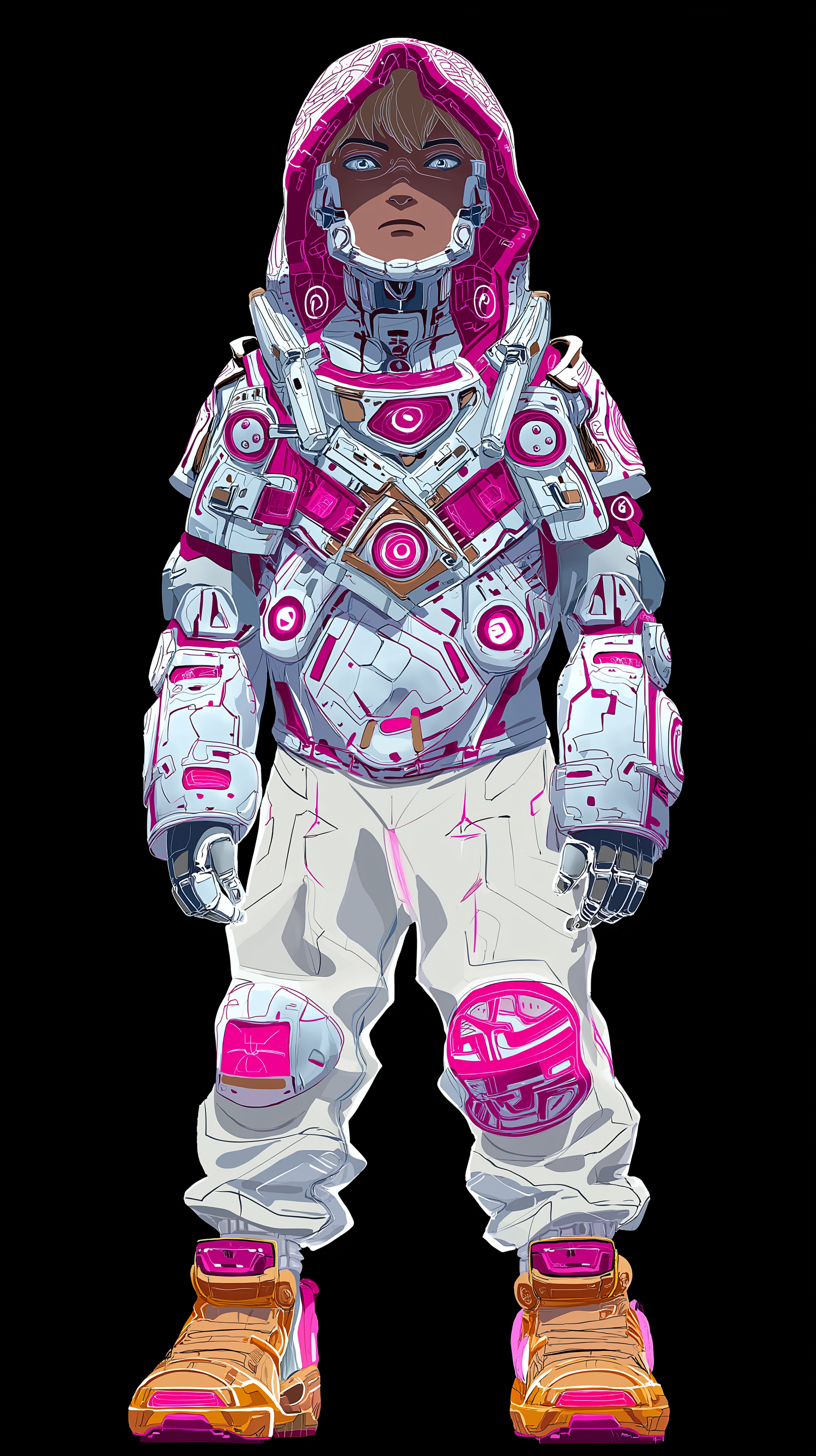
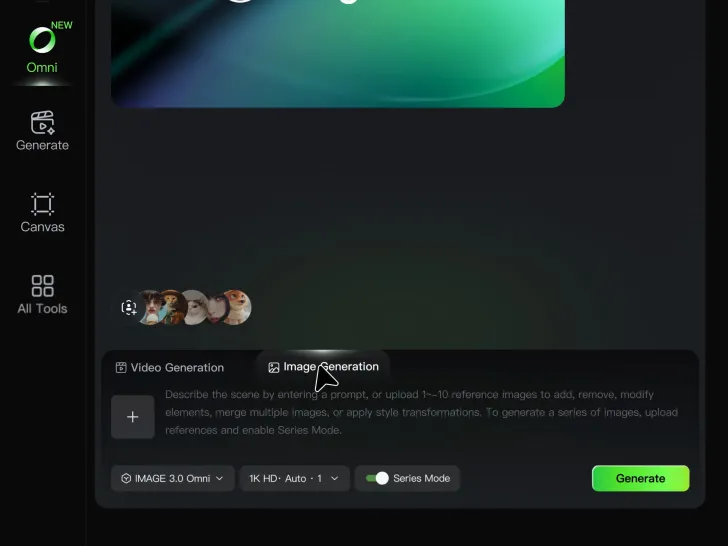
Start with a text prompt describing the character you want to create. Define key details such as appearance, hairstyle, clothing, visual style, expression, pose, or setting to help Kling AI generate a character that matches your description.

Step 2: Add Reference Images if Available

Step 2: Add Reference Images if Available

Already have a character design or visual direction in mind? Add one or more reference images to guide the character's appearance and key visual traits. Multiple views can help Kling AI maintain consistency across different angles.

Step 3: Generate and Develop Your Character

Step 3: Generate and Develop Your Character

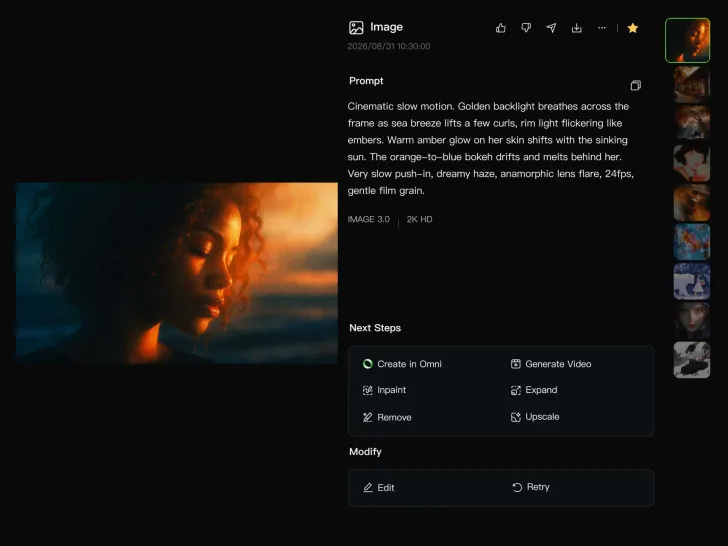
Generate your character, review the result, and continue refining the design. Explore new poses, scenes, styles, and related images, or reuse the character in later creative workflows.

Create Voices That Match Your Characters

Generate Character Voices Directly with the Video

Generate Character Voices Directly with the Video

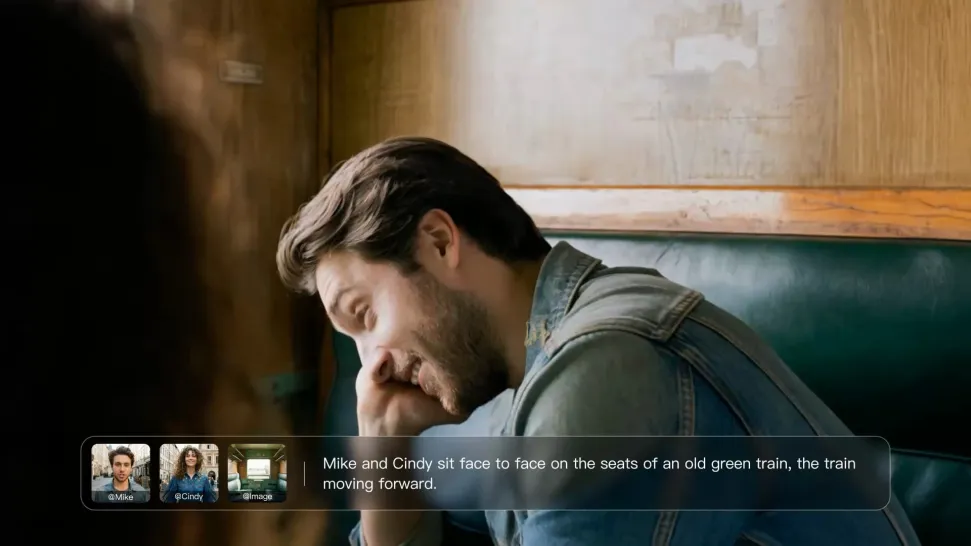
Write the dialogue into your video prompt and let Kling generate the spoken performance together with the scene. Because voice, facial performance, mouth movement, visuals, ambience, and supporting sound are created in the same workflow, the dialogue feels connected to what the character is doing on screen rather than added as a separate layer afterward.
Create Dialogue Across Languages and Accents

Create Dialogue Across Languages and Accents

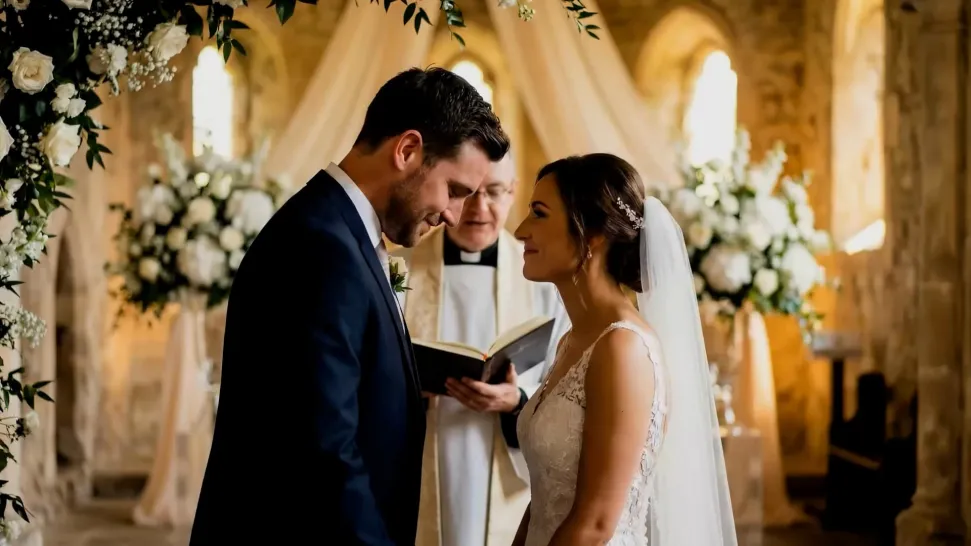
Create character voices in multiple languages, including English, Chinese, Japanese, Korean, and Spanish. You can also customize accents, dialects, and speaking styles to make characters sound more authentic for different regions, cultures, and story settings.
Keep a Character's Voice Consistent Across Scenes

Keep a Character's Voice Consistent Across Scenes

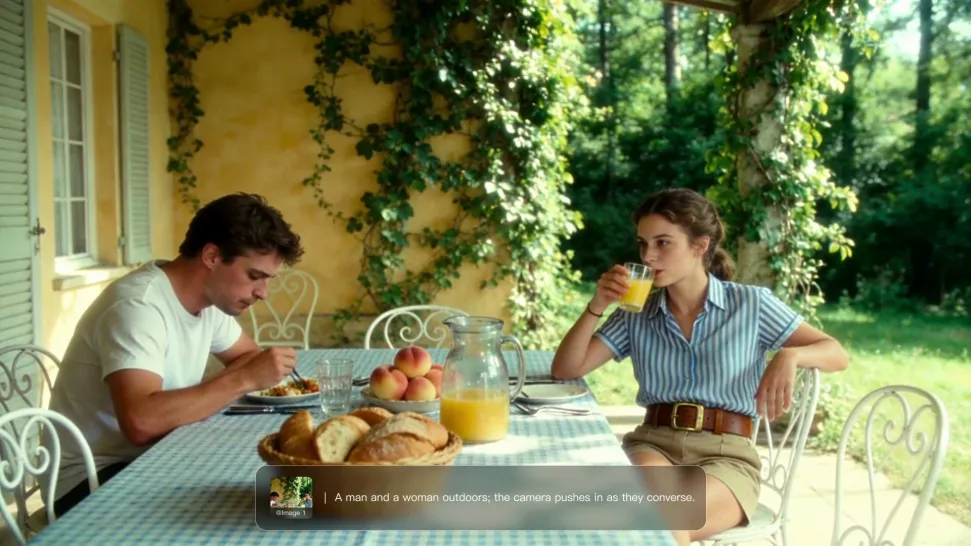
For recurring characters, Kling VIDEO 3.0 Omni lets you add voice to reusable Character Elements. A character can carry both recognizable visual traits and a connected voice into supported future generations. This makes it easier to build recurring presenters, fictional characters, or story leads that not only look familiar across scenes, but also keep a more consistent vocal identity.

Apps

Image to Video
Image to Video

Image to Video

Text to Video
Text to Video

Text to Video

Omni
Omni

Omni

Digital Human
Digital Human

Digital Human

Restyle
Restyle

Restyle

Text to Image
Text to Image

Text to Image

60M+
60M+
Users
600M+
600M+
AI Videos Generated
4.7 ★
4.7 ★
App Store
Industry-Leading
Industry-Leading
Cinematic 4K

Reviews

Huang Lu (Elson)

Huang Lu (Elson)

★★★★★

I’ve been using Kling AI since its initial release, and it’s remained one of the leading AI media generators ever since. With Kling AI, I’ve created hundreds of videos, collectively amassing millions of views.

Jyo John Mulloor

Jyo John Mulloor

★★★★★

Kling AI has been instrumental in transforming my creative workflow, unlocking new dimensions of artistic expression that were once unimaginable. I use Kling AI extensively to develop high-concept visuals, animate surreal dreamscapes, and create AI-assisted films that blur the line between reality and fantasy. Kling AI’s deep learning capabilities have not only enhanced my creative efficiency but also inspired me to explore storytelling in ways I never thought possible.

PJ Ace

PJ Ace

★★★★★

Kling AI has made it easy for us to generate world class visuals for Fortune 500 companies, TV shows and music for big artists. We love the easy of use of the platform and the quality of the generations. My first time using Kling AI, I got 22 million views on just one video. It's that good.

FAQ

Q1How does AI remove a background from an image?
Q2What types of images can Kling AI remove backgrounds from?
Q3Can AI remove backgrounds while preserving hair and fine details?

Create a Whole New Look from One Photo

Swap outfits, mix references, and explore new styles with IMAGE 3.0 Omni. Keep the person recognizable and let new clothing blend naturally into the original photo.