Creative Studio
API
Resources
Features
About Us
Download

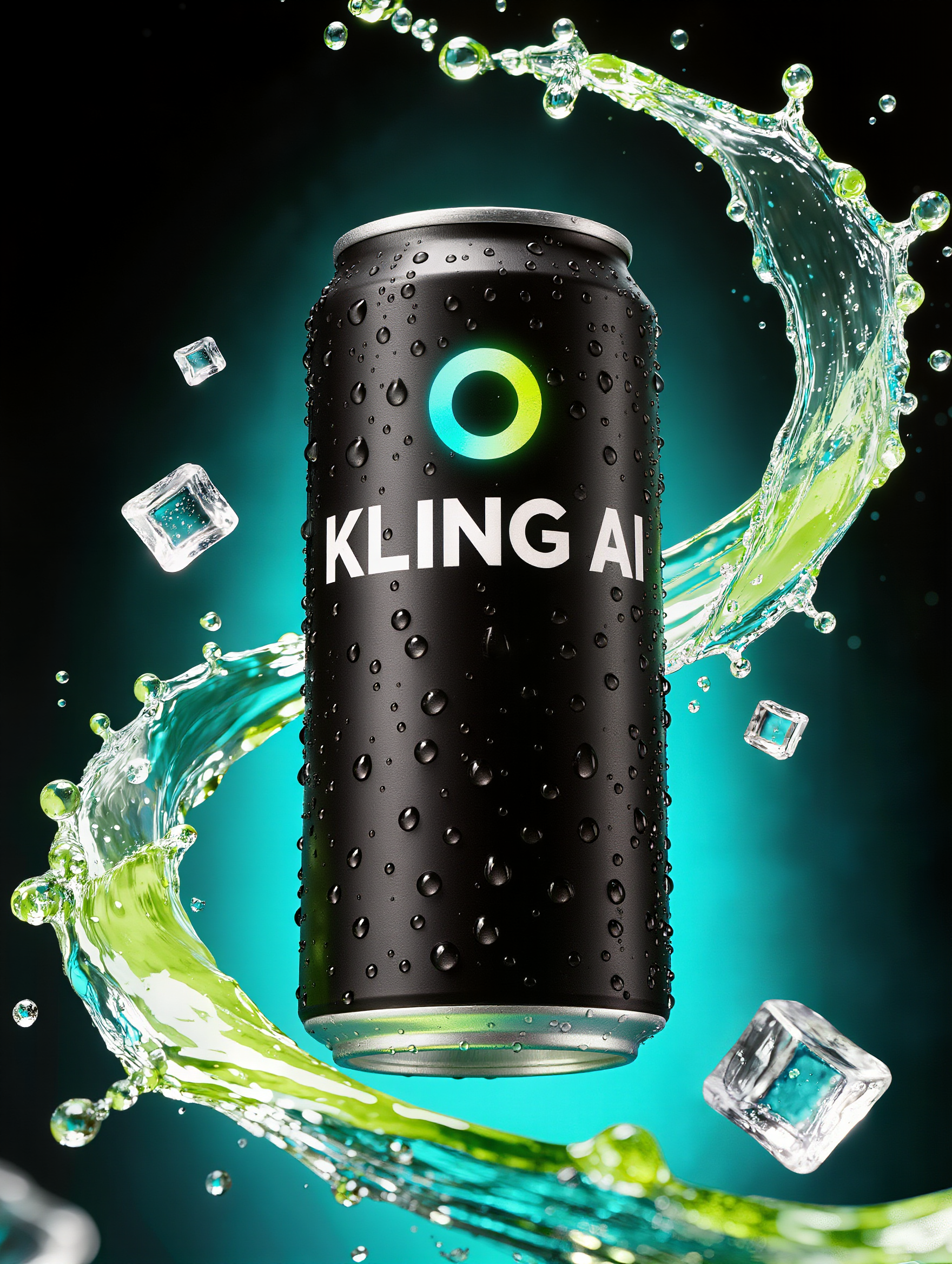
Eat KlingAI: AI-Generated Food Art

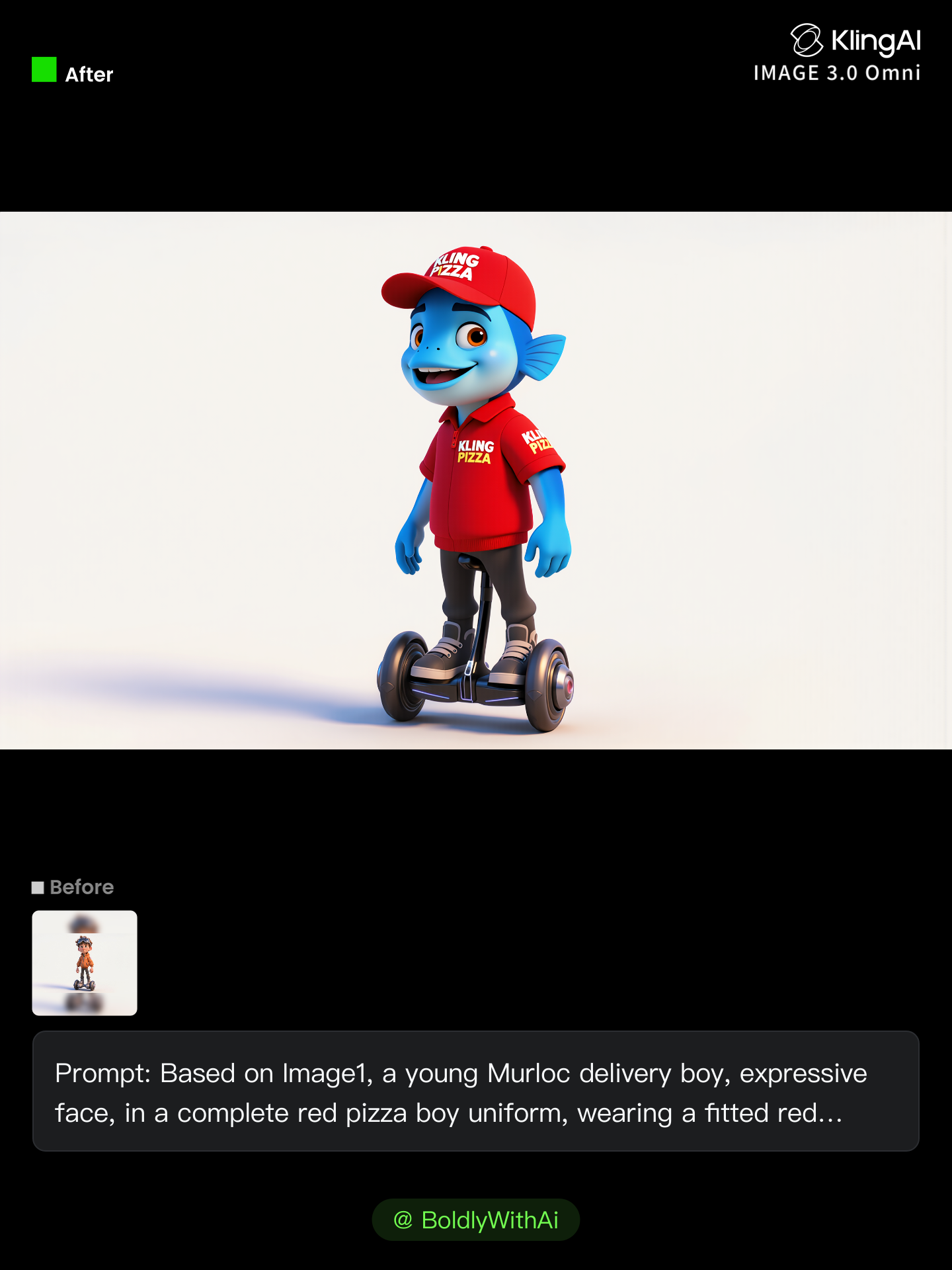
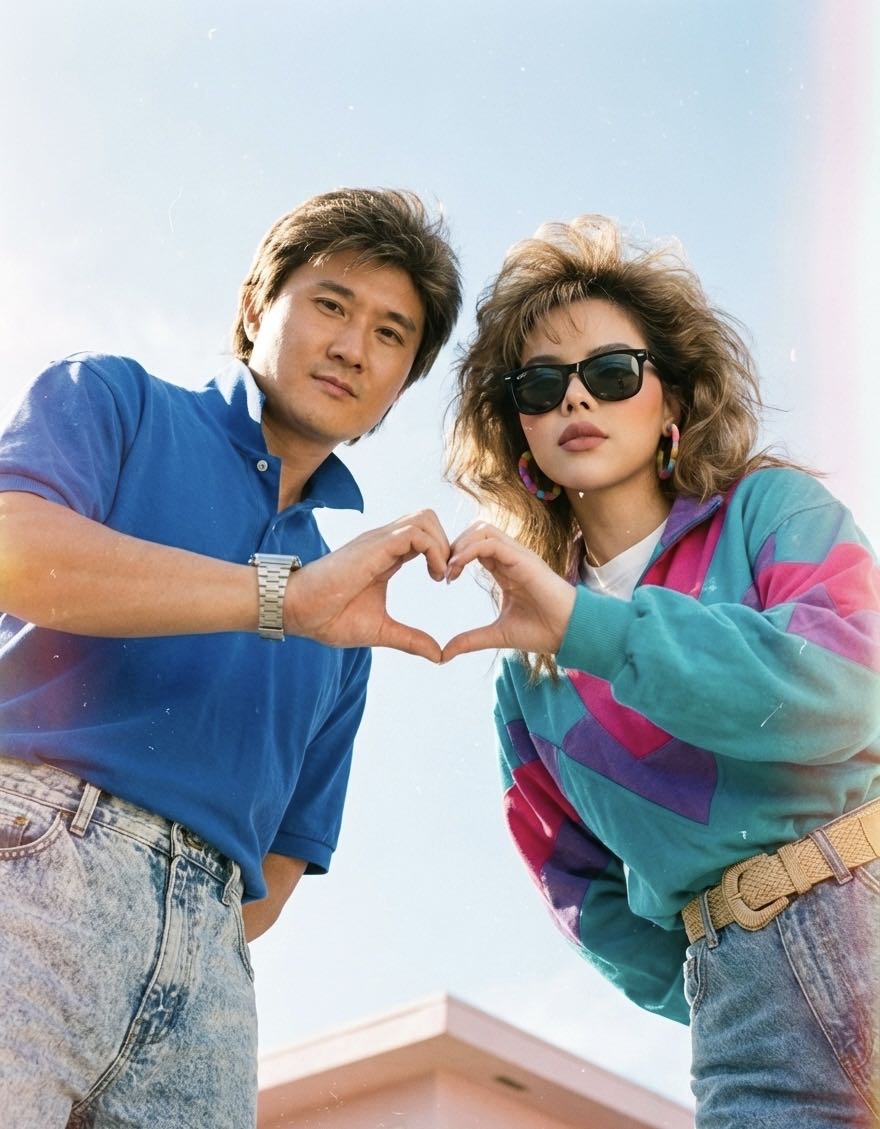
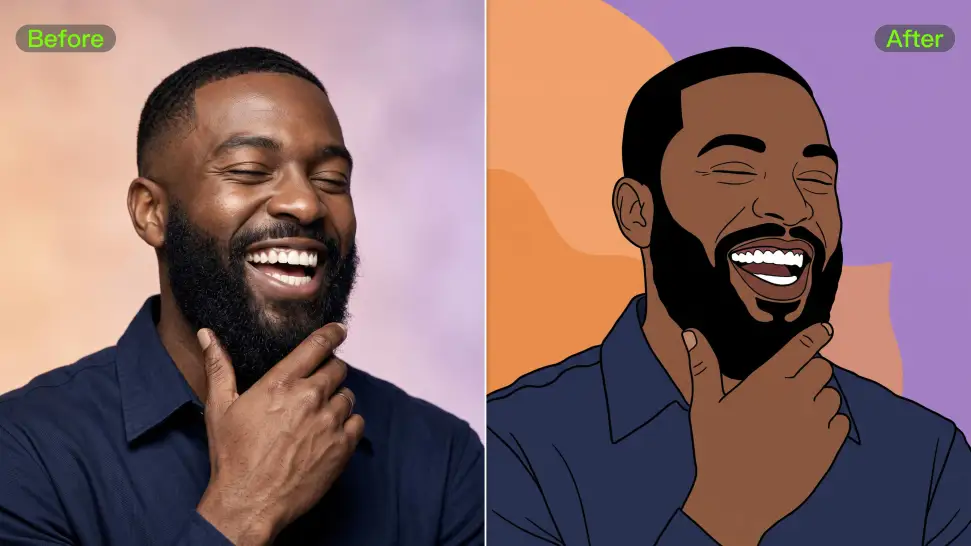
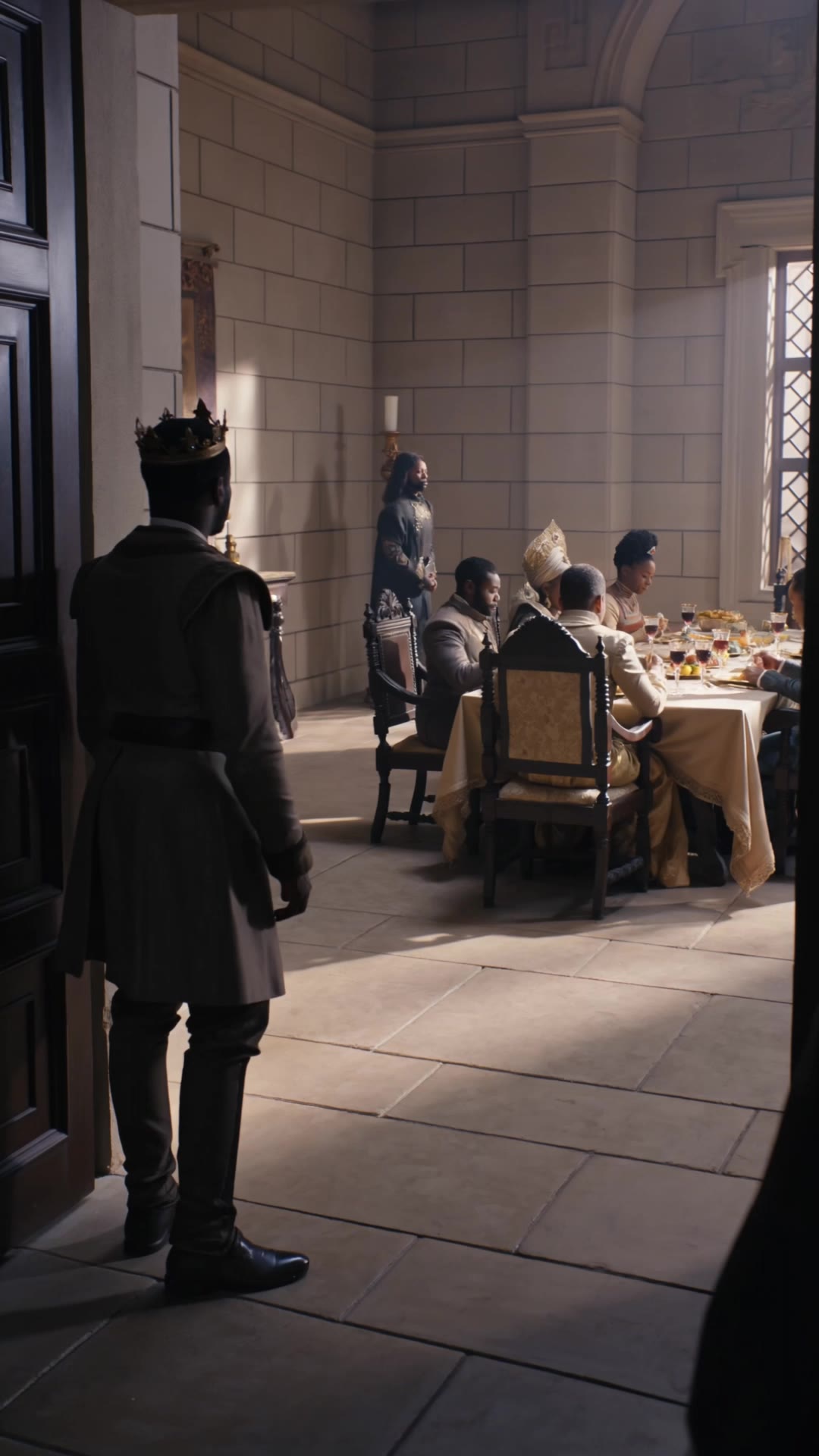
Discover food art with Eat KlingAI. Our AI-generated designs offer unique and appetizing visuals perfect for food enthusiasts. Enjoy the convenience of AI-made visuals that are easy to adapt and use.

Eat KlingAI: AI-Generated Food Art

Recommended

Ready for eat - eat kling ai AI image
CYcCNRxo avatar
CYcCNRxo
super hero kling ai - eat kling ai AI video
medtkr avatar
medtkr
Kling AI work 316342801663542 - eat kling ai AI video
Ashela.404 avatar
Ashela.404
Luna just validated Kling 2.6 - eat kling ai AI video
Minuit avatar
Minuit
Elite Creator
kling ai - eat kling ai AI video
nYDQIKuy avatar
nYDQIKuy
Creator’s Glow with Kling AI - eat kling ai AI image
blucon avatar
blucon
Kling AI work 314982460663543 - eat kling ai AI image
Doglover💋🫟 avatar
Doglover💋🫟
Kling AI Prompt:
Realistic hair  - eat kling ai AI image
pssEICto avatar
pssEICto
Kling AI work 310790191528816 - eat kling ai AI video
G-Yang avatar
G-Yang
I won't let you eat it. - eat kling ai AI video
Freever avatar
Freever
Kling IMAGE 3.0 Model User Guide - eat kling ai AI image
YxIAgcaB avatar
YxIAgcaB
kling saves humanity - eat kling ai AI video
medtkr avatar
medtkr
How to use Kling AI - eat kling ai AI video
00:24
Brendan avatar
Brendan
Happy 2nd anniversary, Kling AI. - eat kling ai AI video
NAJwyedd avatar
NAJwyedd
Elite Creator
Happy Kling day - eat kling ai AI video
NAJwyedd avatar
NAJwyedd
Elite Creator
super hero kling ai - eat kling ai AI video
medtkr avatar
medtkr
Kling AI work 317651103617414 - eat kling ai AI video
jola avatar
jola
Kling AI work 314224414525851 - eat kling ai AI video
RadiantKreations avatar
RadiantKreations
chips for eat - eat kling ai AI video
KIqjxGTX avatar
KIqjxGTX

A Complete AI Video Editing Workflow

Create Videos with AI

Create Videos with AI

Start with a prompt, image, or visual reference. Animate a still, build a new scene, or recreate a popular effect with Kling’s AI video tools.

Edit Videos with AI

Edit Videos with AI

Upload existing footage and tell Kling what to change. Use Kling VIDEO 3.0 Omni to replace subjects, rebuild backgrounds, restyle footage, or reframe a shot. When you need more time, continue the clip with Video Extension without tedious frame-by-frame work.

Make Avatar or Talking Videos

Make Avatar or Talking Videos

Create presenter-led videos for ads, explainers, product demos, and social content with Kling AI Avatar tool. Use Lip Sync to add dialogue, dubbing, or narration from text or uploaded audio.

Create AI Art with More Creative Control

Bring More Than a Prompt to Your Art

Bring More Than a Prompt to Your Art

Start with words, a sketch, a photo, or the references that already capture part of your idea. IMAGE 3.0 can use up to 10 reference images, so you can bring a character from one image, an outfit from another, and a different setting or art style into the same creation. Use references for the details you want to keep, then use your prompt to decide what changes.

Find the Look That Fits Your Idea

Find the Look That Fits Your Idea

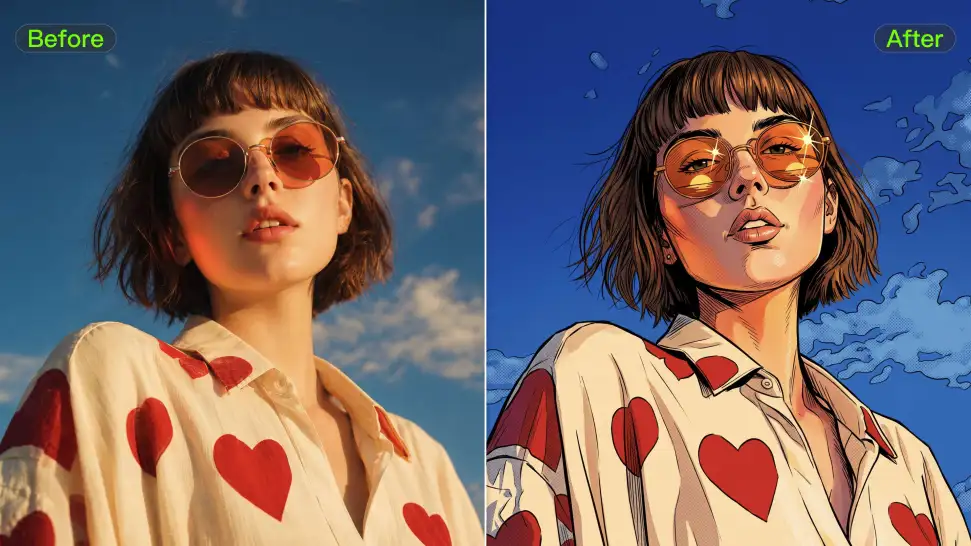
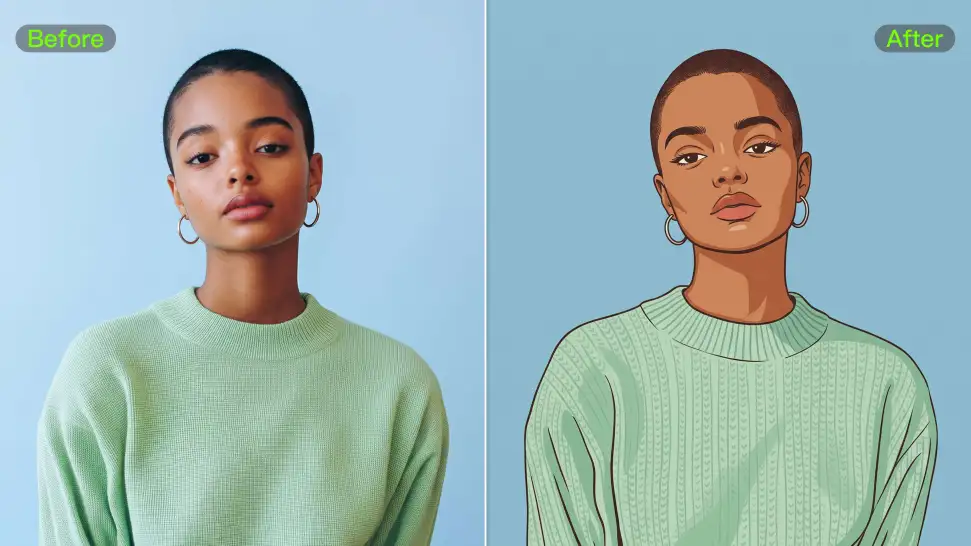
Create pencil drawings, watercolor paintings, anime art, comics, concept art, 3D-inspired images, and more. Try a completely different style, or fine-tune the one you already have. Kling AI also gives you control beyond the art style. Reframe the scene, shift the viewing angle, change the lighting or color palette, and keep refining the image until the whole piece comes together

Create a Series, Not Just a Single Image

Create a Series, Not Just a Single Image

Keep a character, setting, or visual style recognizable across multiple pieces of artwork with IMAGE 3.0 Omni. Generate new poses, scenes, and compositions while keeping the details that tie the series together. It works especially well for character concepts, comics, storyboards, and other ideas that need to develop across several images. Generate in native 2K or 4K when you want more detail in the finished artwork.

Apps

Image to Video
Image to Video

Image to Video

Text to Video
Text to Video

Text to Video

Omni
Omni

Omni

Digital Human
Digital Human

Digital Human

Restyle
Restyle

Restyle

Text to Image
Text to Image

Text to Image

60M+
60M+
Users
600M+
600M+
AI Videos Generated
4.7 ★
4.7 ★
App Store
Industry-Leading
Industry-Leading
Cinematic 4K

Reviews

Ozan Sihay

Ozan Sihay

★★★★★

Kling AI allows me to rapidly prototype ideas, refine storytelling elements, and produce visually compelling content efficiently. It has not only accelerated my creative processes, but also deepened my understanding of how AI can enrich visual storytelling.

Maria Rubtsova

Maria Rubtsova

★★★★★

I’m Maria Rubtsova, an AIGC digital artist passionate about creating stunning visuals in the worlds of fashion, aesthetics, and fantasy. I use KlingAi to bring imagination to life through video. My work is all about exploring beauty, emotion, and the limitless possibilities of digital art.

Samuele Poggi (@visualsk2)

Samuele Poggi (@visualsk2)

★★★★★

I use Kling AI daily to push the limits of AI filmmaking. It allows me to create highly cinematic content, blending AI and VFX to develop innovative projects. It has significantly impacted my creative process, enabling me to achieve complex animations that would otherwise require high production budgets.

FAQ

Q1Can I use AI-generated art commercially?
Q2How does AI art work?
Q3Is there a free AI art generator?

Make Something Worth Keeping

Start with a sentence, a sketch, or a visual reference. Shape the idea until the style, composition, and details feel like yours.

Free tier available | Text to Art | Reference Images | Style Transfer