
Creative Studio
API
Resources
Features
About Us
Download

Eat Scene Ideas – AI-Generated Concepts

Find AI-generated eat scene ideas to help you explore different themes and styles effortlessly.

Eat Scene Ideas – AI-Generated Concepts

Recommended

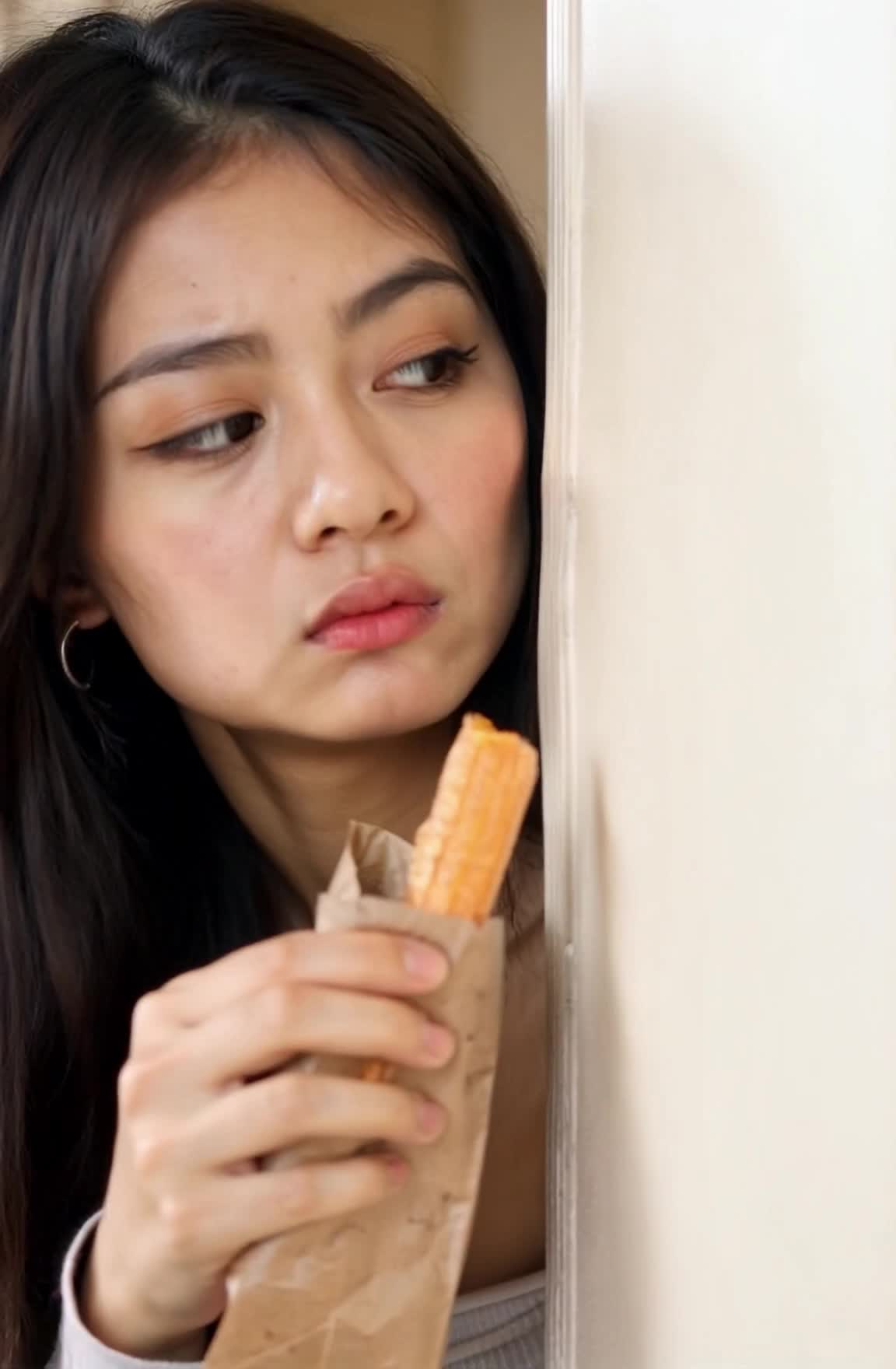
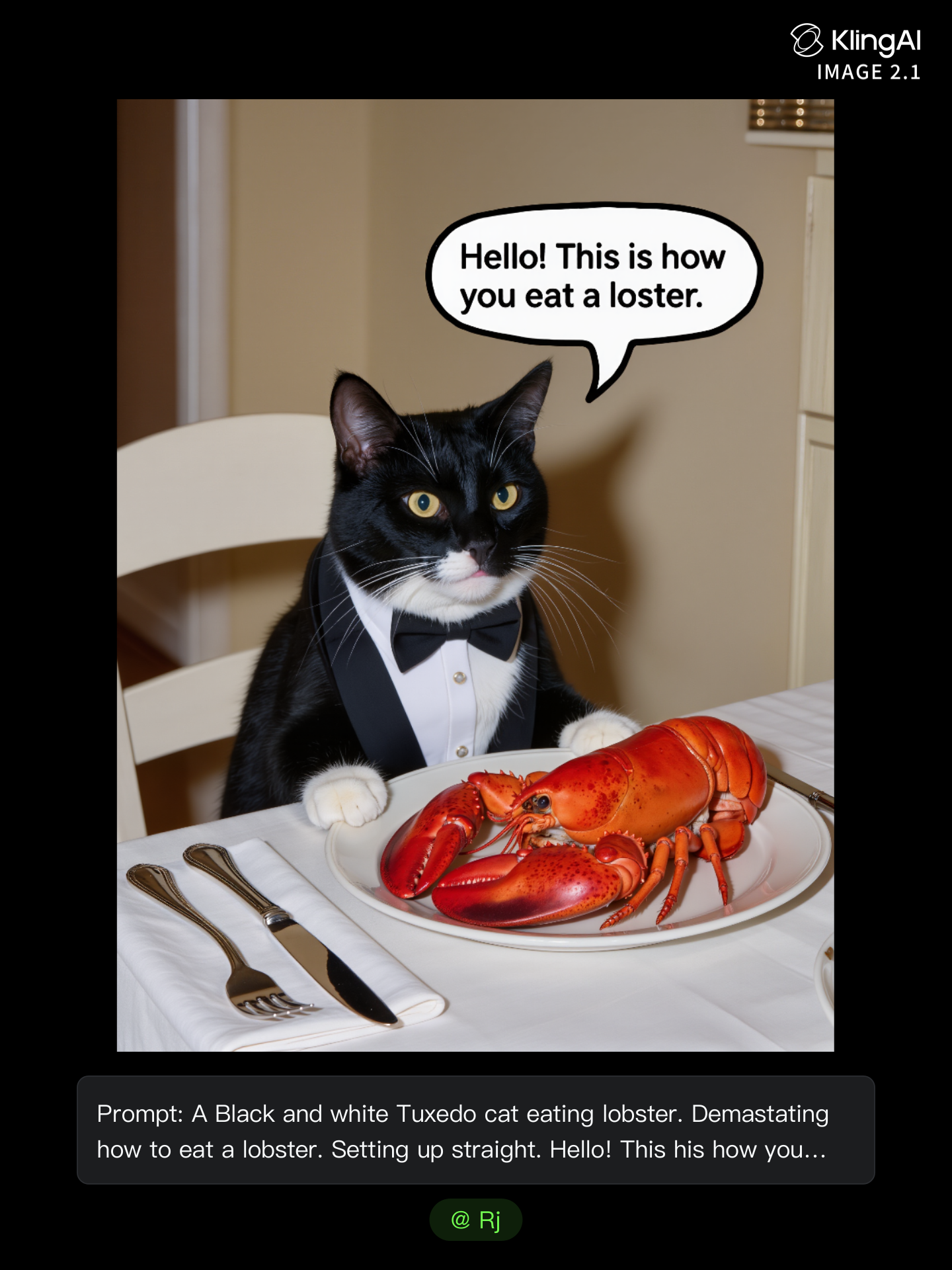
Ready for eat - eat scene AI image
CYcCNRxo avatar
CYcCNRxo
You are what you eat - eat scene AI video
BjXXGlFZ avatar
BjXXGlFZ
Kling AI work 295587692312719 - eat scene AI video
SecondPlan avatar
SecondPlan
Elite Creator
Kling AI work 313436612614566 - eat scene AI video
R.RebelYell avatar
R.RebelYell
I won't let you eat it. - eat scene AI video
Freever avatar
Freever
Kling AI work 316342801663542 - eat scene AI video
Ashela.404 avatar
Ashela.404
Kling AI work 310402915507244 - eat scene AI video
Dream_crafted_ai avatar
Dream_crafted_ai
Elite Creator
Kling AI work 317688161522718 - eat scene AI video
bpKqkuYB avatar
bpKqkuYB
you are what you eat - eat scene AI video
BjXXGlFZ avatar
BjXXGlFZ
Kling AI work 316117368528032 - eat scene AI video
AzqRqxRk avatar
AzqRqxRk
Kling AI work 313849387523031 - eat scene AI video
ZYZlTTZY avatar
ZYZlTTZY
man eat food - eat scene AI video
vkcVcsrp avatar
vkcVcsrp
chips for eat - eat scene AI video
KIqjxGTX avatar
KIqjxGTX
Kling AI work 312720291527247 - eat scene AI video
RadiantKreations avatar
RadiantKreations
How i eat healthy everyday  - eat scene AI video
CgaZTwjK avatar
CgaZTwjK
People eat salad Xmas tree - eat scene AI video
gingercookie.ai avatar
gingercookie.ai
Elite Creator
My name is sohee, and I like Eat - eat scene AI video
gvmVumEu avatar
gvmVumEu
Kling AI work 299465359526852 - eat scene AI video
DzjDSqxU avatar
DzjDSqxU
Kling AI work 311058941527610 - eat scene AI video
MrAndy avatar
MrAndy

How to Use Kling AI Image to Image

Upload Your Images

Upload Your Images

Open Image Generation, select IMAGE 3.0 Omni, and upload the image you want to transform and add reference images to carry into the result.

Set the Creative Direction

Set the Creative Direction

You can combine elements from several references, change the style, adjust the camera angle, or enable Image Series mode to create multiple connected visuals in one generation.

Generate and Create More

Generate and Create More

Select the aspect ratio, number of images, and 2K or 4K resolution, then generate and review your results. Download or share the finished image, or use it for your new AI video.

Natural Face Swaps Without the Editing Hassle

Image Face Swap Without the Busywork

Image Face Swap Without the Busywork

From portrait-style shots to playful creative images, Kling IMAGE 3.0 helps you create more natural and consistent face swaps. Add the photo you want to edit, provide a face reference, and tell Kling AI what you want to change. The edit can stay close to the original photo, helping the new face feel like part of the image rather than something added on top.

Keep the Same Face Across Angles and Shots

Keep the Same Face Across Angles and Shots

A single reference does not always show everything. Add multiple views or use a character element to give Kling AI more information about the person you want to preserve. Kling VIDEO 3.0 Omni uses those references to help maintain key identity features as the subject changes pose, the camera moves, or the scene shifts—especially useful for moving footage and multi-shot videos where consistency matters.

Change the Face, Keep the Scene

Change the Face, Keep the Scene

Swap the face, not the whole scene. Kling AI keeps the original lighting, mood, and overall look in place, helping the new face blend naturally into the shot while the setting and visual feel stay true to the original.

Apps

Image to Video
Image to Video

Image to Video

Text to Video
Text to Video

Text to Video

Omni
Omni

Omni

Digital Human
Digital Human

Digital Human

Restyle
Restyle

Restyle

Text to Image
Text to Image

Text to Image

60M+
60M+
Users
600M+
600M+
AI Videos Generated
4.7 ★
4.7 ★
App Store
Industry-Leading
Industry-Leading
Cinematic 4K

Reviews

Huang Lu (Elson)

Huang Lu (Elson)

★★★★★

I’ve been using Kling AI since its initial release, and it’s remained one of the leading AI media generators ever since. With Kling AI, I’ve created hundreds of videos, collectively amassing millions of views.

PJ Ace

PJ Ace

★★★★★

Kling AI has made it easy for us to generate world class visuals for Fortune 500 companies, TV shows and music for big artists. We love the easy of use of the platform and the quality of the generations. My first time using Kling AI, I got 22 million views on just one video. It's that good.

Maria Rubtsova

Maria Rubtsova

★★★★★

I’m Maria Rubtsova, an AIGC digital artist passionate about creating stunning visuals in the worlds of fashion, aesthetics, and fantasy. I use KlingAi to bring imagination to life through video. My work is all about exploring beauty, emotion, and the limitless possibilities of digital art.

FAQ

Q1How does AI image enhancement work?
Q2What is an AI Image Enhancer?
Q3Can I adjust my image after enhancement?

Bring Out the Best in Every Image

Transform ordinary images into refined visuals with Kling AI. Enhance details, improve the overall look, and create images that better match your creative direction.

AI image quality enhancement | Prompt-guided refinement | 2K/4K output