
Creative Studio
API
Resources
Features
About Us
Download

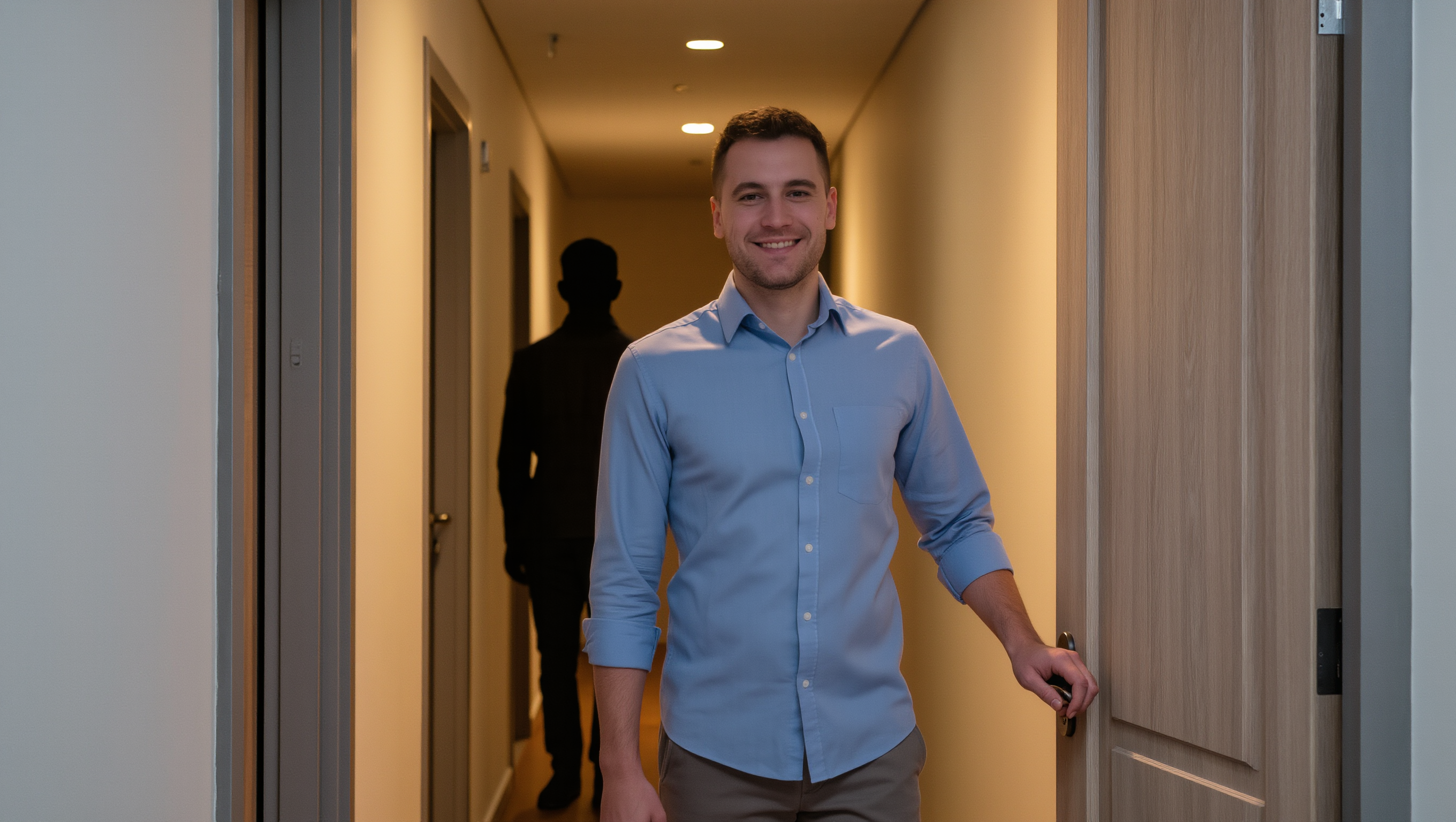
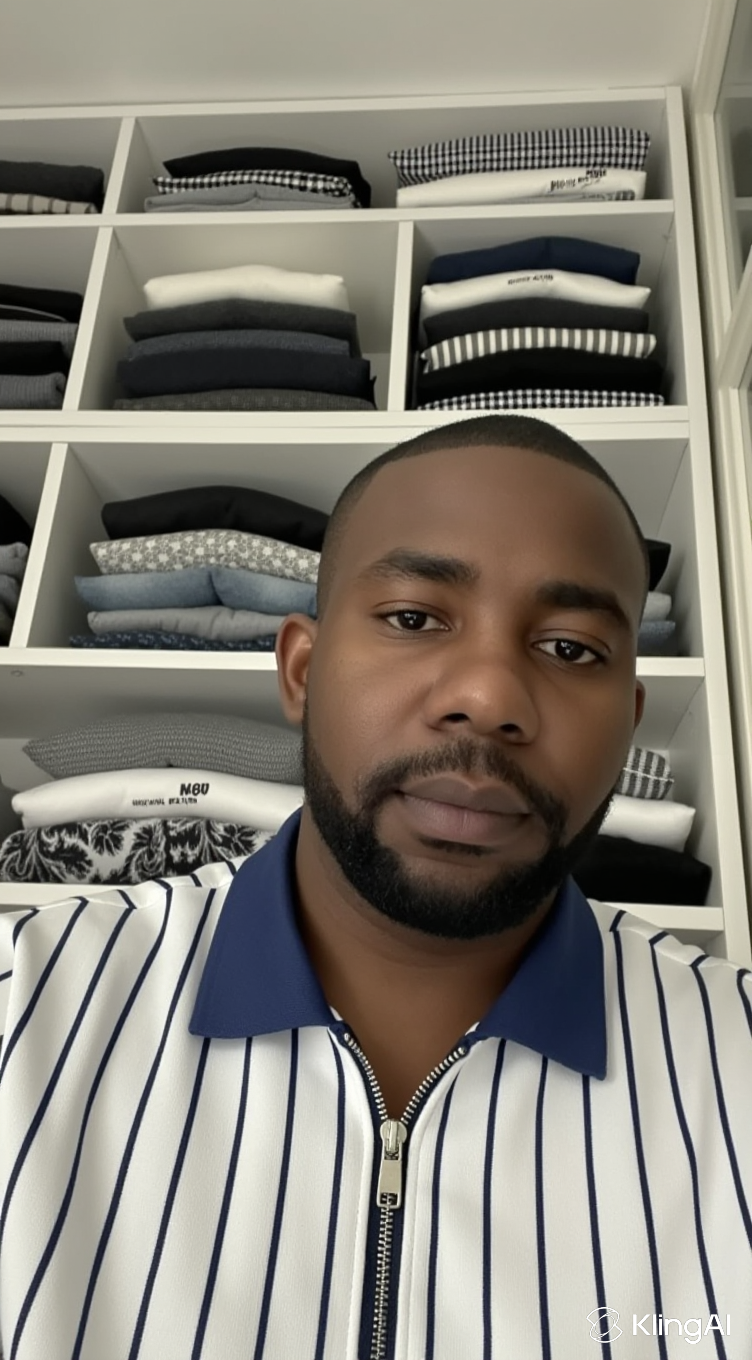
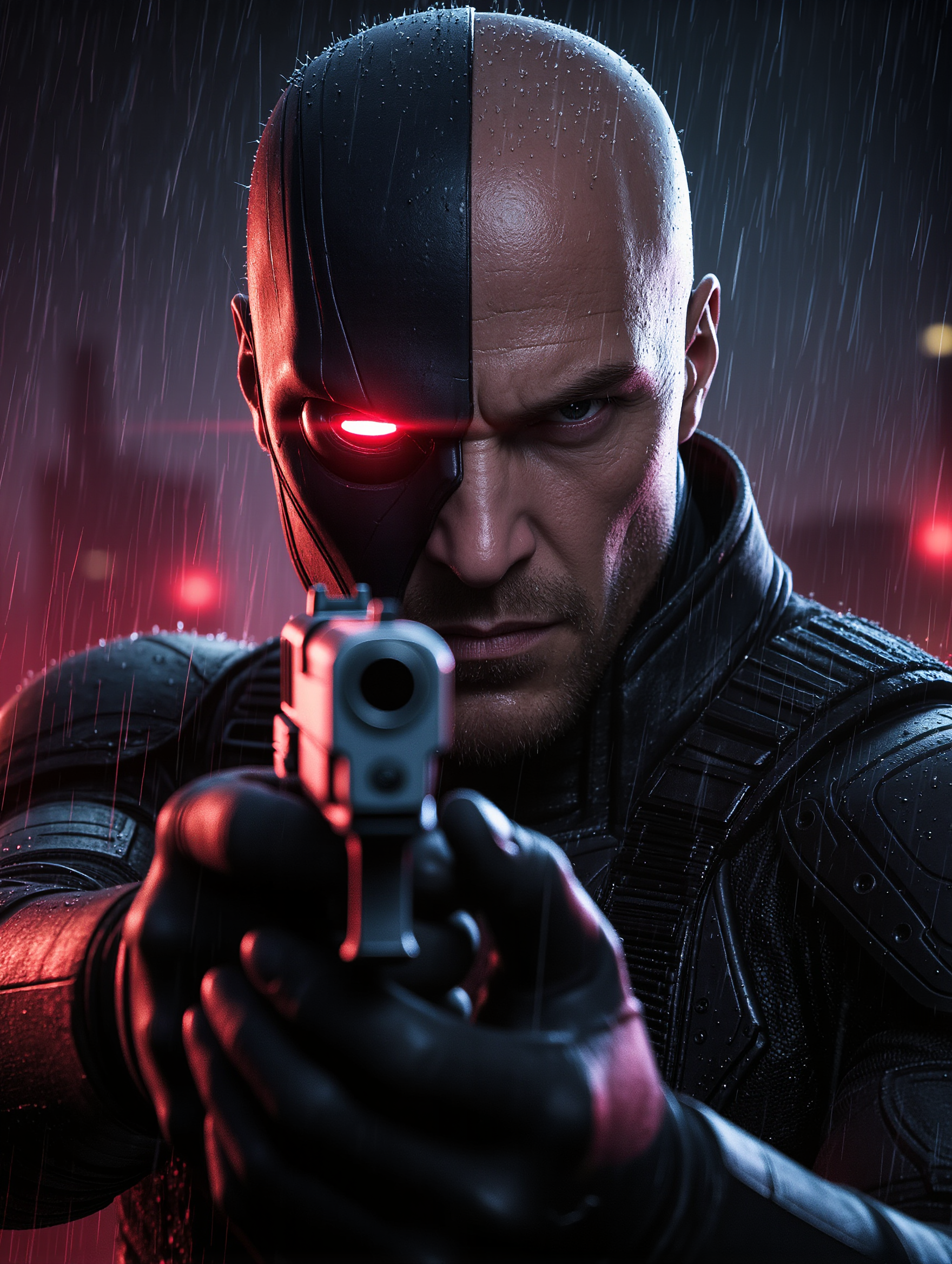
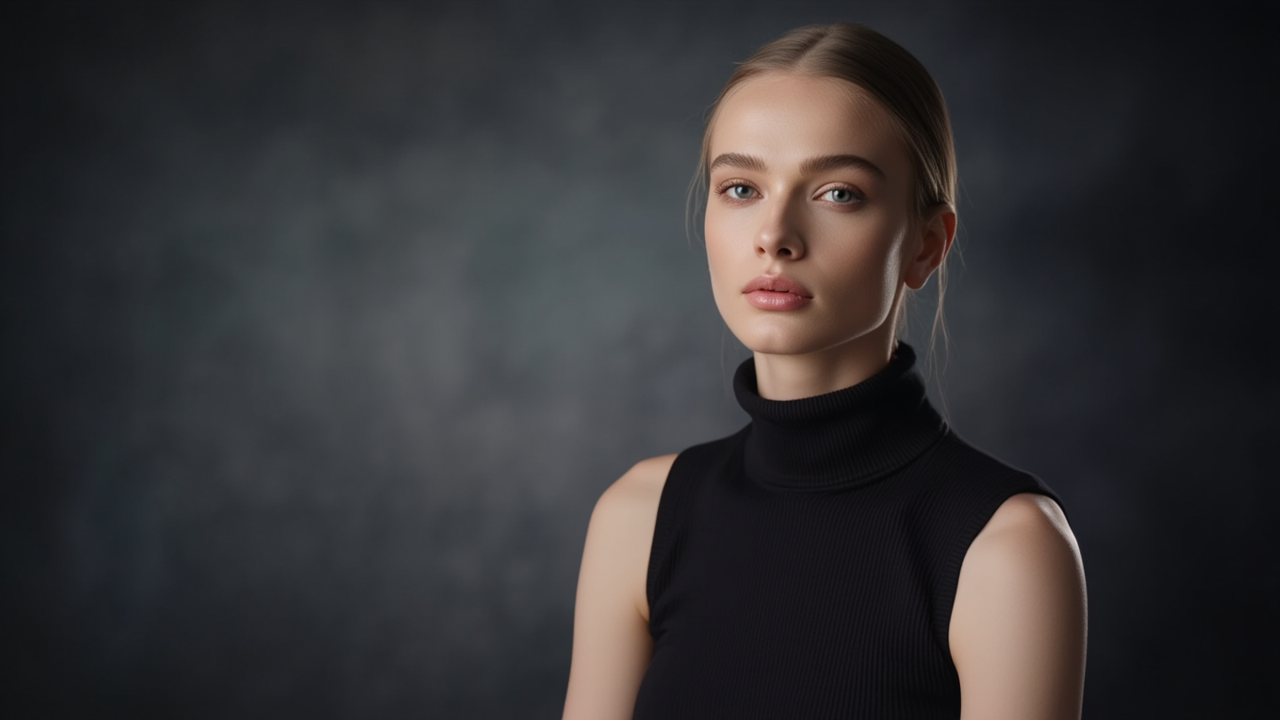
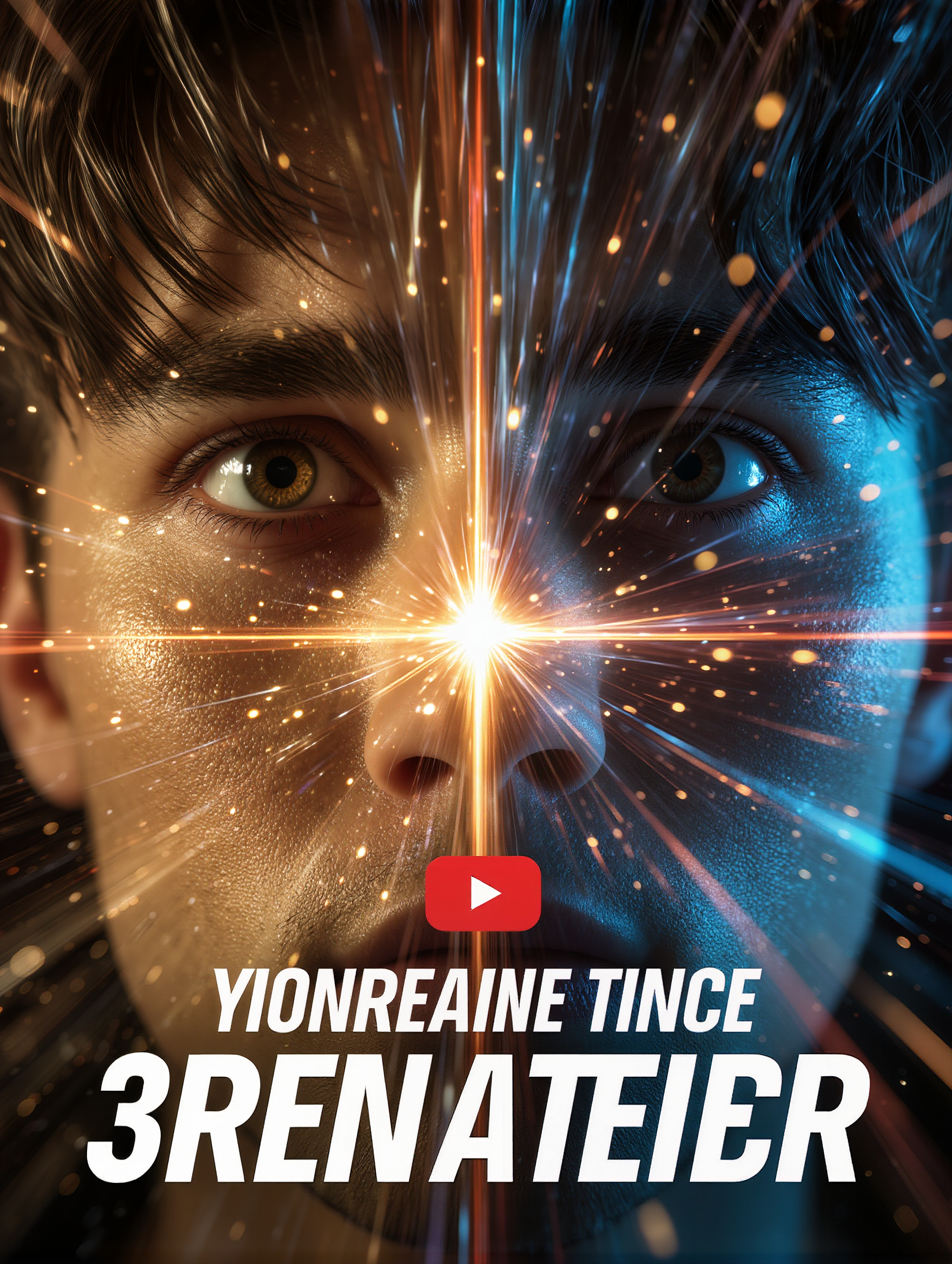
AI-created eye YouTube thumbnails – Grab attention

Grab attention with AI-created eye YouTube thumbnails. Explore captivating designs and customize them to suit your video’s theme. Use simple templates to create striking thumbnails without any design skills.

AI-created eye YouTube thumbnails – Grab attention

Recommended

Kling AI work 300234879527644 - eye youtube thumbnail AI image
KtTKpVDy avatar
KtTKpVDy
Kling AI work 313212223617439 - eye youtube thumbnail AI image
UjXphasg avatar
UjXphasg
Kling AI work 308350745613567 - eye youtube thumbnail AI image
Lilpop avatar
Lilpop
Kling AI work 315532622508979 - eye youtube thumbnail AI image
keezounlocked avatar
keezounlocked
Kling AI work 311143859617260 - eye youtube thumbnail AI image
sJdsppPG avatar
sJdsppPG
Kling AI work 298451220310471 - eye youtube thumbnail AI image
VASYA avatar
VASYA
Kling AI work 299787239613018 - eye youtube thumbnail AI image
jUEfOhTq avatar
jUEfOhTq
Kling AI work 314954908618461 - eye youtube thumbnail AI image
NdRfLOiS avatar
NdRfLOiS
Kling AI work 297097697523460 - eye youtube thumbnail AI image
egfTPZDz avatar
egfTPZDz
Kling AI work 298879439652701 - eye youtube thumbnail AI image
kaWnsRdh avatar
kaWnsRdh
Kling AI work 310582173662861 - eye youtube thumbnail AI image
Inggit avatar
Inggit
Kling AI work 318133284664009 - eye youtube thumbnail AI image
ABfrnHgU avatar
ABfrnHgU
Kling AI work 298879950612583 - eye youtube thumbnail AI image
kaWnsRdh avatar
kaWnsRdh
Kling AI work 320045914506540 - eye youtube thumbnail AI video
DxiDUfIg avatar
DxiDUfIg
Kling AI work 317779940521718 - eye youtube thumbnail AI image
pramod Kumar Singh avatar
pramod Kumar Singh
Kling AI work 298632886527731 - eye youtube thumbnail AI image
VASYA avatar
VASYA
Kling AI work 298492465527985 - eye youtube thumbnail AI image
VASYA avatar
VASYA
Kling AI work 311185999525124 - eye youtube thumbnail AI image
GmmsxWcs avatar
GmmsxWcs
Kling AI work 315077122508897 - eye youtube thumbnail AI image
gxBkGcnz avatar
gxBkGcnz

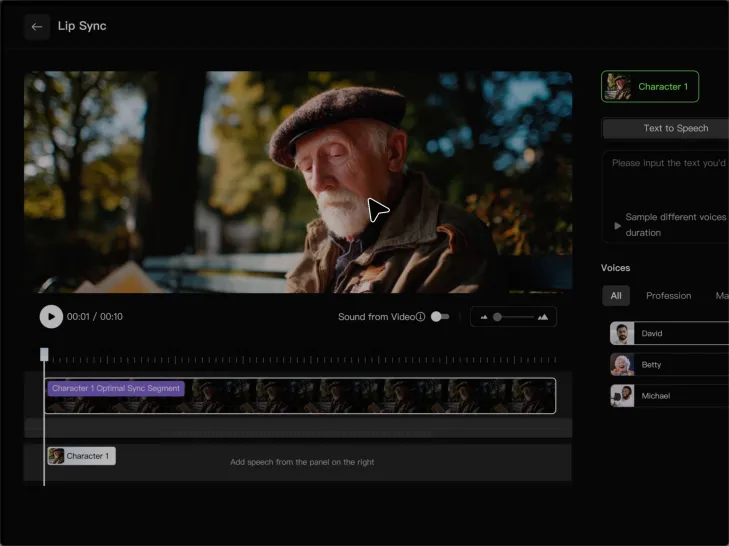
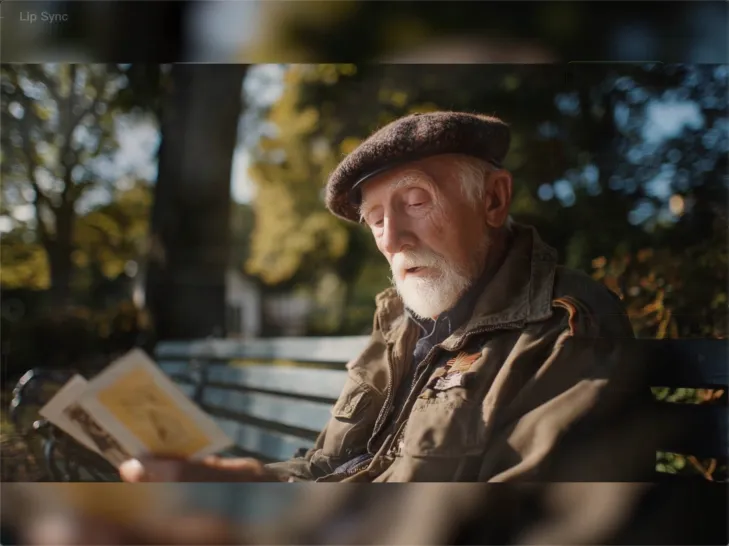
How to Lip Sync a Video in Kling AI

Choose a Clear Character Video

Choose a Clear Character Video

Choose a supported Kling AI clip with a full, clearly visible face. Lip Sync works with realistic, 3D, and 2D human characters.

Add Audio or Enter a Script

Add Audio or Enter a Script

Upload a voiceover or singing track, or use Text to Speech to generate a voice. Trim the audio if it runs longer than the video.

Generate and Review

Generate and Review

Generate the lip sync and preview the result. If the timing feels off, trim the audio or adjust the Text to Speech speed.

Make a Stronger First Impression Wherever You Show Up

Give a Casual Photo a More Put-Together Look

Give a Casual Photo a More Put-Together Look

You do not need a new photoshoot every time your profile picture feels dated. Start with a photo you already like, then improve the lighting, composition, styling, or overall presentation to give it a cleaner, more intentional look for a résumé profile, business page, creator account, or personal site.
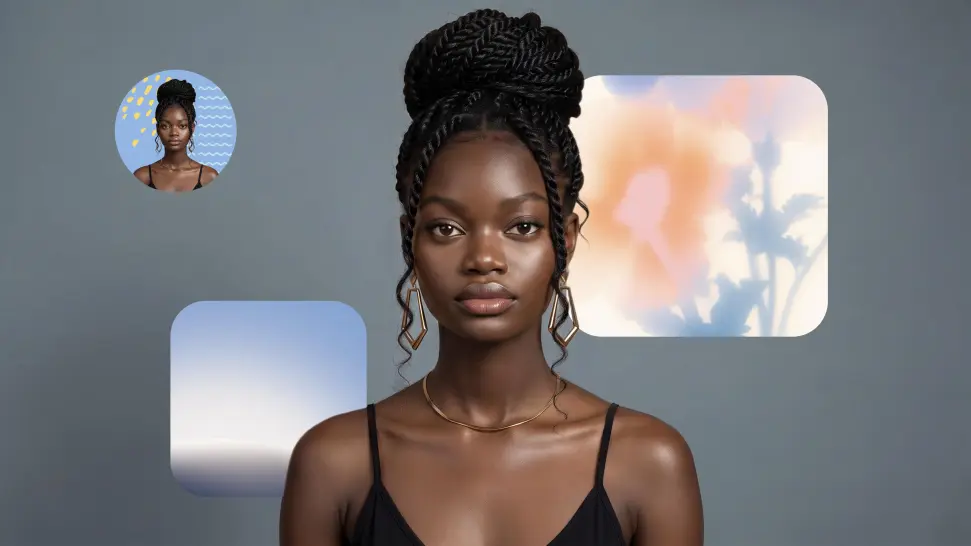
Keep the Face People Already Know

Keep the Face People Already Know

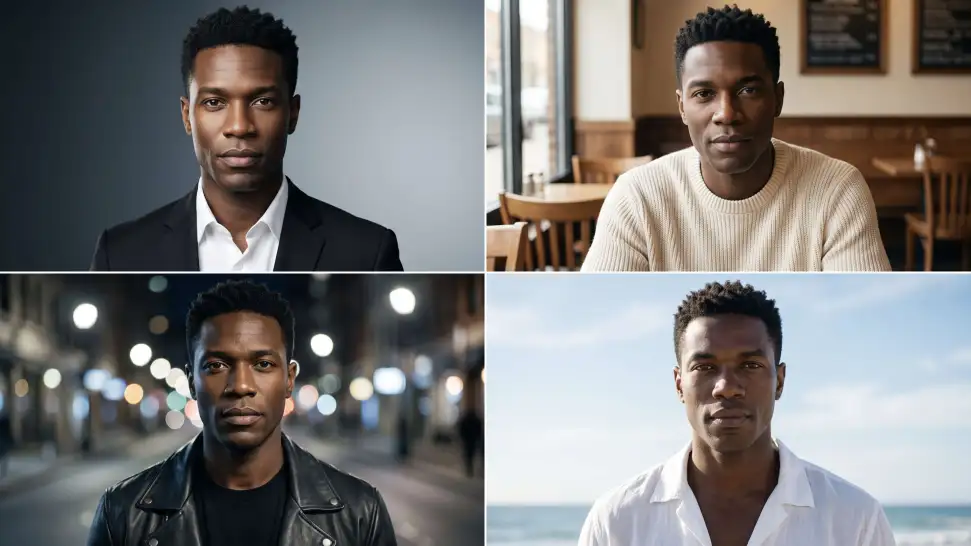
A new profile picture should still feel familiar. Use your portrait as the visual reference while you change the mood, styling, background, or setting, so recognizable facial details and your overall appearance can stay closer to the photo you started with.
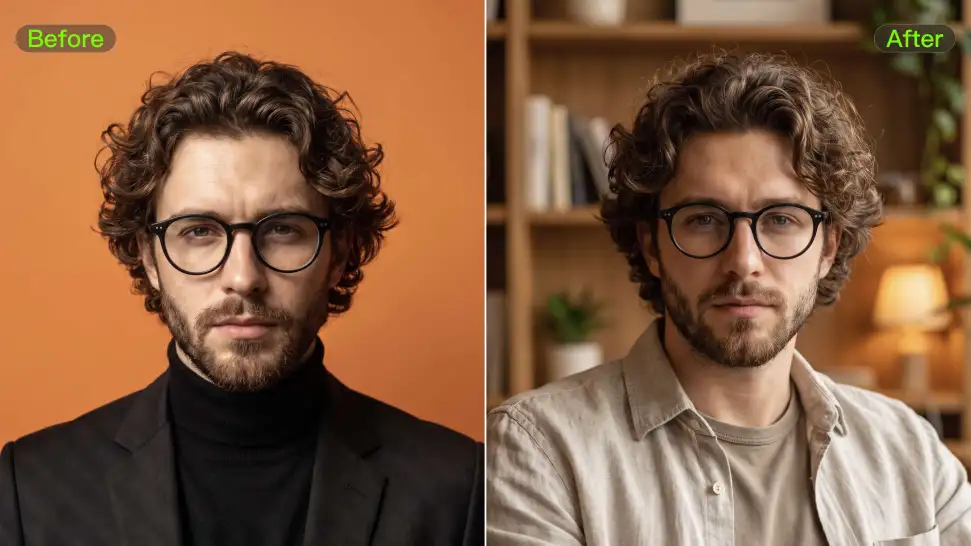
Change the Look to Fit the Platform

Change the Look to Fit the Platform

The photo that works on LinkedIn may not be the one you want on YouTube, Instagram, Discord, or a gaming profile. Give the same portrait a different mood, crop, background, or visual treatment depending on where you plan to use it. Go understated for work, more expressive for social, or give your creator profile a look that feels more like your brand.

Apps

Image to Video
Image to Video

Image to Video

Text to Video
Text to Video

Text to Video

Omni
Omni

Omni

Digital Human
Digital Human

Digital Human

Restyle
Restyle

Restyle

Text to Image
Text to Image

Text to Image

60M+
60M+
Users
600M+
600M+
AI Videos Generated
4.7 ★
4.7 ★
App Store
Industry-Leading
Industry-Leading
Cinematic 4K

Reviews

Déborah

Déborah

★★★★★

I use Kling AI every day. It's amazing to see the almost daily progress it makes. I used AI for fun at first, and I now find that Kling AI's animations allow me to gain professional visibility, with three times more views on my animated posts than on my static posts.

James Phillips

James Phillips

★★★★★

Kling AI has transformed my workflow by collapsing timelines and democratizing production. It’s shifted my mindset from resource-dependent filmmaking to a boundless creative sandbox, where experimentation yields unexpected beauty.

Ozan Sihay

Ozan Sihay

★★★★★

Kling AI allows me to rapidly prototype ideas, refine storytelling elements, and produce visually compelling content efficiently. It has not only accelerated my creative processes, but also deepened my understanding of how AI can enrich visual storytelling.

FAQ

Q1Can I create voices for multiple characters?
Q2Can AI generate voices for characters?
Q3Can Kling AI generate a standalone voice file without a video?

Bring Every Voice Into the Story

Create character dialogue, multilingual voices, consistent voice identities, ambience, and sound effects with Kling VIDEO 3.0.

Multilingual Dialogue | Multi-Character Voices | Native Audio