Creative Studio
API
Resources
Features
About Us
Download

Face Lip Sync Ideas – AI-Generated Inspiration

Discover AI-generated face lip sync ideas. Quickly find inspiration and customize your videos with AI help.

Face Lip Sync Ideas – AI-Generated Inspiration

Recommended

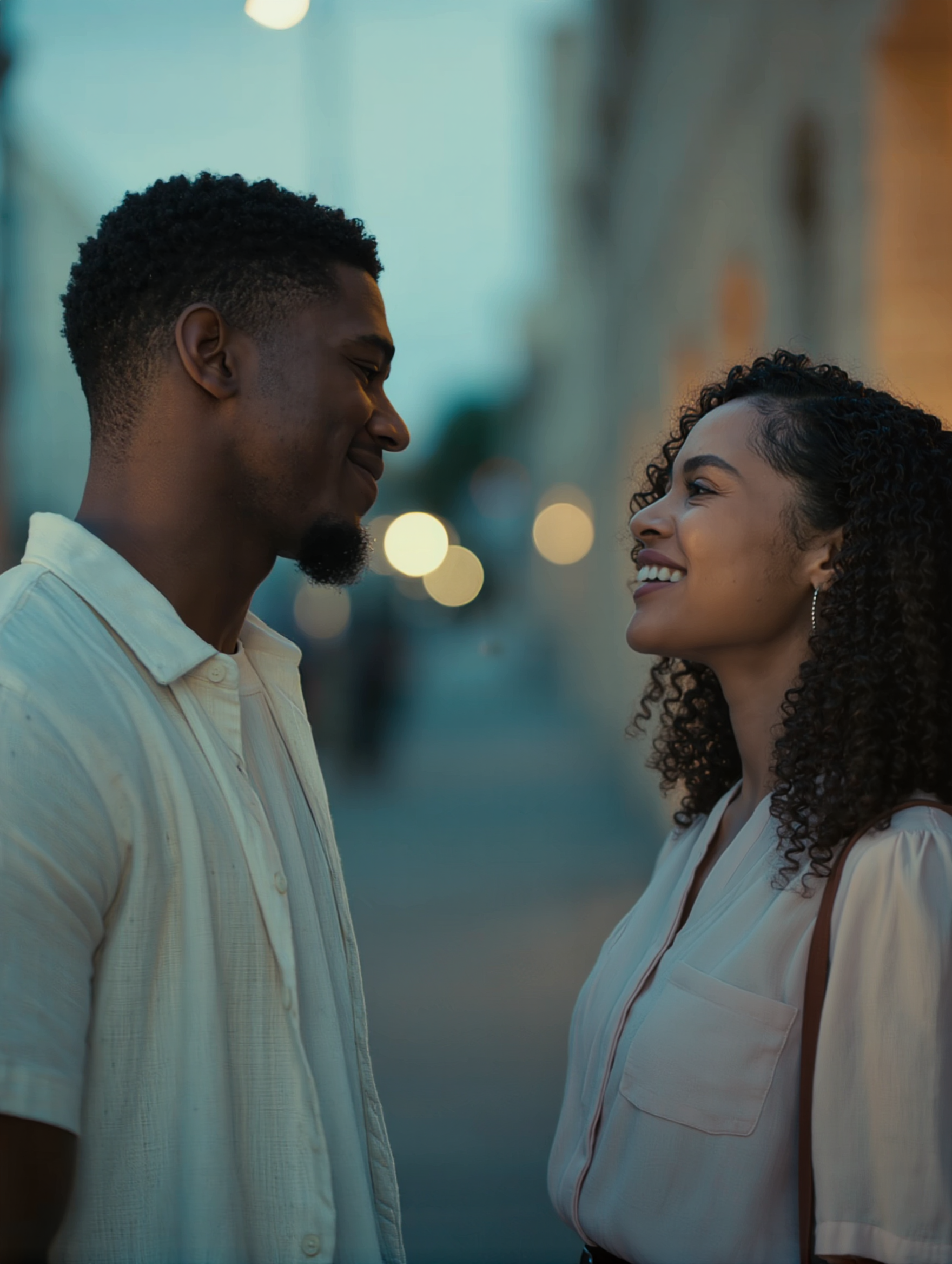
Pls follow  - face lip sync AI video
MAX_TT avatar
MAX_TT
Kling AI work 317756391527569 - face lip sync AI video
qoNyjLqa avatar
qoNyjLqa
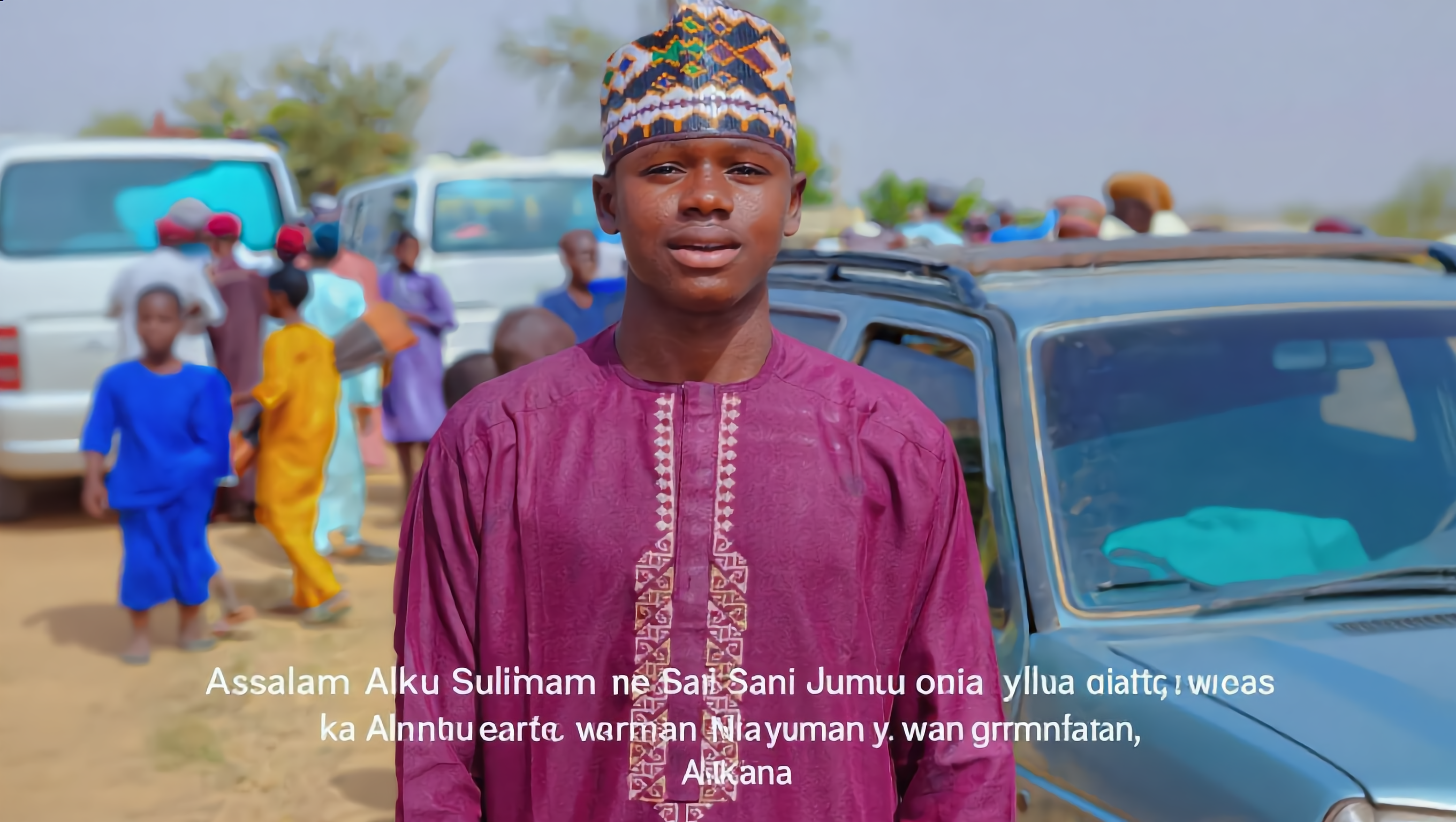
Kling AI work 299341522655400 - face lip sync AI video
IPuGizmC avatar
IPuGizmC
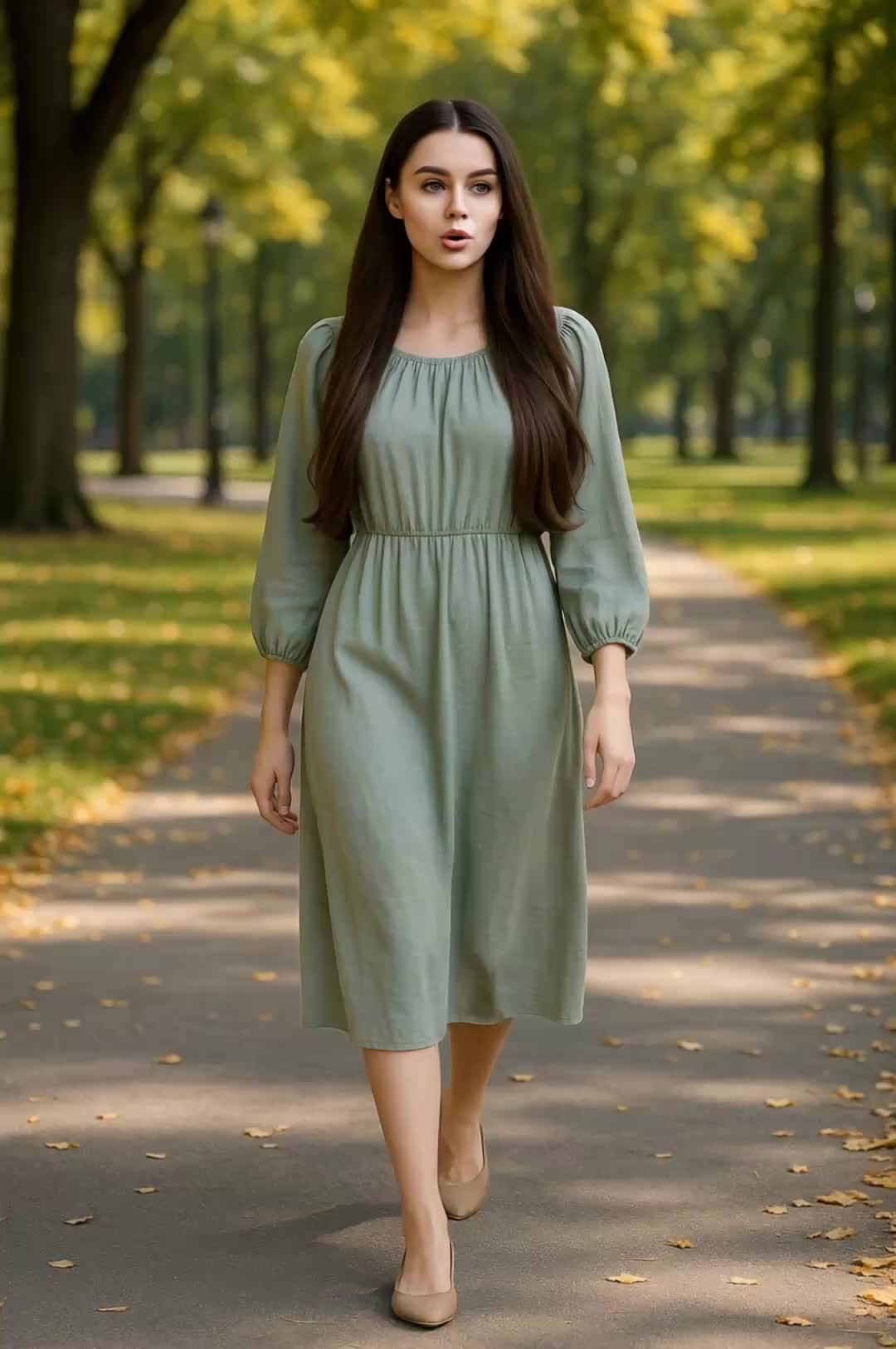
Kling AI work 300932309523108 - face lip sync AI video
cvhFjDTu avatar
cvhFjDTu
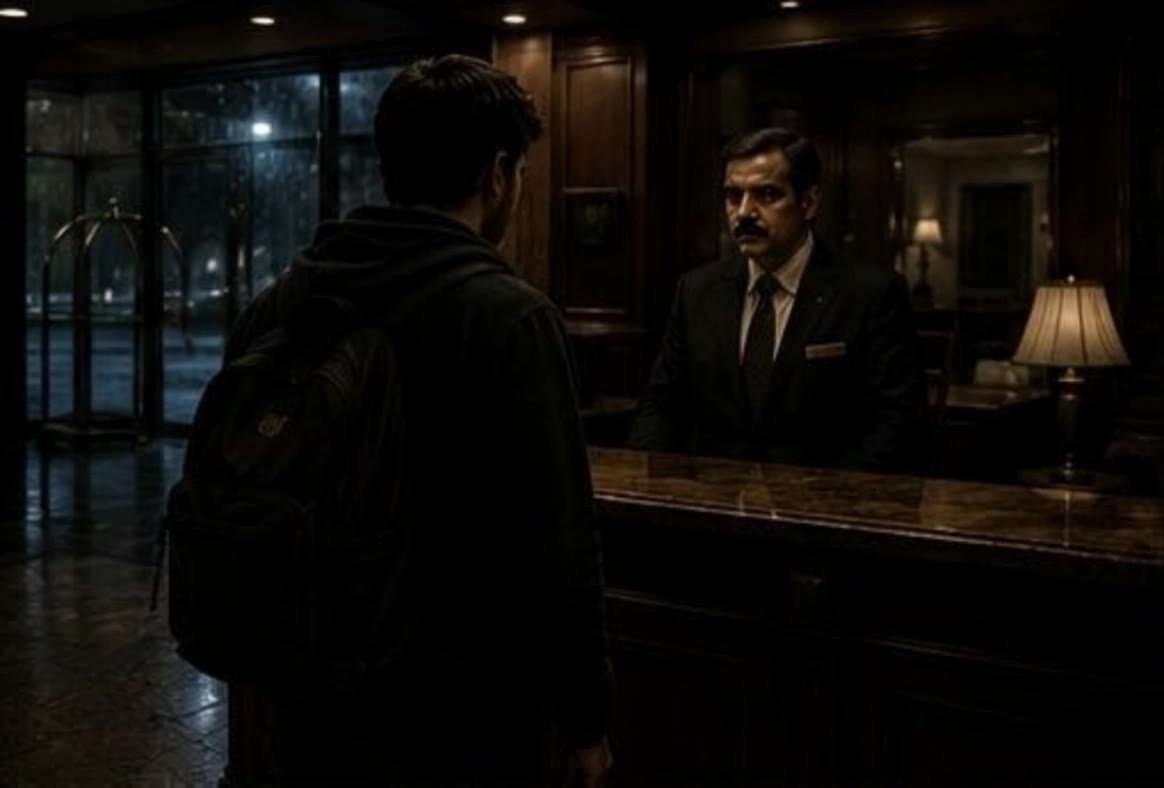
Kling AI work 316513779505763 - face lip sync AI image
qeLqetPK avatar
qeLqetPK
Kling AI work 316846599308104 - face lip sync AI image
BlWXqXts avatar
BlWXqXts
facewash lip sync - face lip sync AI video
00:51
Mallow Moments avatar
Mallow Moments
Elite Creator
Kling AI work 316993827307706 - face lip sync AI image
iJZfhqCc avatar
iJZfhqCc
Kling AI work 315992467501642 - face lip sync AI video
BANVJCuc avatar
BANVJCuc
Kling AI work 318052284618209 - face lip sync AI image
xmUWFNzW avatar
xmUWFNzW
Kling AI work 312855836663822 - face lip sync AI image
zOkhZmRH avatar
zOkhZmRH
lip sync - face lip sync AI video
POPONE avatar
POPONE
Elite Creator
lip sync - face lip sync AI video
POPONE avatar
POPONE
Elite Creator
Kling AI work 313882742665778 - face lip sync AI video
HIugFgfQ avatar
HIugFgfQ
Kling AI work 318171686660665 - face lip sync AI video
FRZOdaHC avatar
FRZOdaHC
Kling AI work 314207447615230 - face lip sync AI video
PlHavHgH avatar
PlHavHgH
Kling AI work 315306910660325 - face lip sync AI image
yeEjcMAK avatar
yeEjcMAK
Kling AI work 313508509524918 - face lip sync AI image
gVxJdyBH avatar
gVxJdyBH
Lip sync - face lip sync AI video
00:25
CKNazrIw avatar
CKNazrIw

How to Create AI Video Dubbing with Kling

Step 1: Set Up Your Characters and Scene

Step 1: Set Up Your Characters and Scene

Describe the characters and scene you want to create, or add supported image or Character Element references when you already have a specific look in mind. Make each speaker easy to identify before adding dialogue.

Step 2: Add Dialogue and Set Each Voice

Step 2: Add Dialogue and Set Each Voice

Write each character’s lines and keep them clearly paired with the right speaker. Add the language, accent, tone, or delivery to your prompt when you want to shape how each line sounds, and mix supported languages within the same scene when needed.

Step 3: Generate with Native Audio

Step 3: Generate with Native Audio

Generate the video with Native Audio to create dialogue, lip movements, visuals, ambience, and supporting sound together. Enable Multi-Shot when you want the conversation to unfold across different shots, camera angles, or scene beats.

Key Features of Kling AI Image Generator

Turn Ideas into Images

Turn Ideas into Images

Describe the scene, character, product, or style you have in mind, and watch your idea come to life. Whether you're generating from scratch or fine-tuning an existing result, Kling IMAGE 3.0 follows your instructions, including tweaking the composition, shifting the lighting, and adjusting visual details until it looks right.

Bring References Into New Creations

Bring References Into New Creations

Bring in references for a character, product, color palette, material, composition, or visual style. IMAGE 3.0 draws on the defining qualities of up to 10 images and brings them together in one cohesive result, keeping the details that make each reference recognizable.

Produce Professional Image Series in 4K

Produce Professional Image Series in 4K

Plan and create a complete visual series as one cohesive project, rather than generating each image separately. IMAGE 3.0 Omni supports intentional shot progression, varied framing, and a unified creative direction across the set, with native 4K output for cinematic storyboards, product campaigns, character development, comics, and branded content.

Apps

Image to Video
Image to Video

Image to Video

Text to Video
Text to Video

Text to Video

Omni
Omni

Omni

Digital Human
Digital Human

Digital Human

Restyle
Restyle

Restyle

Text to Image
Text to Image

Text to Image

60M+
60M+
Users
600M+
600M+
AI Videos Generated
4.7 ★
4.7 ★
App Store
Industry-Leading
Industry-Leading
Cinematic 4K

Reviews

Maria Rubtsova

Maria Rubtsova

★★★★★

I’m Maria Rubtsova, an AIGC digital artist passionate about creating stunning visuals in the worlds of fashion, aesthetics, and fantasy. I use KlingAi to bring imagination to life through video. My work is all about exploring beauty, emotion, and the limitless possibilities of digital art.

Halim Alrasihi

Halim Alrasihi

★★★★★

I use AI daily and Kling AI is a crucial part of my workflow, whether for client work or personal projects. What I love most about using Kling AI is that it provides all the tools I need in one place, from keyframes to character references, elements and special effects.

Déborah

Déborah

★★★★★

I use Kling AI every day. It's amazing to see the almost daily progress it makes. I used AI for fun at first, and I now find that Kling AI's animations allow me to gain professional visibility, with three times more views on my animated posts than on my static posts.

FAQ

Q1What kind of prompt works best for AI image expansion?
Q2What is an AI image extender?
Q3Can AI extend an image without stretching the original content?

Make Your Profile Picture Stand Out

Start with the photo you already have and turn it into something you feel better putting your name next to. Keep it professional, make it more personal, or give it a completely different mood—the final look is yours to shape.