
Creative Studio
API
Resources
Features
About Us
Download

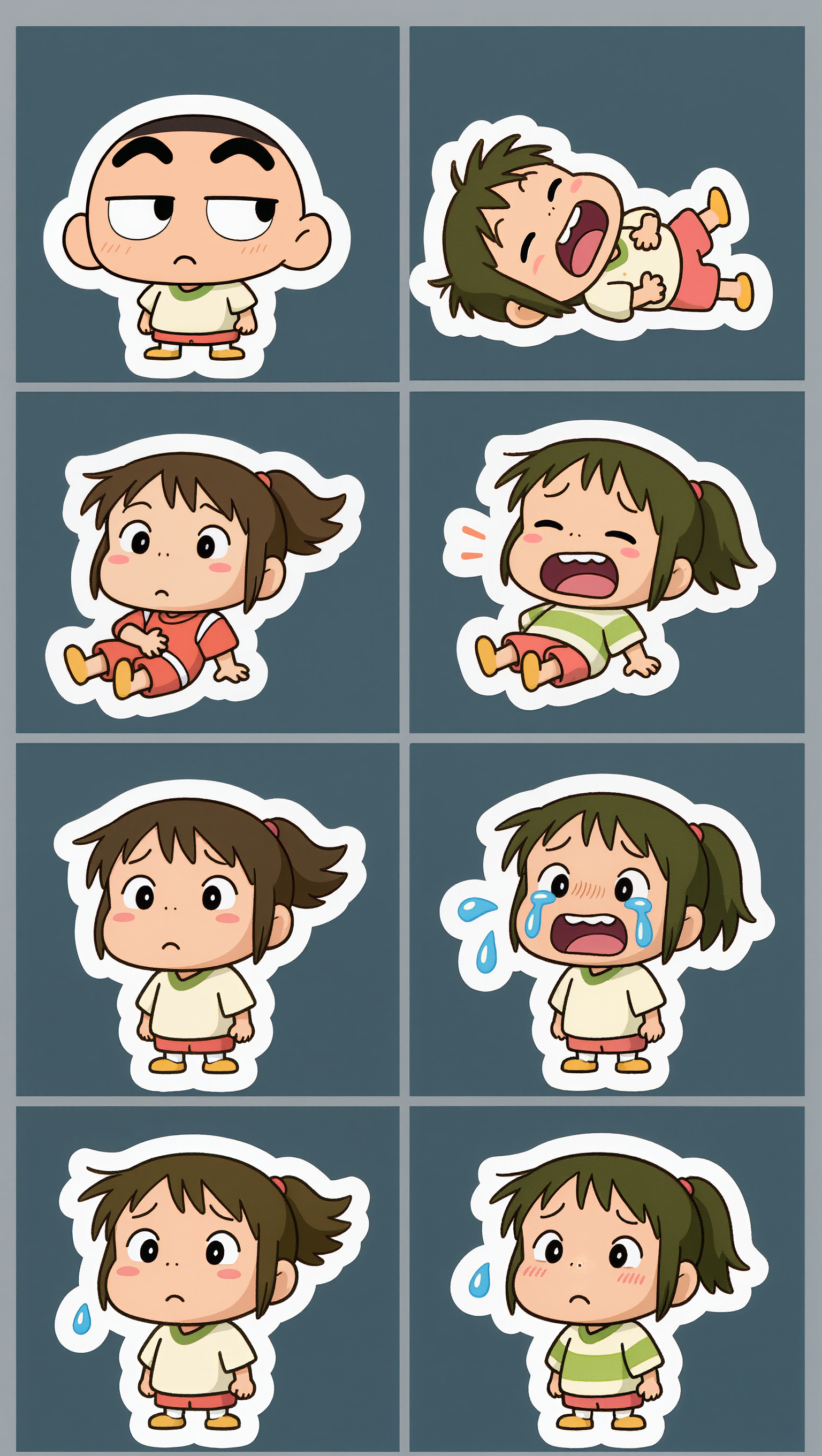
face memes - cartoon humor & 100 yard stare

Dive into trending cartoon memes and viral TikTok sensations for endless laughter. Unleash creativity with iconic expressions like the 100 yard stare and Damsssiii!! catchphrase. Start exploring face memes ideas and generate your own content with AI.

face memes - cartoon humor & 100 yard stare

Recommended

Kling AI work 311355359503001 - face memes AI video
jZRAGKzS avatar
jZRAGKzS
Kling AI work 291130231610538 - face memes AI image
AiXoxo avatar
AiXoxo
Kling AI work 309027997616824 - face memes AI image
VQyfjdlj avatar
VQyfjdlj
Kling AI work 289635595537948 - face memes AI video
kcsvNSUH avatar
kcsvNSUH
Kling AI work 316915594304063 - face memes AI video
lodIUcZs avatar
lodIUcZs
Kling AI work 297449136661655 - face memes AI video
TrendGenAI avatar
TrendGenAI
Kling AI work 292513482522379 - face memes AI video
pymZGqJv avatar
pymZGqJv
Kling AI work 297965624666761 - face memes AI image
octi note avatar
octi note
Kling AI work 875601902351425625 - face memes AI video
00:03
yourlocalaiguy avatar
yourlocalaiguy
Kling AI work 288931862610304 - face memes AI video
KzpliyYq avatar
KzpliyYq
Kling AI work 301566517658305 - face memes AI video
SizsPVTD avatar
SizsPVTD
Kling Keeps Memes Alive. - face memes AI video
01:22
Skibidi Luke TikTok avatar
Skibidi Luke TikTok
Kling AI work 309099458616947 - face memes AI image
TkUGHeps avatar
TkUGHeps
Kling AI work 790061505554948170 - face memes AI video
01:01
NgyBOWRT avatar
NgyBOWRT
Kling AI work 925373954146439236 - face memes AI video
00:30
Andrehutap775 avatar
Andrehutap775
Elite Creator
Kling AI work 308973170663275 - face memes AI video
oFBMnGuF avatar
oFBMnGuF
Kling AI work 317246029663218 - face memes AI video
coKgpcHz avatar
coKgpcHz
Kling AI work 297276970617452 - face memes AI video
zXzkJkuJ avatar
zXzkJkuJ

How to Extend an Image with AI

Step 1: Upload and Describe

Step 1: Upload and Describe

Upload the image you want to expand, such as a portrait, product photo, landscape, or social media visual. Use a text prompt to specify which side to extend and what should appear in the new area, such as more sky, scenery, or background details, while keeping the main subject unchanged.

Step 2: Choose the Output Settings and Generate

Step 2: Choose the Output Settings and Generate

Choose the image ratio, number of outputs, and resolution, then generate your extended image. Creating multiple versions makes it easier to compare the results and choose your favorite.

Step 3: Expand Your Image with Image Expansion

Step 3: Expand Your Image with Image Expansion

Open the Image Expansion workflow when you want a dedicated way to extend an existing image. Upload your source image, describe what should appear beyond the original frame, choose from the available output settings, and generate the expanded result.

Make a Stronger First Impression Wherever You Show Up

Give a Casual Photo a More Put-Together Look

Give a Casual Photo a More Put-Together Look

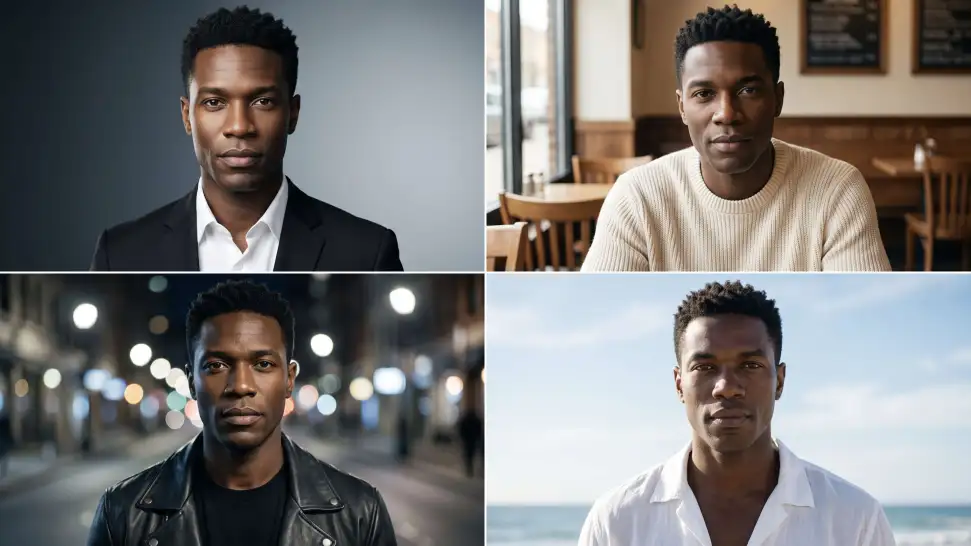
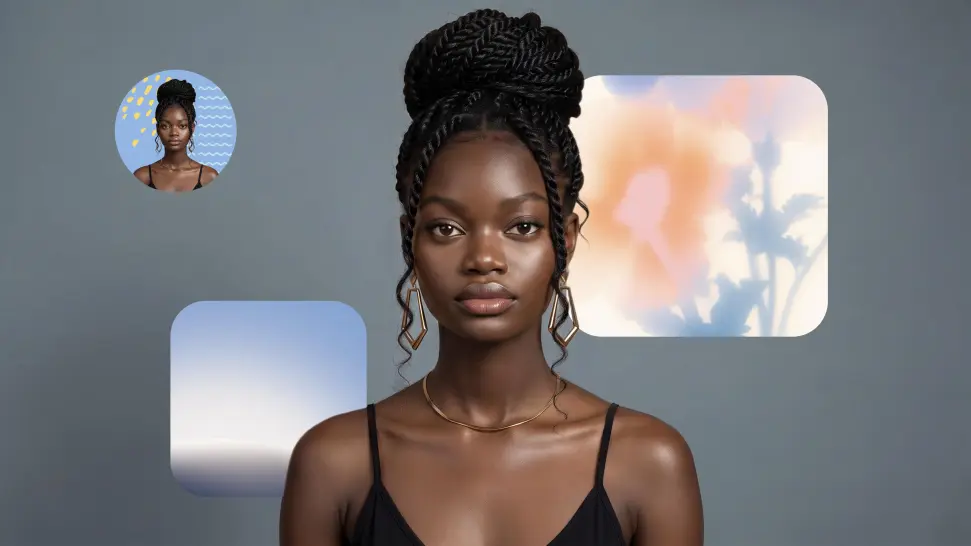
You do not need a new photoshoot every time your profile picture feels dated. Start with a photo you already like, then improve the lighting, composition, styling, or overall presentation to give it a cleaner, more intentional look for a résumé profile, business page, creator account, or personal site.
Keep the Face People Already Know

Keep the Face People Already Know

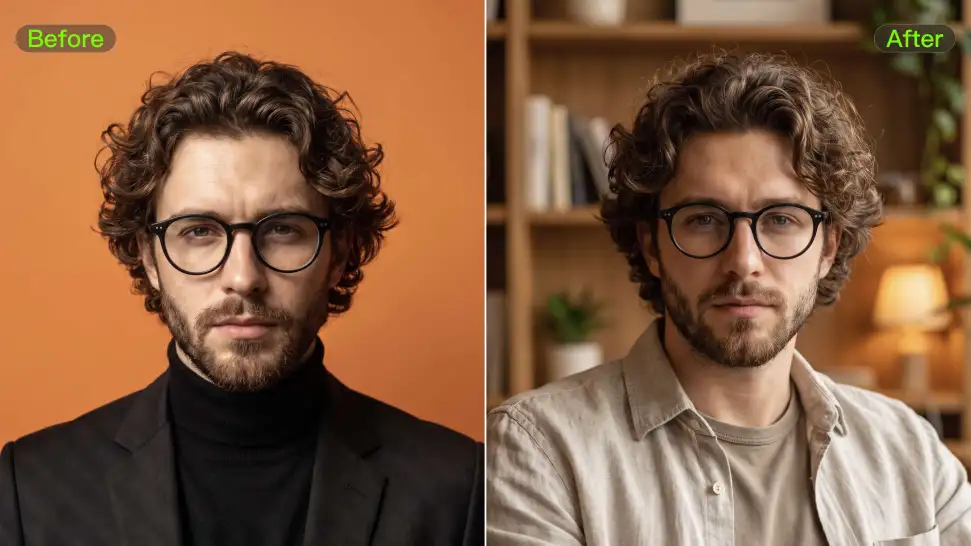
A new profile picture should still feel familiar. Use your portrait as the visual reference while you change the mood, styling, background, or setting, so recognizable facial details and your overall appearance can stay closer to the photo you started with.
Change the Look to Fit the Platform

Change the Look to Fit the Platform

The photo that works on LinkedIn may not be the one you want on YouTube, Instagram, Discord, or a gaming profile. Give the same portrait a different mood, crop, background, or visual treatment depending on where you plan to use it. Go understated for work, more expressive for social, or give your creator profile a look that feels more like your brand.

Apps

Image to Video
Image to Video

Image to Video

Text to Video
Text to Video

Text to Video

Omni
Omni

Omni

Digital Human
Digital Human

Digital Human

Restyle
Restyle

Restyle

Text to Image
Text to Image

Text to Image

60M+
60M+
Users
600M+
600M+
AI Videos Generated
4.7 ★
4.7 ★
App Store
Industry-Leading
Industry-Leading
Cinematic 4K

Reviews

Jyo John Mulloor

Jyo John Mulloor

★★★★★

Kling AI has been instrumental in transforming my creative workflow, unlocking new dimensions of artistic expression that were once unimaginable. I use Kling AI extensively to develop high-concept visuals, animate surreal dreamscapes, and create AI-assisted films that blur the line between reality and fantasy. Kling AI’s deep learning capabilities have not only enhanced my creative efficiency but also inspired me to explore storytelling in ways I never thought possible.

PJ Ace

PJ Ace

★★★★★

Kling AI has made it easy for us to generate world class visuals for Fortune 500 companies, TV shows and music for big artists. We love the easy of use of the platform and the quality of the generations. My first time using Kling AI, I got 22 million views on just one video. It's that good.

Maria Rubtsova

Maria Rubtsova

★★★★★

I’m Maria Rubtsova, an AIGC digital artist passionate about creating stunning visuals in the worlds of fashion, aesthetics, and fantasy. I use KlingAi to bring imagination to life through video. My work is all about exploring beauty, emotion, and the limitless possibilities of digital art.

FAQ

Q1How can I customize my AI character?
Q2Can I keep the same character consistent across different images?
Q3How does an AI Character Generator work?

Bring Your Characters to Life with AI Voices

Create natural voices from text with Kling AI. Turn character dialogue into expressive speech to create realistic character videos.

Native Audio | Multilingual Dialogue | Character Voice Control