Creative Studio
API
Resources
Features
About Us
Download

face morph ai - morph transition & dreamlike morph animation

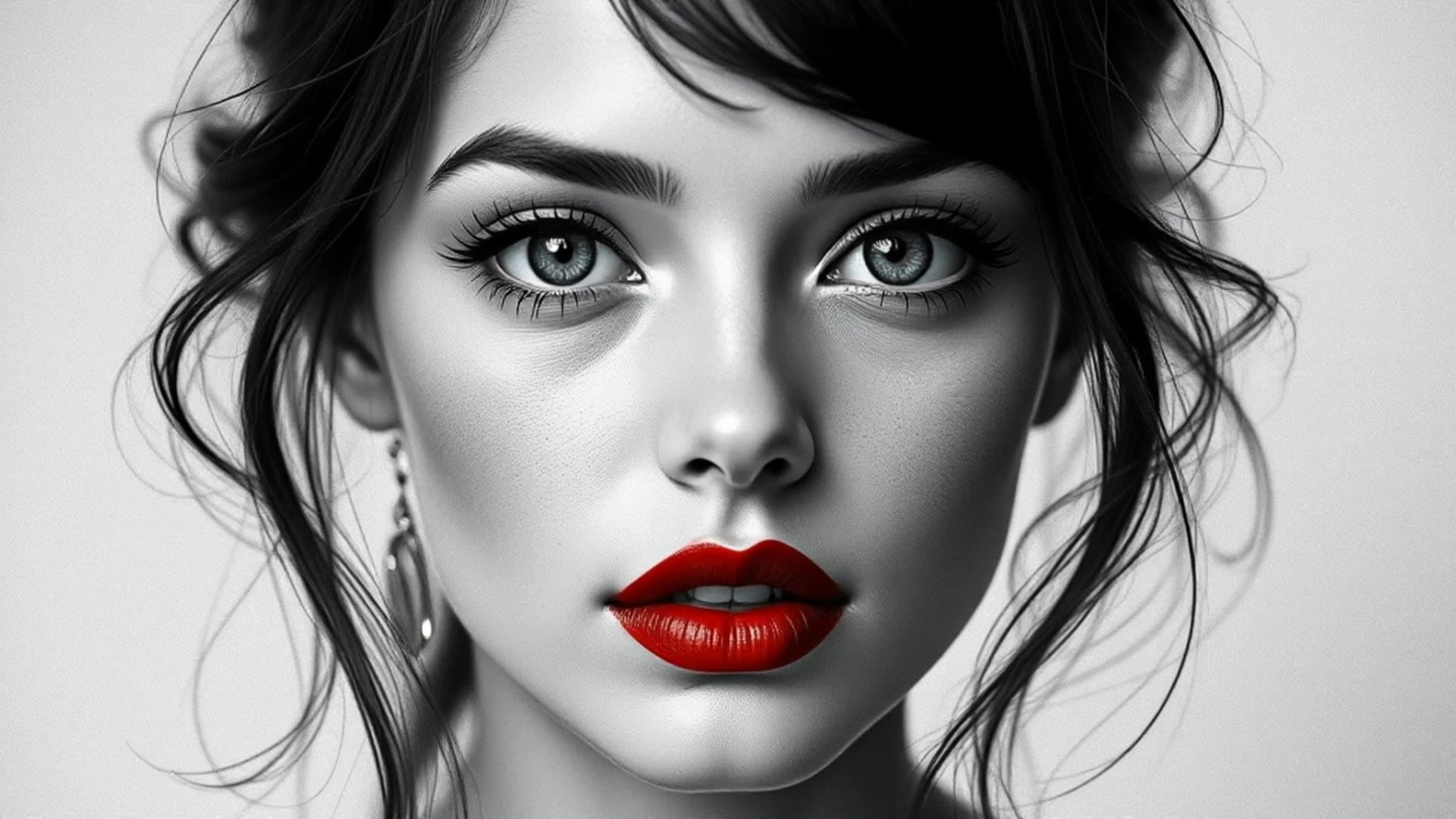
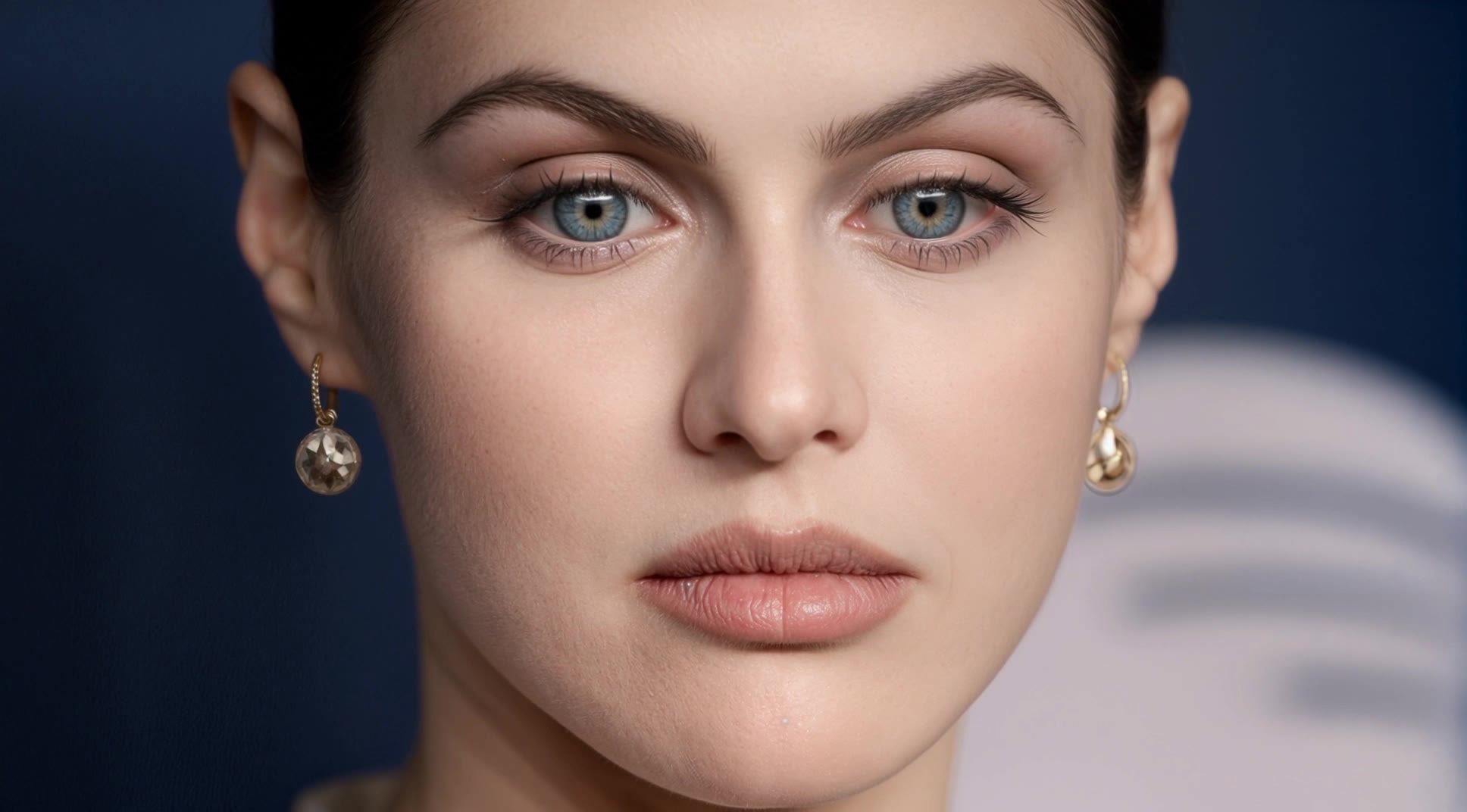
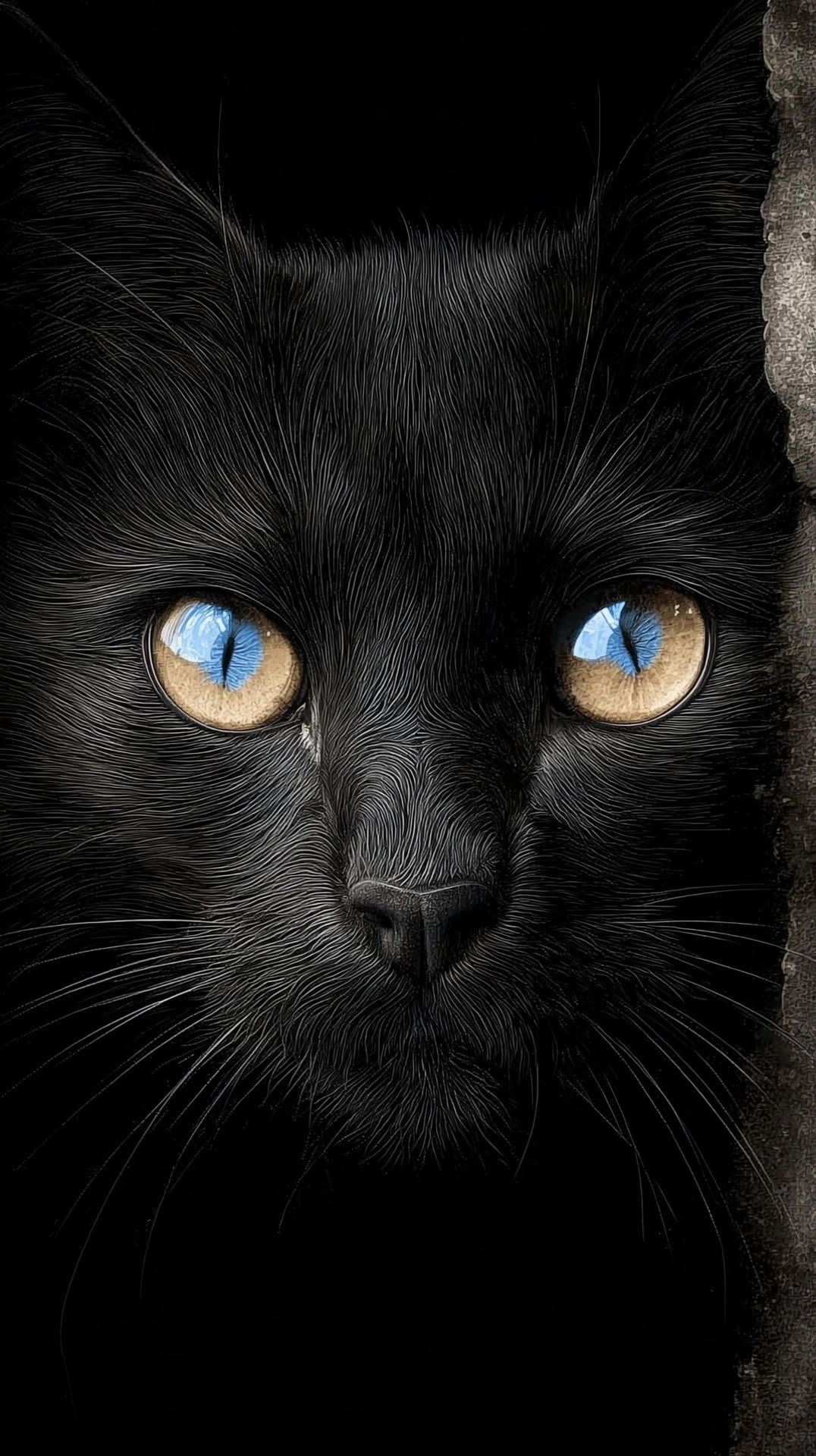
Witness captivating transformations with face morph AI, blending artistic transitions and dynamic visual effects. Unleash your creativity with seamless morph animations inspired by nature and futuristic concepts. Start exploring face morph ai ideas and generate your own content with AI.

face morph ai - morph transition & dreamlike morph animation

Recommended

Kling AI work 300913791520533 - face morph ai AI video
Ruslana Kravchenko avatar
Ruslana Kravchenko
Elite Creator
Life is festive all year round - face morph ai AI video
GingerMorph
QZQdVtLx avatar
QZQdVtLx
Kling AI work 308883444618617 - face morph ai AI video
uMVlfCJT avatar
uMVlfCJT
Kling AI work 311824105666274 - face morph ai AI video
uMVlfCJT avatar
uMVlfCJT
Face Morph - face morph ai AI video
Ryzer avatar
Ryzer
Kling AI work 315854278507775 - face morph ai AI video
EsFBLaKj avatar
EsFBLaKj
Kling AI work 311798182508810 - face morph ai AI video
uMVlfCJT avatar
uMVlfCJT
face morph. - face morph ai AI video
rmXZBtnD avatar
rmXZBtnD
Kling AI work 290634201610711 - face morph ai AI video
Ria Carrma Synth avatar
Ria Carrma Synth
Kling AI work 308624781501007 - face morph ai AI video
uMVlfCJT avatar
uMVlfCJT
Kling AI work 296075483663697 - face morph ai AI video
KateOcean avatar
KateOcean
Kling AI work 896060960401002516 - face morph ai AI video
00:10
iilQCLGf avatar
iilQCLGf
Kling AI work 314105193665879 - face morph ai AI video
uMVlfCJT avatar
uMVlfCJT
Kling AI work 312516202668735 - face morph ai AI video
uMVlfCJT avatar
uMVlfCJT
Kling AI work 297728307524071 - face morph ai AI video
The Dark & The Dead avatar
The Dark & The Dead
Kling AI work 317139697305178 - face morph ai AI video
El-Bridg1991 avatar
El-Bridg1991
Kling AI work 314145351502022 - face morph ai AI video
uMVlfCJT avatar
uMVlfCJT
Kling AI work 312440414612659 - face morph ai AI video
uMVlfCJT avatar
uMVlfCJT

How to Use Kling AI Face Swap

Step 1: Upload Your Target and References

Step 1: Upload Your Target and References

Add the photo or video you want to edit, then add the face reference you want Kling AI to follow. For video, you can also use multiple views or a character element when you need stronger identity consistency across different angles.

Step 2: Describe the Face Swap You Want

Step 2: Describe the Face Swap You Want

Tell Kling AI which face to replace and what reference to use. For example: "Replace the face in [Image 1] with the face from [Image 2] while keeping all other content unchanged."

Step 3: Generate Your Face Swap

Step 3: Generate Your Face Swap

Choose your preferred output settings, such as the generation mode and aspect ratio, then click Generate. Kling AI will apply your instructions and chosen settings to create your face-swapped image or video.

Why Kling Sets the Standard for Video Creation

Flawless Character Consistency

Flawless Character Consistency

Unlike standard tools that distort faces when moving, Kling Video 3.0 lets you strictly lock a character’s appearance. Upload a single photo, or use a short video/multiple angles as a reference to completely eliminate the “AI morphing” effect.

Native Audio & Perfect Lip-Sync

Native Audio & Perfect Lip-Sync

Your image doesn’t just move; it speaks. Generate perfectly matched voices and realistic lip movements in multiple languages or regional accents. Even in multi-character scenes, you can precisely assign who speaks—no third-party tools required.

15s Duration & Motion Control

15s Duration & Motion Control

Go beyond simple loops with up to 15 seconds of smooth narrative. Use advanced Motion Control to direct camera pans, tilts, and zooms, or define exact transitions with start and end frame references.

Apps

Image to Video
Image to Video

Image to Video

Text to Video
Text to Video

Text to Video

Omni
Omni

Omni

Digital Human
Digital Human

Digital Human

Restyle
Restyle

Restyle

Text to Image
Text to Image

Text to Image

60M+
60M+
Users
600M+
600M+
AI Videos Generated
4.7 ★
4.7 ★
App Store
Industry-Leading
Industry-Leading
Cinematic 4K

Reviews

PJ Ace

PJ Ace

★★★★★

Kling AI has made it easy for us to generate world class visuals for Fortune 500 companies, TV shows and music for big artists. We love the easy of use of the platform and the quality of the generations. My first time using Kling AI, I got 22 million views on just one video. It's that good.

Maria Rubtsova

Maria Rubtsova

★★★★★

I’m Maria Rubtsova, an AIGC digital artist passionate about creating stunning visuals in the worlds of fashion, aesthetics, and fantasy. I use KlingAi to bring imagination to life through video. My work is all about exploring beauty, emotion, and the limitless possibilities of digital art.

Déborah

Déborah

★★★★★

I use Kling AI every day. It's amazing to see the almost daily progress it makes. I used AI for fun at first, and I now find that Kling AI's animations allow me to gain professional visibility, with three times more views on my animated posts than on my static posts.

FAQ

Q1How does AI image enhancement work?
Q2Can I upscale an image to a higher resolution with Kling AI?
Q3Can AI enhance blurry photos and restore details?

Remove Watermarks, Create Clean Visuals

Remove unwanted watermarks, logos, and distractions with Kling AI. Create cleaner visuals while keeping the important elements, style, and character that make your images unique.

Watermark Removal | Logo & Text Removal | 2K/4K output